
Is there a way to permanently blur every translation?
How about getting rid of furigana?
I find it tiring to do it every time.
1 Like
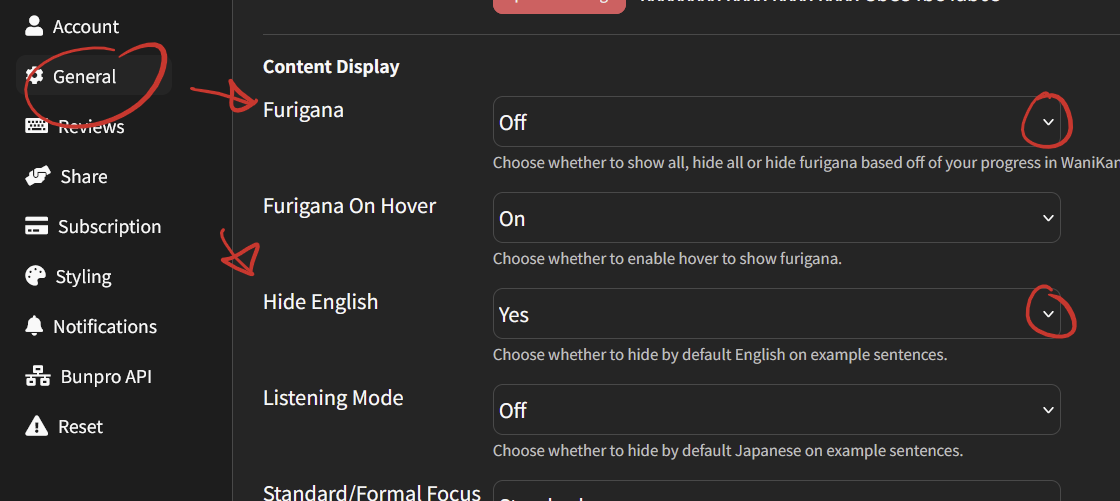
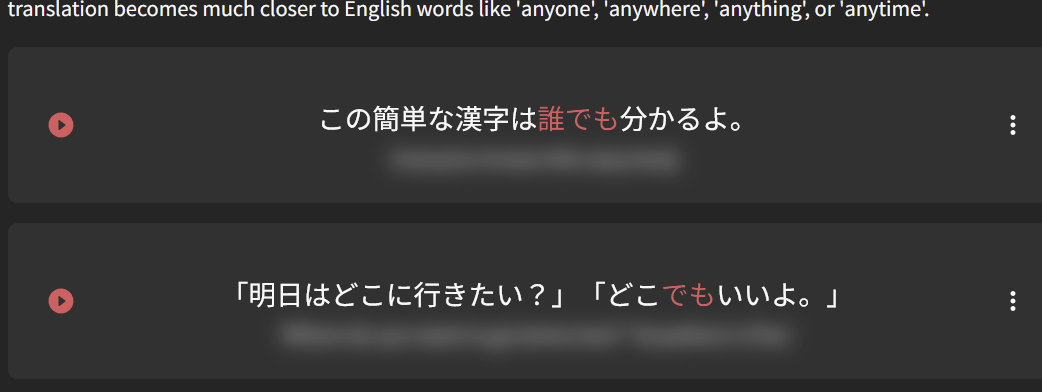
sorry for bumping this up, but I don’t see if what I’m looking for is an option.
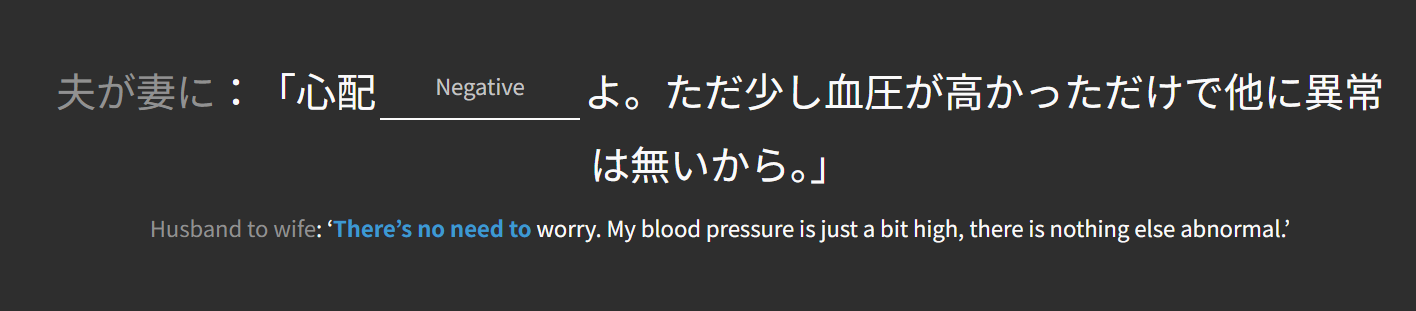
Is there a away to blur the English sentence in Grammar reviews? I’d like to try and translate the sentence myself and then check and see if I got it right. And if there’s a way to blur only the English that isn’t relevant to the answer, even better. And even better better if there’s a keyboard shortcut to unblur it. Thank you.
EDIT: Oh wait, nvm. I forgot I could just make it so it starts without hints and then adds hints. my bad, been a while since I set up these settings.
EDIT2: And I gotta say, I feel like I’m retaining information better this way. Taking longer to answer questions, but I feel like I’m getting more right.
2 Likes