TLDR of the below message; I’m in favor of more advanced filtering around content that has been Learned for use in Cram sessions.
Thank you for posting this! I am also interested in this feature. While I am relatively new to consistent use of BunPro (started last year, but have used daily since the start of 2026), I have not managed to use the Cram feature for this exact reason. I think it should be made INCREDIBLY straightforward to queue up a Cram session with any number of sentences for all items that you have Learned within a given deck (i.e., without having to select individual items or Lessons, and not only sentences that have been reviewed, such as with the “No Spoilers” button, but any use of Grammar/ Vocab I have learned)-- exactly the kind of review I want when the SRS sessions just aren’t sticking in my brain.
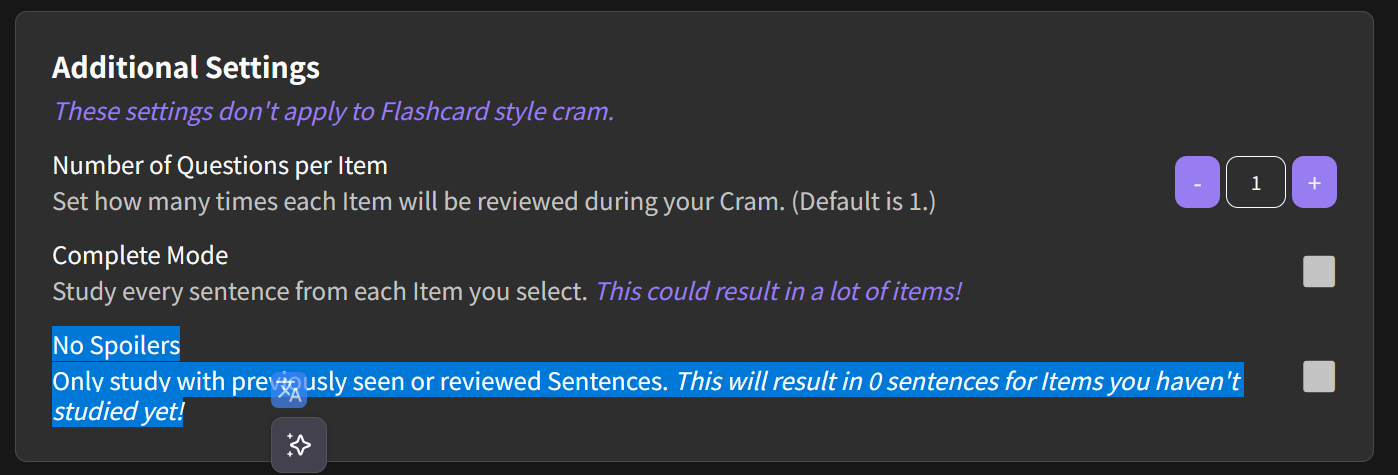
I’m really not sure how to get what I want out of Cram. Since reading this thread and experimenting more with the Settings for Cram, I think that I can get all possible sentences I have seen in reviews for Grammar I have Learned (82 of the N5 items) by selecting both “Complete Mode” and “No Spoilers” (results in 874 Cram items, instead of either 1554 or 82 for each of these modes selected independently, respectively). However, if I want to review fewer items than “Complete Mode”, but more than just the “previously seen or reviewed Sentences” for each item, this is not possible by selecting “No Spoilers” and an amount of Questions per Item greater than those I have previously seen for any Item. (e.g., selecting “どれ” (imagine I’ve selected a whole deck) and “No Spoilers” with 12 Questions per Item only shows me 2 review items, but I would like be able to select a swathe of items (such as the N5 Grammar deck items I have learned, and be able to get 3-5 Cram items for each Grammar point-- irrelevant of how many sentences I have seen for each of these Learned items).
I explored the Special tab of Cram and think that if I were able to apply a second filter by Decks onto the SRS levels that I add to a Cram, that could accomplish my aim (since any items I have learned will be in SRS, but I could restrict down items to a certain JLPT level or select only Vocab/ Grammar for Cramming).
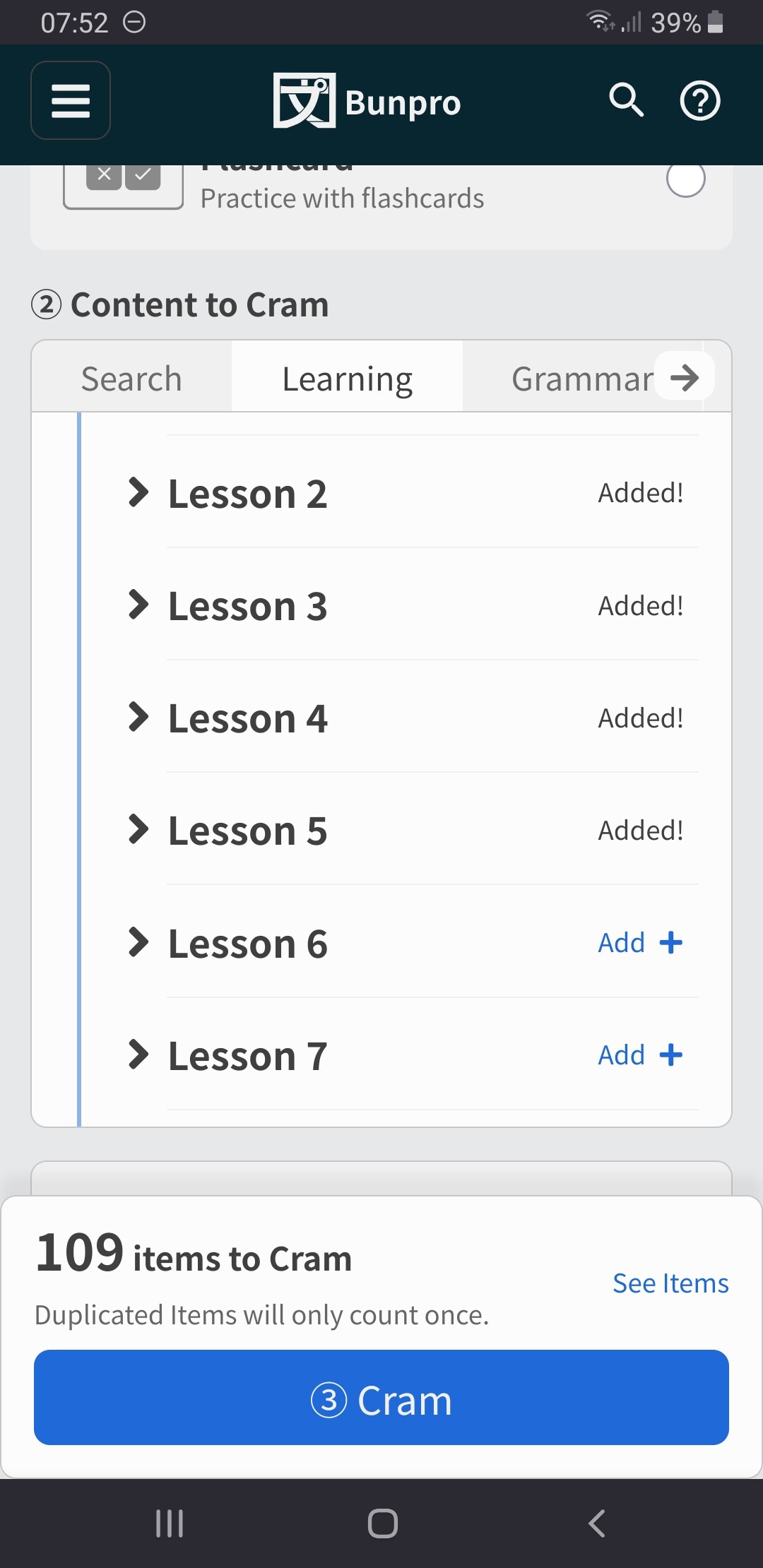
Maybe this just looks like a “Learned” tab in Cram, where you select a Deck you have learned some portion of and how many Questions per Item you would like to review-- this tab could automatically apply a filter to only show Items you have Learned within the selected Decks, but allow selection of any number of Questions per Item. For those who would want to filter out some Lessons or Items from Decks, they could instead make use of the “Learning” tab to do so.
Sorry this is a bit rambly, but I wanted to provide examples of what I have attempted, and what I would like to be able to do.