
It would be nice if when I click on a word I don’t know in a sentence it would show the translation/definition along with the reading. And also have that option for words that don’t include kanji, it seems i can’t click on those at all.
11 Likes
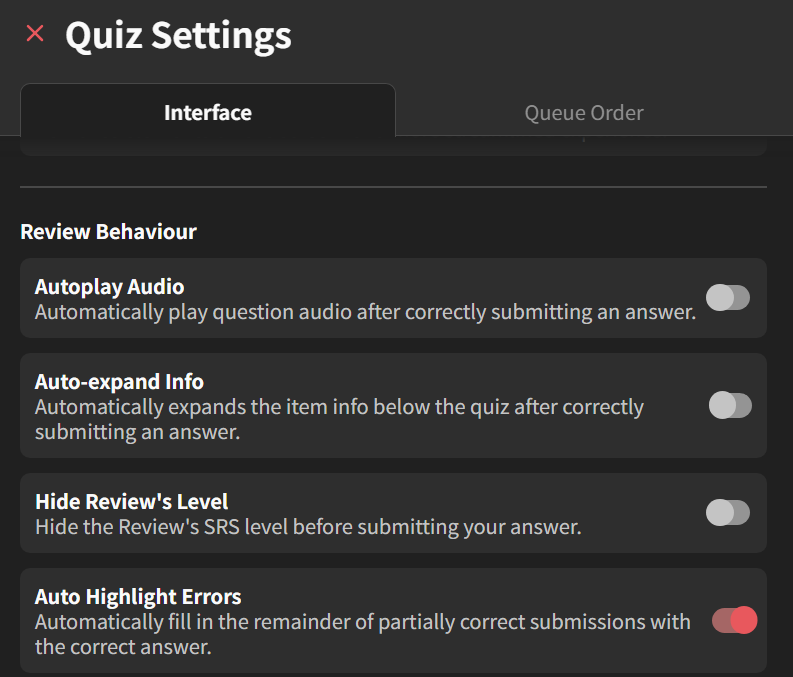
not for the answer, for the other words in the example sentences.
5 Likes
ahh i thought you meant sentence as in during reviews
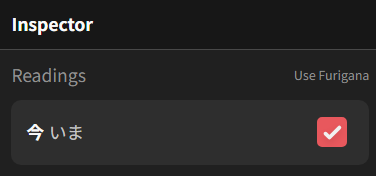
There was a start here.
But i agree with you after testing, would be nice to have at least the corresponding translation or a redirect button next to the checkbox.
And of course, for it to work with hiragana/katakana.
I’m liking your post as an upvote
I think this is a thing Bunpro is lacking, built in yomitan like pop up dictionary.
Saying Bunpro already has most words as vocab I think it wouldn’t be to hard for them to implement it they wanted to.
When I used Bunpro a lot I was using yomitan as I would do with a book, but when doing from phone I had no choice but to turn on translation
3 Likes
I think this is something they are currently working on
This would be super nice.
My dumbo self only just realised せがたかい is made up of せ-が-たかい (obvious in hindsight). Admittedly, it’s probably time to start learning dedicating time to kanji lol
unfortunately a popup dictionary would treat the word as a whole if I wanted to inspect 背 separate from が高い so I think Bunpro’s inspector when you click the kanji would be great with a definition inside. Also +1 to hiragana popups! 
Edit: I think best workflow would be if the inspector presented the word as a whole like it does now, and then within that have the individual kanji or hiragana clickable to further break it down
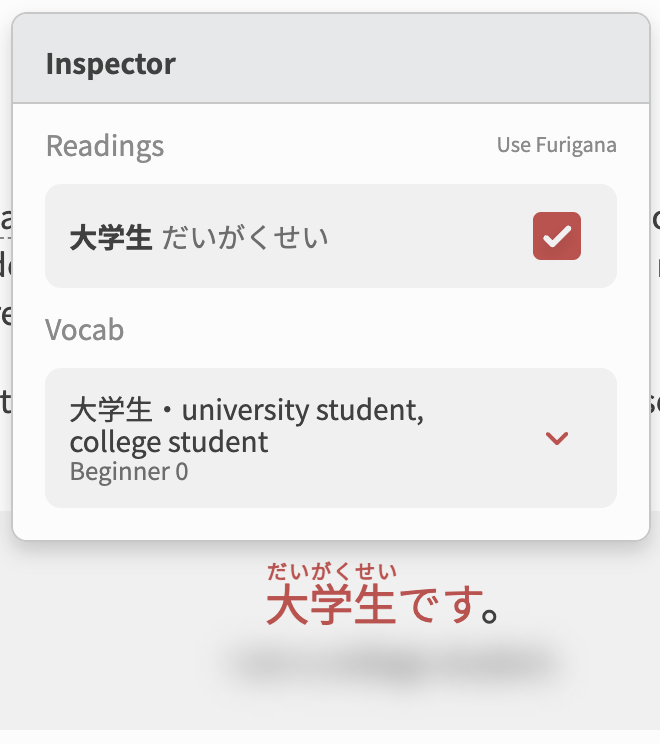
How will you stop this from clashing with the tap to show furigana feature when on mobile? I personally don’t always want to see a translation when checking the furigana. Cheers
3 Likes
Probably quick tap for furigana and long press for word definition would be my guess
1 Like
Will this be available on mobile? I feel like there was a version in the past where you could long press on words to get definition or grammar point, but it was only for a select few words it seemed and then disappeared entirely
1 Like
It will definitely be made available on mobile.
Not sure what the interaction will look like yet however (long press, double tap etc.)
1 Like
I’m really glad to see this being in the works as a built-in feature.
However until then, there are some excellent browser extensions that do exactly that on any website, including Bunpro. My favorite is 10Ten.
It won’t help with the Bunpro mobile app, but Bunpro runs quite well on a mobile browser, and some of these extensions are supposed to also work on mobile browsers that support extensions (although I’ve never tested it myself).
1 Like