Feedback - Bug Reports

Having a strange issue with Bunpro using the Opera browser. Whenever I click the “start quiz” button after lessons, the browser window crashes.

This may likely be an Opera problem rather than a Bunpro problem though

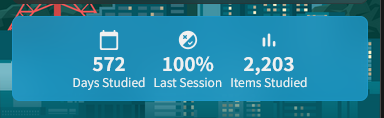
Unsure if anyone got the chance to look into the cause of this issue, but small update: it seems like my “Bunpro Wrapped” does detect the correct number of days studied? The Wrapped lists 266, which sounds about right when I compare it to my wanikani stats. That would mean the timezone/offline reviews issue caused it to jump up by exactly 300. :thinking:

Is it possible I could get my “days studied” manually reduced, now that I know the correct number?

1 Like

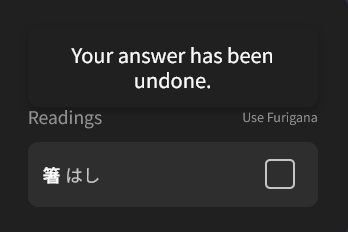
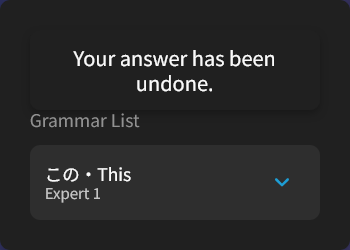
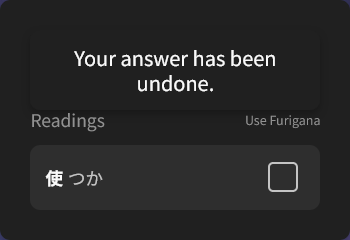
When I click on any word, the popup includes the message “Your answer has been undone”

image
image
image

The bug persists through questions. I did undone an answer before, but I don’t know if immediately before the bug or many questions before. If fixed by refreshing the page. I use Firefox.

1 Like

@enanuu

持ちません

1 Like

thank you :see_no_evil:

2 Likes

I’m going to assume this is a bug since I don’t quite understand why it would be a feature. That said, my particular problem I’ve resolved by changing the setting for showing the english translation of sentences to be hidden automatically, however since it still seems like a minor bug I figured I’d report it anyways.

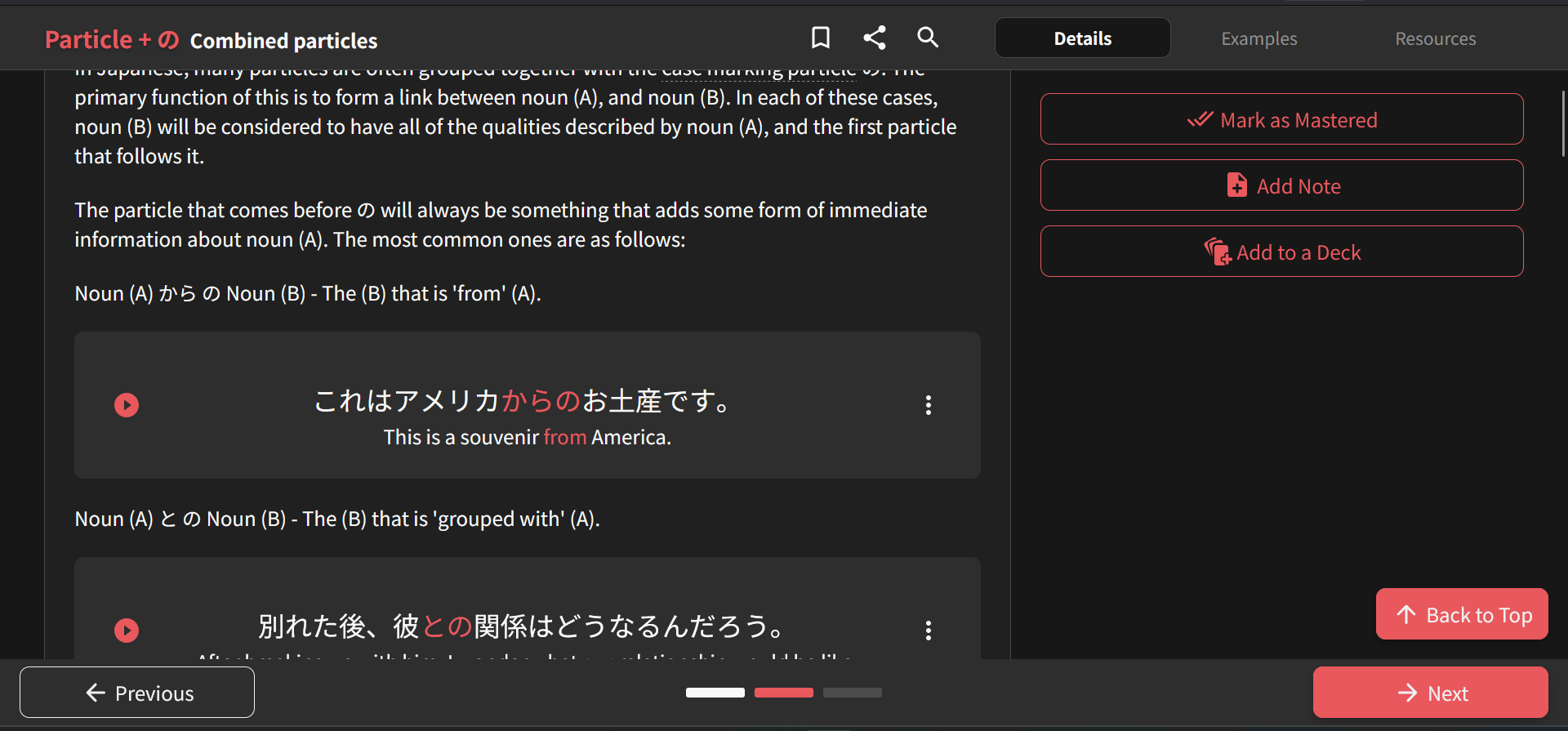
When scrolling down a page while learning a grammar point, there seems to be a space above the ‘Next/Previous’ bar which doesn’t allow for any interaction with the text. In the image below, if I try to hover over the Japanese text at the bottom then the readings do not appear, and I am unable to use Yomitan for finding definitions (I like to try to translate myself before reading the example, but as I said above luckily there’s a setting that fixes my particular issue).

It’s a very minor bug, and maybe there’s actually a reason for it that I’m just not aware of, but I figured I’d report it regardless.

3 Likes

I was in the usual timezone, I think

About opening the review screen and closing it, perhaps I did, but I remember doing the reviews some time in the train (perhaps in offline mode, as I said the connection wasn’t very good).

Sorry for the inconvenience!
I’ve just manually regenerated the stats for you.

Are you able to please check again?

Unfortunately it still is showing the wrong number, both in browser and in the app:

image

For example, today it’s 572, when I believe it should be 272. I only started my account in February 2025.

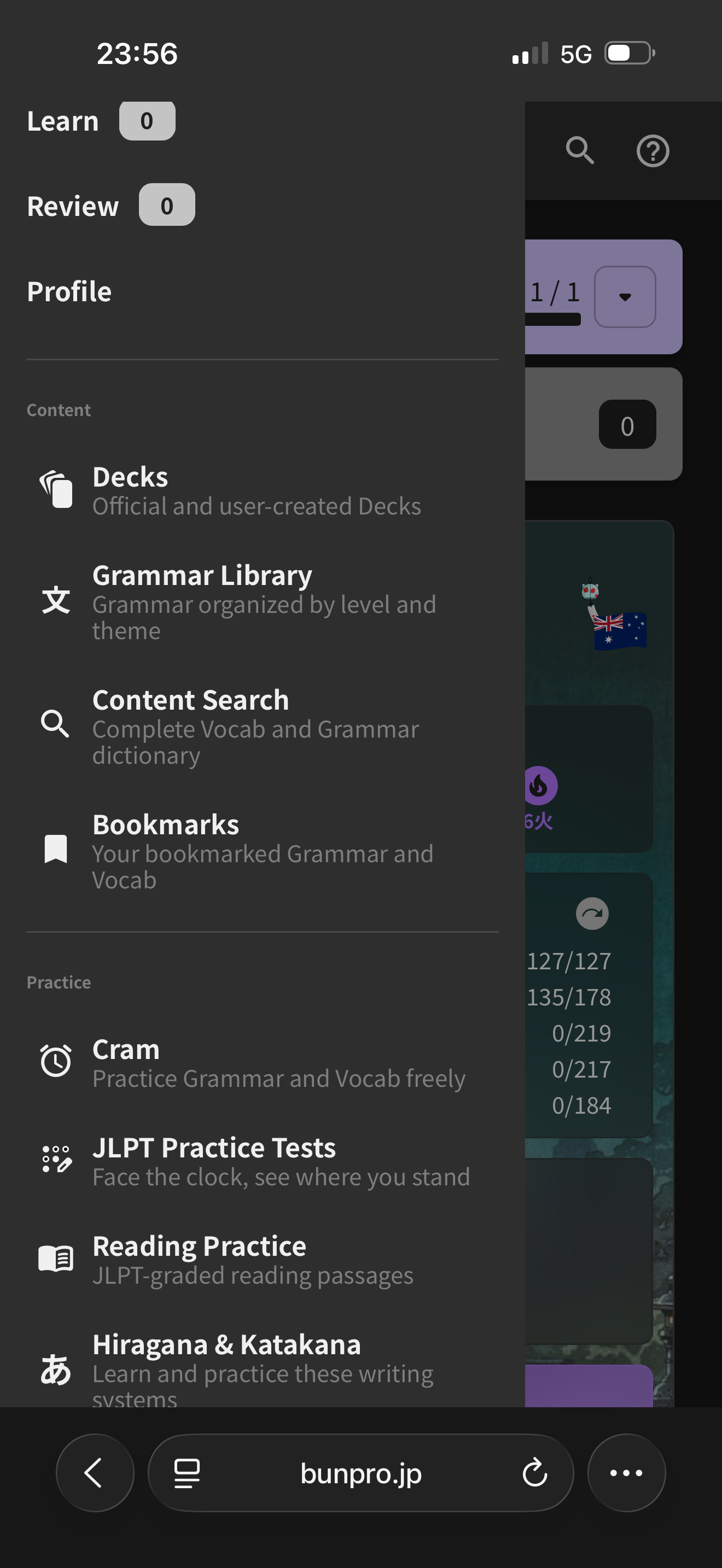
Hey, a tab I use constantly is no longer showing on the mobile site. I can’t remember what it’s called but it said something like “grammar in bunpro order” or something. It was under the Content heading.

When clicked on, it showed all bunpro grammar arranged under N level tabs, then separated out into ten blocks of grammar for each N-level.

1 Like

I think i’ve seen somewhere that you’re working on improving the custom decks so i figured i’d chip in with what i’ve noticed so far :blush:

I’m pretty sure you’re aware that cloning of large decks just doesn’t work properly, but i’m mentioning it just in case. Editing a huge custom deck is also impossible atm

Now all the info below is for a mobile browser specifically:

Manual reordering is difficult. Frequently my touch doesn’t get registered as an attempt to reorder unless i try many times and do a swooping/specific gesture to trigger it first. Instead, my screen moves as if i were only trying to scroll.

Then, when i do manage to ‘lift’ an item from its original position, there’s other issues when dragging:

  • when i hover the item over the new position, it’s VERY difficult to see where it’s currently ‘hanging’ and where it’s going to end up being (usually i end up with the item one up or down from where i thought i dropped it, if at all- because frequently the item just jumps back into the old original position instead)
  • scrolling while dragging doesn’t work at all (not sure if it’s supported, so maybe this is just a suggestion but-). I have to drag and drop the same item multiple times if i plan to move it far away from its original position- because the screen will not follow me when i ‘hover’ with the word at the top or at the bottom of the screen. If that makes sense :sweat:
  • i’ve also had items randomly jump to other units entirely when i try to drop them into a new position, so something’s iffy there. It’s usually when i try to place an item at the beginning or at the end of a unit, i think. But somehow it can jump several units away :laughing:
2 Likes

You’re referring to the Lessons page!

It still exists, we’re just hiding it from the nav for now.
You can still access it at

https://bunpro.jp/lessons

This will eventually get phased out too.
We’re about to release a new Grammar Point index page (https://bunpro.jp/grammar_points)

1 Like

Yeah this one has been such a pain in my ass for a while, but I can never seem to replicate it.

I’ll offer a 100,000 B-Point bounty if:

  • You can still replicate this (I published an unrelated patch that may or may not have fixed this) and
  • You can tell teach me a way that I can replicate this consistently

When I go to study (bunpro grammar n4) I get:

Retrieval Error

There was a problem getting your study questions.
Please reload the page to try again.

If the problem persists, please contact us.

Advanced Error Details

Broken data found in : destructQuizQuestionsFromDataWIncluded

1 Like

I have the same error as @socalled60 with learning new items from N5 grammar and vocab decks. I did reviews shortly before and there were no problems

1 Like

@Natalia95

This should be fixed now!
Sorry for the inconvenience 🙇‍♂️

Hi! I managed to reproduce the bug each time, I link the video at the end showing the bug being reproduced on a cram without any special setting or preparation beforehand

At the end of the video the exact (or very close to the same bug, just with another toast instead of the undone answer one) is shown. But all over the video I reproduce similar bugs on the word popups and above the toast that appears above the input box.

What I did to reproduce the bug basically is to click the words with the mouse and press “Enter” at the same time. If you click any word and then press “Enter”, the word popup will appear above the input toast very easily and consistently. Making other popups or the toast appear inside a popup is harder, as the video shows, I don’t get it always or it doesn’t happen the same way.

I see that in many attempts, the wrong data is shown on the popup and then is refreshed to the new one. But when this fails the wrong information is shown, as showing the info of another word in the sentence additionally to the correct one.

To reproduce the bug I had to spam the clicks and “Enter” inputs which of course is not how the users will be using the platform (hopefully lol), but it may happen unintentionally as it happened to me initially though much rarely.

Another bug that I found doing this is that sometimes after pressing both inputs (click on a word and the enter key), I cannot make the popup of the word appear again (as it happens at the start with the word 慣れていない

Hope this helps to solve the bug!

Bug reproduction

2 Likes

I’m able to replicate it!
Thanks so much!

I’ve put the B-Point in your account. 🙇‍♂️🙇‍♂️🙇‍♂️

1 Like

Thanks! Glad I could help

1 Like

Well, that’s… new.
image
I was doing my reviews normally when the counter started going bonkers and doing -2 for each failed review lol

5 Likes