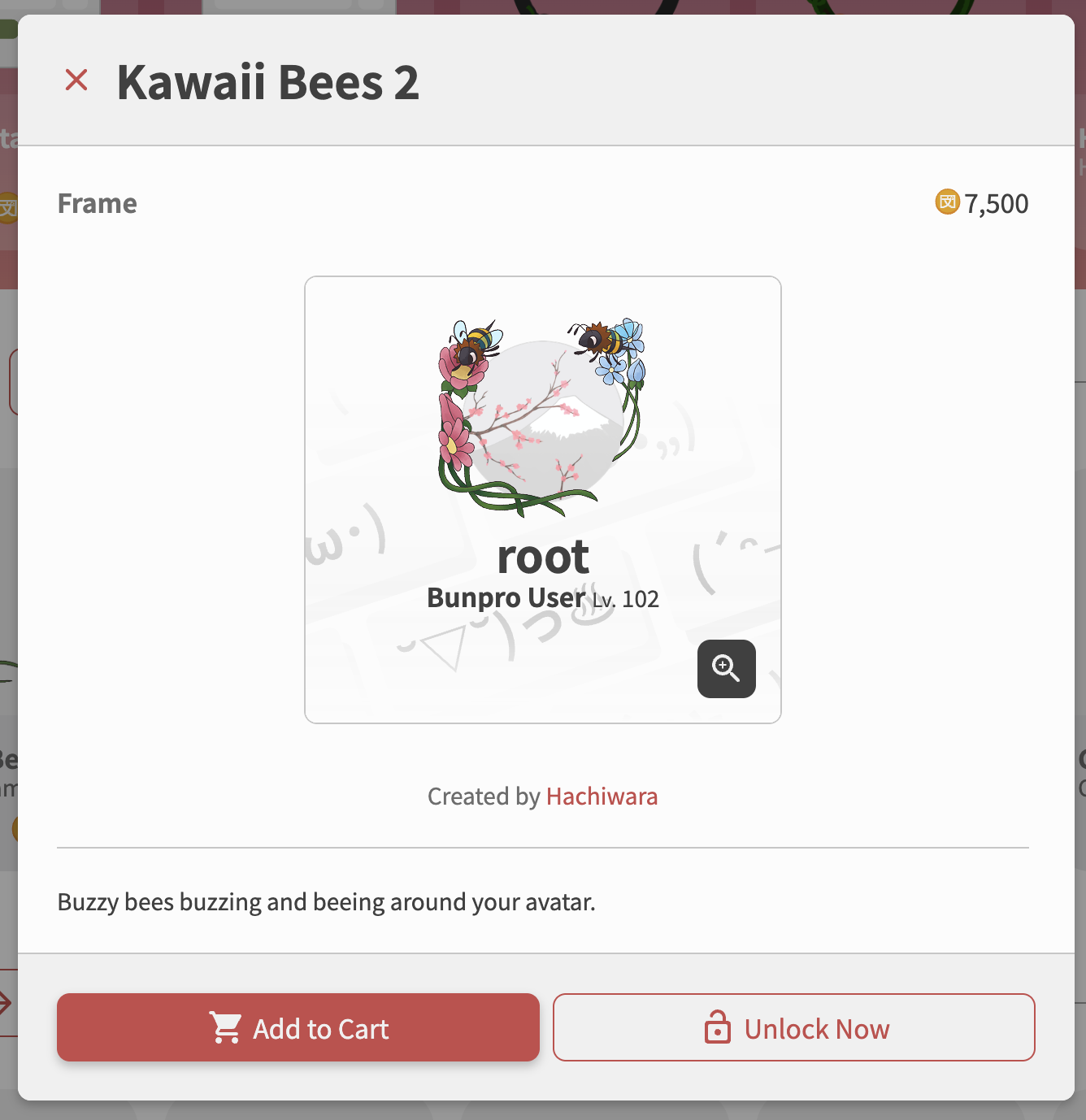
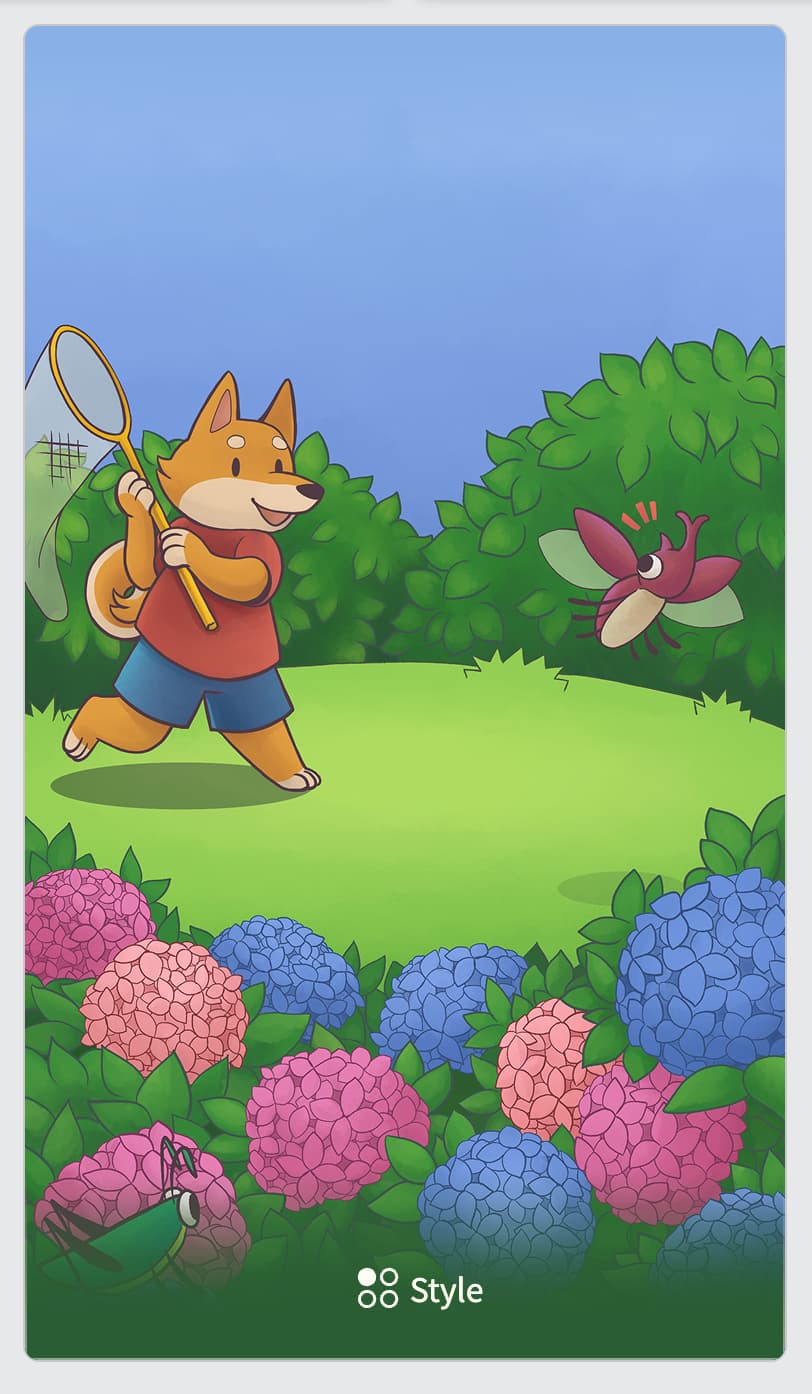
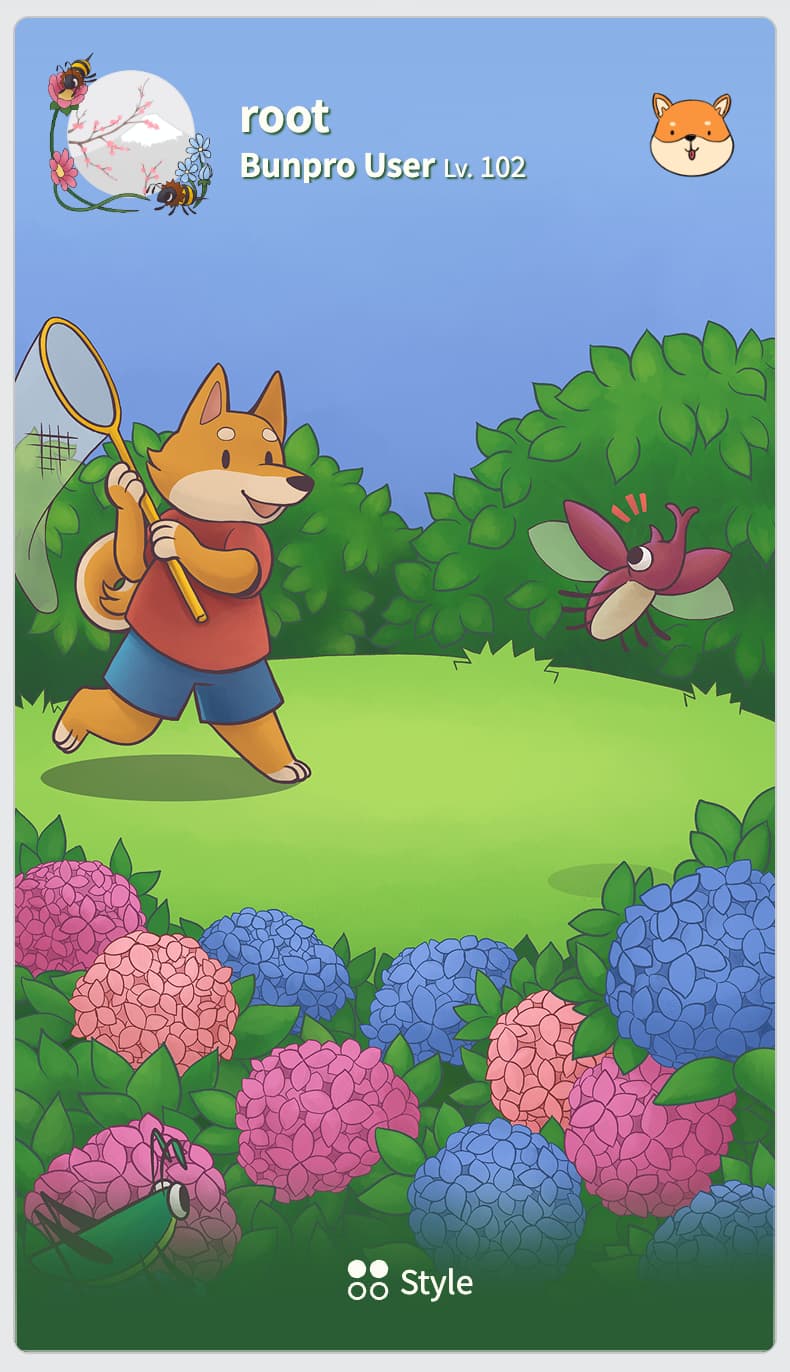
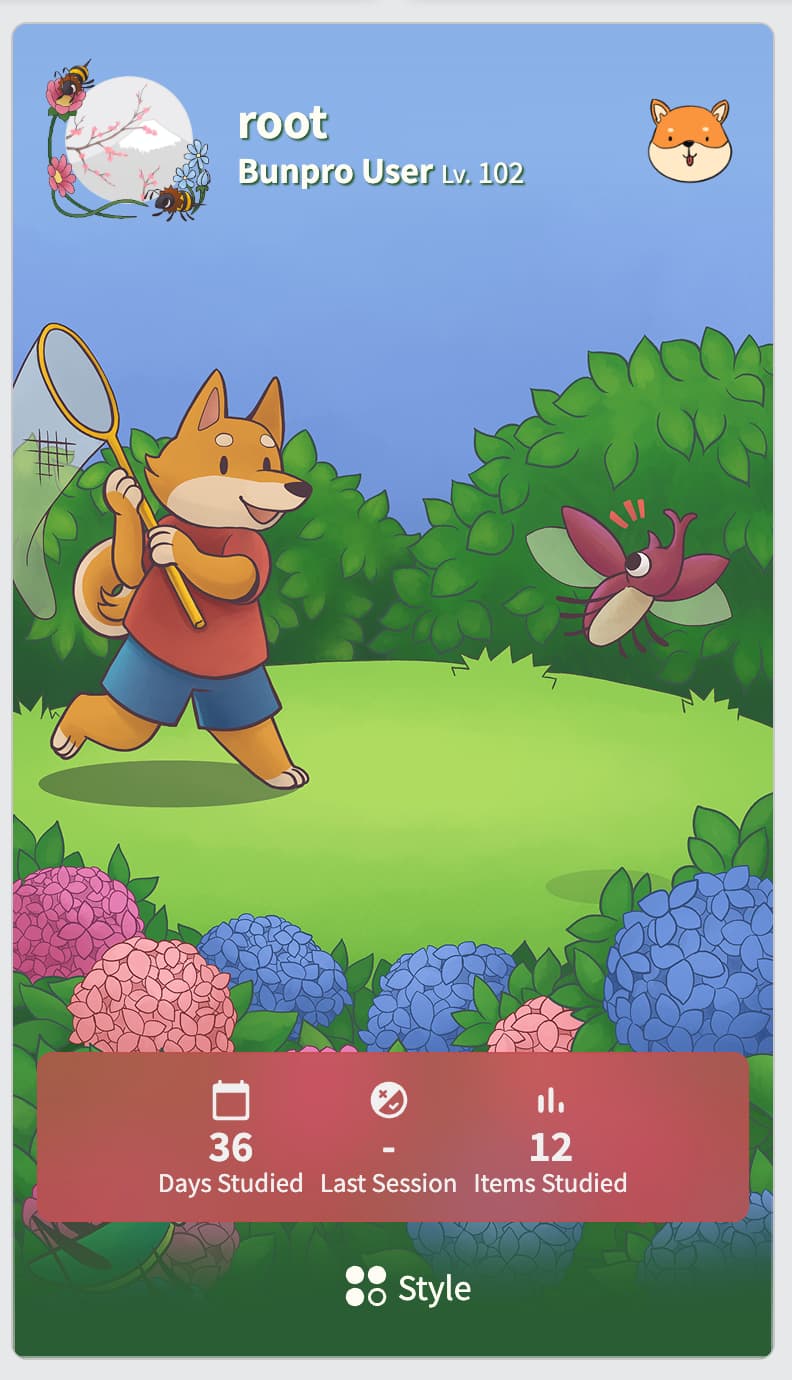
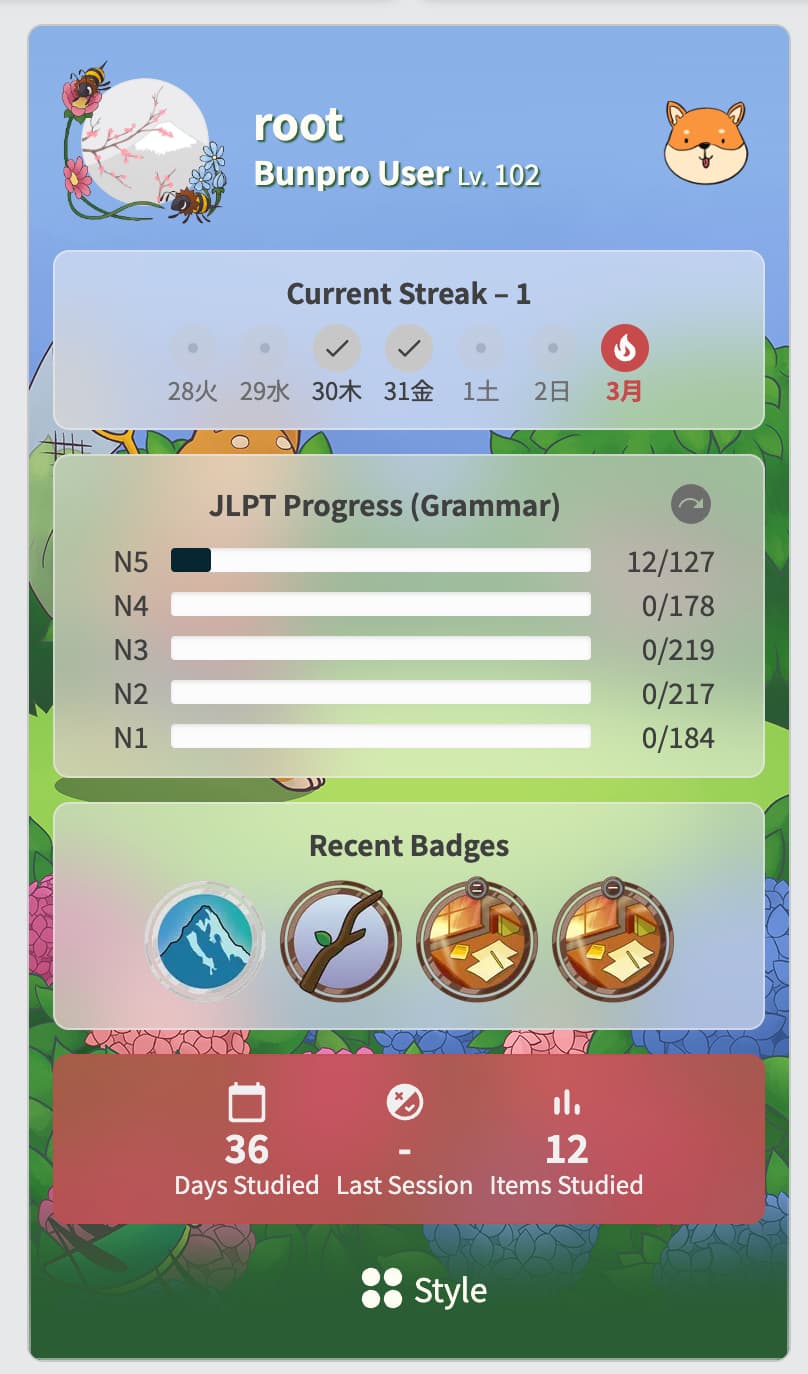
My profile :>
Halloween accent + Matsuri Profile Theme is pretty sick

My profile :>
Halloween accent + Matsuri Profile Theme is pretty sick
missed the chance to study ONE more item to make it perfect 
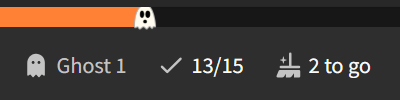
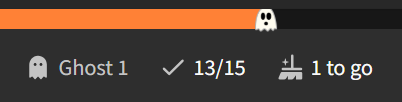
Really enjoying studying with the purpose of making the ghost head towards its brutal demise:
Mostly due to it going unrequested, and us having limited bandwidth! We’ll add it in the next Shop update though. 
Is there any where that gives a detailed explanation of how this works? I have questions like:
Hi there! Those are all good questions to ask
- Can I try something first to see what it looks like or do I have to buy it first?
Yes you can! You can preview items in 2 ways—
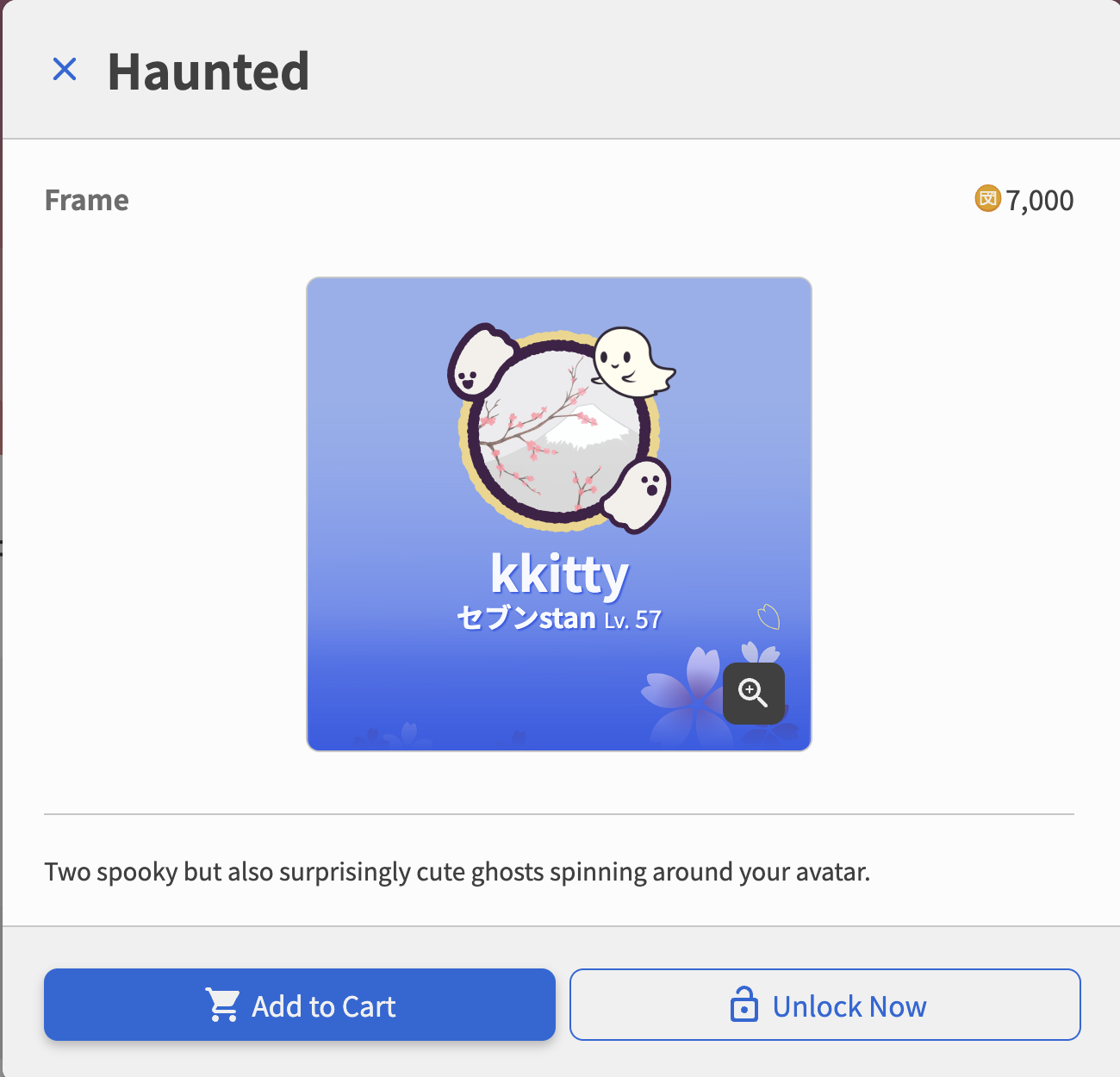
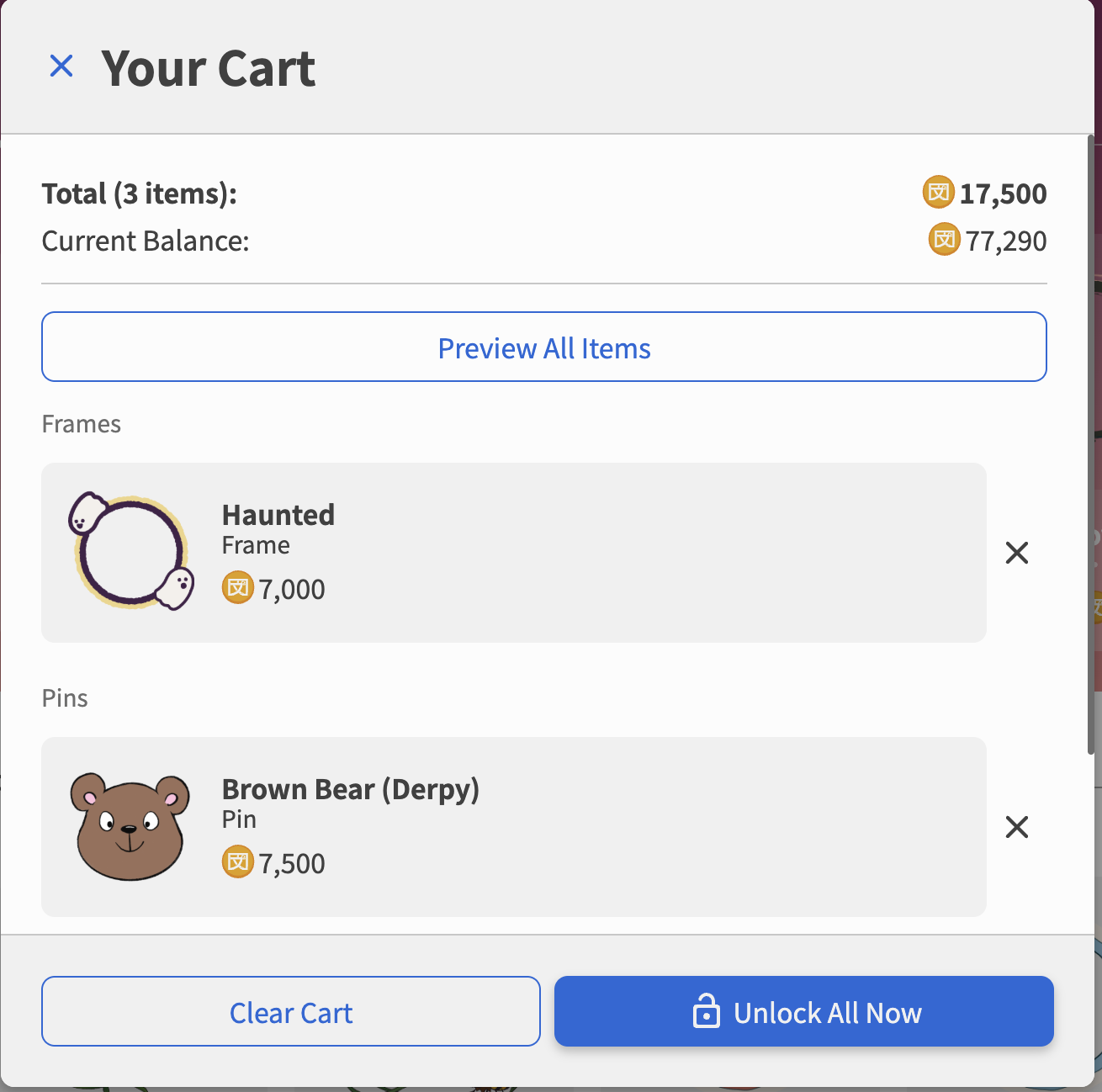
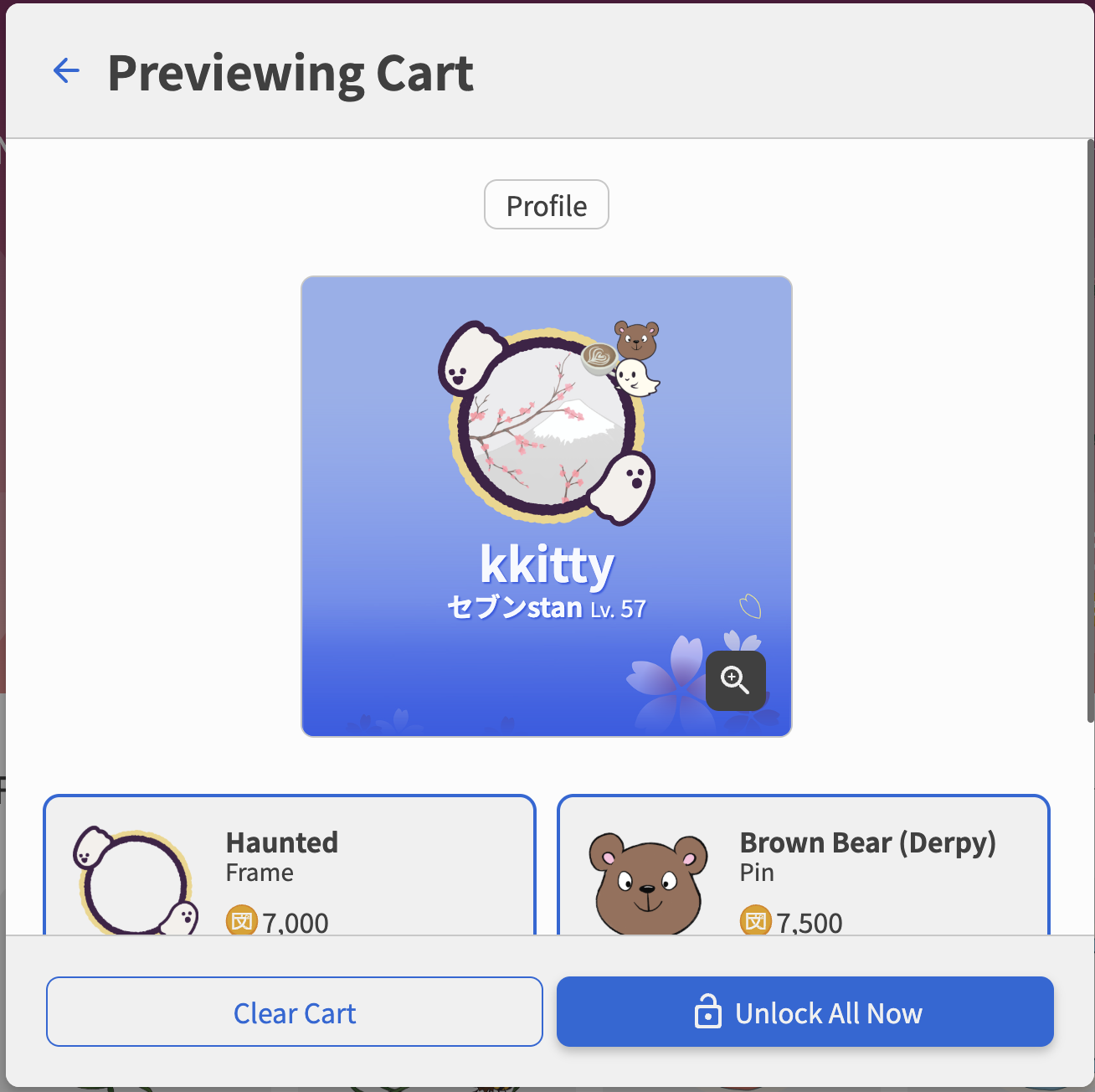
preview window. For example, I was testing how the ‘Haunted’ ghost frame would look with my current ghost pin and blue flower background.Preview All Items to view how all of the items in your cart would apply to your profile. For example, if you’ve added an avatar frame and 2 pins to your cart, you can see how all of those would spice up your current profile 
- If I buy it, can I return it or at least exchange it?
Unfortunately, after you buy an item, you will be unable to return it. There is currently no system in place for item exchanges so we recommend testing out your items with the preview features first.
- It seems like some of these items might interact with others so what happens if I buy one item and then buy another one that interacts with the first? Again, it’d be nice to see what the final effect is before I actually buy something that I end up not using.
These issues should be avoidable by using one of the two methods: Preview 1 itemor Preview Multiple Items. You also do not have to have all of your unlocked items applied at the same time. You can equip and unequip items as you please in the my items page on the shop.
As for items that can be applied to your profile, you can have a max of: 3 pins, 1 frame, and 1 profile card theme in use at any given time
- I’m guessing if I try this I’ll end up with more questions, so again, is there some where that explains all this in detail
Hopefully that answers your questions, but if you need some more clarification please let us know!
Thank you for your help! 
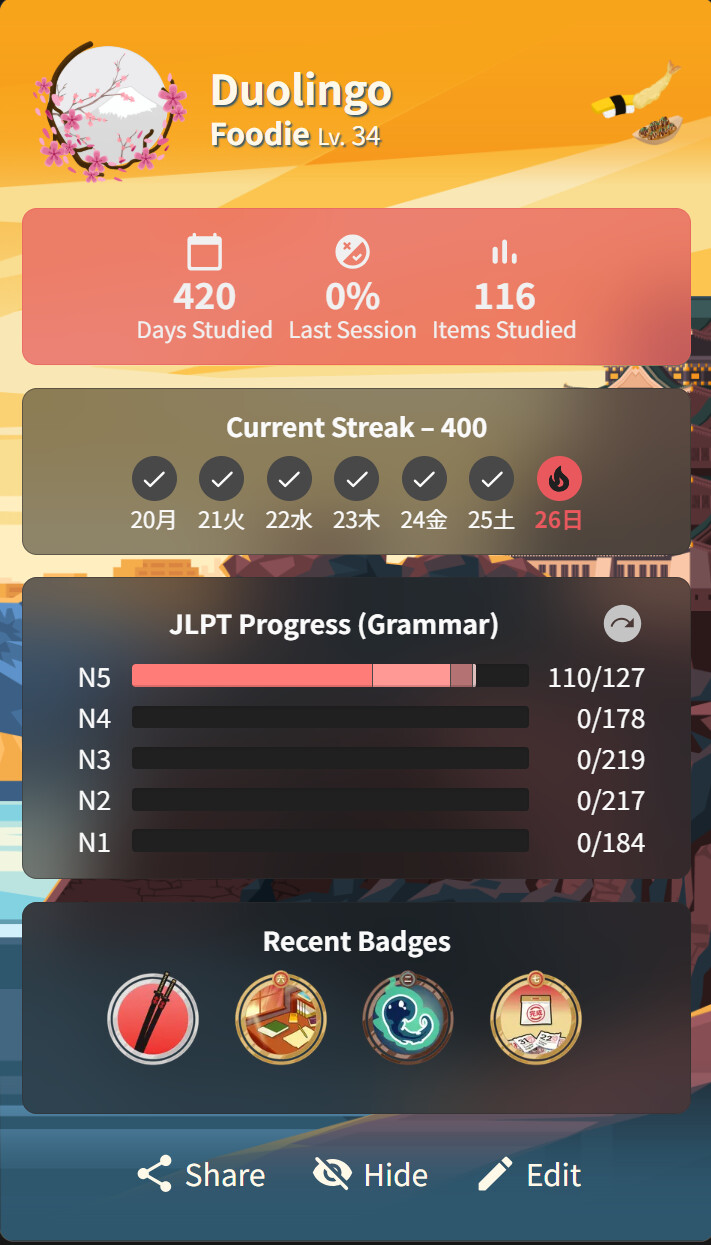
So I made the following changes as shown below but when I click on ‘Hide’ every thing goes away including the Duolingo, Foodie, and pins.
Is there a way I can just hide the bottom 4 rows (Days Studied…, Current Streak, JLPT Progress…, and Recent Badges?
No problem! Glad it helped you out 
Currently the hide button’s purpose is to reveal only the card background you have unlocked. There is no way to hide the other selections yet, but this is a really good idea. I’ll pass this onto the team so we can chat more internally about this 
Making it modular-ish would be soooooo nice! It’s kinda sad having such a nice background but it’s hidden by all this clutter ^^
Is it possible to see the artist credit somewhere?
If not maybe credit that should be added. It could be put in the item description?
Some of the profile themes are so adorable and I think sharing who designed them is good for the artist community. Transparency for art assets can be really important with the flooding of ai art in our current word.
That is wonderful!
Do I have to somehow active the Progress Bar Backgrounds? Since the announcement I haven’t seen one, and it got me thinking
You have to “Equip” it after buying it, which is kind of easy to forget to do.
But it should display once you have it equipped!
What about a bunpro iOS app? I would like to get my new colors while doing reviews on my phone.
We are working on them!
We will be adding mock tests firsts, and then the UI update in 2-3 weeks after!
Cheers!
Weren’t many of the color themes a normal setting before that is now hidden behind a sort-of paywall?
Can we have “caps” at the beginning of the bar that’s just stationary and then there’s another “cap” at the end?
The snake cap with it’s tongue sticking out makes me want a frog at the start and then the progress bar is its tongue and there’s a bug at the end. It’s an extra layer of motivation to make sure the little froggy get it’s snack! 


FABULOUS!!!
Thank you!