Hi there! Those are all good questions to ask
- Can I try something first to see what it looks like or do I have to buy it first?
Yes you can! You can preview items in 2 ways—
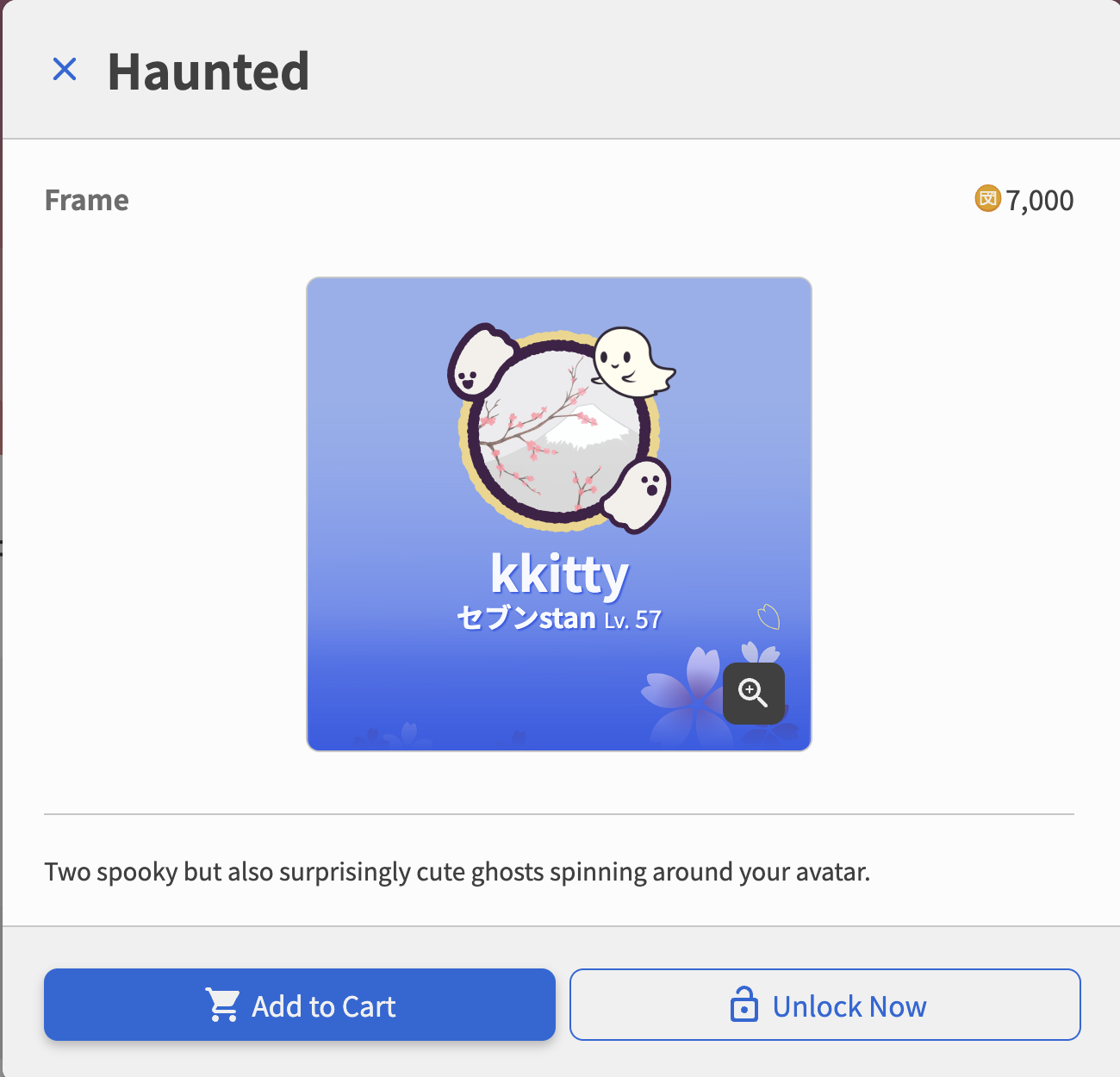
Preview 1 item
- Click on the shop item you would like to preview
- View in item provided
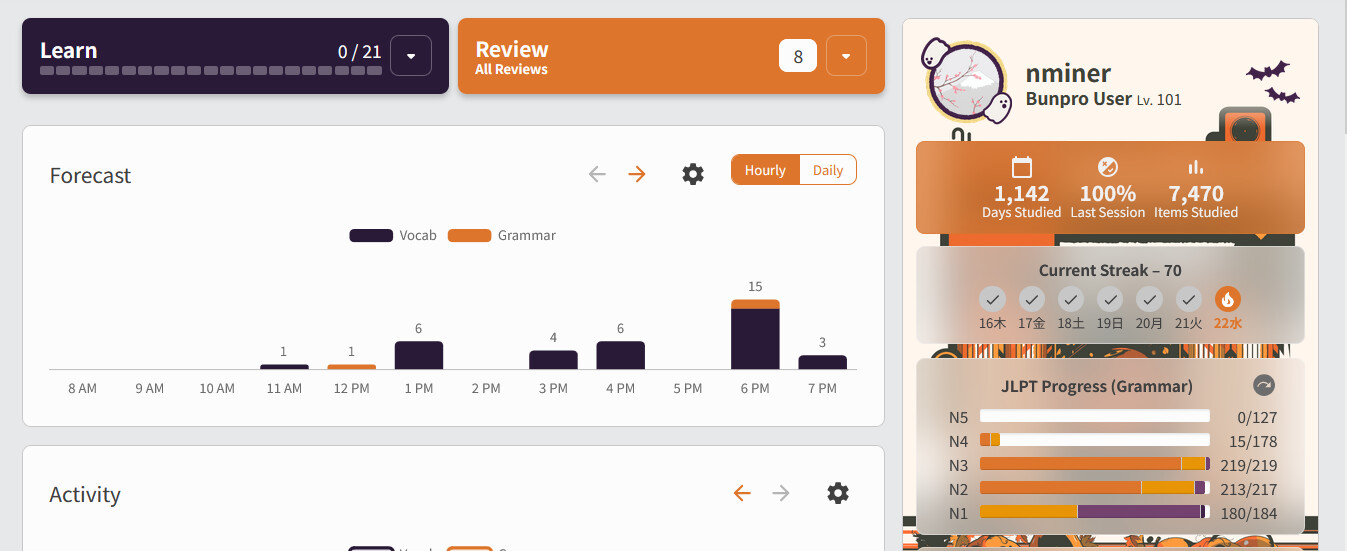
preview window. For example, I was testing how the ‘Haunted’ ghost frame would look with my current ghost pin and blue flower background.
Preview Multiple Items
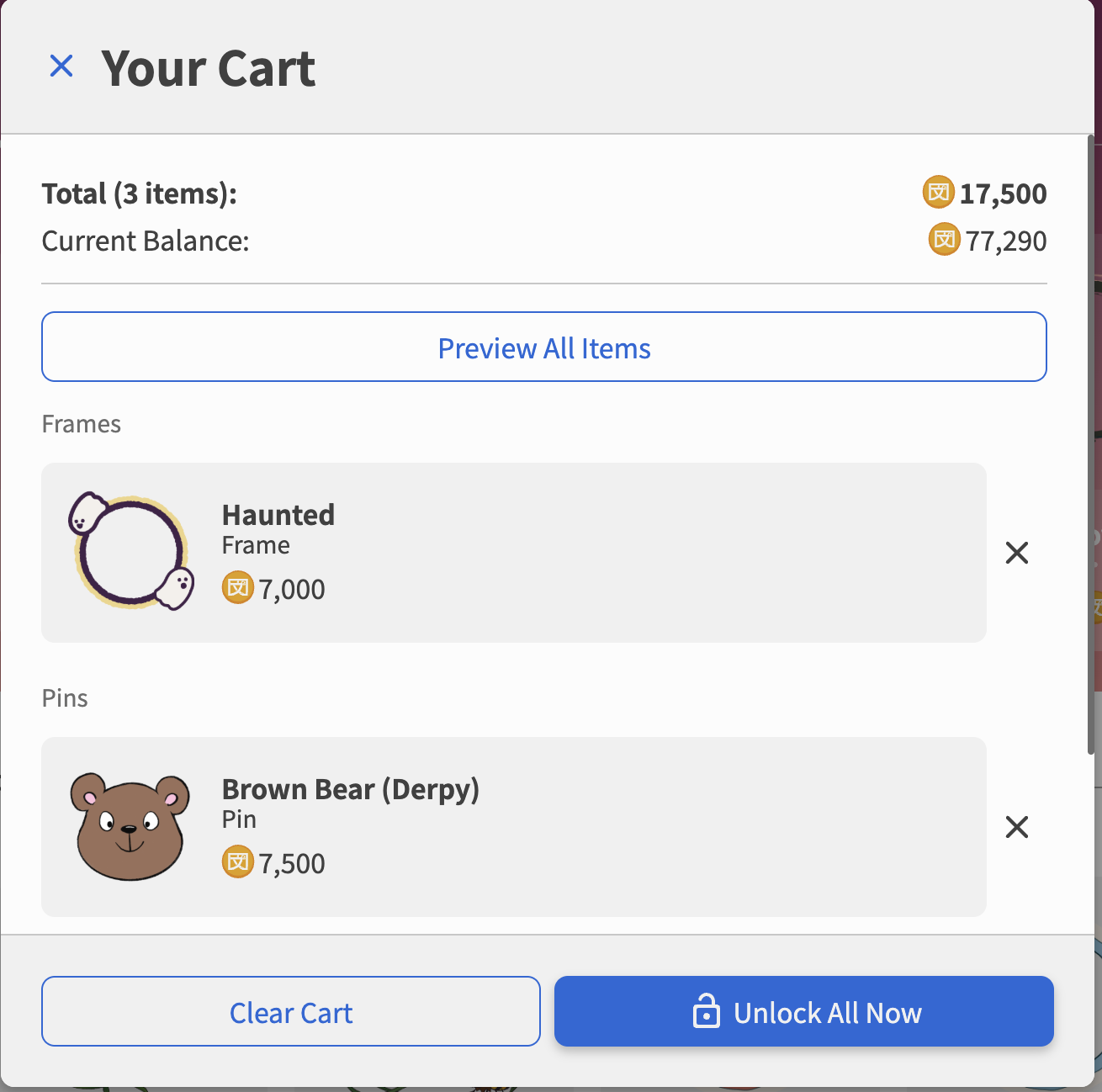
- Start by adding one or multiple items to your cart
- Click on the cart in the top right corner
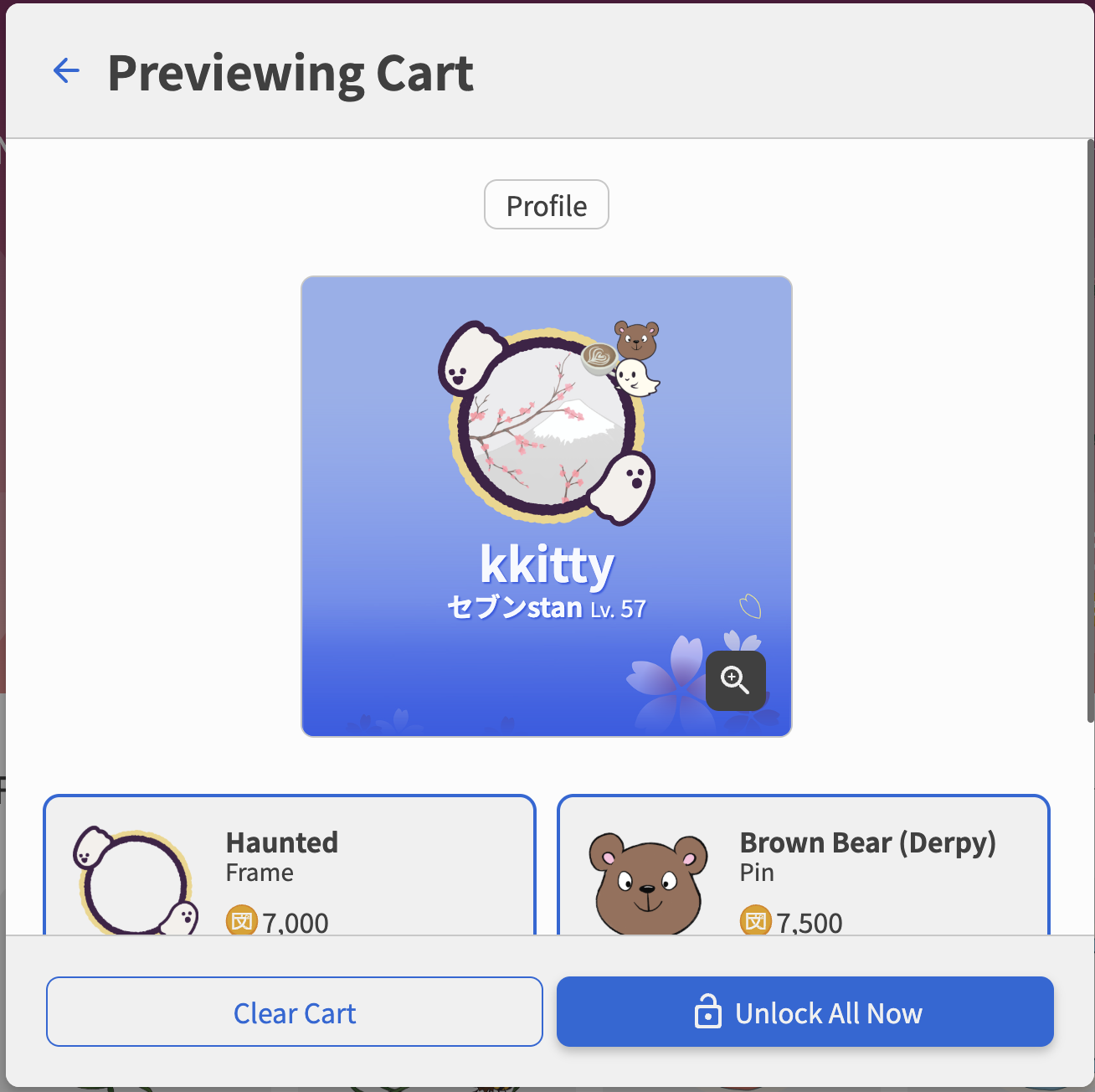
- Select
Preview All Items to view how all of the items in your cart would apply to your profile. For example, if you’ve added an avatar frame and 2 pins to your cart, you can see how all of those would spice up your current profile 
- If I buy it, can I return it or at least exchange it?
Unfortunately, after you buy an item, you will be unable to return it. There is currently no system in place for item exchanges so we recommend testing out your items with the preview features first.
- It seems like some of these items might interact with others so what happens if I buy one item and then buy another one that interacts with the first? Again, it’d be nice to see what the final effect is before I actually buy something that I end up not using.
These issues should be avoidable by using one of the two methods: Preview 1 itemor Preview Multiple Items. You also do not have to have all of your unlocked items applied at the same time. You can equip and unequip items as you please in the my items page on the shop.
As for items that can be applied to your profile, you can have a max of: 3 pins, 1 frame, and 1 profile card theme in use at any given time
- I’m guessing if I try this I’ll end up with more questions, so again, is there some where that explains all this in detail
Hopefully that answers your questions, but if you need some more clarification please let us know!

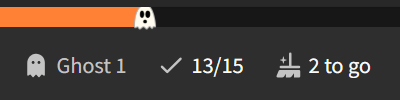
 Can’t wait to get more reviews (that’s a first) to see my Night Sky progress bar as well!
 ))
))
 ), there’s Brazil and Argentina but no Chile