
Hide UI elements when zoomed in

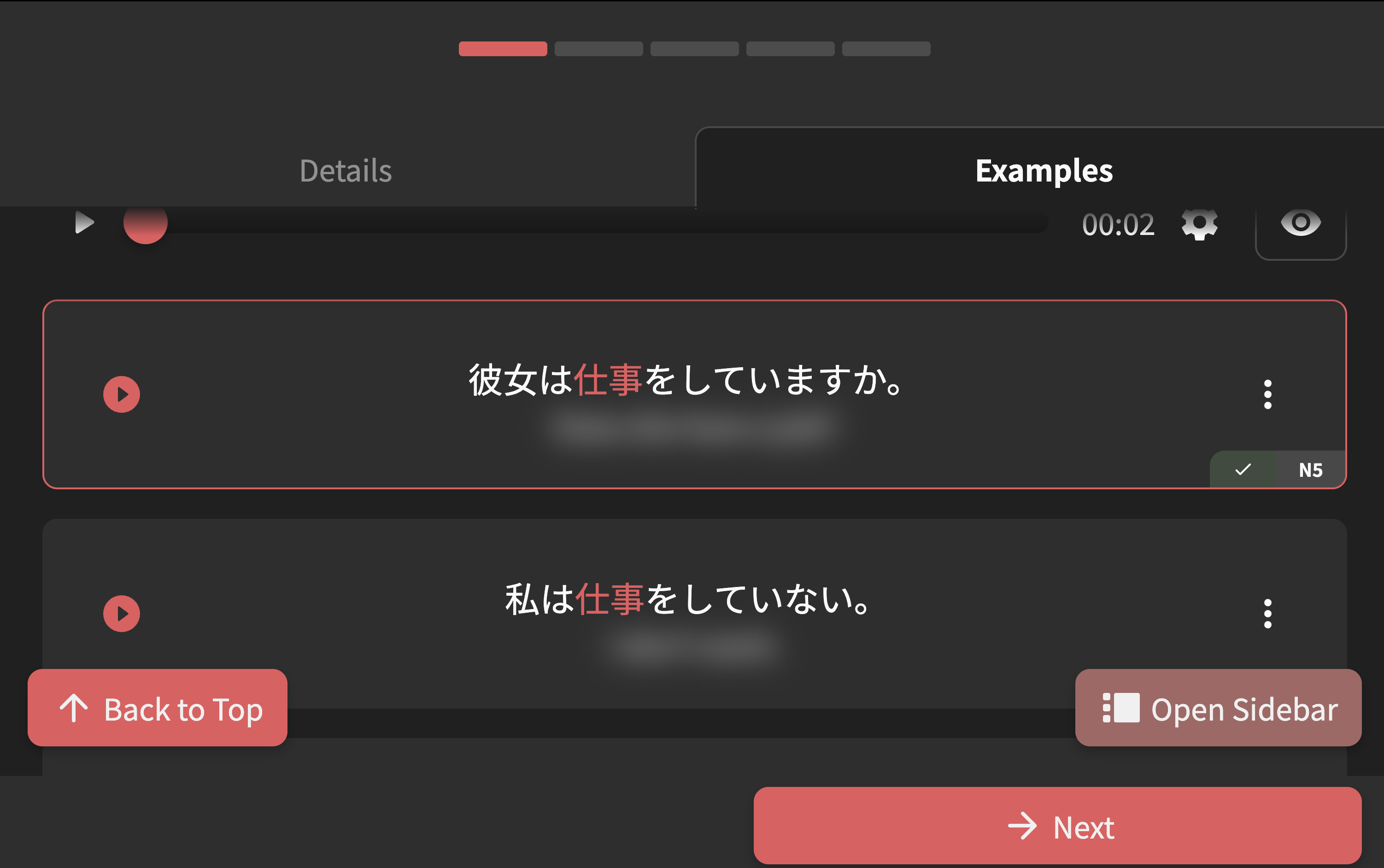
I like to use CMD + = to zoom in until it’s one column to see text clearer, but currently there are a lot of elements which are distracting:
I tried deleting some elements (header + floating buttons) in chrome dev tools and it looks a lot cleaner:
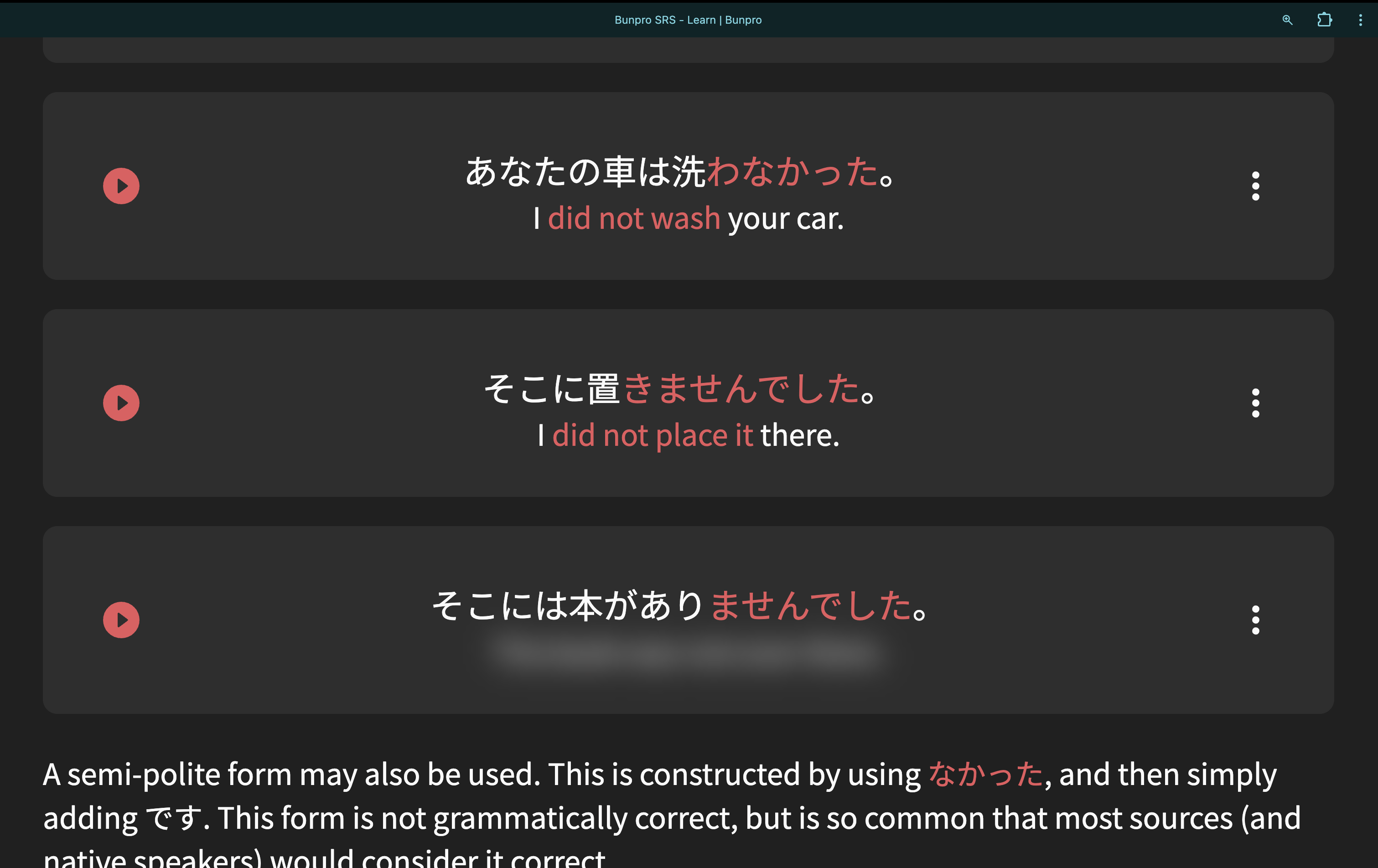
Is there any chance of a button to hide/show elements when zoomed in?

1 Like

Welcome to the forums!

Is there any chance of a button to hide/show elements when zoomed in?

Interesting suggestion. A “focus” mode is probably a good idea regardless though.
Will need to first see if this is a popular idea among other users too.

You seem capable, so for now, you could maybe write a user script to hotkey toggle the hiding of stuff on/off?

1 Like

Thanks Sean : )

Here’s a user script for anyone who’s interested in trying: Hide elements

2 Likes