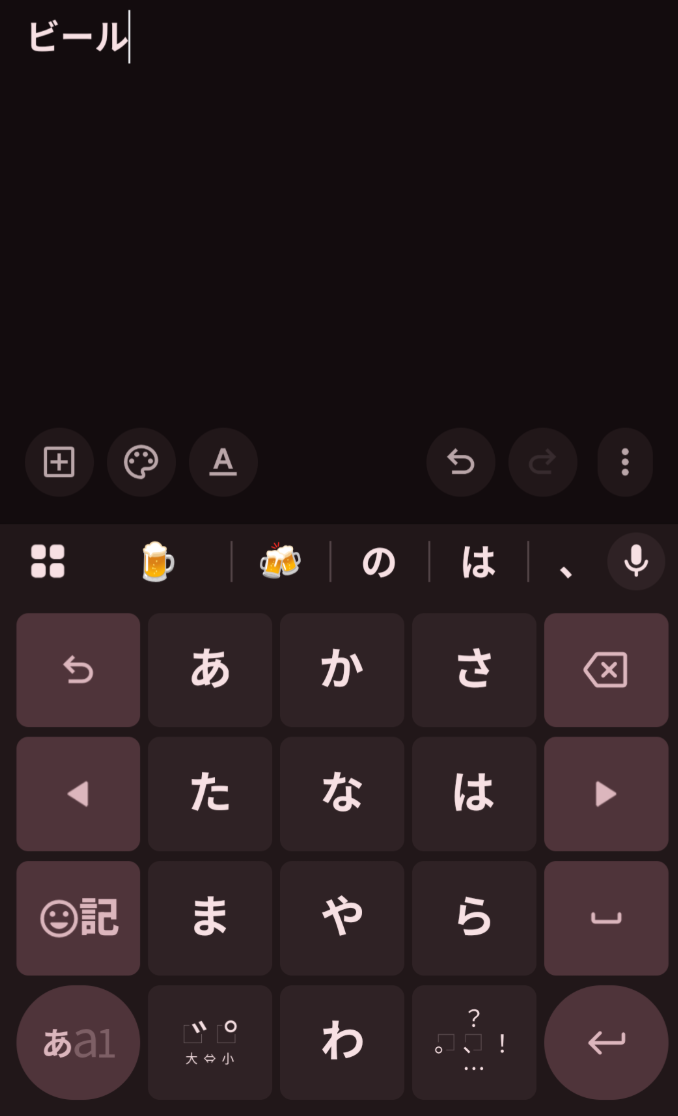
I can’t figure it out at all! I’m having to copy and paste it whenever I need it in an answer.
1 Like
which keyboard are you using?
can’t speak for android but on iphone the romaji input keyboard has a dedicated chōonpu key, on the kana input keyboard you hold down the わ key to show more options or swipe right on it. and finally on pc typing with the japanese ime on a western keyboard you use the dash key.
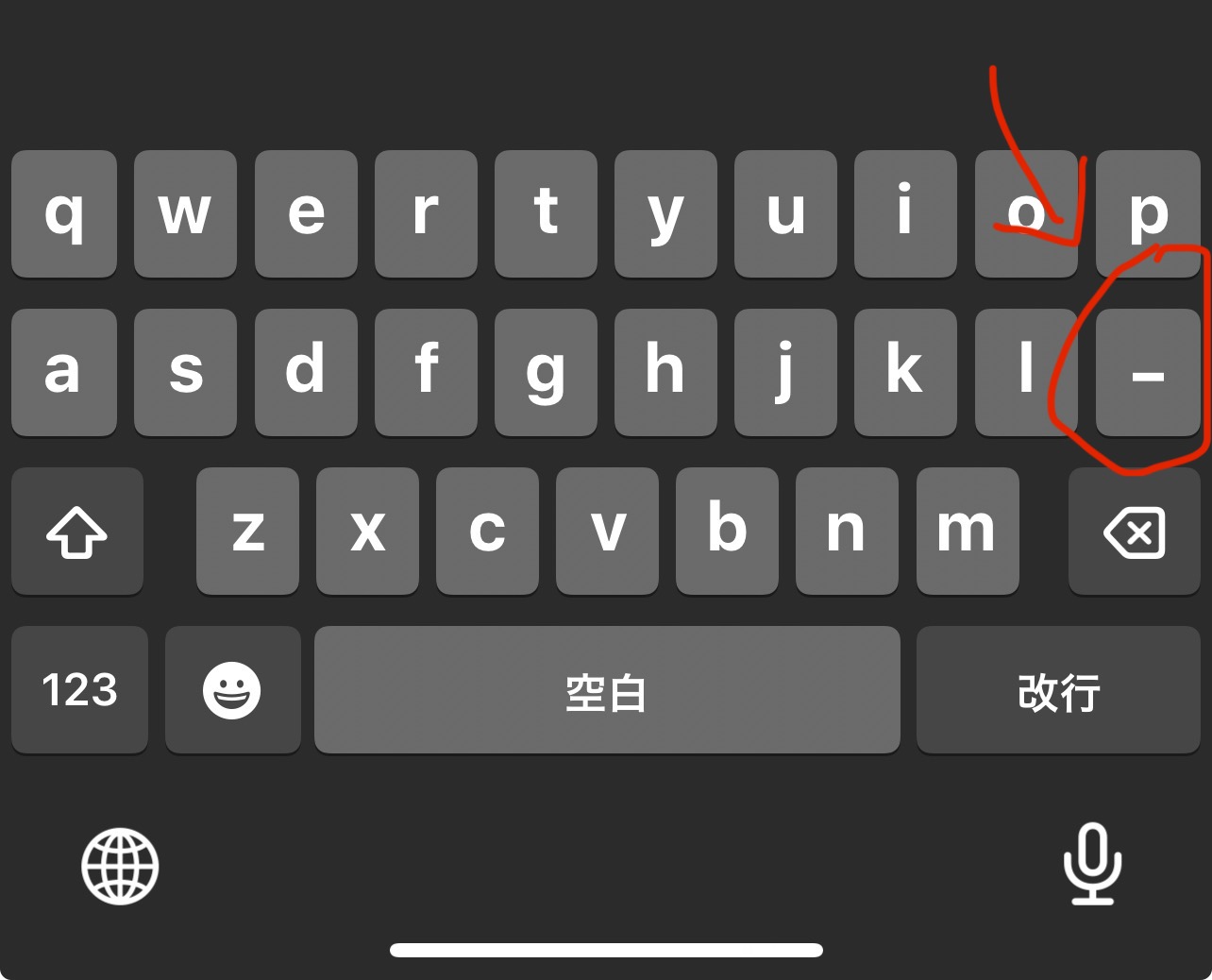
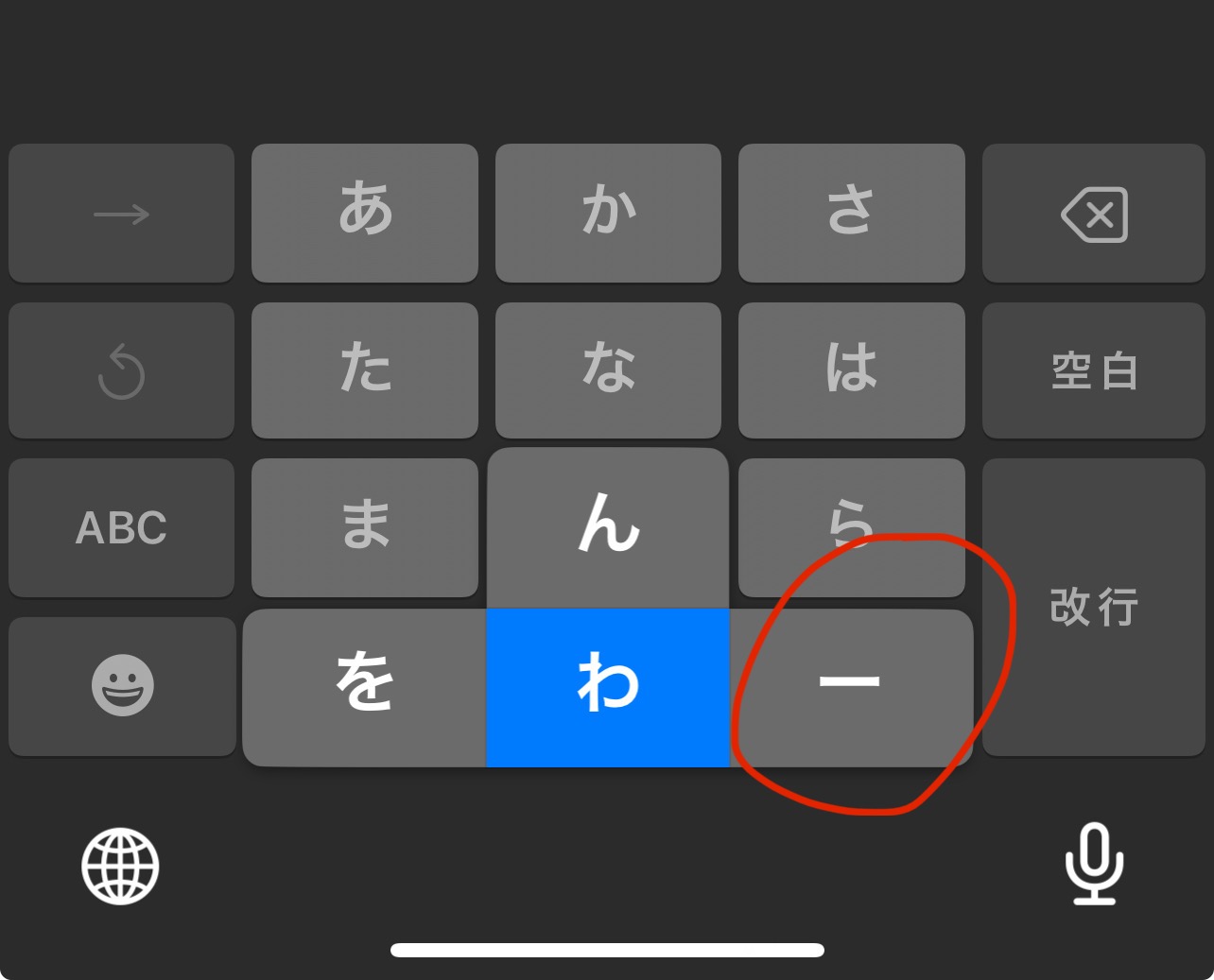
1 Like
I’m on android just using the standard keyboard. The dash works, weird, I’m sure I tried that, hmm.
Have you set up a Japanese keyboard on your iPhone? That would probably help if I do that. Thanks 
2 Likes
I don’t love using Japanese IME for Bunpro because the text prediction often gives away the answer, just FYI.
4 Likes