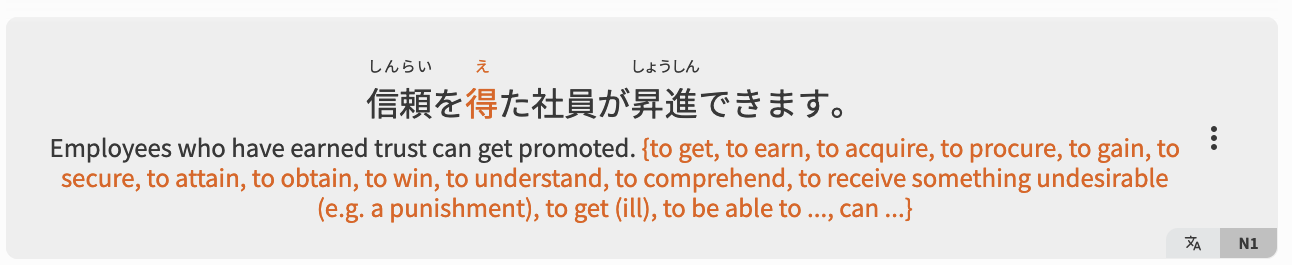
How do you use Curly braces vocab cards

Hello. I was wondering how different learners of Bunpro use the cards with curly braces. My apologies if this question/discussion was asked before.

Specifically, here are two examples:

and

They show up like this:
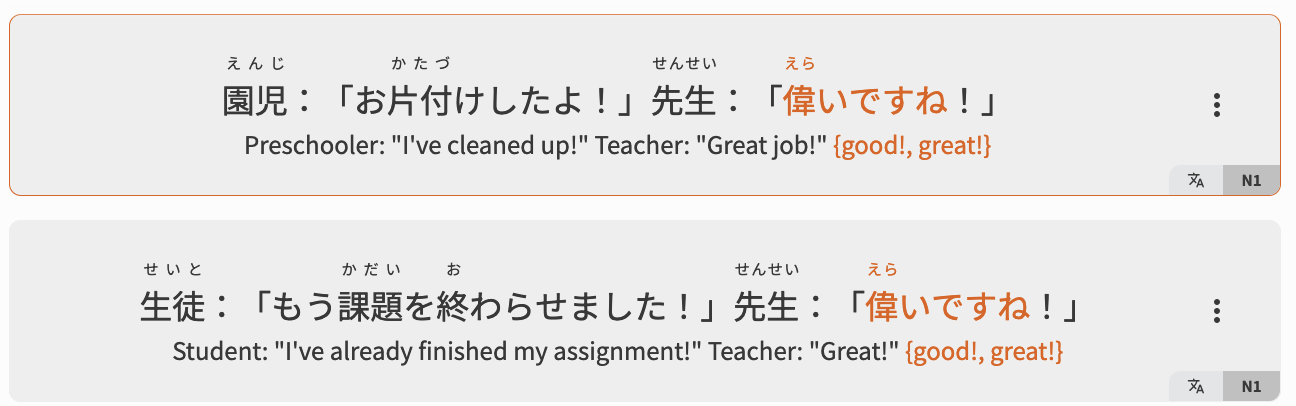

My hint default is set to show the translation, and with “える”, it’s quite easy for me to “guess” what the word is because I see “{to get, to earn, to acquire, etc.}” which is a long blob of text. I was wondering how people work around this given that the sentences don’t have the translated word marked.

The reason why I have these “N1 vocabs” is because they’re marked as common.

How does everyone set up their Vocab hint settings? what’s your reasoning behind it (what caused you to go in and change it?)

Thank you

2 Likes

These are sentences that are missing human translation checks (hover on the 文A icon in the bottom right of the sentence).

We have someone going through them and double checking the translations, and making sure they are 100% correct.
N1 is getting polished off at the moment.

You will slowly see those {target word} instances dissappear!

3 Likes

Thank you so much! That makes sense now.

お疲れ様です

1 Like

You’ve had to give this explanation so many times (which also means this confuses many people), I think it’d be good to have a little info icon with this explanation on those sentences.

1 Like

It was not until yesterday that I hovered above that icon to see what the alt text was. (I’ve seen the green checkmark before). I think a longer alt text explaining it better would save some digging, and maybe a color call-out too. “This translation is awaiting formatting and verification” would make it clear.

2 Likes