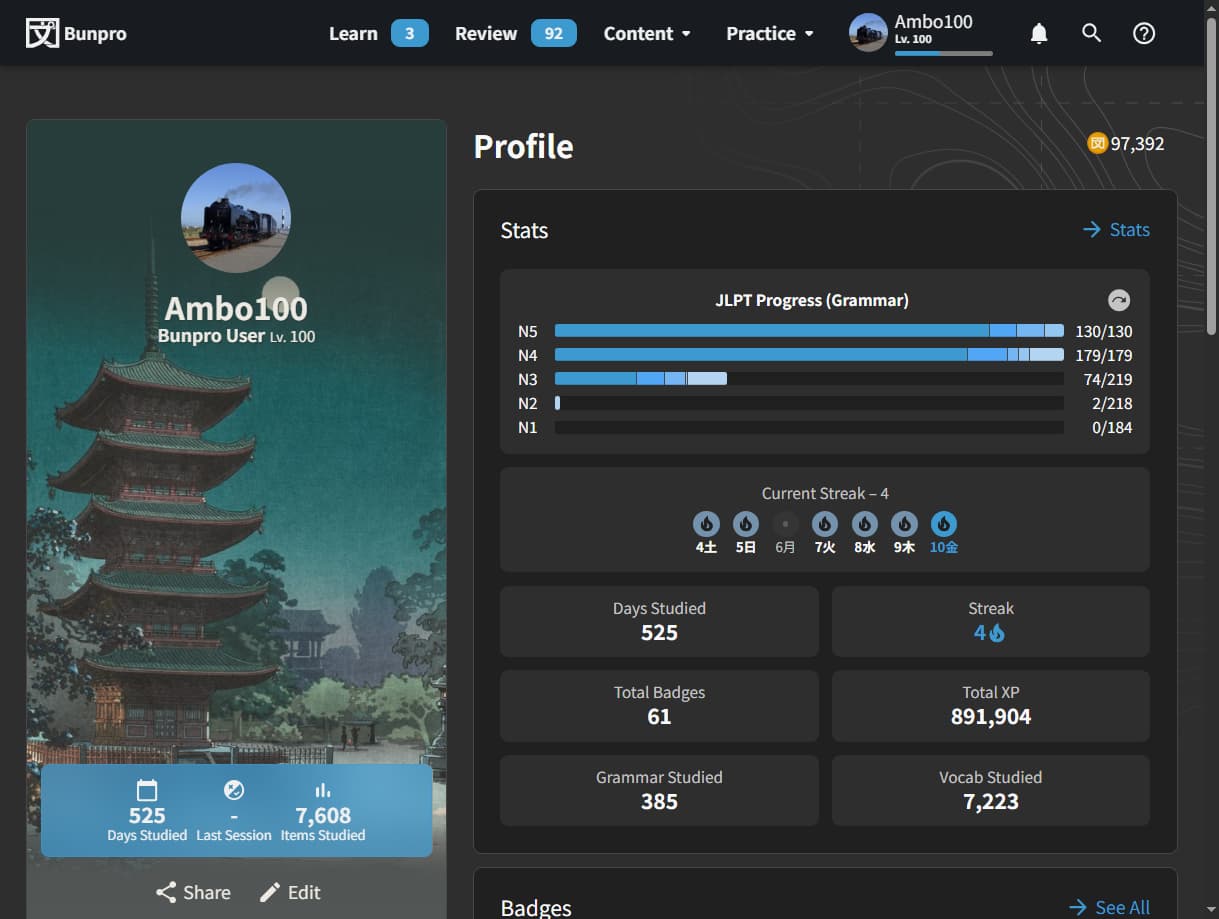
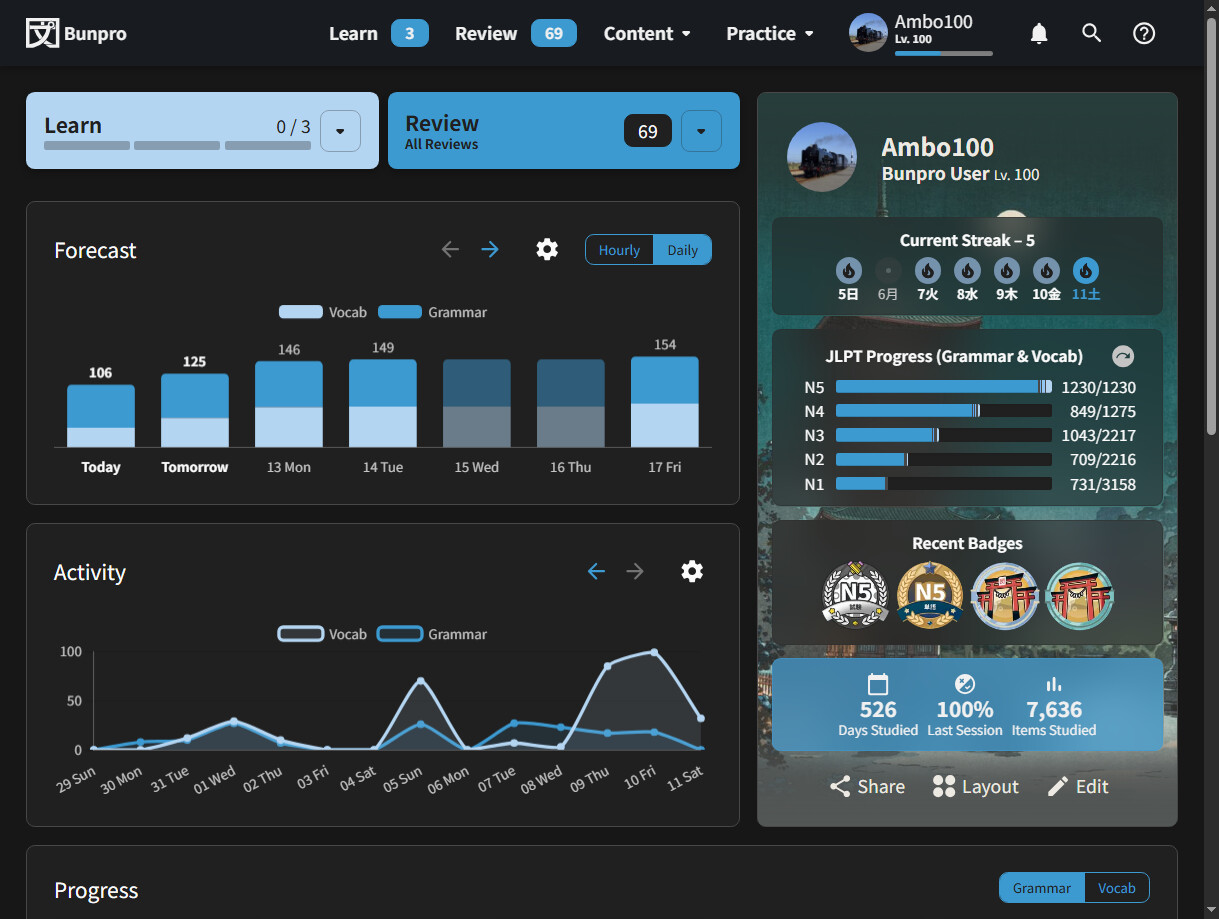
Can you show me what your Dashboard looks like if you’re not seeing this?
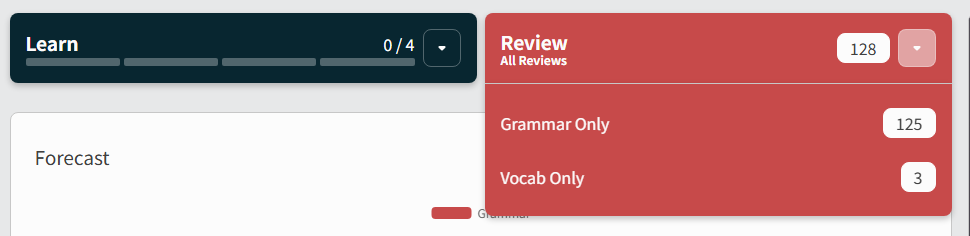
I’ll forward along your message to the devs and by Monday or so we can figure it out, sorry about that.

Can you show me what your Dashboard looks like if you’re not seeing this?
I’ll forward along your message to the devs and by Monday or so we can figure it out, sorry about that.
I don’t know if the dashboard is the same as profile but every page the menu bar looks like this.
Thank you, I appreciate it!
I did find on another thread a workaround was to use these links which I am using for now but it’s a bit inconvinient.
https://bunpro.jp/reviews?only_review=vocab
https://bunpro.jp/reviews?only_review=grammar
The Menu bar is supposed to be like that for every page, allows for quick Total Review sessions. Your Dashboard should be where the Review button has a drop-down button that when clicked shows you the screenshot I have above.
Can you go to your Dashboard and take a screenshot of what you see there please?
I couldn’t find the dashboard anywhere. I found a link to it on this topic.
It took me a while to figure out that I have to enable the dashboard as the start page from settings. I haven’t studied in a few years so I must have changed it some time ago?
It looks fine now thank you!
I forgot we even had this as a setting to be honest, yeah probably must have changed it awhile ago and forgot. The Dashboard is just the default state that users see when they visit bunpro.jp (unless they changed it in Settings) - hitting the ‘Bunpro’ word in the top left of your screenshot also takes you back to Dashboard (along with a button inside Summary after you finish Reviews.) Glad you got it all sorted though, happy studying!