Is there a cram limit?

I’ve noticed that Bunpro isn’t giving me as many questions as I request in my cramming sessions. Let’s say I have six vocabulary items I want to cram. If I select those words, and then set the cram session to show me five sentences for each of those words, it should give me 30 questions.

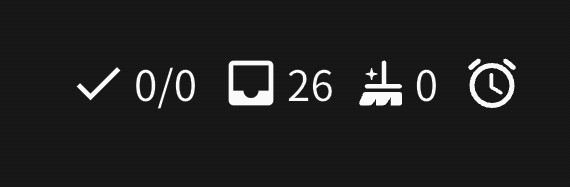
Just now, I started a cram session that’s supposed to have 30 questions, but it only has 24. In the top right, next to the broom icon, there’s also an alarm clock icon. My normal reviews don’t seem to have any such limit.

2 Likes

Of those 6 vocab items you’ve selected, are any of them ones you haven’t actually studied yet inside Bunpro?

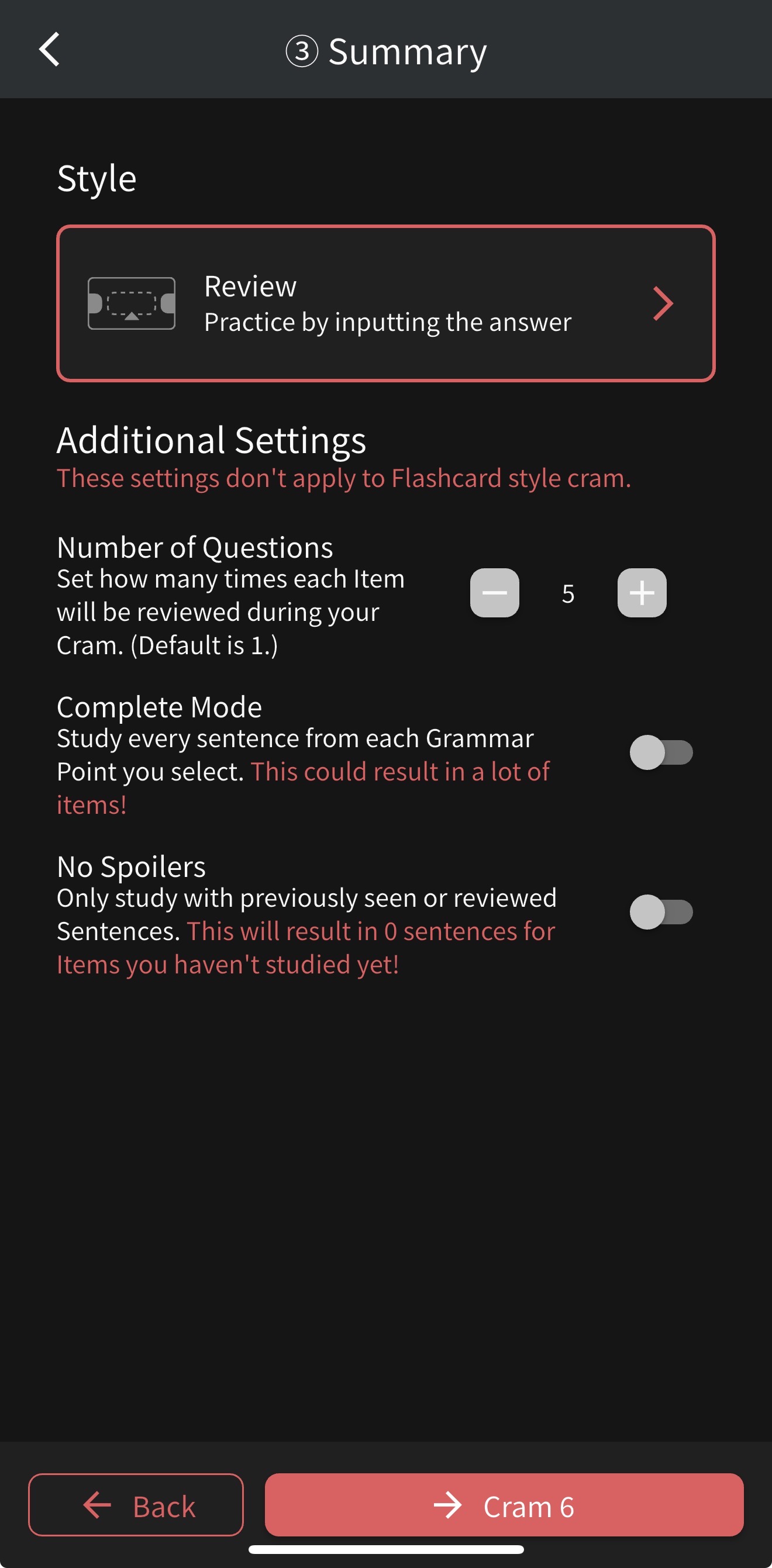
The culprit could be this setting, which is not showing you the one you haven’t studied previously:

If that’s not the case, can you send me a screenshot of the cram settings + cram type (+ items in question, if you want) that you’re trying to Cram? Would help better figure out what’s going wrong potentially.

2 Likes

IMG_3864

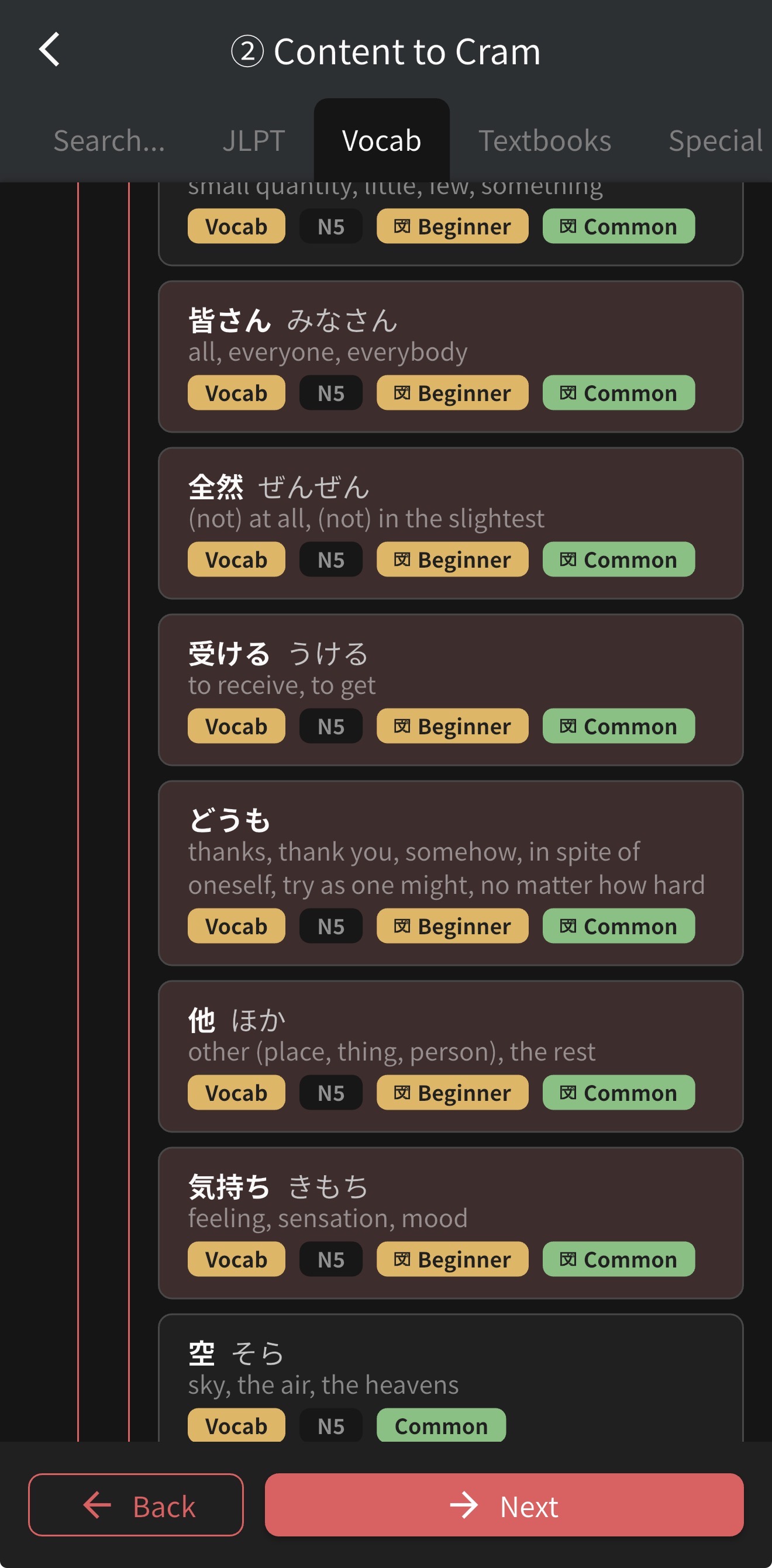
These are the settings I use and some example items, but it seems to happen with any vocabulary I have tried. I believe all of these vocab items have at least 10 sentences each. The number of questions I get also seems to vary. You can also see the clock icon that I haven’t seen before.

Just tested it myself on mobile, there seems to be an issue with how the App is calculating the number of questions currently. I’ve forwarded this onto the mobile dev and they’ll respond here when it’s all sorted and ready to get pushed for the next update.

Sorry about that! For the time being you can use our Desktop site or your browser on your phone to do the Cram session if you want to.

@Trevathan
Hey, while the vocabs you selected have enough sentences, not all of those sentences are crammable, because they do not have all of necessaryd data.

So the system takes up to 5, instead of exactly 5, which results in less study questions then it should have been.

As for the clock icon, this is a new icon we use to distinguish cram session from normal review session.

Sorry for the inconvenience,
Dominik from Bunpro

Thank you both! I appreciate the help.

3 Likes