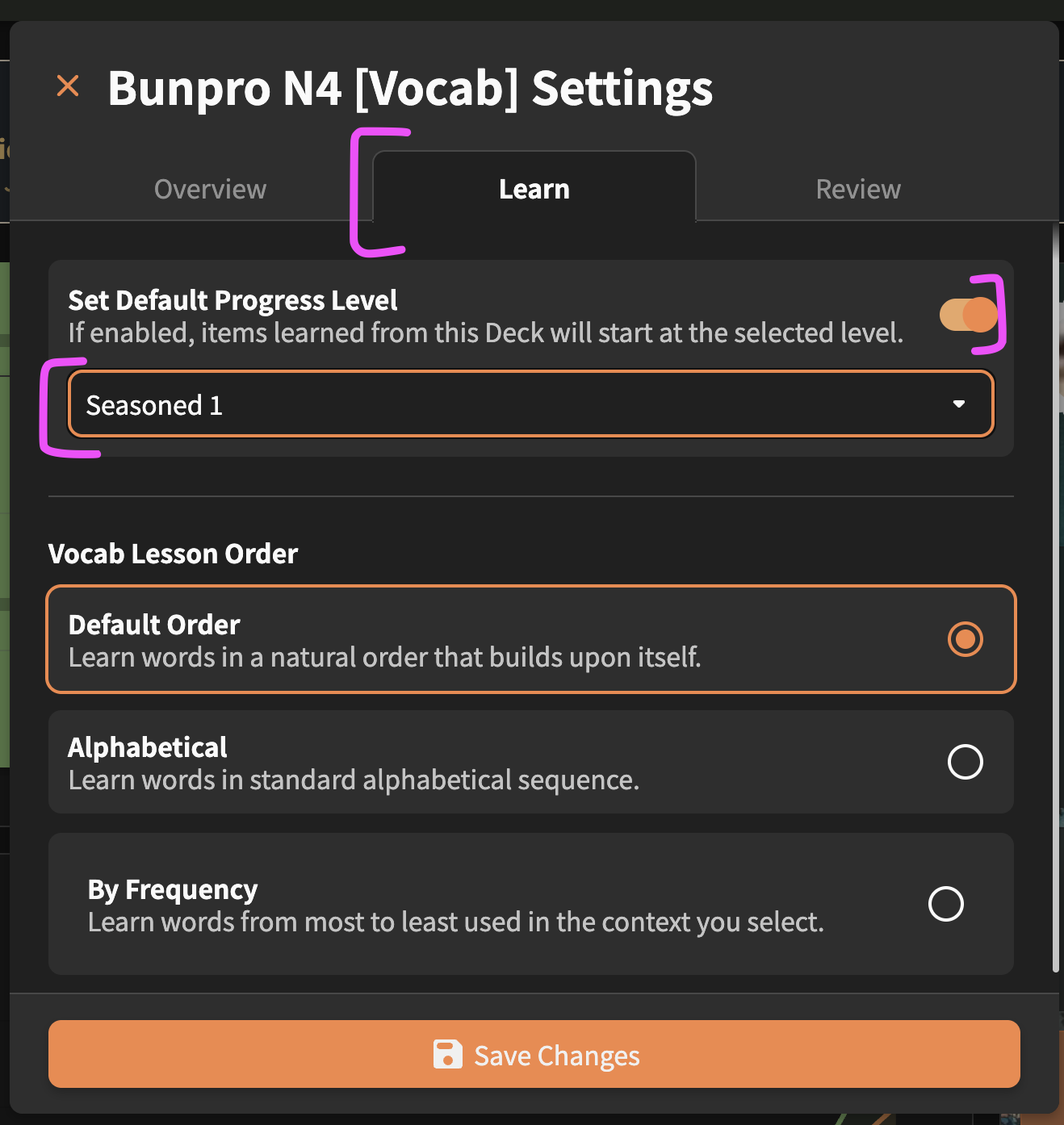
Is there a way to adjust an item's Stage during Learn?

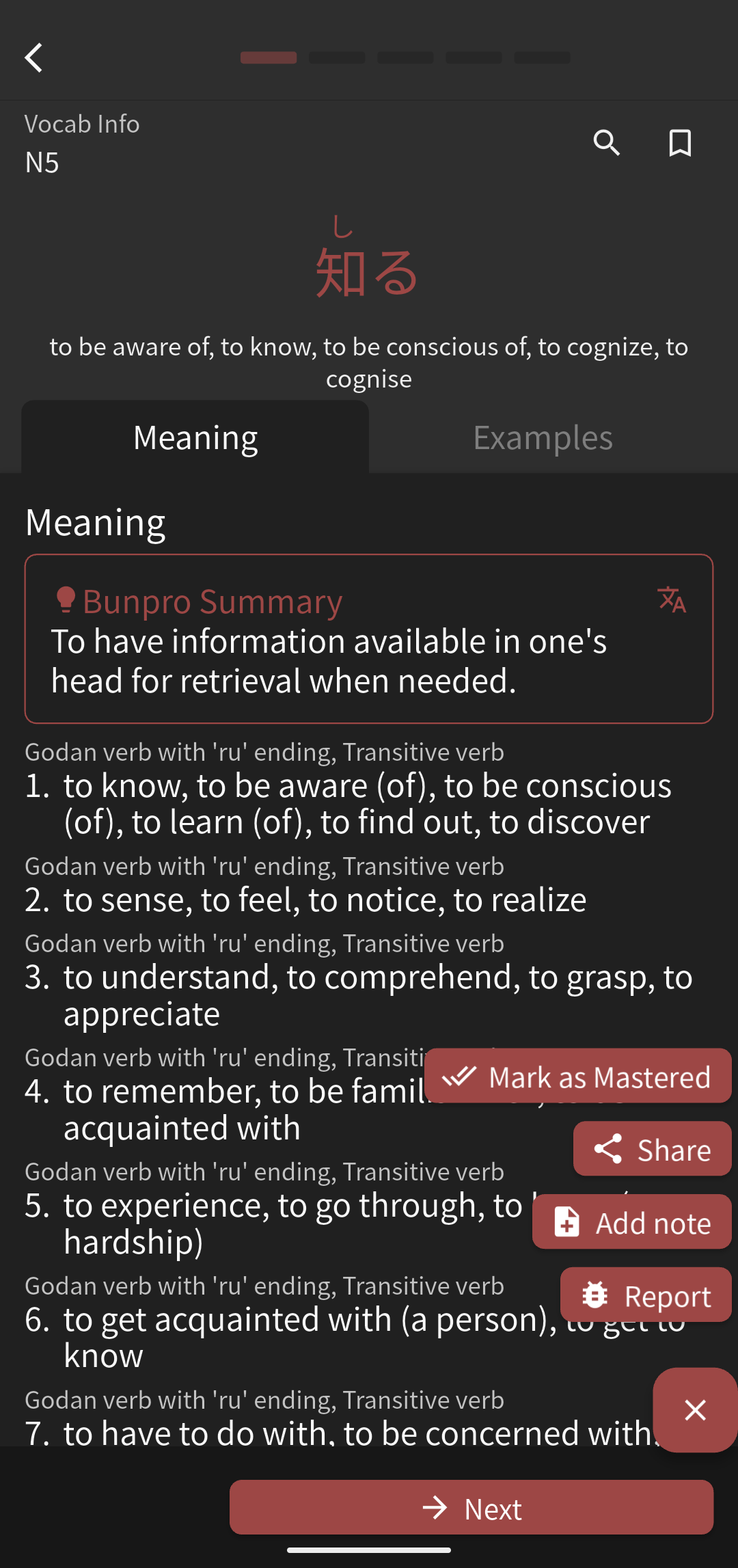
There are some words I’ll know in a vocabulary deck that I haven’t mastered, but I at least know and don’t want to count as “new” for my daily goal. I’ve seen mentions of shortcut keys to mark items as Mastered, but most of the words I still want to review, I just don’t want them to count as “new”. I also use the app pretty much exclusively, so I can’t use the shortcut keys.

I know Renshuu will let you mark items as known during new lessons and then will automatically give you a new card if you mark it at the beginning of the lesson batch. We already have the Progress bar on individual vocab, I’m just not sure how difficult that would be to integrate into the Lesson function to modify during the Lesson batch screen - or if it already exists and I just don’t know how to do it

1 Like

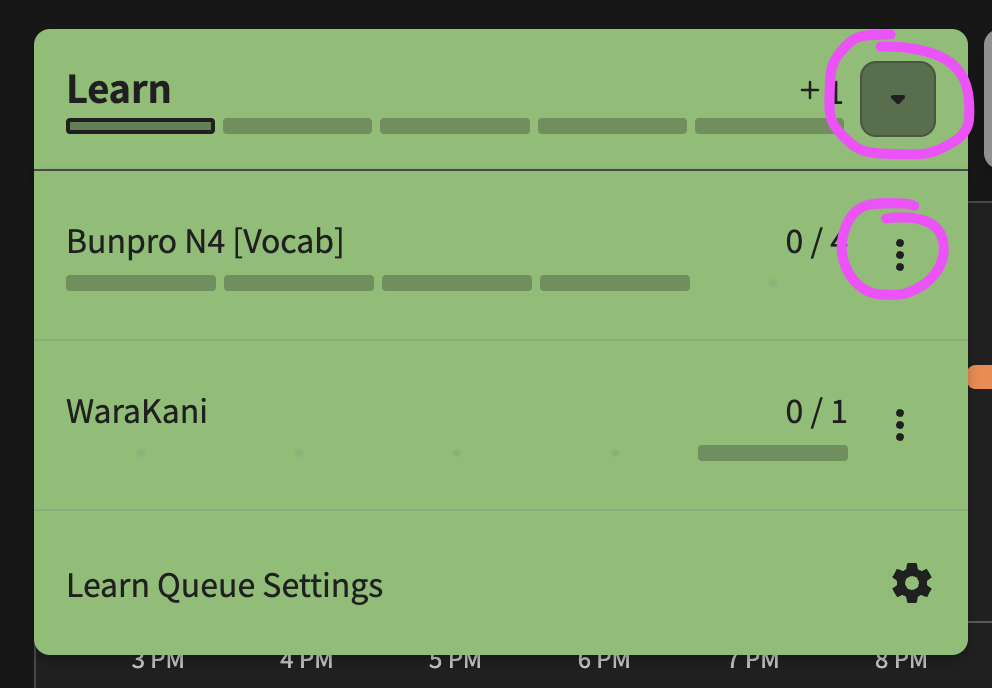
There is no way to do it in the actual lesson as far as I can tell. Perhaps @veritas_nz knows better in this regard or could add the option to set the SRS level directly in lessons instead of just the mark as mastered option.

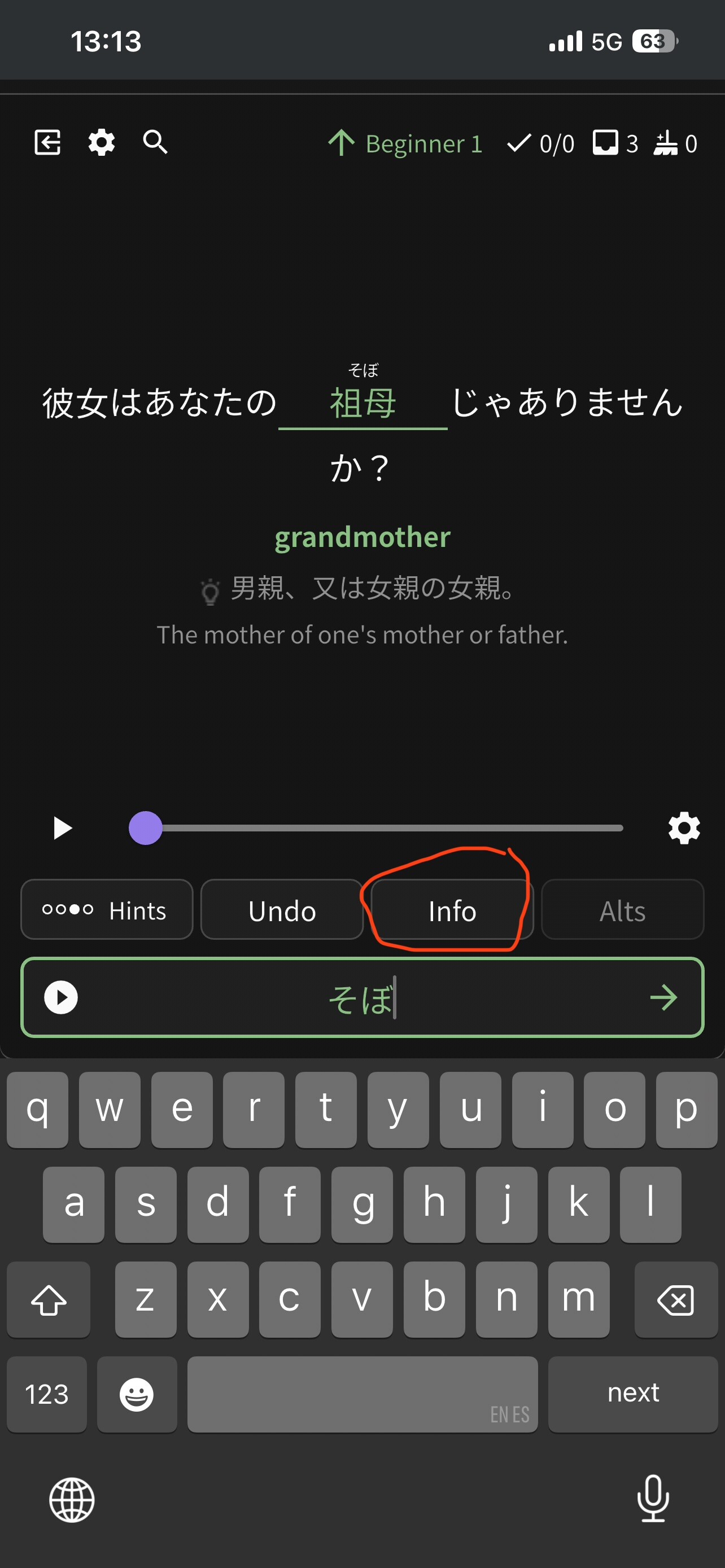
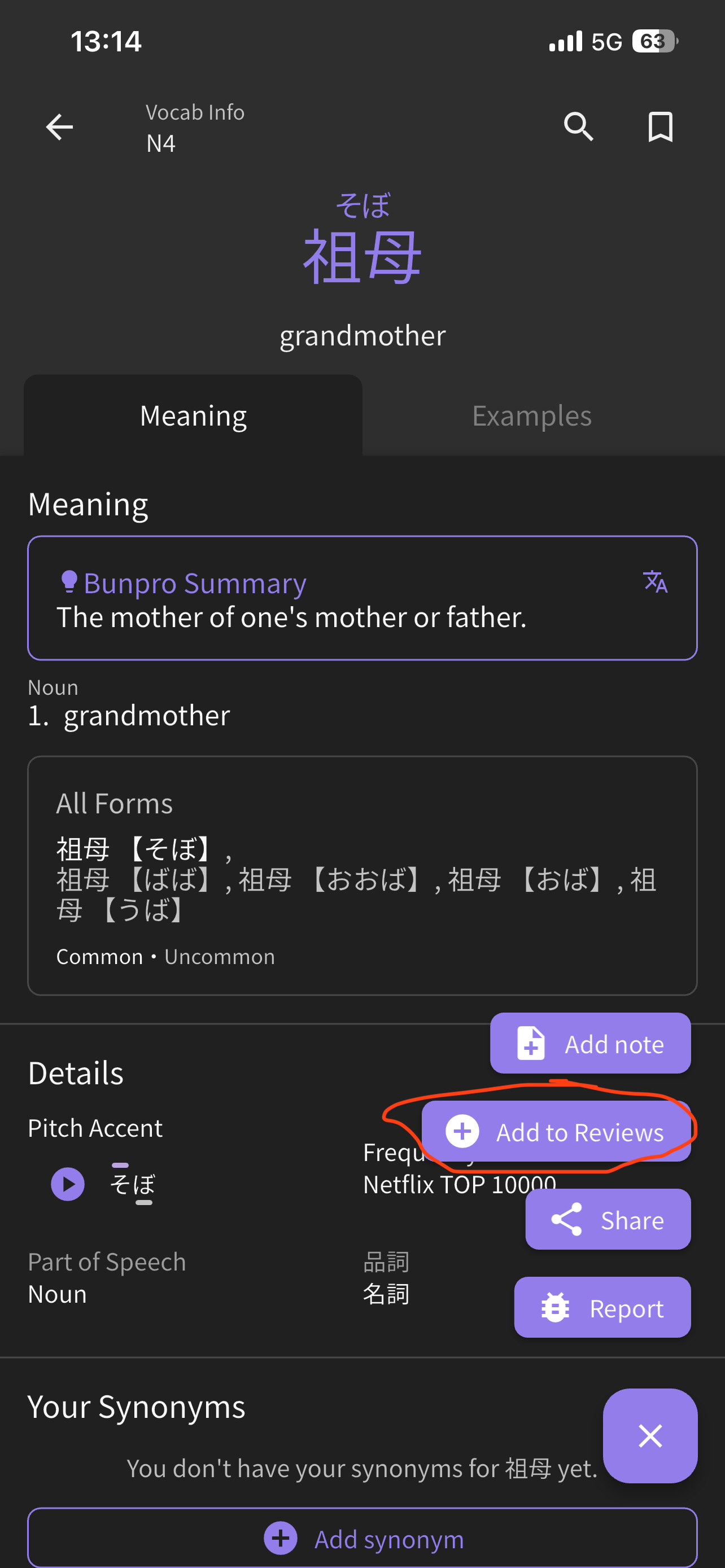
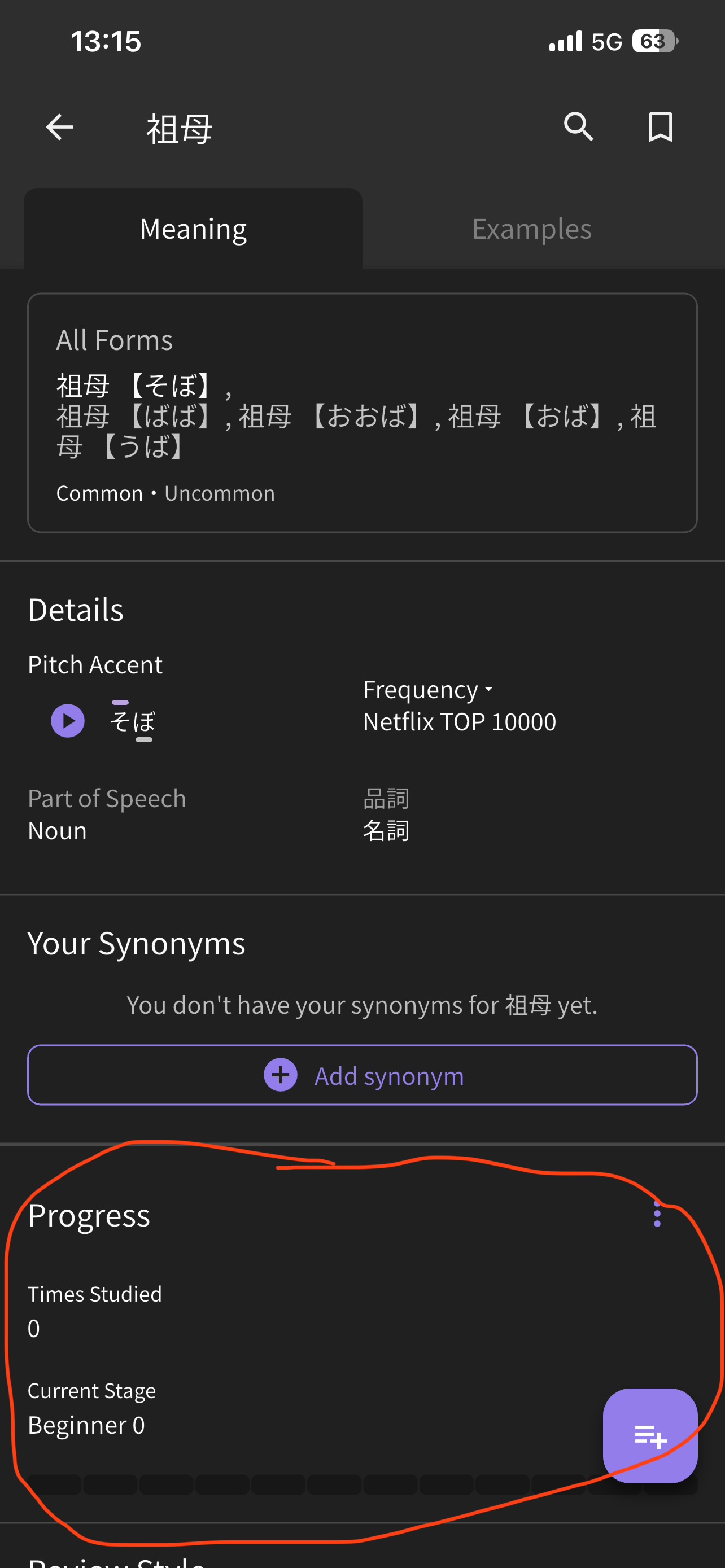
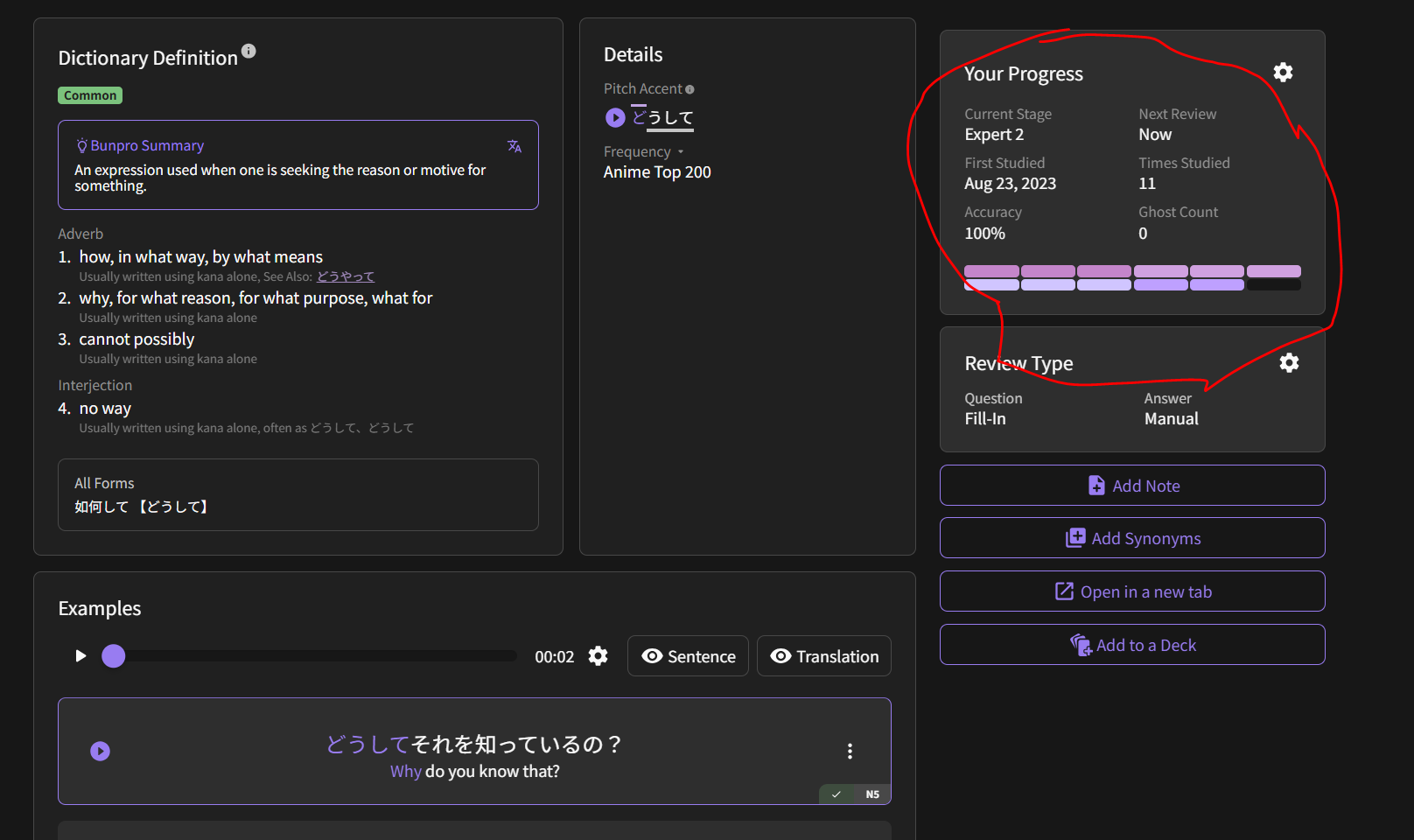
However, after an item has been added to your reviews you can open its page either from the deck or just open the info for the item when you see it in reviews (shortcut f on keyboard, or just selecting the info button on the app/mobile) and you will see this option on the right hand side where you can directly adjust the SRS level. Until the option is added to lessons this should work albeit a bit tedious.

edit- scratch that, at the review portion at the end of the lesson, you can open the information for the item in the same way mentioned before and then you can select the option to add the item to your reviews found in the first screenshot. That should then let you directly modify the SRS level for each of the items from the lesson.