
Hi laaaads
I reset all my decks up to N2 and restarting again!
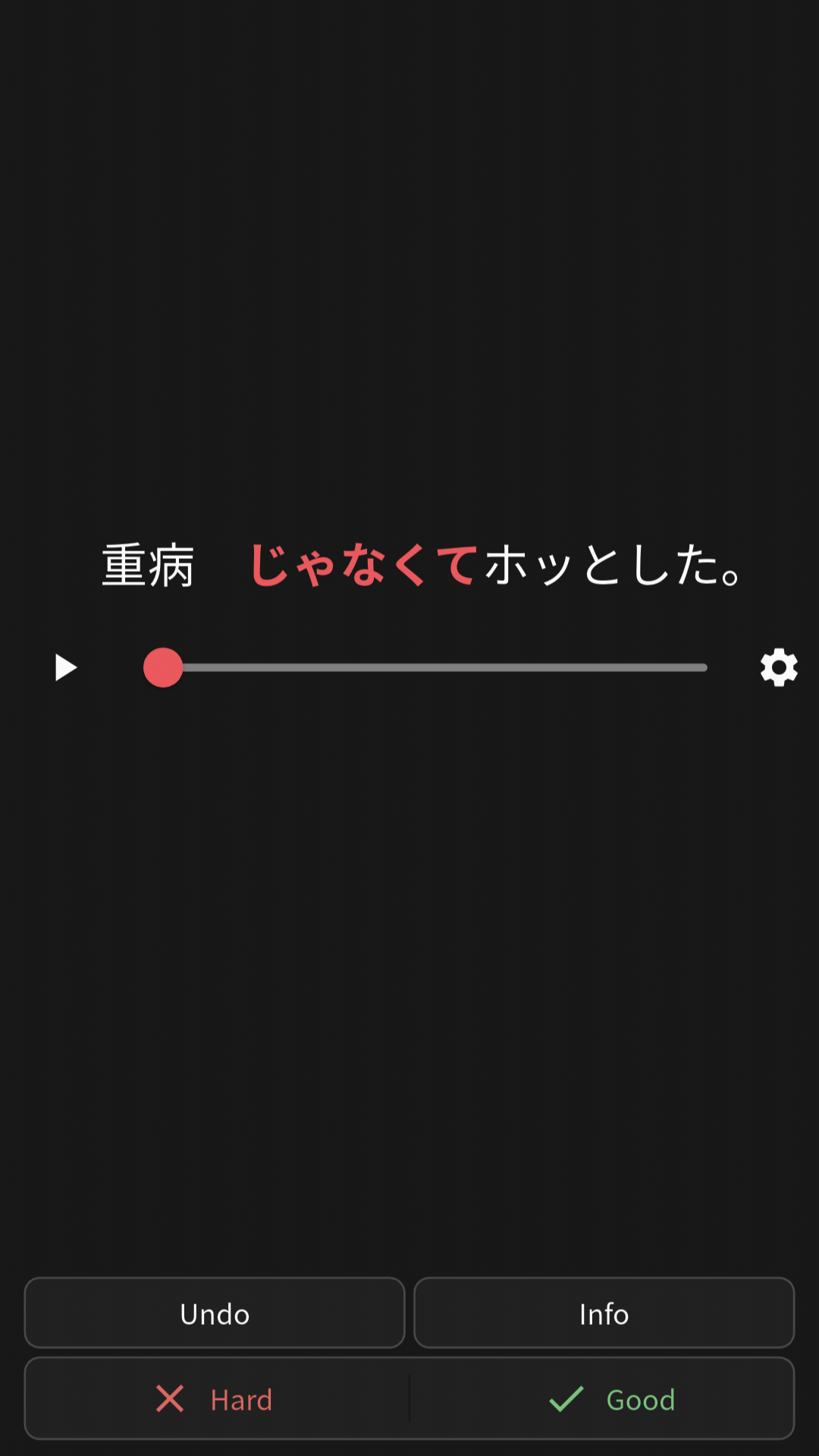
I’d like to do all the decks again in listening mode,
I love it but I don’t understand why it isn’t showing the translation. I took a look at the settings but couldn’t find anything related.
Thanks,
3 Likes
Hi, how do you enable this feature? Is it possible to have a previously finished deck to be in this “listening mode”?
1 Like
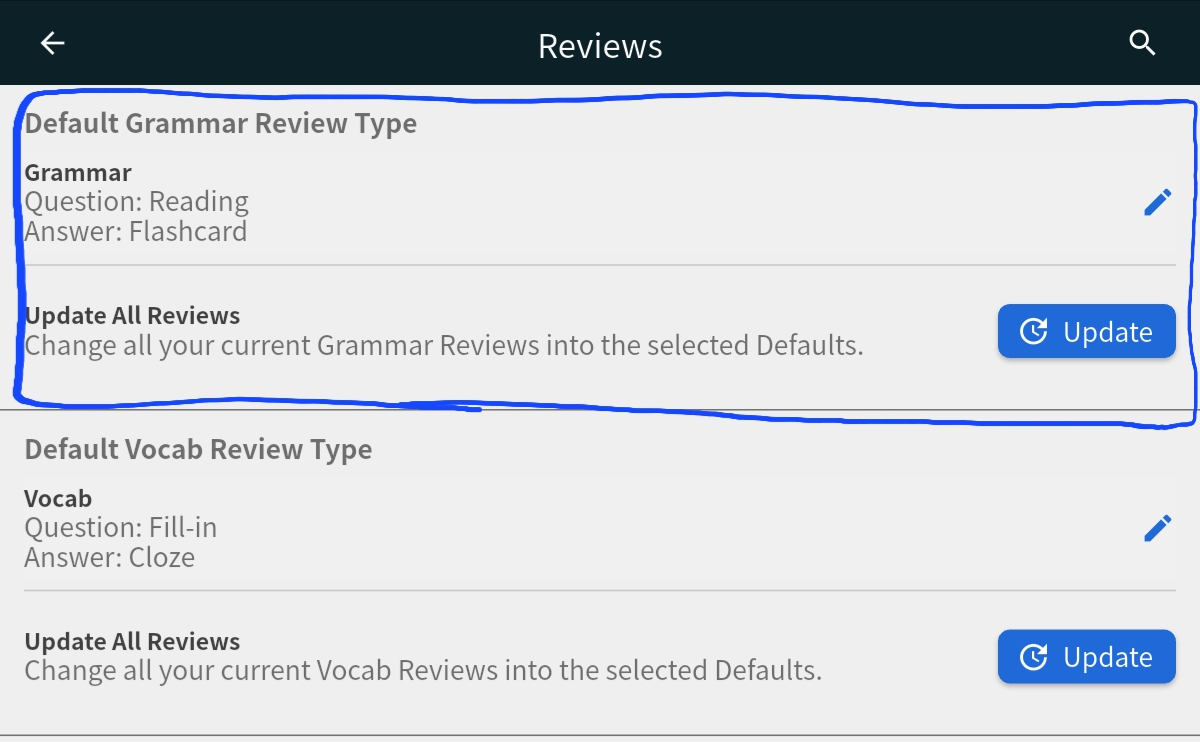
You need to go in settings, click on the 3 lines the topleft of the main menu, then the little cog right of the bunpro name.
Then in this setting menu, click on the third button called “review” and it should be the first option on the page, it might be set as fill in by default.
I guess it isnt possible to make the translation visible?
I cannot even select text from the screen, how am I supposed to translate that 
I just did a quick cram session to test this, and on my machine, if I expand the hints, it shows the translation. So for me, pressing spacebar once shows the individual word, and pressing it twice shows the complete translation of the sentence.
1 Like
Oh that’s great to know, thanks for testing for me!
I’m using the app on my tablet, I don’t see any buttons to turn on the hints.
I will take another look into the settings, unless the app version doesn’t show the hints in listening mode.
Hmm, it seems you’re right, at least as far as I can tell. I just opened up the android app on my phone and I can’t figure out how to show the hints for the listening reviews either.
1 Like
Yeah quite frustrating!
It works on the browser but not on the app.
