Thanks for the suggestions. I’ll take a look that.
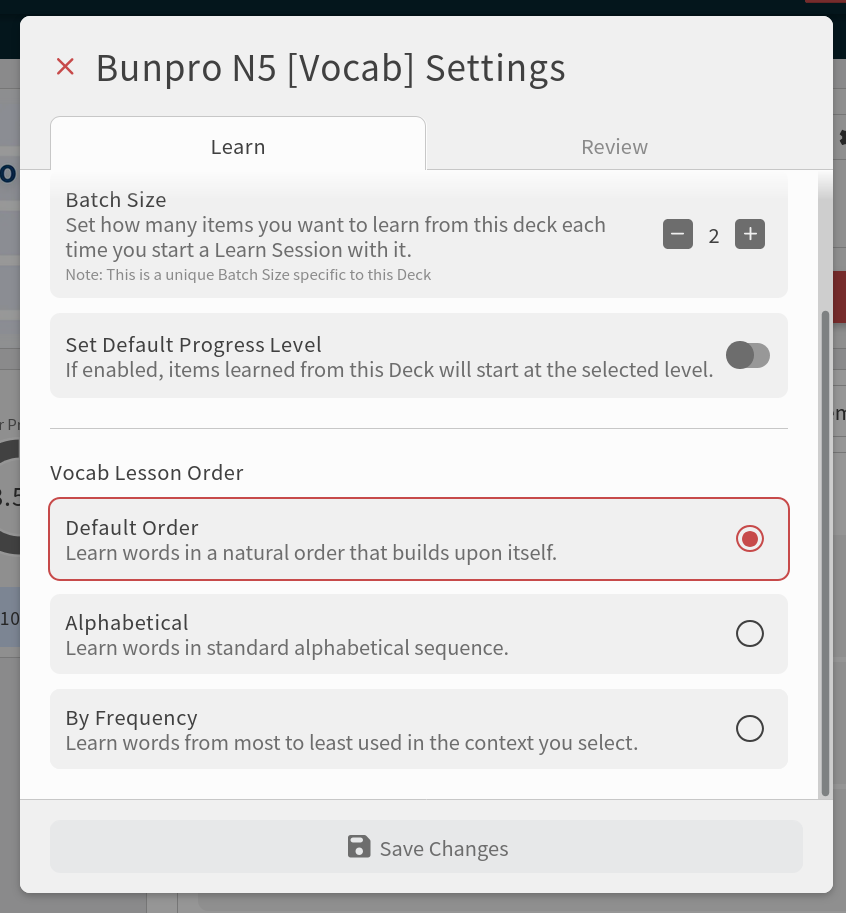
About sorting, you can set the Lesson Order in the Deck Settings and the list will follow that. It’s only available in Decks with Vocabs.

Thanks for the suggestions. I’ll take a look that.
About sorting, you can set the Lesson Order in the Deck Settings and the list will follow that. It’s only available in Decks with Vocabs.
After using the redesigned Decks page for a few days, I have some more feedback. Overall, still like it, but a bit of a pain point for me is the ordering of elements on the page.
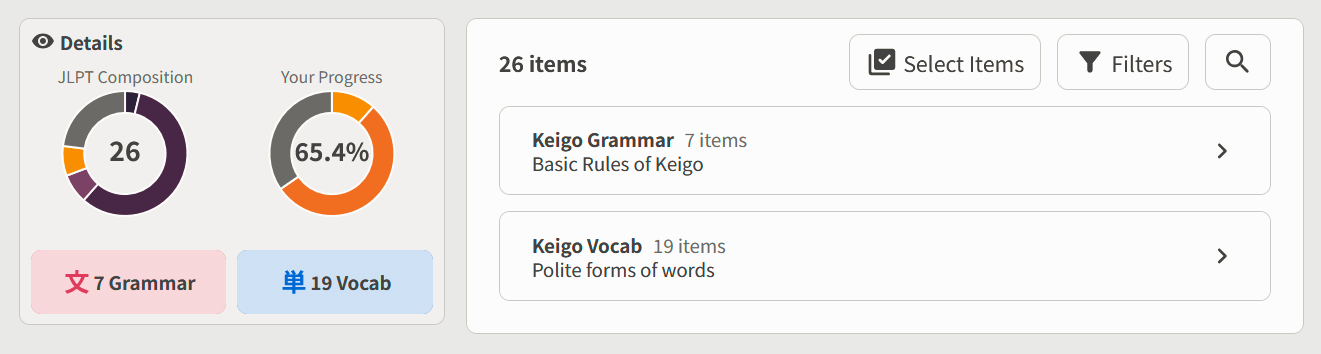
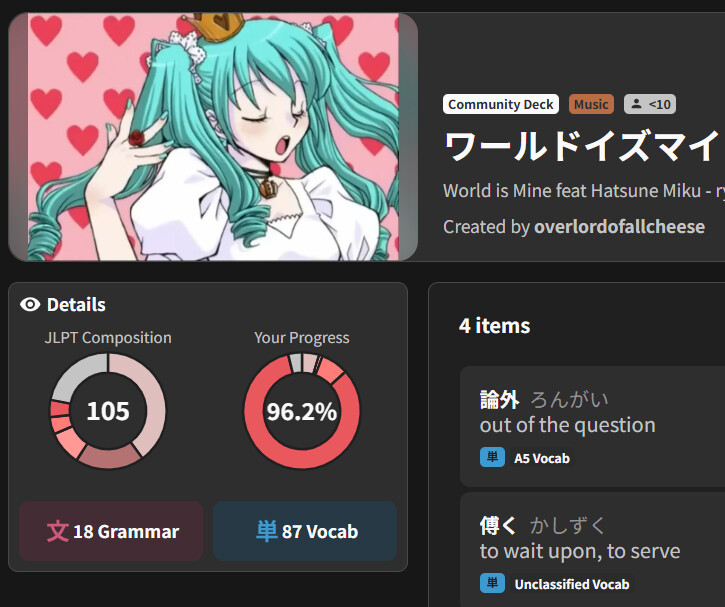
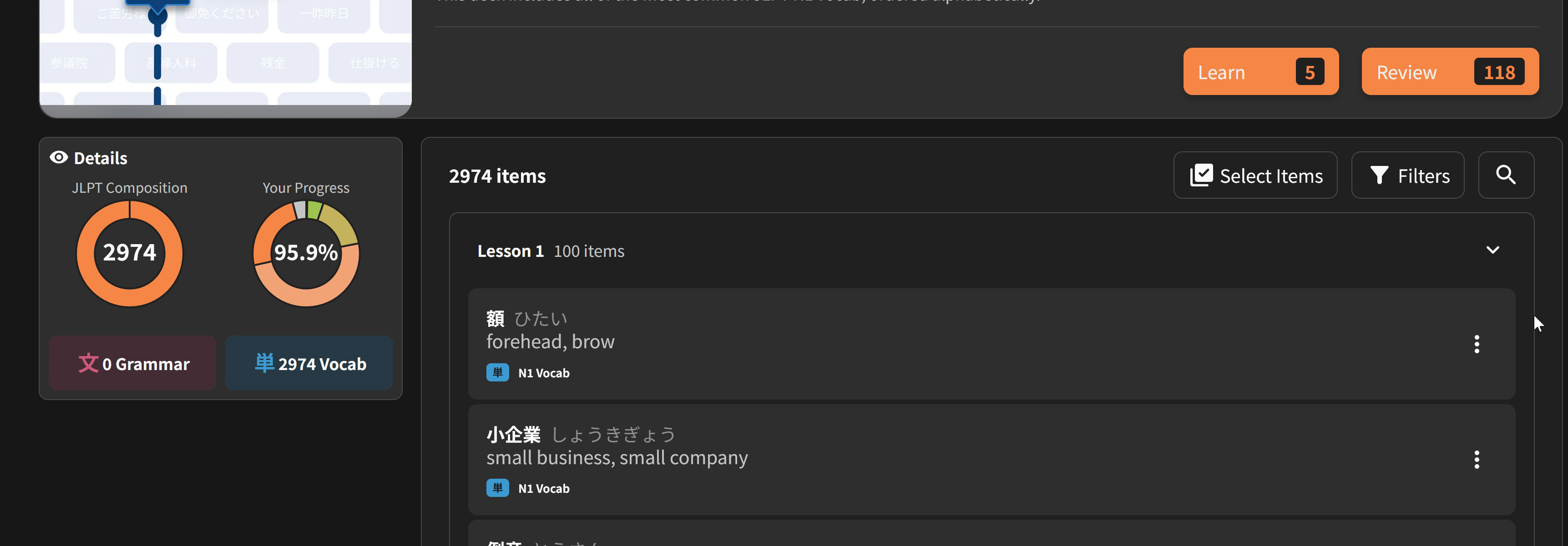
Specifically, I find it a bit annoying how the Details section is to the left of the Items section. Typically, users read content from left to right, top to bottom, so it makes more sense to have the items be the first section on this page so that people can more quickly access/see their Items, which is probably the main thing people are coming to the Deck page to see:
Pushing the Details section to the right of the Items section would also better align it with the styling of Grammar/Vocab pages, which have the Example sentences and explanations as the leftmost section and additional details/actions to the right:
Speaking of Details, this is less of a priority if the above feedback is addressed, but I’m a bit surprised that this info wasn’t condensed into the header section. Seems like there is a lot of unused white space there where this info could have been merged into.
Anyway, thanks for taking the time to read!
I have no idea how I just learned about this after using Bunpro for over a year.
A select all or a way to just immediately do a knowledge check for a certain filter group would be nice.
As for most people know, the biggest current problem with community decks is that they don t just feature sterile textbook japanese, but often stained native japanese content .
With that, alot of the words are not included in the N bracket which will leave them mostly without example sentence. It will practically mean that for alot of these words you will just have the word as a single standalone flashcard.
A word advanced enough not to be included in the N bracket without a sentence for nuance is quite detrimental, since alot of advanced words have a very specific way of meaning and usage.
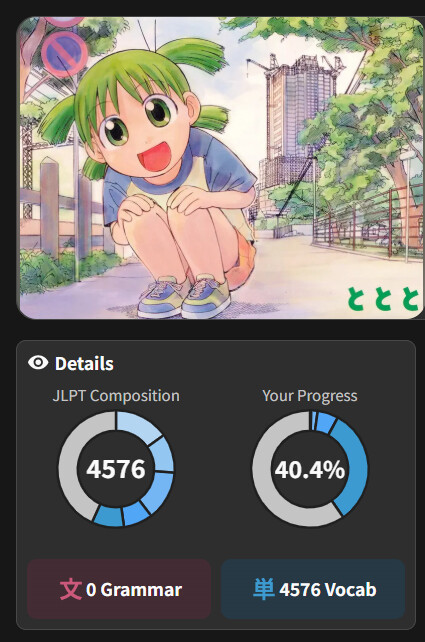
Even よつばと!has quite a high amount of these words.(grey on the left)
With this in mind, my question :
will we get the option to add Self study sentence public to the decks we created? I would like to add the sentences appearing in my game to the deck, but doing this chore would never be worth the time-investment if it would be only for me.
I am convinced that this change would elevate the underused tools of the selfstudy-sentences aswell as private decks.
I have missed exactly this feature in the past as well.
Items in the new decks layout no longer have marks to show SRS level. Sections no longer are marked as complete or partially complete. Filtering by “new items” doesn’t show sections (noted in my previous post) so there’s no longer a way to browse upcoming, unknown items by section.
@hx9
Thanks for the feedback.
Can you tell us more about your use-case?
We show the contents as a flat list when the filters are applied because many sections could become empty after the content is filtered. For most users, navigating through the sections would be just an extra step in their way finding the content they’re looking for.
Knowing better how this is important to you will help us find a solution.
Instead of showing the raw SRS level number, it shows within the Beginner, Adept, Seasoned, Expert or Master level groups.
For example, SRS 5 will be Adept 2.
Old:
New:
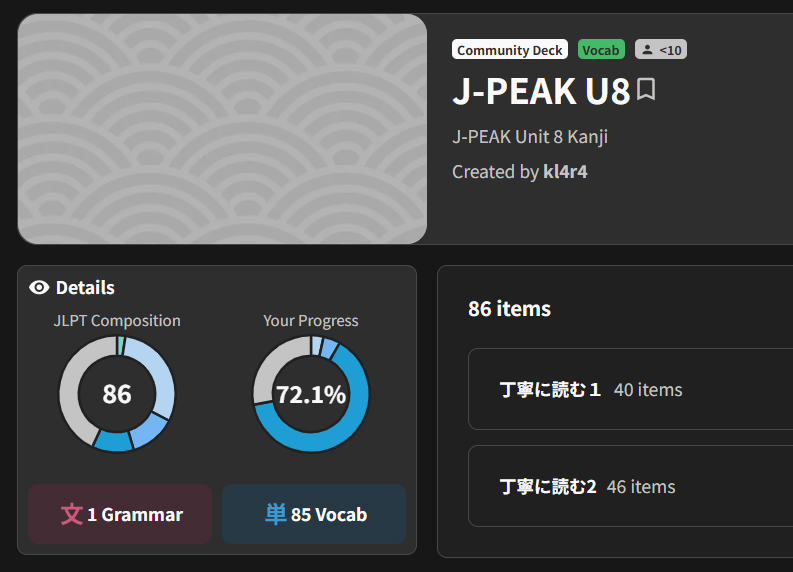
Is the whole page showing in the wrong accent or just the donut graphs?
Not seeing SRS levels on my end. Both of these vocab are in my queue.
Use case relates to when I was studying grammar but would apply to any deck that has logical sections (e.g. chapters in a book). the idea is, I want to review how far I have to go in a particular section. This mainly would apply to the filter “New To Me”.
For grammar study, I’d scroll past the completed units, see the icon for an incomplete or partially complete unit and then review what was left. Sometimes I would change how many I’d study that day based on section barriers.
I like the new Beta. Especially the option to filter and multi select items that I have learned. Is there/will there be a way to export selected items to text/csv?
I am mainly interested in the header of each item, not the entire card.
Thanks!
Seems to be just the graphs, and they seem to load as intended after trying again 
Oh, I see. That’s a bug. I’ll work on a fix for that.
I’ll also take your use case to the team and discuss some possible solutions. Thanks!
We just updated the page covering some of the comments you all gave. Thanks everyone!
Other suggestions might take a little longer to implement. But none are ignored. Please keep them coming.
Just a thought: A “select all” button might be useful when the result of filtering is a huge list.
For me this is not a problem now as I can just select the first item and shift-click on the last, but I am new here. For people with thousands of items a “select all” might work better.
Also, the rationale for my previous request to export selected items: I am a noob and struggle to find extremely curated listening/reading exercises other than the ones here on Bunpro.
So what I did is I exported a list of all my studied items, pasted it in chatgpt, and asked it to make up sentences or a story exclusively using those items.
Not ideal, I know, but at this early stage I struggle to find options.
Thank you for listening.
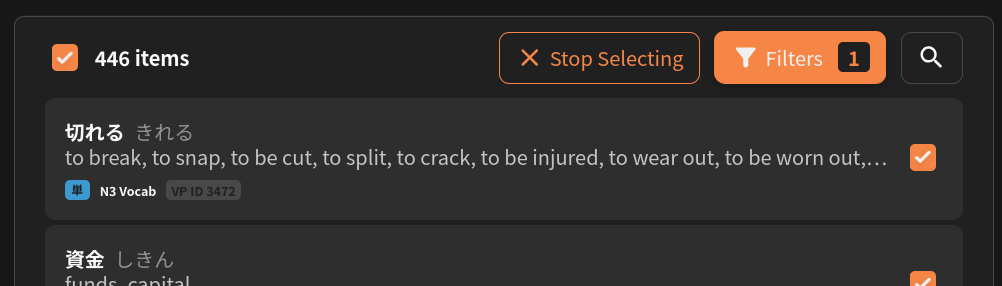
The update released today does include a way to select all items. Once you press the Select Items button, a checkbox will appear next to the count of total items at the left. Checking that box will select all the available items.
And noted on the export use case. That’s a creative way to get more practice material, though it’s not on our roadmap at the moment.
Thank you for getting back to me.
Minor correction: I didn’t export the items, as there is no way from the deck page. I just copied and pasted the text
I love this update - however, for the textbook decks, if I had at least started all the content for a particular chapter, the chapter bar displayed a BunPro symbol. This helped me to quickly know which chapters still had items to be reviewed. Would you be able to put that feature back in?
Thank you.