
Would love to try this out, but it’s not showing in my phone.
3 Likes
As for the Android and iOS apps - the feature is missing now, but we will make sure to add it as fast as possible 
7 Likes
No worries, i can wait. Keep up the amazing work guys.
5 Likes
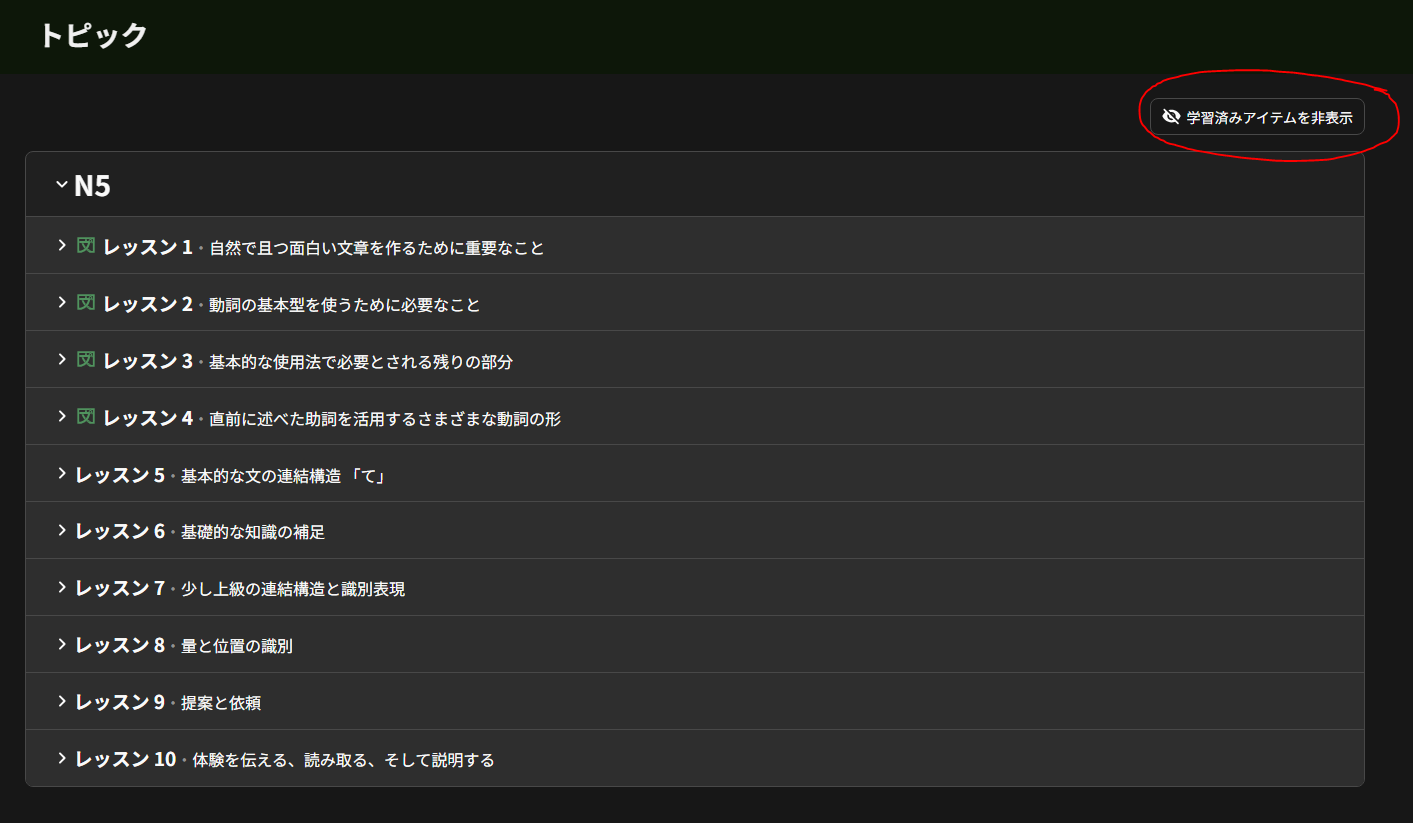
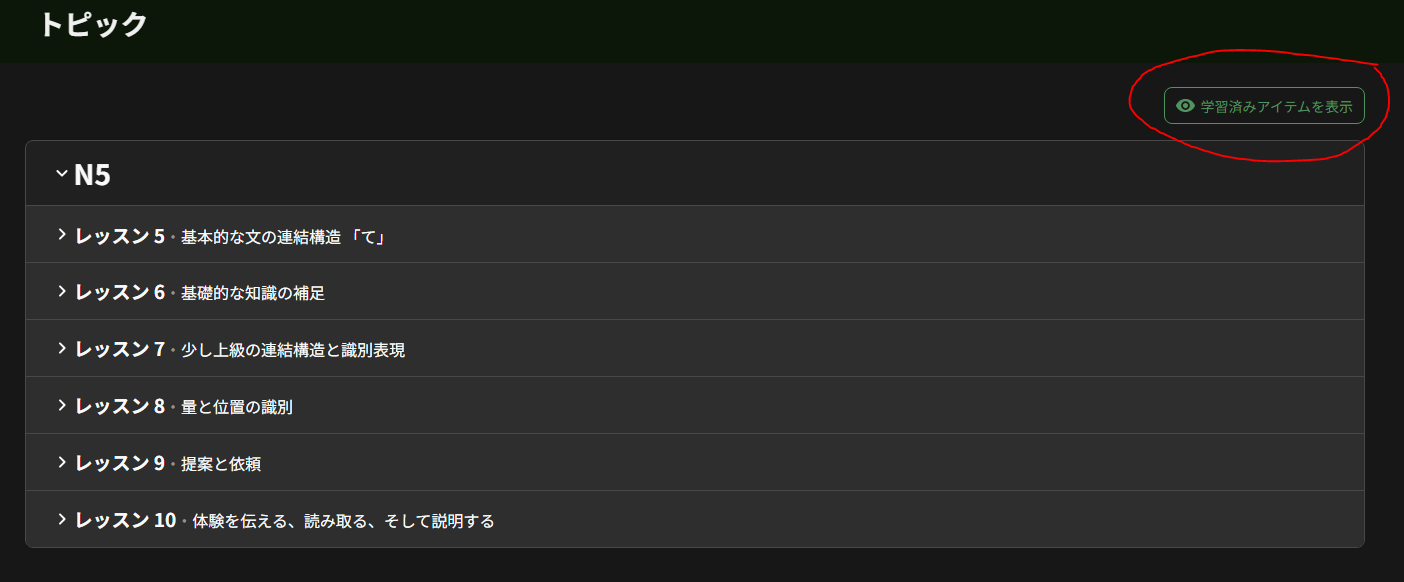
Hello! This should be added now. There is now an option to hide/show Topics which have been marked as completed.
7 Likes
Seems like a great addition. Bunpro just keeps getting better 
5 Likes
That was fast <3
3 Likes
I’ve been doing the Topics sporadically when I’ve got a little bit of downtime and I’ve already reached my daily goal and I’m enjoying them super much. The writing style is just really inviting. Even though I’m otherwise working on N2 material. Really can’t wait for N4~N1 Topics to come out.
7 Likes


Same here on Android. App fully up-to-date.
2 Likes
Also not on my Android just yet, I thought it was just me
1 Like
re: “must do” variations:
who knew that “Becky” would save us from having to say the mouthfuls like なくてはならない / なくてはいけない 
2 Likes
Proceeding with my own reviews and because my logical brain likes spreadsheets to find patterns, I came up with this: 
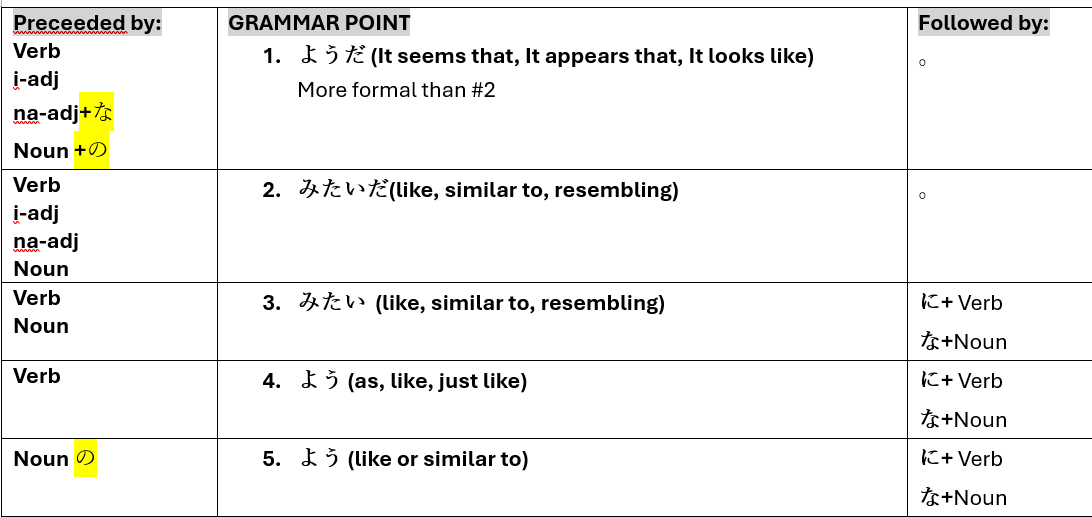
While this one is possibly a year old:
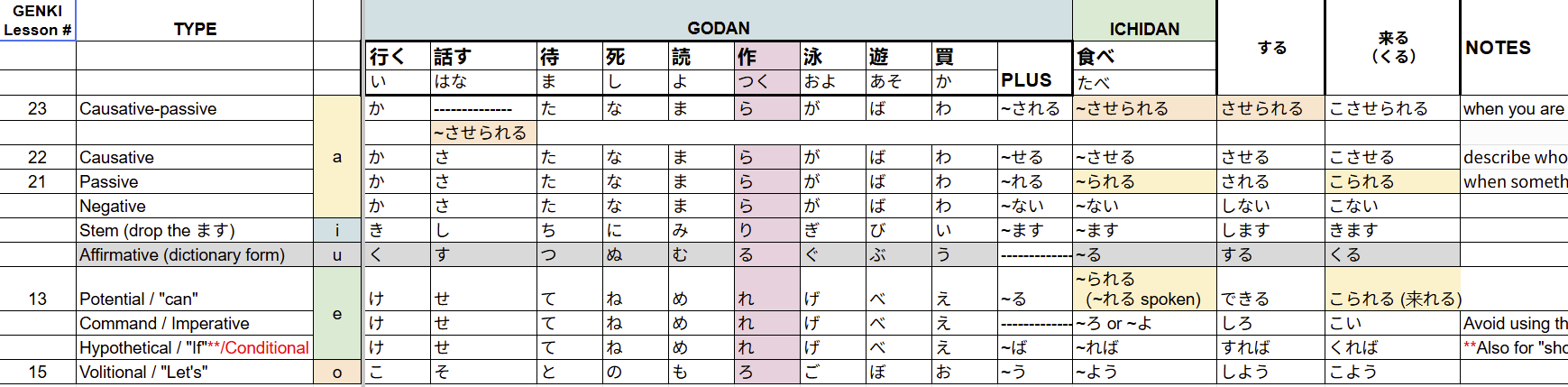
4 Likes
For dumdumbs like me: you need not wait on Android!
The mobile-webapp has topics already 
Grammar studies going portable, baby  !
!
4 Likes
I still can’t see the Topics feature in the Android app (which I have fully up-to-date). Do I need to install the beta version of the app or something? What am I missing?
(On a separate and similar topic, I also don’t see the new Cram options, even after enabling “Bunpro Beta” in settings.)
2 Likes
It’s currently still being built!
The web version has stabilized so we’re moving onto the next steps – translating and adding to the apps
4 Likes
Got it! Thanks.
2 Likes
Just wanted to chime in with how useful this is for me. I’ve been feeling really demoralized with my progress lately and it’s been really nice to go back to the basics and reinforce my foundations. Looking forward to seeing how this evolves!
3 Likes
Can this forum topic also be used for bug reports?
This is a quick one, but many (most?) of the svg diagrams seems to have some padding on one or multiple of the edges (not always the same one), which then makes the display on the page a little off (while the html itself properly rounds the image, the image does not look “rounded” and doesn’t fill up the entire space evenly)
Highlighted the image on the page to make the gaps on the edges (left and bottom in this case) apparent
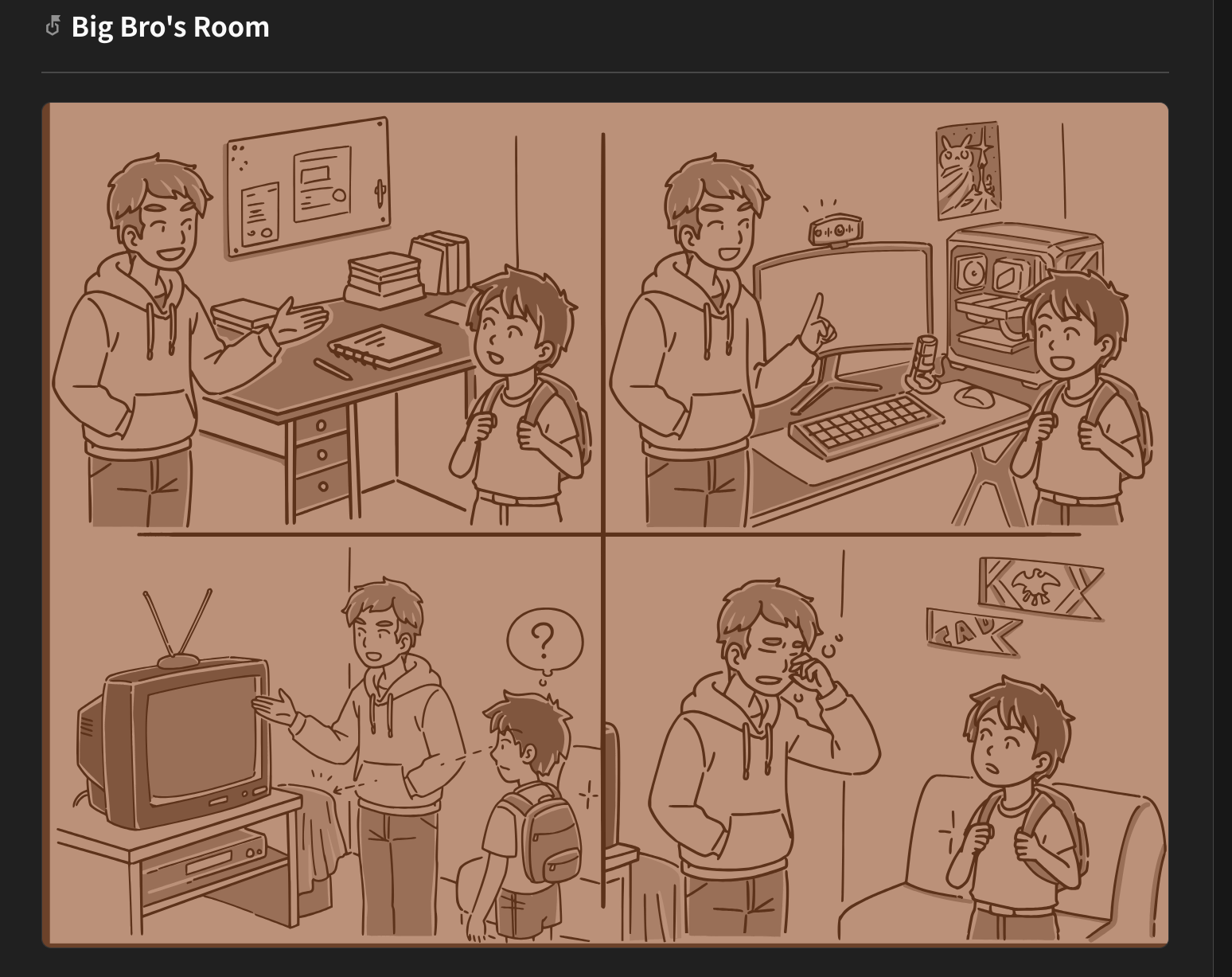
I had confirmed the issue was the svgs themselves by viewing the image directly:
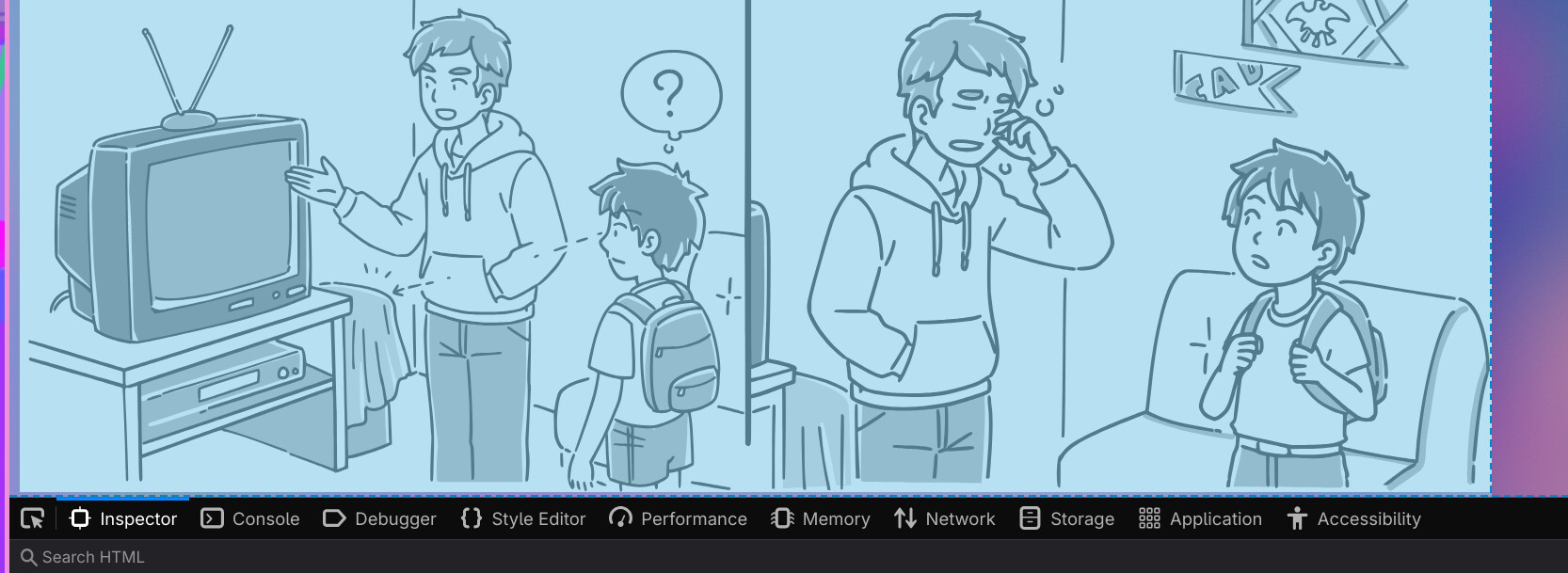
I’m on a firefox derived browser (Zen) if that matters
(doesn’t seem to, I see the same result in Chrome too)
It was probably an easy to miss issue since you can’t tell in light mode, only obvious in dark mode
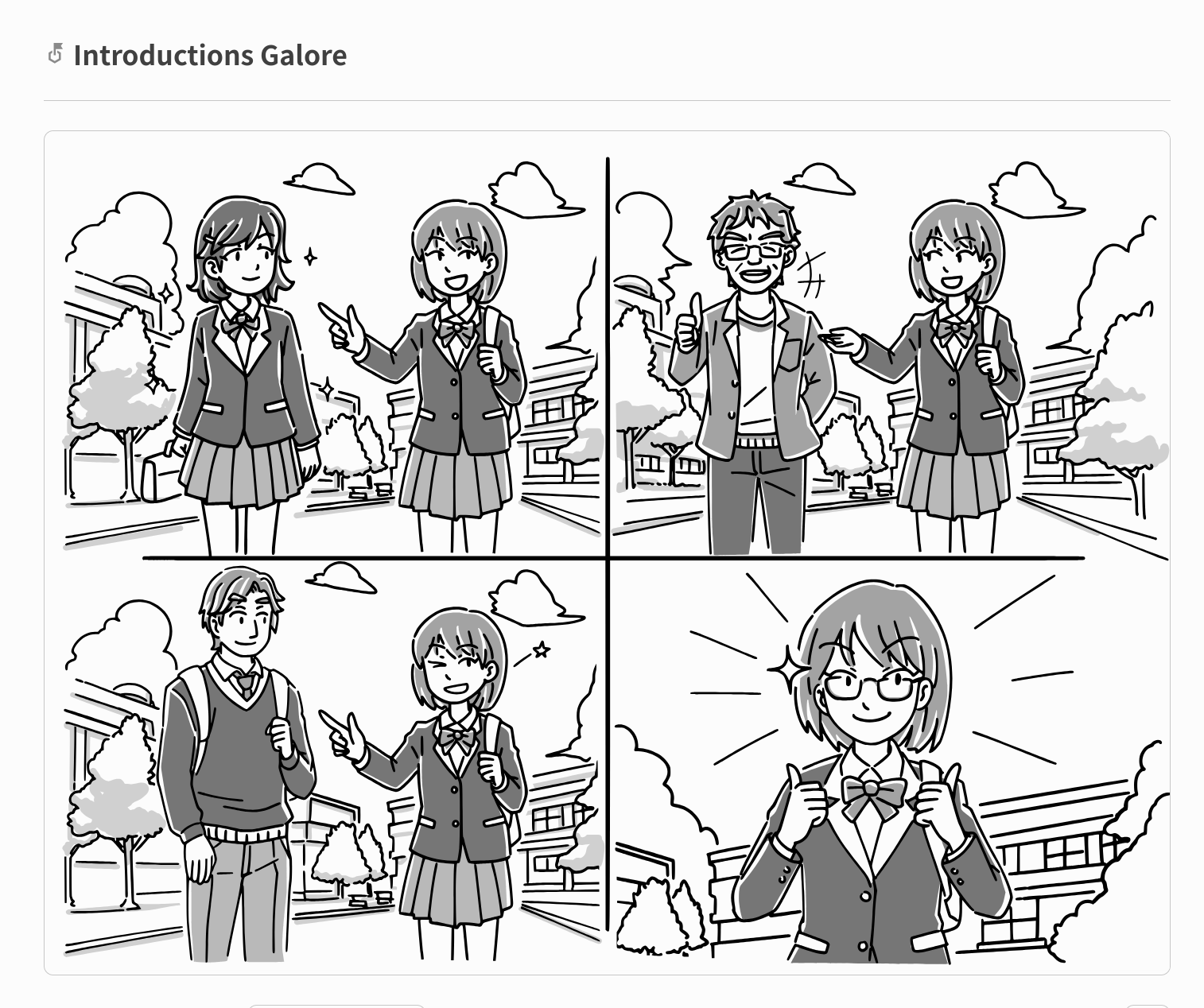
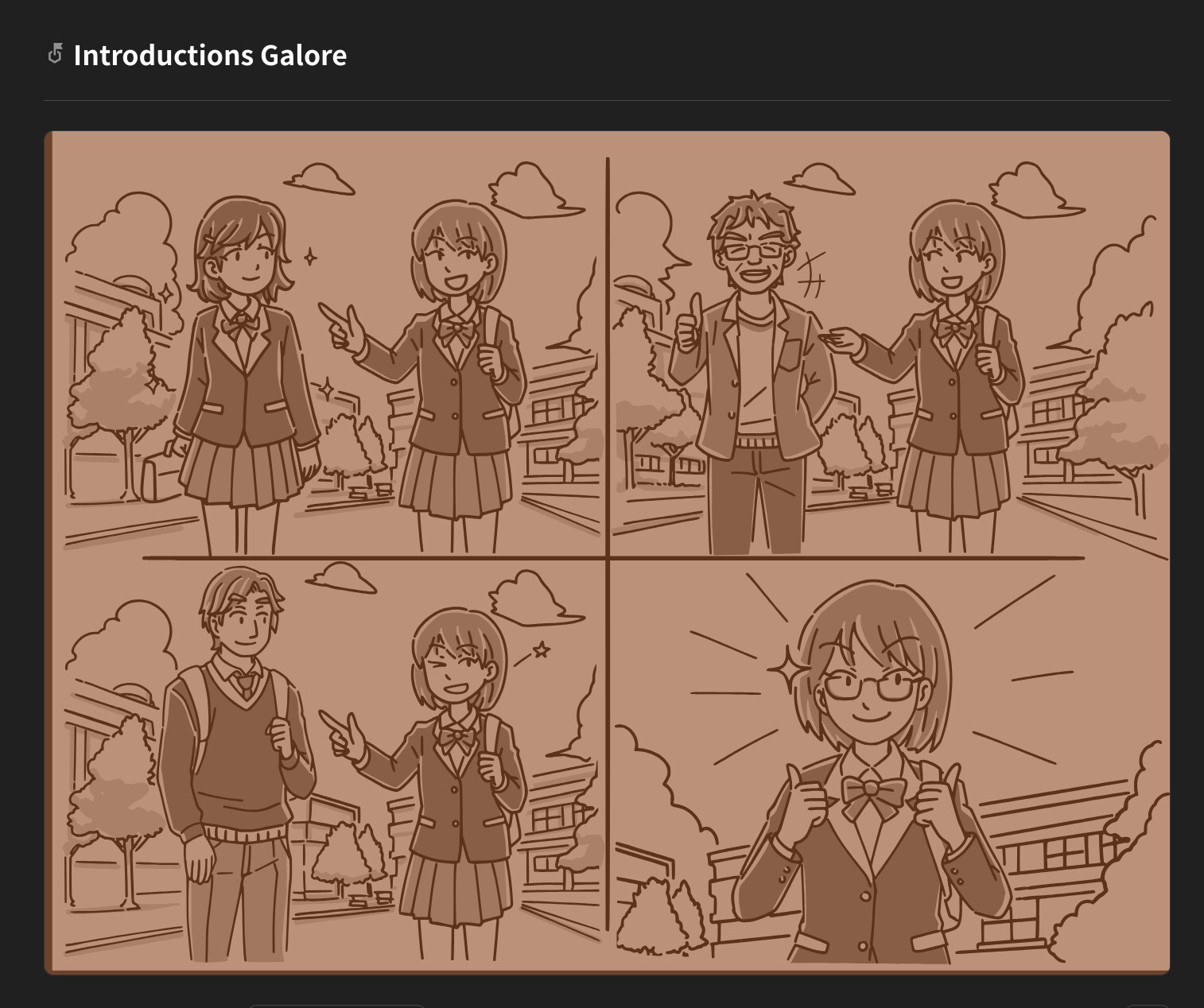
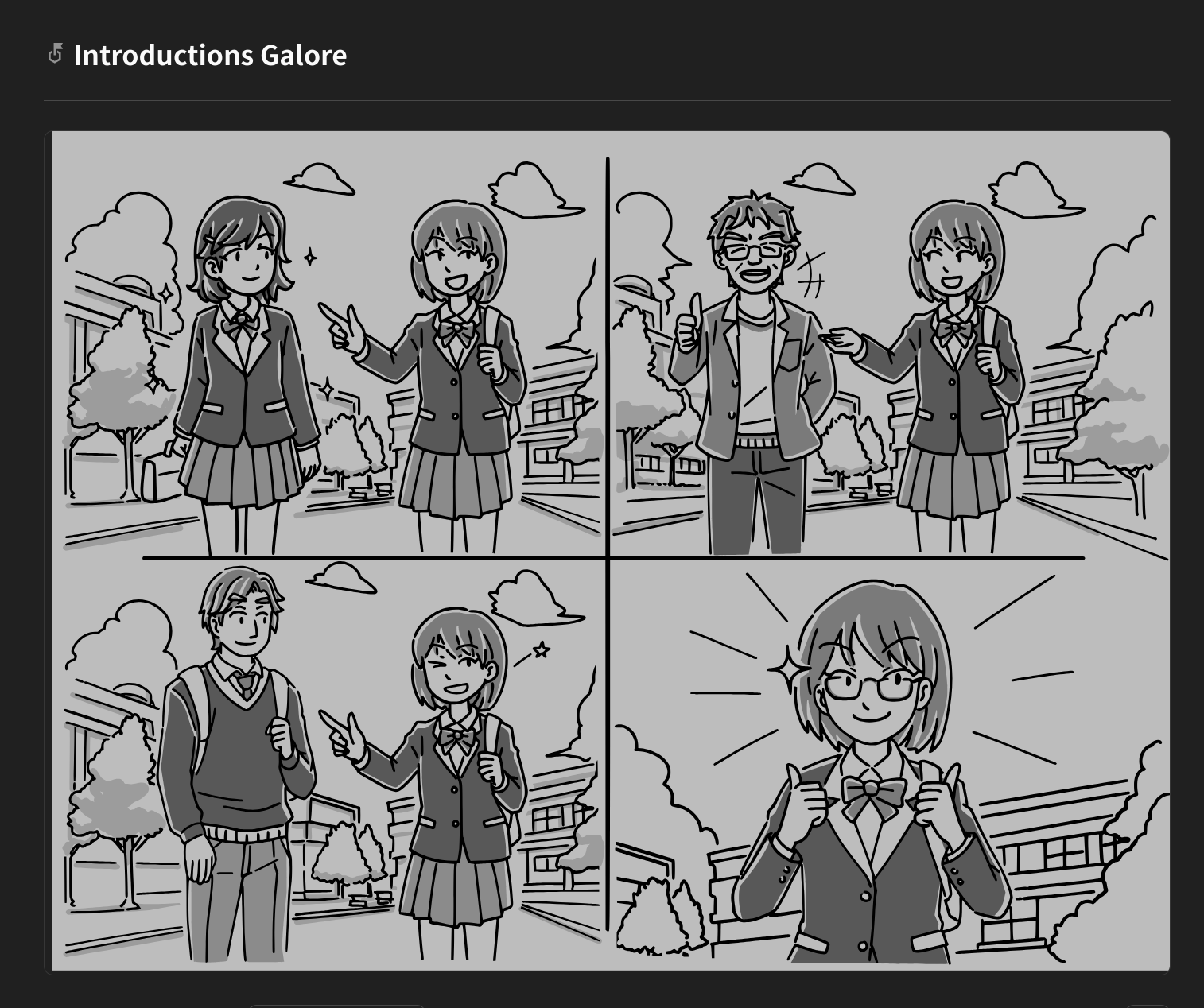
On a side note, I would love the ability to have these diagrams be enlarged by default instead of having to click to enlarge it.
1 Like