Hi BunPro team!
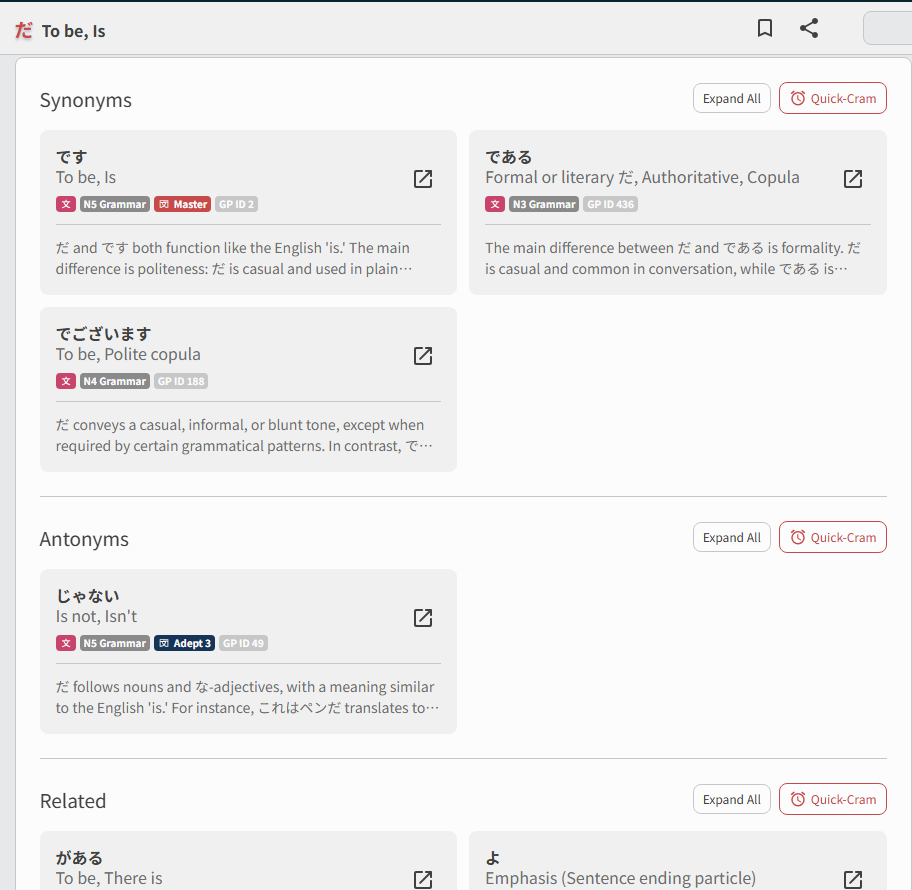
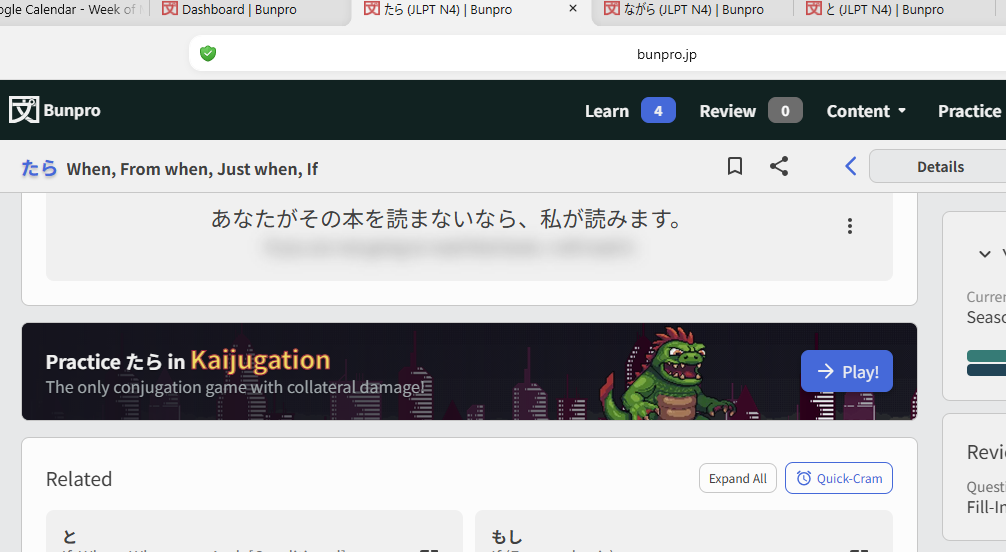
I was trying to do a Quick Cram of a couple of unrelated grammar points. I was in the たら page (see below) and clicked on the Quick Cram button. It actually brought up a question for なら instead. Is that button for the quick cram of Related grammar points only? I was expecting it to be for the grammar point of the page I’m in.
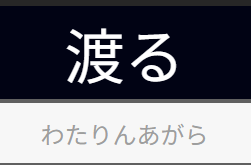
Unrelated: I also tried the Kaijugation button (for ながら) and kept getting an error because when I type in ‘na’ it just comes up as んあ. So I just abandoned that 'cause I figured the tool is still in beta.
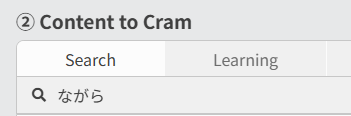
P.S. I just realized that in the actual CRAM feature, if I move away from my default Learning tab, I can Search by Grammar point.  Sometimes I just have to look around with fresh eyes.