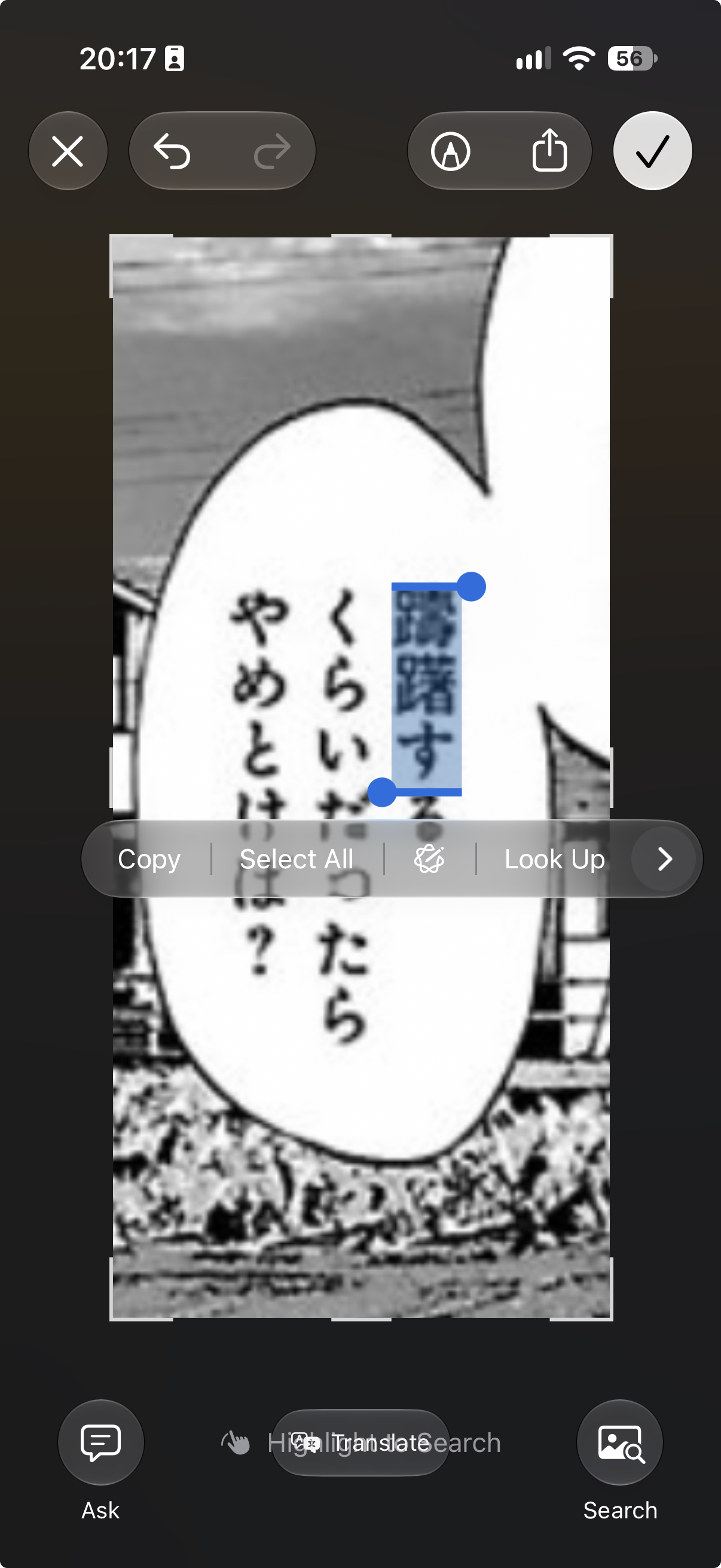
Please forgive me for owning an iPhone. Unfortunately I have never really used my phone much and my employer gives me an iPhone for free. I’m truly jealous looking at the availability of Japanese learning tools on Android. If I had to pay for my own phone, I’d switch.
Currently I have my own Komga server at home, with Tailscale installed to make it reachable when I’m not home, and KMReader instealled on my iPhone so I can read things on my Komga server in the train. Lately, I’ve been reading Manga on my morning commute. The issue is, that I’m not yet at a point where I can seriously read a Manga without Furigana without looking up kanji I don’t recognize, and depending on the manga, this happens fairly often. So I’ve effectively been limiting myself to Mangas that have a solid amount of Furigana…
My reading is massively behind my listening and my speaking unfortunately. So I want this to become my next focus, to align it with the rest of my Japanese.
For this, I would like a setup on my iPhone, with which I can somehow (OCR?) look up words I can’t read.
I have searched a lot online I couldn’t find a solid solution.
Does anyone have any sort of reader on their iPhones / iPads that somehow offers a useful way to look up words? The added difficulty is that Manga are typically images, rather than selectable text…