
Hi everyone. I tried to reset all vocab because together with grammar I racked up too many reviews. I reset both to start from scratch but it doesn’t seem to work with the vocab part. I also can’t find a way to remove them one by one, because when I enter a specific word in the review it only gives me the option to add it (while being part of the review already) and not to remove it.
1 Like
Or is reset not the same as setting my reviews back to zero (which is what I want)?
1 Like
Welcome back to the forums!
You’ve got 30 Self-Study sentences by the look of it!
Self-Study sentences are treated separately from regular Reviews – they exist outside of the regular sentences loop – which explains this comment:
because when I enter a specific word in the review it only gives me the option to add it (while being part of the review already) and not to remove it.
Anyway, they need to be manually deleted unfortunately.
Fastest way to do this is:
- Go to Progress in the Dashboard
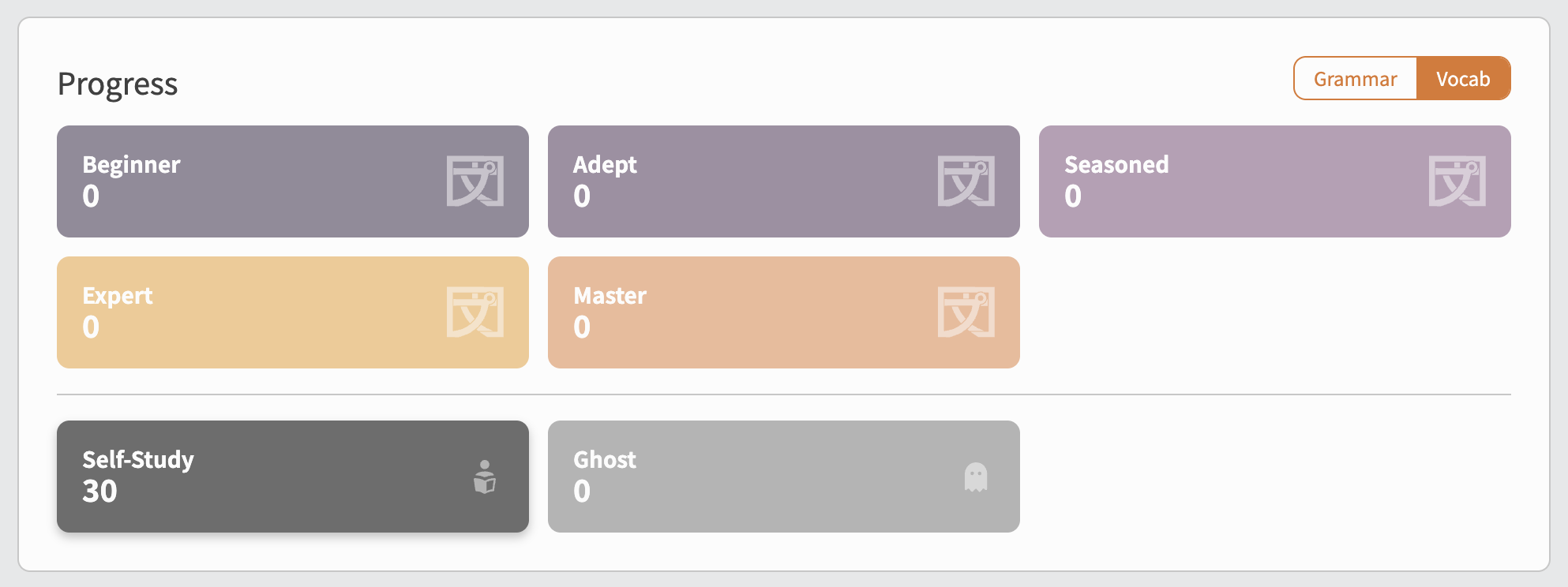
- Click on Self-Study
- Delete them using the trash-can icon to the right
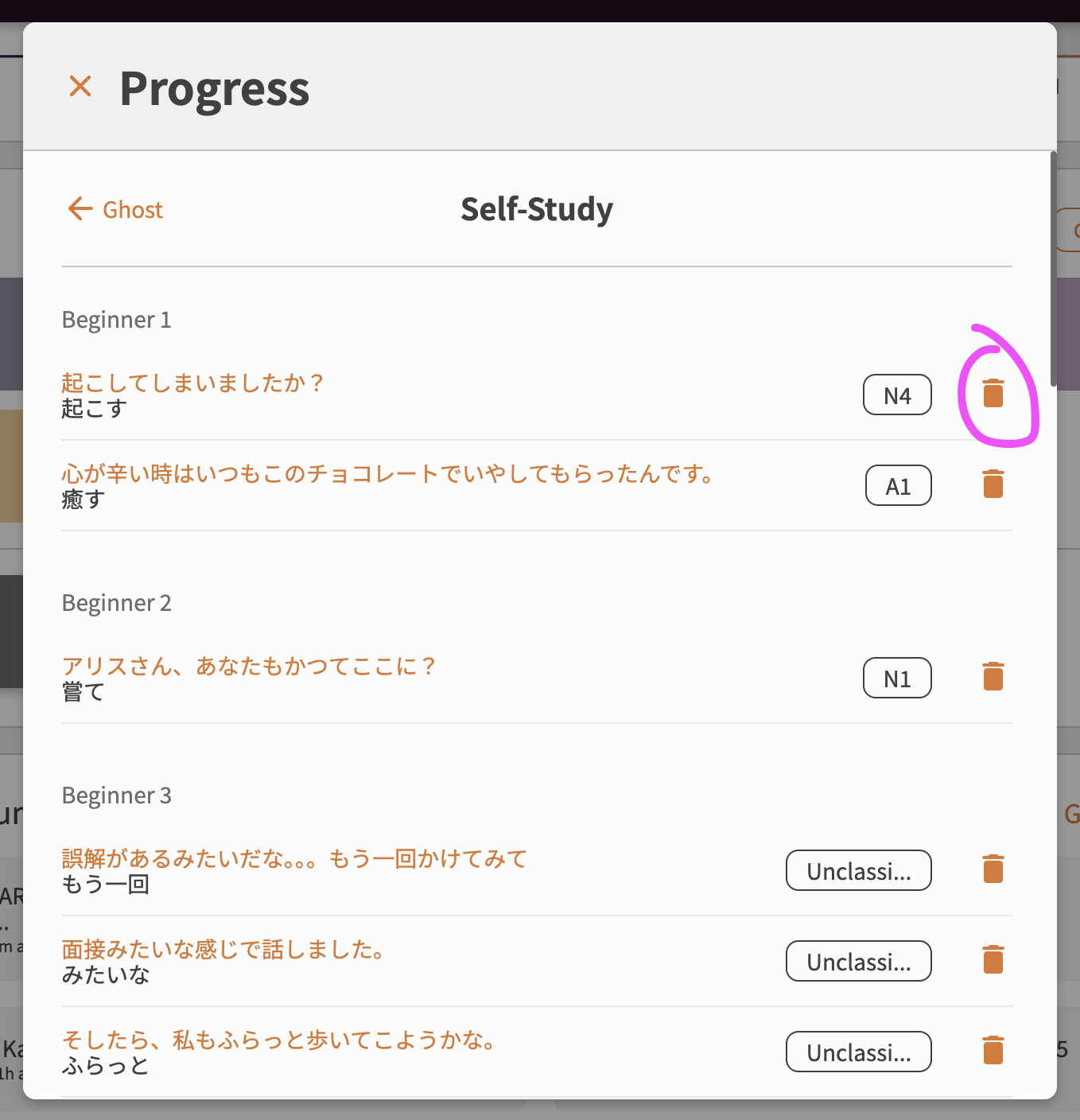
1 Like
Ahhh! Deleting them in the progress bar worked, thank you so much! Now I can start fresh : )
1 Like