SRS Listening App - Kikikata (Improve your Japanese Listening)

Hi everyone!

I’m a Level 60 WaniKani user. But even after mastering the Kanji and vocabulary, I found that my listening comprehension was still lagging way behind. I could read the words, but I couldn’t “hear” them in real-time.

That’s why I created Kikikata - an SRS-based listening app.

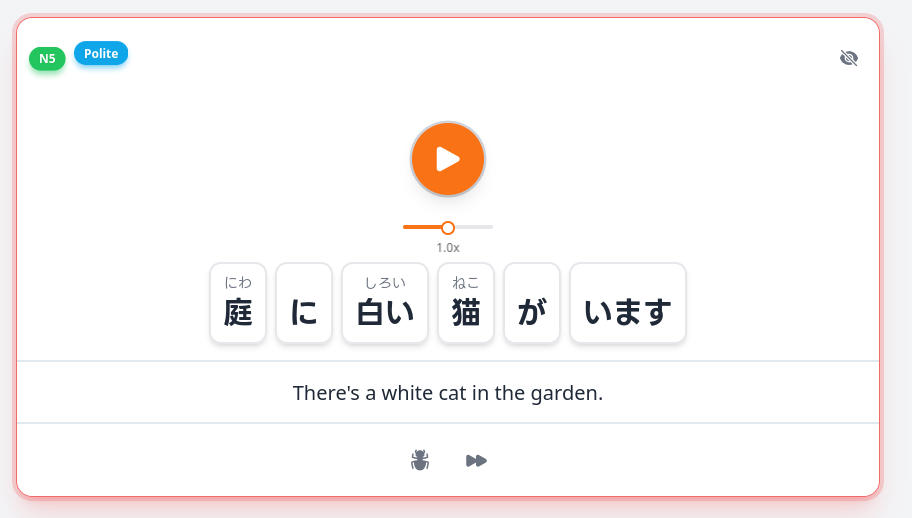
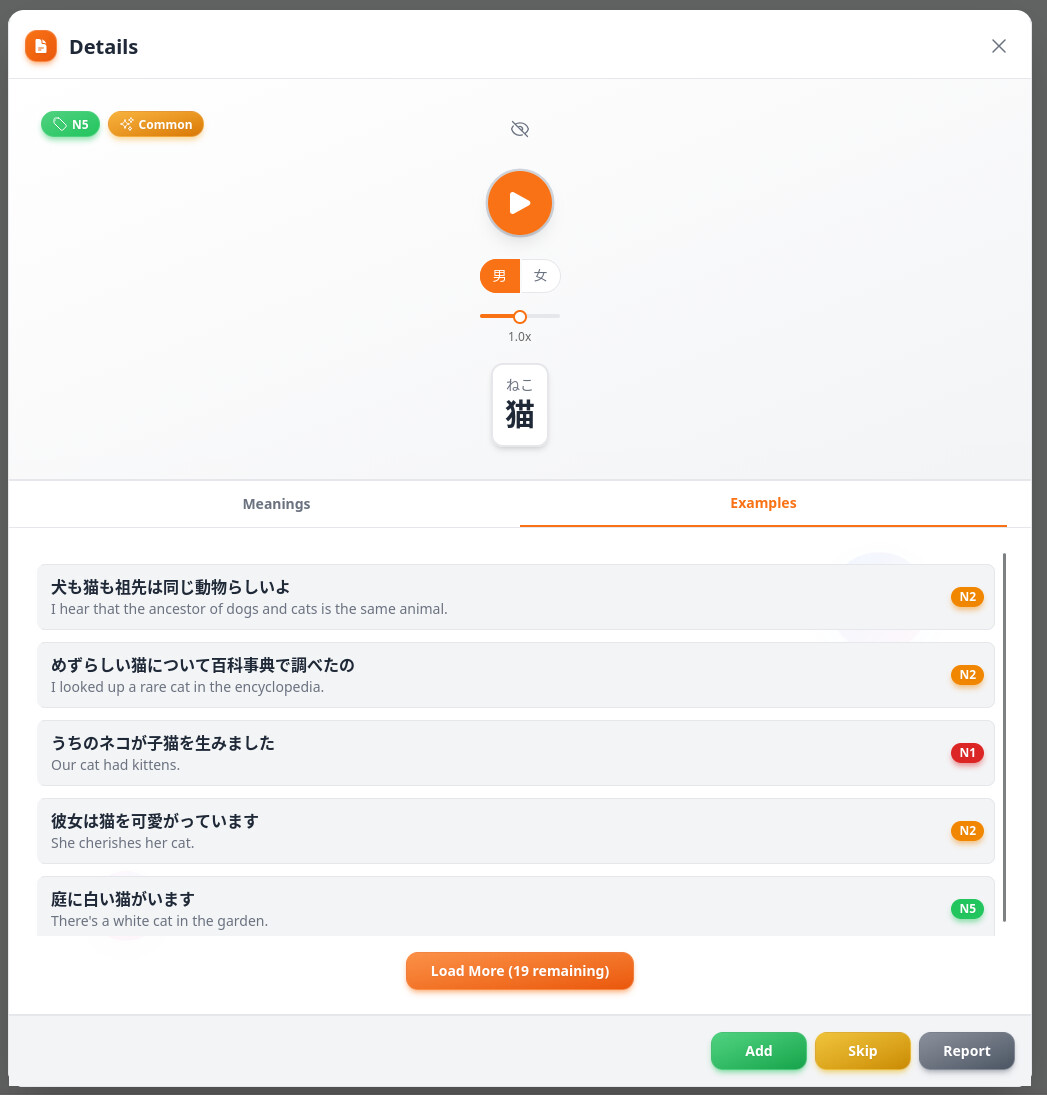
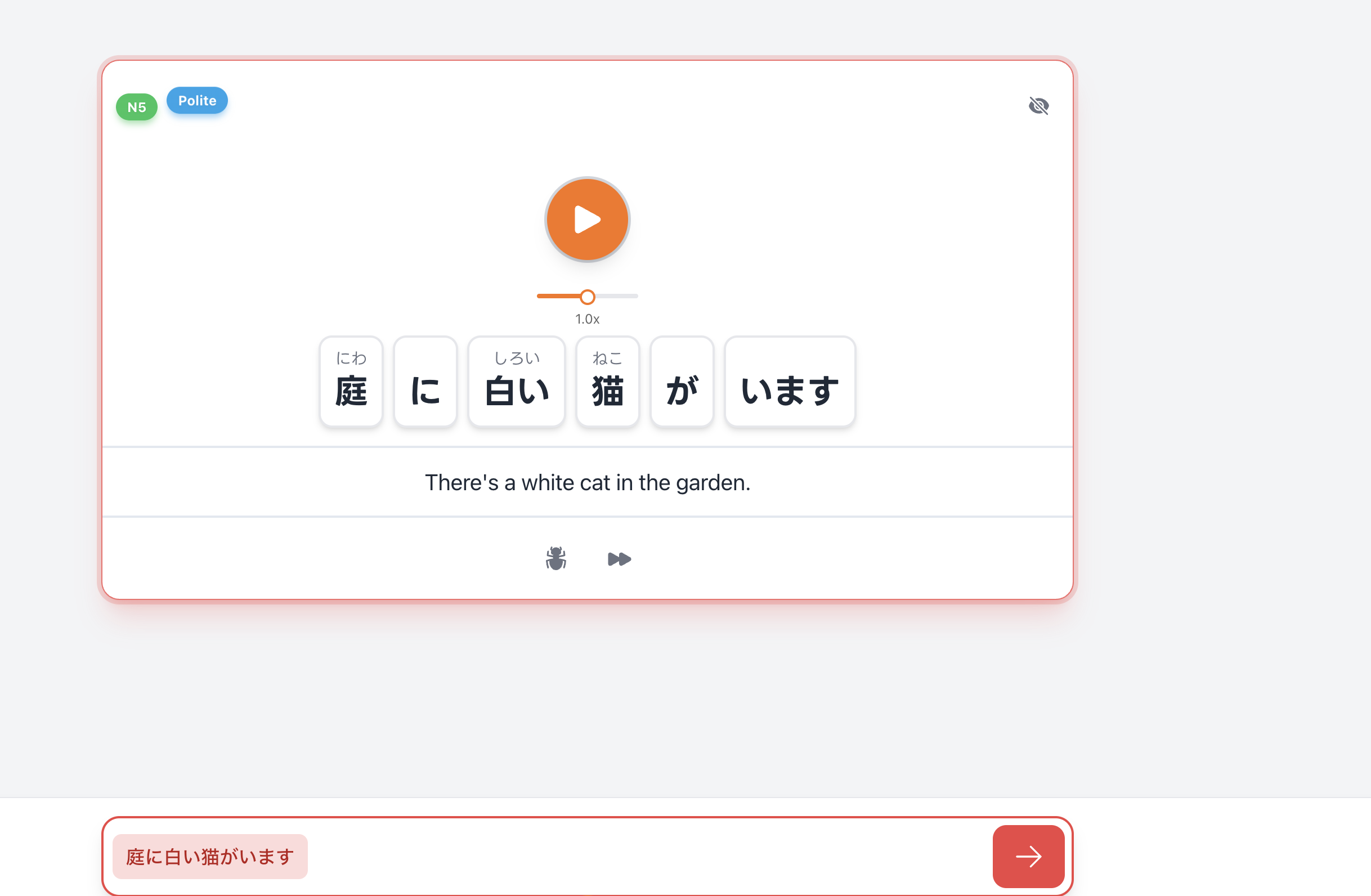
The concept is simple: You hear a sentence and type what you hear. The main difference from other apps? If you mishear a specific word, you can add that individual word to your SRS and learn it separately until you can recognize it back in the full sentence.

I posted here a while ago and received a ton of great feedback. I’m happy to share that many of those suggestions are now live:

  • Dual Study Modes: Choose between Text Input (dictation) or a Simple Mode (correct/incorrect) for faster reviews.
  • Karaoke-Style Tracking: The text highlights in real-time as the audio plays.
  • Context & Grammar: Every sentence now includes Politeness Levels, Cultural Context, and tagged Grammar Points.
  • Speed Control: Adjustable playback for audio.
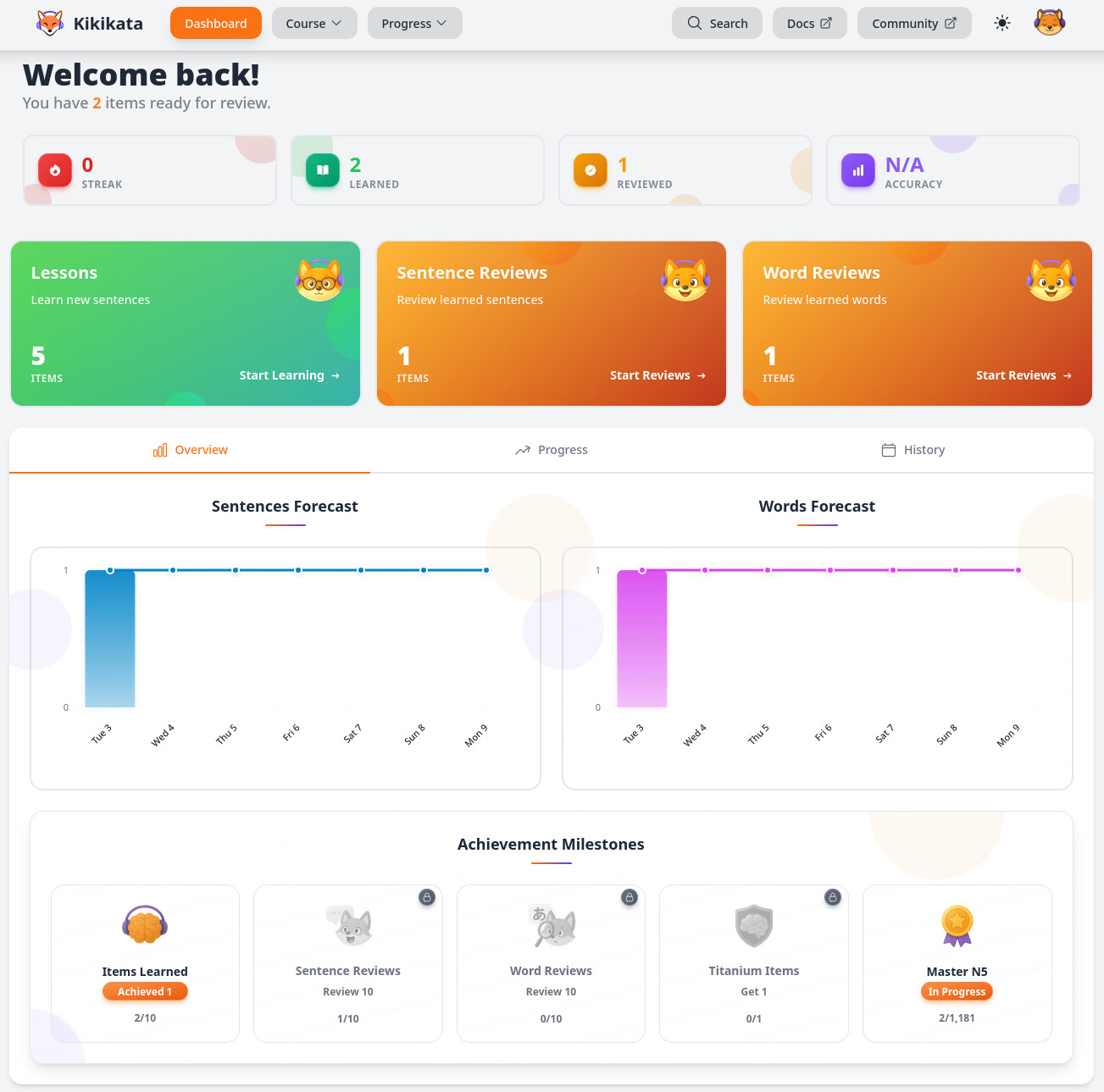
  • Total UI Overhaul: A completely new look focused on a smooth, distraction-free study flow

If your listening is lagging behind your reading, I’d love for you to give it a try and share your feedback!

Check it out:kikikata.app
6 Likes

Your app shows every answer as wrong, even if I copy 1:1 what it says the answer is and enter it the next time.

1 Like

I’m sorry for the frustration! By default, the site is set up for Kana-only input (which is usually easier for beginners).
If you click the Session Settings (top-left corner), you can enable Kanji-Based Input. This will check your typed text against the actual Kanji instead of just the Kana.

1 Like

That worked, yeah.

2 Likes

Could you tell a little bit about your approach to sourcing content, especially for higher N levels?

I’ve looked around the landing page and docs but couldn’t find anything about either LLM, TTS or human involvement.

6 Likes

+1
was about to ask the same thing. If sentences are recorded by native speakers or AI.

4 Likes

Currently, the content is sourced as follows:

  • Native Audio: All of the sentence-level audio (and many common words) comes from high-quality native recordings sourced from iKnow! database. I prioritized native audio over robotic Text-to-Speech (TTS) to ensure you’re hearing natural intonation.
  • TTS Supplement: For individual words where a native recording wasn’t available, I used TTS to fill the gap so you aren’t left without a reference.
  • Sentence Sources: The sentences themselves are curated from established core decks and JLPT materials across all levels, from N5 to N1.

In the future I’m looking to expand the library significantly. I plan to incorporate audio from anime (focusing on content that is accessible under fair use or specific licensing) to provide more “real-world” listening practice and I’m also exploring the latest Neural TTS models for new sentences (they have become incredibly natural recently).

I’ll make sure to update the docs with these details, thank you!

5 Likes

Thanks, just replied above with the details

1 Like

For some reason it doesn’t consider my answer correct?

it also really seems to hate IME (which many of us use to type japanese) because the moment you press space it replays the audio.

It looks like a cool app but at the moment it’s just unusable unfortunately.

3 Likes

Thank you for feedback. By default, the site is set up for Kana-only input with Space as the audio trigger (which is usually easier for beginners).

If you click the Session Settings (top-left corner), you can enable:

  • Kanji-Based Input: This will check your typed text against the actual Kanji instead of just the Kana.
  • Audio Hotkey (Backtick `): This moves the audio trigger from space key to the backtick key. Since the backtick isn’t used by the Japanese IME for character conversion, it’s fully compatible and prevents the audio from replaying every time you hit Space to convert your text.

Thank you again for feedback. I think I’ll change the default setting, as you aren’t the first person to mention this

1 Like

I was sent to a page saying “email verification failed”, but on my account page (after closing the “failed” pop-up) says it’s verified. So, task failed successfully I guess?

2 Likes

As long as you are able to start a learning session, everything is working correctly and you’re good to go. If you still see any ‘unverified’ messages, try logging out and back in to refresh your session.
If you run into any other issues, feel free to reach out to me via the direct chat on the site!

1 Like

ありがとうございます!

Another thing that would be good to have would be a trial of the paid account, although I’m tempted to sign up for a month and see if I like it anyway.
It’s hard to judge if it’s useful for me, because it’s just N5 level

2 Likes

I understand, just a couple of points that might help:

  1. N5 is a full resource, not just a trial, it has over 300 sentences, if you study the default 5 sentences a day, you actually get two full months of learning for free. It’s designed to be a genuine tool for beginners.
  2. Transparent Content: You can actually explore all the premium N4–N1 content for free before paying. Just head to the Courses tab, you can browse and listen to all the sentences and words there to judge the quality and difficulty for yourself.

Thank you for the suggestion, and I hope you find the app useful! :slight_smile:

3 Likes

I never said the N5 resource wasn’t good! Just not for my level!
thaanks for the pointer towards the courses tab, I didn’t know that.

2 Likes

Ok, I like it so far! One request is I’d love more interface options like being able to disable the “ding” after each sentence, as well as the bouncing animations, and the karaoke-style tracking (which seemed to lag behind the sentence, plus I’d rather figure it out for myself). I generally prefer a “quieter” study experience, both visually and sfx-wise, so the app is a bit intense for me currently.

Also it seems like other users are frustrated with the kanji/kana input set up, you should probably have the app detect when users input kanji and prompt them with the setting then-and-there, just save everyone some frustration.

1 Like

Thank you for the detailed suggestions! Regarding the ‘ding’ sound, you can actually disable it already under the Session Settings in the top-left corner.

As for the bouncy animations and the Karaoke-style tracking, I’ll look into adding toggles for those as well so you can customize the UI to be as minimal as you like.

Also, your idea about the app detecting Kanji input and prompting the user is super smart, and I will look into adding that!

Thanks again :slight_smile:

2 Likes

Session Settings? Ah I’ve already done all my lessons and can’t access those now :crying_cat_face: Time for a bonus sentence haha
Maybe you should put the session settings as a section in the regular settings too? I get the logic of having them in the lesson/review for easy access, but I was too focused on listening to notice the cog haha

1 Like

Haha, I will look into it

Thanks everyone for the feedback! I’ve just pushed an update to address the main pain points reported by the community:

  • Global Settings: You can now access Session Settings directly from the main Settings page - no need to be in a lesson to change your setup.
  • Smart Input Detection: The app now detects if you’re typing Kanji while in Kana-mode and will warn you immediately so you can switch settings without losing your flow. Thanks @darzington again for the amazing suggestion :slight_smile:
  • "Zen Mode" Options: Added toggles to Reduce Animations and disable Karaoke Highlighting for a cleaner, more focused study experience.
  • Better Organization: Settings are now clearly grouped into Audio, Input, and Visual sections.
  • IME Compatibility: A reminder that you can switch the Audio Hotkey to Backtick (`) in settings to avoid Spacebar conflicts during IME conversion.

Let me know what you think!

2 Likes