Cloze-enabled Sentences + Audio for A2, A3, A4 Decks

お待たせしました!

Hello everyone! I’m Lauren. I joined the Bunpro content team in early August and am excited to be playing a part in making Bunpro an even better platform for Japanese learning. よろしくお願いします! :sun_with_face:

If you’ve studied vocabulary words in the A decks before, you might’ve noticed that in some decks, example sentences were listed, but they were not cloze-enabled – i.e., you weren’t able to do a “fill-in-the-blank”-style review.

Last year, the team completed the A1 deck (reviewed translations, cloze-enabled sentences, and created audio). Now, I’m happy to say we’ve completed the A2, A3, and A4 decks as well! :tada:

You can find them here:

We’re hard at work on the rest of the A decks as well as all the other projects we have cooking up in the kitchen. Thanks as always for your patience as well as your feedback! Happy studying! :bunpro_icon:

27 Likes

@deceir @mwsmws22 @zconnor @Obviiious @nminer @zelatorn

Sorry for the random tag – saw you patiently waiting in this thread, so wanted to give you a heads-up directly about these deck drops! :wink:

10 Likes

Nice, I avoided adding some vocab words because they didn’t support cloze, so this really helps!

What do the codes A1, A2, A3 etc actually mean? I didn’t see it explained anywhere. Is just frequency ordering?

4 Likes

Amazing! Thank you for this update :relaxed:

2 Likes

Heya,
Does it also mean we get reading type reviews with full sentences instead of a lone word for those ? :slight_smile:

1 Like

@laurenschultz thanks for the notice! Very happy to see this rolled out :champagne: Happy to be a subscriber when I see new content like this added!

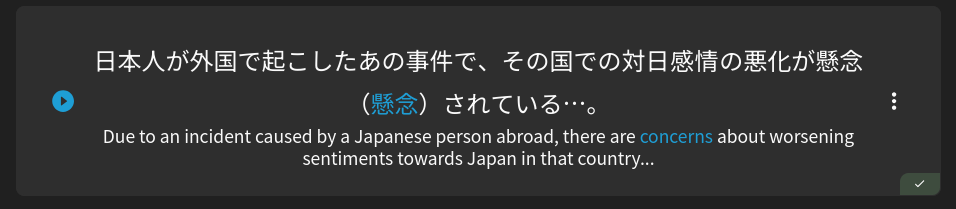
Also I see that the examples sentences were done with new AI-based TTS services (Gemini and ElevenLabs). Personally I think it sounds quite nice, especially ElevenLabs. I mean, I think we’d all prefer a real human speaker, but compared to the classic TTS it’s definitely a big improvement!

  1. Is there anyway to change existing reviews from Translation to Cloze automatically for these? I really don’t want to go through 100s of vocab and update this manually.
  2. Are there plans to redo classic TTS audio clips with the new services (e.g. N5-N1)?
  3. Are these the same Vocab sentences as before just reviewed and edited? Or was a certain portion of the content re-written?

Also, since these are officially rolled out I’d like to report a couple common issues with A1-A4:

  1. Translations with {} definitions tacked on the end.

  1. Sentences where the kanji is mistakenly entered into the furigana field.

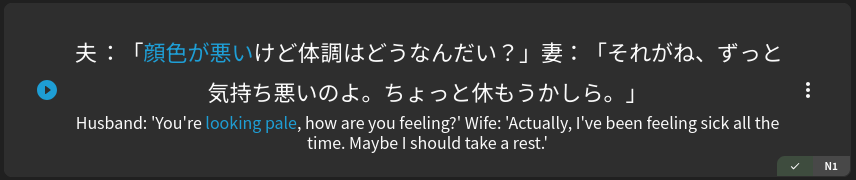
  1. Sentences with two lines of dialog without line break:

I believe most of this could be cleaned up with some simple scripting against the database. It’d be nice if this could be done in bulk, rather than it being reported on a case-by case basis.

3 Likes

Thank you so much for your hard work and the tag! Really happy with this, since I’m getting more and more into A-list vocab recently.

EDIT: Has Reading review-type been added as well? I can’t seem to select it in the deck interface.
EDIT2: Nevermind, seems to have been a bug with the new deck interface. It has now updated correctly to Reading.

1 Like

Glad to see this updated.

I did have an issue that using the deck page to mass select and change the review type to Manual - Cloze only worked for the A3 deck, the other two showed Failed on the button when changing, so I had to do those manually (although then I noticed some did get changed it seemed). I also noticed that in the bulk review type change panel, it showed as Manual Cloze (which I wanted), but If I tried click for other review types the dropdown didn’t actually change, so that might be another bug.

1 Like

Finally a great update! I am so looking forward for A5 and the rest soon :wink:

1 Like

The quickest way to do this is to go to the decks page, and do the changes in review settings on a deck level. That will cover large sets of existing words/grammar points without altering things that you may have in other decks that you don’t want to change to a different review style.

As for the TTS, yeah the new V4 Elevenlabs is really good and very reliably gets all of the readings correct. Far fewer fixes needed, and far more natural right from the get go! We added a few minor custom settings as well to make sure that all generations have appropriate timing in between speakers for multi-part recordings as well, so the overall experience should be much more enjoyable!

I had mentioned to the team that we should get the older stuff upgraded for TTS as well, so I would say that we will do it quite soon.

A very small portion of the content was rewritten where we could have handled certain word nuances better, but for the most part they are still the same sentences, just reviewed and had their English translations polished up to match.

Ones with the definitions on the end haven’t been verified yet, I think that may be an error, as we did verify all of these. Will get this fixed asap.

Kanji in the furigana field is indeed an error, I will see if there are several of these and fix them all at once.

Regarding the line break, we don’t actually have a hard rule that there needs to be a line break, except for in reading passages, so that one isn’t an error.

Hell yeah, this is sooo great! More completely enabled A-decks is absolutely at the top of my wishlist for Bunpro. I’m so happy with this. The vocab resources on Bunpro are such a ridiculously valuable asset and study material.

By the way, why not create official Bunpro A-decks like the N5 through N1 vocab ones? I’d say that A1~A4 decks are ready for it.

5 Likes

Hell yeah
thanks!
in past, I sometimes avoided adding A-vocab because I wanted cloze

3 Likes

I hope not

4 Likes

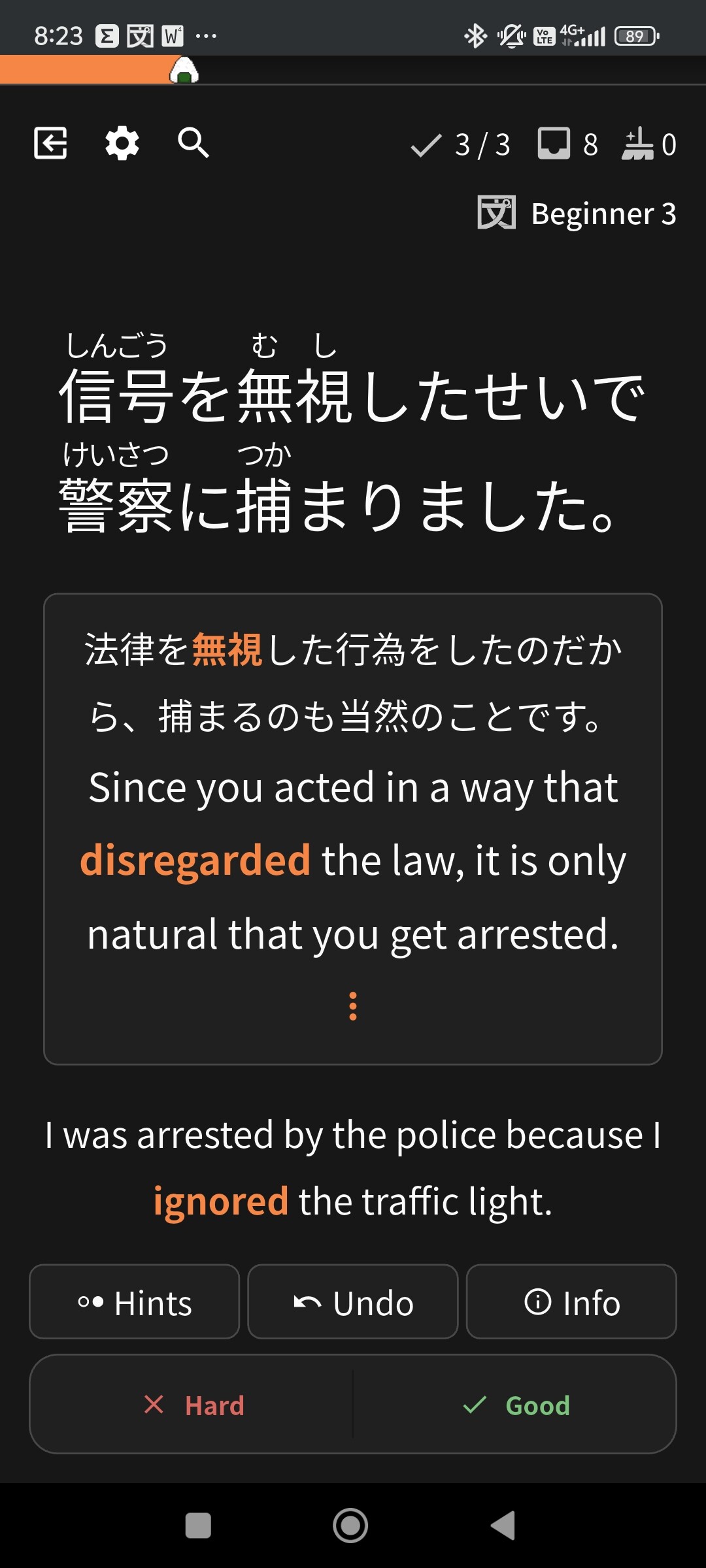
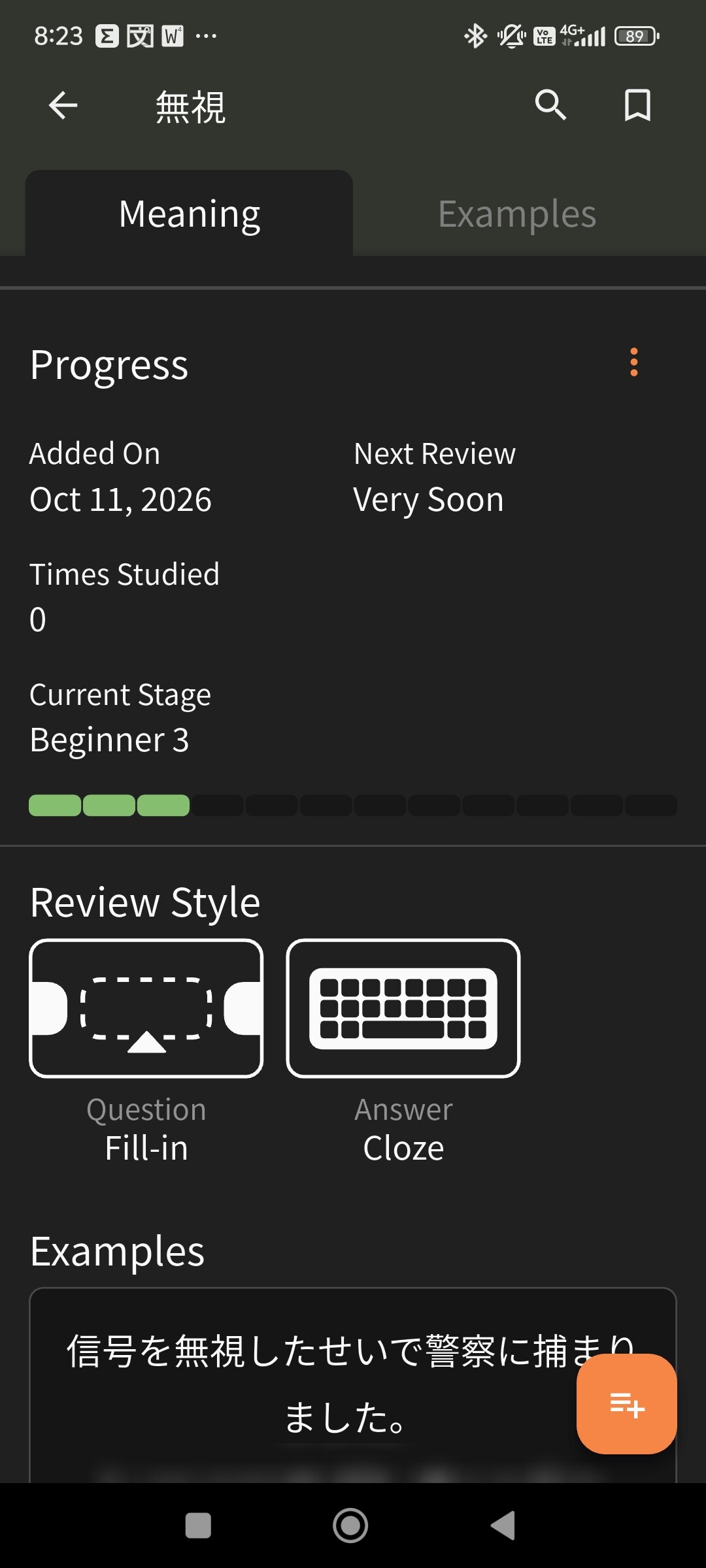
This doesn’t seem to work for some words, for example the A2 word 一見. it’s set to fill-in and cloze, but still uses translate and flashcard when reviewing. This is on the Android app.

Edit: also, instead of just the word showing up at first, it displays the whole first example sentence. Then when I press show answer, it displays a different example sentence.

Another edit: same thing just happened with 無恥, also A2.

3 Likes

Hmm, that’s an interesting error! I can’t replicate it on my end, so maybe it’s an Android thing? I’ll bring it up with the team. Thanks for pointing this out!

3 Likes

I’m investigating this now.
I believe it might potentially be the app using old data.
Will get back to you on this!

In the meantime you can use the website to practice those items in Cloze mode

3 Likes

It happened again with 無視, and this time I had the presence of mind to take screenshots. Hopefully that helps pinpoint the error.


2 Likes

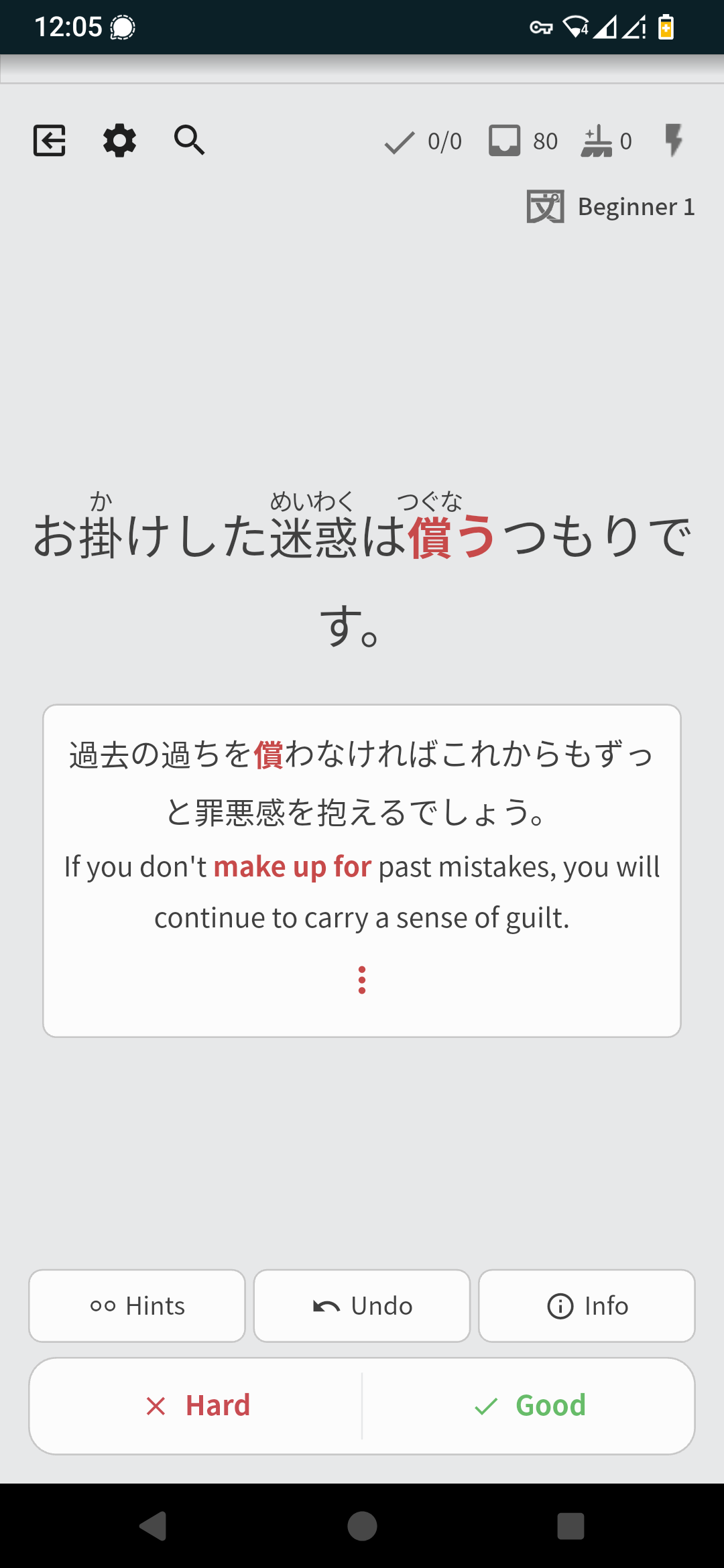
Same issue as @AFors here, except I didn’t even get proper translation for the sentence i was supposed to rate. I’ll try updating app data to see if it fixes it

2 Likes

@frogg @AFors
I think I found the issue and it should be fixed with the next update.

You can try using resync data screen, there short tap on the ‘vocab data’ and then tap on the ‘resync all’ at the top right of the screen.

3 Likes

Coming back here to say the new TTS is really great.

Hope the N-decks will get redone as well - because this is definitely a huge leap in quality!

4 Likes