
I only do five reviews at a time, but there are times when I miss all five and then have to click each grammar point and search for the right sentence and that’s kinda annoying.
2 Likes
Regarding my earlier post, I think I recently switched on the option to see an example sentence on a translation card when they are available, because I now see this:
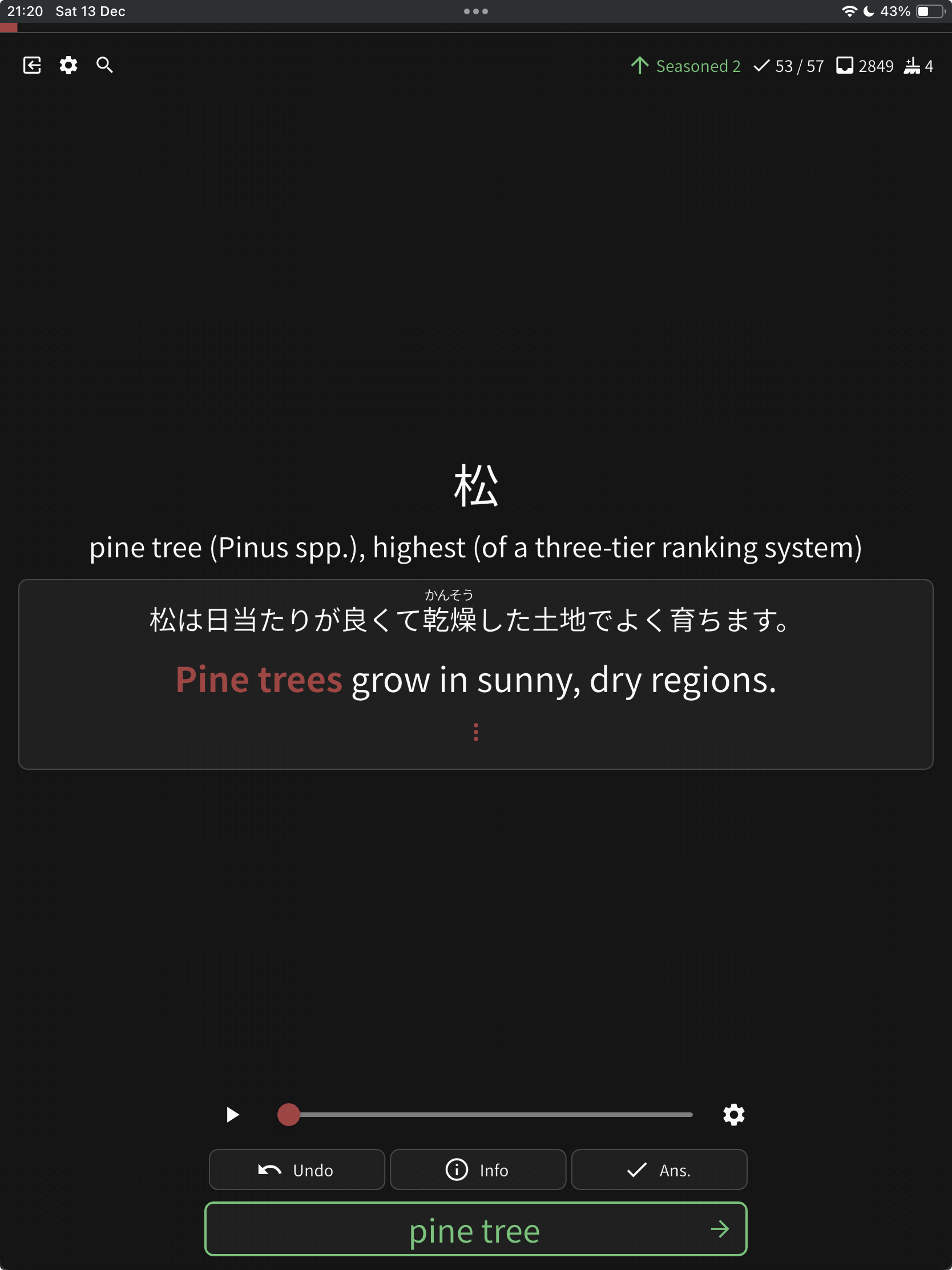
But again, this is after having supposedly set all cards to be cloze style.
Just sharing in case it’s useful for reproducing the bug.
2 Likes
Wanted to give an update on this - I recently bought a modern iPad and the newer Pencil, and this bug is still present. When I tap the hints button, it often tries to “scribble” in that area and I end up writing a period or a comma to the text box.
So it would seem this bug transcends iOS versions (17 vs 18), iPad models (2017 vs 2025) and Pencil models (USB-C vs Pro)
I wonder if there is some overlapping of elements going on here? The hints button is very close to the text input area.
1 Like
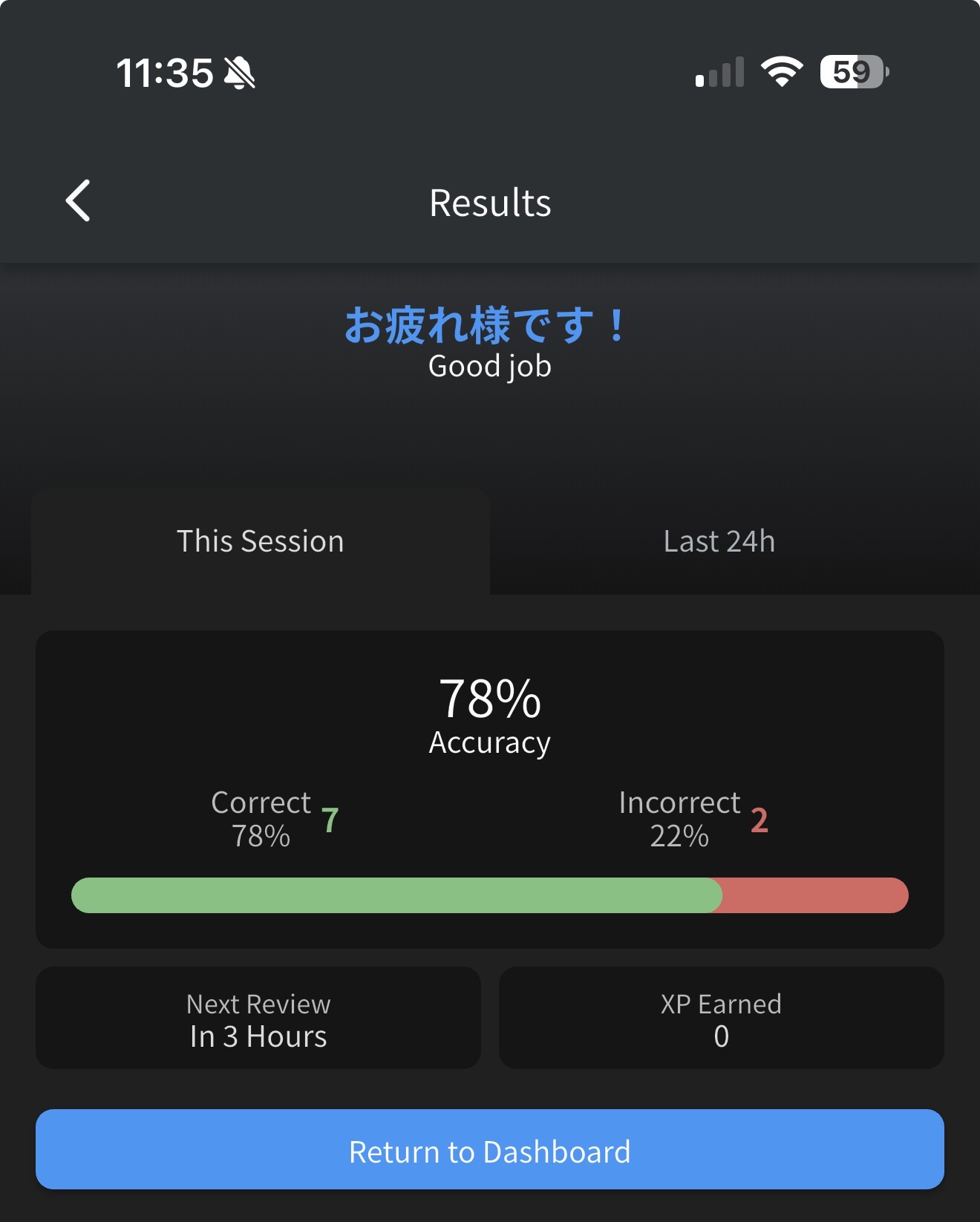
I am not sure if it’s a bug but I did my reviews and I didn’t get any exp, and I am wondering if it’s normal?
Also, while using app is there any mention of B points in the summary?
1 Like
I noticed something happening since yesterday (only on web, it works fine on mobile) but reviews that I fail aren’t being counted as failed. I have to do them again when I finish my review session, and its flagging them as +1 instead of remembering I failed it. The first few times I assumed the reviews refreshed while I was in my session, but its definitely not that.
5 Likes
same thing is happening to me on web, came here to see if it was just me.
i’m using google chrome on a macbook, if that helps!
4 Likes
I am having the same issue, also when I add a new word as mastered it is counted in the daily goal, when previously it always provided me with a new word instead to actually have learned X amount of the words for the goal
1 Like
There’s definitely something wonky going on lately. My ghost count has plumeted to 0 during the last few days but I usually have at least 10-15 at all times. I know I’ve missed some questions but it didn’t properly track them it seems.
1 Like
There is something strange about my reviews lately. I’m barely getting any ghosts. I do my reviews every morning and usually the things that I get wrong show up again a few hours later, but the last few days that amount has decreased A LOT. For example, if I fail 15 - 20 vocab ones, it shows around 5 only later the same day. Is it normal? I have been adding more vocabulary has this happens but I don’t want to suddenly get hit with 300+ reviews  This never happened before.
2 Likes
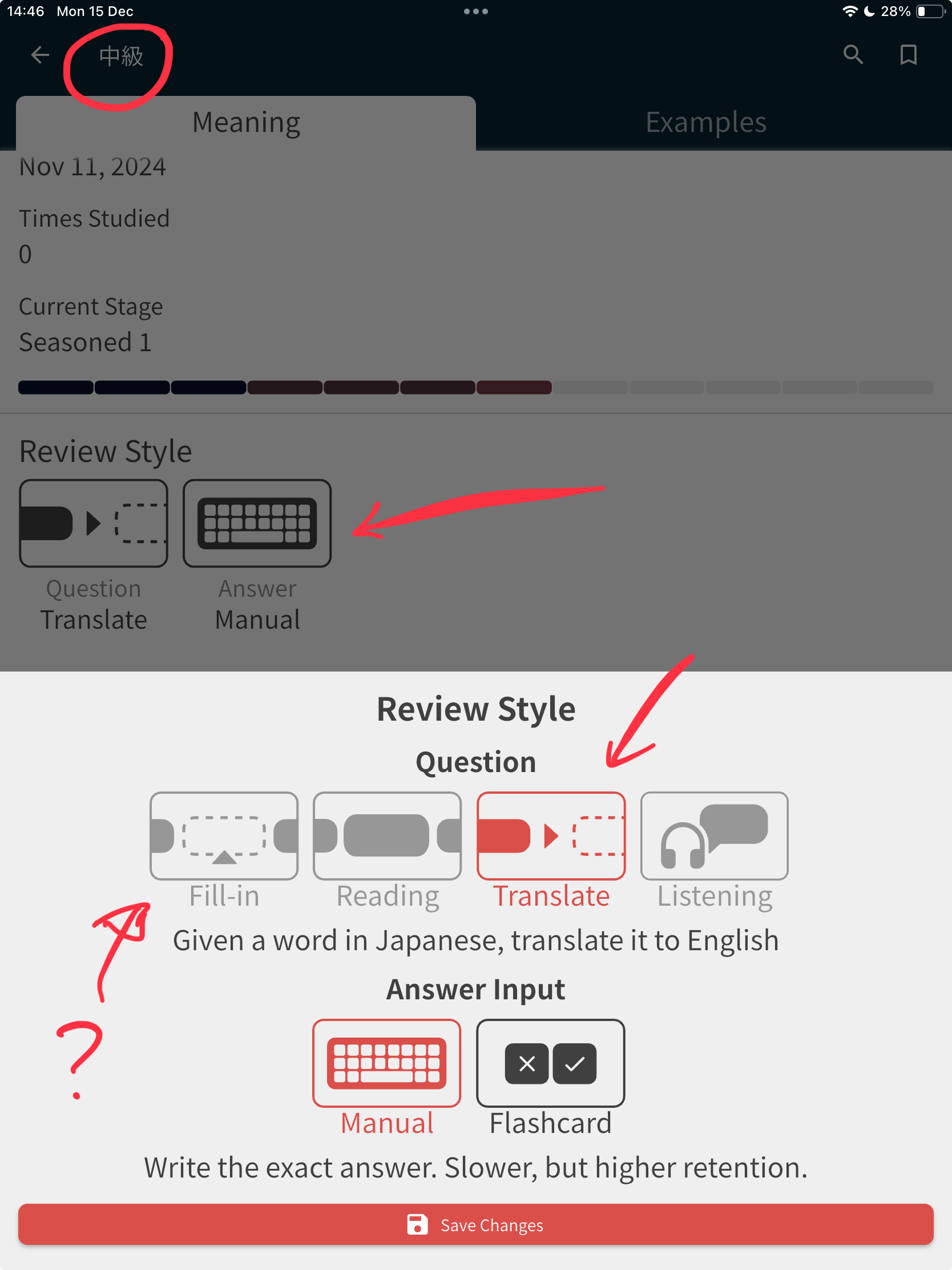
Another update on the “translation vs fill in” bug:
Even if I try to update this individual vocab (which does have example sentences) to be “fill in” style, the option is not available.
1 Like
Sorry for the inconvenience here! This is not a bug. While we do have example sentences, they are not programmed for “cloze” style reviews yet. It is something that we are currently working towards though!
2 Likes
Minus numbers are back!
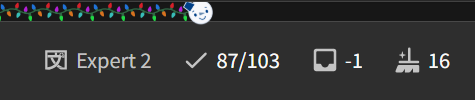
This one went down to -2.
4 Likes
I am also not getting ghosts 
1 Like
@Hoorisama @Salatrel @frogg @Kioshen @chicharron @cafelatte
The Ghosts not being created issue should now be fixed.
Sorry for the inconvenience everyone! 
Review “wonkiness” was caused by some large behind-the-scenes refactors we published last week.
Catching up with all these bug feedbacks now
9 Likes
also when I add a new word as mastered it is counted in the daily goal
This should be fixed now too!
2 Likes
This issue I’m actually not sure about the cause/how to replicate.
Does this flow match what you’re all seeing?
- Get a question wrong in a Review session.
- Answer it correctly during Wrap Up
- Finish the session after Wrapping Up, and view the Summary.
- The same Review appears again in the Review queue
I’m trying to replicate it
1 Like
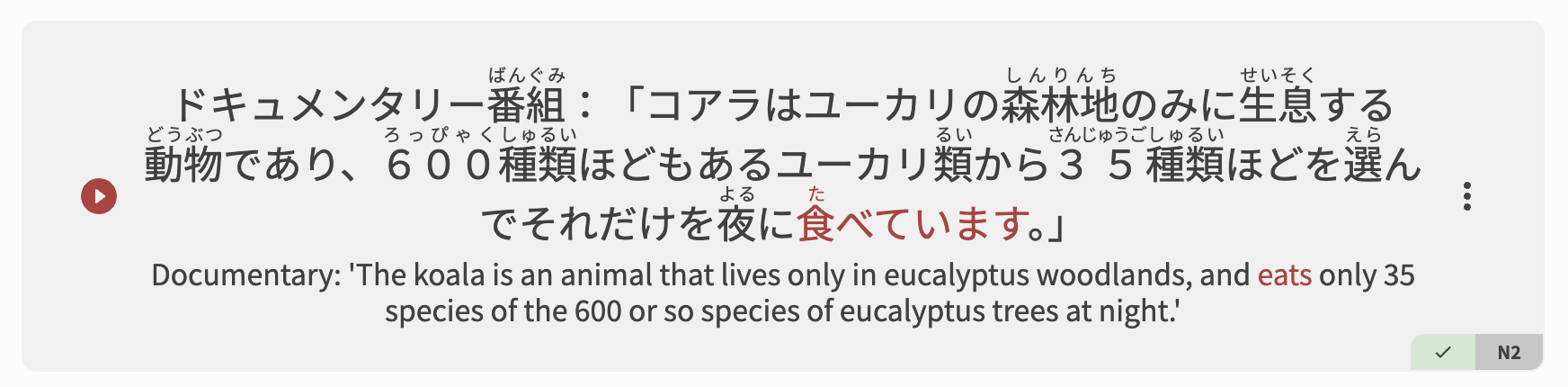
Lots of Vocab only have a subset of the Sentences available for Cloze testing.
This is because we have yet to figure out the perfect way to introduce new users to more advanced sentences.
For example, 食べる (N5) has this definitely not beginner-friendly sentence in it
1 Like
What if users could toggle which sentences to include?
Something like,
N5 
N4
N3
N2 
N1
3 Likes
Yes thats exactly how I experience it. Every time I review and get it wrong, it’ll appear as a fresh review and go up if I complete it without failing again. Doesn’t happen if I do it on mobile, only web
Not sure if it’s a bug, but Bunpro looks angry today 
2 Likes