Feedback - Bug Reports

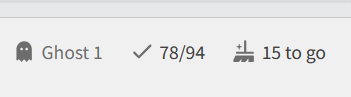
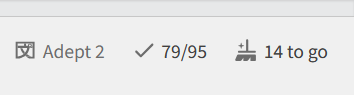
I’ve got a weird thing on desktop (windows with chrome browser) and iPad (chrome browser) where the ‘Wrap up’ option just keeps adding on every time I do my reviews? As you can see in the screenshot, I’ve only done 20 questions, but somehow have 40 pending items to wrap up.

I don’t think I’ve been messing with my settings in any way that would make this happen, but it’s never done this to me before. Also, when I start a new review, it doesn’t seem to give me the questions I’ve missed. It’s like it’s holding them in the ‘wrap up’ area.

1 Like

We recently switched to adding wrong answers from previous sessions directly into the Wrap Up queue from the start of the next session.

Before this switch, they would appear as if they were fresh and “newly due” at the start of sessions – whereas in reality they were just items that the user didn’t properly Wrap Up in previous sessions.
These unwrapped-up items would then show up in people’s Summaries as incorrect, and it was confusing people.

The new behaviour now pushes users to properly Wrap Up their Reviews.
Wrap-Up should be done after every session to ensure the SRS system works properly.

TLDR; This is a feature and not a bug.!
4 Likes

That’s great! I like this change very much. I never liked how I had to skip wrap-up if I had to quit a session in a sudden hurry. Happy to be able to still wrap up later this way.

2 Likes

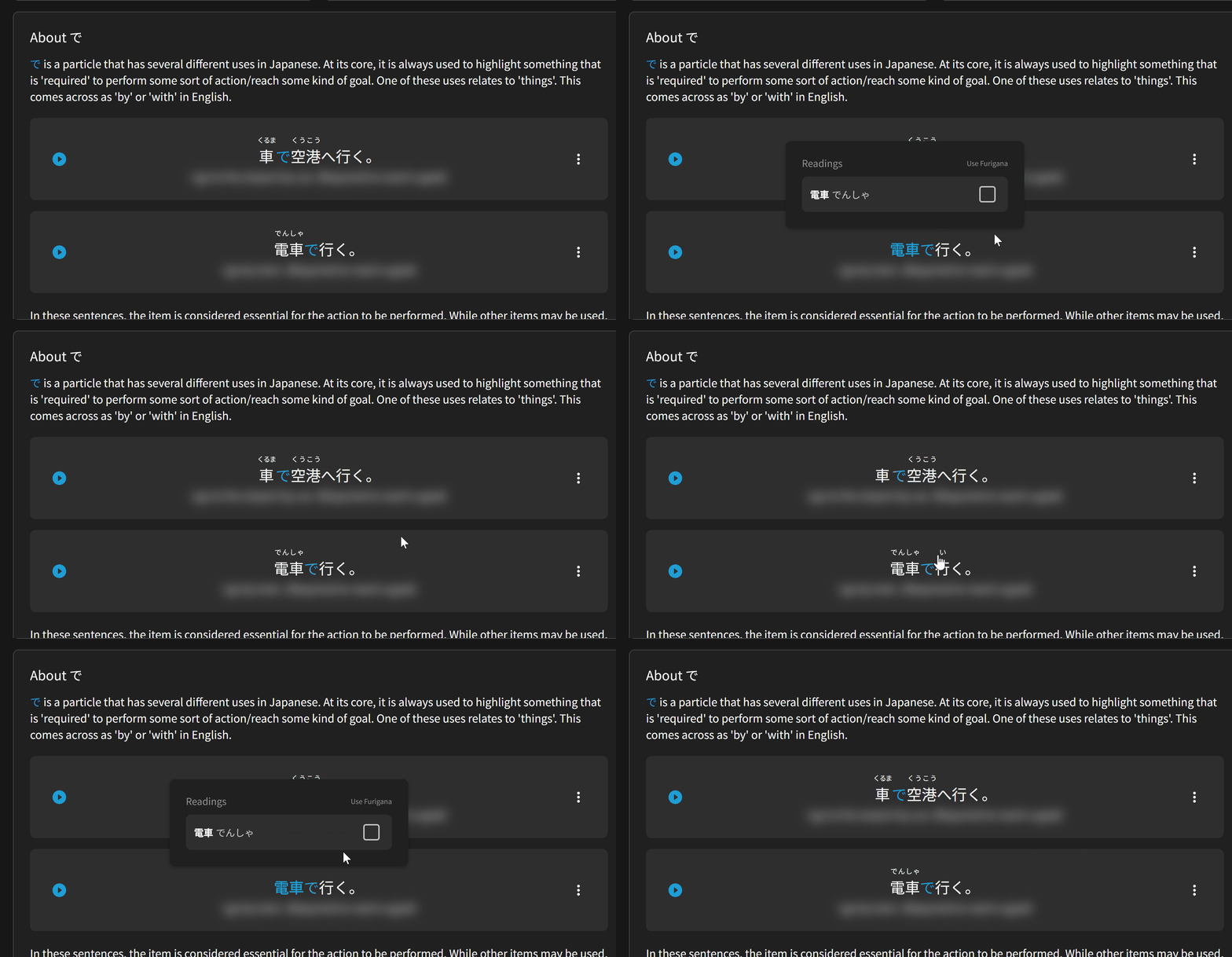
Encountered some interesting behavior on で With, By (using) where hiding/showing furigana on でんしゃ is also toggling it for くるま

fast

1 Like

Furigana and “known kanji” is handled on a per-Kanji basis.
If you know 電車 (the combination電 + 車), then we currently assume you know 車 (くるま).
Toggling 車 on and off thus also affects 電車.

It’s an innately flawed system due to how many different readings there can be for one Kanji.

We’re planning on changing it in the future to be word/reading based, so that your knowledge of くるま wont affect your knowledge of しゃ in でんしゃ。

3 Likes

That explains it!

I’m glad to hear it, thanks again!

1 Like

Working on the android app, I changed my vocab review style to “Reading/Review and Grade” a couple of weeks ago. Both in the default settings and in my deck settings. I used the Update All buttons in both cases. I’m still getting reviews coming up as “Fill In/Reveal and Grade”, which is what I had then set to previously. Seems to be old reviews coming up after long SRS periods.

Absolutely love the website. The design is great, it’s keeping me engaged, and doing my learning and reviews is a delight. However, I also want to use my phone… But I can’t.

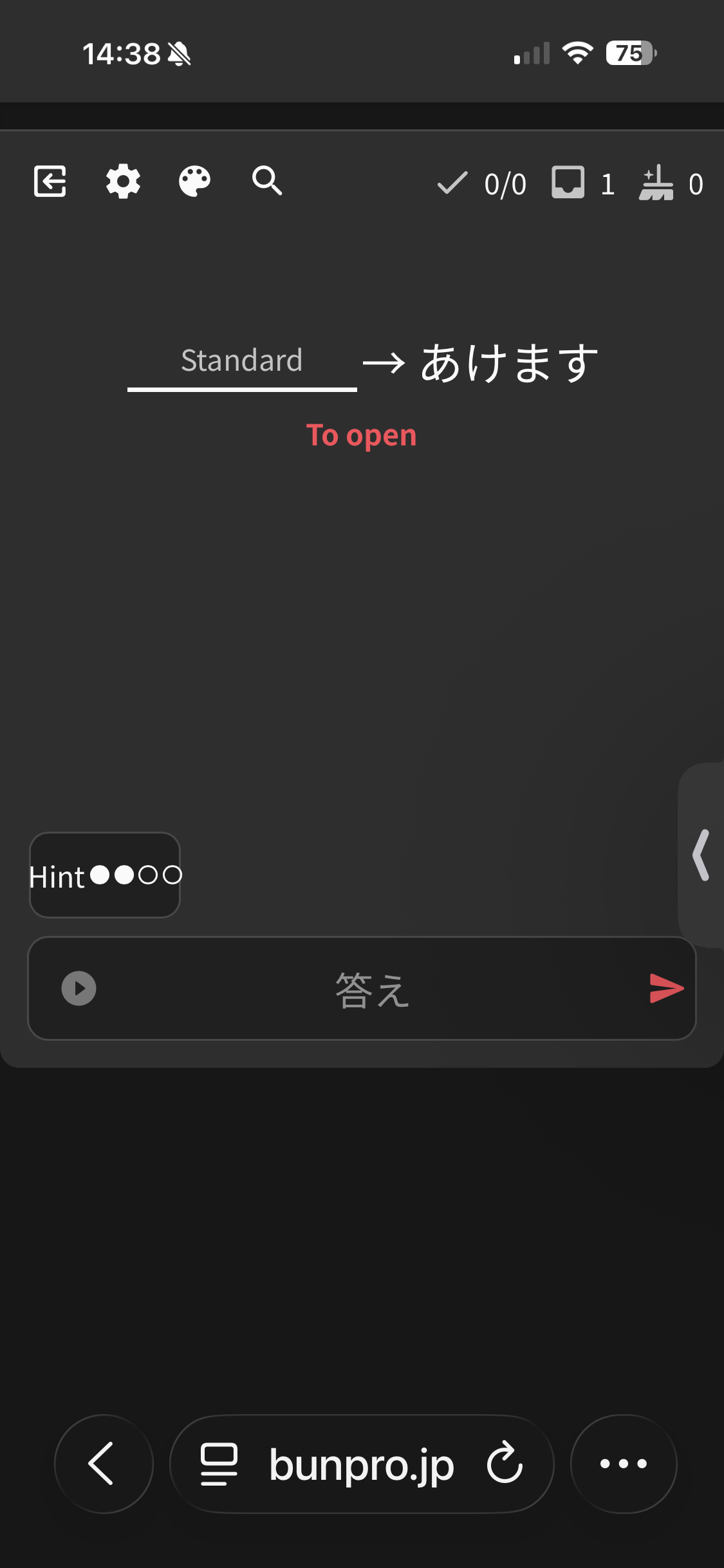
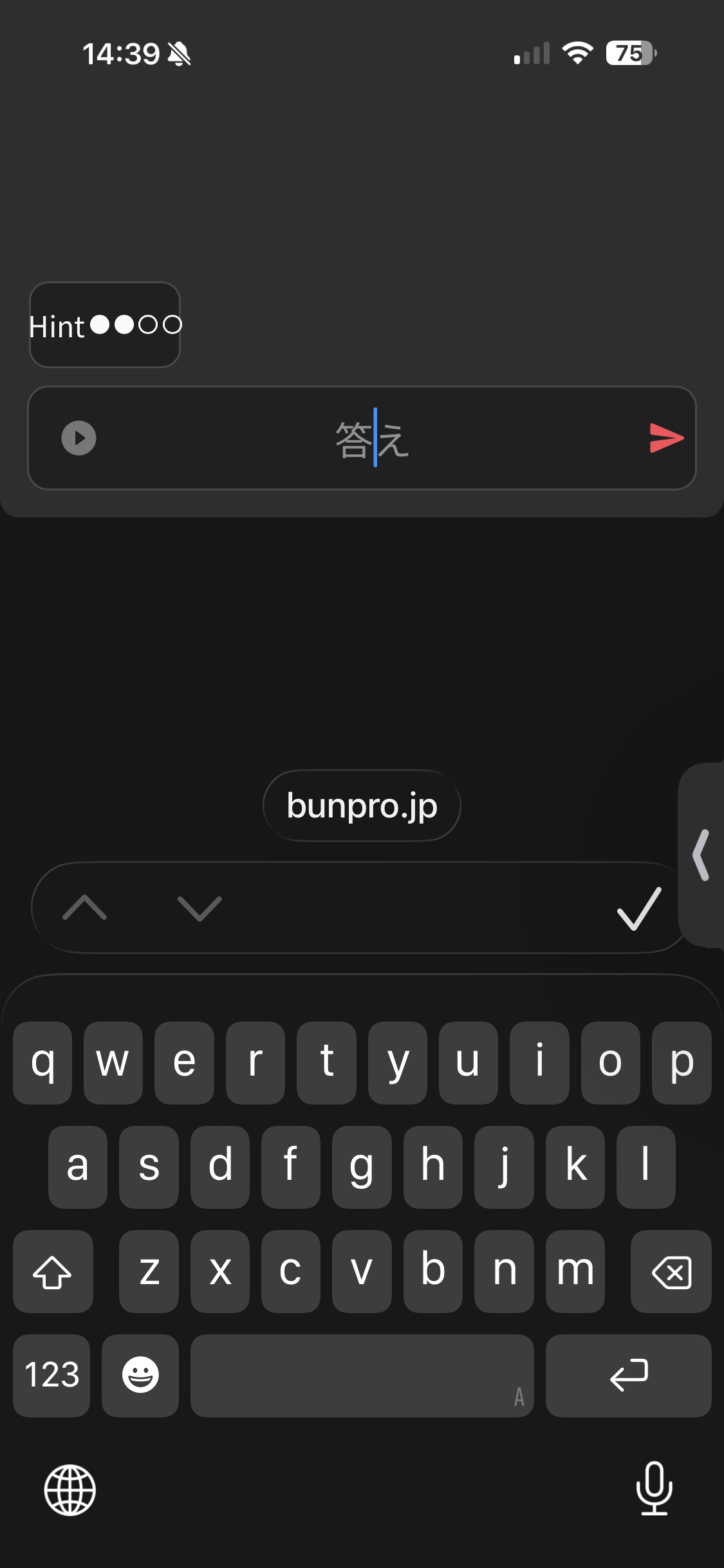
On iOS (using the Safari browser and the app), the text input field doesn’t pin to the top of the keyboard, it maintains its padding to the bottom of the screen as you can see here, so it pushes the content out of view, which makes reviews very hard and jarring.

Is it possible this could be fixed as it’s really frustrating trying to get through my reviews having to scroll up and down all the time rather than having the content fit within the window between the top of the keyboard and the top of the screen.

Thank you :slight_smile:


1 Like

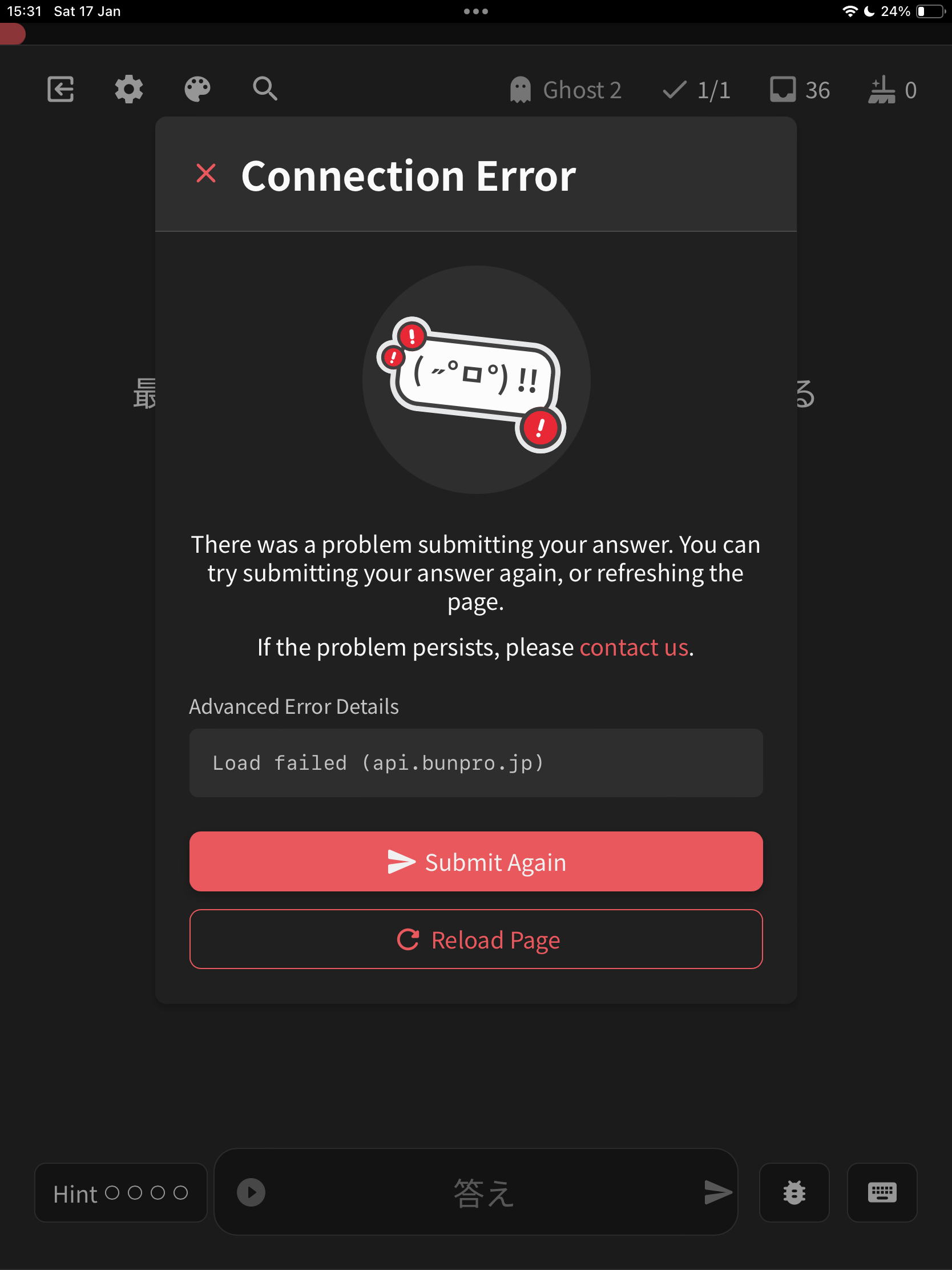
I’ve mentioned it before, but I wanted to say again that it would be nice if reviews worked over a VPN. Unfortunately I have to retry submitting every answer at least once, sometimes twice.

Luckily the iOS app works just fine over a VPN. But I would use the site directly a lot more often if it worked.

Interestingly, the new Kaijugation game works just fine over my VPN. If only you could take the secret sauce from that and apply it to reviews! Fingers crossed…

1 Like

Thats interesting. I’ve never had problems with my VPN when using the site. What VPN are you using?

1 Like

This is a completely minor bug and hardly a hindrance, but I thought I’d mention it just because.

This is on web, on pc. I was doing reviews and had pressed space bar once to make the next hint appear. I was in the middle of reading the English translation for the sentence when the hour passed over and some new reviews were added, and this made the hint display reset to my default setting, so the translations disappeared.

1 Like

I use NordVPN. The screenshot below is invariably what I see after submitting an answer.

My VPN is at the router level, but I get the same problem if I’m outdoors and using the VPN directly on the device.

Just tried again with the VPN off and can confirm - works like a charm.

1 Like

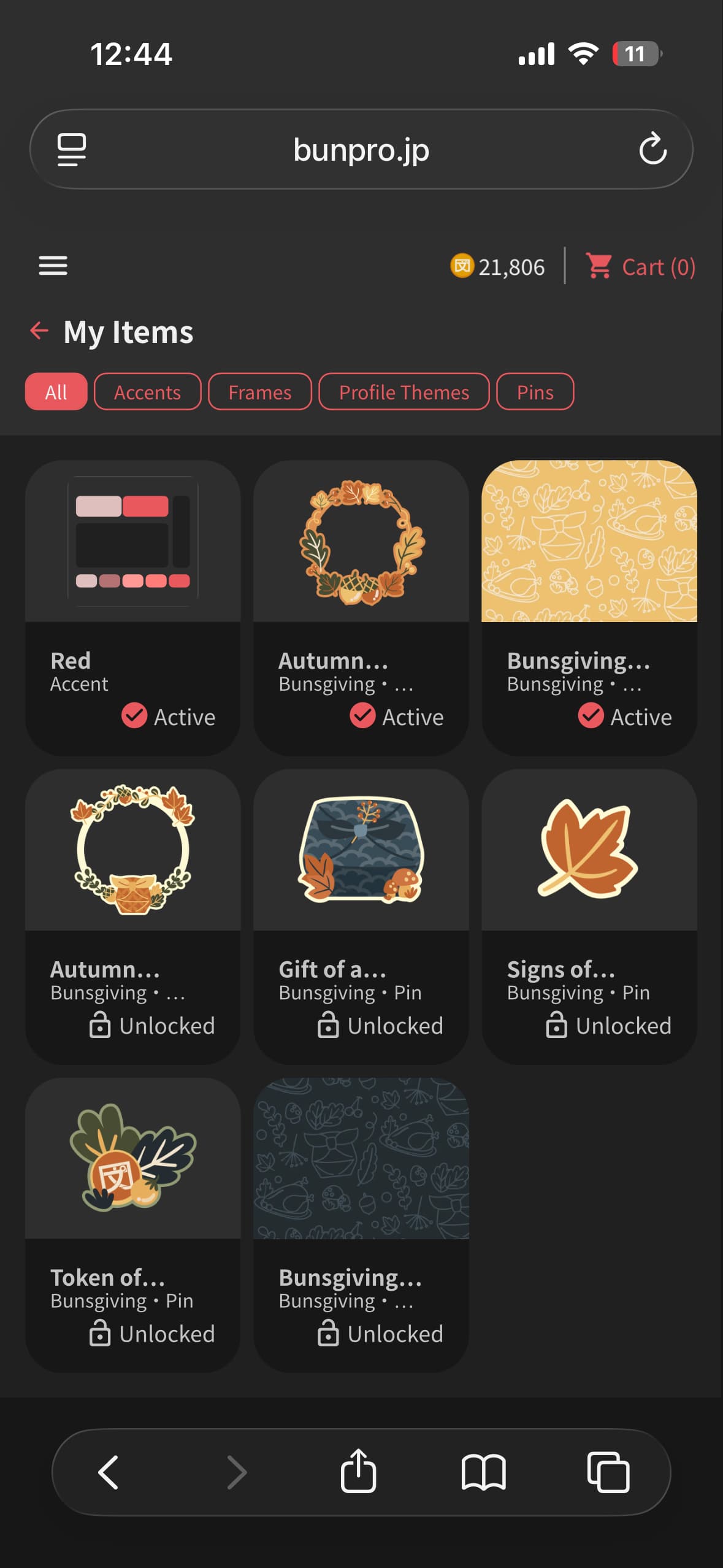
Very happy to see the points shop now in the app!! Though, it seems time limited items like the Thanksgiving set do not appear in the app. They only appear on the website.


2 Likes

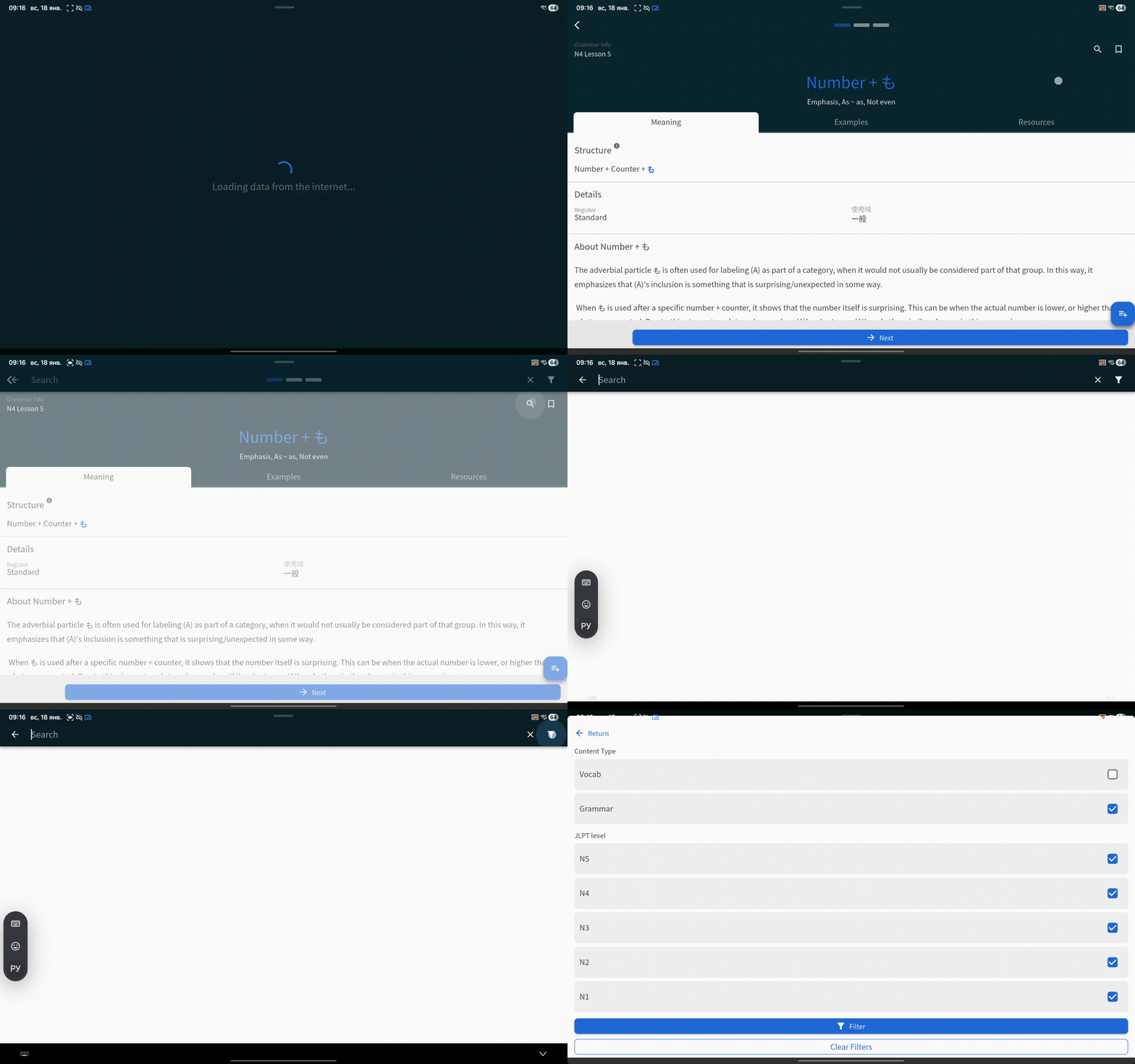
When I’m in learning mode and open the search, the ‘Vocabulary’ option in the filters is automatically unchecked. This prevents me from finding a word right away, and I have to re-check the box every time I open the search

1000004808

1 Like

@smija
Will be looking into this.
@ophid
It will be fixed with the next release!
Cheers!

3 Likes

Y’all rock! Ty!!

2 Likes

I can make decks’ images disappear by zooming in on them and tapping on them on mobile:

2 Likes

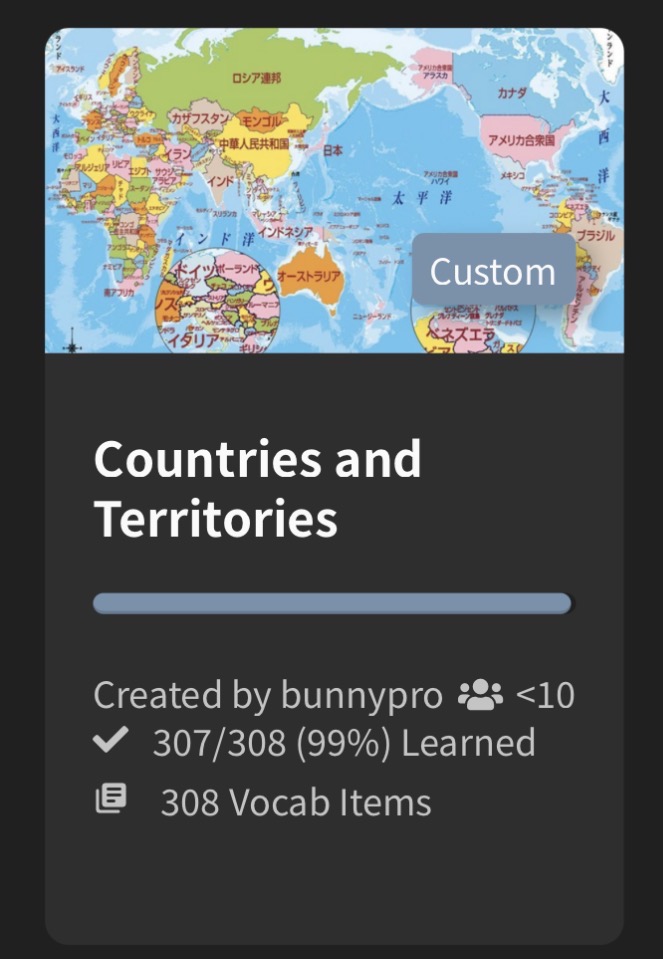
Also can only get to 99% complete on my Countries/Territories deck – not sure what the offending card is but could try and work it out if it would be helpful:

1 Like

Currently the wrap-up items add another number to the total count of reviews. Is this intended? My memory isn’t that great but I feel like this didn’t used to be the case.

afbeelding
:arrow_down:
afbeelding
:arrow_down:
afbeelding

3 Likes

Yeah, I’ve noticed this in the past week or so. Even though the number goes up there, it doesn’t actually increase the number of reviews done in the activity section, which is kind of confusing

2 Likes