
Hi there!
Is it working on the website?
Are you able to check? Might be an app-only issue, in which case I’ll follow up with the dev.
This was an intentional decision I made since we did the Wrap-Up switch mentioned above (where items not properly wrapped-up now show as such if you start another Review session)
Basically the only way to get that stat working in the same way if you (for example) had 10 items to Wrap Up at the start of the session would be to show 0 / 10 at the start, which might be discouraging.
Instead I’ve made it properly match the tooltip:
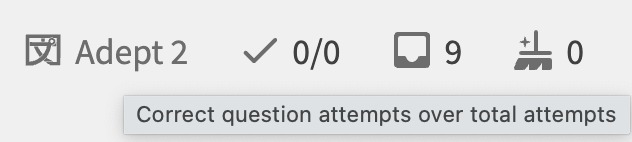
Where the number on the right is just the total attempts in general (not the total unique questions answered), and the number on the left is totalt attempts that were correct
1 Like
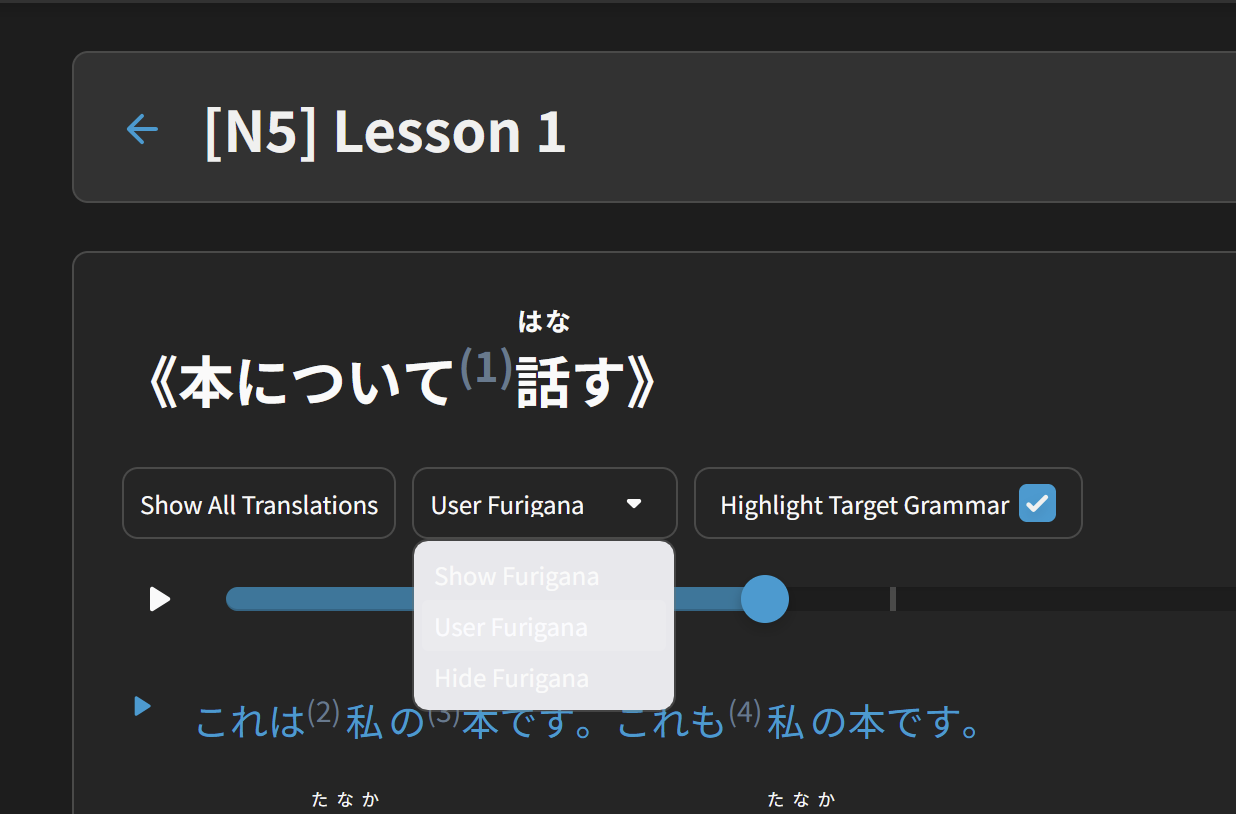
The user furigana dropdown is difficult to see in dark mode (it’s fine in light mode). Tested on both Firefox and Edge, see same result in both.
Specifically I used this page, I haven’t tested others, but they’re probably the same.
1 Like
Thanks for the feedback.
Specifically on Windows yeah?
We’ve got a fix for this coming very soon! 🙇♂️
1 Like
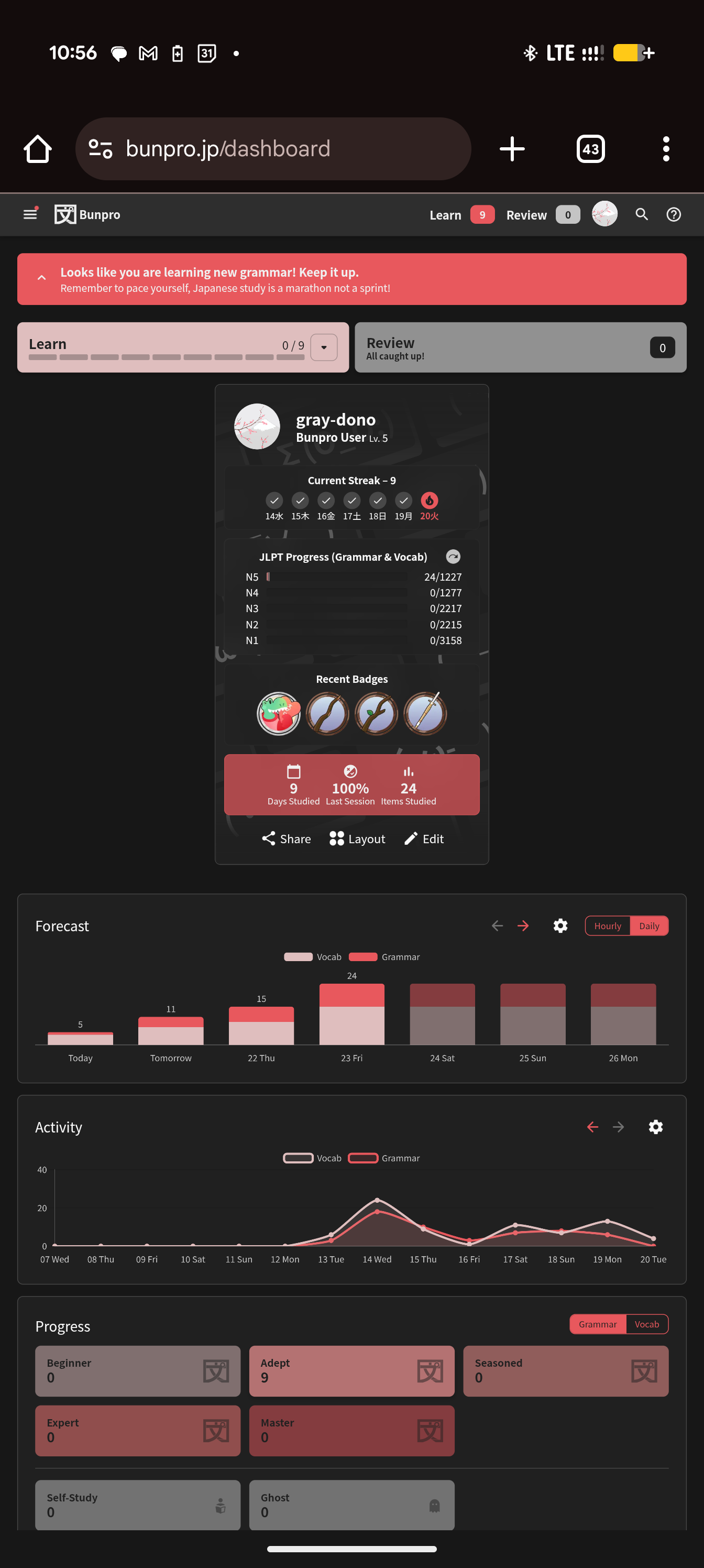
I don’t know if this is just a setting I messed with, but I don’t think it is. I noticed for a few days I stopped getting lessons on the app even when I had decks queued. I just went to the website to check today, and it shows up there but not on the app.

2 Likes
I tried it on my safari browser but still mobile and it’s also not working - I‘ll try it it works on my actually computer tomorrow tho (which I sadly rarely use)
1 Like
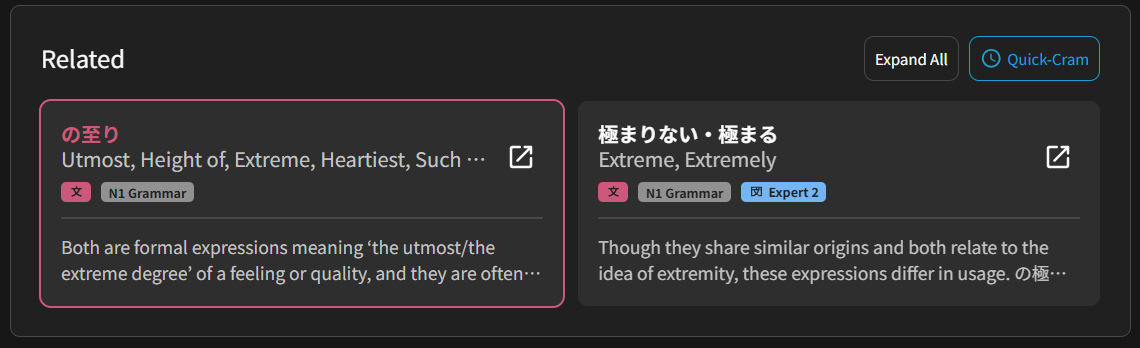
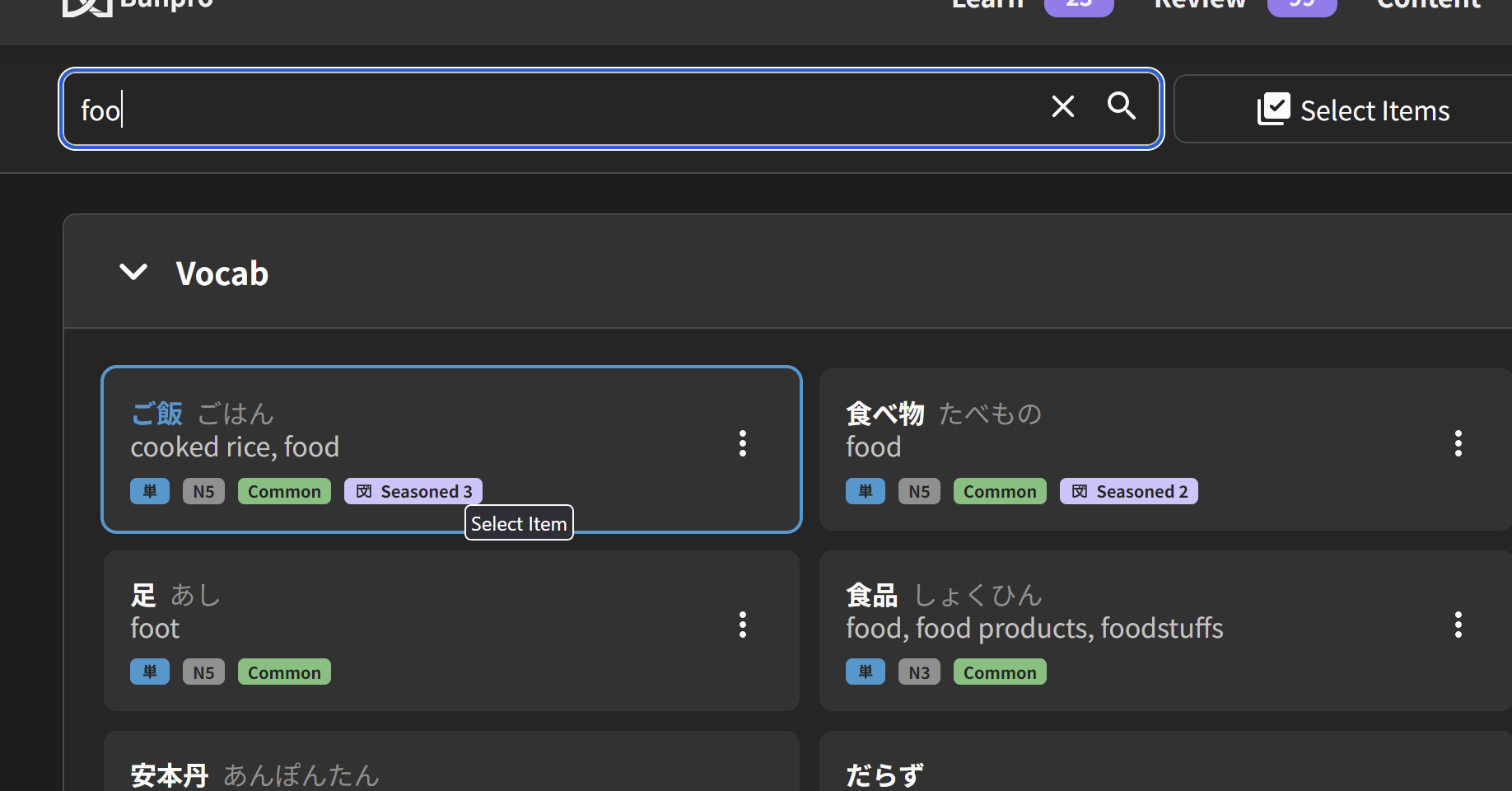
Tiles in the “Related” grammar points section currently don’t seem to use your theme’s color when you hover over them, so it would be good to get them to use that consistent look, e.g. matching the “Quick Cram” button color:
3 Likes
IDK if this is a bug report but
what is the jlpt level thing on my forum profile?
why do some people have it and some not?
why cant I change mine?
It’s not something I ever recall setting and I can’t figure out how to change it. It just says n5.
3 Likes
i think it’s supposed to be linked with the JLPT practice tests, but if i’m remembering right people were saying that it hasn’t been reflecting the highest level passed correctly
2 Likes
I thought that too but I took and passed an n3 practice test well before I took an n5 one (which I did just for fun haha)
1 Like
i wonder if its the most recent one you took then, that would at least make some sense
1 Like
the most recent one I took is an n2 one (passed) but yeah its been set at n5 since I noticed it (which was before I took the n5 mock test I think?)
rip to me lol
2 Likes
Hey!
I am looking into this!
Seems that some of your data didn’t load properly.
In the meantime, try to open settings, and search for ‘resync data’.
There tap on ‘resync all’ in the top right corner.
It might help.
1 Like
I’m getting a load of reviews multiple times, often cycling back and forth between the same 2 cards for a while before moving on 
1 Like
Try using ‘pull to refresh’ in the dashboard, the ‘unknown’ should change to your nickname now.
The decks issue should be also fixed. 
Cheers!
1 Like
I passed both N5 and N4 on multiple tests and have no level displayed at all, it’s pretty mysterious
1 Like
I didn’t even know that JLPT level display was a thing  looked at mine just now, it says N5, but the last bunpro mock test i passed was def N4. No clue what’s going on there ^^
2 Likes
My forum profile doesn’t list any at all
I believe the only time I’ve done a practice test was right after they were released.
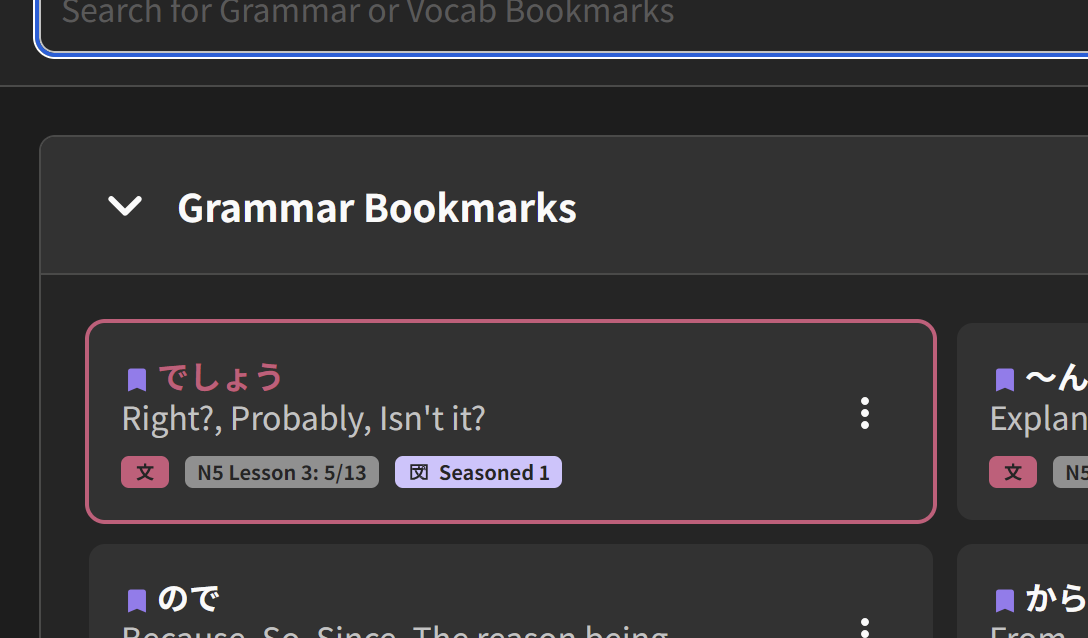
As an addition to this, it also affects the Content Search (I’m using Mulberry, not a blue theme)
Bookmarks section
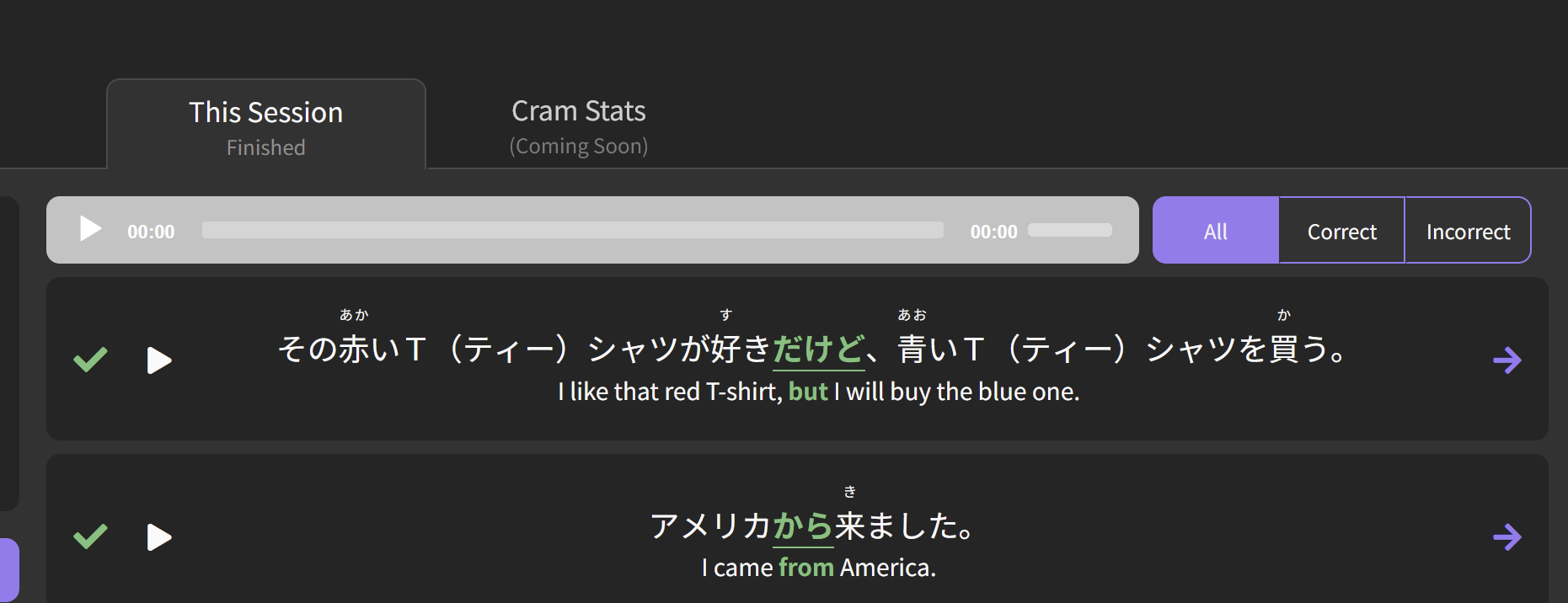
Also, the audio bar on the quick cram summary page doesn’t look quite right in dark mode
2 Likes
I just started learning the onomatopoeia deck a few days ago - it’s my first time trying to learn vocabulary with Bunpro. It all went fine until today when I got to おぎゃあ. There were immediately a few weird things about this vocab point:
- There was no pronounciation, and no recording for any of the sample sentences.
- There was no indication of how common it is, and searching around the internet makes me think this is a pretty uncommon onomatopoeia, so I’m a bit surprised it’s taught so early in the onomatopoeia deck.
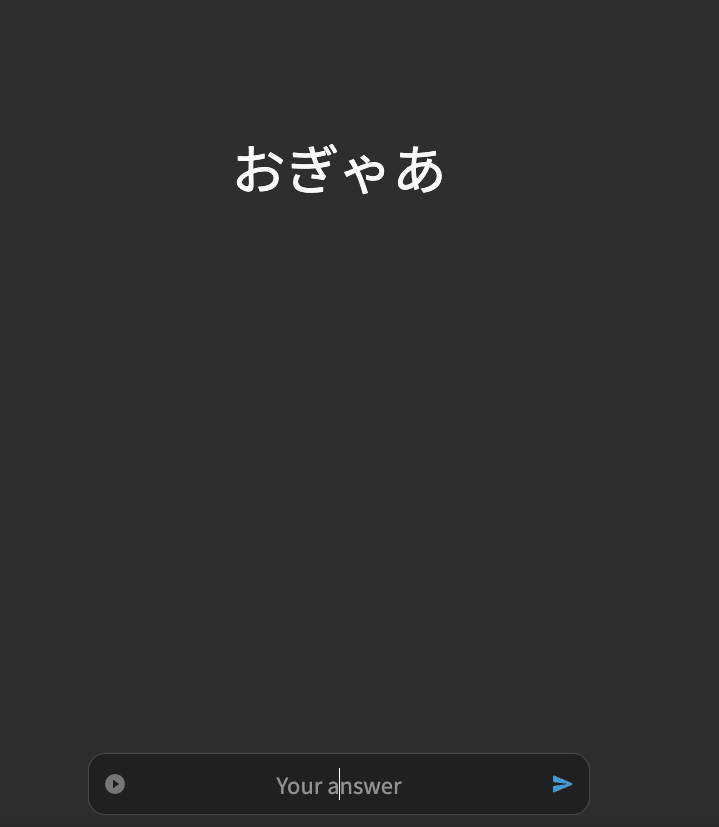
But the weirdest thing was when I actually got to the quiz at the end of the lesson - the question for this grammar point just showed me the word (おぎゃあ) and asked me to copy it to the bottom (see screenshot).
As I haven’t done vocab with Bunpro before I’m not sure - are the above common for vocabulary items?
(Edit: after compelting the quiz, I realized it acually wants me to type out the definition of the vocab point - in this case “cry (of a baby)” - and not just copy the word. Still I’m a bit surprised since until now all vocab points asked me to recall the words, filling them in in Japanese inside a sentence…)
1 Like