
Thank you!! The “Minimal SRS for ghosts” was the issue. I wonder how that happened…
2 Likes
I think this is a bug but I can’t discount the possibility that I’m just really dense.
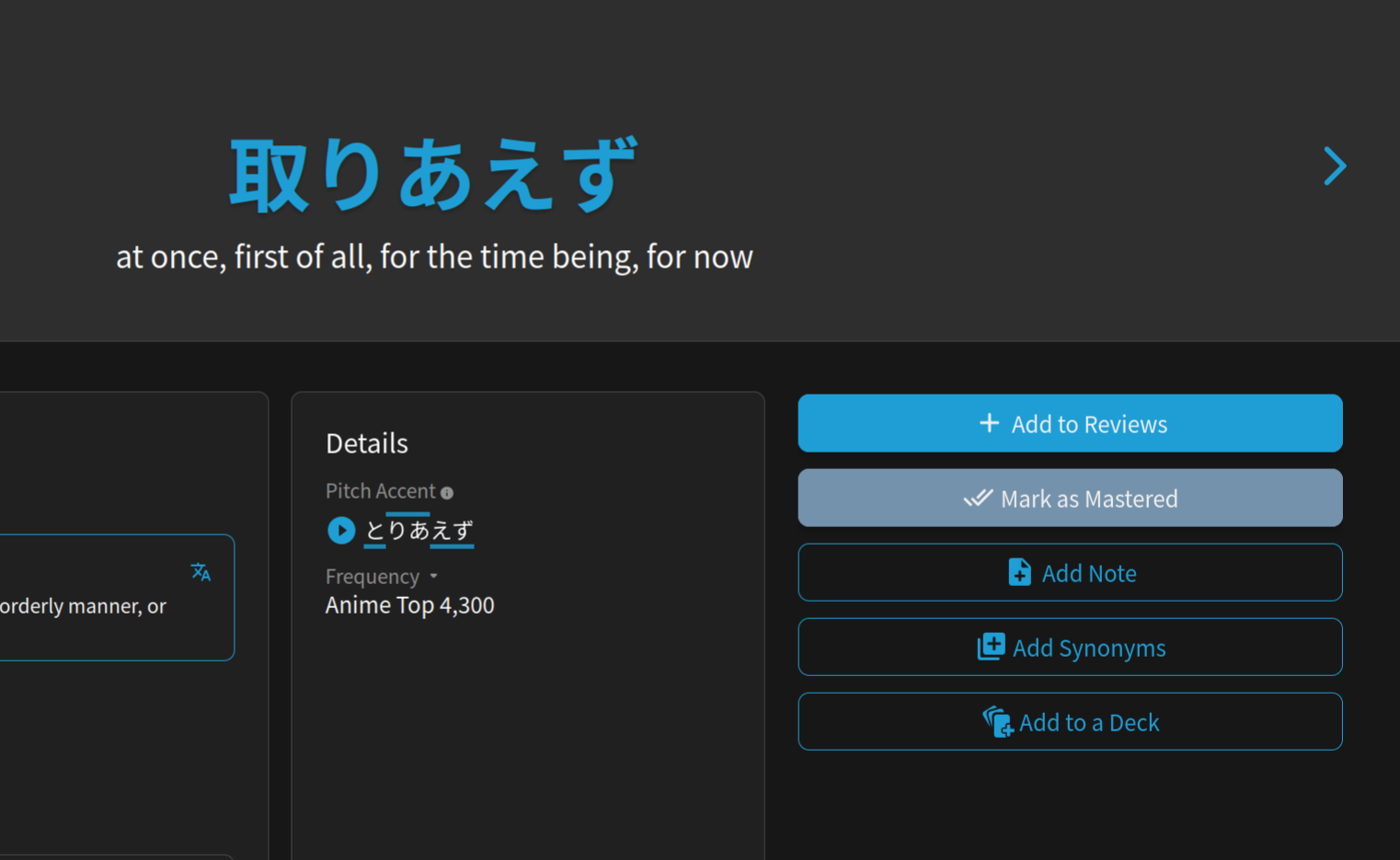
I made a custom deck and have not selected to add it to learn queue or any of the cards in it, and none of these cards are ones I have already started learning. However, the cards are all in my current review session. When clicked on, none of them have the SRS level thing on the right side of the screen and they can’t be removed from the learn queue because they haven’t been added in the first place. See screenshot below with the ‘add to reviews’ button still being there
1 Like
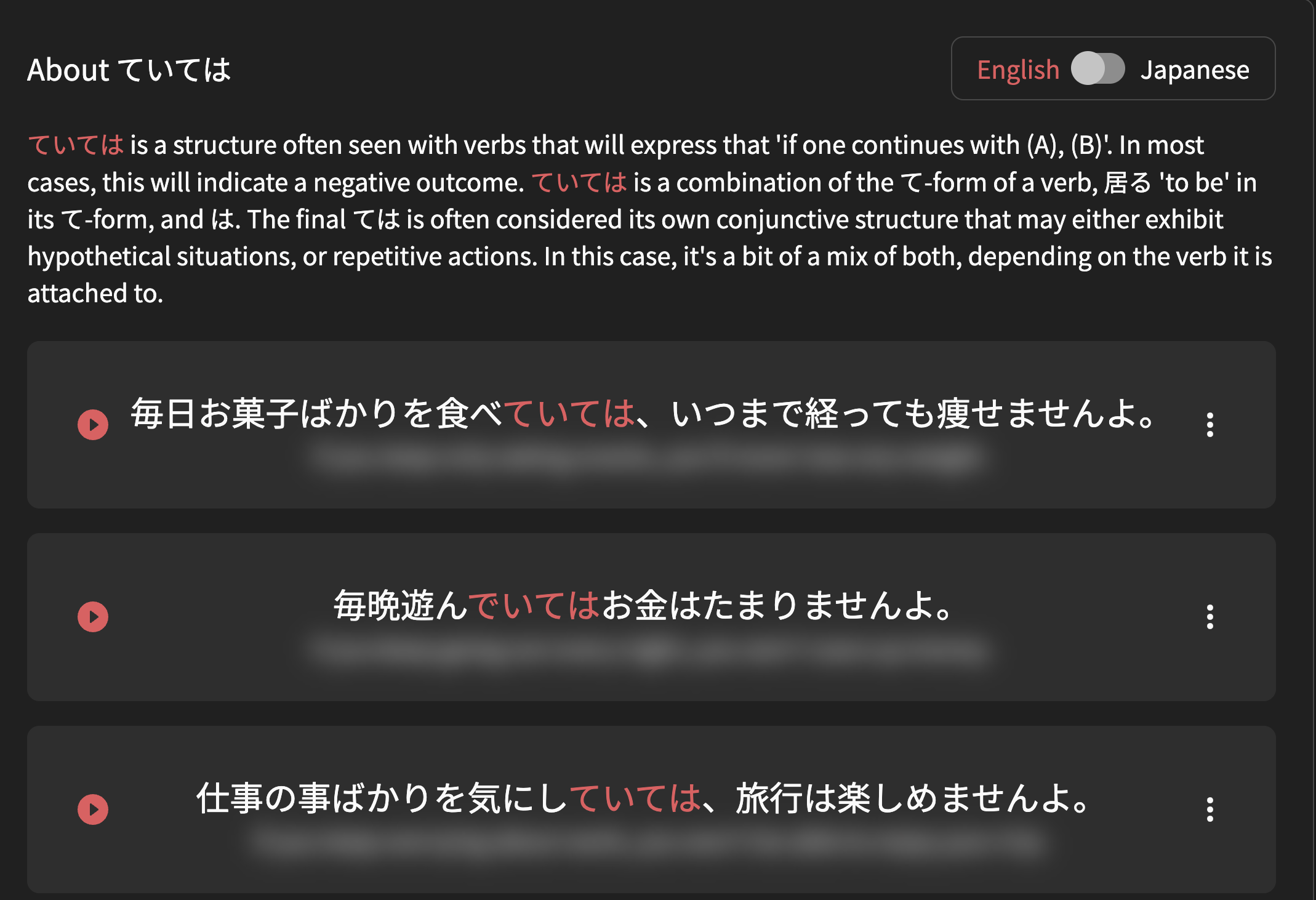
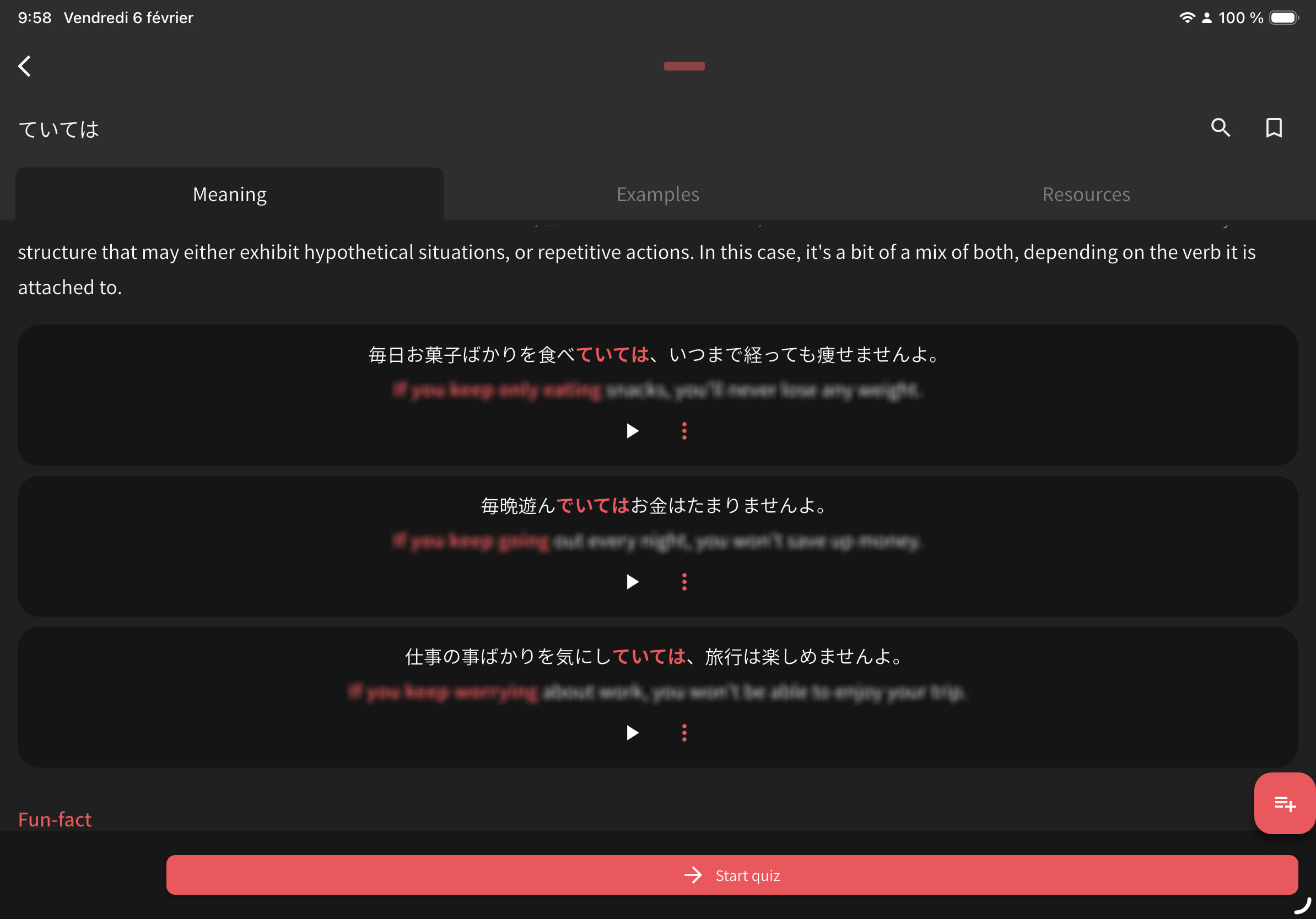
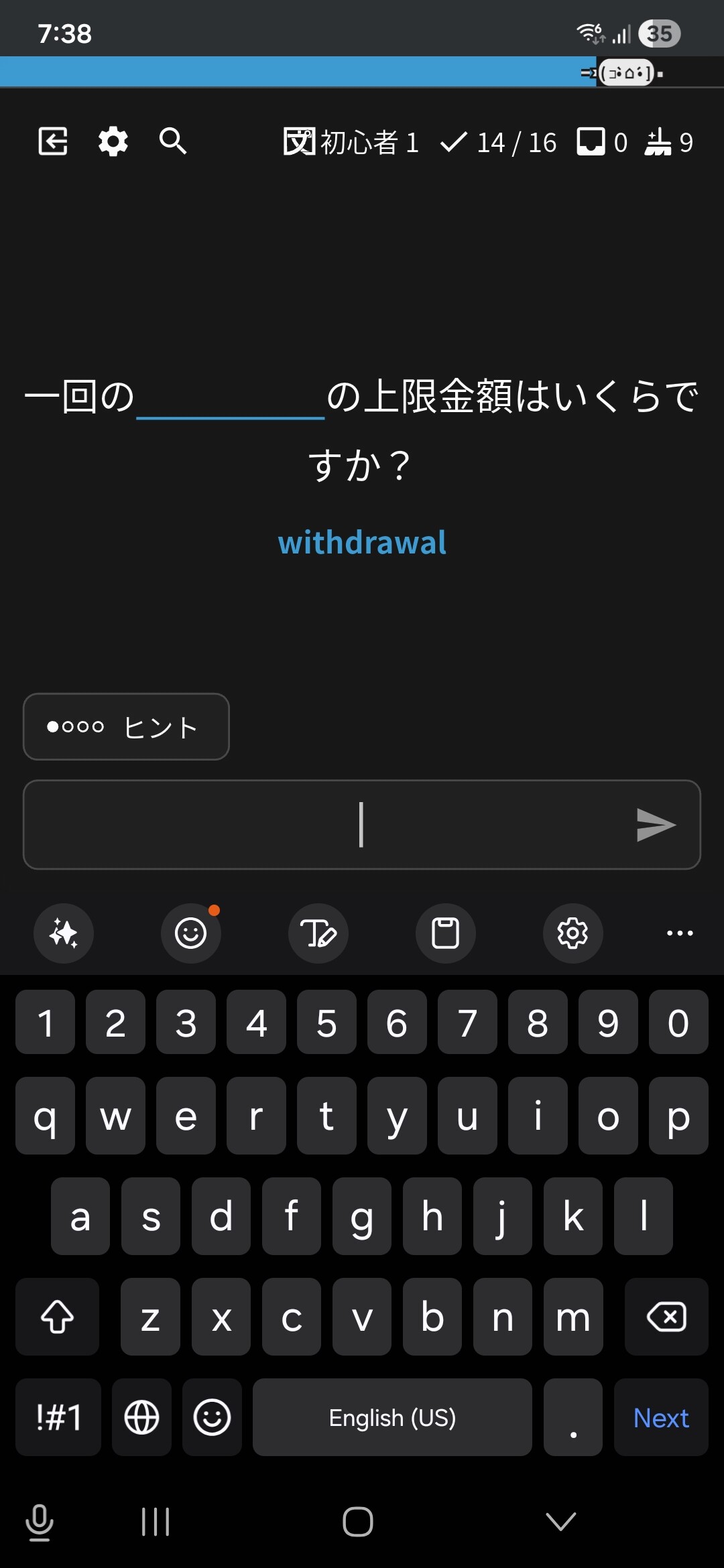
The blur effect of English sentence are not enough (we can see the text) on iOS and iPadOS (image 2) compared to the desktop version (image 1).
3 Likes
This definitely should not be possible, sounds like a bug.
I’m gonna recap your situation and you tell me if anything sounds wrong:
- You have a custom Deck (one for a manga)
- This Deck is NOT in your Learn Queue
- Items for it (e.g. 取り敢えず) that you have NOT Learned are showing up in your Reviews quiz
- When you click “Show Info” and scroll down during Reviews, you see similar to what you showed me in your screenshot
^Does this sound correct?
Is it still happening?
I couldn’t replicate it on your account (for 取り敢えず at least), but that’s likely because you have too many Reviews in your queue for me to test properly.
Anyway, just let me know if I’ve got your situation correctly and I can test further.
If you could clear your queue of un-bugged Learned items a bit more I can also try replicate it again
1 Like
Hello! We think we fixed this bug – the Grammar count should have corrected itself. Does it still say the Deck is finished? Let us know!
2 Likes
I did some Reviews Just now, but the SRS Stage didn’t change and in the summary after the review all answers were marked as wrong. I used the option we’re you don’t have to type in the Word.
Edit: I was doing the vocab Reviews from the Dashboard. When I did Reviews from a Grammar Deck, I Had No Problems with the SRS Stage.
1 Like
I just checked your account.
You have a lot of wrap-up items, and it’s forcing you to Wrap Up your old un-wrapped-up items first.
Wrap Up items are counted as incorrect.
Screenshot shows how your Reviews start – with 20 items already in the Wrap Up queue.

I’m guessing you have lots of stuff to wrap up for Vocab, but not Grammar.
PS. Wrap-Up should be done after every session to ensure the SRS system works properly.
2 Likes
Thank you for checking.
1 Like
(post deleted by author)
2 Likes
Yeah that’s basically the situation. I think I’ve had 3 items from that deck show up in my reviews so far, and ones I get wrong are also are in the ‘clear up missed items’ bit as well (well at least the one screenshotted below) - that might be a bit less intense to test, but if you give me a couple days I can get the proper learned queue down to a manageable number
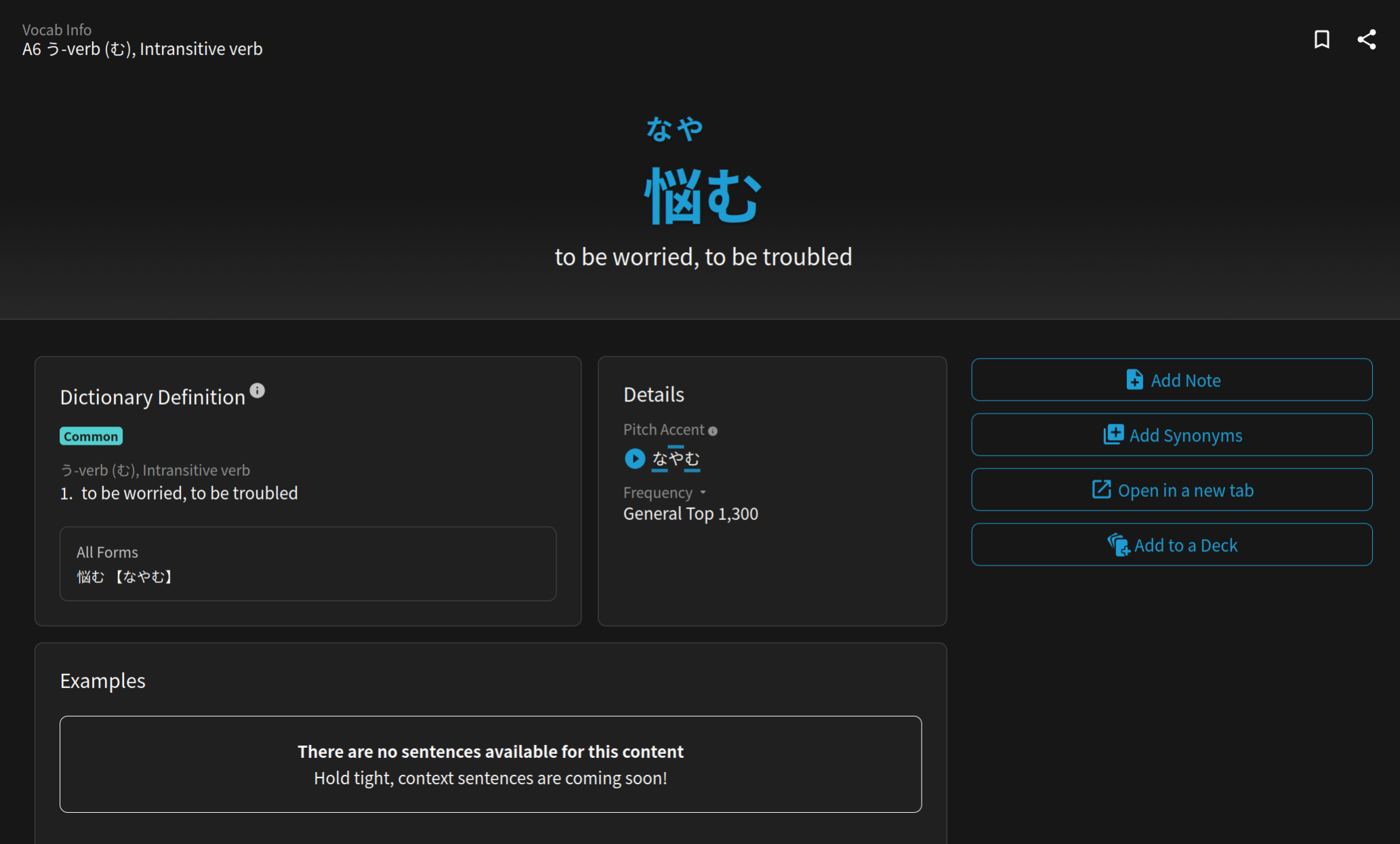
Also a weird thing I’ve noticed in the wrapping up missed items bit is that it seems to bug out a bit when 悩む (and presumably any other of the custom deck items) appears. Sometimes will just trap you in a cycle of only that item coming up. Haven’t tried getting it right yet because it being in the missed queue might be helpful, but getting it wrong will just result in an endless loop of that item coming up instead of any of the other 50 or so in that queue. It is only sometimes that happens and sometimes it will move onto the next card.
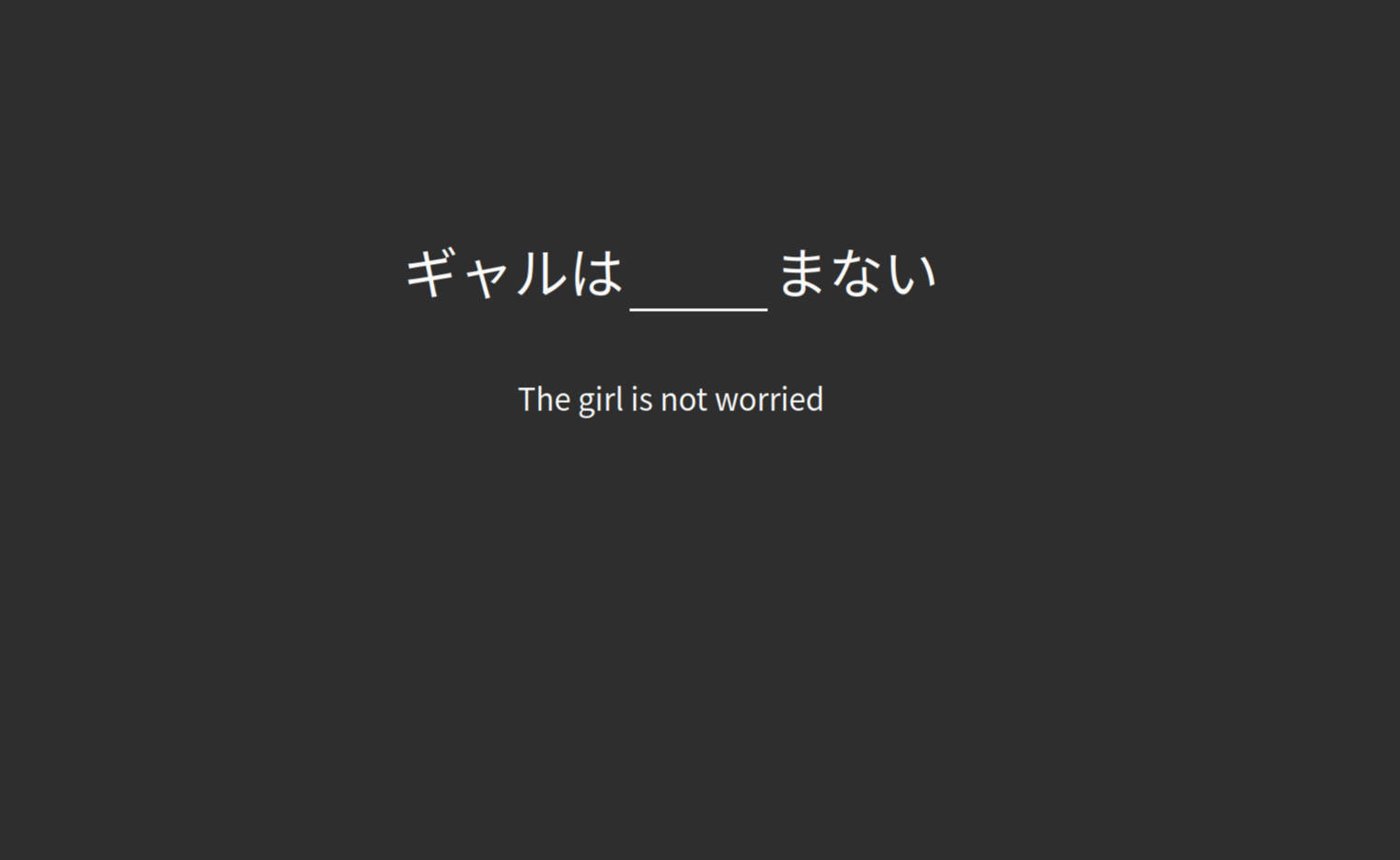
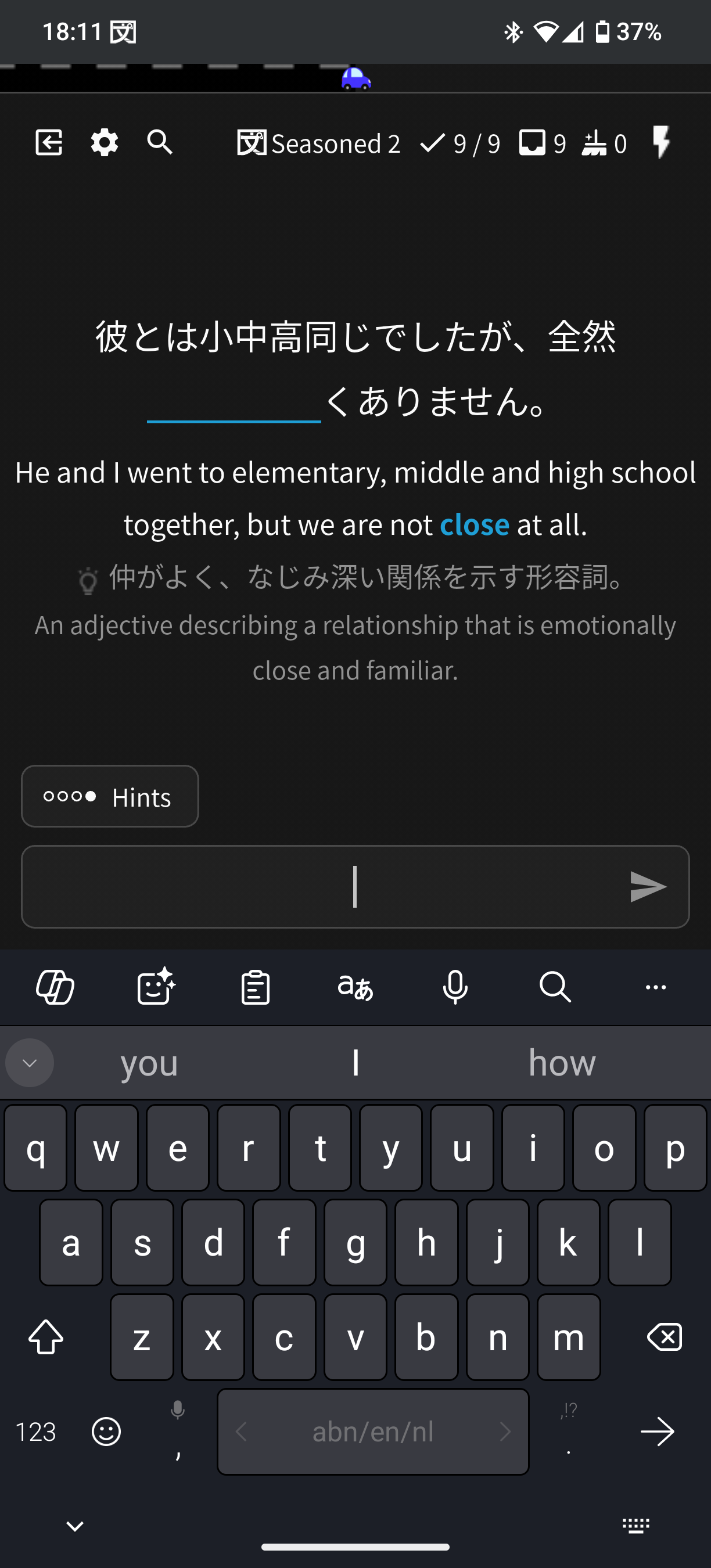
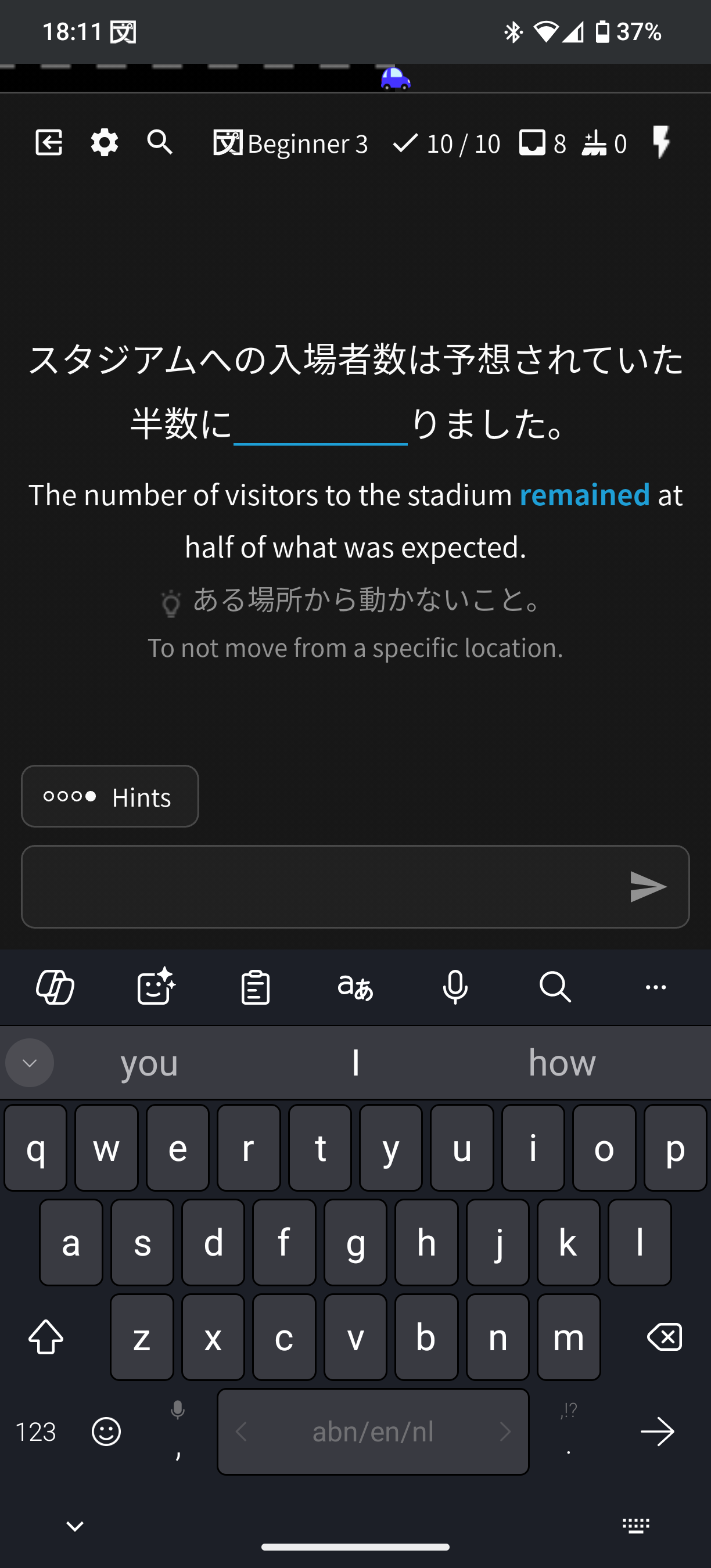
Sorry for the late response, I’m afraid that I’m still experiencing the bug on my end.
As seen in the screenshots below, a Seasoned item is followed by a Beginner item. It’s still functioning in the pattern I described before as well. I did not mention this before, but I’m using Android, should have mentioned this before.
1 Like
I thought I Made a Copy of my Tobira Deck, but I accidentally deleted all Units from the original. Is it possible to Bring them Back?
My last session shows 65% accuracy but somehow when I go to profile - stats - recent reviews - missed tab on the website it shows none. The correct tab is also showing incorrect grammar (they are old correct grammar answers not recent)
After updating the Android app to 0.5.2+343 I noticed strange behaviour. I ended one session without doing cleanup and the next time the counter for the remaining items was higher than before. After getting it down to 8 the session ended, the progress bar also does not match.
I also got tested on a mastered item during reviews. I got it wrong but the SRS level did not change.
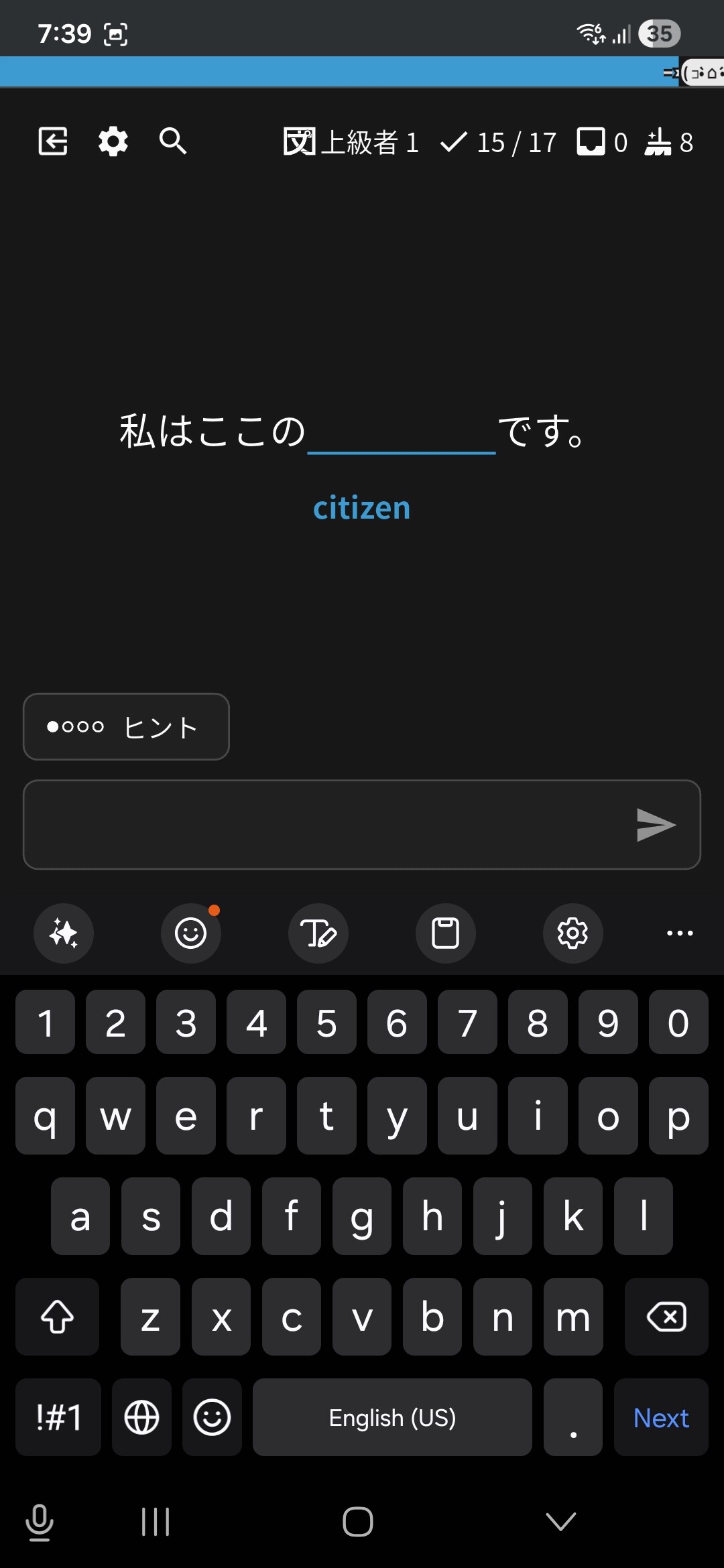
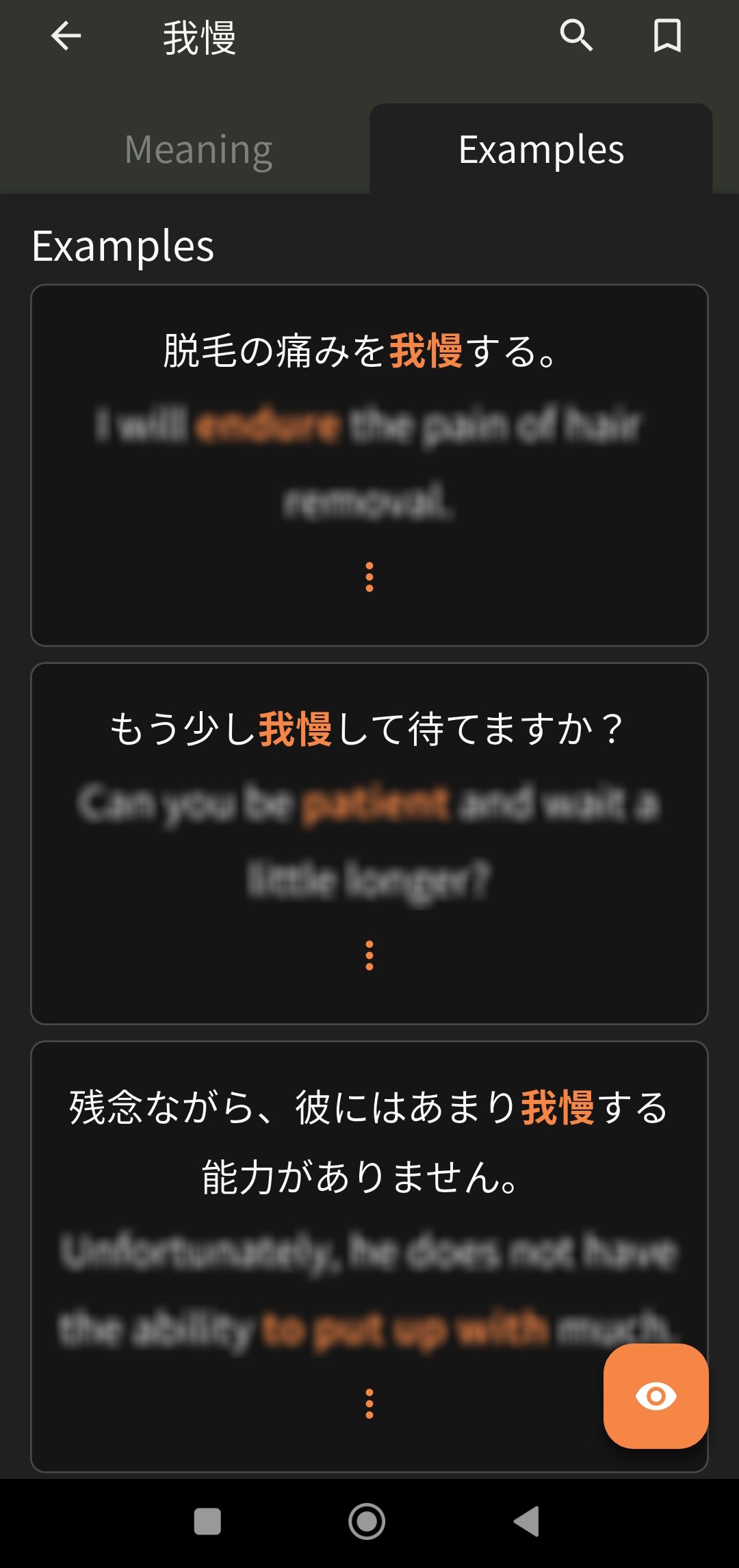
I don’t know if this qualifies as a bug, but today the English translations of examples have changed from being hidden to being blurred on the Android app. Trouble is, they’re not blurred enough, so they’re very easy to read anyway. Kind of ruins the point of not showing them immediately.
4 Likes
Update on this: I realised it’s not a bug just a misunderstanding of how self-study sentences are supposed to work. I assumed that they would just add as an additional possible sentence to appear when doing reviews, not that they’re on their own SRS. Does anyone know if there’s a settings menu for self-study (I found this out on Reddit not Bunpro itself!)? Otherwise I’ll just remove the sentences as that’s not what I was looking for at all
1 Like
I have found that bunpro app is inconsistent with web app in way how user should write self-study sentences.
When I want to write some sentences with kanji as an answer, web app expects me to write kanji, and write kana version in full width parenthesis. Example: 良くなる(よくなる)
When trying to answer to such written sentence in app, app expects me to written exact same combination of text (良くなる(よくなる)) instead of accepting just “yokunaru” and transcribing it to kana as it does with vocab reviews.
Also, the web app someway forces way of adding answers to the self study sentences.
Web app expects the version with parenthesis, while for iOS app, the correct way to write kanji/kana answers is to add 2 separate answers, with 1 kanji only and second, kana only version. While trying to edit sentence created on app, web app does not allow to save it marking such separate answers as error.
I think both app and web versions of bunpro should be more consistent and replaceable between each other.
Best regards,
2 Likes
Morning! I went to reset all my bookmarks. I now have words in my bookmarks that are unbookmarked but still appear in the list and appear in my bookmark reviews.
I used to use the bookmarks as a way of marking my schools vocabulary of the week so that i can cram it, but I can’t do it now with these ghost book marks always appearing.
I see these bookmarked words in both the side menu - > bookmarks and in cram → bookmark s. I have tried adding words to my reviews and removing them, re adding them as book marks and removing, etc, but it is still happening for some reason.
John
(I think i posted to the wrong thread so i moved it here and deleted old one)


