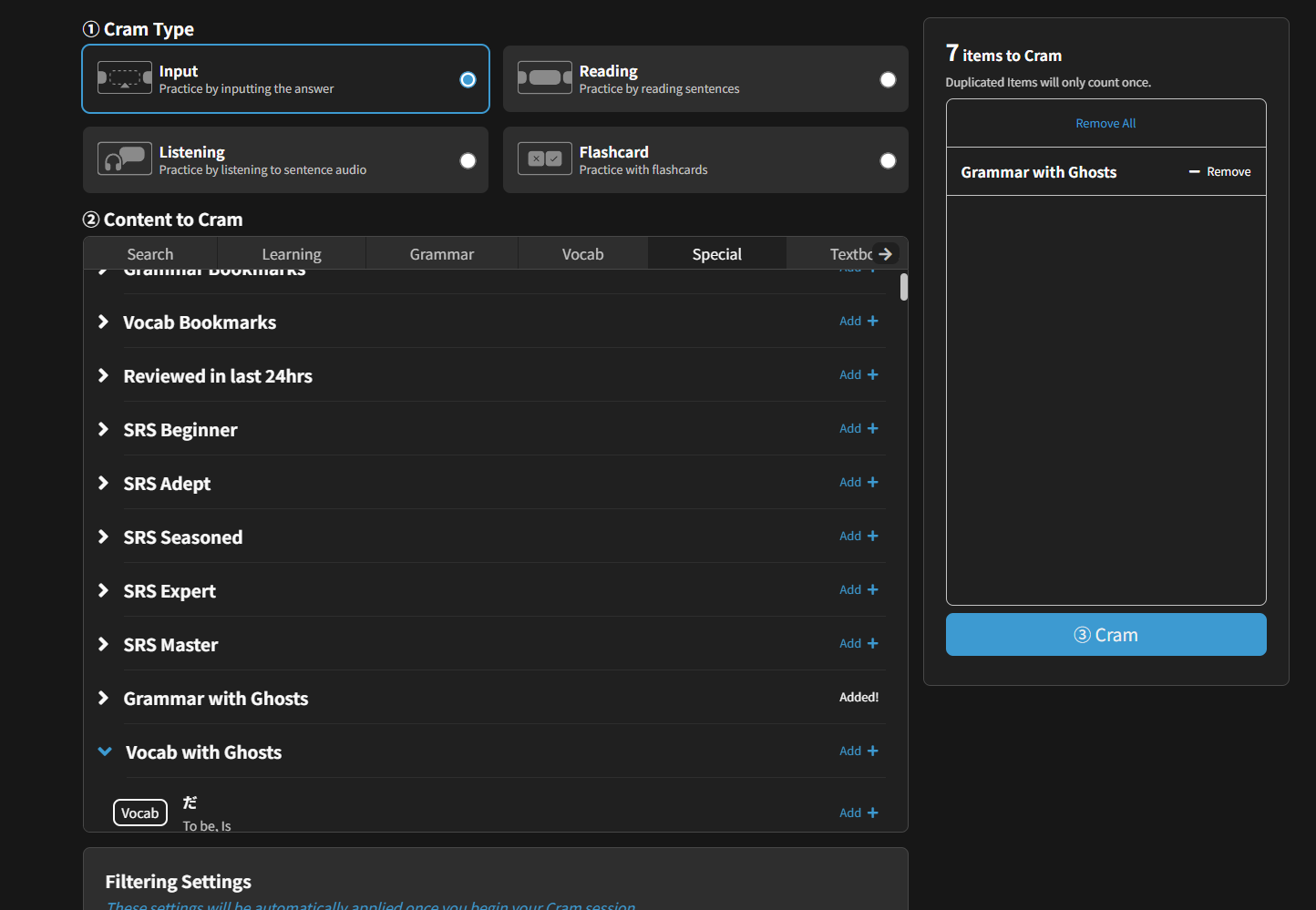
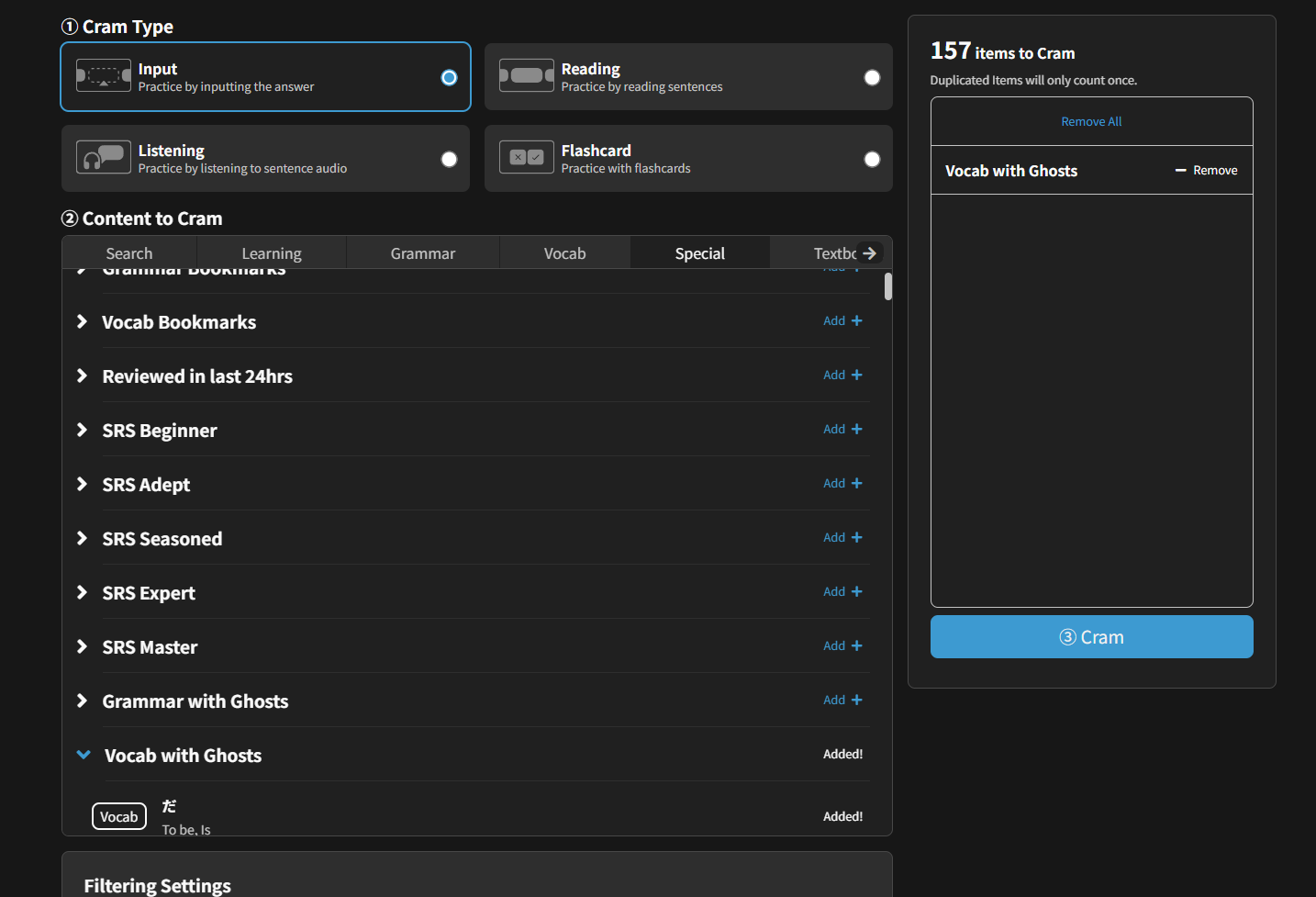
Feedback - Bug Reports

Hey @LagonKa , hopefully I can provide a bit more clarity! What you are describing is intended behavior. For vocabulary, each example sentence is given a tag: N5-N1. If a vocabulary is N5, it will only populate sentences tagged as N5 for reviews, if a sentence is N3, it will only populate sentences tagged N3 for reviews, and so on.

As Sean said, this is to ensure that sentence level is appropriate for the learner’s level. When you move into N2 vocabulary, you will be given sentences at the N2 level.

I hope that helps clarify things a bit further!

Hi @Jacob-Bunpro,
Thank you for your answer. I’m not sure I fully understand what you meant, though.
Why would N2 tagged (or higher) sentences be written for N3 tagged vocab if those sentences never show up in reviews? I feel like I’m missing something obvious, but I don’t quite get it.

For example, 大きい has sentences across all levels. Why is that, if we only get quizzed on N5 sentences ?
Wouldn’t it make sense to let users decide up to which level they want to be shown sentences ?
Or is this what Sean meant by “allow cloze-ing”, meaning that the higher-level sentences are not set up in the backend for cloze style quizzes ? If that’s the case, simply enabling reading mode for those sentences would already be a great improvement.

Do I make sense ?:slight_smile:

1 Like

I believe @Fernando-Bunpro is working on this!
Thanks for the report 🙇‍♂️

1 Like

Sorry for not replying to your previous message.

Or is this what Sean meant by “allow cloze-ing”, meaning that the higher-level sentences are not set up in the backend for cloze style quizzes ?

Yes this – they’ll need additional configuring to allow the sentence question types (Listening, Reading etc.).

If that’s the case, simply enabling reading mode for those sentences would already be a great improvement.

This still leaves the issue that lower level users will be overwhelmed by sentences they’re not ready for.


If it’s any consolation, we’re working on the issue, and I personally feel strongly about it, as I basically only use Bunpro now for the Vocab sentences.
It’s definitely a waste to only make ~4 of the 8 sentences available for quizzing, when the rest are valuable additional context.

4 Likes

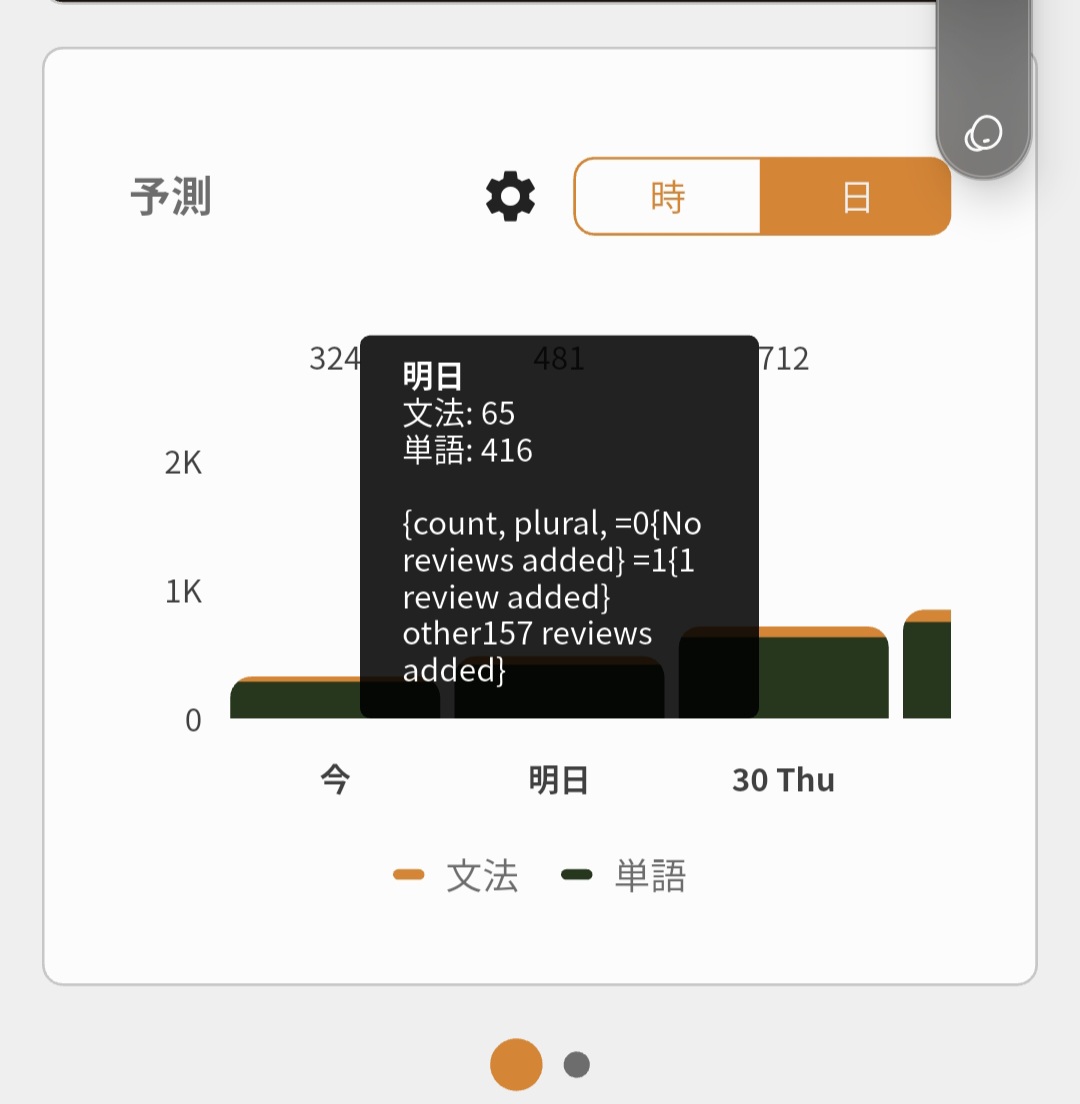
Yeah, this was happening for us users on (GMT-XX).
Fixed it a while ago but somehow got reverted back, should be fixed again in the next update 🙇‍♂️

2 Likes


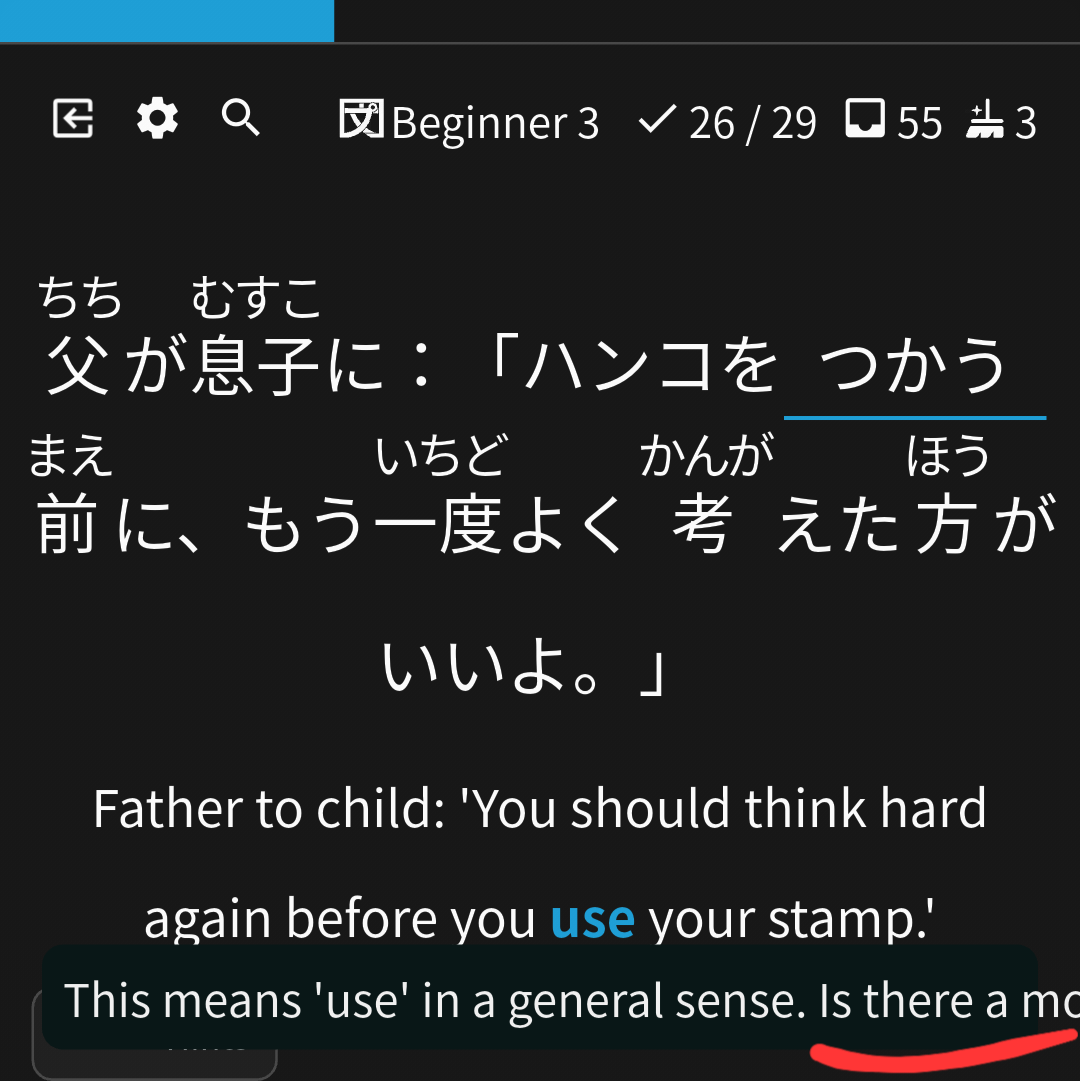
On Bunpro Android app, in some UI elements texts are not wrapped properly. Of course it’s not super high priority, but it would be nice if it could be fixed.

When using web Bunpro on a mobile device, some vocab pages don’t have enough vertical length for the “open sidebar” button to appear when scrolling down. Specifically the vocab pages with so example sentences. This makes it impossible to add synonyms on mobile.

During a learning session, if an item doesn’t have voiced sentences, the audio player is still there on the Examples box. Hitting play makes it play the first sentence of the previous item instead.