
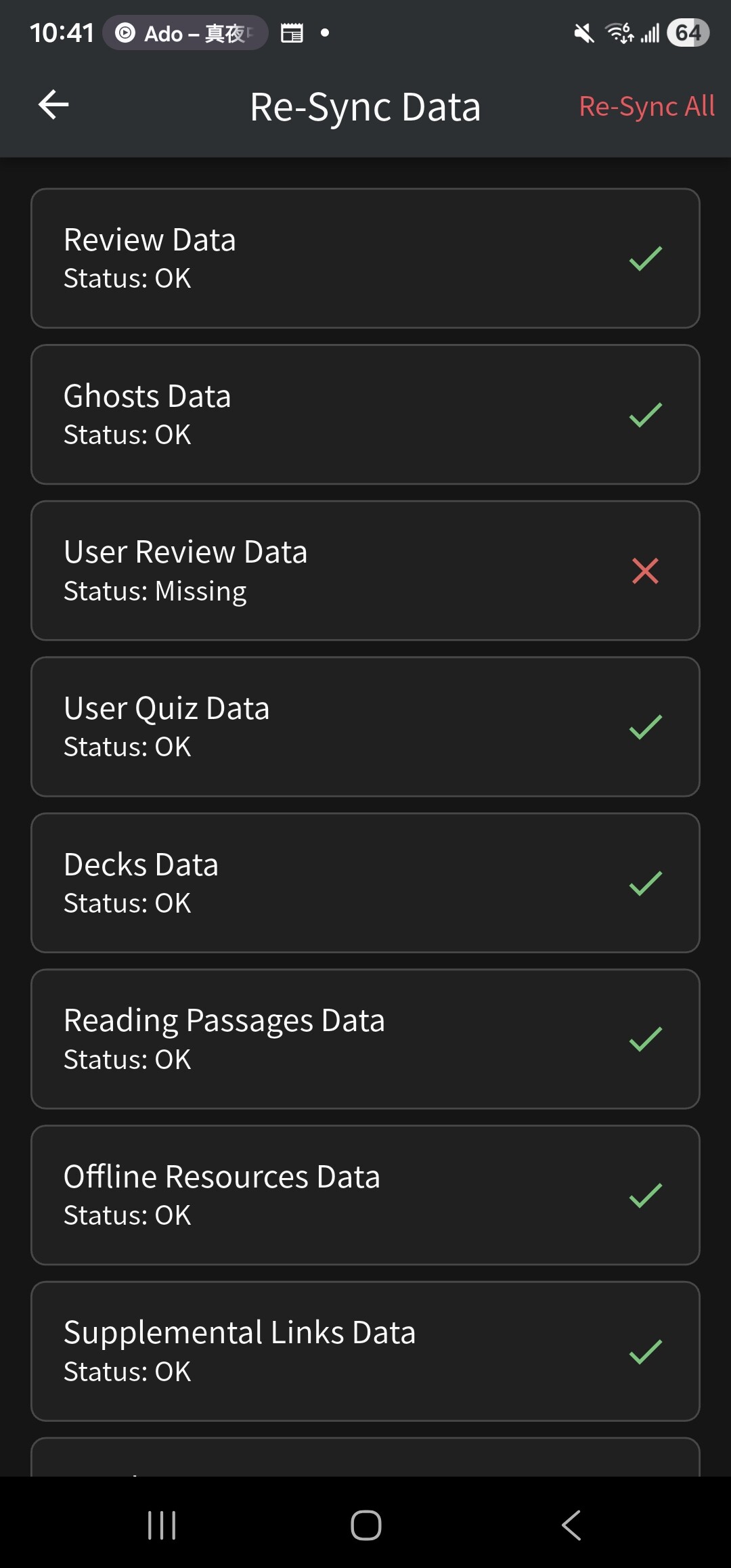
I’ve been having a recurring issue with user data syncing - whenever I check the re-sync data page on the app, I always see that “user review data” is missing, despite multiple attempts to resync. I’ve tried reinstalling the app, but that hasn’t resolved the issue. Is there anything else I should try doing?
1 Like
I just updated to the latest version of the iOS app today, and now all of my reviews show “Error loading sentence”. Any suggestions?
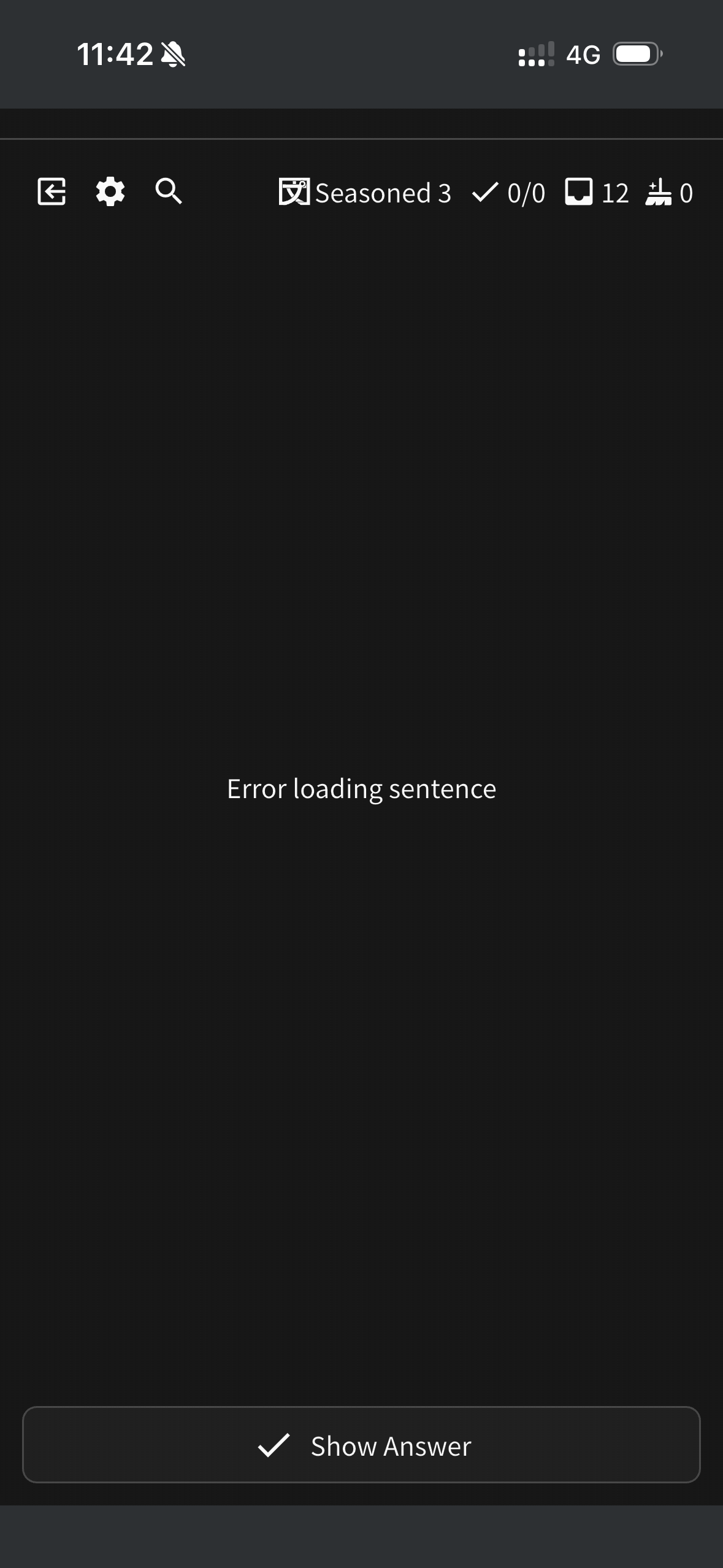
EDIT: A few reviews did show up correctly, but it’s inconsistent
2 Likes
I’m having the same issue on Android.
2 Likes
I am having the same issue. It seems that all the N1 vocabs are broken. None of them have example sentences.
1 Like
Having the same issue as well, its not just limited to N1, seems like is across all Grammar & Vocab decks. Most of the cards don’t load. Was doing reviews a couple hours ago, didnt update my phone or anything and now its broken. On android if it helps
1 Like
Same issue, seems like I can do reviews for some cached reviews (was able to do a different handful of reviews on different devices), but everything else seems to fail to download
1 Like
@zuce @Hector @nativepapaya @Noisypelican @Zony66
Just checking that these are all on the apps?
We released 0.5.6 today and I believe this is the version with all these issues.
Yes, Android app for me.
Also I see v0.5.7+373 on one device, v0.5.5+368 on the other
Android 0.5.7 for me.
1 Like
I updated the app and it won’t show me the correct answer.
Yep, 0.5.6 for the iOS app
Update:
The ‘Ans.’ button not working FIX is waiting for approval, should be available in few hours.
The bug when the ‘missing data’ alert was shown during reviews is fixed.
4 Likes
@zuce @aamini @C77A1 @Zony66 @Noisypelican @nativepapaya @Hector @smija @Rhonald @Dannee @Makishimu @Alerean @happyhelix
The bugs have been fixed! The update is available in the app/play store.
Cheers!
4 Likes
Thanks for the quick fix! I got spooked when all 4,000 reviews suddenly disappeared after a data sync…

sorry for the inconvenience

There’s a weird workaround until the fix lands. There is still a hidden point somewhere on the screen that you can tap that activates the “alt” action. Its exact location seems to be at the intersection of two lines: a horizontal line drawn through the “dots” indicating alts and a vertical line drawn through the button that doesn’t do what it’s supposed to.
2 Likes
Yes, basically tapping on the dots representing alternative answers will switch them.
This was supposed to be obvious, not hidden
2 Likes
The alt button for showing alternative answers is still not working on ipad ios ):
2 Likes
@dotsu_1
You can tap the small dots to change alt answers. They are below the translation.
We will fix it with the next update.
Cheers!
2 Likes