:bunpro_icon: Feedback - Bug Reports

Hi this still seems to happen on mobile app only. Custom deck named testing shows 56/66 (at the time of posting) on mobile after syncing, or reset-syncing in the settings, even though it is already 66/66 (done) on the website.

1 Like

I did a practice test, ended my sesseon after 1 hour 15 minutes, when I continued the current time was suddenly at 3 hours and 9 minutes.
I pause the session via the button on the top right.

Is that a known issue?

1 Like

Hi!
I finished a deck but the progres bar still says 256/257 (99.6%). When I click inside the deck, it shows that I studied every word, it doesn’t offer me any new word and it also shows the green “Finished” tag. I don’t know if this happens for every deck or just the “Wagotabi Vocab” deck. This looks like a classic “off by one” error. Not sure if this has been reported already, but I found it difficult to search for.
Thank you for having this thread :slight_smile:

1 Like

Probably due to a recent content update, my N4 grammar stats have gone from 100% complete to 5 grammar points remaining.

If I pick to study from N4 I get new grammar points.

On the other hand, if I go to the deck and filter by “not learned”, nothing comes up. I wanted to take a peek at what was coming up, but according to the index, there is nothing. I even tried “no filter” and looked through every lesson and there were none marked as unstudied.
1 Like

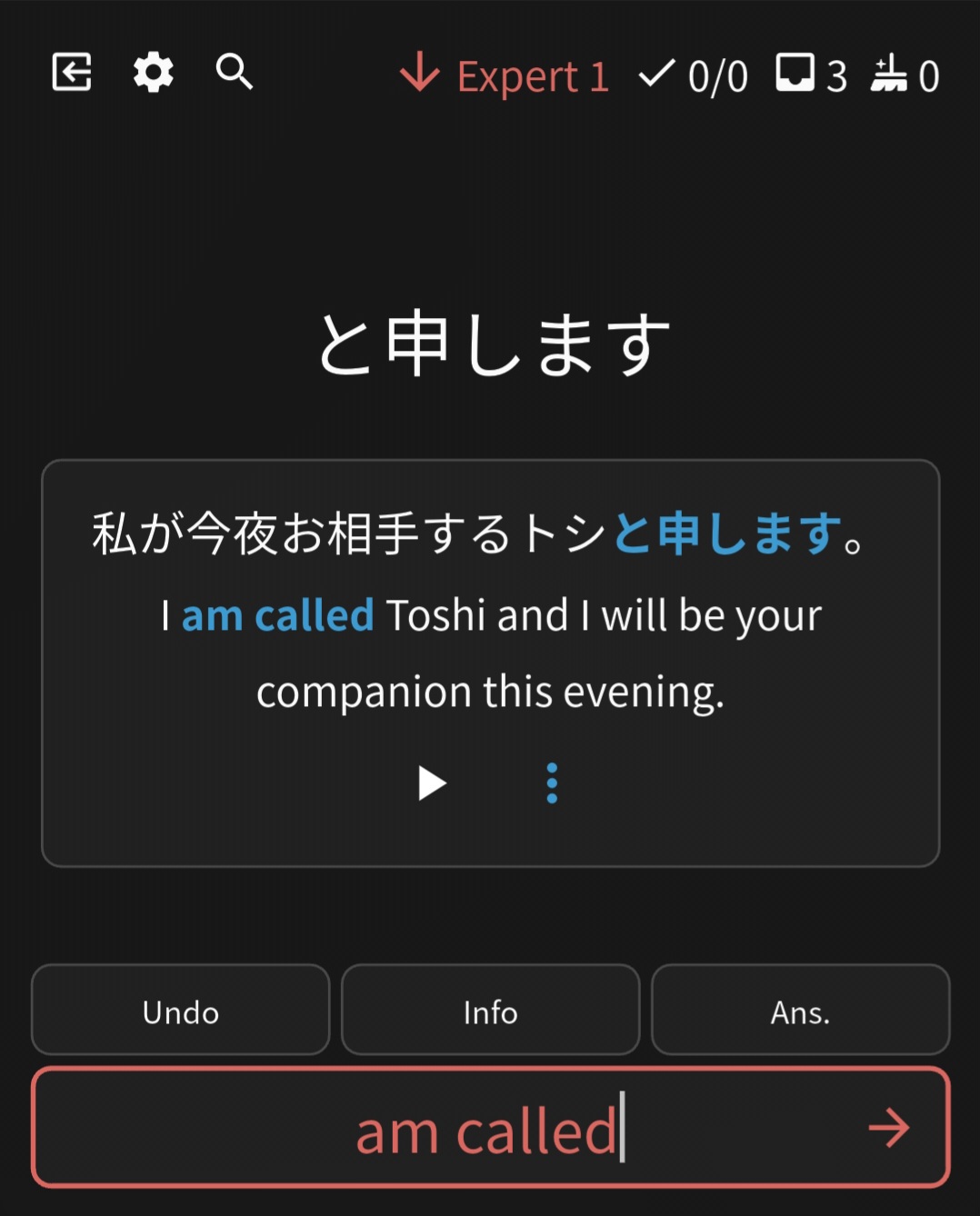
Minor, but I feel that entering the exact usage example prob shouldn’t be marked wrong?24554|402x500

1 Like

Stuck in an infinite loop while trying to load the dashboard:
Loading user data → You are being redirected.
Even after refreshing, still the same.

EDIT: Didn’t last long before refreshing worked.

2 Likes

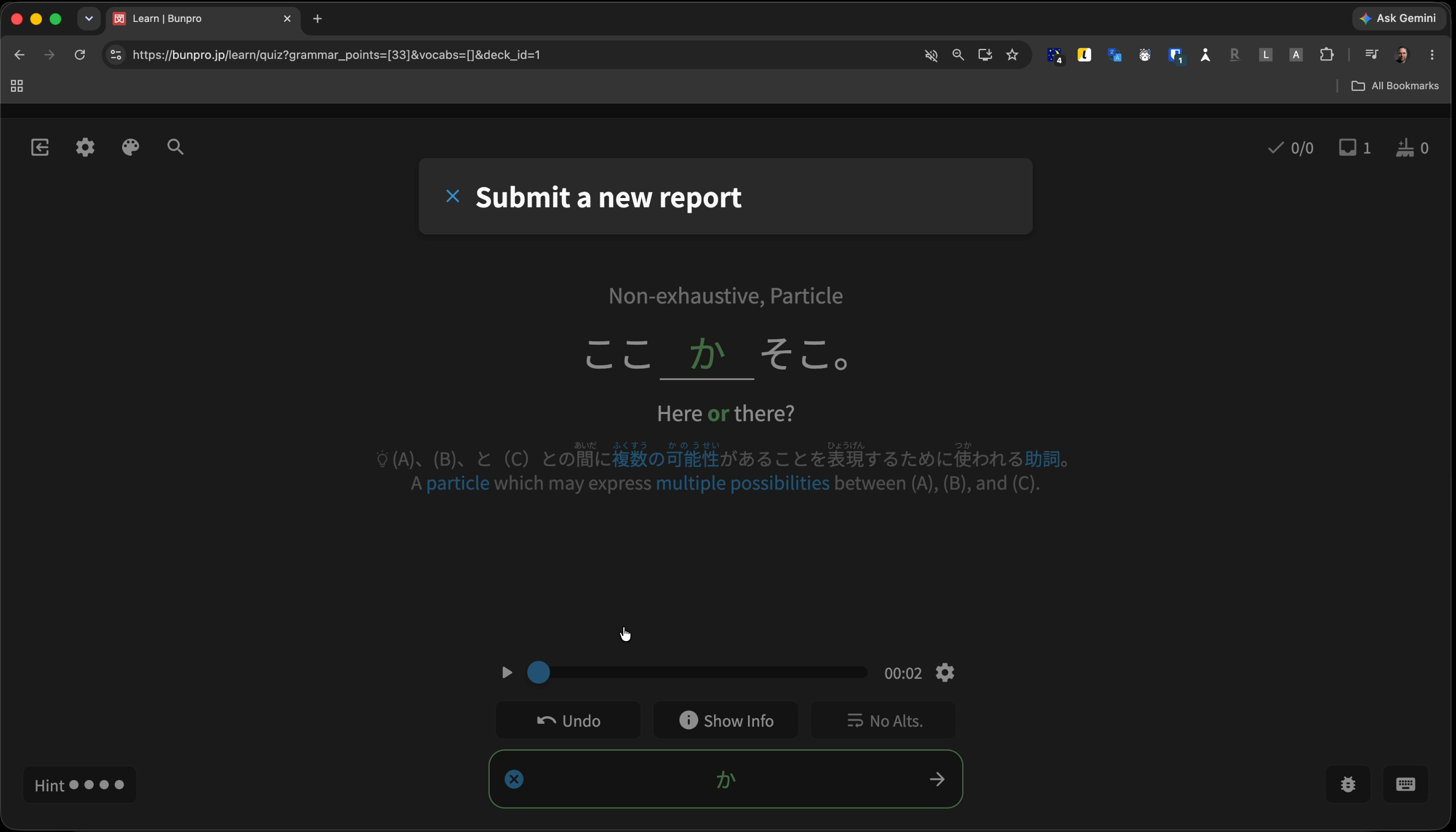
I was on the grammar point “ここ か ăă“ïŒŸâ€.
I clicked the “Play” button to hear an audio record. No sound. I checked with another website - it has sound.
I clicked the “Report bug” icon on the page to report the issues. I have chosen "Audio ". I started to type a comment, but the form just disappeared, and I saw only the form title “Submit a new report”. No bug report form
 it just disappeared.
I have tried a few more times - every time the form disappeared, but its title remained visible.

Summary:

  • no audio for a particular grammar point
  • impossible to report a bug because the bug report form just disappears

I have a video recorded, but since it’s impossible to upload a video, I added a screenshot of the title without the form itself.

2 Likes

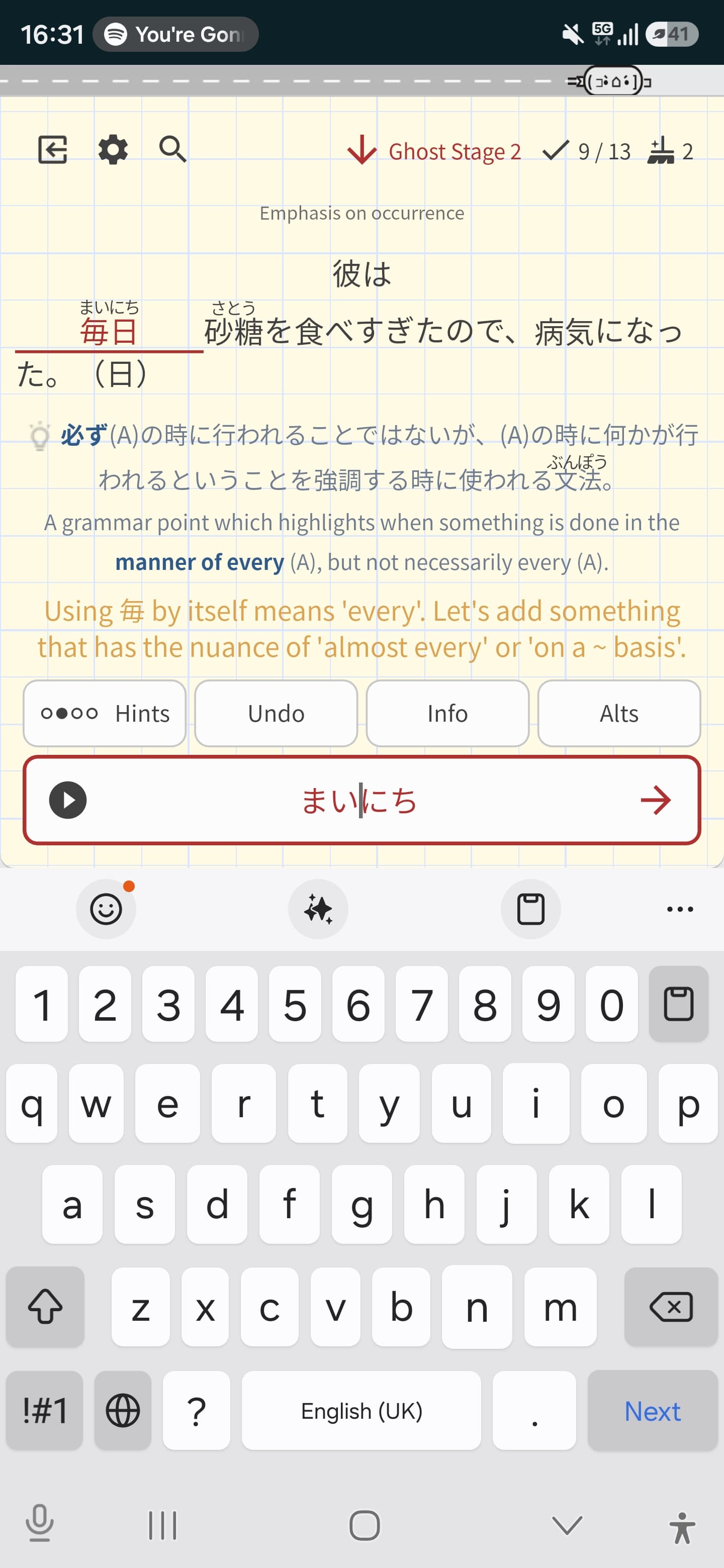
I typed “mainichi” but it was wrong. However when I clicked on answer æŻŽæ—„ popped up. I thought maybe it had a different reading, but clicking on it revealed ăŸă„ă«ăĄ as the reading.

1 Like

@lazywerebear

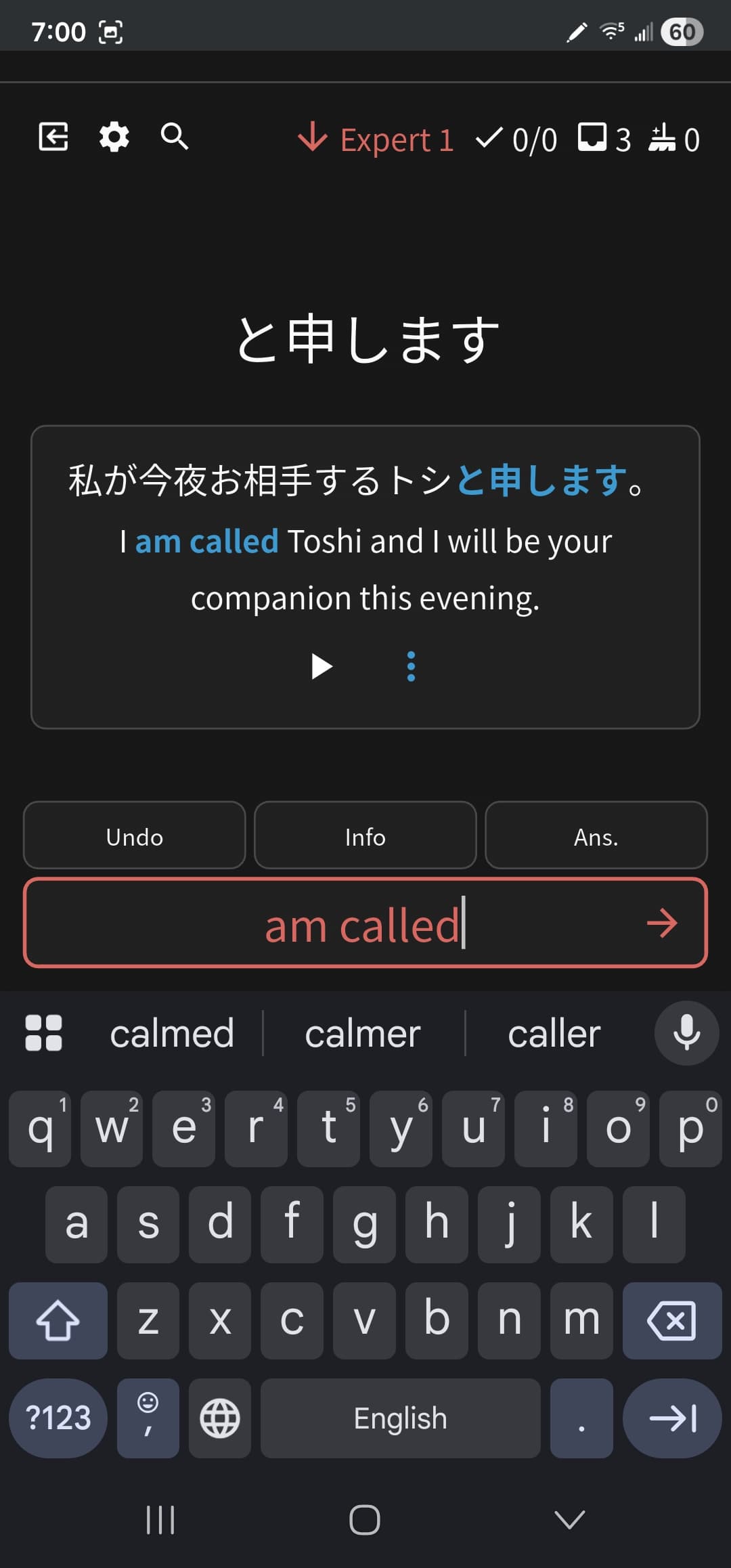
Do the review order settings work for you on the website? So over seeing Beginner 0 reviews coming up when I have it set to Descending đŸȘŠ (on iOS).

Can we have some confirmation that this issue has been seen at least? Can’t remember when I first posted about this but it was months ago.

3 Likes

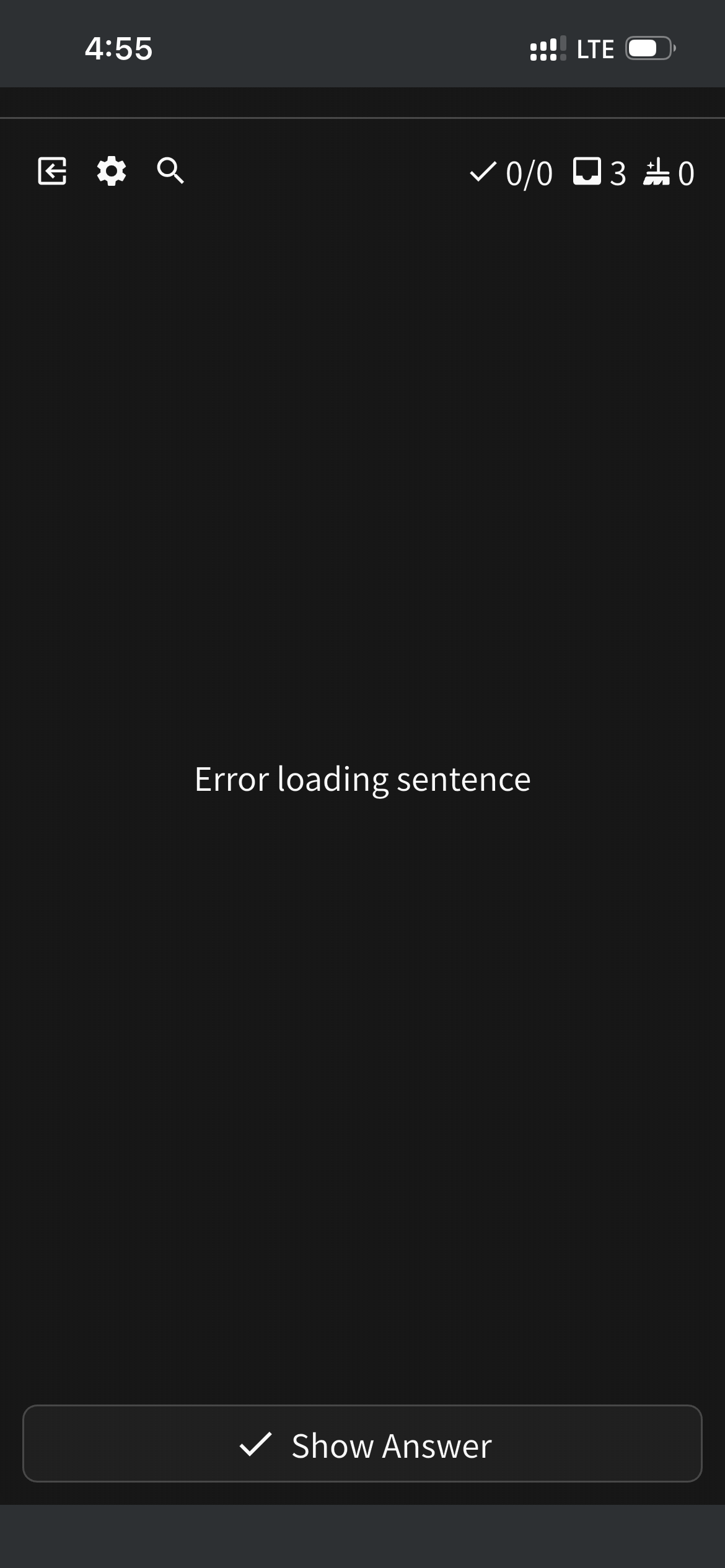
Over the last week or so reviews have become very sporadic in their ability to work (frequent continue offline prompts) and now as of today sentences and reviews refuse to load all together.

It seems the iOS app isn’t syncing at all with the servers since it shows only 4 reviews due on mobile, but 15 reviews due on desktop.

edit: I tried logging out and back in, but now I can’t even sign in on mobile and says there’s no internet connection

(fixing image didn’t load)
Minor, but I feel that entering the exact usage example prob shouldn’t be marked wrong?

2 Likes

Yeah, when I change the order on the website it works on the website. But it never fully fixes the ordering on the iOS app

2 Likes

Hello, is the integration with WaniKani broken? I’m suddenly seeing furigana for words I definitely know:

image

2 Likes

I’m seeing/having the same issue.
It seems to hold my settings once I toggle the furigana off - so we can recover, at least.

@anonymous123 Is there any chance there is a nightly/weekly backup of our furigana settings you can restore interested/affected users to?

1 Like

Experiencing the same furigana syncing issue with WaniKani. Tried re-inputting my WaniKani API key, but Bunpro’s settings page is telling me it’s invalid. Tried deleting my old key on Bunpro and creating a new one on WaniKani’s side, but it’s still getting marked as invalid.

1 Like

I noticed that Wanikani recently added a handful of new vocab and a new kanji. I wonder if it’s related to that.

1 Like

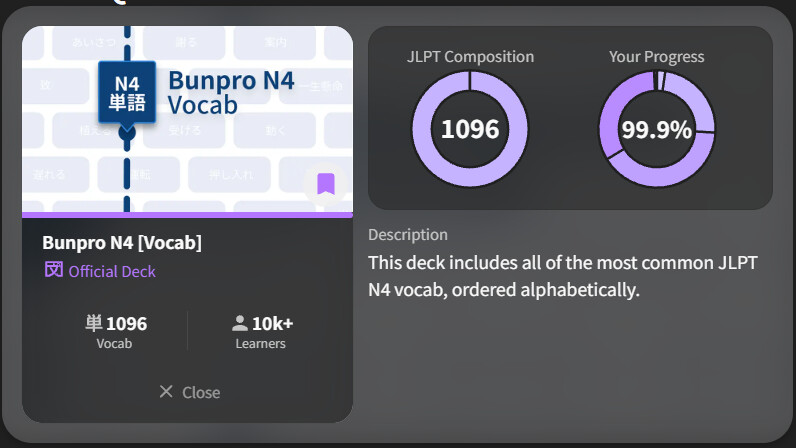
I just finished the Bunpro N4 Vocab deck (and got the badge as well), but progress is stuck at 99.9%. :stuck_out_tongue:

1 Like

Hey everyone, not sure if it’s just me but no matter how many times I fail my vocab reviews, I don’t get Ghosts anymore. It’s been stuck at 0 for a week now. Ghosts for grammar work just fine though. I have Beginner 3 as the Ghost threshold set in the settings, but the words I’m failing are way past this stage. Could you please look into this :eyes: Thank you!!

1 Like


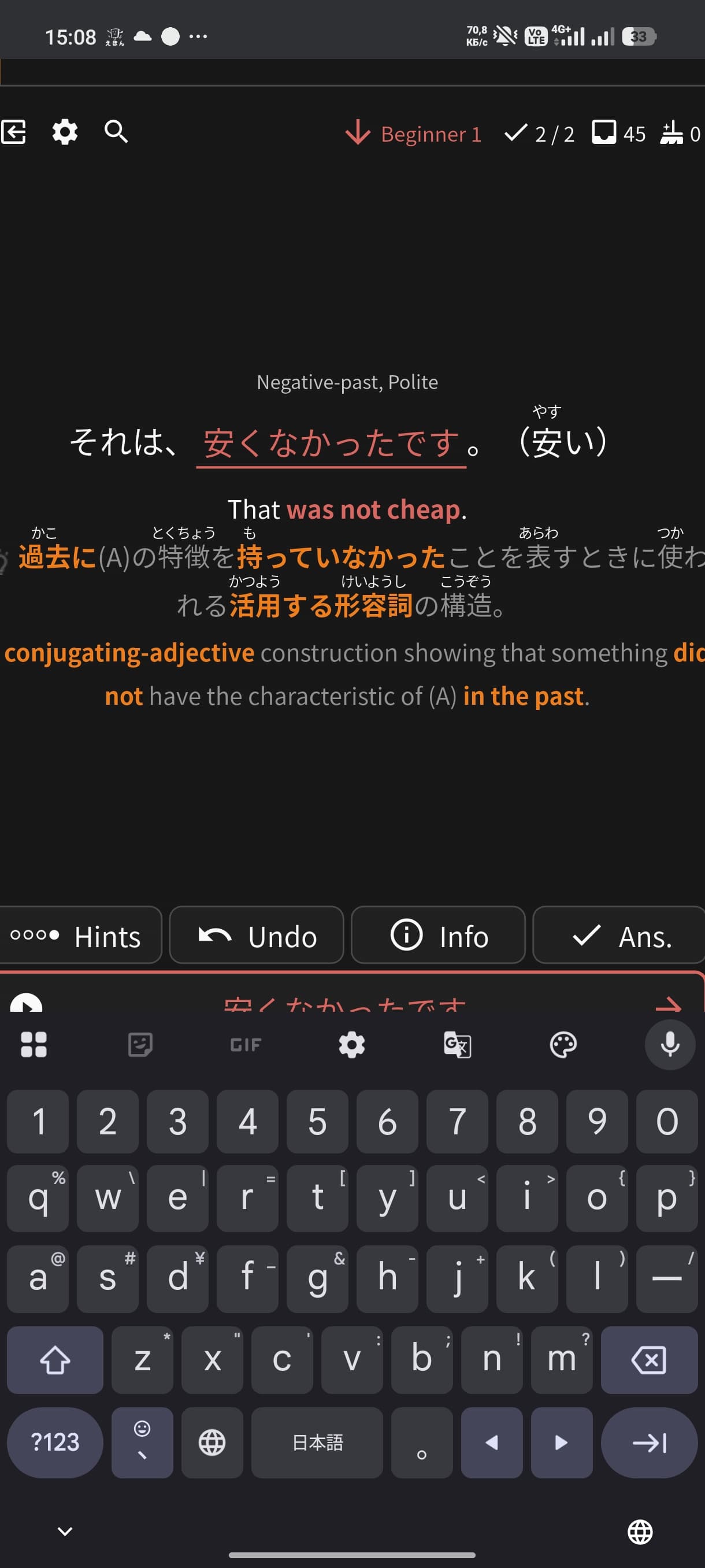
Why this is wrong?
I might get the first one is wrong, because I used kanji(still bad UX)
But the second one is 100% the same as the answer.

1 Like

@ncuh Bunpro doesn’t like you to use kanji at all in the answers. Stick to the kana and you’ll be fine. Sometimes kanji works, but the apps intended to be written with kana.

It might be bad UX, but forcing to write out the kana means you’ll have to consider correct conjugation a bit more.

1 Like