
@Souzou thanks for the report o7
Already fixed it, will ask to have it updated ASAP 
2 Likes
This problem also occurs on desktop if I search for an item and add it manually to my reviews from there.
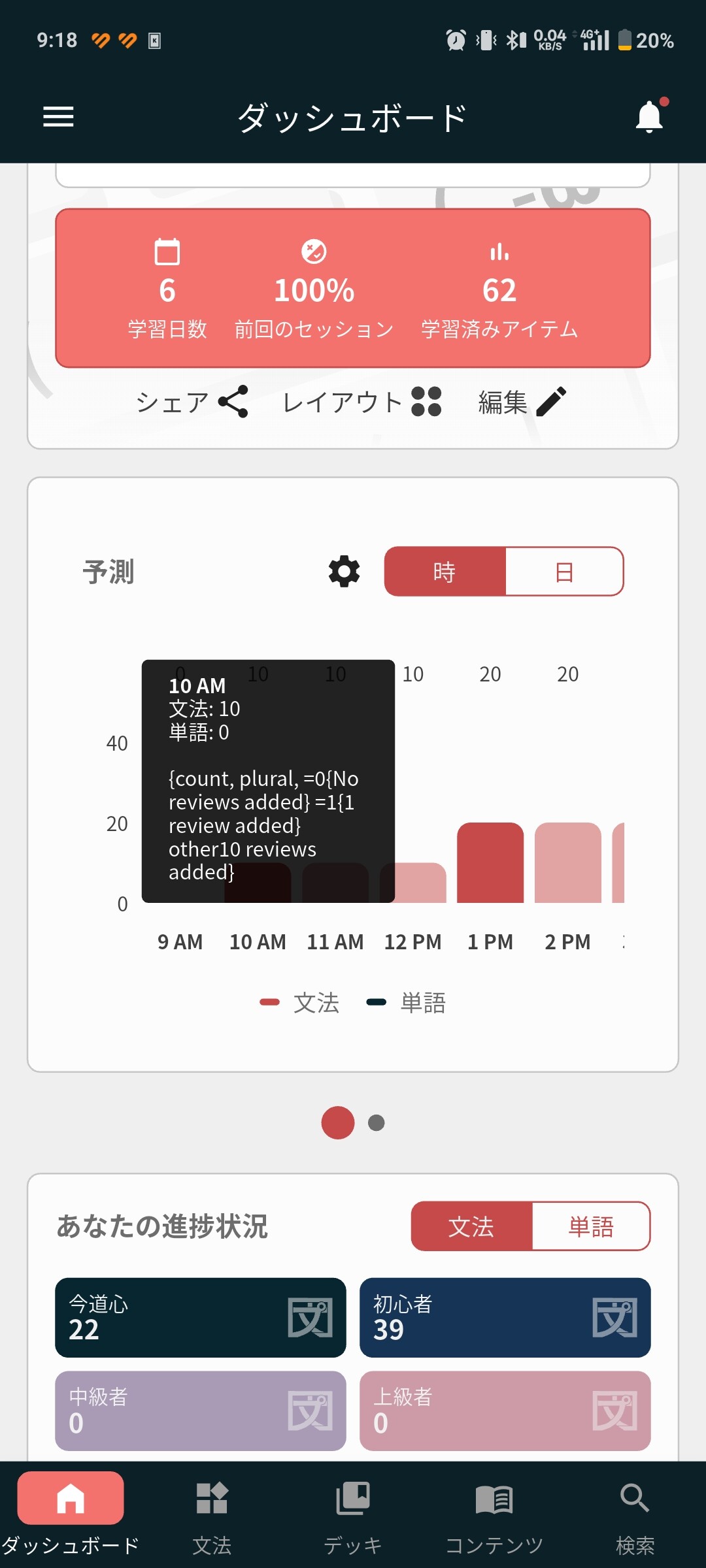
This issue continues now as I’ve had to go on vacation mode again, it takes ages to deactivate, freezes regularly, and the timers are all wonky - and the mobile app never catches up with the deactivation and thinks there are thousands of reviews to be done.
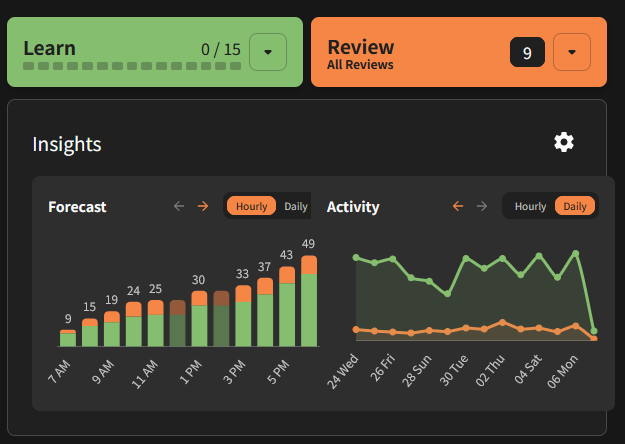
Definitely an edge-case here, but at work I have Bunpro up on a monitor that’s in portrait orientation, and the charts in the insights card go out-of-bounds. If I move to another monitor, this issue is resolved, but on the vertical monitor, they spill over.
1 Like
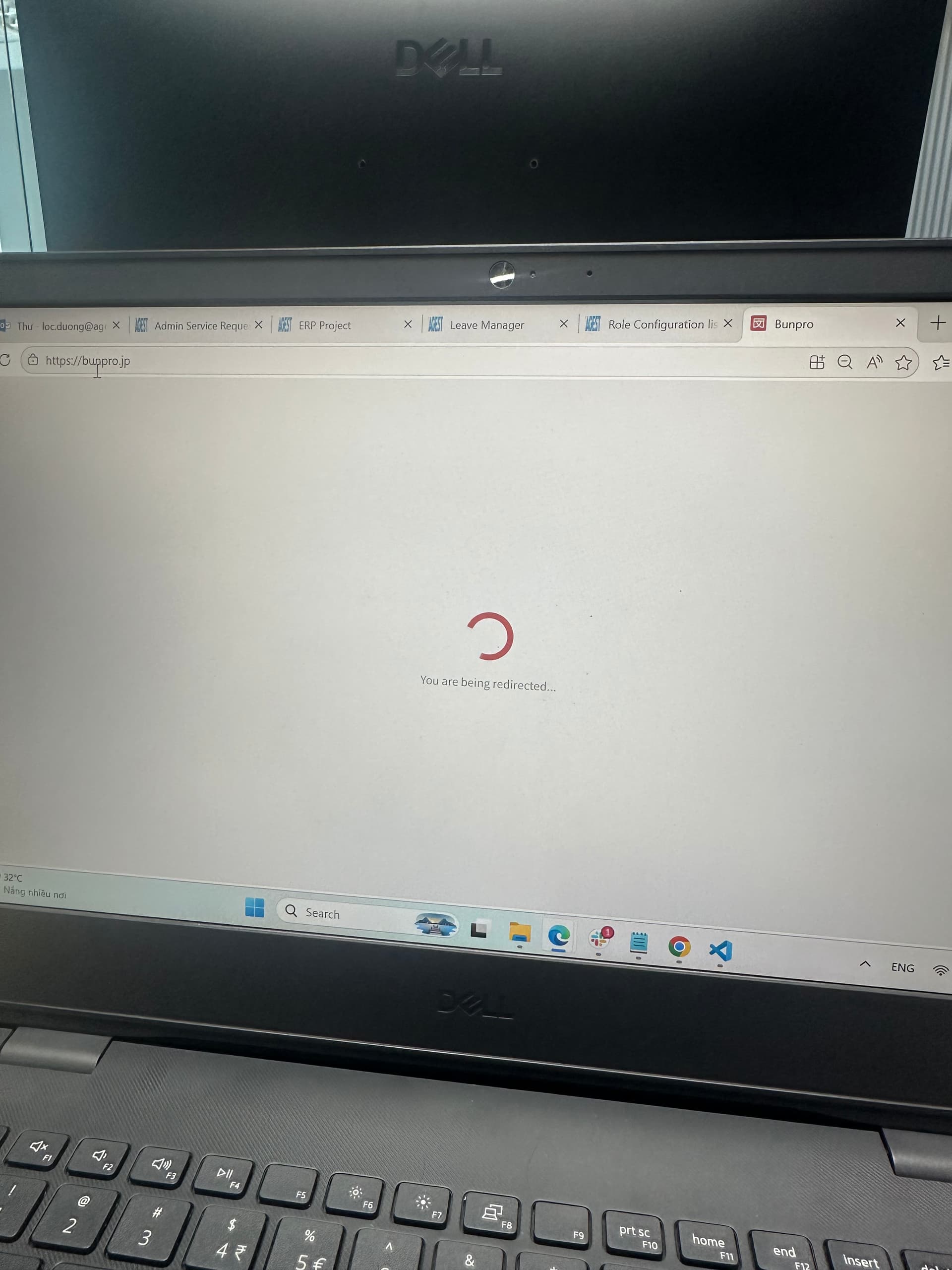
Can not login on my laptop m, try to use chrome, edge, firefox, its show loading user data long time then sign out. It happen from yesterday
1 Like
Hey!
I am looking into this one, great feedback
1 Like
So I used my extremely limited knowledge of CSS and inspecting page source to track down the source of the problem on this one, and I fixed it with a CSS override using Stylus.
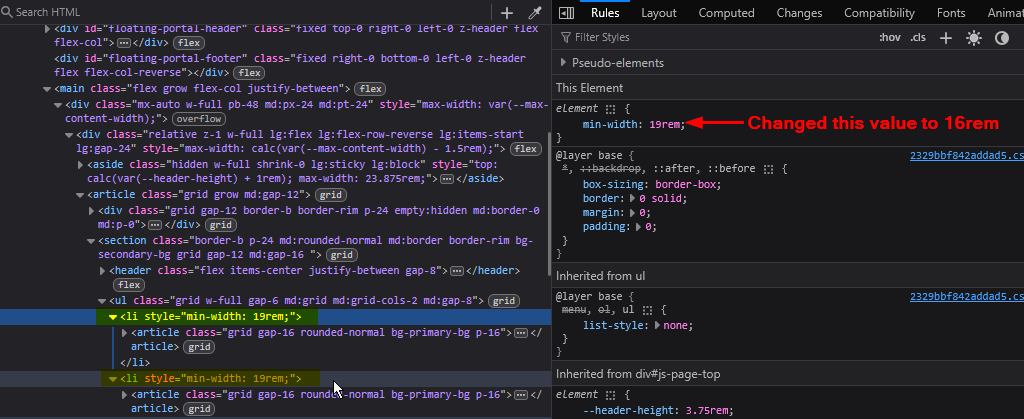
I think I managed to target these items directly, so nothing else seems to be affected.
Just wanted to share what I found on this, even though it’s minor and an edge case.
Here’s the exact code that I used in the Stylus override:
    .md\:grid > li {
        min-width: 16rem !important;
    }
1 Like
@piesilhouette
Hey!
Fixed, will be released with the next big patch.
Sorry for the inconvenience,
2 Likes
I DMed you!
Hey!
We found the issue that caused this, your reviews should be returning to you slowly, starting tomorrow so you won’t be overwhelmed.
Sorry for the inconvenience
I [DM]ed you more details.
1 Like
Checked on my computer at home last night, and confirmed on the work computer that all is well. Thanks for the quick fix, even on something so minor!
1 Like
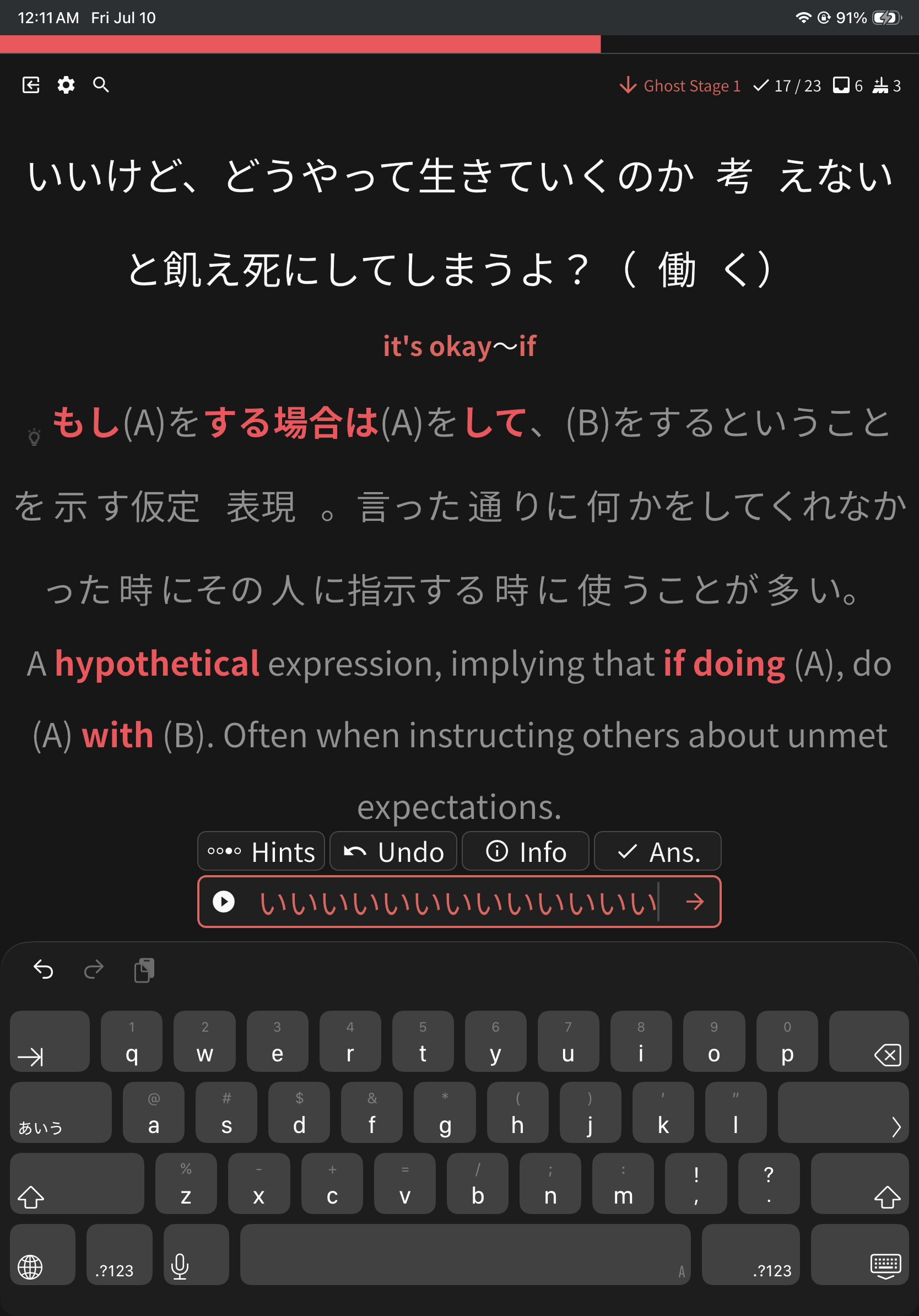
Input randomly disappeared during my quiz run. Sometimes it would show the field content when typing, but mostly not.
I don’t know how this would be reproducible
2 Likes
Will be looking into it.
To summ up, the textfield contents dissapeared randomly?
Did you leave the app? You can add as many details as possible in [DM].
I will try to reproduce it.
1 Like
No, I was still in the app, without closing it.
I got this wrong, then tried to backspace to retype.
Sometimes I hold down the spacebar to reposition the cursor and delete the wrong part, but I’m not sure if I did that this time.
My only guess is that i got the conjugation wrong, tried to correct it but long press space, but deleted part of the input that normally converts romaji in way that caused the kanji to kana converter to break .
HatarakitakunainaraHatarakitakunaide…
Probably a weird combination of events.
2 Likes
Hello, I believe my account is having the same issue. I don’t know for sure what’s causing it, but I do have similar circumstances to that person (although with FAR more reviews missing).
1 Like
After renewing my subscription, the number of reviews in my queue suddenly went from ~100 to ~20 (I don’t remember the exact numbers). Well, it didn’t bother me too much, but it might bother someone else.
2 Likes
Searching for vocab or grammar in decks is not working in the browser, it justs keeps loading forever.
I tested it with Safari and Google Chrome, both not working, it works in the iPhone app, though!

2 Likes
Thanks for the feedback.
We have received reports about it before.
We should have a fix for it in the coming days!
1 Like