
@ph3rin @NovaByzantine
I checked your accounts @ph3rin your reviews will be slowly coming back over the next few days.
@NovaByzantine - most of your reviews will come within 24 hours (you have a LOT of them  )
)
2 Likes
When attempting to add a self-study sentence, everything but the Add Self-Study Sentence bar disappears. I’ve restarted and updated chrome as well as restarted my laptop but I still get the same issue.
1 Like
Does the popup only a title?
If this is the issue, then it’s 99% chance it’s a browser plugin that’s causing an issue.
Can you try disable them temporarily and see if that fixes things?
1 Like
A minor bug since yesterday with the iOS app (might have something to do with the new dashboard on web?);
Every time I open the app (both iPhone and iPad version), the Forecast resets to Daily even though I have it set to Hourly.
EDIT: Also keeps reverting after finishing reviews or just looking at a deck and going back to homepage…
2 Likes
Hey!
Looking into it.
===
Edit:
Found the issue, will be fixed with the next update.
Sorry for the inconvenience,
Dominik from Bunpro
2 Likes
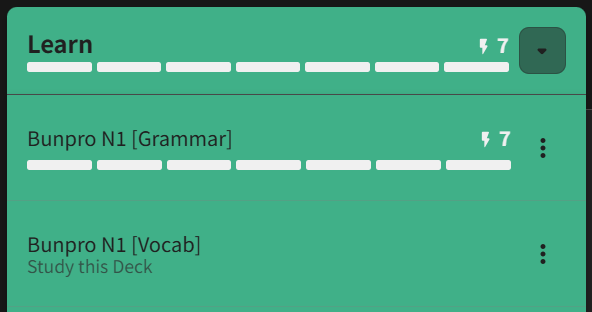
I’ve added a few new vocab words through the (great) relatively new tool where you can add vocab that appears in example sentences for a particular grammar point you’re reading about.
Some of these appear as manual input reviews, despite my preferred method being self-grading good/bad.
I think those vocab somehow contributed to my “Learn” number for grammar and took on my grammar review settings, as I actually only learnt 2 new grammar points 
And a bonus one: we have a real Bunpro icon and then one that doesn’t quite cut it in broswer tabs 

2 Likes
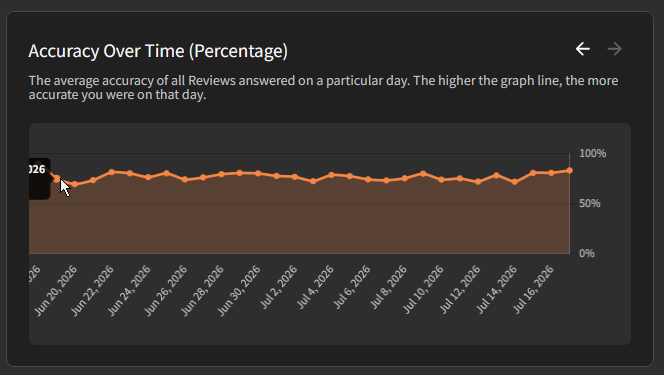
The “Accuracy Over Time” and “SRS Level Over Time” charts on the stats page of the profile have an info popup on the left that gets cut off when you are looking at the far left data points in the chart.
1 Like
Howdy doody
- Is this on web or mobile?
- And how are you accessing these Grammar Points? Via the Deck’s page? Via Learn?
As for the Manual Input issue, my guess is that your global settings don’t match your settings for the Deck?
This ties into my 2nd question^
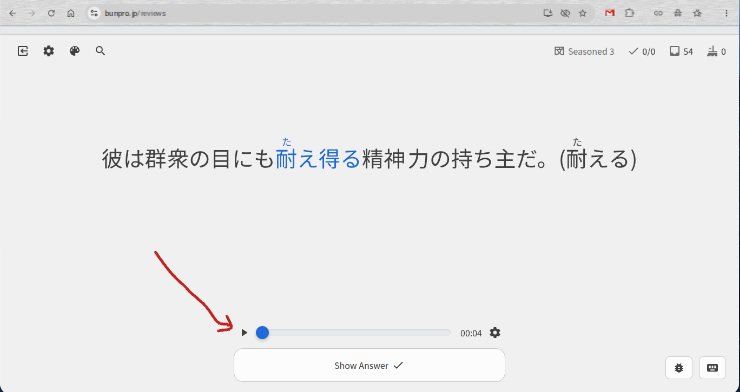
I have my reviews set to Reading and Reveal & Grade. I also have the English hidden. Whenever I want to press the audio button (before clicking “Show answer”) on WEB (not the app), I have to click the play button TWICE. The first time doesn’t do anything. The audio only plays on the second click. This is rather annoying, is this something that can be easily fixed? Thanks! (See screenshot for an example of the audio button I mean)
2 Likes
On the web!
I accessed through either Decks or Grammar Library.
Every vocab I add is always flash card-style, but I added some via the new tool and they show up as manual input
EDIT: I can confirm that this happens when accessing through a grammar deck and using the “Vocab Coverage” tool to add vocab.
For example, the following vocab added this way today appear as manual input, despite almost all other vocab reviews being “reveal and grade”:
- A13 無一文 penniless, broke
- Unclassified ジェントルマン gentleman
- Unclassified 一流企業 top-ranking company, first-class company, leading company
This’ll be two parts: one part bug report, one part feedback/improvement request
Part one, bug report:
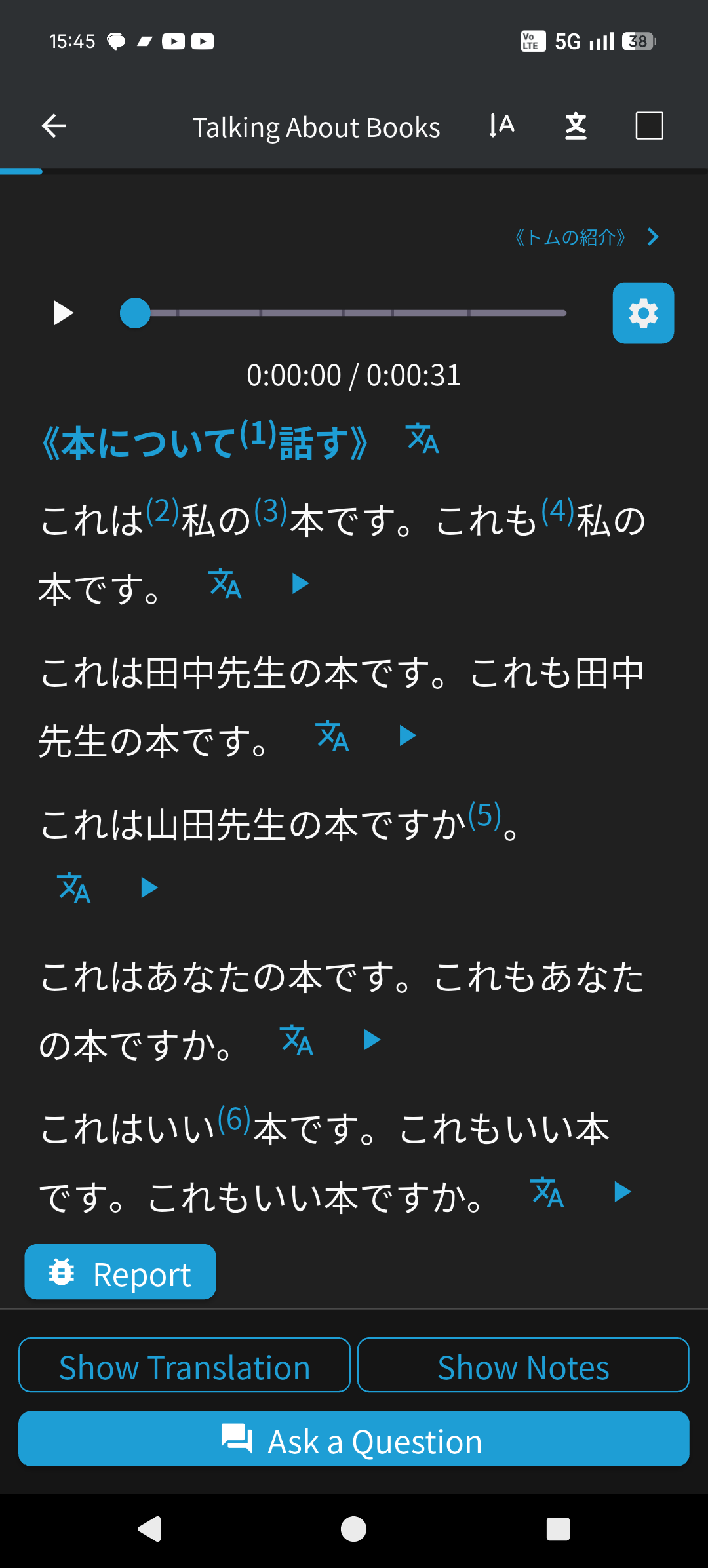
On the Android app, it seems that switching the reading mode from horizontal to vertical does not respect font size settings. I switched it on and found that the font size was too small for my 40 year old eyes, especially the furigana for the words I haven’t yet learned. Went back out to the main screen and turned up the font size, but the vertical was still too small. So I cranked it to the max, and the horizontal text obeyed, but vertical stayed the same size.
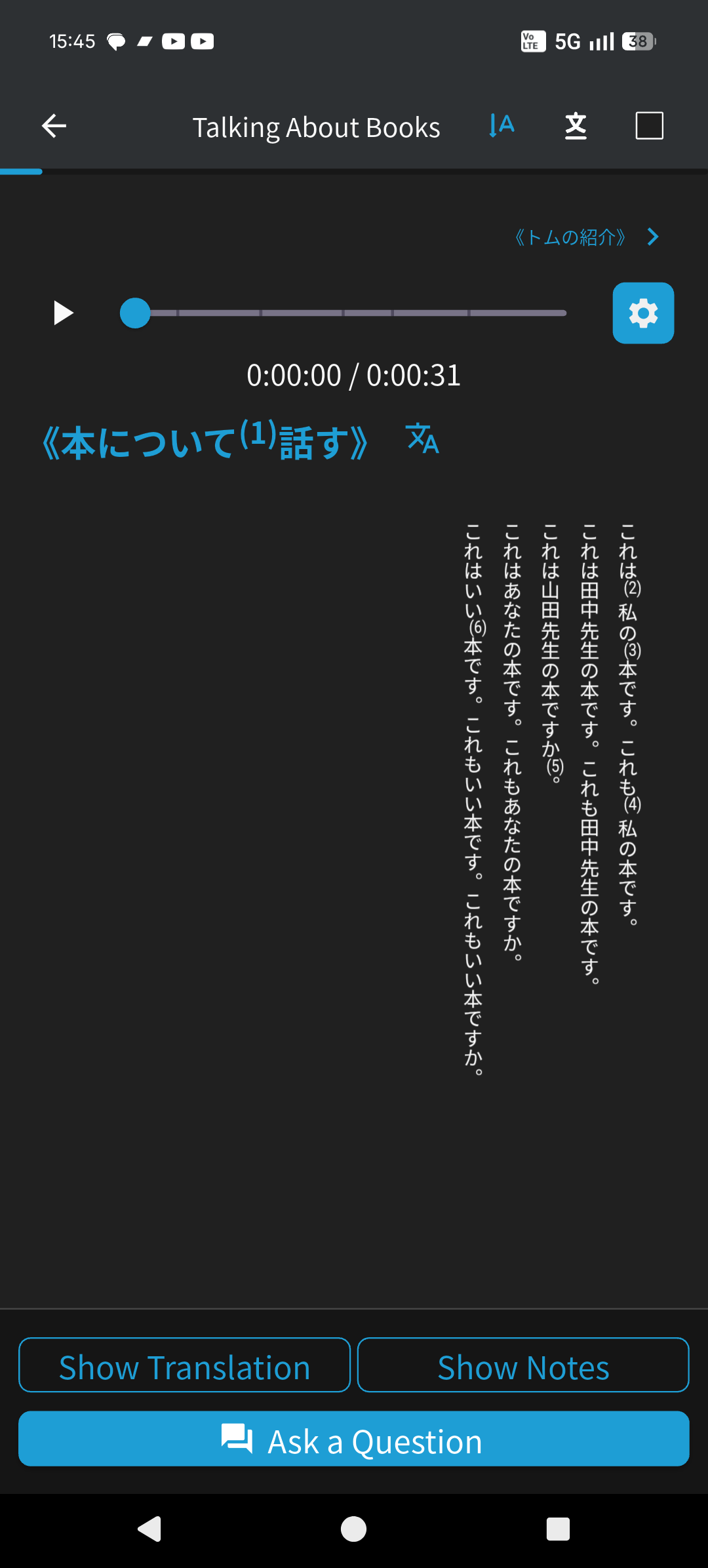
Second part, improvement opportunity:
It would be super nice to be able to adjust font size from within reading mode, without needing to exit to the main menu, and based on what I’ve encountered so far, it may even be nice to be able to adjust the horizontal and vertical text separately. But that’s hard to say until after I’m able to try reading with vertical text obeying the font size settings. It might be fine.
2 Likes
Something I’ve noticed in the past few days. Not sure if it’s a regression, and I have no easy way to prove it since I cannot see a history of my reviews, but I’m absolutely positive it’s happened a couple times recently. I am getting repeat review sentences (with correct answers, not ghosts) in the span of a couple days. These are for relatively recently unlocked items. I suppose there’s a chance that the first time somehow wasn’t saved properly. Again without access to my history it’s impossible to verify. But presumably I leveled up each time, which feels very very wrong.
1 Like
This should be fixed later today!
1 Like
Dashboard isn’t loading properly anymore on my main browser (Chrome), the side bar and top bar aren’t loading anymore:
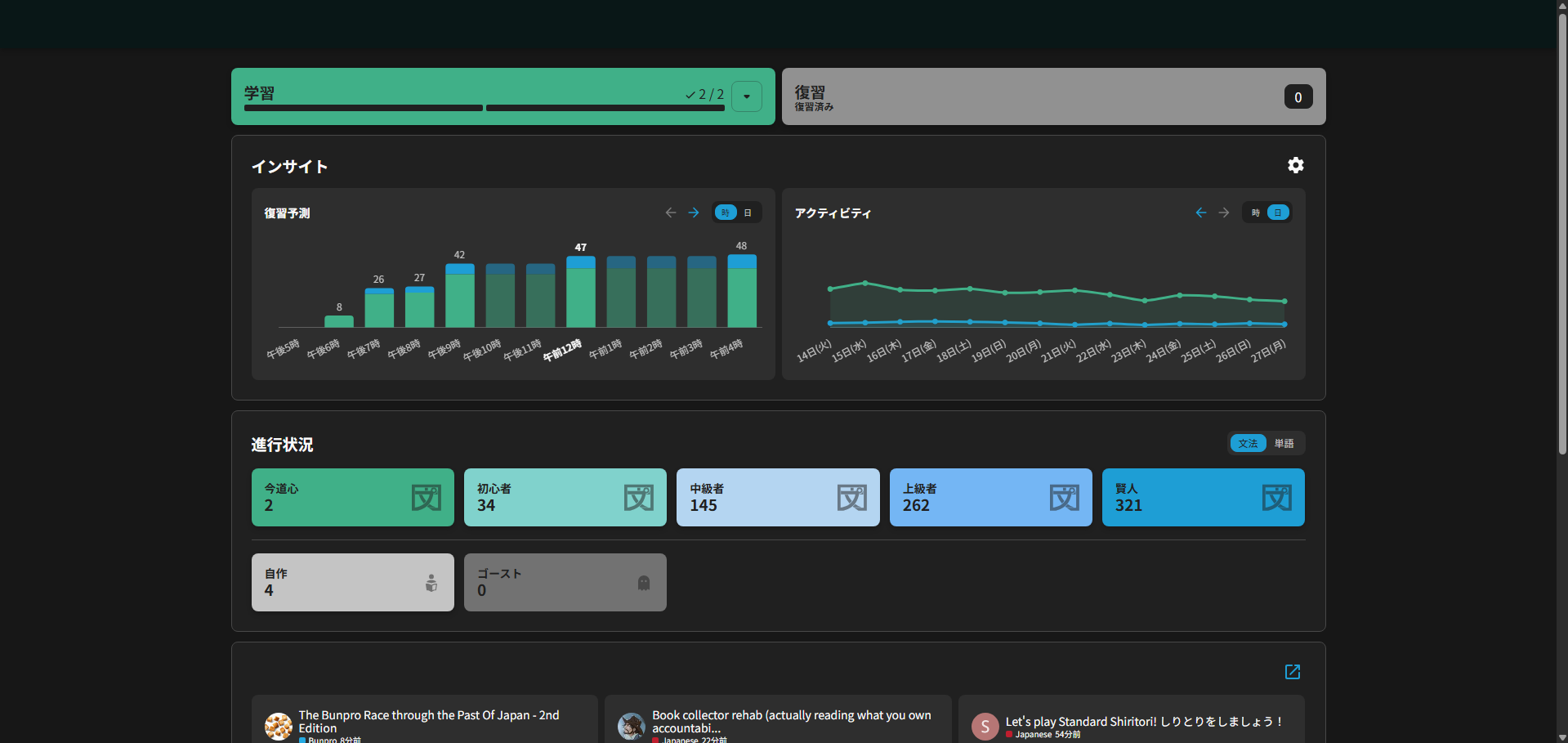
I tried clearing cache and cookies as well as disabling adblock but the problem remains. I don’t have the problem in another browser.
In the browser console, this error appears; it does not appear in the other browser where the page loads fine:
Uncaught TypeError: Cannot read properties of null (reading ‘get’)
at content.js:12:344363
at content.js:12:353481
1 Like
Found the source of the issue. For some reason, the DeepL browser extension causes a conflict with Bunpro and messes up the Dashboard, never had an issue before today. Turning off the extension fixes the problem… But I have no idea why it’s a problem in the first place. It has no integration with Bunpro and shouldn’t have any effect on the Bunpro website.
1 Like
@KiyoKatu
Hey!
I have fixed the issue with the font sizing for the vertical mode, it will be released with the incoming patch.
Also, you can use the pinch to zoom gesture to zoom readings all the time!
Cheers!
2 Likes
Awesome! I’ll be looking forward to that update!
Well don’t I just feel silly. For whatever reason I never knew this was an option. I just tried it and can confirm that it’s working in horizontal reading mode. I’ll point out, at least on the Android app at the moment, that it’s working somewhat inconsistently. Sometimes it works perfectly as expected, and sometimes it doesn’t respond at all to the pinch. It seems to strongly favor the swiping gesture for moving to the next reading segment.
2 Likes
Will this also get a fix soon, or is this only on my end? 

1 Like
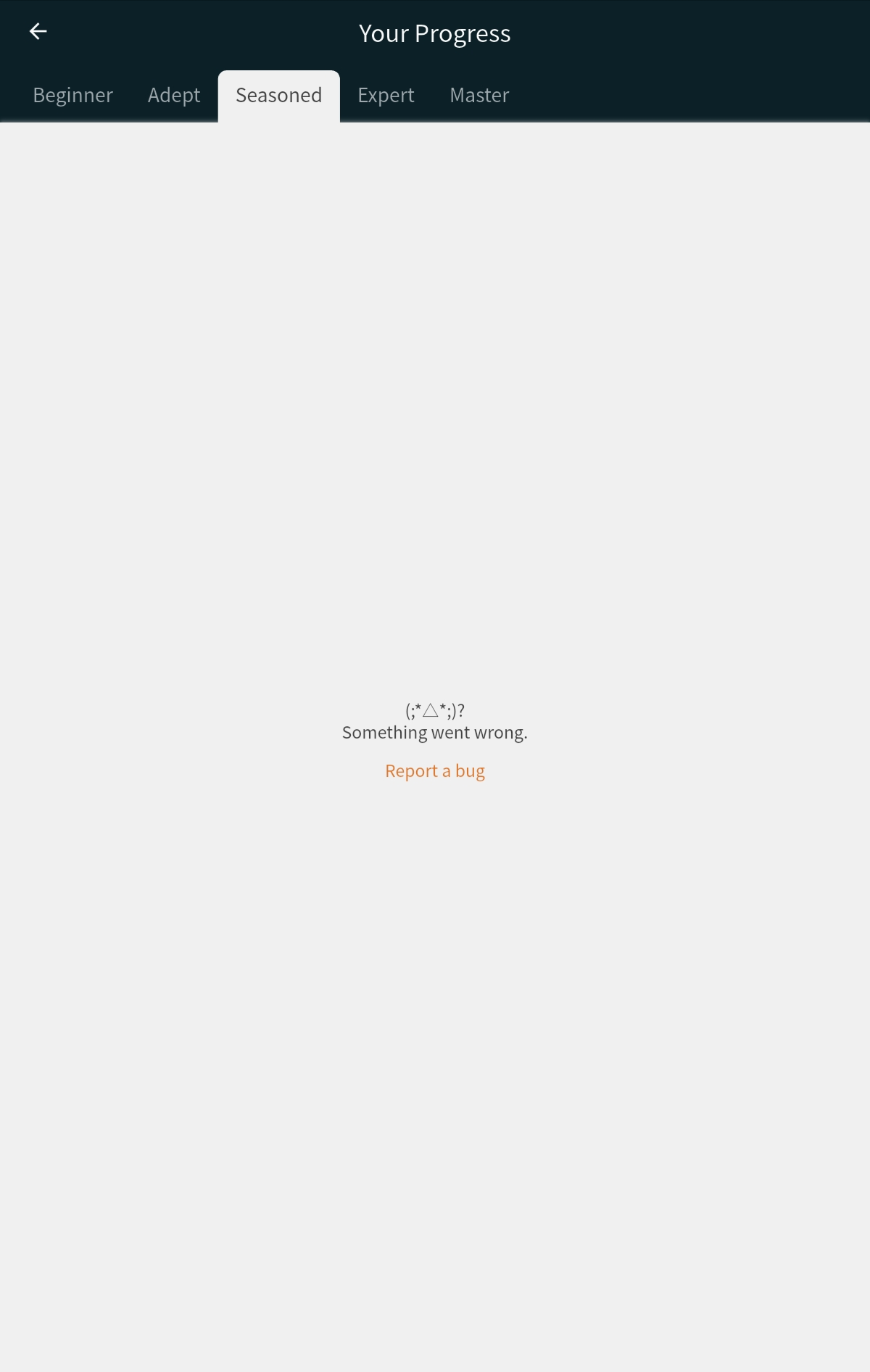
For a little while I have been unable to load my seasonned and master vocab list in the progress section. The other section in vocab and grammar load, just not those 2.
I only have this problem on the app on my tablet (it works on the browser)
2 Likes
Beta version of a new version of that page will becoming very soon!
It should include a fix for the search feature there.
Keep an eye on your notification bell over the coming week or two
1 Like