
I just realised it works like a “reveal” mode so it will show hidden kanji on revealing. Still feels strange its only in this mode and not in the fill in translation mode, etc.
2 Likes
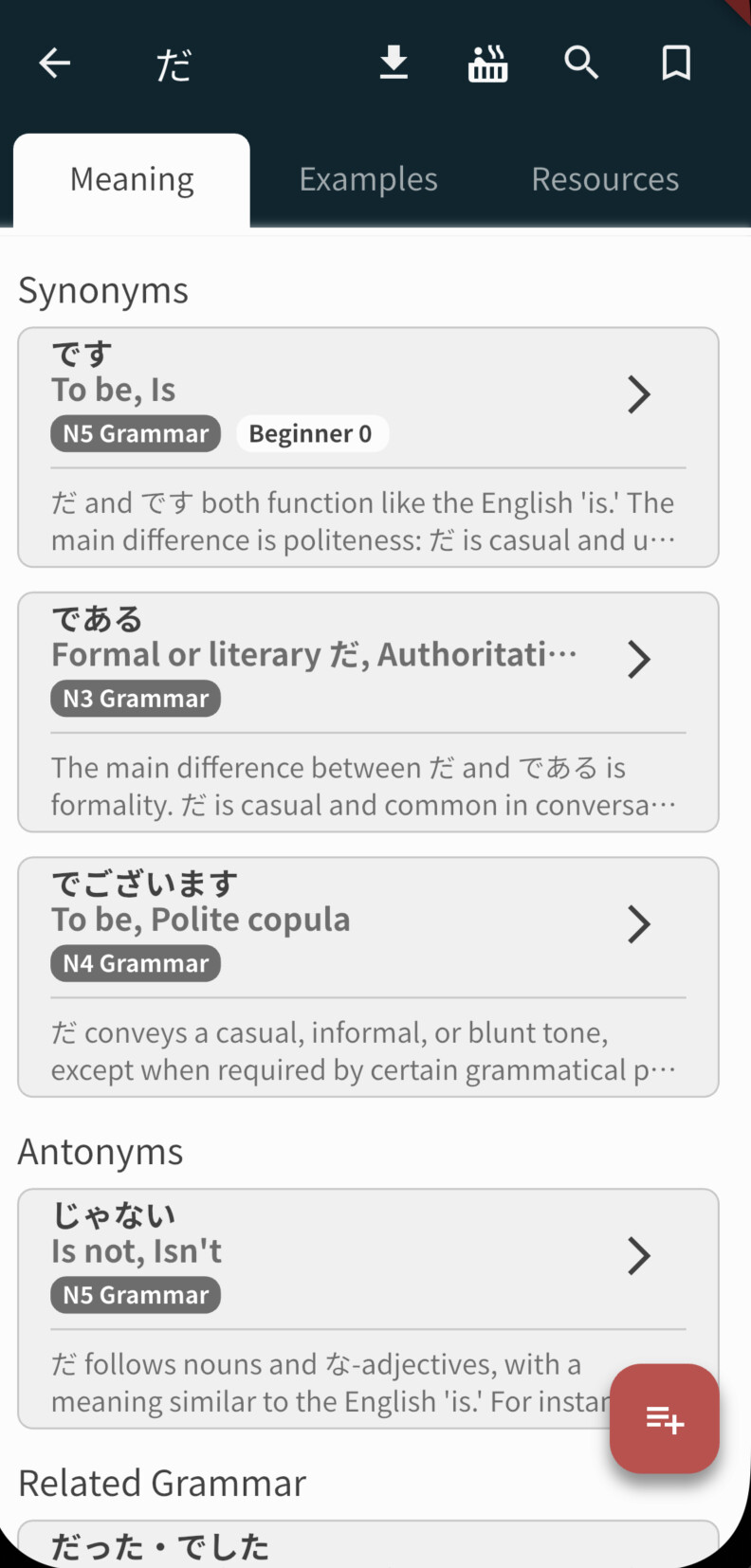
When using the bunpro app on my phone (android), it shows no related grammar for every grammar point, even though they appear when using my computer. Has anybody else had this problem?
2 Likes
Will DM you more screenshots and details.
If it’s something like the paths changing over time, I see that I can’t re-download the exams (there’s only a checkmark), but I did download them a while ago.
2 Likes
Hi, I still have issues with this. Do you have any updates? Thanks 
1 Like
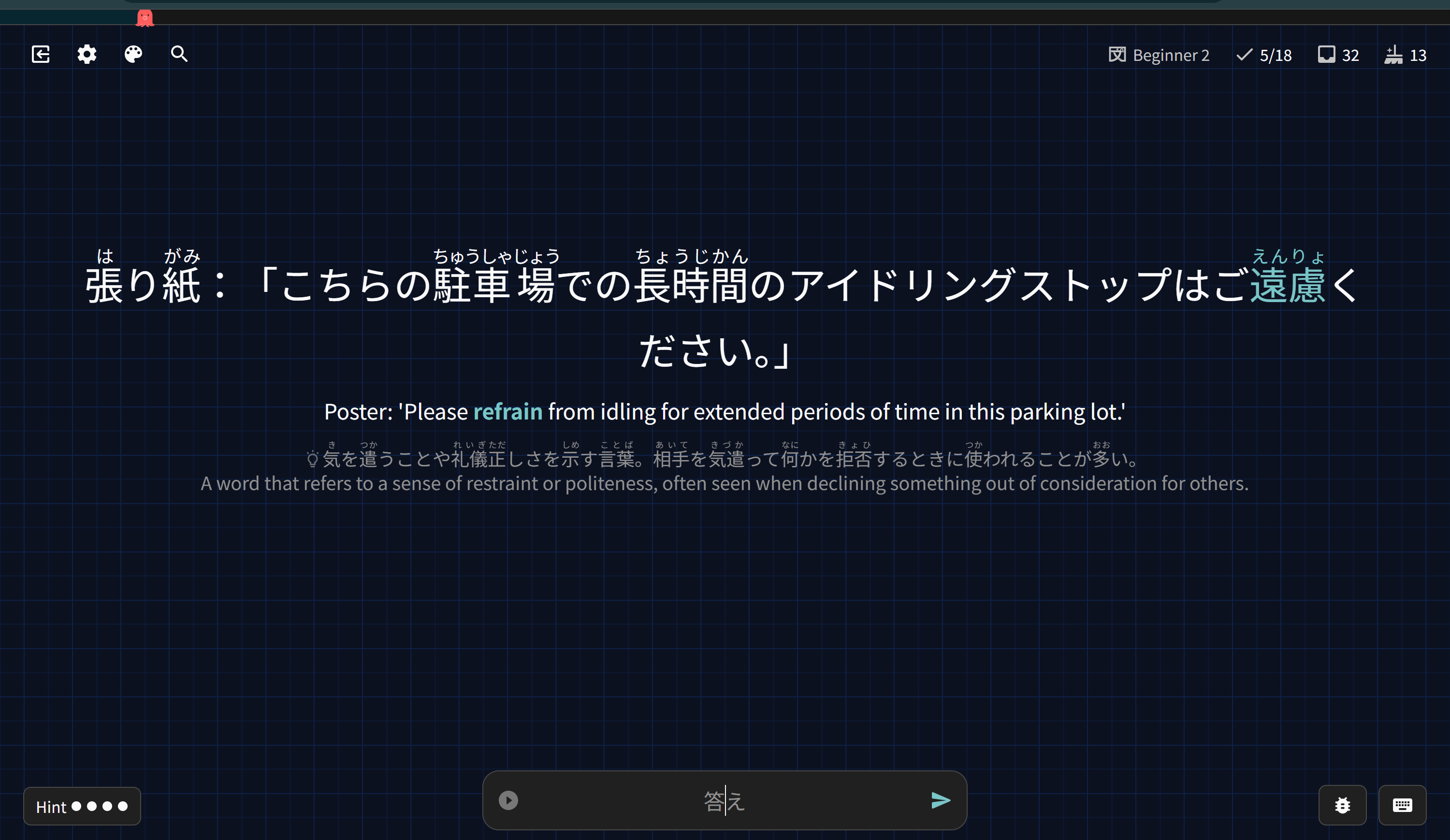
This specific example shows up like this for me (with the answer shown). It doesn’t appear to be a review type issue, as I have all reviews set to fill-in the blank and this review still had me type in an answer
1 Like
This should be fixed now. It looks like for some reason the example on this word were set to ‘cloze’, when everything beyond N4 should have been formatted as ‘read only’.
Sorry for the inconvenience!
2 Likes
@magnus1
Good news, after some testing I think I have finally found the cause.
Will make sure to fix it for the next patch! 
2 Likes
Do I still need to keep the test flight version of the iOS app now that it’s in the official App Store? I’m trying to figure out if I can delete test flight if not needed. Or does it have access to beta features if I want to try?
2 Likes
@Jaksun13
Hey!
No need to keep it, you can install normal version from the app store, and data won’t be lost.
You can also keep it, as like you said, testflight has access to beta features earlier.
1 Like
What if I select the Beta toggle in the official iOS app? Will that essentially make it like the test flight version in terms of beta feature access?
1 Like
Then when I type anything with the on-screen keyboard, the input field acts as if the last input character was selected, regardless of where the input cursor was. Everytime I need to retype the last char then move the cursor again to make the edit I wanted.
This bug has been fixed, we will release a patch with the next update.
@Jaksun13
It is slightly different, the testflight is for the pre-release versions.
On the other hand, this beta toggle may enable features that might be in the app-store, but are available only to those who enabled it.
1 Like
Hi again, sorry for the late reply.
- I logged in through your account
- Marked a word as known (12月)
- Refreshed the page, it was still hidden
- Manually fired off the Daily Sync script, it was still hidden
Can you tell me what exact words you’ve noticed appear over and over again?
Still unable to reproduce this unfortunately 
So I collected various screenshots over the days containing numbers. I always turned furigana off and they keep reappearing anyways ):
One example that I encountered multiple times was number 5!