
This has been fixed in the latest version of the Decks Edit page, which we just released into Beta!
1 Like
Heya !
New issue with the new A1-4 sentences, I got these when learning new words from a home-made deck :

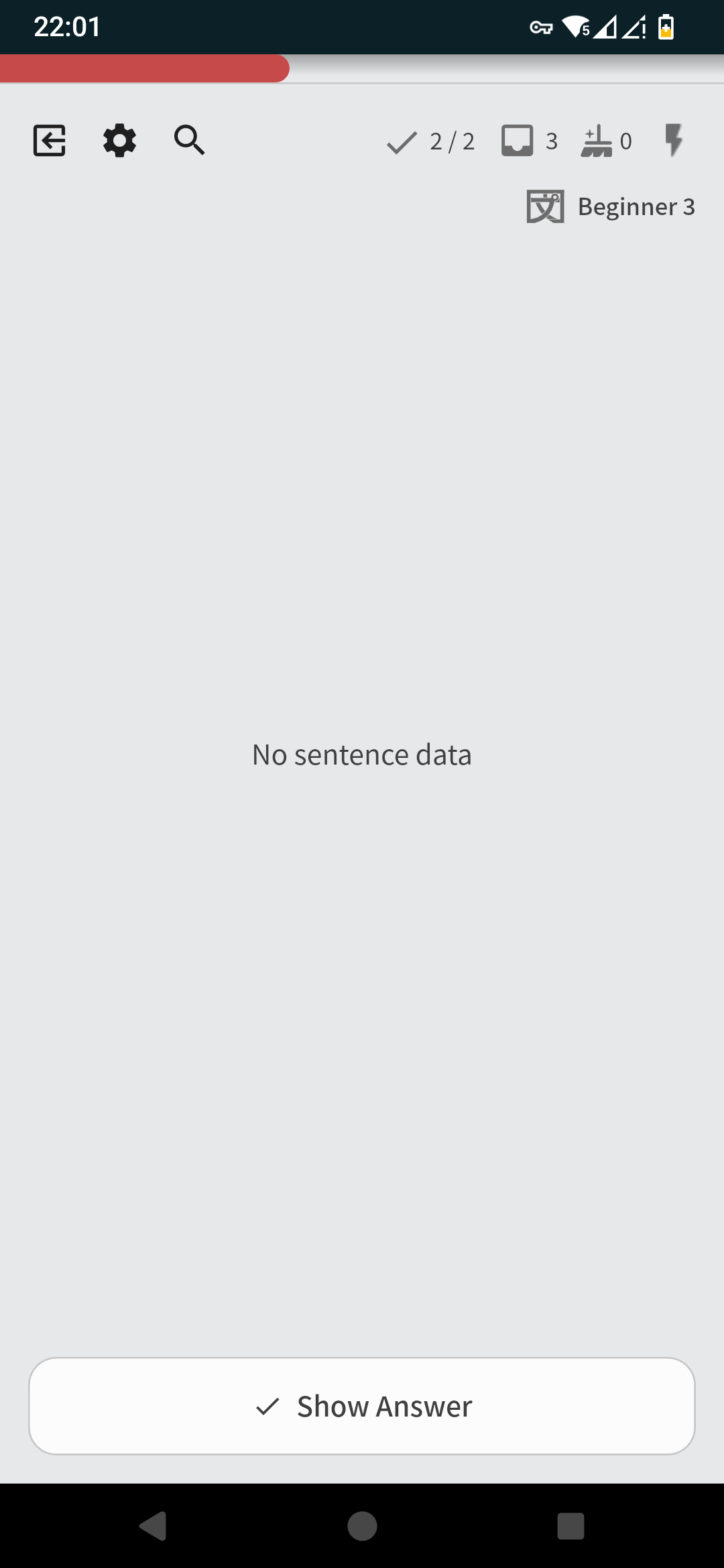
As stated in another thread I already tried to re-sync my data, which worked at the time, so not sure what more I can do
2 Likes
I have done some fixes in the incoming patch that might fix this issue, any idea if this was the same vocab?
1 Like
Today I encountered a bug while doing my new lessons. In the N5 Vocab deck I went through 8 new items and then got the first quiz for them. In the popup that appeared after the quiz the “default” option was to continue with the N5 Vocab deck instead of going to the next deck.
I checked the deck, and all 8 items I learned are in the Beginner 1 stage, but my learning queue still shows 7/8 items completed today for this deck.
I think it was two different words, this deck is set-up for 5 daily new words. I did another re-sync after this and today’s learning session went without issues, I’ll report back if I encounter this again
1 Like
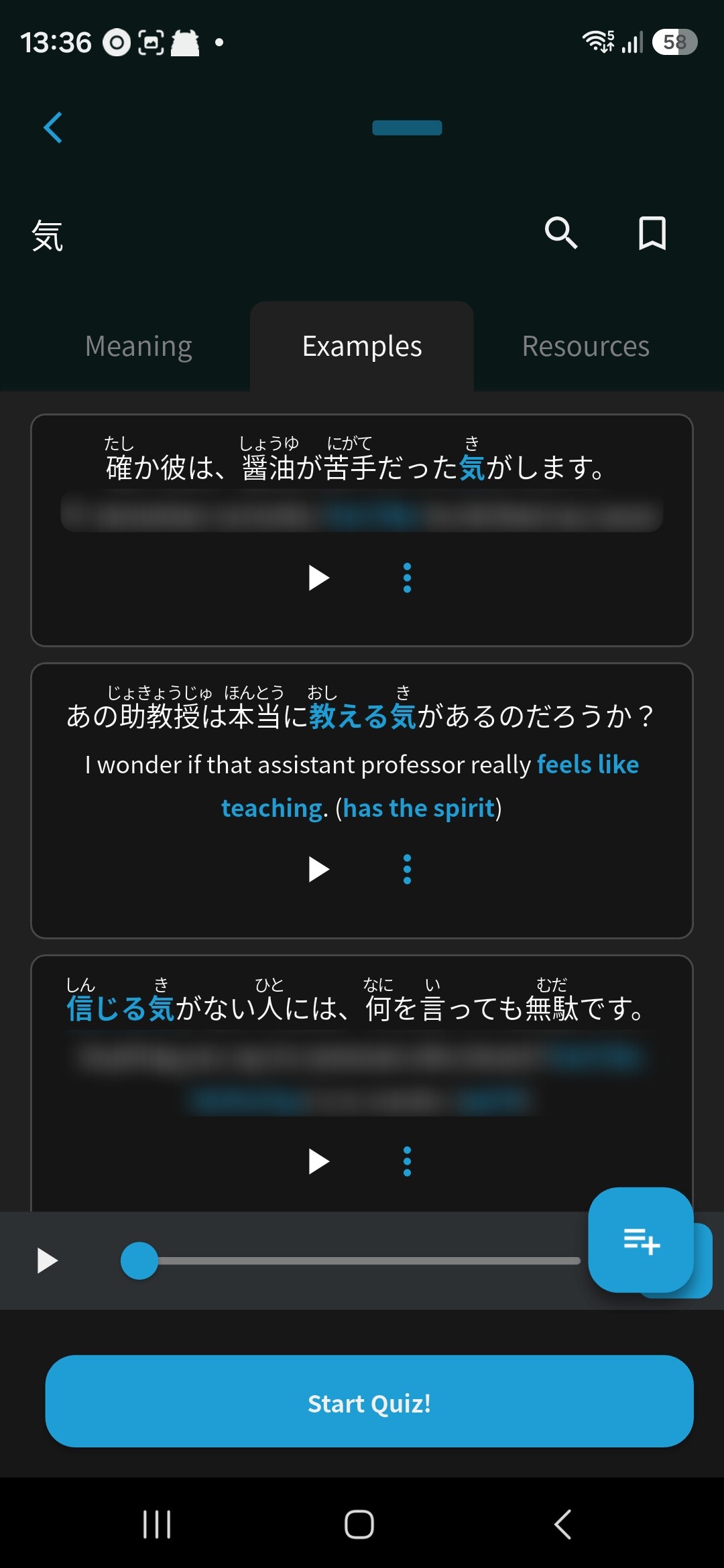
Found the issue!
Should be fixed next time you open the app.
2 Likes
On iOS (mobile app, not Safari) if I add a synonym with a leading capital letter, the capital letter is stripped when saving for some reason. E.g.,:
“To eat” → “o eat”
3 Likes
Thank you very much 
1 Like
Just want to add that this still seems to be an issue.
I click on delete deck in Options, which has this link:
https://bunpro.jp/decks/kajwex/gamegengon3/delete_modal
Then, in the confirmation modal:
https://bunpro.jp/decks/delete/12508
Confirming the deletion redirects me to:
1 Like
Hi!
Can you please try to delete the Deck in the new Deck Edit Beta?
I believe it should work!
We’ll be publishing it out of Beta in a few days
Tagging @FlippFuzz here too just in case
2 Likes
Yes, that worked. Thanks!
1 Like
(post deleted by author)
Coming back to this, the behaviour is even stranger when the hour passes and new reviews get added. Not sure if this is as intended;
→ Doing regular reviews from previous hour
→ Hour passes
→ New reviews get added to the pile but are not tested
→ Once pile from previous hour is done it switches to wrap up from previous hour
→ Only after this the regular reviews from current hour start
→ After this I get a second batch of wrap up items, mixed from second mistakes previous hour and new mistakes from current hour
iPadOS 27.0.1 / app version 0.5.16