Glad I could help.
My feeling about this in general is that the review type should not be persisted in the database per card, but should rather be selected just before the card is displayed based on user and deck settings.

Glad I could help.
My feeling about this in general is that the review type should not be persisted in the database per card, but should rather be selected just before the card is displayed based on user and deck settings.
Good catch and thanks for the report!
This sentence got attached to the wrong Vocab.
I’ve moved it for now.
@semanticman
Hey!
Does it still happen? Could you update the app to the latest version and use resync data in settings (Dashboard → top left button → Gear icon in the side menu → Search icon → ‘Resync Data’ and tap on it → in the screen that opens tap on ‘resync all’ at the top right.)
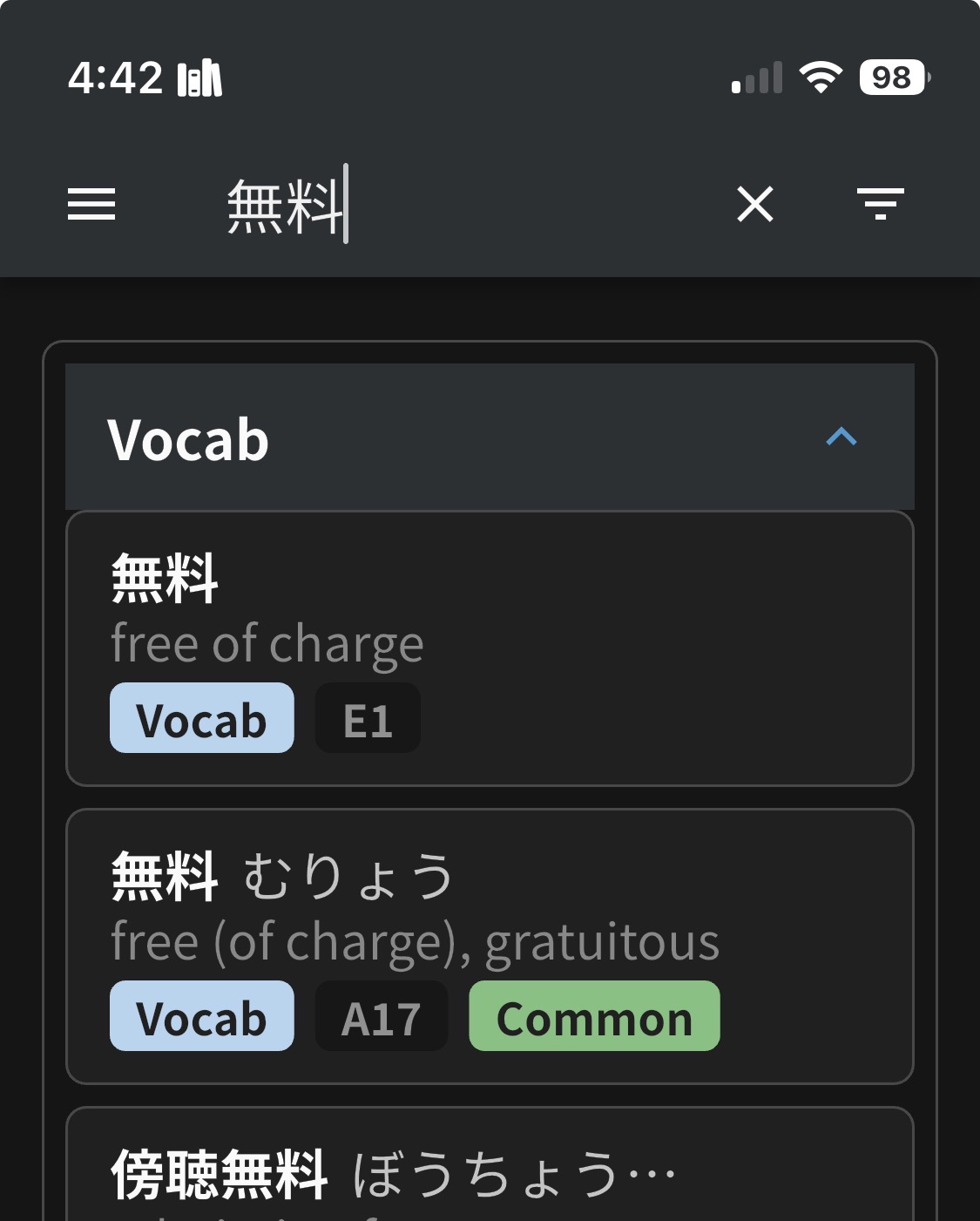
Can’t seem to add the word 無料 (むりょう) as a review word on iOS. I keep adding it but when I check it later it’s not in reviews. Also it shows up twice, with one entry being an E? Pretty sure that shouldn’t be there.
Which one are you adding?
Try adding the A17 one.
@mrnoone
The A17 one isn’t working for me. I click “Add to Reviews” and it shows the little “Review Added!” pop up at the bottom, but nothing happens.
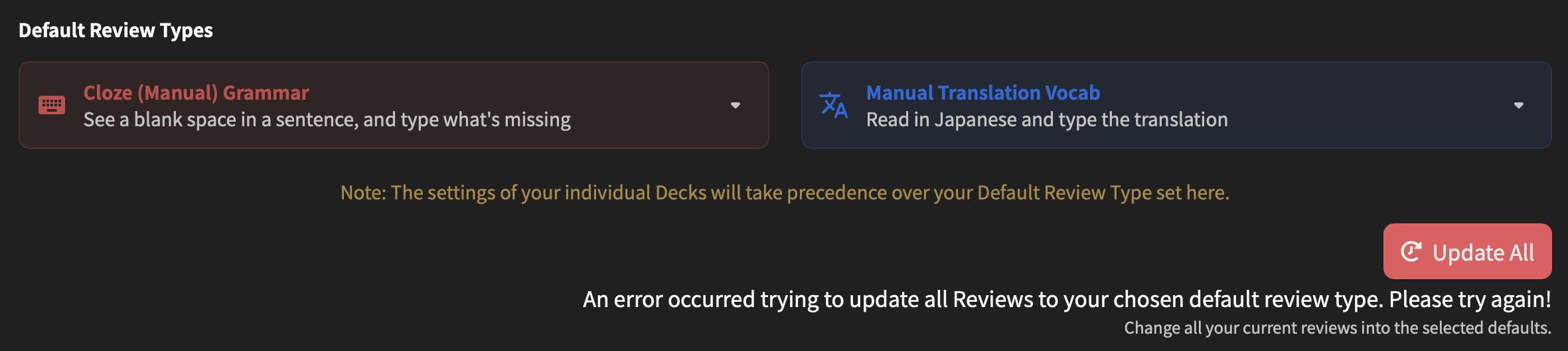
Found a bug with default review types. I wanted to set the default vocab review type to manual, so I changed it in settings but got the error message: “An error occurred trying to update all Reviews to your chosen default review type. Please try again!”. I get this every time I try to update it.
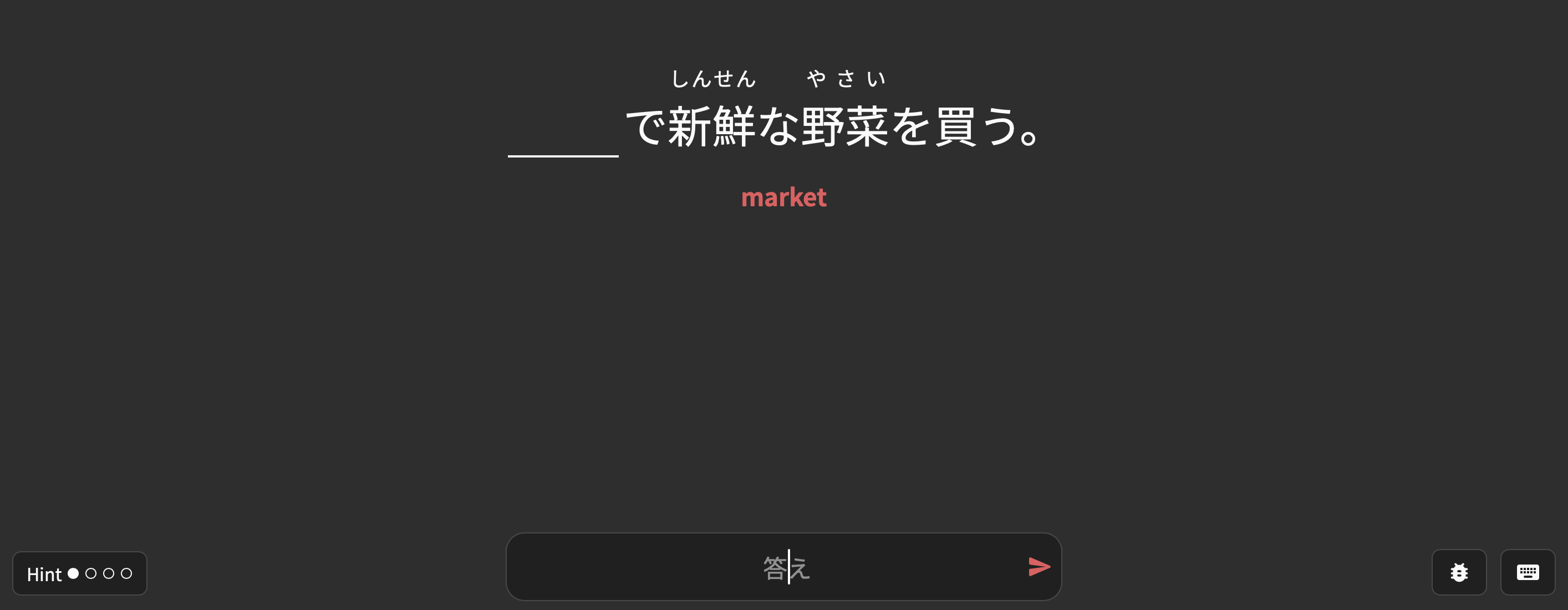
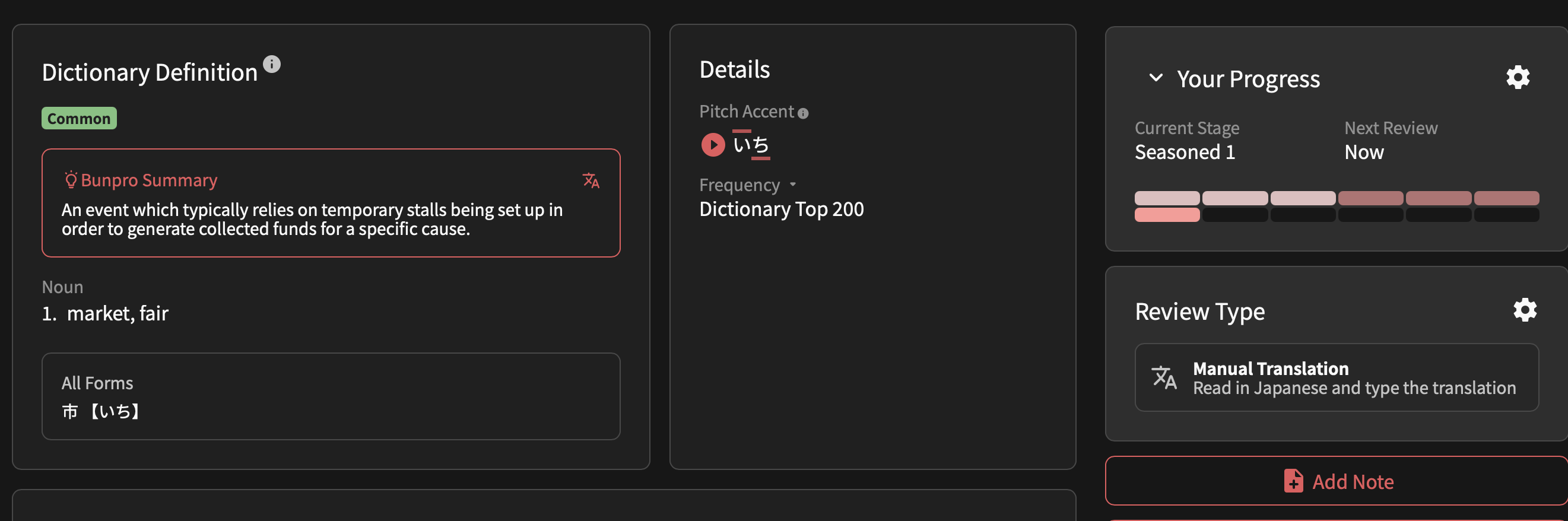
It seemed that something did update but, bizarrely, this update changed a lot of my reviews in the opposite way that I had hoped. Many reviews that were previously already set to manual translation became cloze reviews. If I check the review type for these vocab points, it actually still says “Manual Translation” even though it will be cloze in review. For example:
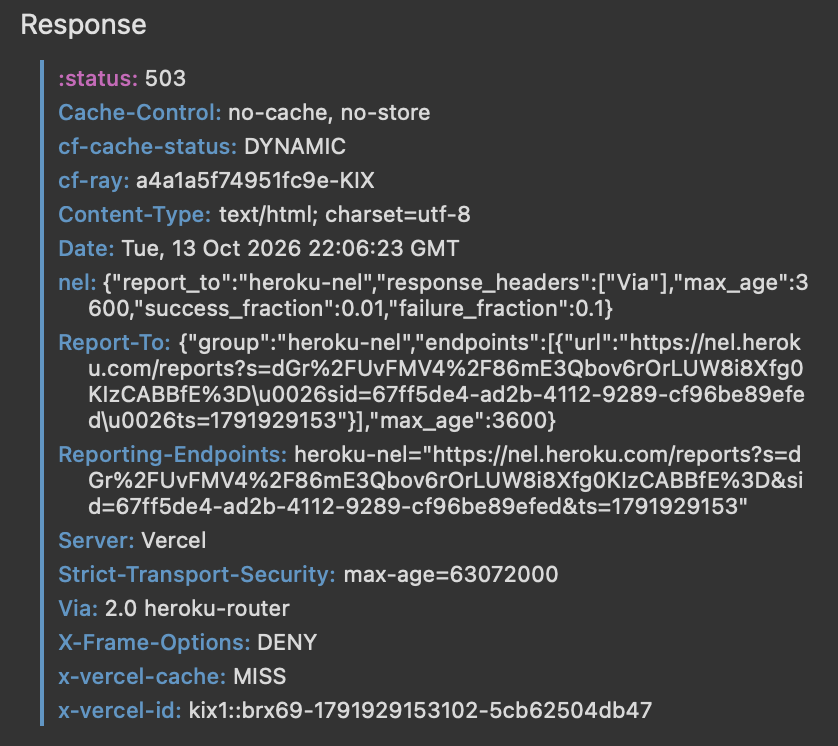
I’ve attached the response from the network when pressing update all below. It appears to be a 503 error. Not sure if this is a new issue or not.
Fortunately, everything seemed to resolve itself while I was writing this. I kept trying the update all button and while I never got a success message, I guess one of them succeeded. This made me think it could be a timeout issue returning a response while the data is still being updated, but I originally encountered this problem last night, and it only got fixed after I kept resubmitting the form. 
Thanks for the feedback!
I’ve added a performance improvement to this action.
The mismatch during Reviews could be caused by not refreshing the page after running the update.
During that session, the question would be in the wrong format, but the Vocab would show as being in the correct one.
I think we may have found the issue.
Are you an occasional user of the Bunpro app? Do you use both the app and the website?
EDIT: If the answer is “yes”, then this number + furigana issue will be fixed on next app update.
Yes, I’m using both, because I like the app more but want to use the Deck beta and topics! Perfect, thanks you so much for the fix!! 
Yup, can confirm.
We found the issue, it will be fixed with the next update!
Filed this ticket/feedback ~12 days ago without any update so cross-posting here now to try and get a response:
I’m having issues disabling vacation mode. I enabled it in early August (~Aug 3) for a summer break, but am now having issues disabling it. It always gets stuck at some percentage rather than completing. I’ve tried re-enabling vacation mode and disabling it multiple times (without doing reviews or using any other Bunpro features), along with doing so in both Edge and Safari web browsers but nothing has seemingly gotten me to 100% completion. Is it possible to manually disable my vacation mode from your end?
Reverse bug report: Please bring back the ‘mixed wrap-up’ in the iOS app. 
Since this week the bug seems to have been fixed, so now all missed items pile-up at the end of the regular reviews. But I MUCH prefer to have wrap-up items mixed in with regular reviews like before, since this was more difficult and helped me retain vocab way better.
Or even better; make it a toggle so we can do this on the web version as well.
So that’s a bit of a silly bug, no need for an immediate fix or anything.
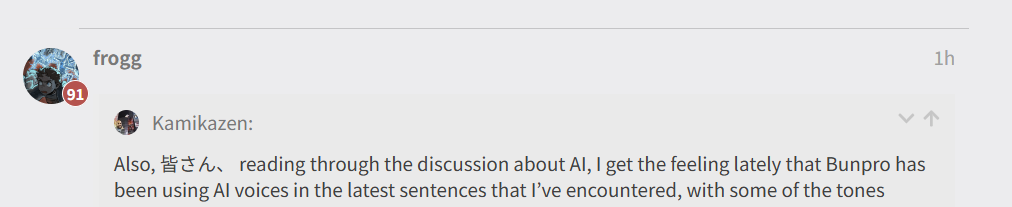
The thing is, I reached level 92 a few days ago (yay!) however my forum posts still show up at level 91 :

Hmm, also on the latest version of the iOS app here and feared my favorite feature over the web version was gone. But for me, missed items still appear during other reviews and dont get shoved to the end.
+1 on making it a setting so I can use it on the web app too tho
I think it changed yesterday or the day before on my end… I’m usually on iPad if it makes any difference.
And yeah, I almost exclusively use the App-version myself because of this.
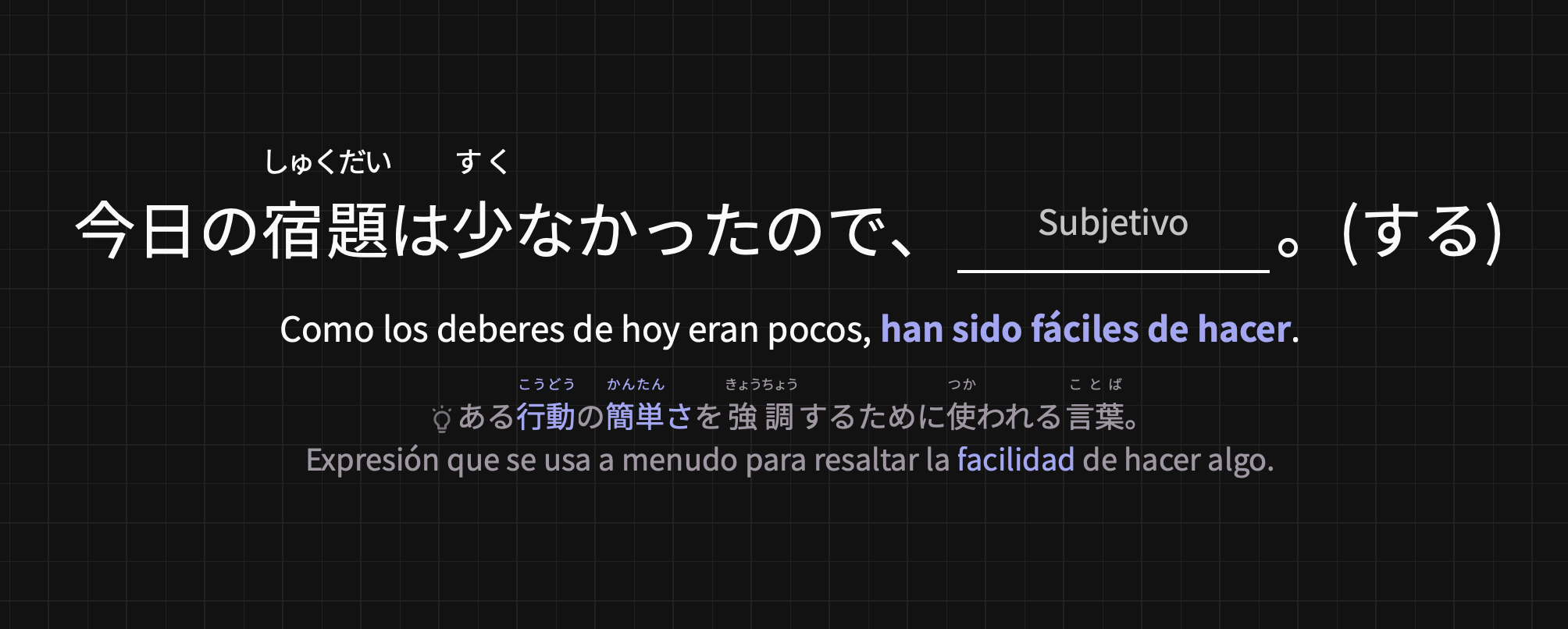
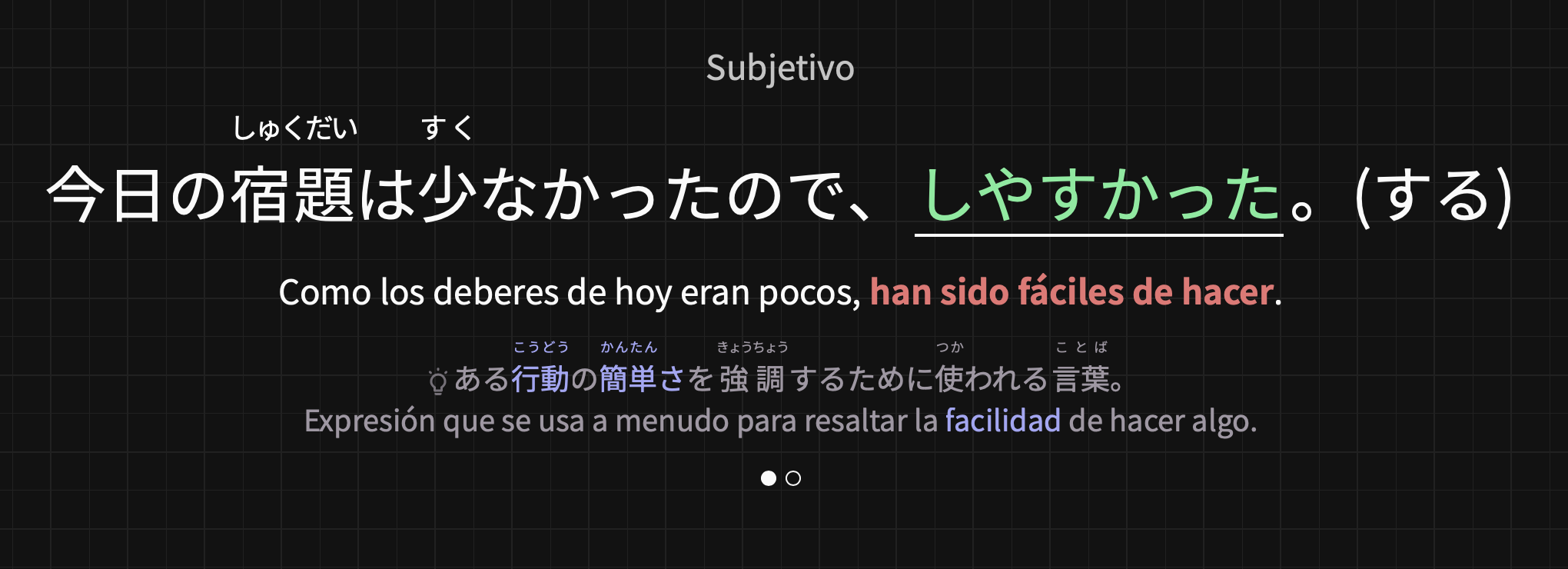
I’m sorry if i’m missing something, but in the part where bunpro tells me in which way i should add the response it just says “subjective” and it never adds “past” so i’m not sure if it’s a bug or i’m just missing something, i know the sentence its shown in past but i feel it would be easier if you also specified it in the “subjective” place.
Must have silent failed.
Updated it for you
Hi there!
I checked your account and it seems it exited fine?
Do you remember when the exit successfully happened?
Not sure the cause for this unfortunately