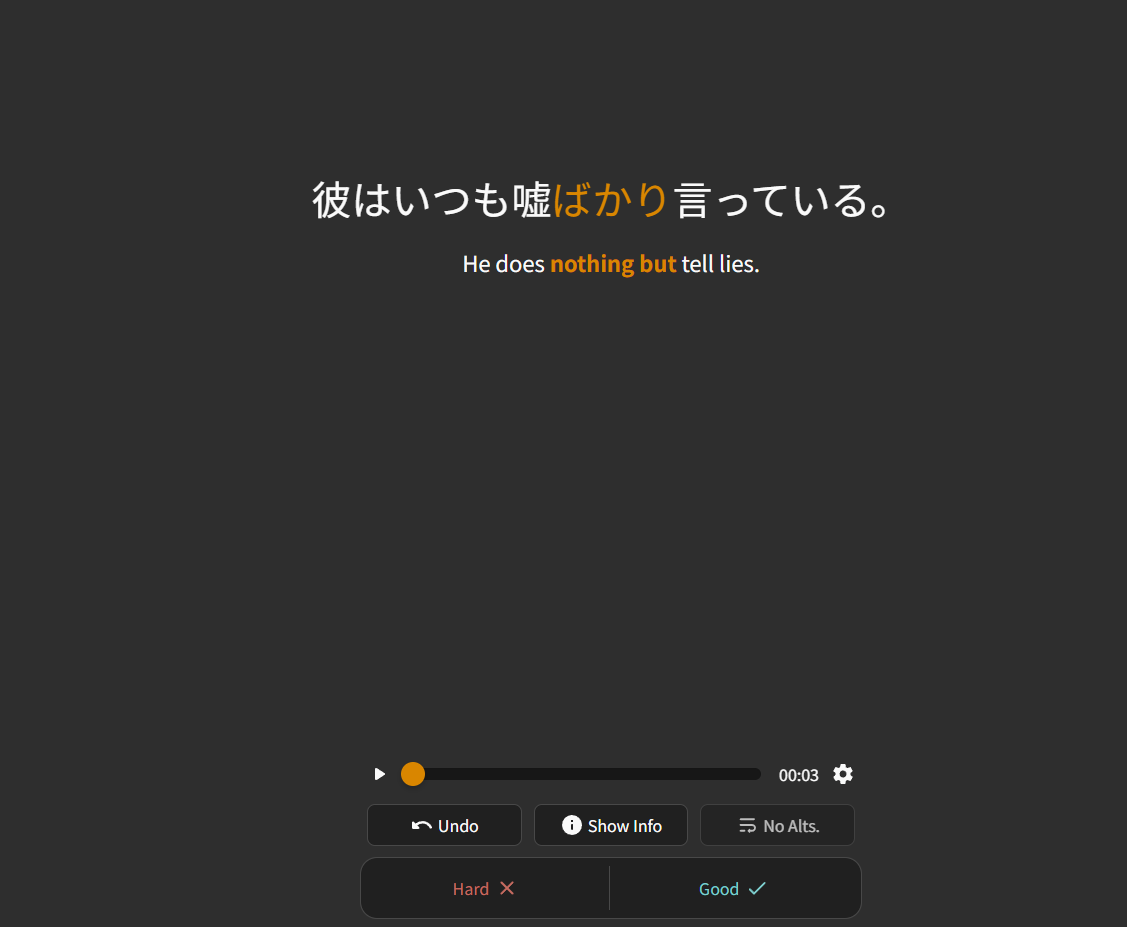
In my case, I rely a lot on connecting the idea or purpose of a Japanese word directly with my native language. Often, my language captures exactly the nuance the Japanese word is trying to convey, while English can be ambiguous or not quite cover it. This forces me to think in English first and then translate to my language, which makes the process more complicated and slower.
Of course, you could try studying another way, but I think it’s much more effective to learn directly from Japanese to your native language, rather than going through double translation.
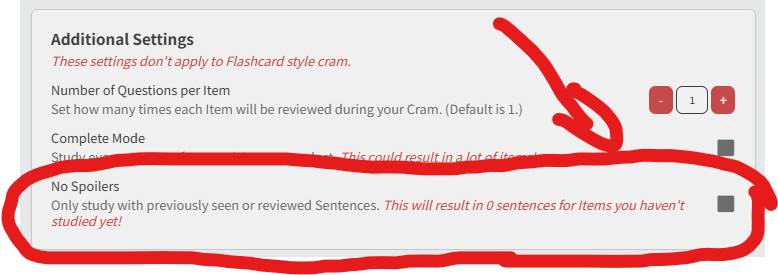
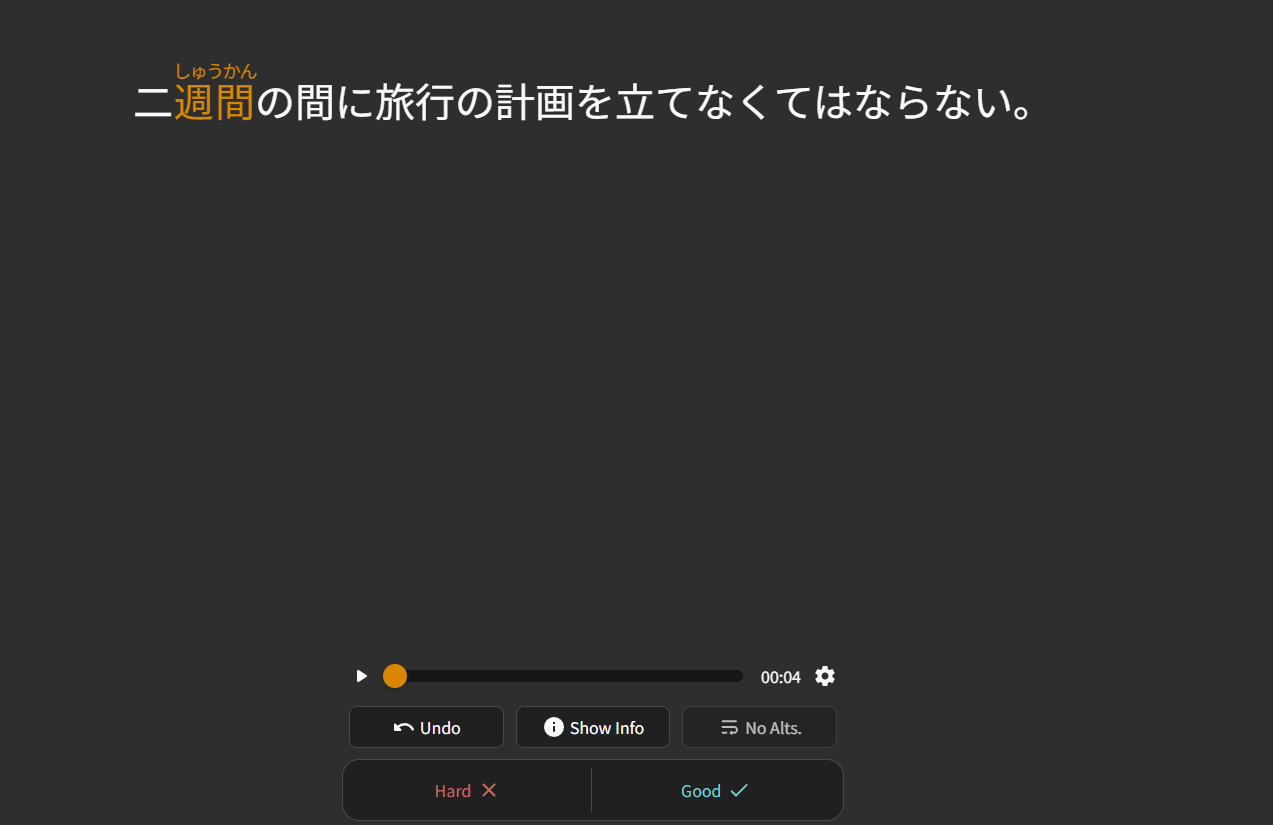
I know many people can study using only Japanese, but the problem is that many example sentences mix grammar, vocabulary, or expressions the learner hasn’t learned yet, which makes reviews harder and more exhausting. Reading only in Japanese might improve your reading comprehension, but that’s not really the main goal of the reviews. The purpose of the reviews is to understand a single grammar point or new word and practice it until you can use it naturally, without unnecessary distractions or complications.
In short, connecting Japanese directly to what I already know in my language helps me retain and use what I learn much better, and avoids the mental hassle of translating through English first.