
The new (woman) jlpt-style voice recordings in my grammar reviews that are becoming gradually more common are uncomfortable to listen to. It sounds very sterile and eerie compared to the earlier recordings.
EDIT : Nevermind I found this afterwards
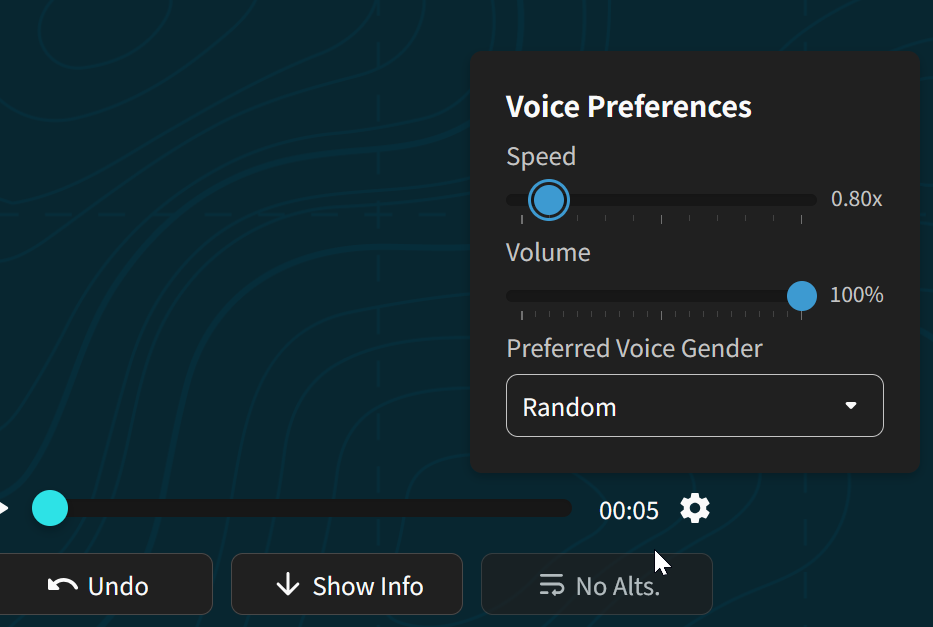
Well while I’m at it, can I ask for keyboard shortcuts to speed up or slow down the audio ? 
The ability to see how long a review session took. At least on the IOS app this is not available.
1 Like
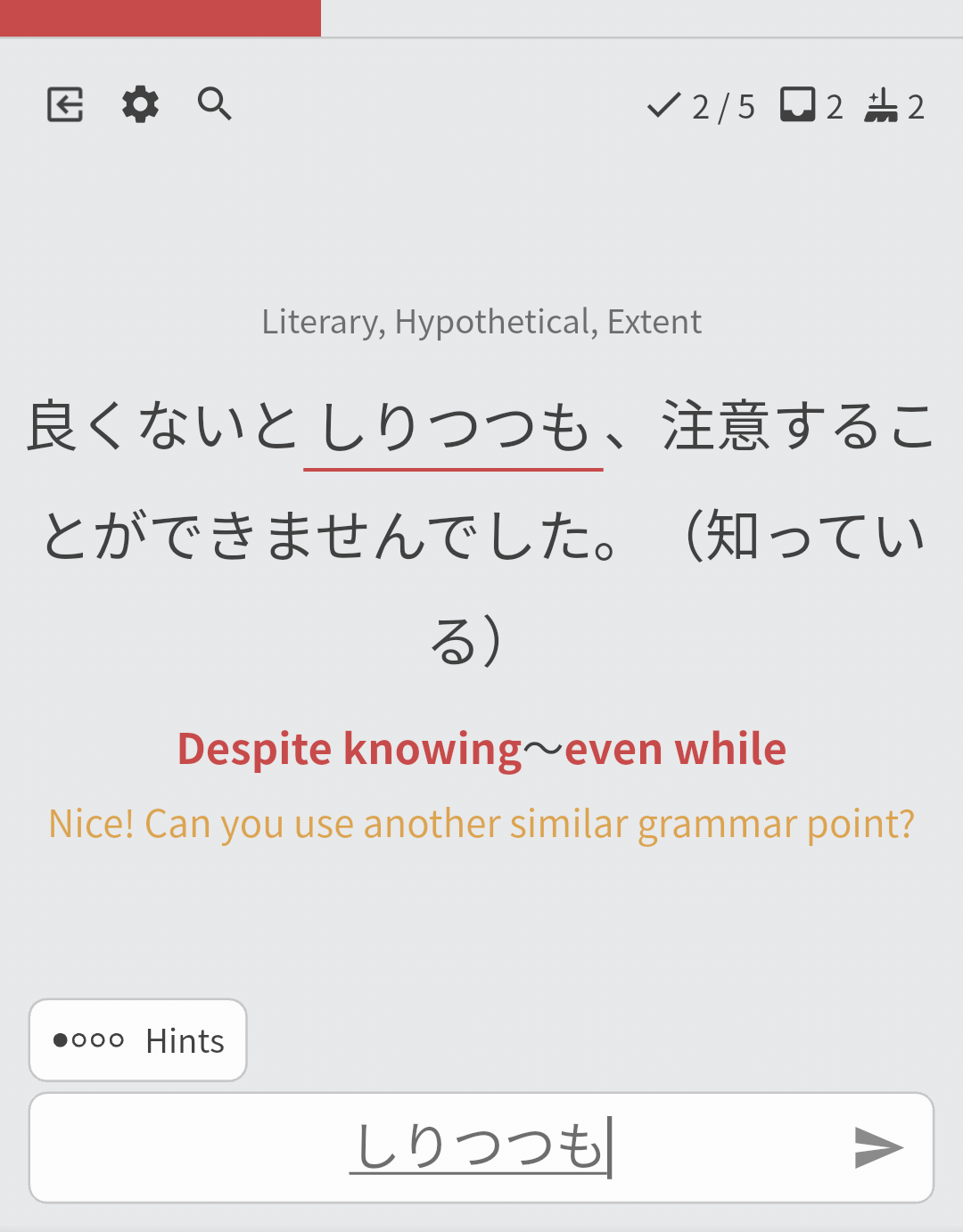
Getting complimented on correct, but different grammar feels really good. Really wish the app did this more to differentiate correct but different grammar from other hints.
1 Like
I know this has been suggested before in this thread, but I could not find it. On iOS I can activate a setting that interleaves my mistakes in a session among the other reviews (instead of having mistakes come all at the end). This option is not available through the web app. Would it be possible to add that setting to the web app? Thanks!
I would like to be able to select a certain definition of a word to specifically add to a deck/practice. For instance, I wanted to learn にする as in to decide on an item, but when I started learning it in the default genki II deck, it made me learn all the other meanings too, like to cost, to “judge as being,” to “transform A into B,” etc.
Im not sure if this is the right place for grammar suggestions but I would like to see the following grammar point added.
と引き換えに “in exchange for”
Example sentence:
彼女は「キス」と引き換えに冬休みに勉強を教えてと言ってきた。
The app has an option to filter out learned / not learned words while viewing a deck. Would be nice have this on desktop as well. I like to cherry pick new words from a deck and it’s easier when I see only words to learn yet.
2 Likes
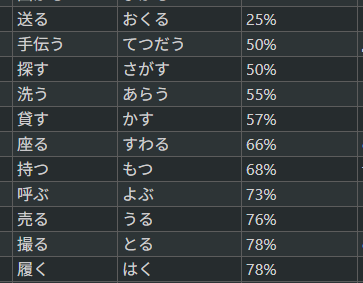
Currently, it’s slightly time consuming to prepare items for cram. For example, I want to only cram items that have <50% review success rate. Currently I’m feeding the whole text into LLM and asking it to sort and group items.
I can understand that adding filters and updating cram like that would take time, but would it be possible to add an ability, to add items to cram using a list? For example, the same approach, that is used for custom deck creation with import.
Right now I’d need to go and manually add search items on cram setting which takes time, especially, if there is 20+ items to search. That would be a good improvement in cram preparation speed.
This is an example of LLM parsing the info to get a better view of which words I struggle with. If one-column-import or an expandable text area accepting a word per line was an option - that would be fantastic.
It would be really cool to have a review mode that simulates a fill in the blank multiple choice like the JLPT. It would work similar to how it works now, but instead of typing in the input, have 4 options and choosing a, b, c, or d. I think it would help with reading and preparing for JLPTS.
3 Likes
I kinda wish the progress bar for an item was at the top of the item.
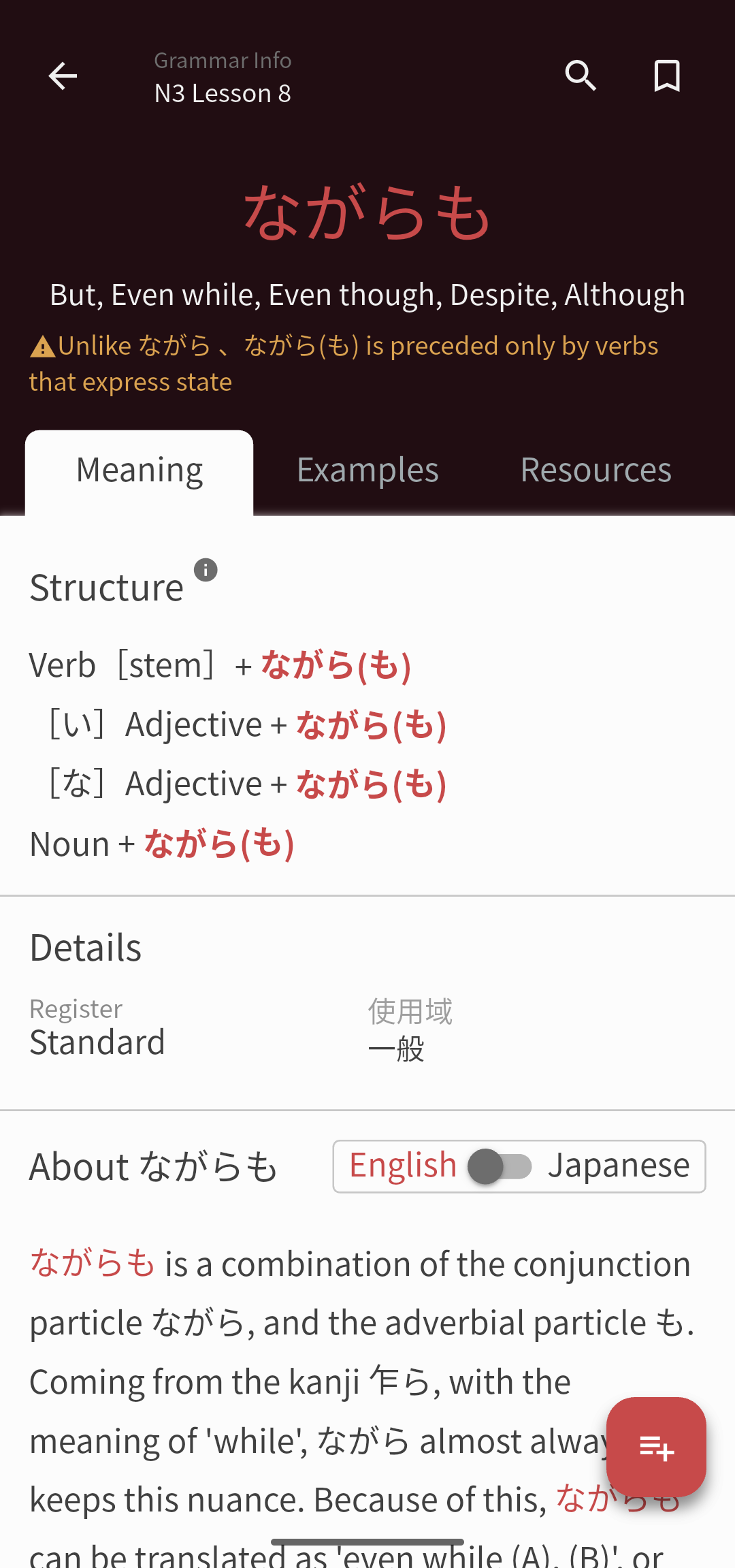
If I’m opening an item one of the main things I like to do is check/reset my progress so having this accessible would be nice.
1 Like
I agree, or at least a mode which tests which grammar points (amongst similar grammar points) are appropriate. I think this is something Bunpro doesn’t really test since it’s easy to over fit grammar to the hint.
Now that decks have units split out based on their size, it’s difficult or impossible to sort the units of a deck.
I’d also like the ability to sort the decks. Some of the decks I’ve made are “done”, so I don’t need to add new cards to them. When I click “Add Card” I usually have a specific deck or two I’m working with. As I add more decks, the ones I’m working with may end up as longer and longer scrolls.
This is stopping me from creating community-focused decks or just having a lot of personal decks in general.
Specifically, I’m doing a workflow of -
- cram a specific chunk of items
- as I cram, add the problematic ones to one of two decks
- cram the deck they were added to
- remove them from that deck if they’re no longer problematic or spin up a ghost item if it’s extra-super problematic (though I want to eventually utilize self-study sentences for a more immersion based review of problematic items as I encounter them in the wild post-N1 Vocab completion)
I use both WK and Bunpro for studying Japanese. While its only been a month on Bunpro and 4 months on WK the storytelling on WK to remember kanji is quite powerful and I’m able to level up and retain content much better when a story is involved. It would have made my journey much faster if there was something similar for vocab in Bunpro. This is more of a personal thing but I think many people would associate with this strongly.
This has been suggested a couple of times before I believe, but here is me throwing my hat into the ring for visibility.
A “skip” button, or some kind of mechanism to skip a given review and move to the next. Skip doesn’t mean get it wrong or correctly. It just means to put the review back into the pile of reviews and draw a new review. I am sure this will help many to clear/filter the easy reviews first and tackle the troublesome ones last.
I am aware you can sort your reviews by SRS level. Unfortunately this defeat the randomness you are exposed by having no sorting at all.
2 Likes
I would really like the simple option to copy the displayed japanese sentence directly while reviewing on smartphone without having to use external tools or searching for it in the description. Its annoying as hell  Don’t unterstand why its not a thing. Makes me prefer Anki
Currently, during a vocab review on mobile, If I want to hear just the target vocabulary word isolated instead, I have to tap into Info and scroll all the way down to find it.
It would really convenient if there was a play vocab button on the review page. Maybe next to the play sentence button in the input box?
Hello,
Would it be possible to create an option that delays the appearance of the first grammar hint?
For example: no hints for the first three seconds, then the first hint appears.
That would force me to read the sentences about the grammar points without having to click the “Hint” button.
Thanks
Hello, this is not a feature request just for info:
Will there be audio for the N2 and N1 readings as well? I see the audio added up to N3 texts.
Thank you!
Would love to have a mode testing particle use only !
For example, when learning a verb like 気付く (to notice), one could think that the correct object particle to use is を, even though it’s actually に. Bunpro excludes the particle from the cloze answer, which is a shame for retention of natural japanese i think.
Also, for grammar points where particles are super important like くれる/もらう/あげる or 使役/受身/使役受身, particle testing could be a great supplementary exercise.
2 Likes