New Beta Feature: Cram Redesign (July 30th, 2026)

Hello everyone! :wave:

We hope you’re all doing well and staying steady on your Japanese learning journey! :eyes: :person_climbing:

Today, we are excited to introduce a fresh new look and experience for Cram, now available for testing in Beta! We’ve given the beast a new haircut to bring it in line with Bunpro’s modern design style.


:sparkles: What’s New?

Alongside the visual refresh, the new feature update is the addition of Quick Cram: dedicated section for one-click session creation so you can jump straight into the quiz without setting things up from scratch every time!

To make building custom sessions smoother, we’ve broken down the Cram creation flow into 3 clear steps:


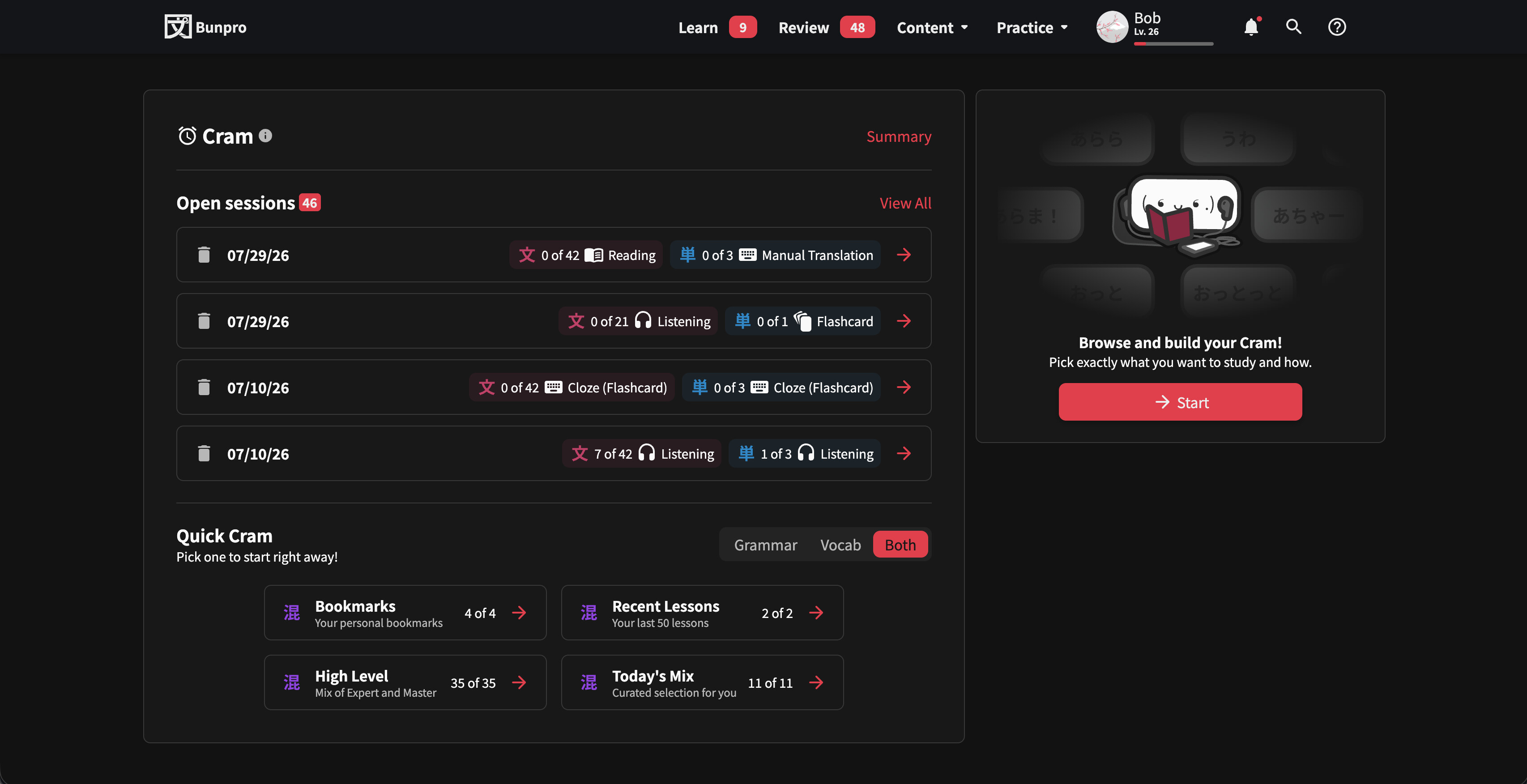
1. Initial Screen (Dashboard)

  • Quick Cram
    • Choose from a preset of options like Bookmarks, Recent Lessons, High Level, Today’s Mix and more, for immediate study
  • Open Sessions
    • Easily view, resume, or manage your unfinished Cram sessions

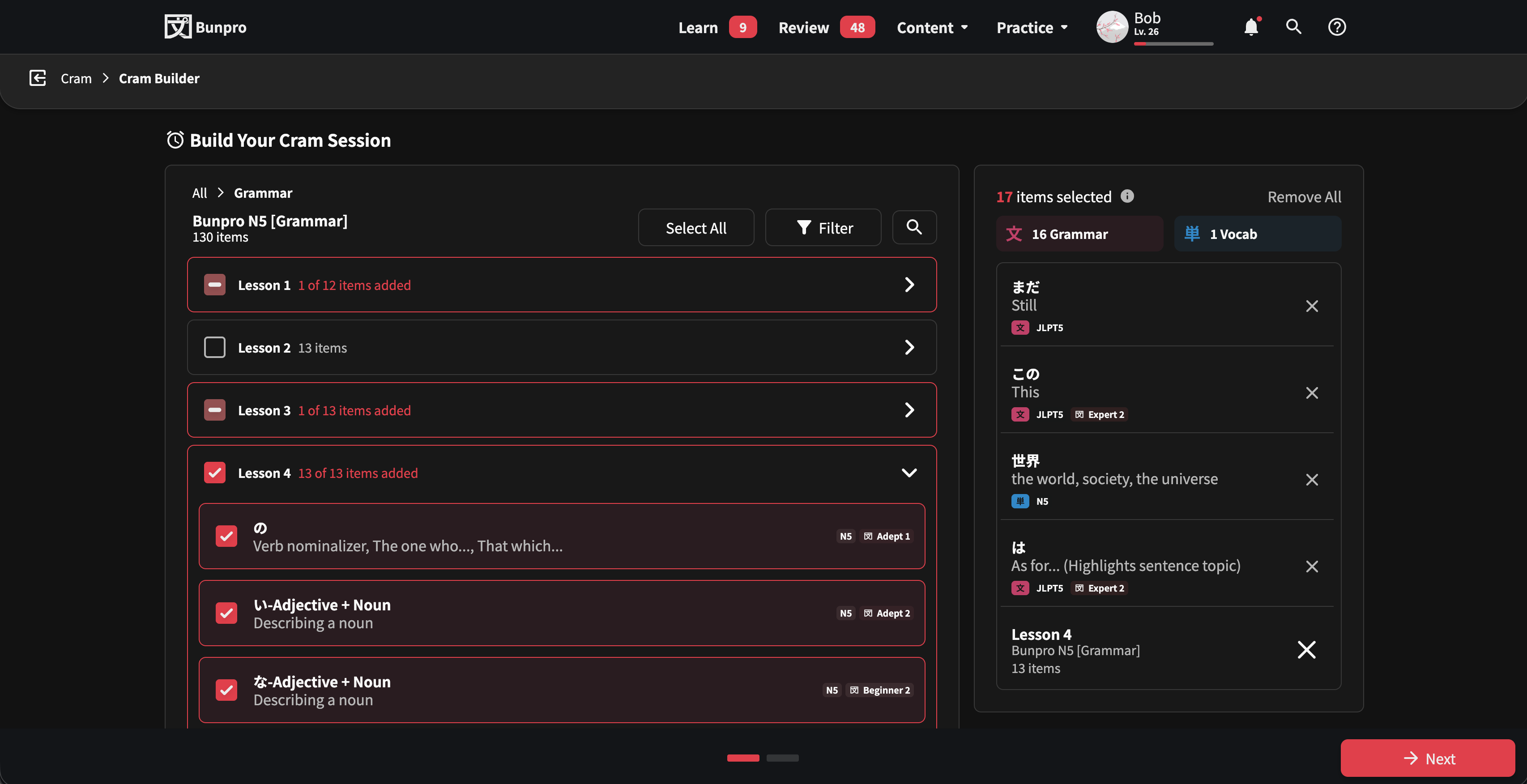
2. Cram Builder

  • A completely modernized selector interface
  • Browse and pick content effortlessly across My Content, Grammar, Vocab, Textbooks, and Other categories

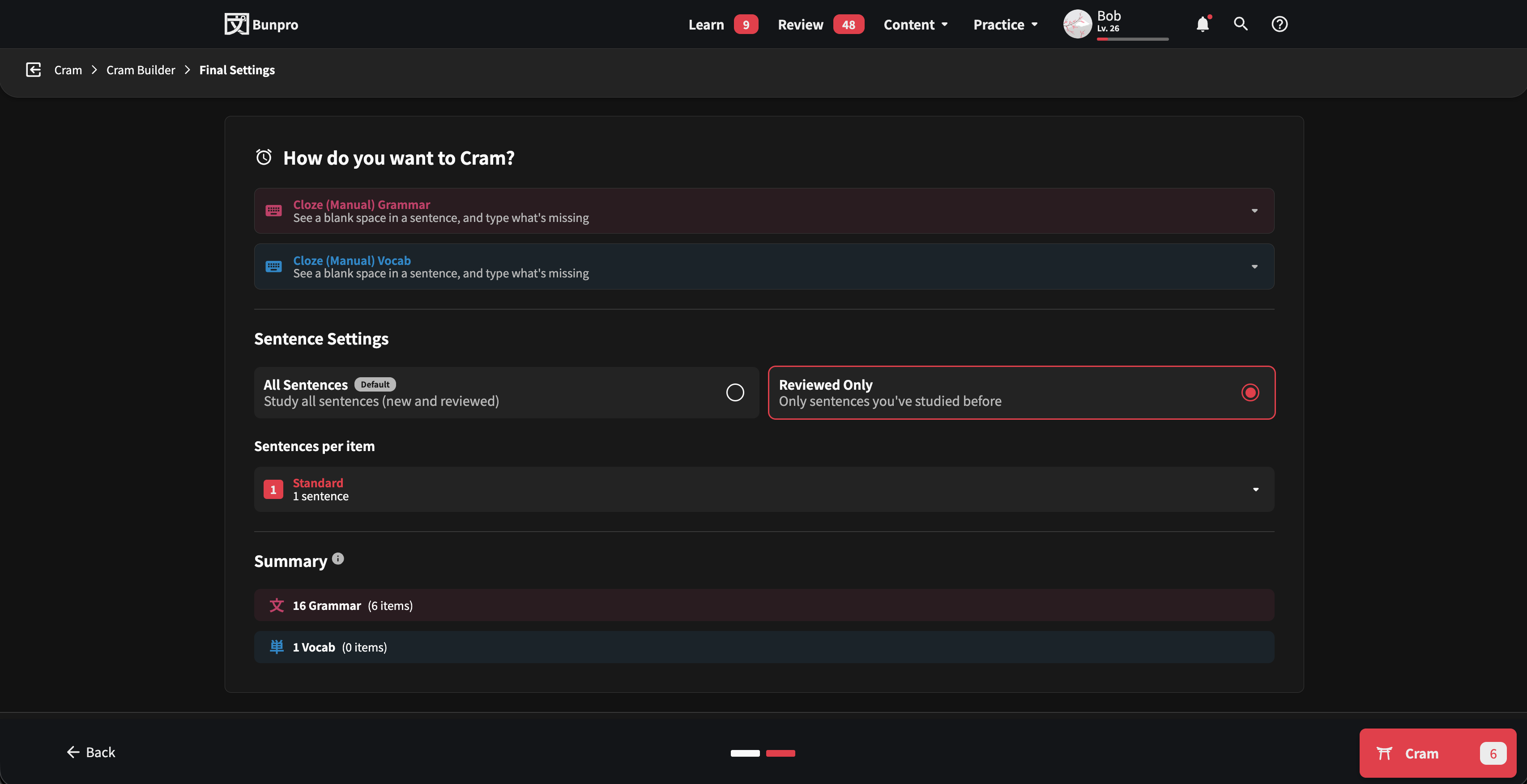
3. Final Settings & Summary

  • Fine-tune your session settings (e.g., mixing Review Types, sentence preferences)
  • Live Item Count
    • Check your final item count dynamically as you toggle settings (like All Sentences vs. Reviewed Only) before launching your session!

:world_map: How to Access & Feedback :speaking_head:

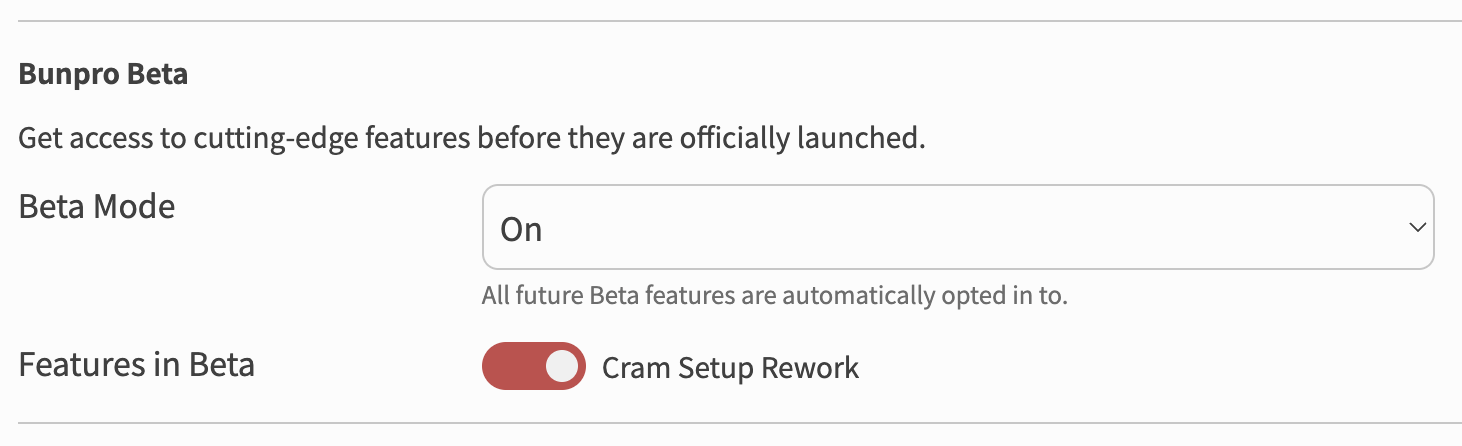
You can try out the redesign right now by opting into it inside of Features in Beta in your settings!

Or, if you want to check out the page without signing up for the Beta, you can access it directly here.

Since this is an early version, we’d love to get your help testing it out. As always, we deeply appreciate all your support and feedback! If you spot anything that looks off, isn’t working properly, or if you have ideas on how to make it better, please let us know in the replies.

Happy Cramming! :shinto_shrine:
– The Bunpro Team :bunprogold:

32 Likes

Recent mistakes and troubled content are an awesome addition!
Thank you so much for the redesign, it was needed.
I will test it later today and report if there is any bug.

10 Likes

I just finished my cram session. When I first clicked on Cram, I got this new version and was confused. I figured it out and finished my session but I did not opt into this, it was simply there!

2 Likes

You likely have Beta Mode turned on!

We changed how this system works a few months ago.

1 Like

That was it! I turned it off and now I’m back to the way it was. Thanks :slight_smile:

1 Like

Nice! I will call the Cram redesign “Marc” :man_artist:

3 Likes

I didn’t know we had a user with such a name

4 Likes

I wonder if there’s a user called “Bunpro” on Duolingo :thinking:

4 Likes

I wonder if there’s a a grammar enthousiast on https://rabbittalk.com/.

6 Likes

That really gives you paws for thought, doesn’t it! :rabbit:

3 Likes

This is really great addition! I even suggested this as part of the latest survey, so an early Christmas for me.

3 Likes

looking neat, i didn’t try it out, but i think it might be better.

2 Likes

It has recent mistakes and troubled content available to cram with one click, perfect! Thank you!

3 Likes

There is a cram summary button that leads to a null page (session/null/summary).

When building my cram session, if I use the filters I’d expect the number of items to update dynamically to reflect the number of matching items.

Having the font size set to 20px in the settings results in the filter menu being cut off, and attempting to scroll to see the other options then closes the menu.

It would be useful to have a floating ‘expand/collapse all’ button somewhere.

I think ‘Active Decks’ under ‘My Content’ be moved to a different section. I haven’t added any of those decks myself, nor have I created them.

For the filters, I also thought the ‘New to You’ option would show me things I haven’t ever seen rather than Beginner items since those should be under the ‘Beginner’ filter.

This next one corrected itself with a refresh, but I’m going to include it as an edge case just in case someone else has the same experience:
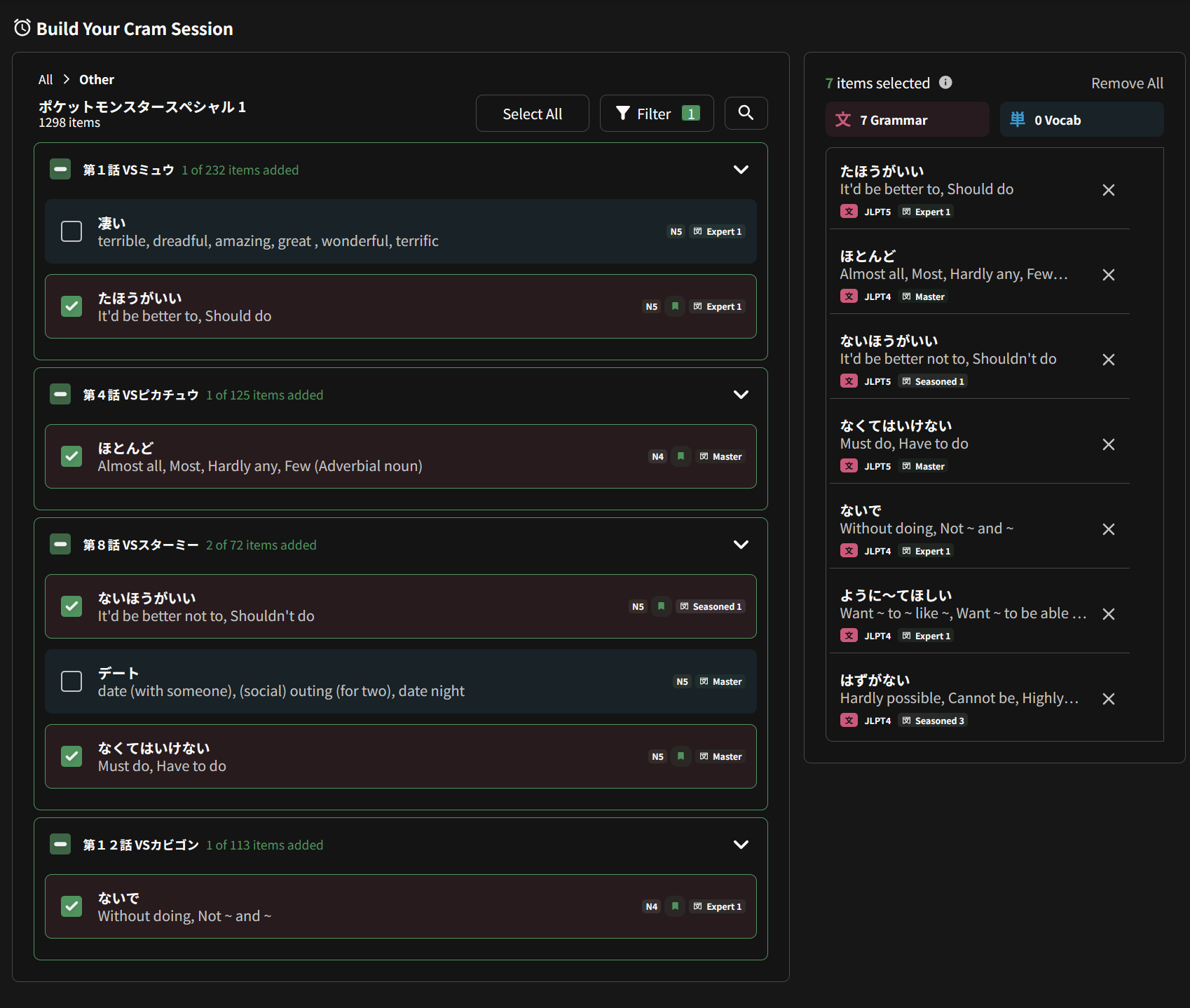
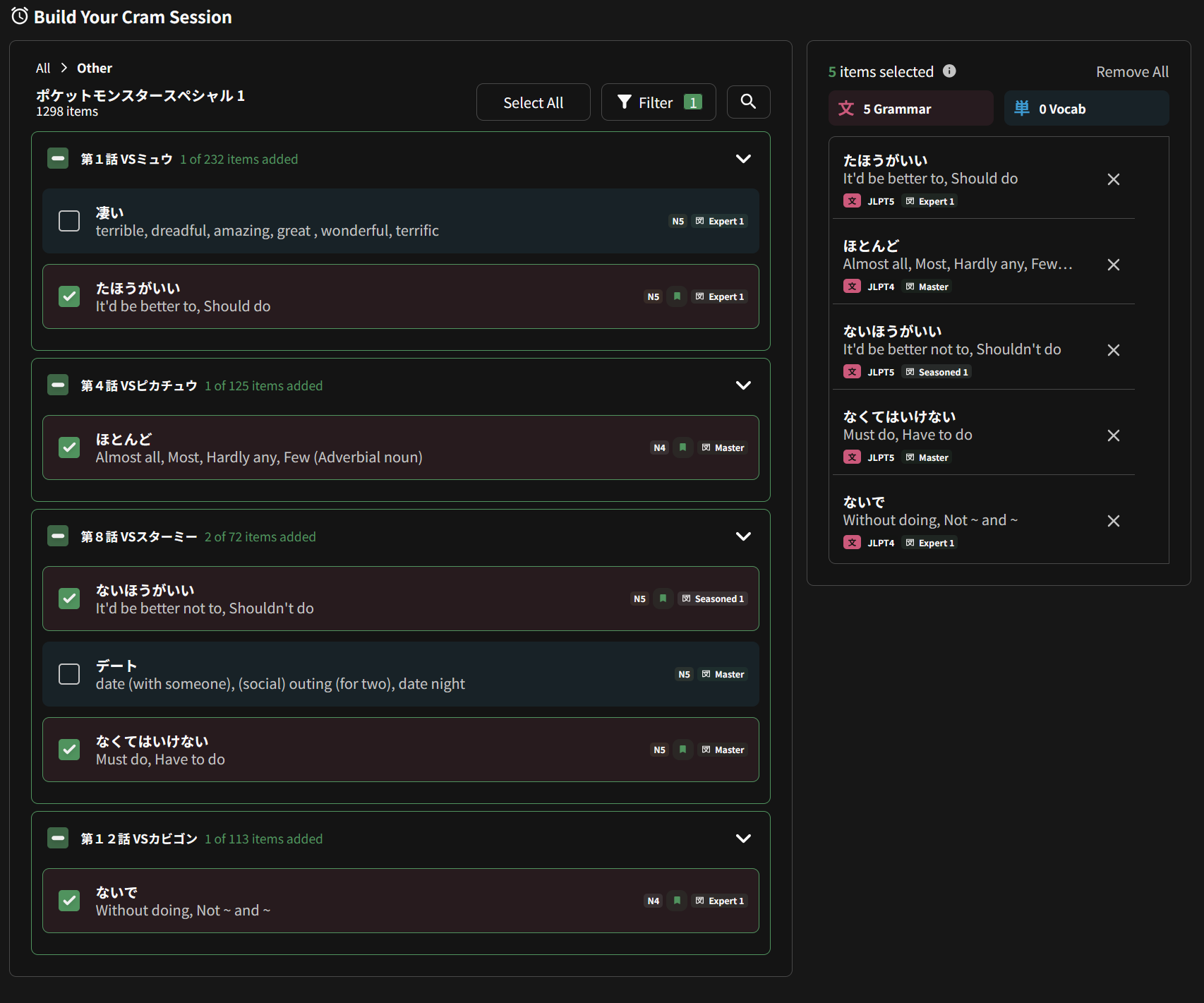
Going to My Content - My Grammar, filtering it by Bookmarked for example and clicking select all doesn’t actually select all, it selects 7/10 grammar points I have bookmarked, and then 3 vocab points that don’t show up in the filtered list. Clicking on select all again deselects the hidden vocab but doesn’t do anything to the grammar. The same thing happens with every option, ghosts, troubled, N3 etc.

Saying that I’ve just had a similar thing happen again on the ポケットモンスタースペシャル 1 deck. I’ve selected Bookmarked on the filter options and expanded everything to show what is happening.

Upon clicking select all:

Clicking select all again:

3 Likes

This is gonna be HUGE for my workflow, and hopefully many others!

Thank you Bunpro team! Really excited for this

2 Likes

FINALLY THE CRAM IS GETTING REDISIGNED

5 Likes

Ok tried it a bit, did I missed it or you can only make it as a fill in right now?
For grammar I try to do translation for the moment and couldn’t find a way to do it with the new interface :bowing_man:

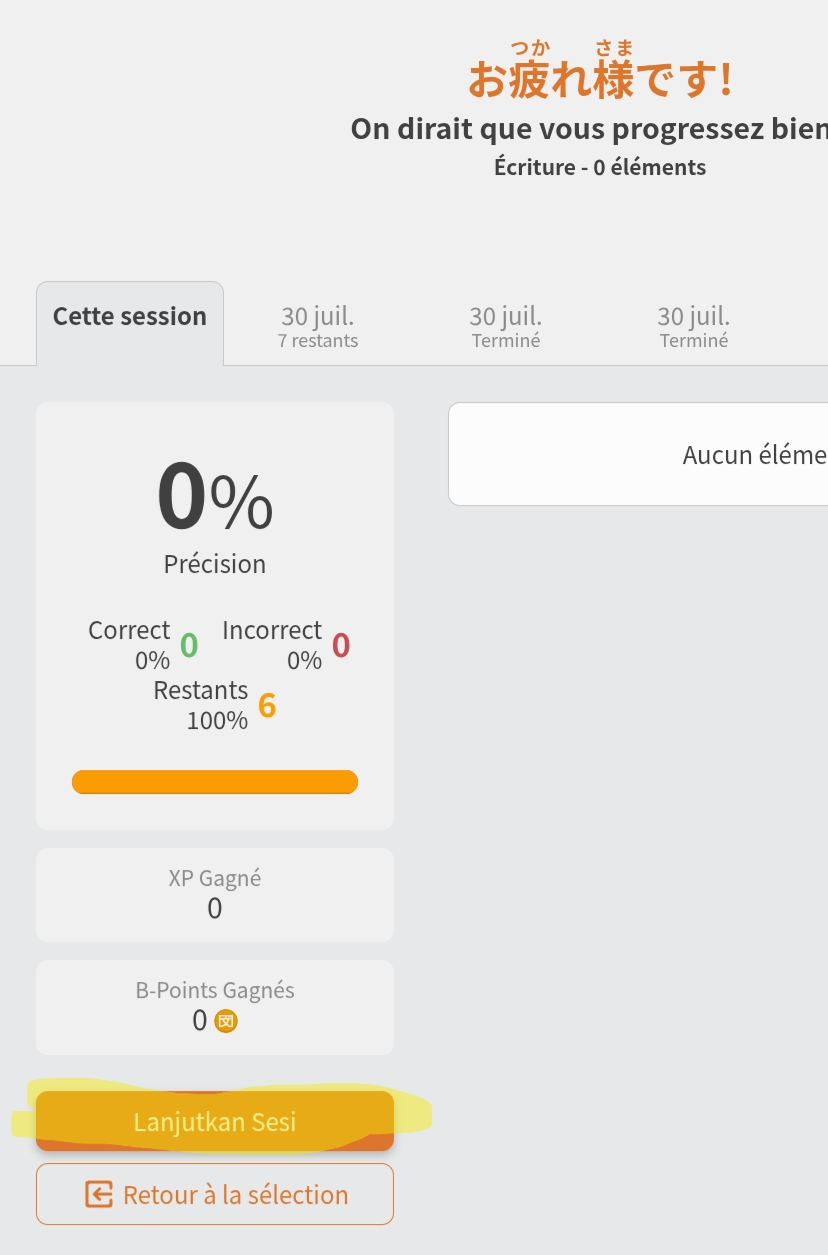
Edit : clicked on the summary button at the top with french interface and I have an indonesean (I suppose) text which I guess means “continue session” at the buttom of the stat screen

1 Like

LOL that one’s on me :joy:
don’t really know french must have slipped when adding the translations. will fix it xd

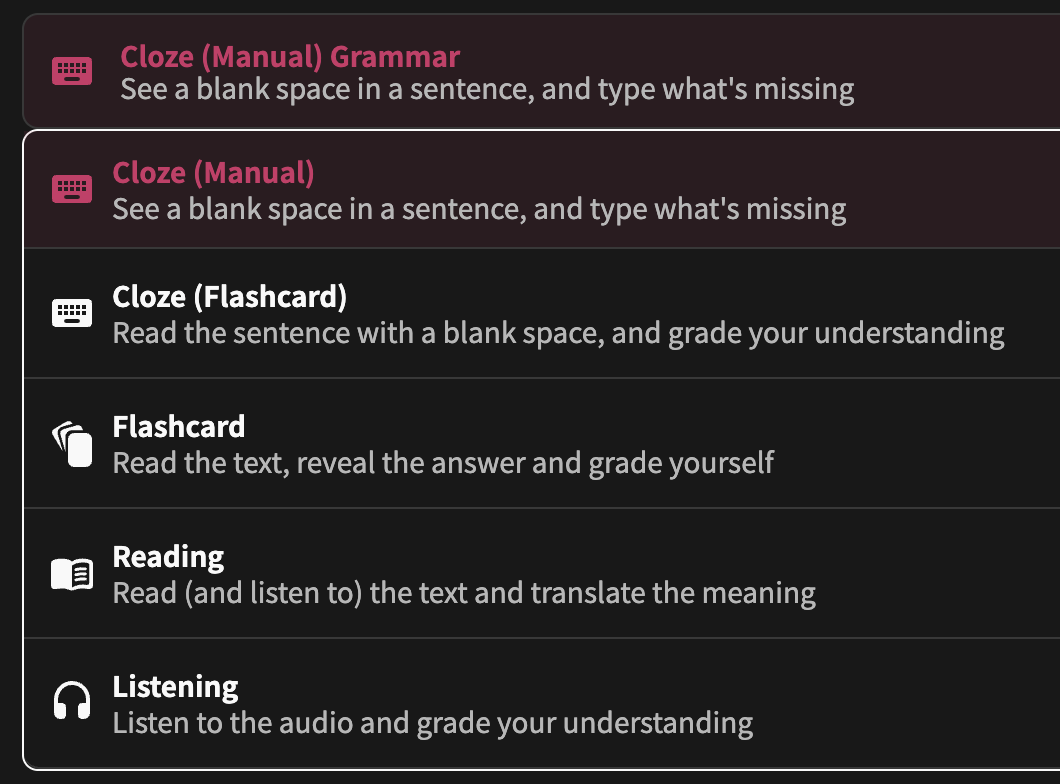
About the input types, grammar questions supports these:

5 Likes

Will check these thanks for the feedback! :bowing_man:

3 Likes

Hello,
My open sessions don’t appear to be loading.