Hello everyone! 
We hope you’re all doing well and staying steady on your Japanese learning journey! 

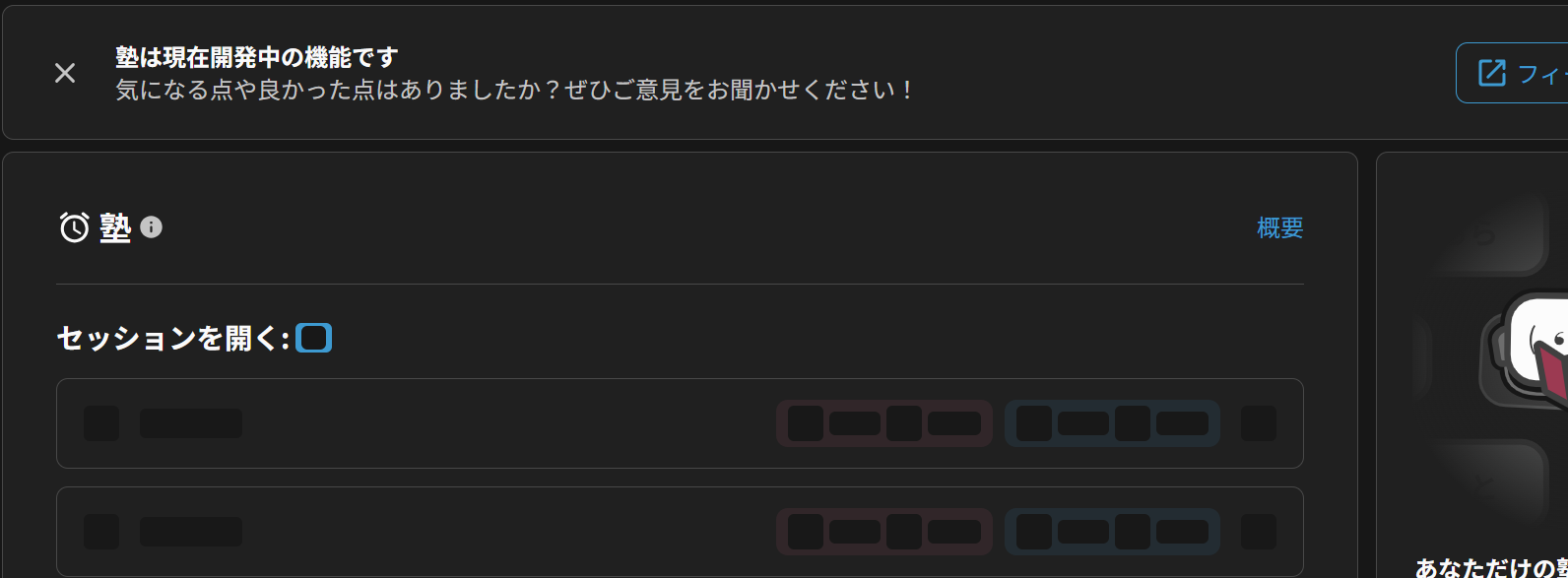
Today, we are excited to introduce a fresh new look and experience for Cram, now available for testing in Beta! We’ve given the beast a new haircut to bring it in line with Bunpro’s modern design style.
 What’s New?
Alongside the visual refresh, the new feature update is the addition of Quick Cram: dedicated section for one-click session creation so you can jump straight into the quiz without setting things up from scratch every time!
To make building custom sessions smoother, we’ve broken down the Cram creation flow into 3 clear steps:
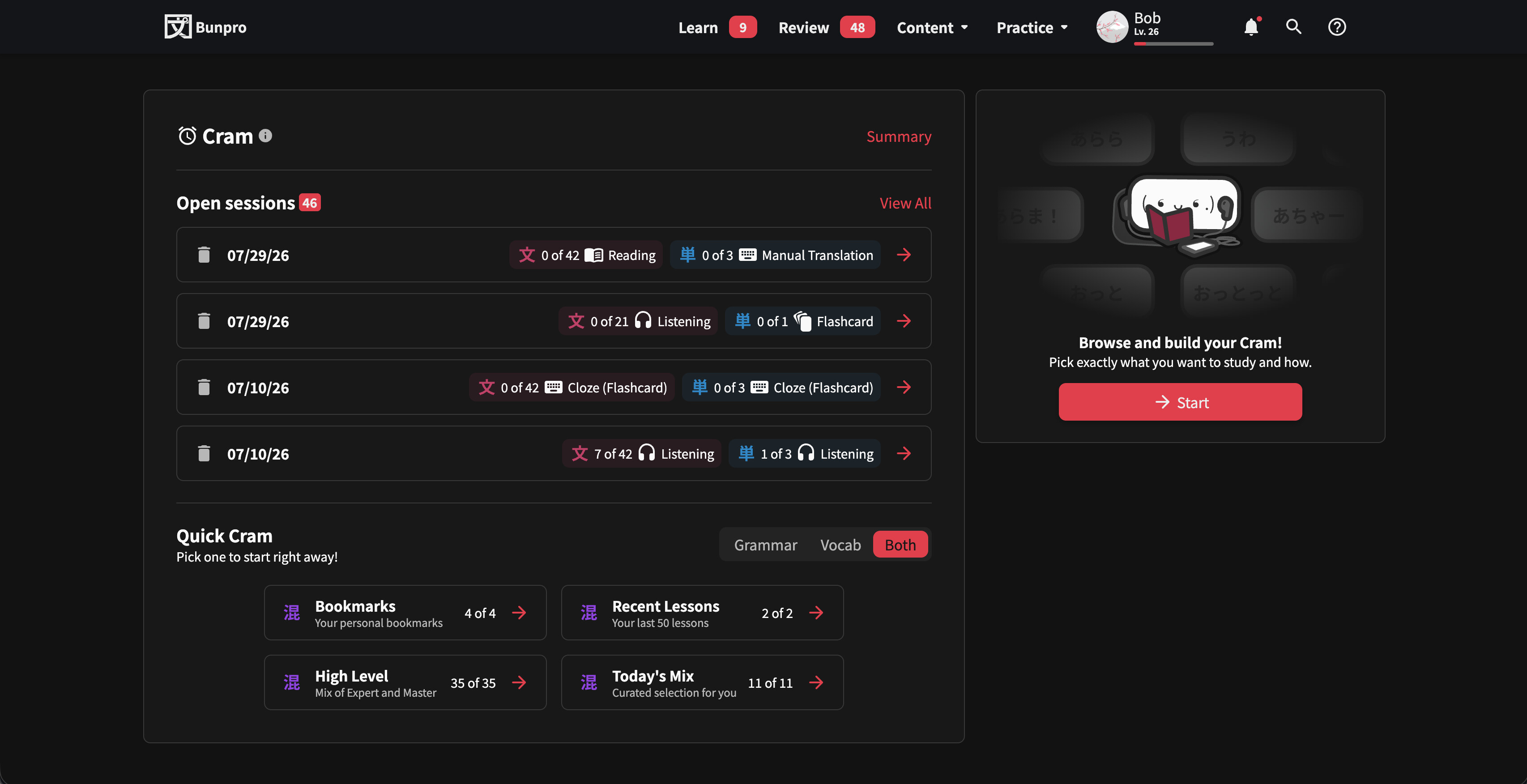
1. Initial Screen (Dashboard)
- Quick Cram
- Choose from a preset of options like Bookmarks, Recent Lessons, High Level, Today’s Mix and more, for immediate study
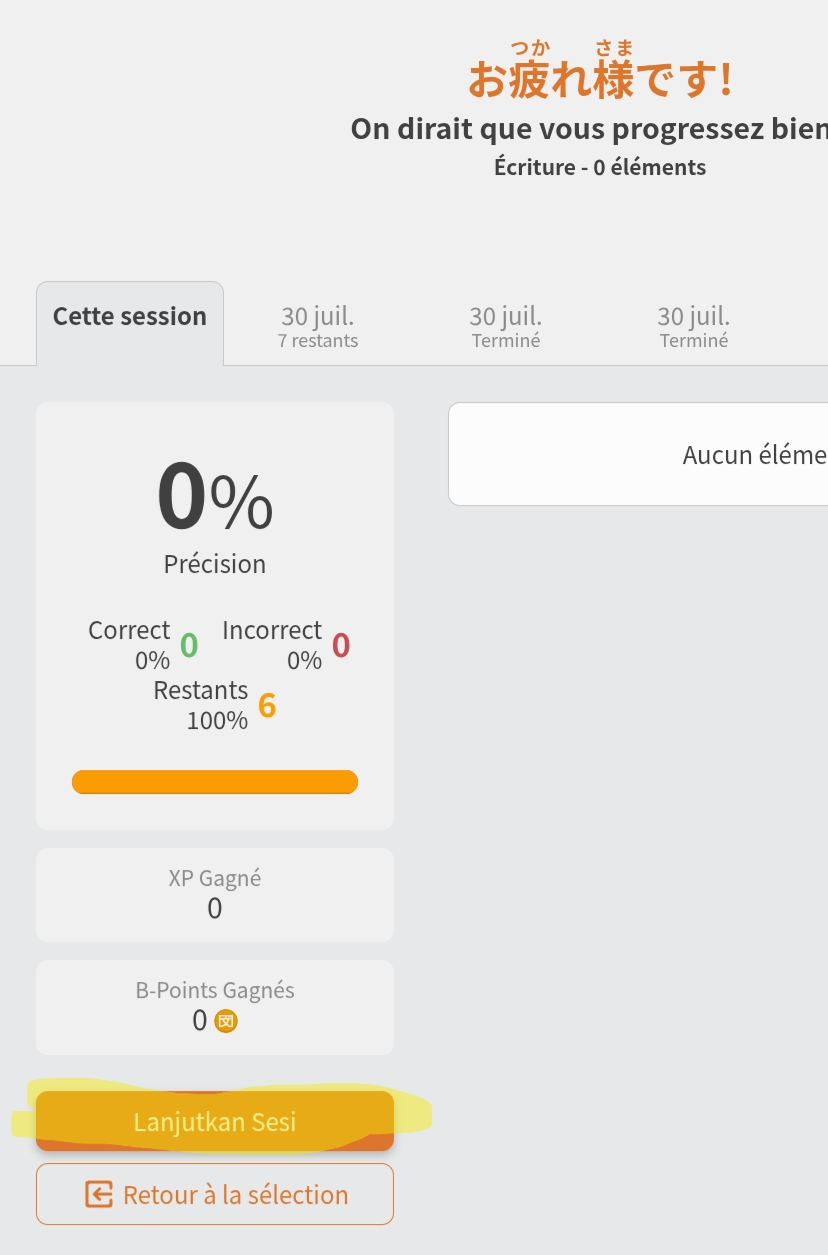
- Open Sessions
- Easily view, resume, or manage your unfinished Cram sessions
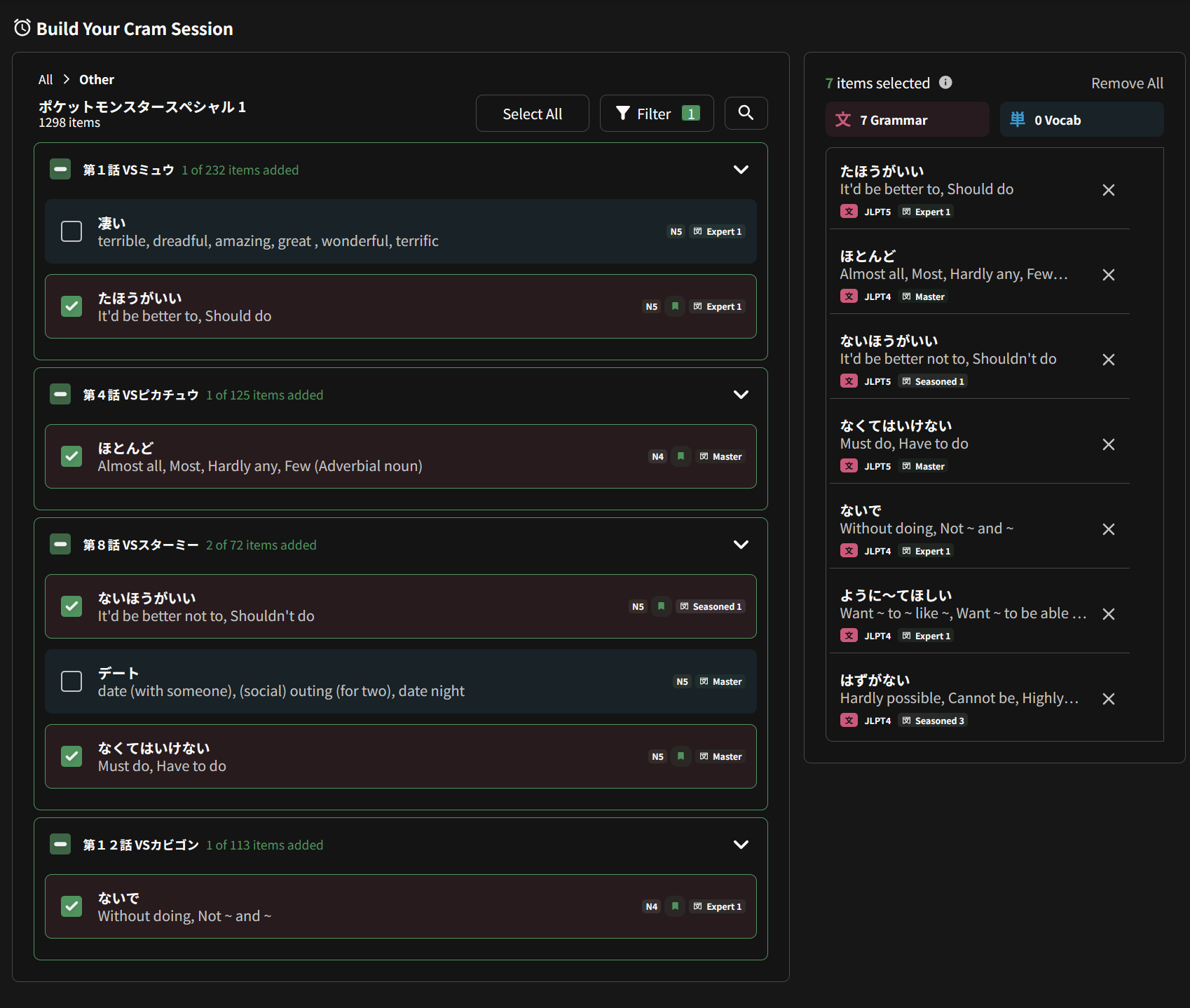
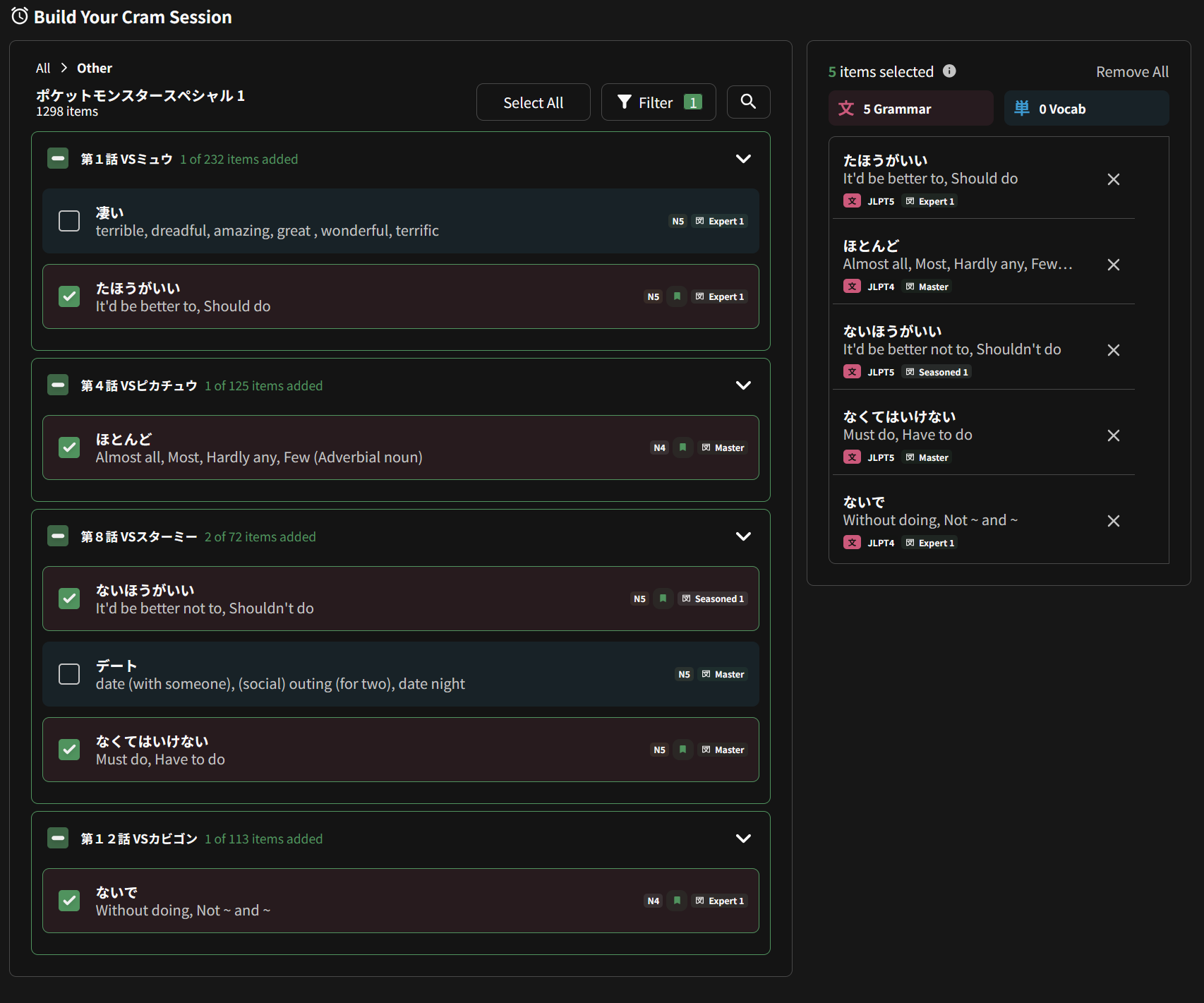
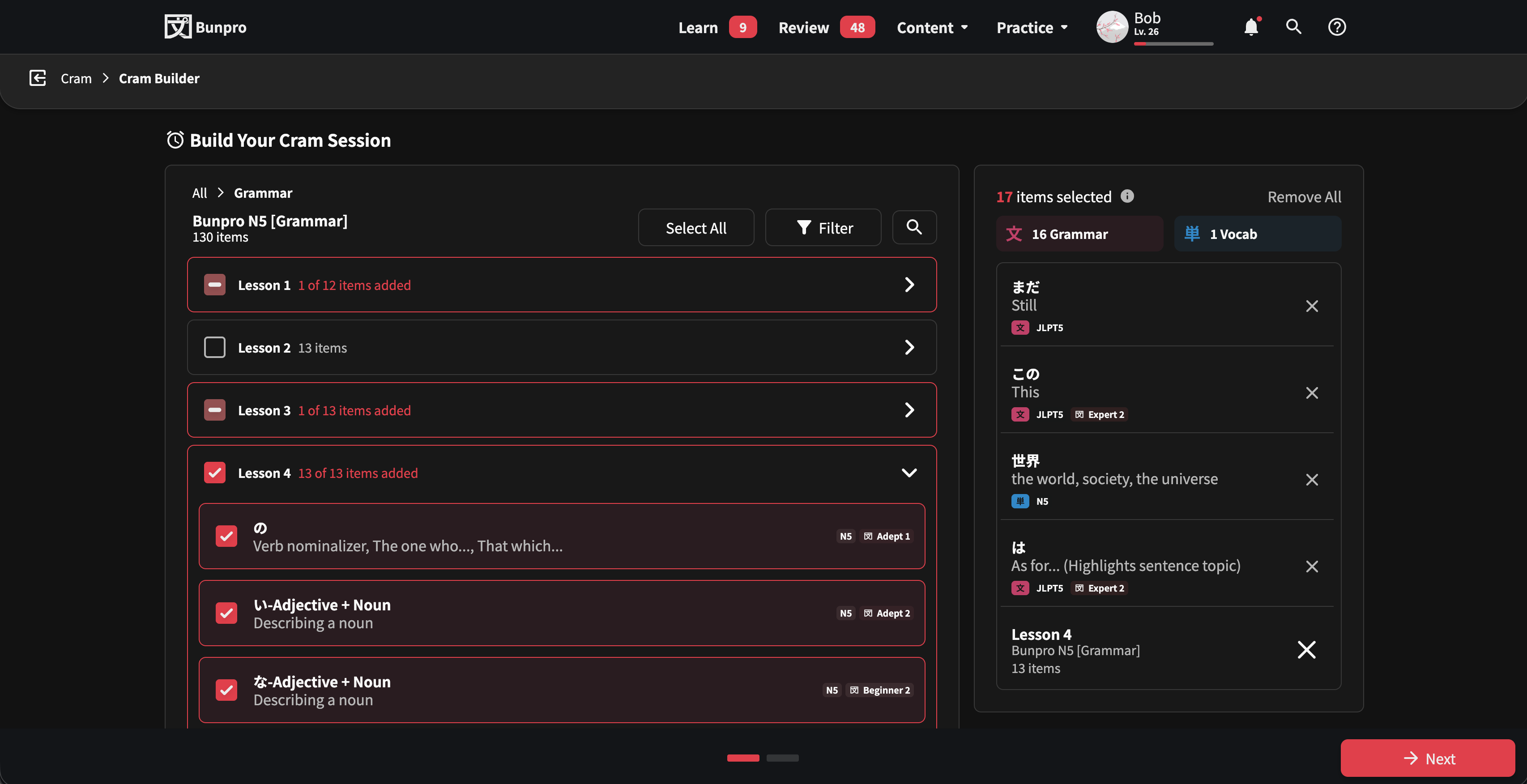
2. Cram Builder
- A completely modernized selector interface
- Browse and pick content effortlessly across My Content, Grammar, Vocab, Textbooks, and Other categories
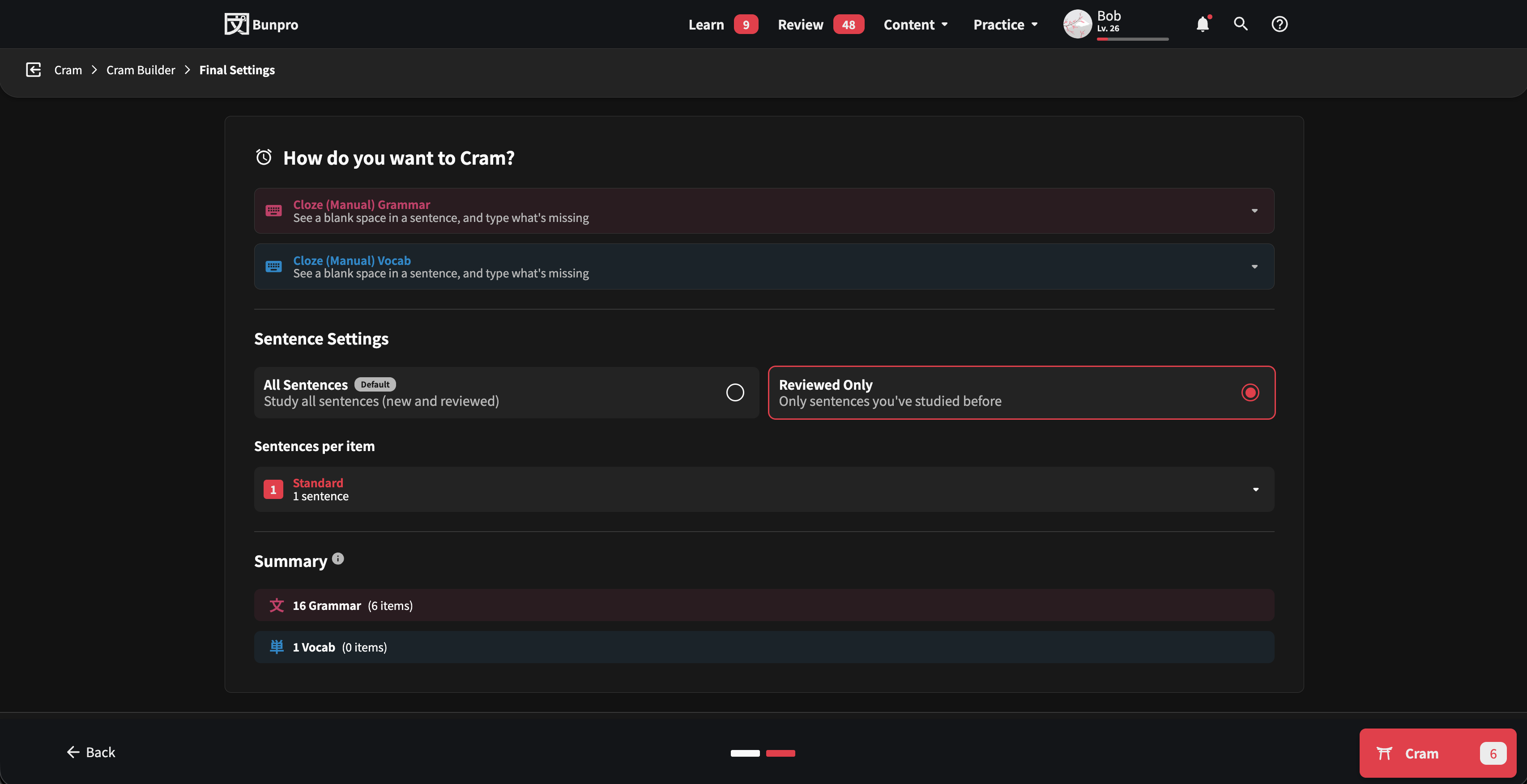
3. Final Settings & Summary
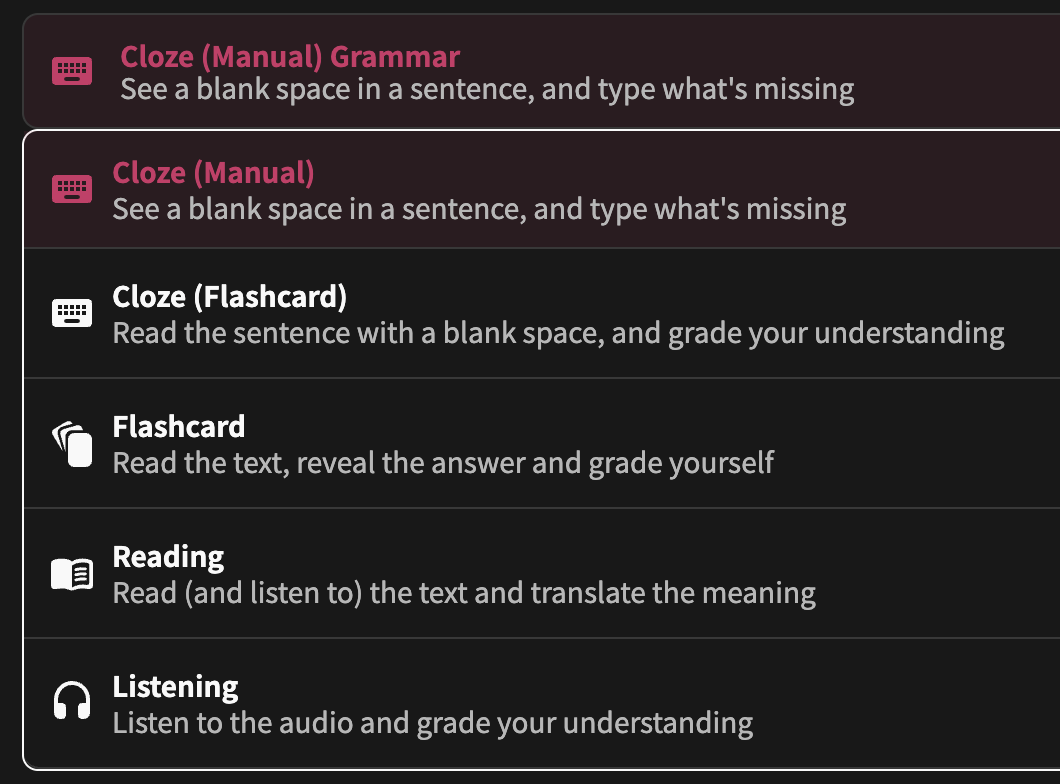
- Fine-tune your session settings (e.g., mixing Review Types, sentence preferences)
- Live Item Count
- Check your final item count dynamically as you toggle settings (like All Sentences vs. Reviewed Only) before launching your session!
 How to Access & Feedback
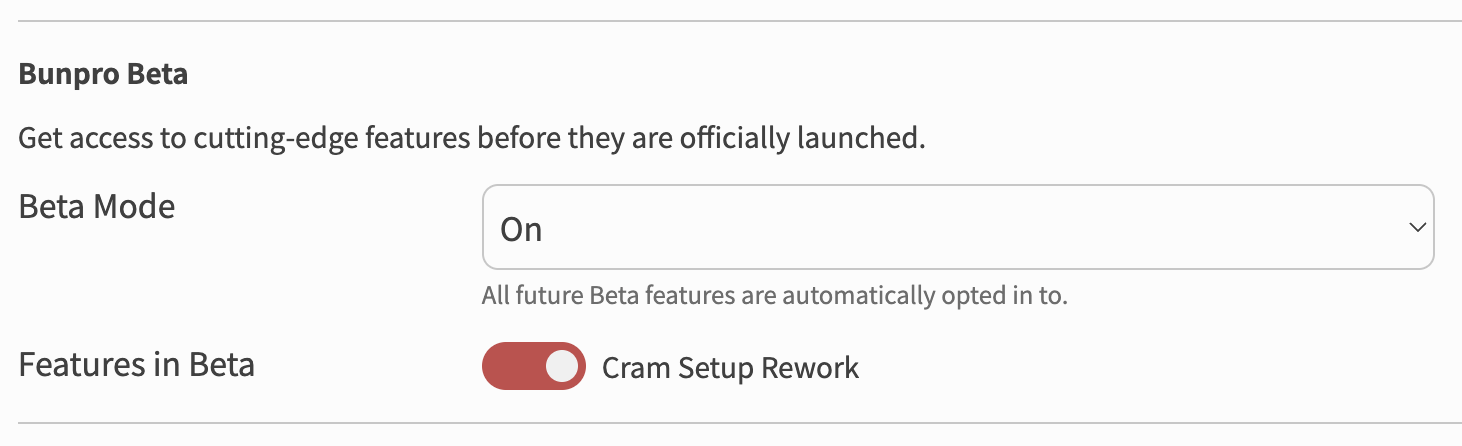
You can try out the redesign right now by opting into it inside of Features in Beta in your settings!
Or, if you want to check out the page without signing up for the Beta, you can access it directly here.
Since this is an early version, we’d love to get your help testing it out. As always, we deeply appreciate all your support and feedback! If you spot anything that looks off, isn’t working properly, or if you have ideas on how to make it better, please let us know in the replies.
Happy Cramming! 
– The Bunpro Team