Hey everyone 
We have a shiny new addition to Bunpro to share today!
 Your Path + Steps
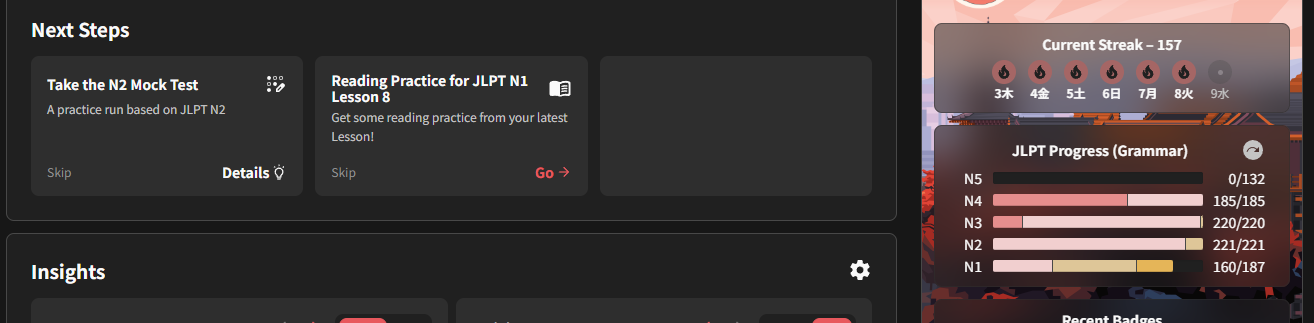
You may have noticed a new Your Path / Next Steps section appearing on your Dashboard.
The idea behind it is pretty simple:
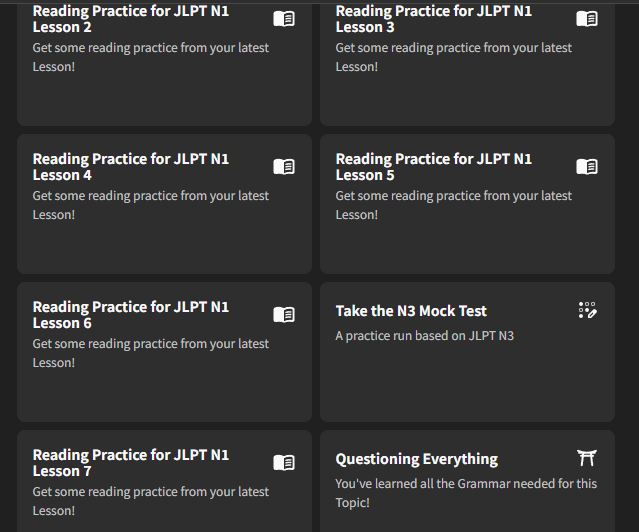
As you make progress, Bunpro will give you Steps for content and activities that are relevant to where you currently are in your Japanese journey.
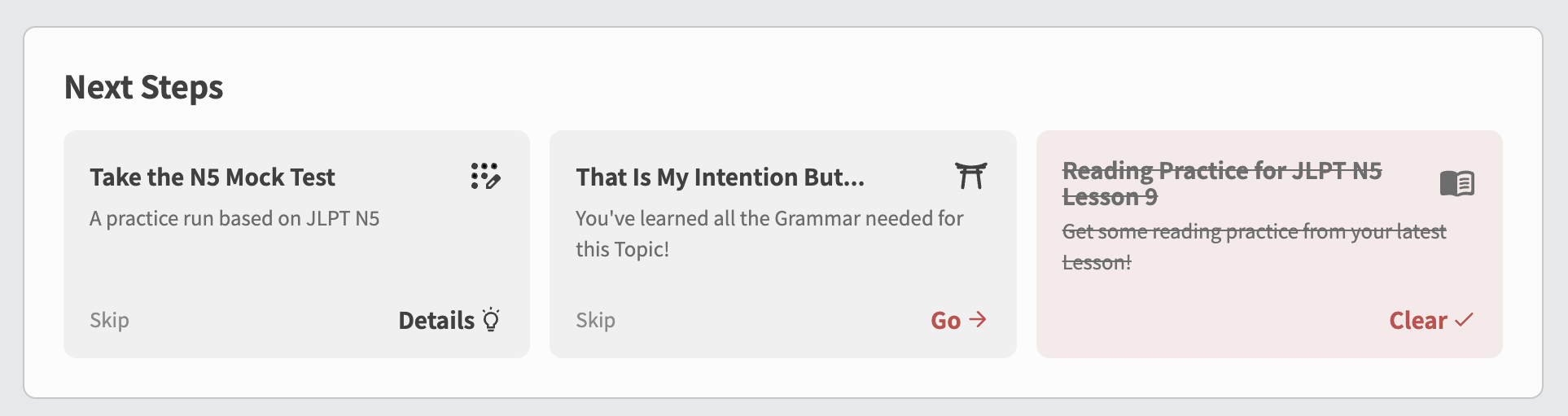
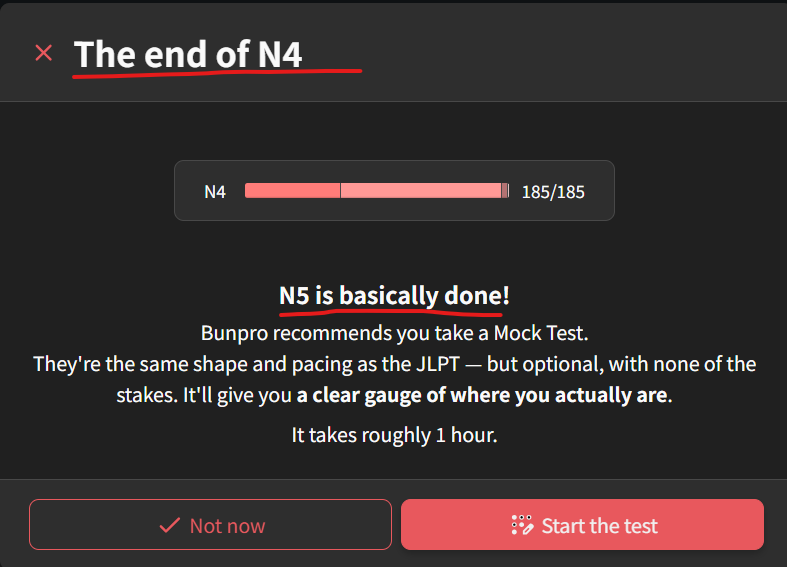
That means when you have learned all the Grammar that a specific Topic, Reading Passage or JLPT Practice Test covers, you will be given a Step letting you know that you are now ready to go do those things.
So, rather than needing to know everything that exists on Bunpro and go digging around for it yourself, or wonder when you should do it, we can start bringing the right things to you at the right time.
 What are Steps?
Steps are little prompts for things that are worth doing next. Some will be the obvious stuff, others can point you toward parts of Bunpro that you are ready to make use of, but might not otherwise know to look for.
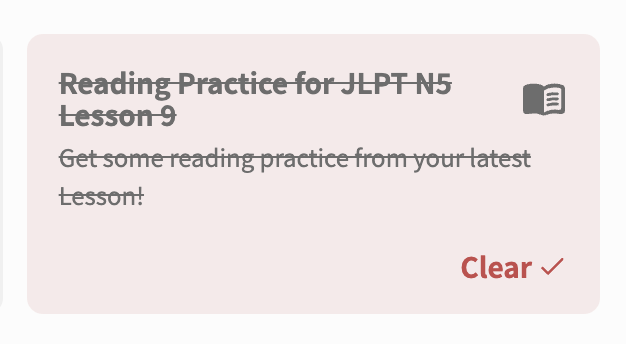
Once you finish a Step, it changes color and is ready for clearing from your Next Steps list.
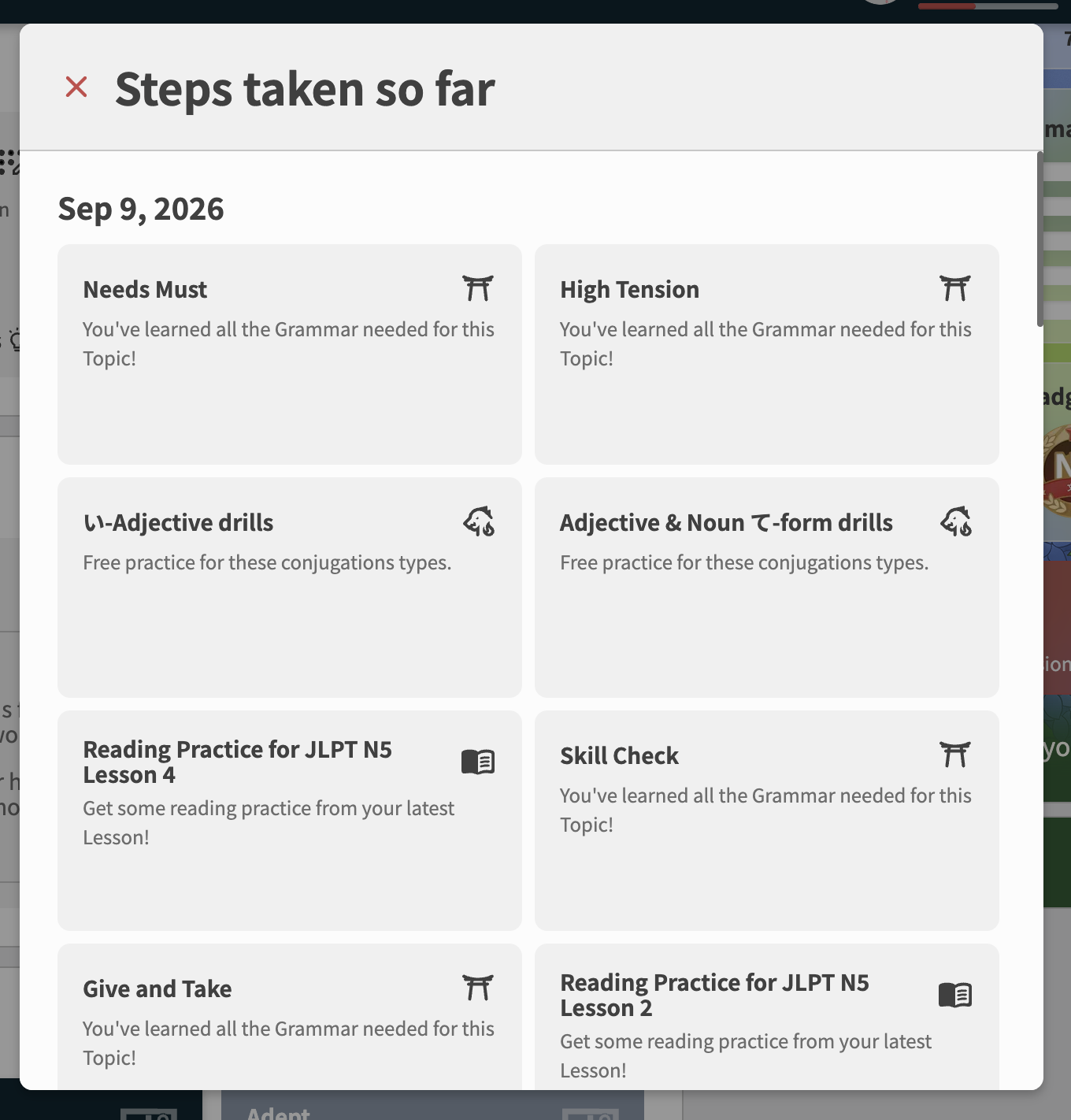
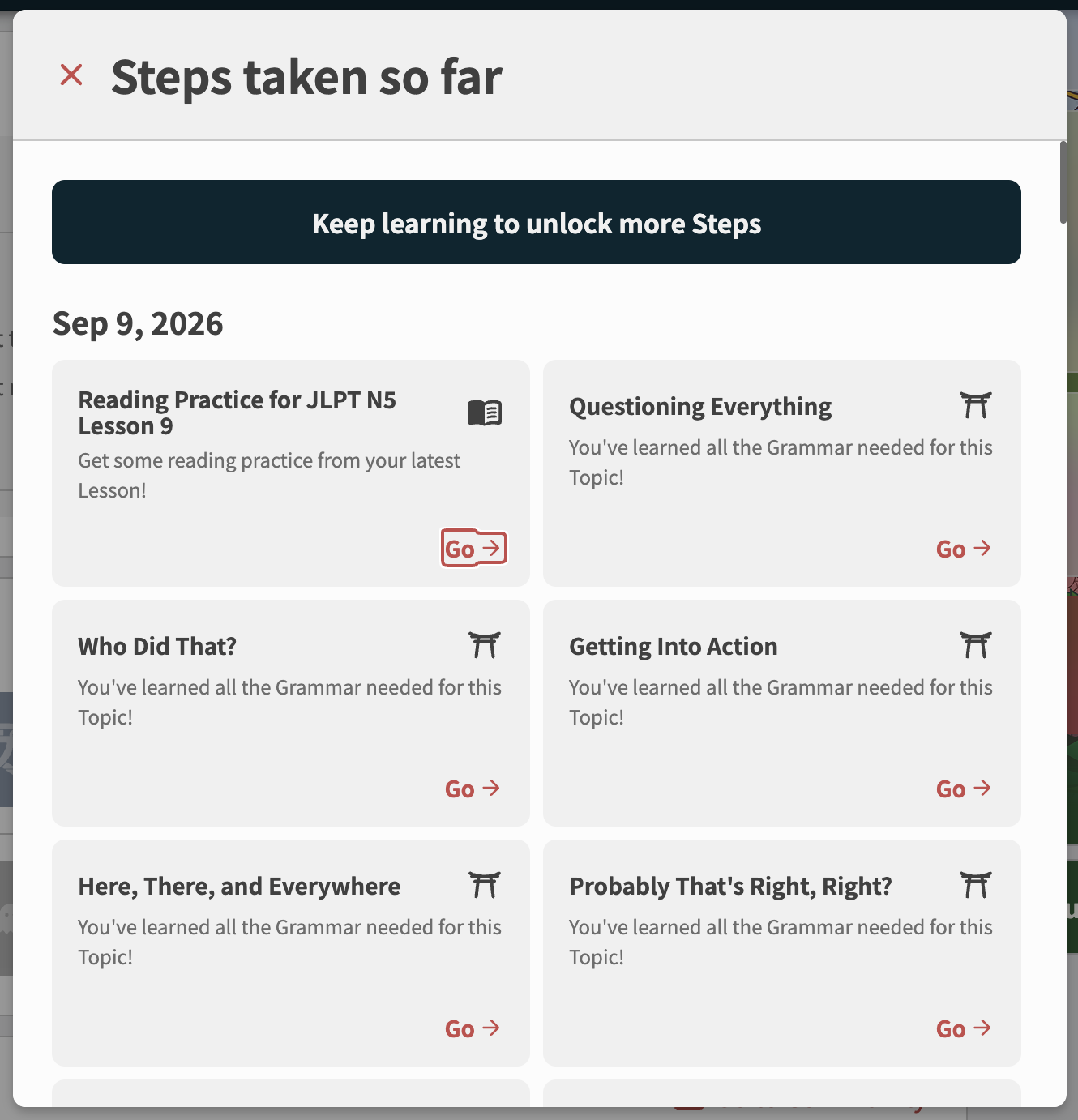
You can also look back through the Steps you have completed in the past via the See Steps Taken button in Your Path.
 Helping you know when you’re ready
One of the things we are particularly excited about is how Your Path can now connect your progress to all the other stuff hiding around Bunpro.
As we add more Steps, we want this to apply to more and more of Bunpro, not just helping surface useful things at the point where they actually make sense for you, but also surface new features and content we release that you may just not know about.
 This is just the start
What you are seeing now is v1.0 of the system. We wanted to get the foundation out and put the core Steps in for Reading Passages, Topics, JLPT Practice Tests and Kaijugation, while having it in place for a few big upcoming projects.
More types of Steps are already planned, and over time we want Your Path to get better and better at connecting the different parts of Bunpro together.
So expect to see more things appearing on your Path as we keep building this out.
🏄♂️ New Onboarding
This update also comes with a pretty major change for new Bunpro users.
Previously, new users went through a lengthy onboarding experience before even seeing the Dashboard.
Now, new users will now get into Bunpro much sooner, with Steps on their Path guiding them through the early stages instead.
This lets us teach people how Bunpro works while they are actually using Bunpro.
If you are already far into Bunpro, nothing is being reset and you don’t need to redo onboarding. You just get the new Path stuff. 
 That’s all folks
The first batch of Steps is live, but as mentioned, we have plenty more things we want Your Path to eventually help with.
Give it a try, see what shows up, and as always please let us know what you think!
Especially if there is something on Bunpro where you’ve ever thought: “I wish Bunpro just told me when I should do X or when to use Y tool.” That is exactly the kind of thing we want to hear about.
Happy studying,
The Bunpro Team 
PS: This feature is not yet available on the App Store / Google Play app, although it is planned for future release – keep your app up-to-date and keep an eye out on the release notes!


 it would be great to have these features available faster at the mobile apps.