
I reported this bug several days ago in this same thread. I’m surprised to see no followup discussion. I will repeat though that you can workaround it by simply doing one review at a time. The bug only occurs when you are 2-3 deep in the queue at least.
1 Like
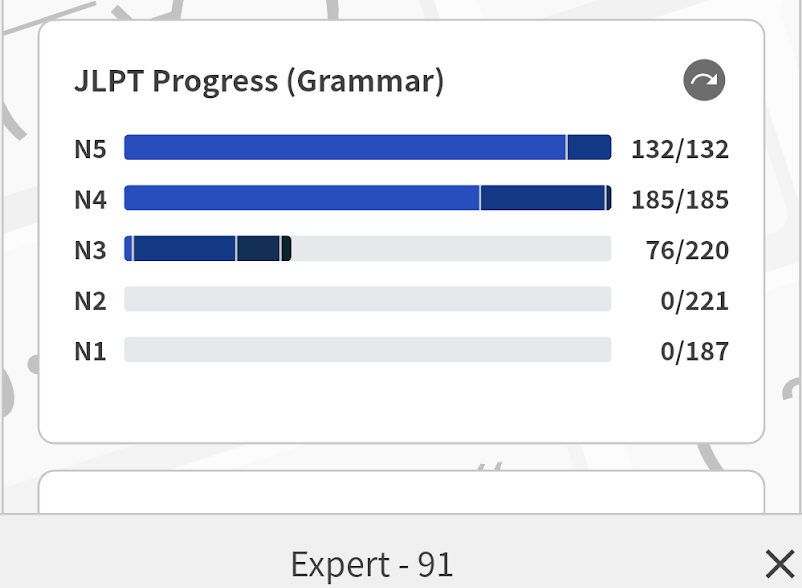
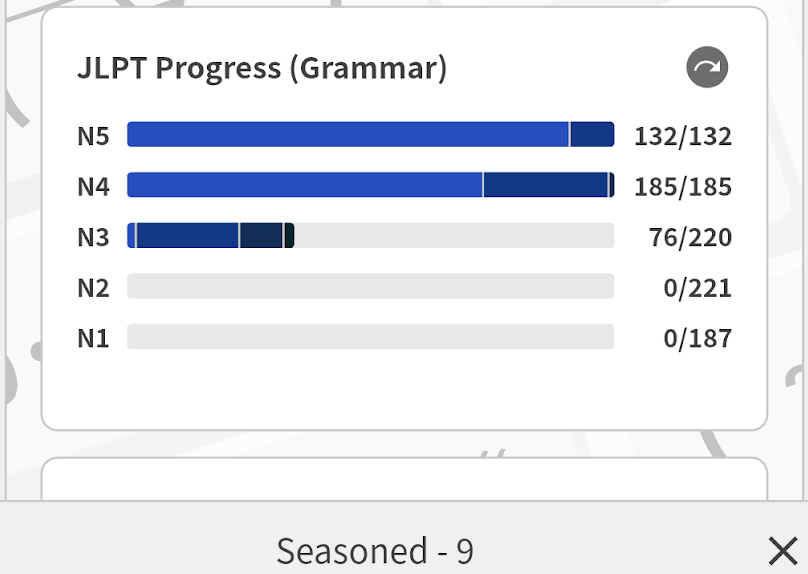
See the two attached images below (from the Android app). The screenshots don’t show where I tapped, but in both cases I tapped on the N5 bar (once on the left side and once on the right), which I only just realized will show a popup stat at the bottom of the screen when you do this. But… that stat is wrong. Notice that 91 + 9 != 132. Presumably both of those numbers are wrong. For sure at least one of them is.
1 Like
I can also confirm that it happens on desktop too, not just the Android app.
2 Likes
Just had a weird bug. I’ll explain the steps to hopefully help troubleshooting:
I completed 100~ reviews this morning on my desktop.
Shortly after I checked the app and the learn/review buttons were greyed out (subscription needed).
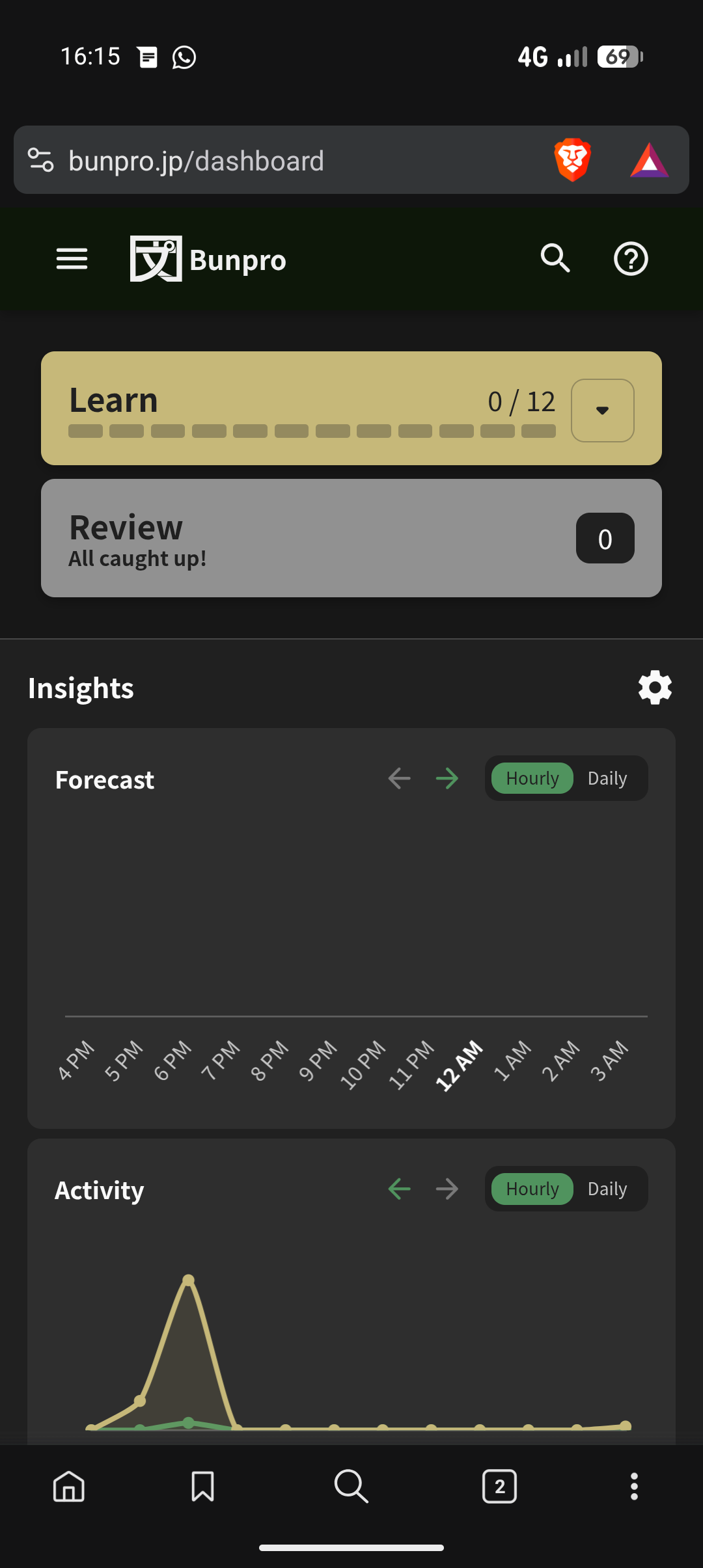
Throughout the day I saw my reviews building behind the greyed out review button, getting to 70ish.
Just now I bought another month (through the webpage, not the app this time) and it unlocked my 70 reviews.
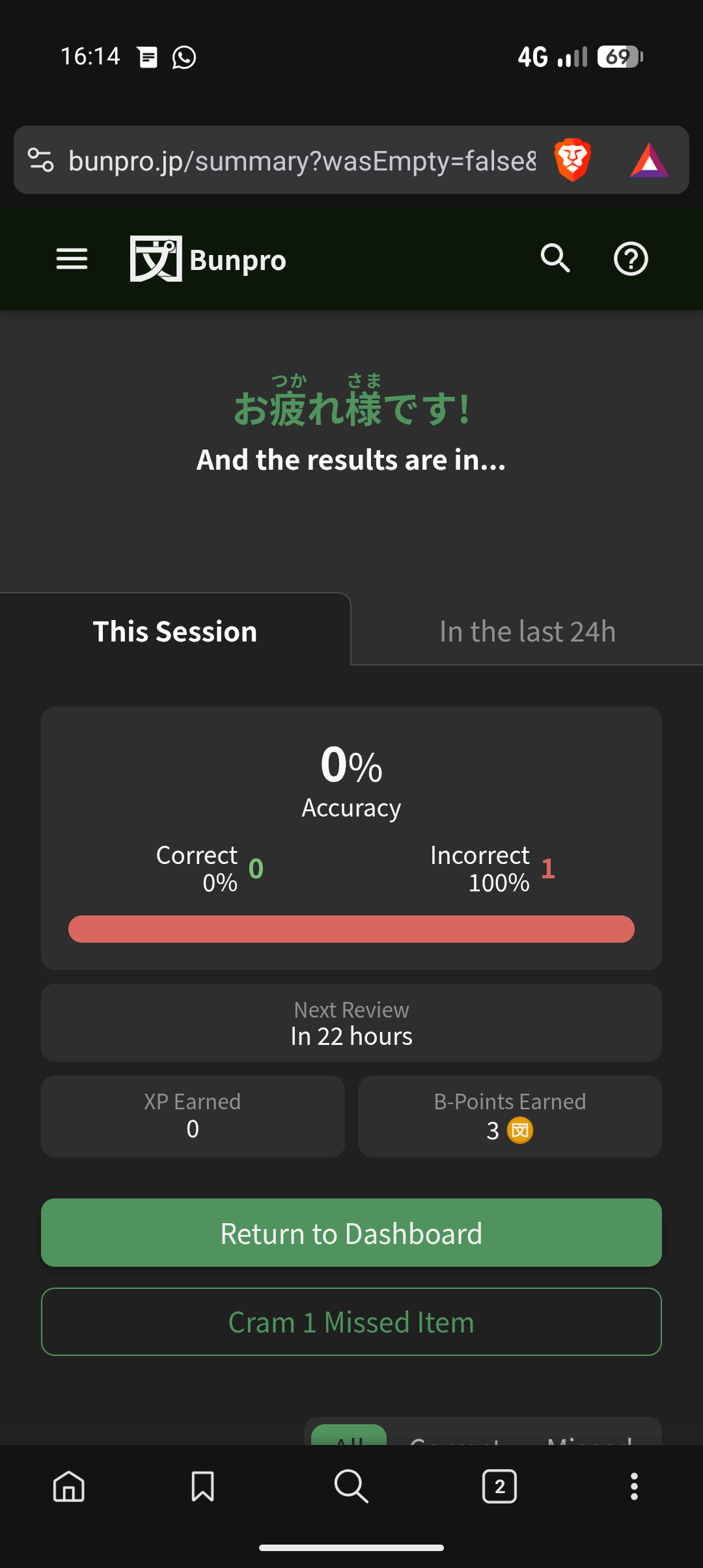
I did two, got the first wrong and the second right, after which it forced me to the summary page giving 50%, and returning to the dashboard I then only had one review.
Clicking that, it was the one I got wrong but after getting it right this time it went to the summary screen and displayed 0% correct.
Now I have no reviews, but also I have no reviews scheduled for the rest of the day and tomorrow…
3 Likes
Finally found an excuse to post here.
Did I bug hunt for the sake of getting closer to that sweet Bunpro support badge? Yes, lol.
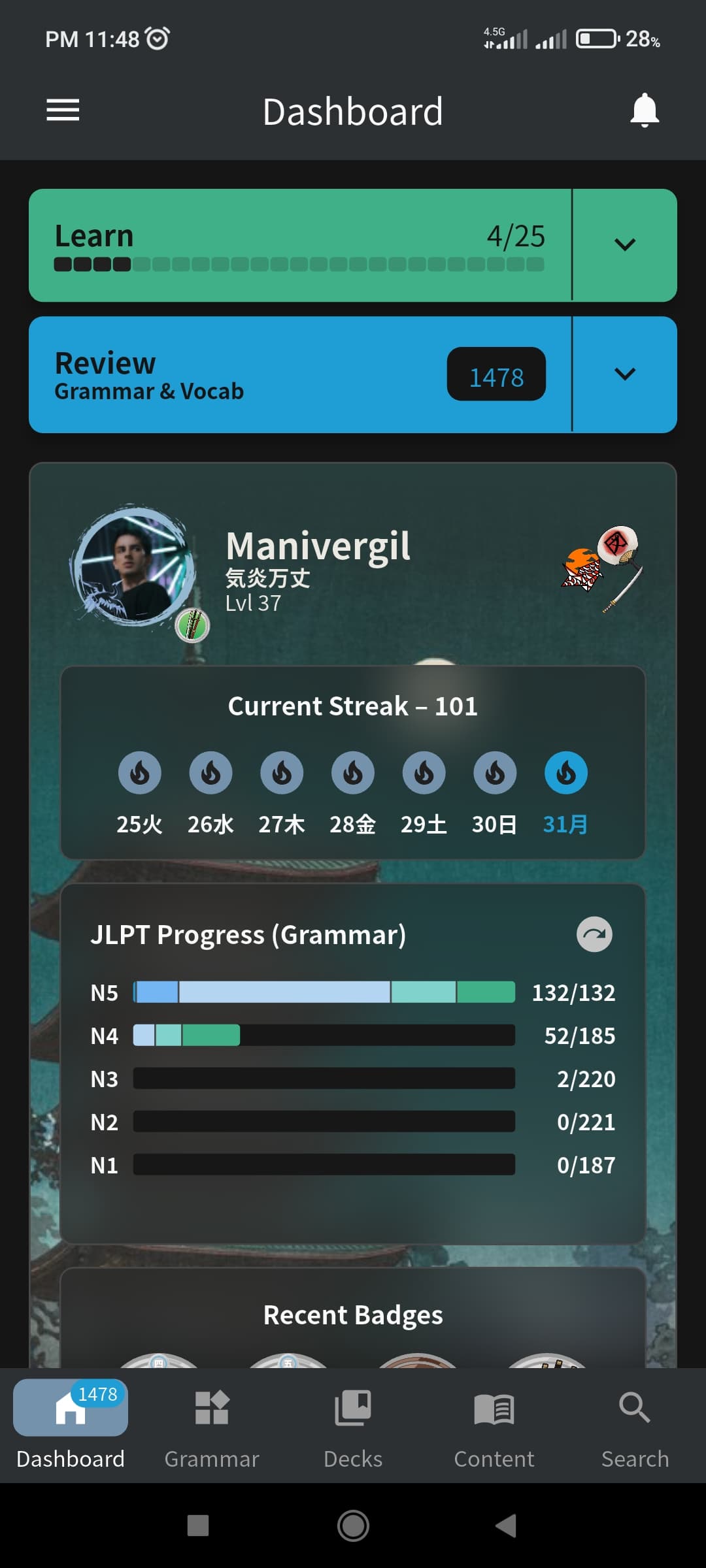
OK, in the Android version, if you open the app while your phone is in rotation and rotate it again, this happens:
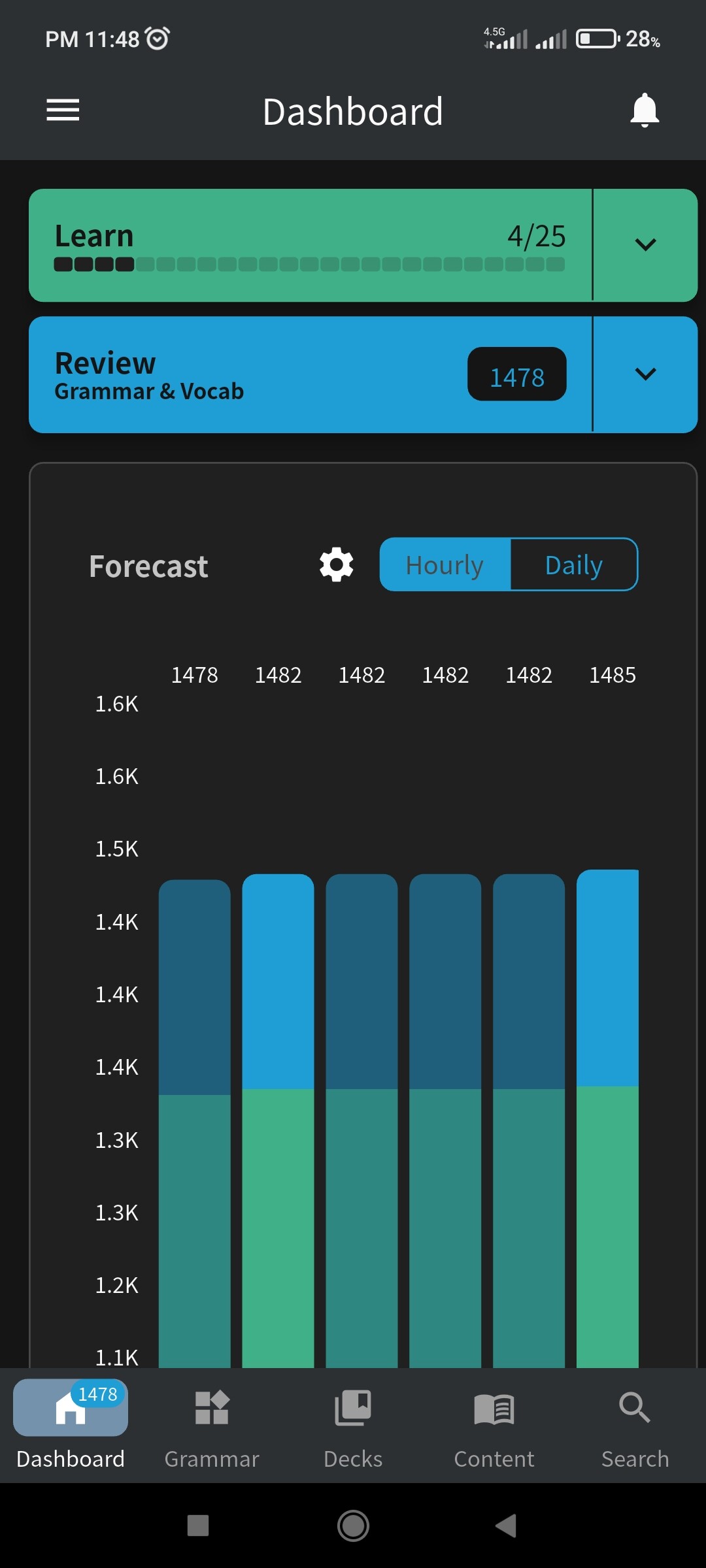
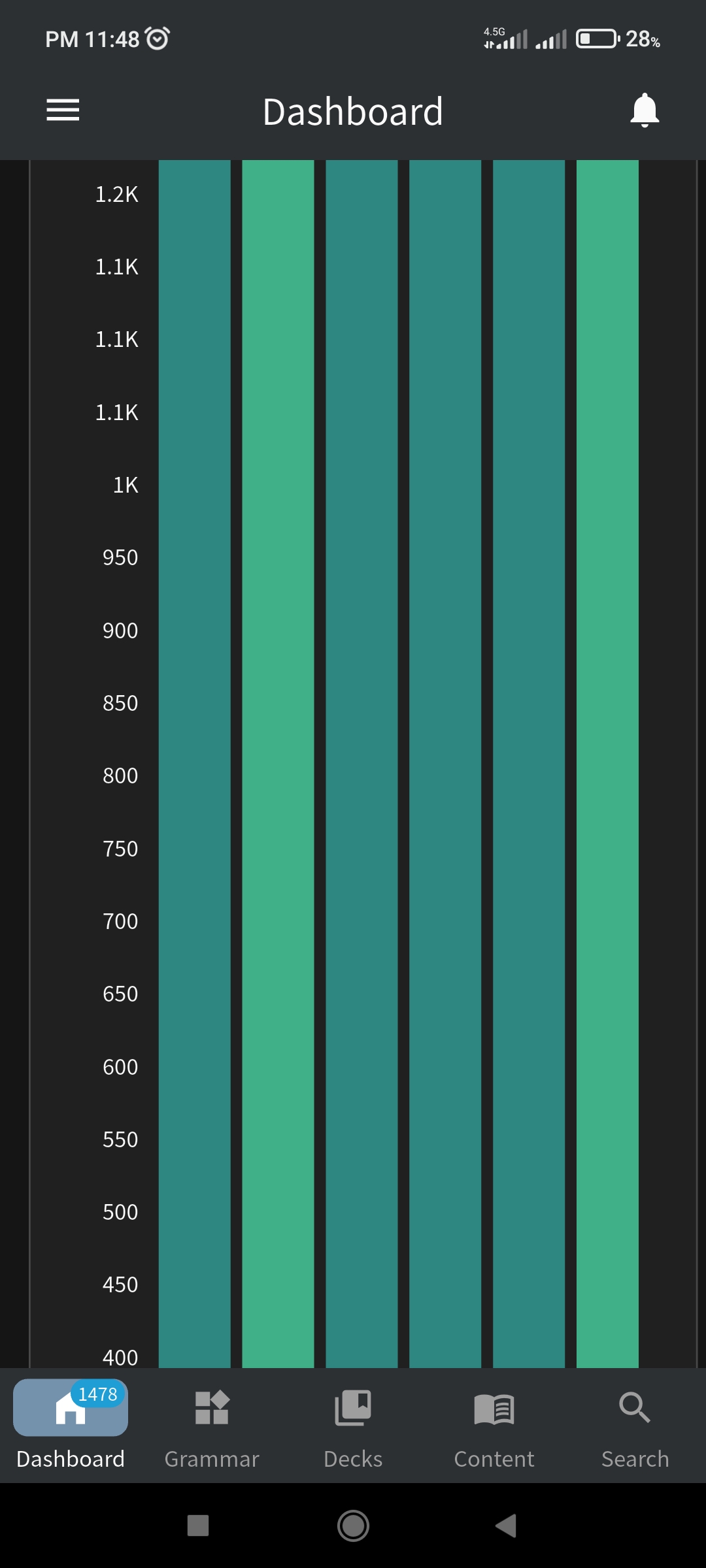
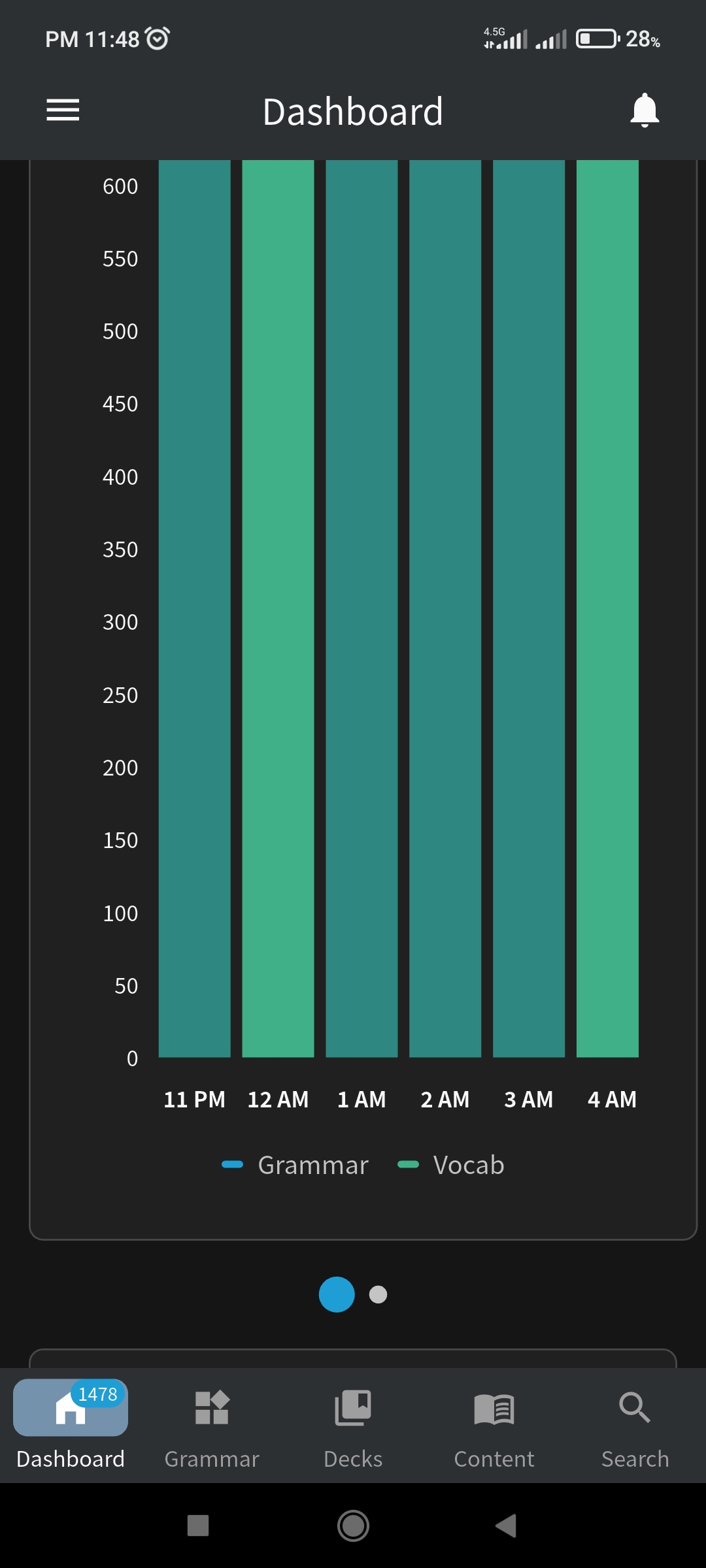
Although it gets fixed once you change tabs.
2 Likes
Hey, I could not find a post exactly describing this. But came across an issue when trying to edit a Deck I am building. Each unit of the deck only shows up on a page so I cannot reorder them and the units got reorganized somehow since I was editing it last. Not a huge deal but just a mild annoyance.
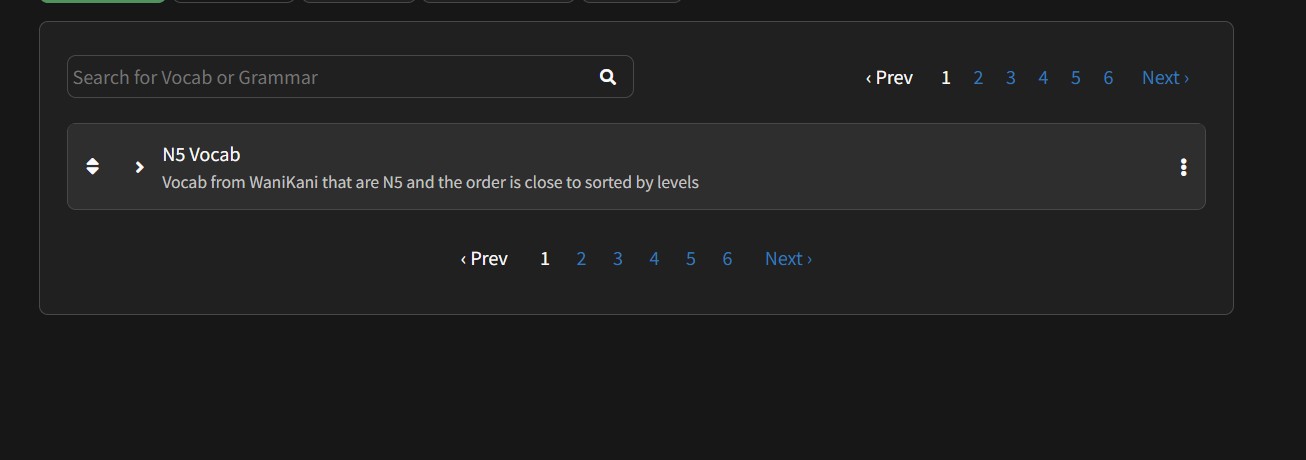
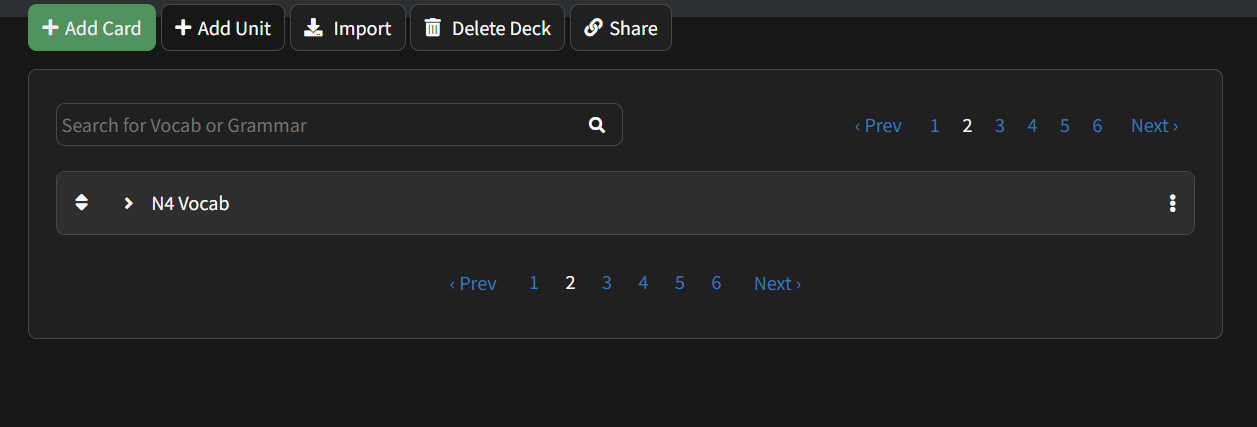
3 Likes
I ran into this exact issue and opened a bug report on it 3 weeks ago in the feedback tab. I haven’t heard back, but hopefully they are at least aware of it by now.
3 Likes
I must not have searched hard enough when looking lol. But maybe since they are doing changes to the deck view and it’s in beta that may be resolved when it goes live
3 Likes
The feedback tab is private per user I believe, so you couldn’t have seen it  I was mostly chiming in to say I had also seen and reported this
3 Likes
Since a few days ago, I keep getting ‘Connections errors’ when doing reviews. The ‘resend’ button fails most of the time and the ‘contact us’ button doesn’t do anything.
Then when I click ‘Reload’, I’m stuck in a cycle of “Loading Data” and “You are being redirected” for some time.
Needless to say, it makes doing reviews and using the website a hassle.
6 Likes
1478 reviews??
the only reason you even found this bug is bc your review count is so insanely high。。it’s time to clear that backlog man
3 Likes
Yeah, I clear it today. I wish I had changed the review settings faster. From highest to lowest SRS was a life saver.
3 Likes
Same issues. Got 300 review but keep getting the “Connections Errors” so it’s impossible to do them. 
2 Likes
More notes on “sort reviews by SRS level” bug. Today it happened worse than ever.
I had exactly 6 reviews. I knew that 5 of them were beginner level, and 1 was expert. I was unable to do more than 1 review in a single session due to the sorting bug. Every time I finished the first review in the queue, I was presented with the expert review as the next one. I had to kill/restart my review session 5 times in order to do the 6 reviews in SRS order as intended. I’ll say again: this is a very serious bug.
4 Likes
I just checked your account on web and couldn’t replicate issue, but there were no Expert items in the queue at all.
You’ve definitely seen it on web?
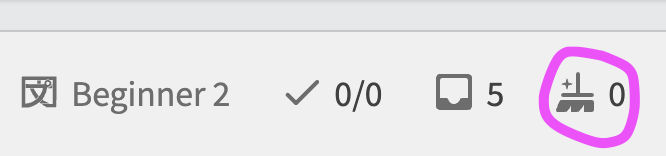
Also, you’re sure that you don’t have wrap-up items in your queue when you start the quiz?
2 Likes
Thanks for the response and for looking into it.
I don’t normally use the web at all, but another user above reported the same thing on the web. I just tried one small session and did not observe it, but there was only one beginner item in the queue. I feel like it happens most often when there are many beginner items.
I’m not positive about the wrap-up items. I don’t think there are usually any, but now I will keep an eye out for that. You’d think though that if there was a wrap-up item that somehow outranks everything else in the queue, it would show up as the very first review item, which isn’t what I’m seeing (I’m seeing the inexplicably-out-of-order item as the second review).
3 Likes
I did a few reviews of yours and didn’t run into any issues (don’t worry I reverted your progress).
I believe this is happening intermittently.
Are you on web or the app?
Have you noticed any patterns with what items are failing?
EDIT: I think I found the fix.
I believe you’re hitting our rate-limit (you’re doing your Reviews too fast and the server is trying to slow you down).
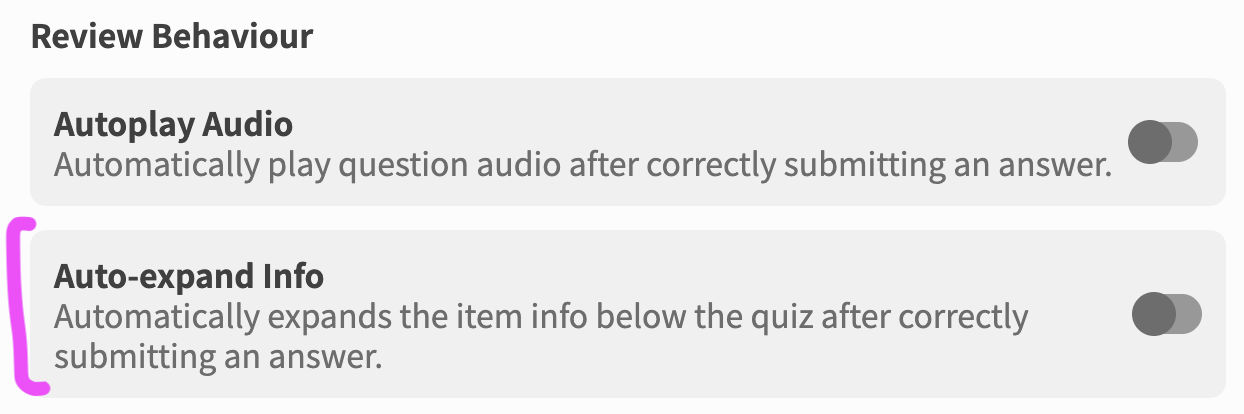
As a temporary measure, can you please go into your Quiz Settings (the cog in the top right of Quiz) and turn off Auto-expand Info?
2 Likes
It is possible I gaslit myself into thinking I experienced this bug on desktop and have only experienced it on mobile, but at the very least on mobile I experience it every single review session.
Especially noticeable because I have big review session in the morning of 50-100 reviews with no leftover wrap up items from the night before.
The reviews properly start with mastered items, make their way down the SRS levels to beginner 2 or 3 over maybe a quarter or the fifth of the total reviews in the session, then boom shoot back up to like Expert 1 or 2 or even some other mastered items that it didn’t present before for another “cycle” down the SRS levels. They’re definitely not wrap up items being presented to me mid-review, it’s just the ordering doesn’t cover the whole session for some reason and serves ordered “batches”.
2 Likes
Is there any way to turn off furigana for numbers? i always untoggle them and they still keep popping up.
2 Likes
Kaijugation Level 5 (う-verbs ー negative) converts every “n” key press into “ん”, which means typing “masenn” ends up looking like “ませんん”, which is considered the wrong answer.
Levels 4, 13 and 14 always convert “masenn” into “ません” as expected.
edit: Level 5 doesn’t convert every “n” into “ん”. It only does that when you’re about to give the correct answer. For example, type “shinamasenn” and you get “しなません”. Type “shinimasenn” and you get “しにませんん”.
2 Likes