
Thank you for getting back to me.
Minor correction: I didn’t export the items, as there is no way from the deck page. I just copied and pasted the text
1 Like
I love this update - however, for the textbook decks, if I had at least started all the content for a particular chapter, the chapter bar displayed a BunPro symbol. This helped me to quickly know which chapters still had items to be reviewed. Would you be able to put that feature back in?
1 Like
Thank you.
2 Likes
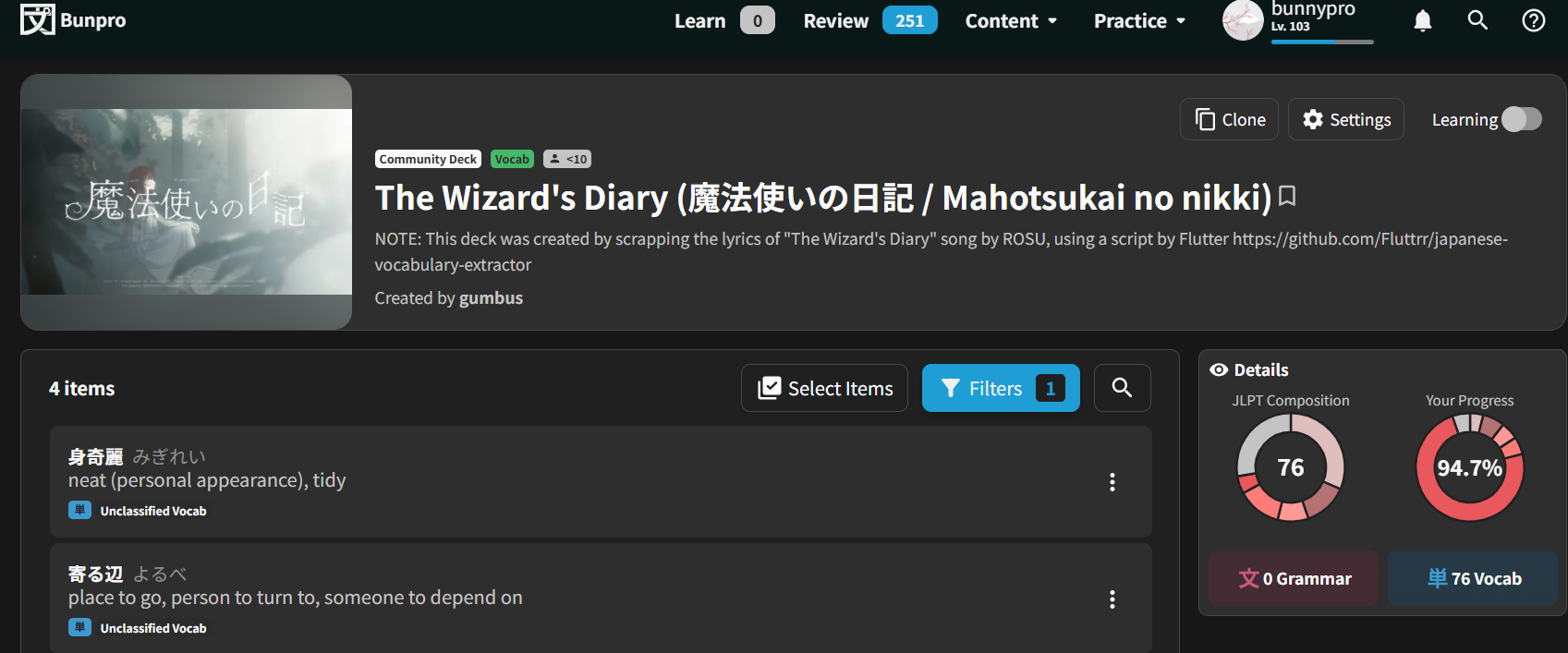
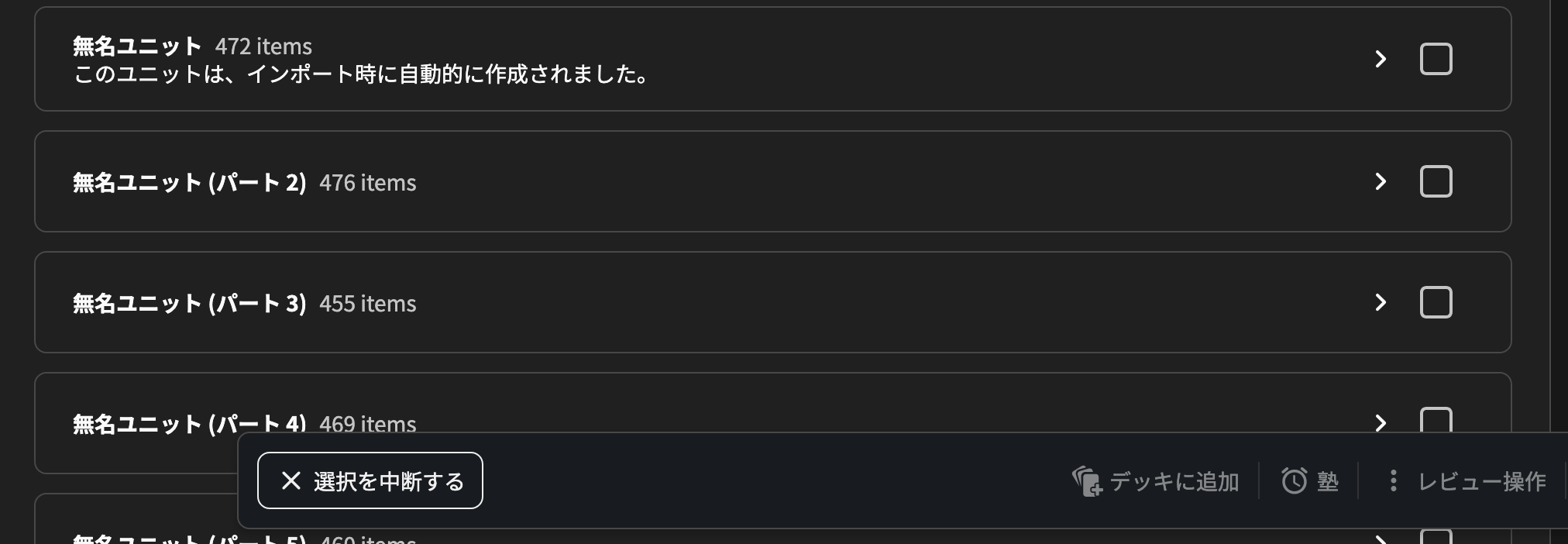
There used to be a mark for when a unit was completely learned, this seems to be gone with the redesign.
You also had the options button available immediately whereas now you need to click the item selector, then mark the thing, then go down to the bar and click review modifier and then you finally get the mark as mastered button.
It feels a lot more difficult to get overview of which items you are missing in a deck now.
Also noticed marking a word as mastered doesn’t continue your streak so that’s new.
5 Likes
A new update was released covering a few bugs.
@Gailyn @adorable the mark for partially or completed units are now available.
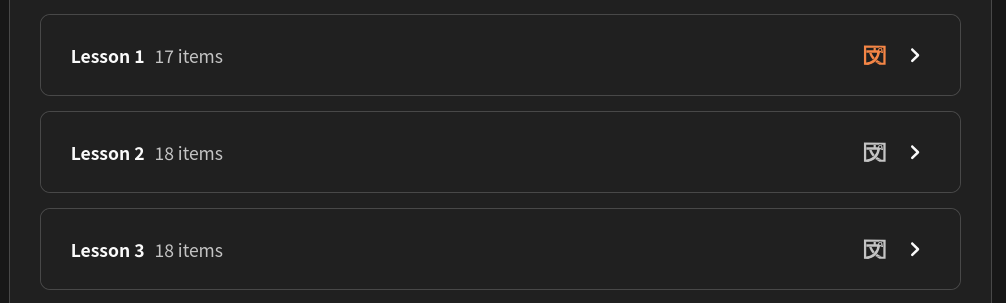
@hx9 along with the marks mentioned above, I’m working on some optimizations to load and show the SRS levels faster in each item. After opening the Deck page, how long does it take to show the level tags? (if they show at all)
@bunnypro I could not reproduce the graphs bug but I have a guess of what’s happening and it should be fixed now. Please let us know if you see it again.
4 Likes
Thanks, will do!
By the way, it would be really great to be able to filter for new-to-you items (for example) while keeping the separate chapters (especially for huge decks of some thousands of vocab where there are some pretty obscure words in the early chapters!)
4 Likes
After first load, pretty quick when expanding a section. There is a FOUC (new to you) during this which is only a tiny bit weird.
The first load clocked and I had to restart.
1 Like
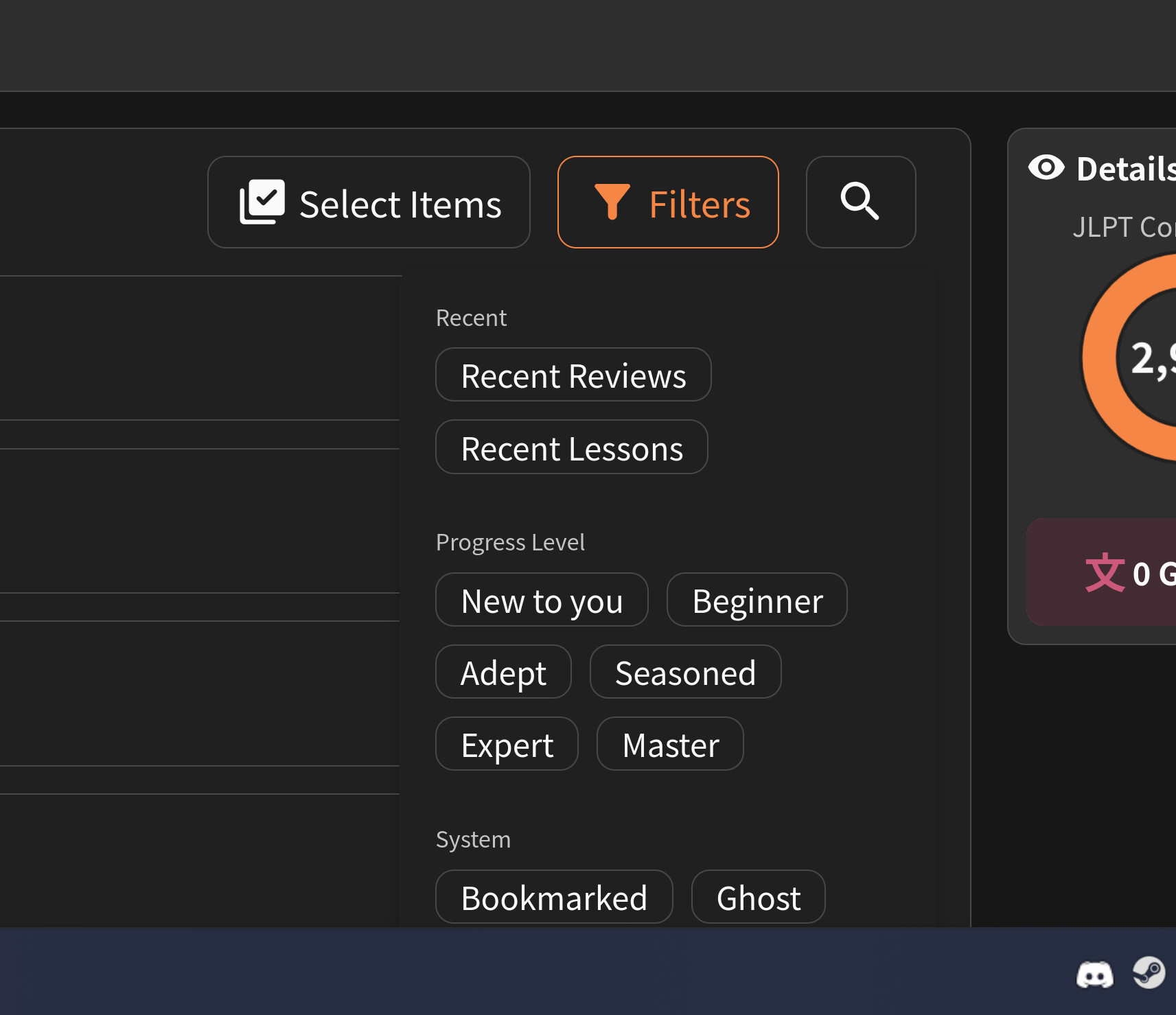
Next up, no way to get to all of the filters if zoomed in. Scroll wheeling collapses the drop down.
WCAG AA compliance not met! Sort of 
2 Likes
+1 to this.
This is also an issue with the menu that displays when clicking your username. On a laptop, even at normal 100% zoom the bottom of the menu gets clipped:
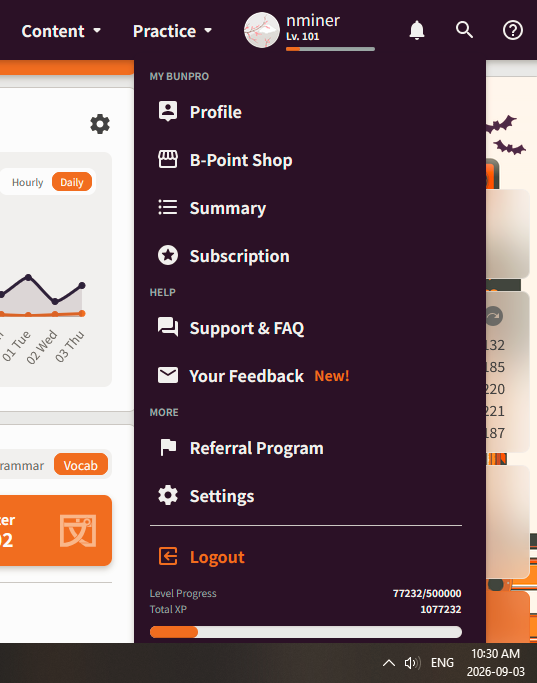
I usually have Bunpro zoomed in to 120% or 130% (I’m old) so the Settings link (which is the link I care about the most – I almost never click the other links like B-shop, Profile, etc.) is always cut off:
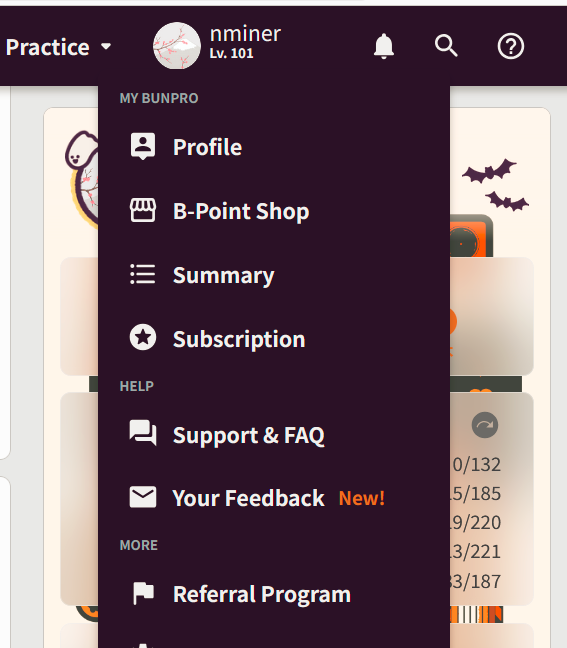
I’ve never really reported it though because it seems more like a me-issue, but ultimately it is also an accessibility issue. Anyway, sorry for bringing that up here when it’s not Deck related, but piggybacking on @hx9’s point about zoom+menu behaviour!
Edit: And yes I know that you can bump up text size in the Settings menu, but then this breaks things when using the site on mobile (web, not app). Since I switch back and forth between the two regularly, I don’t want to always be changing that setting. It’s easier just to use the zoom function on PC.
3 Likes
I don’t know if this got eyes on it on the Bug Report thread but wanted to crosspost it here just to make sure it gets seen since I cannot find any other posts mentioning it when I searched.
It’s an issue I have when trying to edit a deck and rearrange units on Web. I tried to see if I could edit on the Android version of the app but did not see an option to reorder units there.
2 Likes
Hi there! Sorry for the late response.
We’re about to make a huge update so have been fully occupied with that and I haven’t had time to keep up with the Bugs thread.
Anyway, excuses aside, we’re currently working on a brand new Edit page, so as soon as it is ready enough for Beta release, we’ll post about it here!
Hopefully shouldn’t take more than a few weeks. 
Thanks everyone for bearing with us 🙇♂️
2 Likes
It’s is all good! just wanted to make sure it was known. It is something I can live with and can wait lol.
Thanks for always working on making the app better!
1 Like
Been testing it since it came out.
It’s nice but a few more additions would make it even better.
A sorting filter, as when i filter by SRS (ex : Beginner), i still have different levels in it, which makes me miss items when i manually look through the deck for things i added to another.
A remove all button. When selecting a batch, we can add cards to a deck, but if we click it again, the current selected deck isn’t shown (in my case, they’re always from the same deck) so i have to manually remove dozen of cards.
Automatic transfer feature : as i do decks by SRS (ex : N5 / Beginner - 3 kana words), having a feature that automatically transfer cards when they reach a new SRS stage (ex : reaches Adept, transfer into a selected deck for upgrade : N5 / Adept - 3 kana words, and if their SRS allows a downgrade (anything but beginner) same thing)
Not an important feature, as one can filter and add to a new deck. By adding the remove all btn, transfering would already be easy enough.
2 Likes
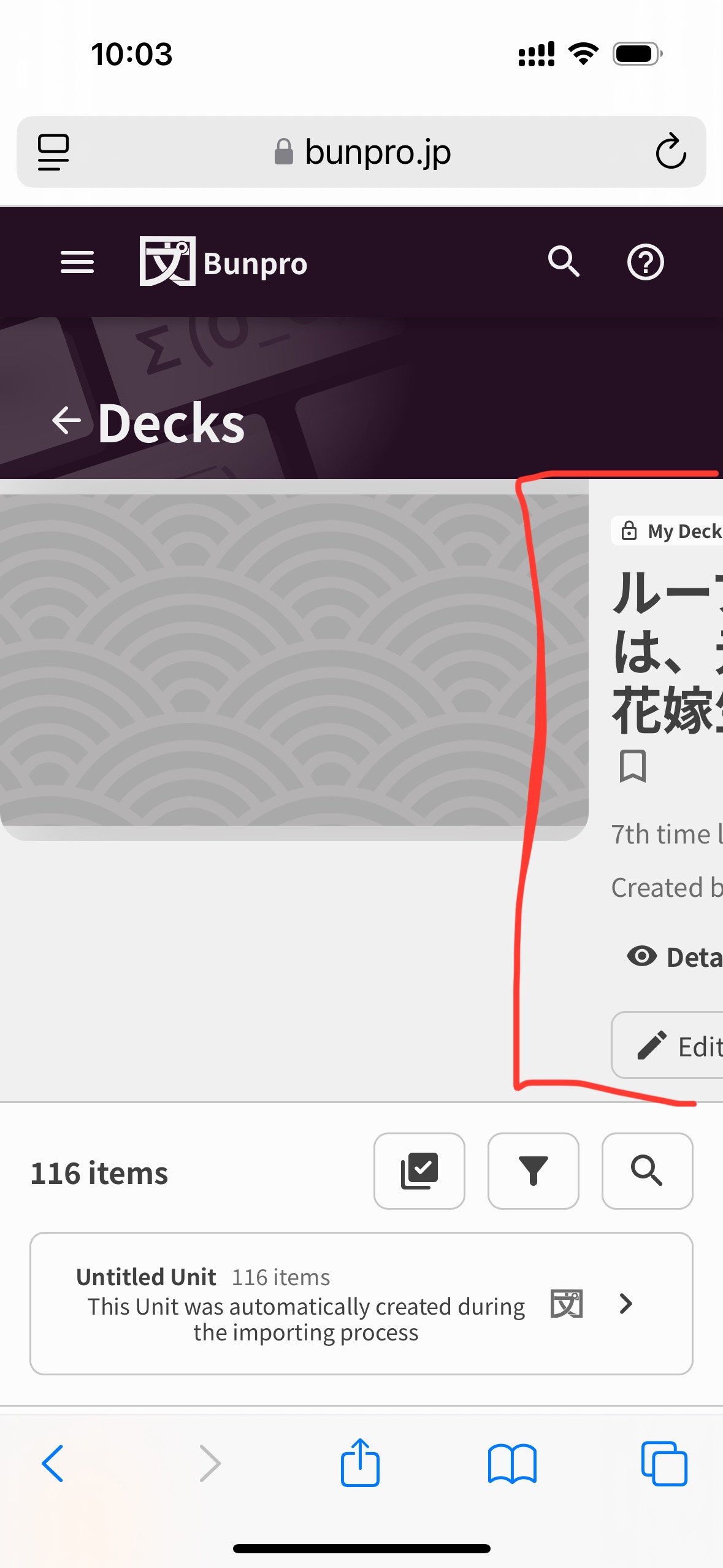
Sorry if this was already reported, but on mobile (iPhone 15 - web version, Safari) the deck image doesn’t seem to resize, so the title, description, and other functionality in that area gets cut off.
1 Like
Good catch!
This has now been fixed 🙇♂️
1 Like
I would love a filter option for grammar and vocab!
2 Likes
The accessibility issue with the navbar being hidden has been fixed.
It should now be internally scrollable instead of just being fully unreachable!
Thanks for the report
1 Like
@YonaSazela @Kitsune18 @flori567 @nminer @bunnypro @desaturated_yellow @Gailyn @Xelbas @hx9 @Donutmancer @ShatteredLight @Obviiious @Sidgr @thebigfly @Reina0111 @Urazi @Albertocamur @crazyfrog022 @tbolgercode
Tagging everyone in this thread just to get your eyeballs.
The new Deck Edit page is now live and is available through the “Deck Edit Revamp” Beta inside of your Account Settings.
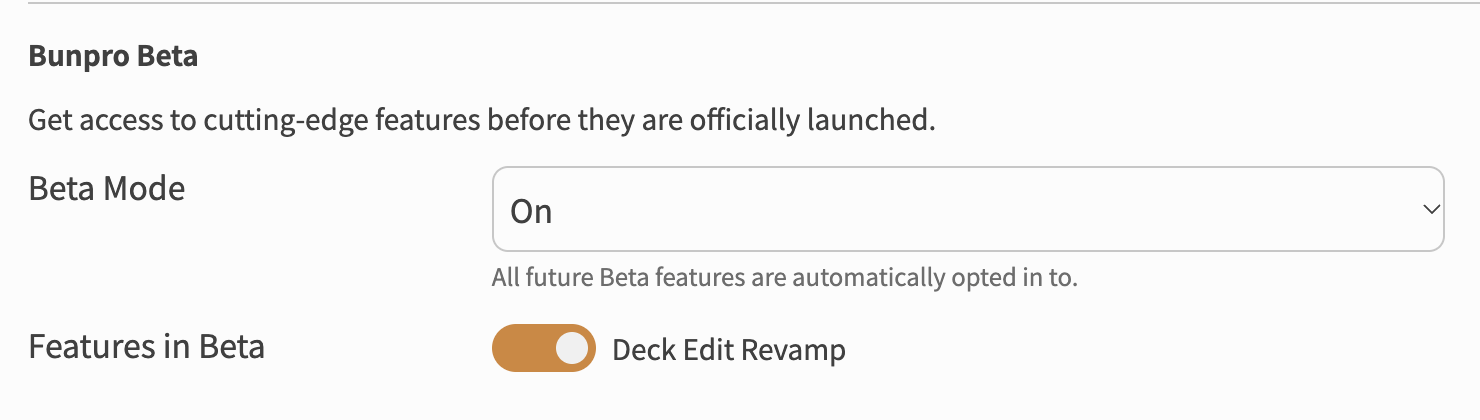
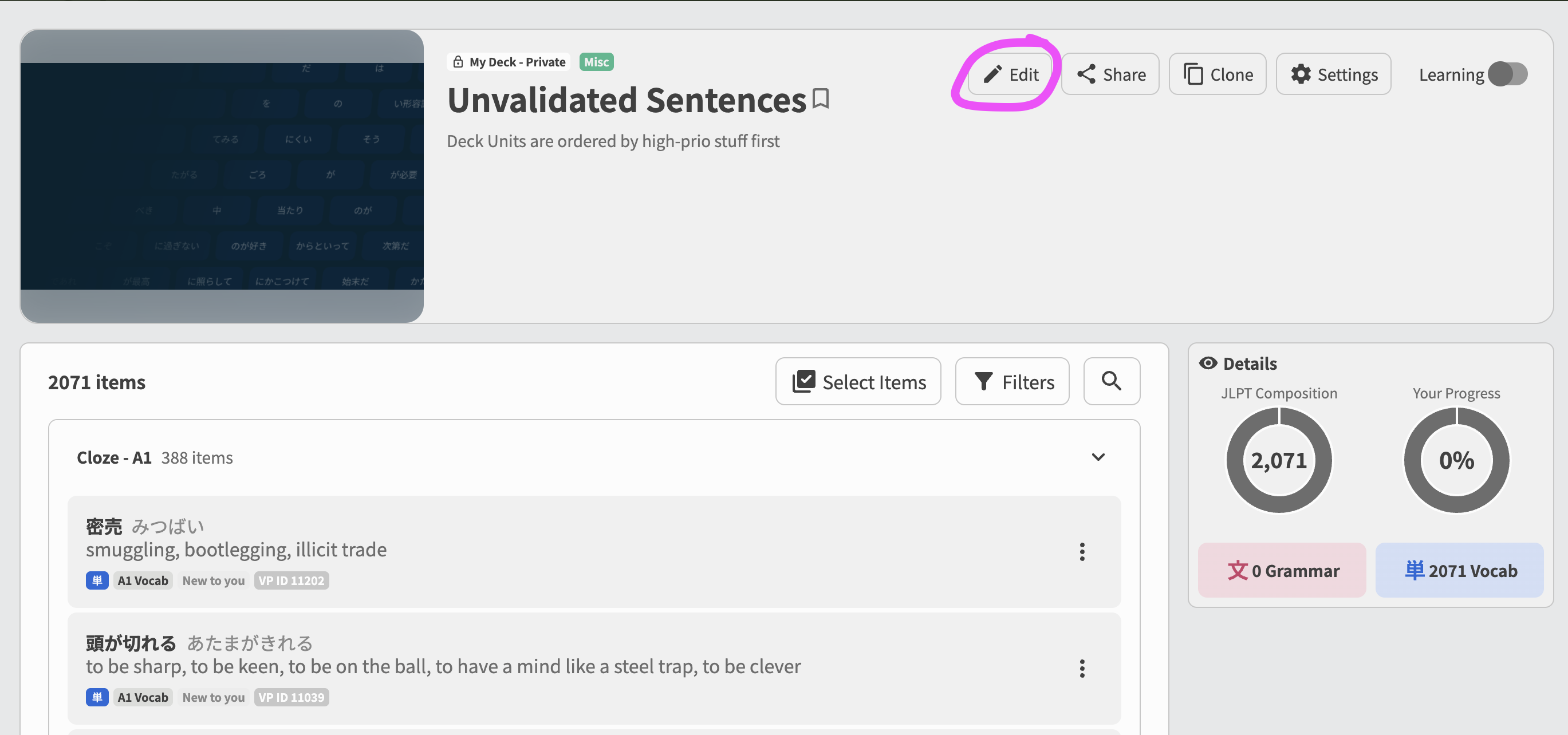
It can be accessed via the usual Edit button on your custom Deck’s page.
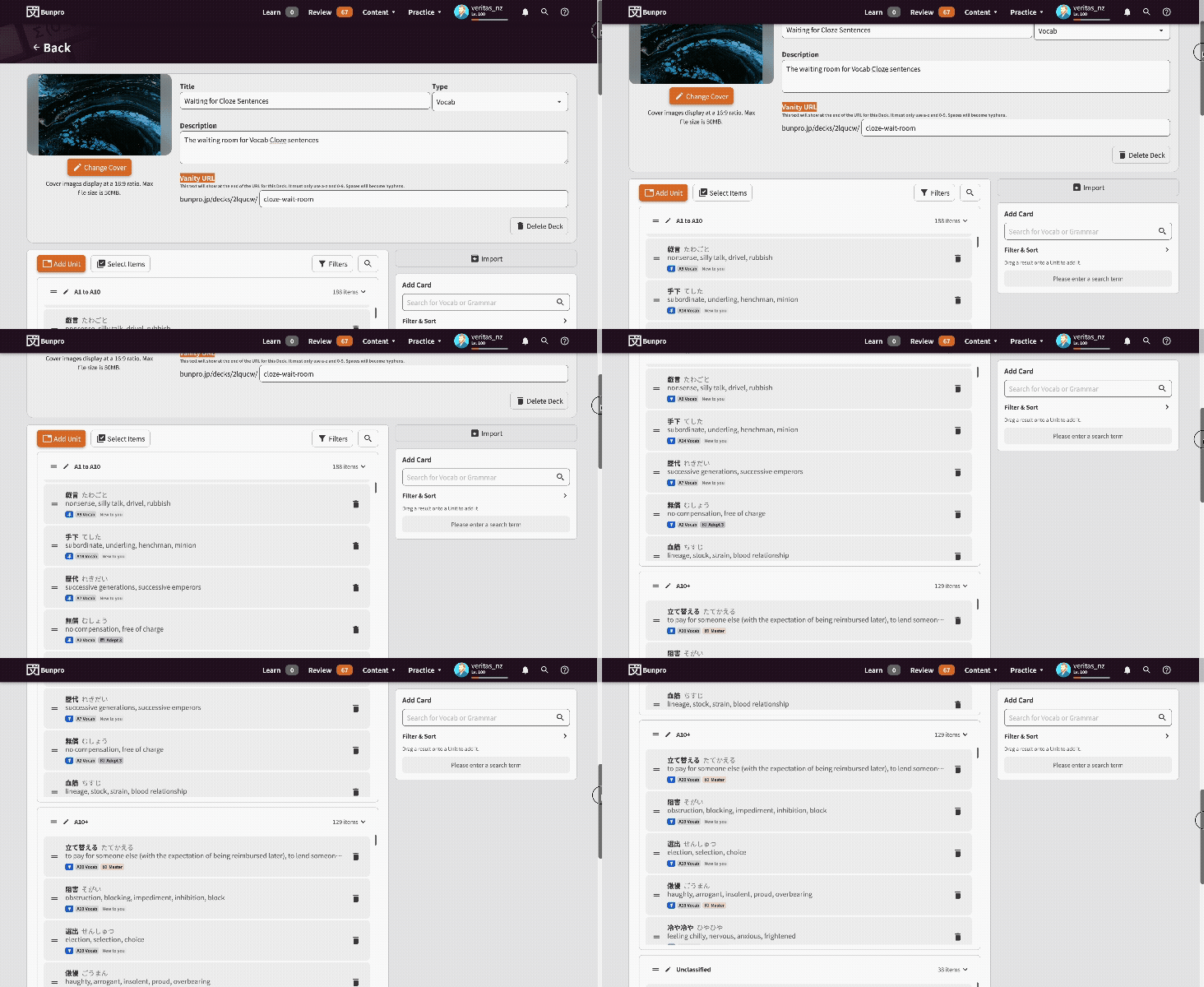
It’s a big step up from the old page, and now allows actions like bulk-moving items to other Units, Filters, filters in the Add Card section and other quality-of-life improvements.
As always, please let us know your thoughts and opinions after using the Deck Edit page.
14 Likes