
To illustrate this issue with a practical case, I just did a review session with 29 items in queue, on the mobile app, with ordering set to descending SRS. It went as follows:
1 Mastered item → 2 Expert 2 items → 1 Expert 1 item → 1 Seasoned 3 item → 2 Seasoned 1 items → 2 Adept 3 items → 2 Adept 2 items → 2 Adept 1 items → 1 Beginner 3 items → 1 Beginner 1 item → 1 Mastered item → 1 Expert 2 item → 1 Seasoned 3 item → 1 Seasoned 1 item → 1 Adept 2 item → 2 Adept 1 items → 1 Beginner 1 item → 1 Expert 1 item → 1 Seasoned 1 item → 1 Adept 2 item → 1 Beginner 3 item → 1 Seasoned 1 item → 1 Adept 1 item → The end
2 Likes
Hello,
I’m not sure if this is the correct place to ask about missing grammar points…
But I think there isn’t any grammar point for “でおり” (as in: 東京に住んでおり、日本語を勉強しています。)
It would be nice to have it so I can add it to reviews.
2 Likes
It has always been turned off, I believe.
2 Likes
As of this morning I’m seeing some spacing issues with the home screen menu on Chrome Mobile. The menu renders too wide for the screen and I can’t see the notification bell and also can’t close menu when it’s open. Also similar issues with the setting a daily goal screen. Just figured I’d share.
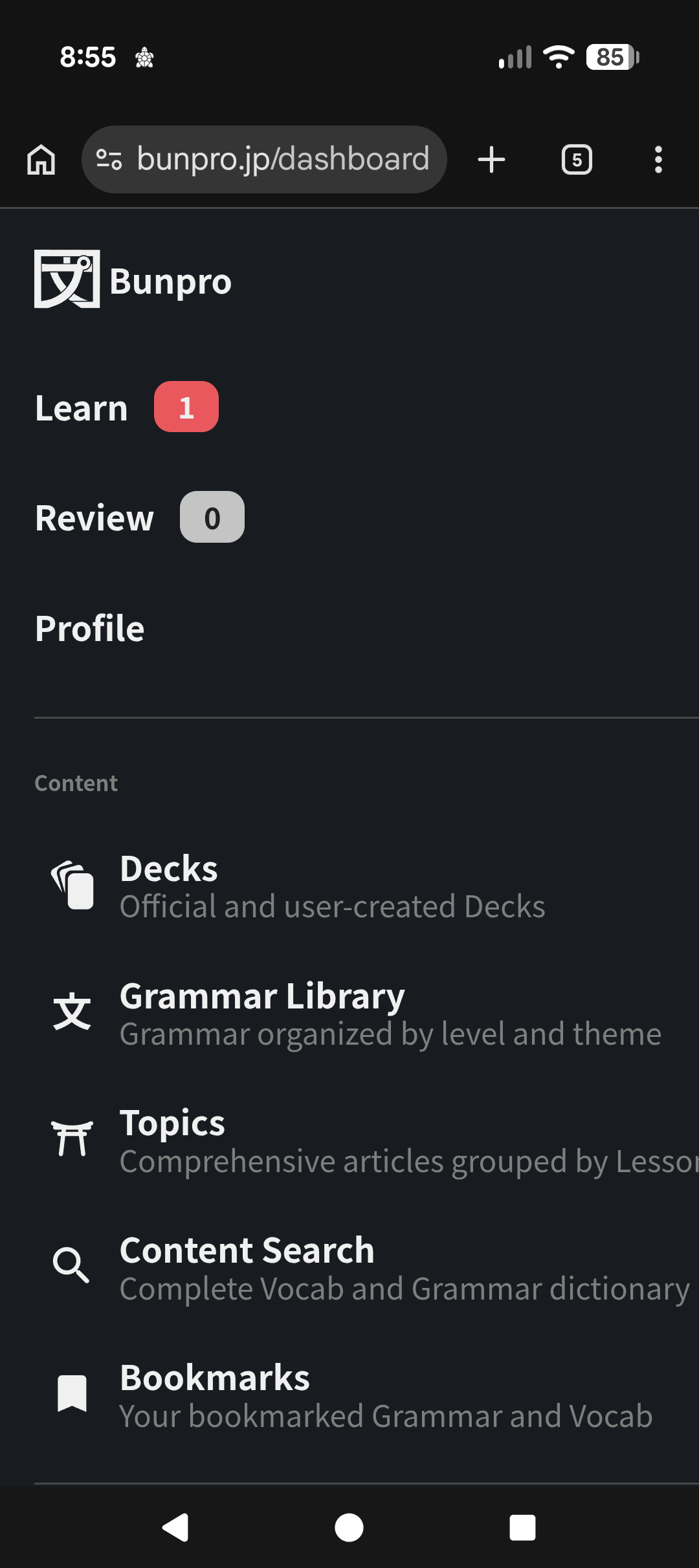
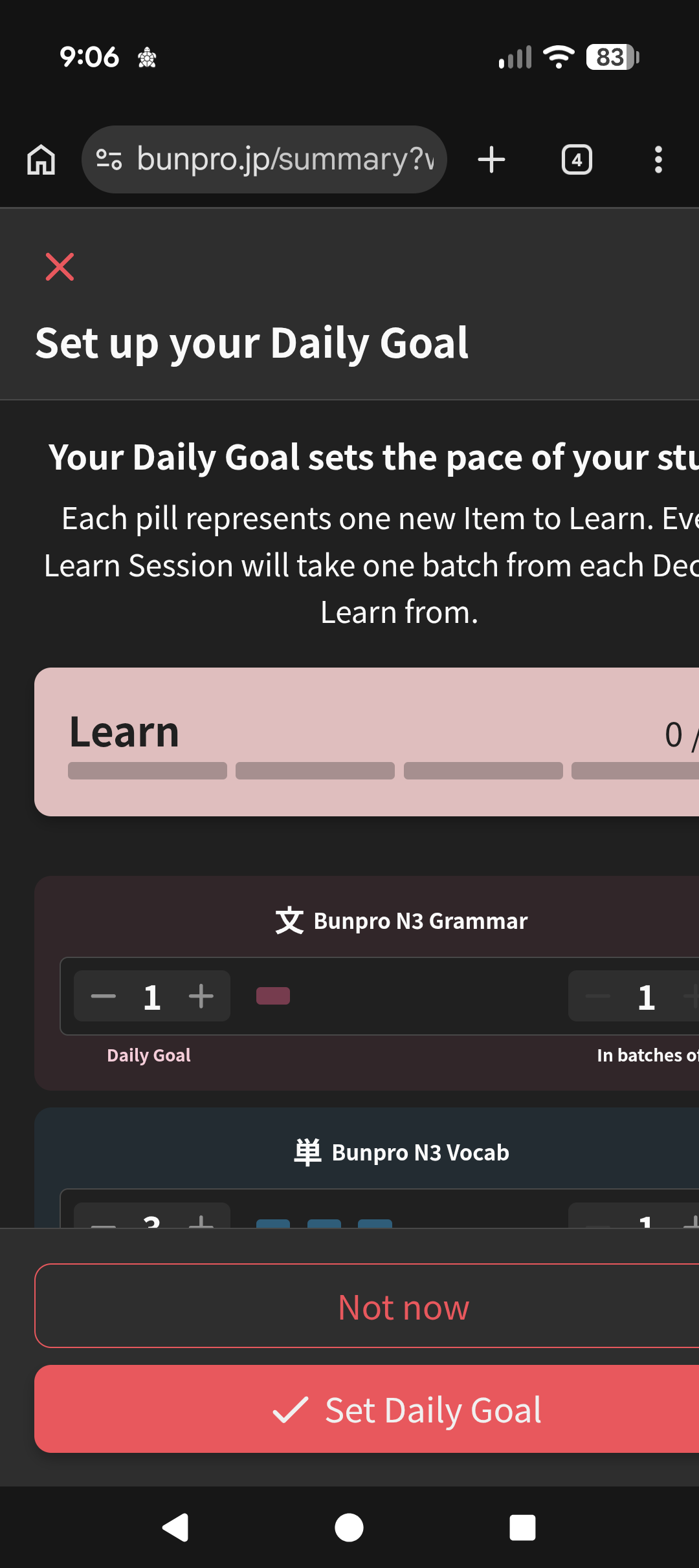
2 Likes
if you have the new deck page beta turned on in settings, try turning that off so you can access the old deck settings, where you can reset your deck lesson order to “default” (this happened to me too)
3 Likes
Suggestion for grammar points are found in different threads.
There is a list of grammar points to be added in the future here
As far as I understood the thread above is discontinued and replaced by
3 Likes
I received word from the mobile developer that this is gonna get fixed in the next update.
Sorry for the late responses and all the inconvenience!
3 Likes
The intermittent failing Review submission bug you guys were discussing should now be fully fixed!
Answering too many Reviews in a row too quickly with Auto-expand Info turned on will still cause issues, but a lot less than before.
1 Like
You should be able to do this on web, or are you referring to the apps?
1 Like
Hi there.
There does seem to be a desync issue here.
We’re looking into it.
4 Likes
Have commented on the descending sorting issues a few times over the last few months so glad to see it getting looked at. Can confirm it can be a big deal for those of us with huge backlogs. I consistently see fresh items instead of older more mature reviews and it’s been driving me nuts.
2 Likes
OK, I have another one for the Android version.
Now, I didn’t bug hunt like the last time, it just occurred multiple times, enough for me to notice it. I suspected it was my internet connection, but no, the problem is another thing. But what is the bug, you may ask?
Well, in the Android version, I noticed when you press the notification button too quickly after opening the app, this happens:
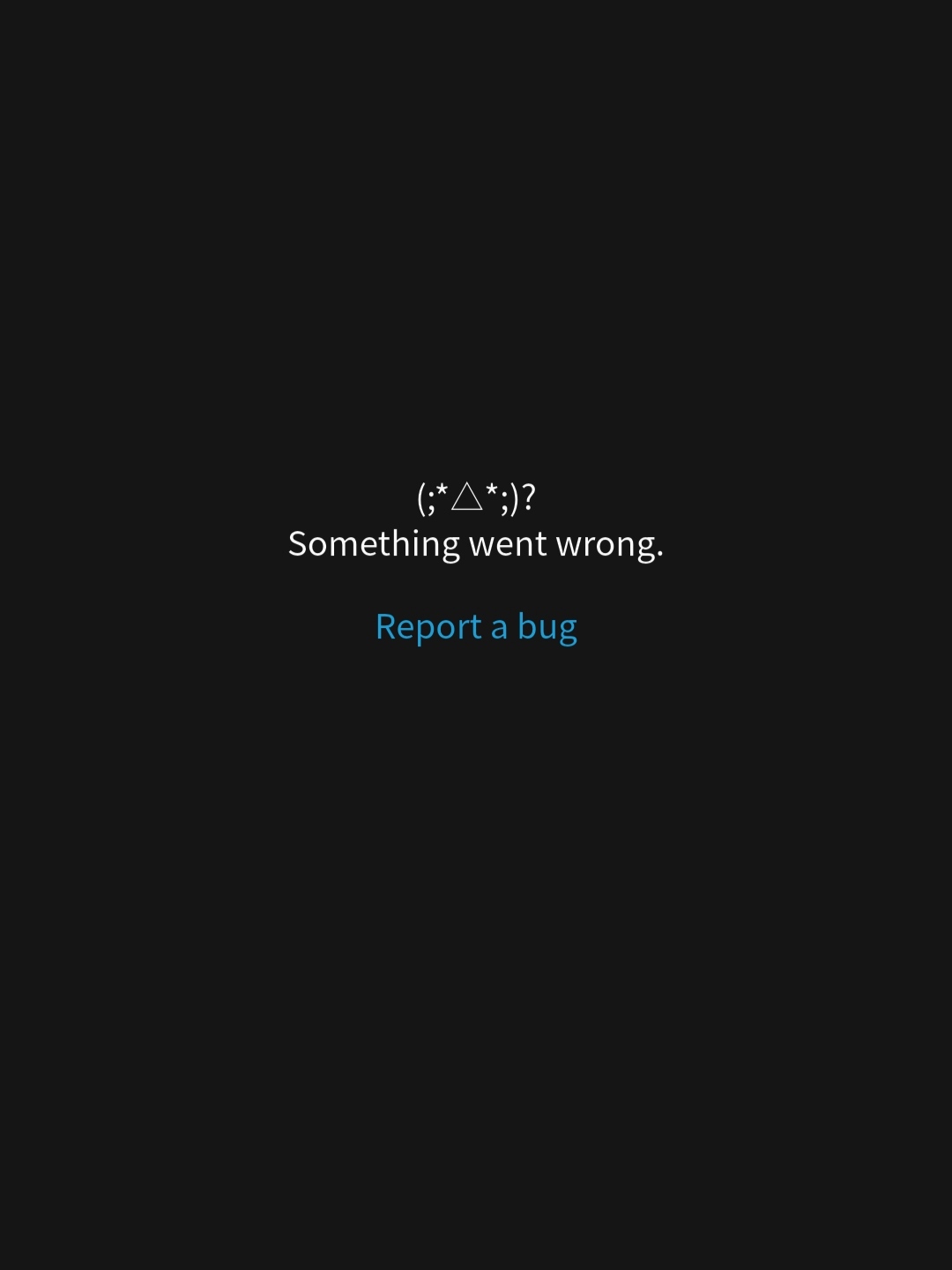
Again, I thought my internet was bad, but I closed the app, opened it, waited a bit longer, then pressed the notification button and it didn’t crash.
Also, my phone is a Xiaomi Poco X3. Maybe the problem is my phone, but regardless, I’ll post it here so others can try and see if I’m right.
2 Likes
No worries, thanks for letting me know. Now I can stop trying to trigger it in web and go back to mobile where I’m more comfortable (even if I occasionally have to reboot my review). I’m still a bit surprised to hear that sorting happens in the client and not the server, but maybe this makes sense for some reason… none of my business anyway.
2 Likes
The app works by storing all of your Review data locally, whereas the website gets it for the session each and every time.
So they are handled pretty differently.
Anway, keep an eye out for the Update notification in your app!
2 Likes
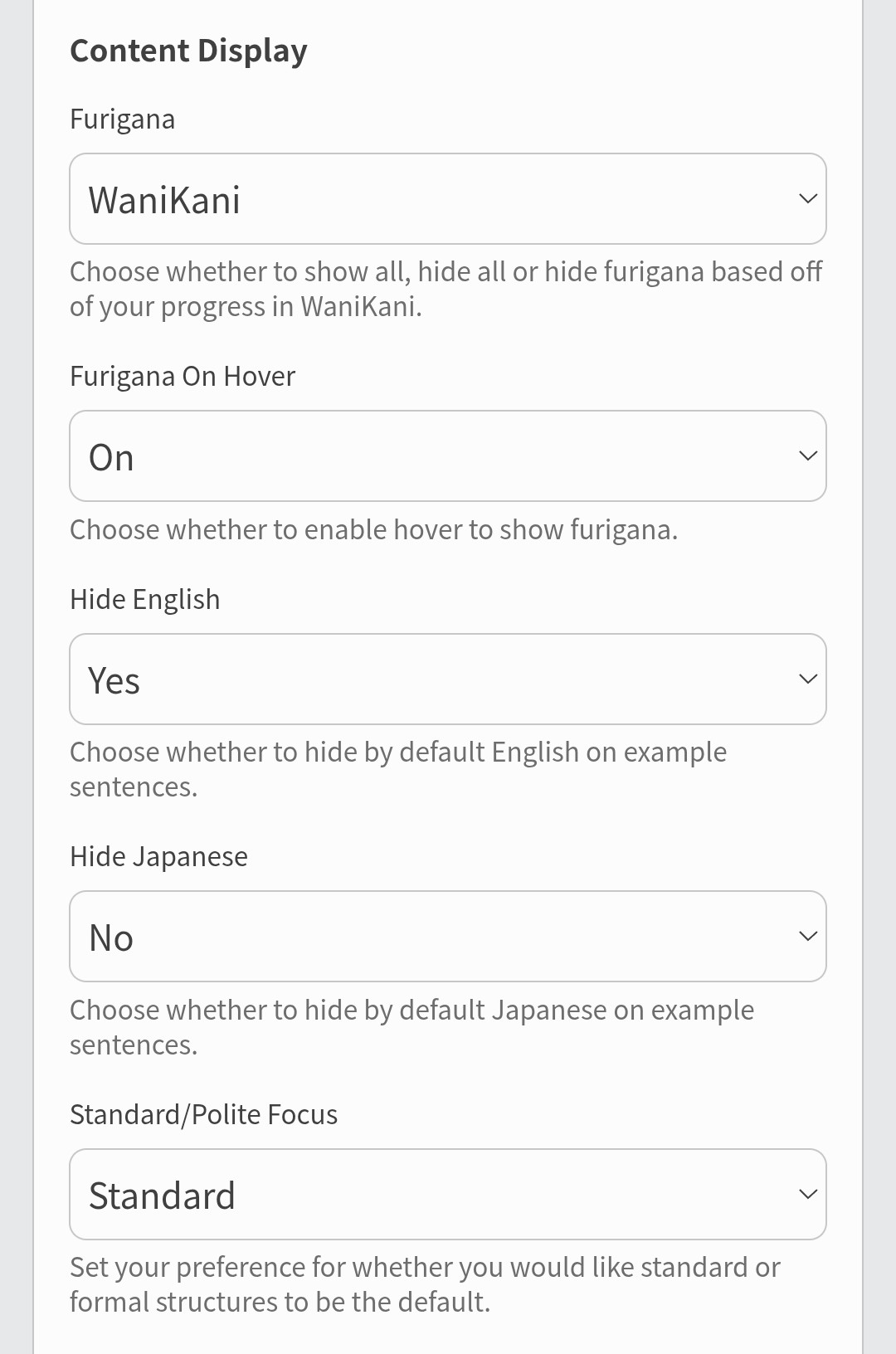
Ahhh looks like you’re maybe Daily Syncing with WaniKani?
Is the furigana settings for numbers getting unset each day?
1 Like
I cant change my review type in settings 
I took a screen recording but I cant upload it
edit: nvm it fixed itself when i refreshed the page for the 3rd time haha
3 Likes
well
now I keep getting this error (tried 4 or 5 times I think?)
I assume its because my reviews are too numerous but idk
Will keep trying but yea
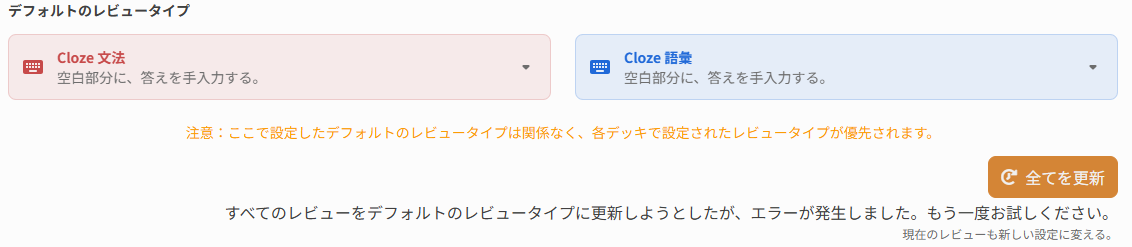
edit: it seems that despite only receiving the error message, some reviews (out of the ones that have example sentences) have changed type and some havent… so will just monitor in the coming days I suppose
2 Likes
Maybe my issue is related then. I can’t change the Sorting Order. After selecting a different Sorting Order e.g. “Ascending SRS level” to “Descending SRS level” it does reload the page but doesn’t change the sorting order itself. Hard to make a screenshot of it though…
1 Like
It was a completely unrelated issue turns out.
Should be fixed now! Thanks for reporting this so quick!
1 Like