Feedback - Bug Reports

The issue seems to have been fixed (or magically gone away) at some point today. Thanks!

1 Like

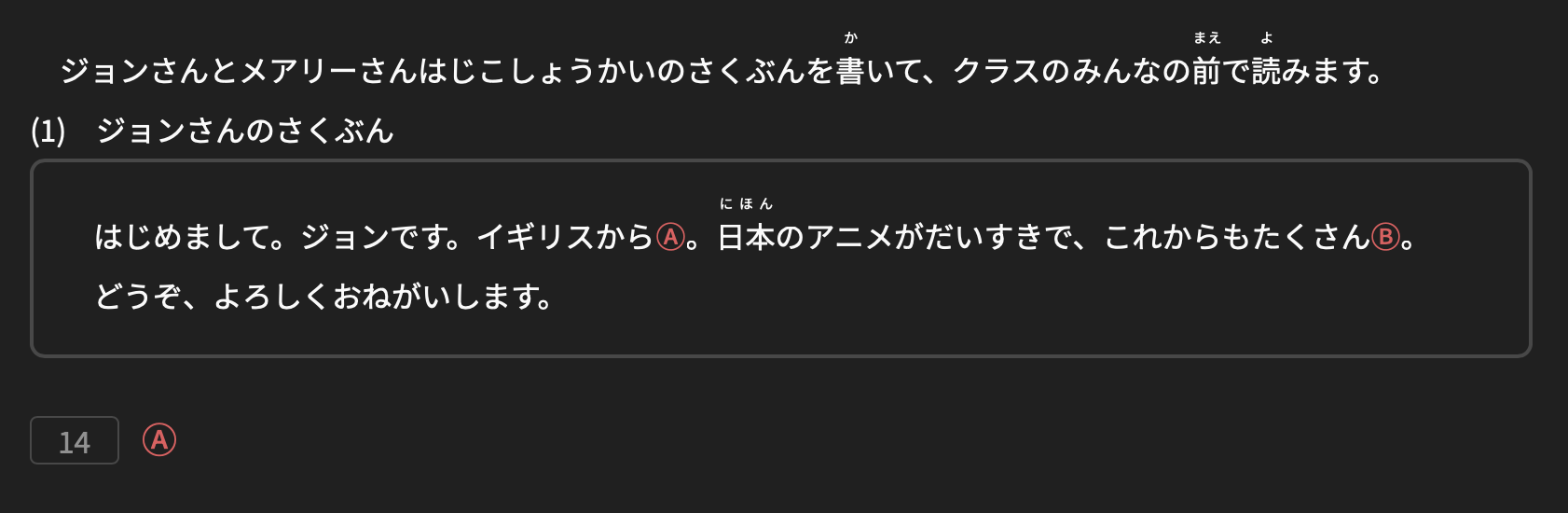
Hey! I just noticed that in the grammar & reading part of the first N5 practice test (i haven’t checked the rest), in the もんだい2 where you get an incomplete sentence with a star, you’re supposed to choose the word that would fit in the location of the star from the options given, but the exact location isn’t given in the question.

For example:

A:「わたしはラーメン★すきです。」

The options give the words that would replace the ★, but the question is missing the spaces around the star, so it should look something like this:

A:「わたしはラーメン___ ___ ★ ___ すきです。」

… but since it doesn’t have the spaces, it’s impossible to know the location of the star within the sentence, making it impossible to know the right answer.

I hope I explained myself correctly.

Adding a screenshot for reference:

Thanks!

PS: In case it helps, I’m using a macbook pro, running bunpro on dark mode.

1 Like

I just checked in macOS 26 and it seems to be working as expected:

Is your browser Safari?Also, do you have any extension installed that could be modifying the site?

1 Like

Thanks @veritas_nz! That makes sense!

It’s hard to say how many there are really tbh because if I knew they were incorrect then I wouldn’t have to try learn them :sweat_smile:

If I had to guess- maybe low double digits, but I really don’t have much of a clue. I kinda only really notice if the kanji reading feels inexplicably weird to me, or for some reason I keep getting them wrong so much that I look up them up.

This might be new one I came across today. :

空ける pronounced うつける : 空ける | Bunpro

1 Like

Heya!

A small one : just noticed the entry for 来学期 is duplicated as part of both N5 and N4. The N4 one doesn’t have any example sentences, so I guess the N5 entry is the proper one ?

3 Likes

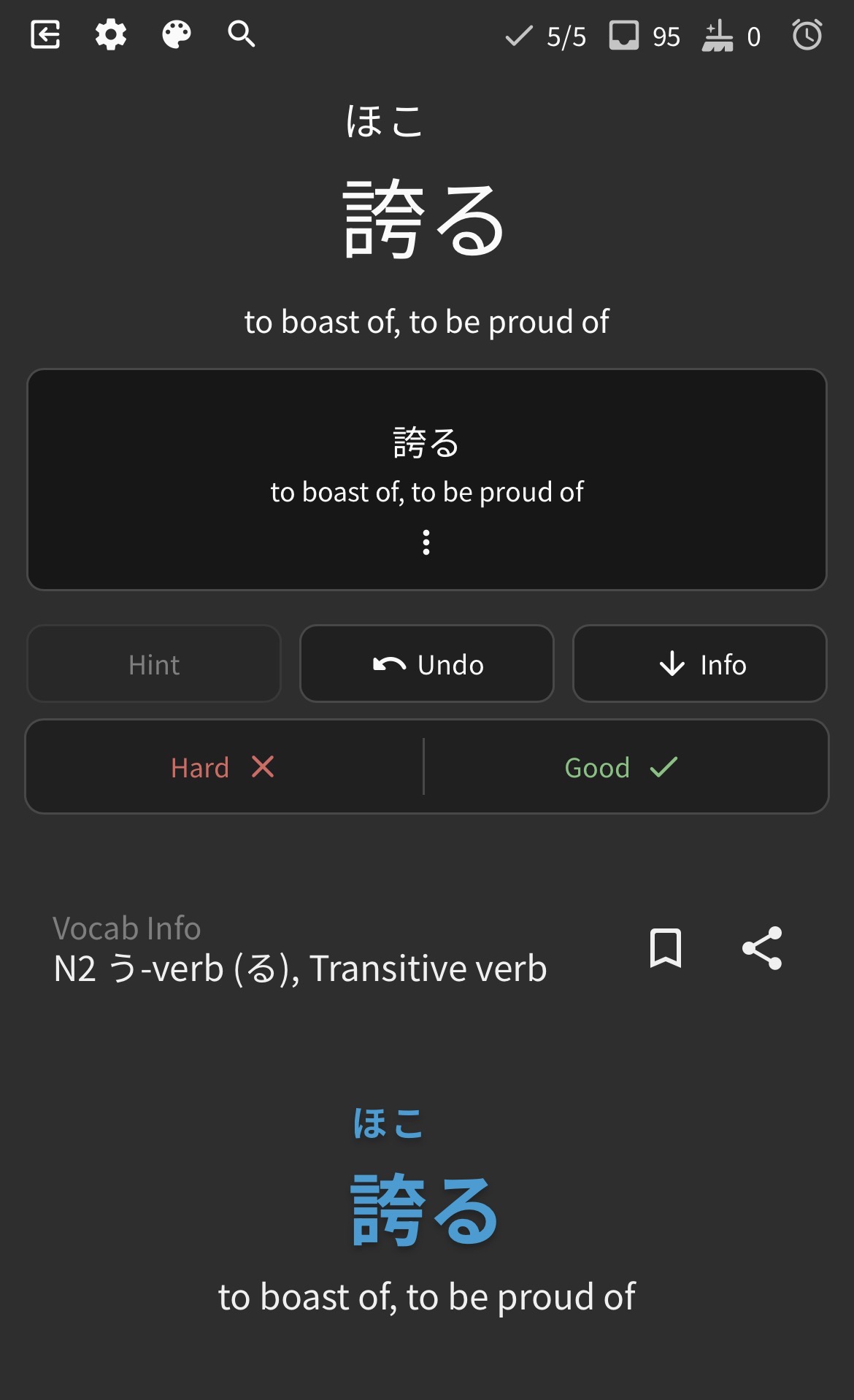
Got this situation, where it’s just the vocab flash card again in the box, rather than an example sentence:

1 Like

Yes, I’m using safari as well, no extensions installed.

1 Like

It could be that a style file didn’t load for some reason.

If you open もんだい3, does the A and B characters show in a highlighted color?


The specific color might be different, depending on your selected theme. But it should not be the same as the rest of the text.

Please try a full reload of the page by pressing Command + Option + R. The browser may ask if you want to stay or leave. Pick “Leave Page”.

Let me know if it works.

2 Likes

Those will likely be answers you didn’t wrap-up in previous sessions!

We’re aware of this inconsistency and we’re gonna push a fix for it in the future.

Don’t worry though, your SRS won’t be affected!

2 Likes

Very weird bug!
Will get someone on it ASAP.

Sorry for the super duper late reply.
We were all frantically wrapping things up for the Bunsgiving update!

2 Likes

Sorry for the late reply.

We’re gonna get one of our Content Team members to take a look through these Decks just to be sure.
Can probably make the Official Bunpro Decks™️ after that!

2 Likes

This is on the website yeah?
Should be on our to-do list!

2 Likes

We recently removed dupes – this might be you having old data on the app potentially.
Can you try re-downloading the data?

Steps to do so are:
  1. Open the hamburger menu in the top left
  2. Tap the cog
  3. Go to ‘General’, scroll to the bottom
  4. Tap ‘Reset Data’
  5. Tap ‘Reset All’, and wait (a while)
  6. Once the popout closes, check to see if the issue has disappeared.
1 Like

@veritas_nz

Tried the reset multiple times but it didn’t change anything. However it also went really fast, contrary to the possible waiting time you mentioned. Is this normal?

1 Like

Yep :slight_smile:

I’ve since encountered it quite a lot, so thanks to the team for looking into it.
Your to-do list must be really long with everyone’s requests! :dizzy_face:

We found some inconsistencies in the code and have applied a fix. The update will be out in a few days and it should work properly then. Thank you for reporting about the bug!

2 Likes

Seems to indeed be a caching issue.
We recently deleted all duplicate Vocab which is the root cause of the issue.

We’ve got our best Polish team member (@mrnoone) on the case.
Thanks for the report!

2 Likes

Hey :wave:
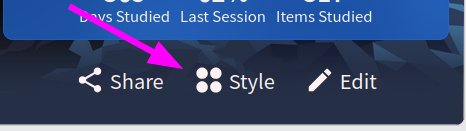
A small thing: I noticed that the style choice on my profile card (the one at the bottom where one can choose between more or less info boxes on the banner image, see screenshot)
does not persist between Browser sessions (I don’t keep cookies).

It would be great if the “style” could be stored with my other user settings so I could always enjoy an unobstructed view of Kyomizudera when logging in :smiling_face_with_three_hearts:

grafik

Sorry if this is a duplicate, thanks for the great site.

1 Like

Hi, my dashboard status has been stuck since around 4pm yesterday. It won’t update the number of reviews or learning items available. I’ve already tried logging out and in, and my browser has been opened and closed multiple times since then, along with my PC being off overnight. I don’t really know what else to do, aside from clearing my cache but that would log me out of everything else and I’d rather not resort to that.

It worked! Now it all looks right.

Thank you so much for your help!

2 Likes