
Are they newly created or really old?
There is a non-zero chance that you could have just Mastered them, if they’re quite old.
The sentences for this Vocab haven’t been prepped to be used with the fill-in-the-blank sentence type yet, hence the different question+input type.
Anyway, will pass this onto the content team!
A definite weird exception.
1 Like
Thank you so much for explaining! I wasn’t even aware there are different questions types, I always just left bunpro at the default settings and it’s my first time doing vocab, I didn’t know there was a question type where you fill in the definition instead of filling in the blank, which is why I was really surprised to see it in this case 
(Also a bit weird that this way I don’t get to see any of the examples sentences for this vocab during practice)
Is there a more recommended setting for learning vocab?
1 Like
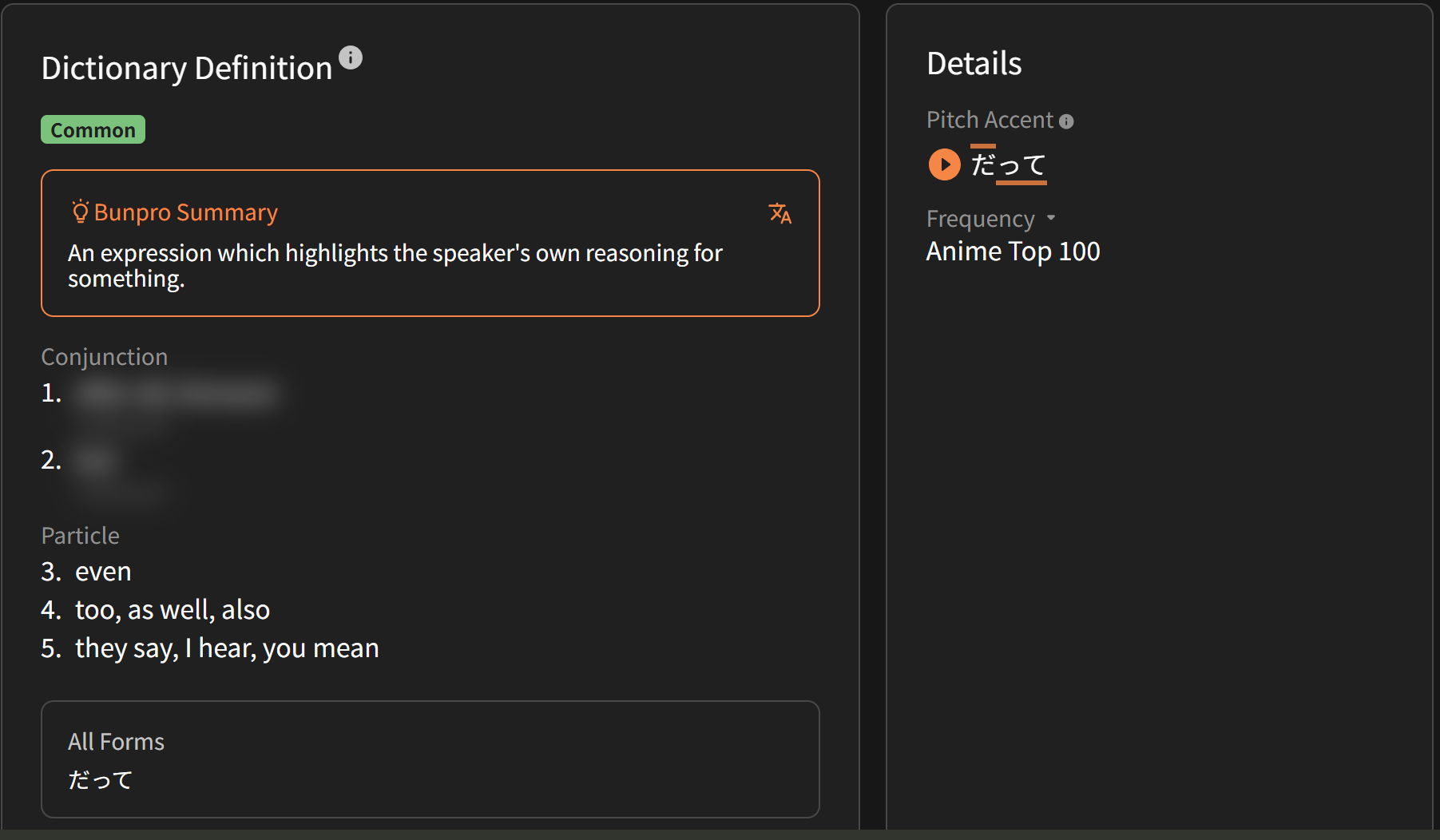
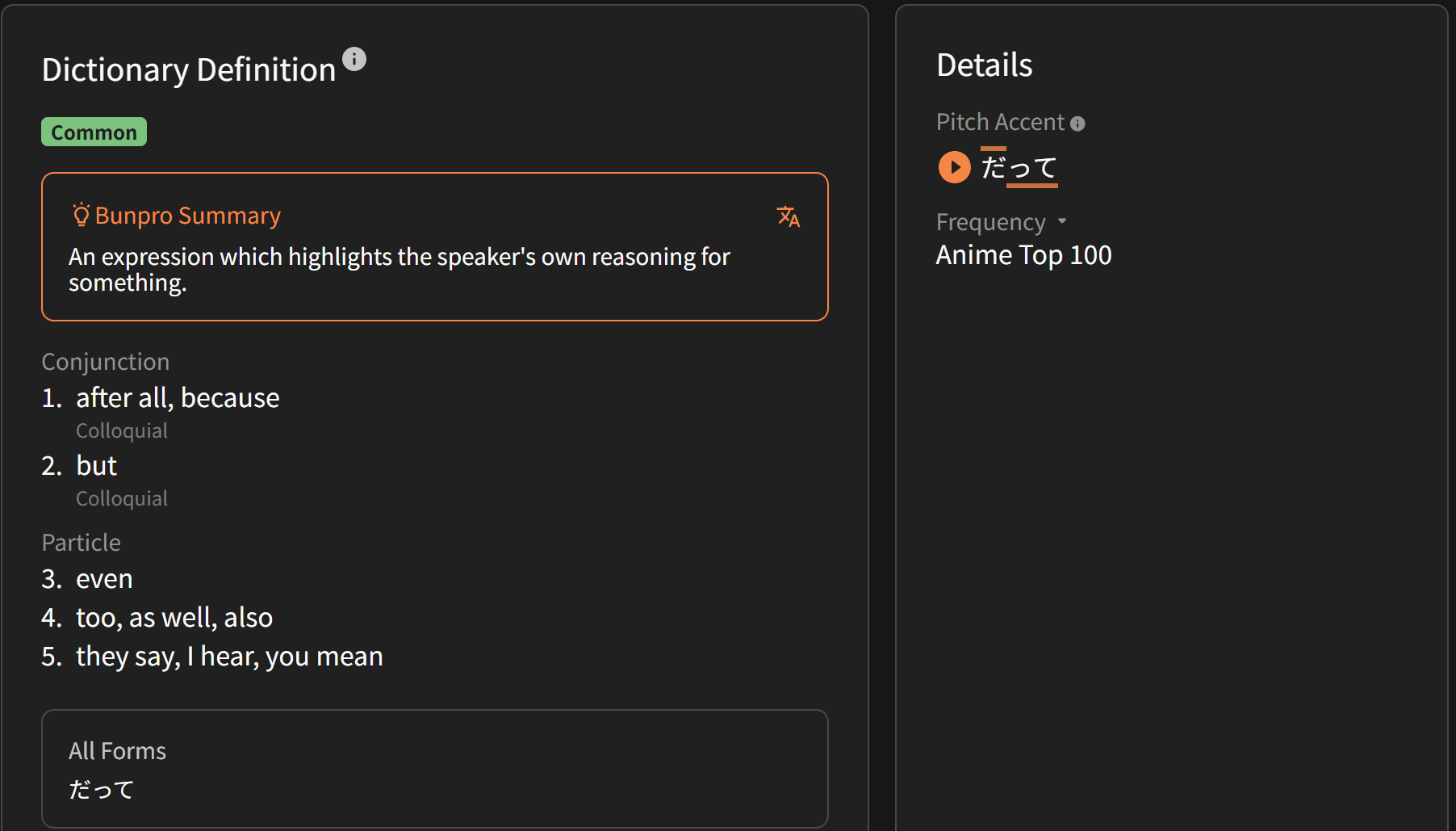
For some reason, the definition of だって is blurred and marked as possibly nsfw, which doesn’t seem correct.
1 Like
I don’t think the Sorting Order in the Review Settings is working properly. I only just found this setting last weem, so I don’t know how long this has been like this.
I have selected Ascending SRS Level as my sorting order, as shown below
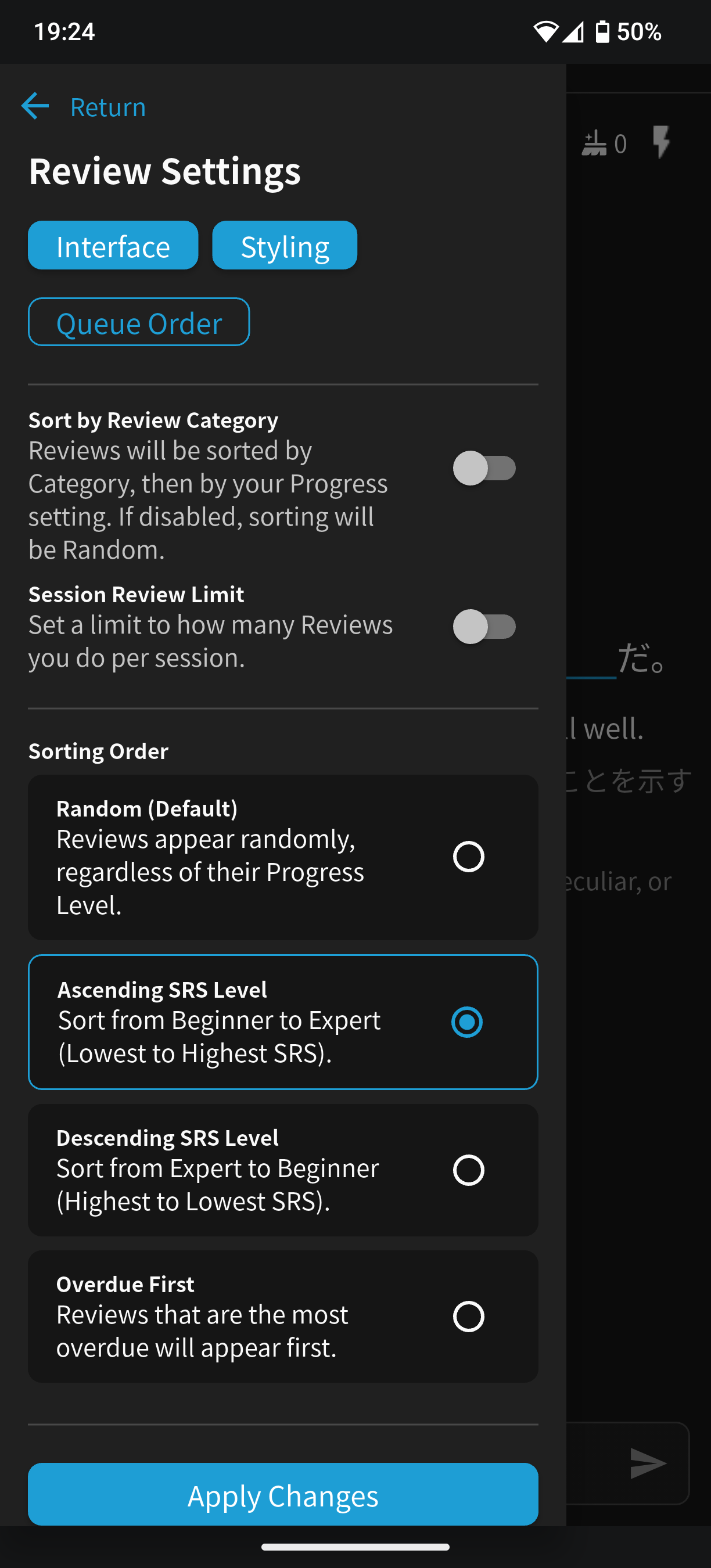
However, rather than getting all my SRS items in the correct desired order, I’m only getting half of them every time. Basically, only half of the items would be shown at the start, then only half of those items, then only half of those etc. etc.
Basically, let’s say I have 8 Beginner items, 16 Adept items, and 24 Seasoned items. The order I would get these in would then be as follows.
4B-8A-12S-2B-4A-6S-1B-2A-3S-1A-2S-1A-1S
It’s also not always exactly half of the items as in the example above, it feels more stochastic. However, if there is one item in an SRS stage, that item will be shown for sure.
Im not entirely sure what is causing this, though I would love for it to be fixed.
This seems to only be the case when I use my (Android) phone app, and does not appear on the desktop.
4 Likes
Hi there!
You need to allow NSFW content from General Settings.
We have to mass blur any and all colloquial stuff because the open-source dictionary we borrow from has horrible tagging for Vocab.
だって is correctly marked as “colloquial”, but $#%#%# (some horrible word) is also only marked as “colloquial” and not marked properly as “vulgar”/“offensive” etc.
Unfortunately it’s the only good shared dictionary resource out there!
Hope that clears things up
Is there a more recommended setting for learning vocab?
The default settings are the recommended setting – Fill-in-the-blank style for Vocab.
It’s more an “us” problem – we need to fill in the missing content for our official Decks.
1 Like

That makes sense, thanks! Interesting that the dictionary tagging is funky like that
1 Like
Got it, thank you so much for explaining!
1 Like
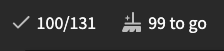
Hello, I was just wrapping up a review session when I saw that the number of items to be wrapped up was waaaay too high. Did I miss an update or is this a bug?
reviewSessionId=21058131
2 Likes
Running into the same problem as Oguwan, just updated the app and now every time I start a review I start with 66 items to wrap up. Seems consistent across decks, both grammar and vocab. The number left to review is whatever is in the deck minus 66. If there are less than 66 items to review, the number is negative (for example, 10 items to review - 66 leaves -56 items to review.) I did not see this earlier today before I updated.
2 Likes
Just tried using the website and seeing similar results. Every review starts with several items to wrap up. The number isn’t consistent though, seems to be completely random.
1 Like
^From above discussion!
We recently switched to adding wrong answers from previous sessions directly into the Wrap Up queue from the start of the next session.
Before this switch, they would appear as if they were fresh and “newly due” at the start of sessions – whereas in reality they were just items that the user didn’t properly Wrap Up in previous sessions.
These unwrapped-up items would then show up in people’s Summaries as incorrect, and it was confusing people.The new behaviour now pushes users to properly Wrap Up their Reviews.
Wrap-Up should be done after every session to ensure the SRS system works properly.TLDR; This is a feature and not a bug.!
3 Likes
The vocab is showing up in my review, it’s that the sentences aren’t showing up and just the kanji and I have to type in english, instead of actually filling it in with kanji and being showed the english text ):
or do you mean if it’s higher ranked it somehow doesn’t show me the self-study sentences anymore? because I just tried to do my review and one showed up again with me unable to change the review kind (translate to fill-in)

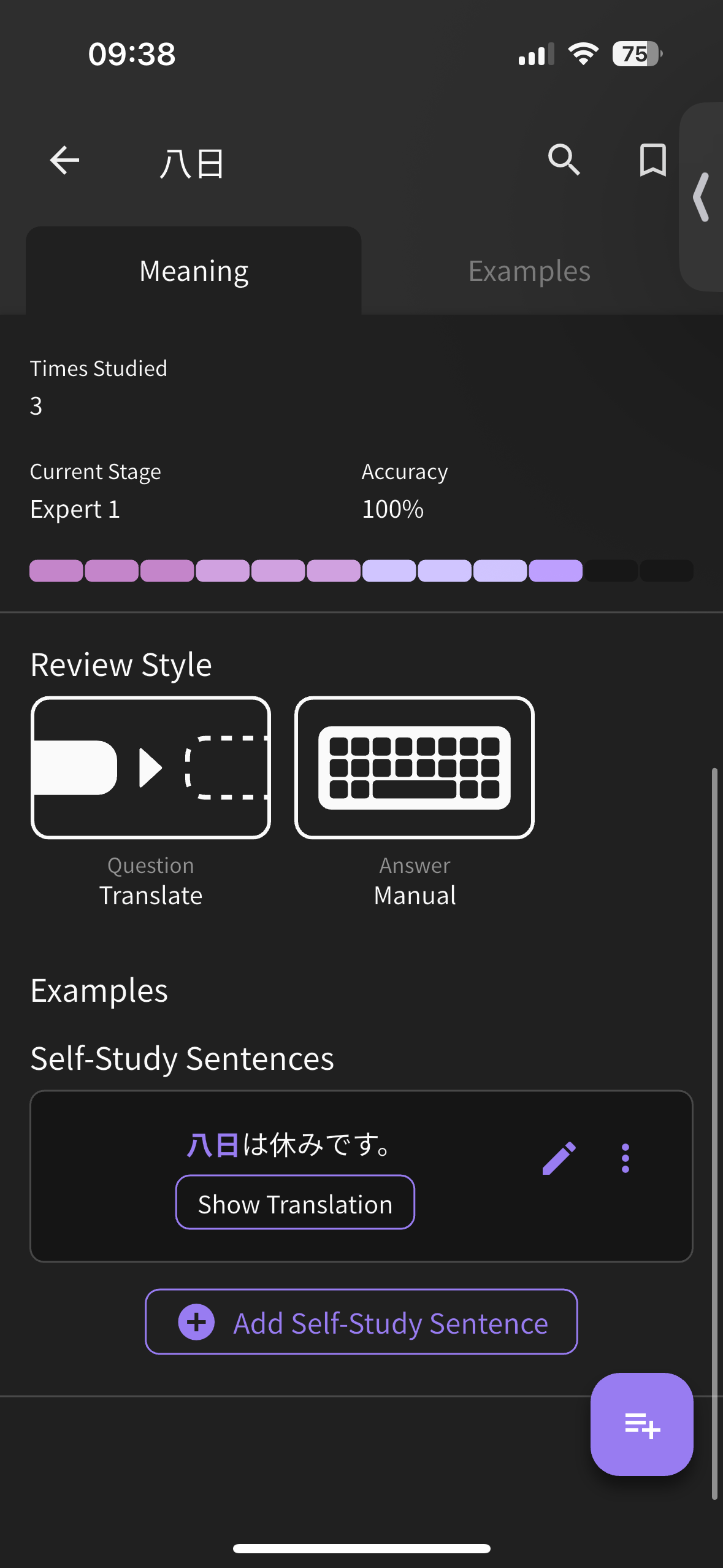
2 Likes
I finally got the chance to test this on desktop, and the order was perfectly fine. This seems to only be a thing in the app
2 Likes
Unable to clone Bunpro Vocab
I am trying to clone the Bunpro N3 Vocab deck, so I can study in both directions (JP-EN for 1 deck, EN-JP for the other deck) but I can’t get it to clone properly. This is the error I get:
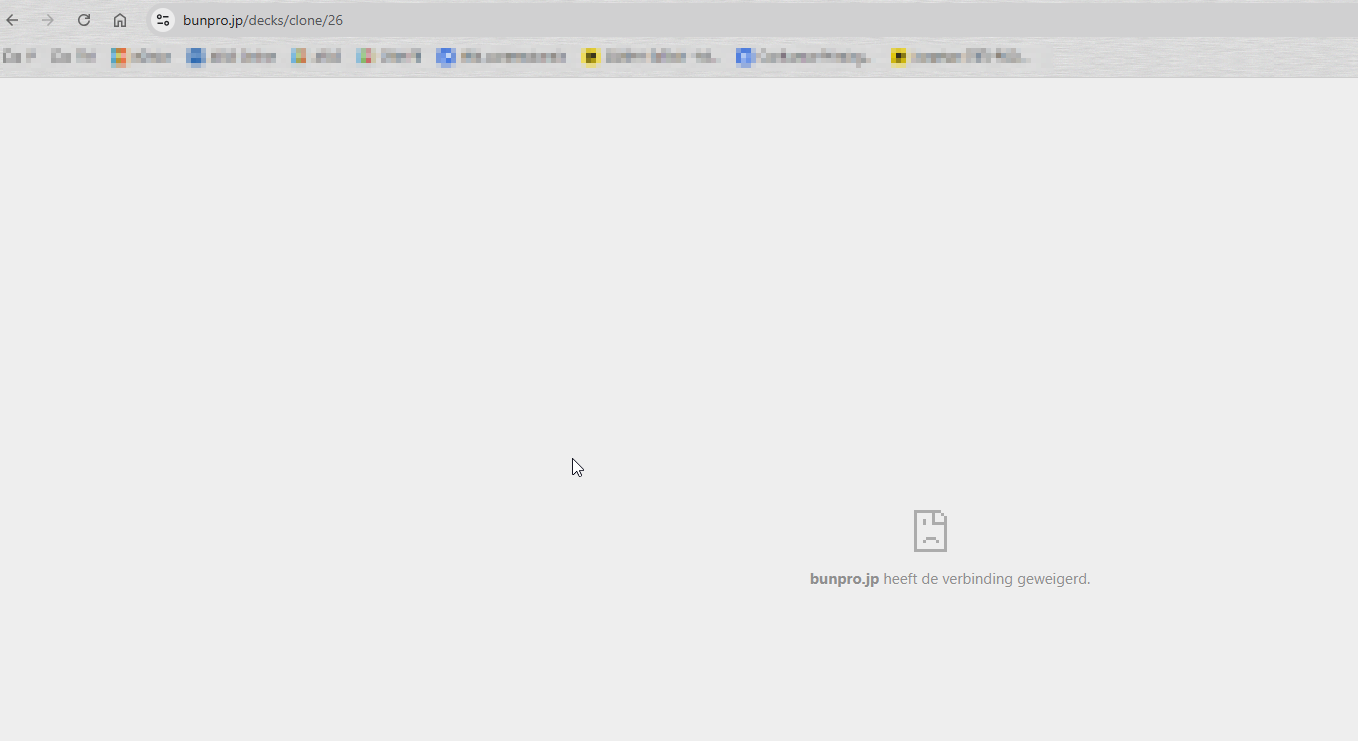
After, the deck has been cloned, but only with PART of the items (only 1485/1998 items):
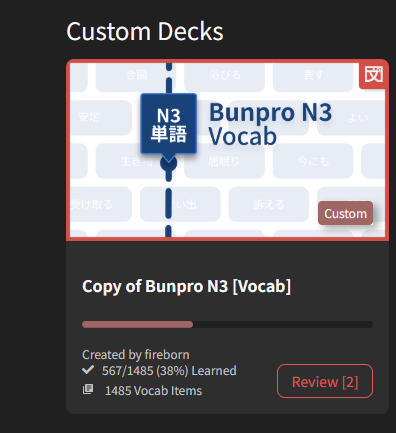
1 Like
I also made a small visual representation of what is happening with my reviews on mobile.

(The letters stand for Beginner, Adept, Seasoned, though in reality it is also similarly clustered for subcategories like Beginner 3 or Seasoned 2 and stuff.)
1 Like
Hello,
I’m using the Android app and have “Due notifications” enabled, which I understand should mean I get notifications when new reviews are available. However, this option doesn’t seem to work and I never get any notifications for reviews becoming available.
When I try enabling the “review notifications”, I do indeed get the daily notification, so it doesn’t seem to be a general issue with notifications from the app.
I’ve noticed this for a long time in the Android app, but I’m getting back to using it regularly after a bit of slacking and so figured I’d mention it. Please let me know if there’s anything I should try to resolve the problem, or any other information I could provide that would be helpful.
Thanks,
m0g
1 Like
I just logged on to your account and checked out your Reviews.
If you sort the order your Reviews to by Self-Study Reviews first, I don’t see any issues with the sentence input.
What I think is probably happening is that you’re adding Self-Study Sentences, thinking that they will behave as if you’ve added your own sentences into our list of sentences.
This is unfortunately not how the Self-Study Sentences work at the moment.
The sentences you create have their own individual SRS level, and are completely outside of the SRS flow of the item they’re added to.
E.g., In the case that you:
- Have a Vocab (三角形 as an example) that has no sentences
- Create a Self-Study Sentence
- Also add it to your Reviews
You will now have TWO questions during your Review session:
- JA → EN translation (see 三角形、enter “triangle”)
- The Self-Study Question you created, with Japanese input
Does sound like where the confusion is coming from?
If so, then yeah I agree it’s confusing.
We’ve had this forum post literally just added.
I’ll bump it in the list of things we need to fix
2 Likes