
Example sentence for a flashcard-style review doesn’t match 
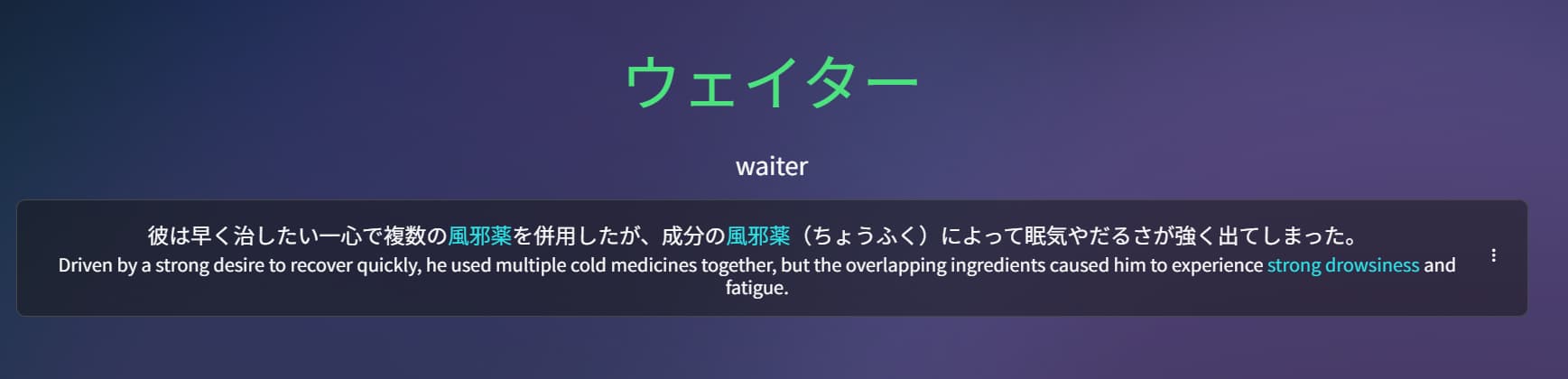
1 Like
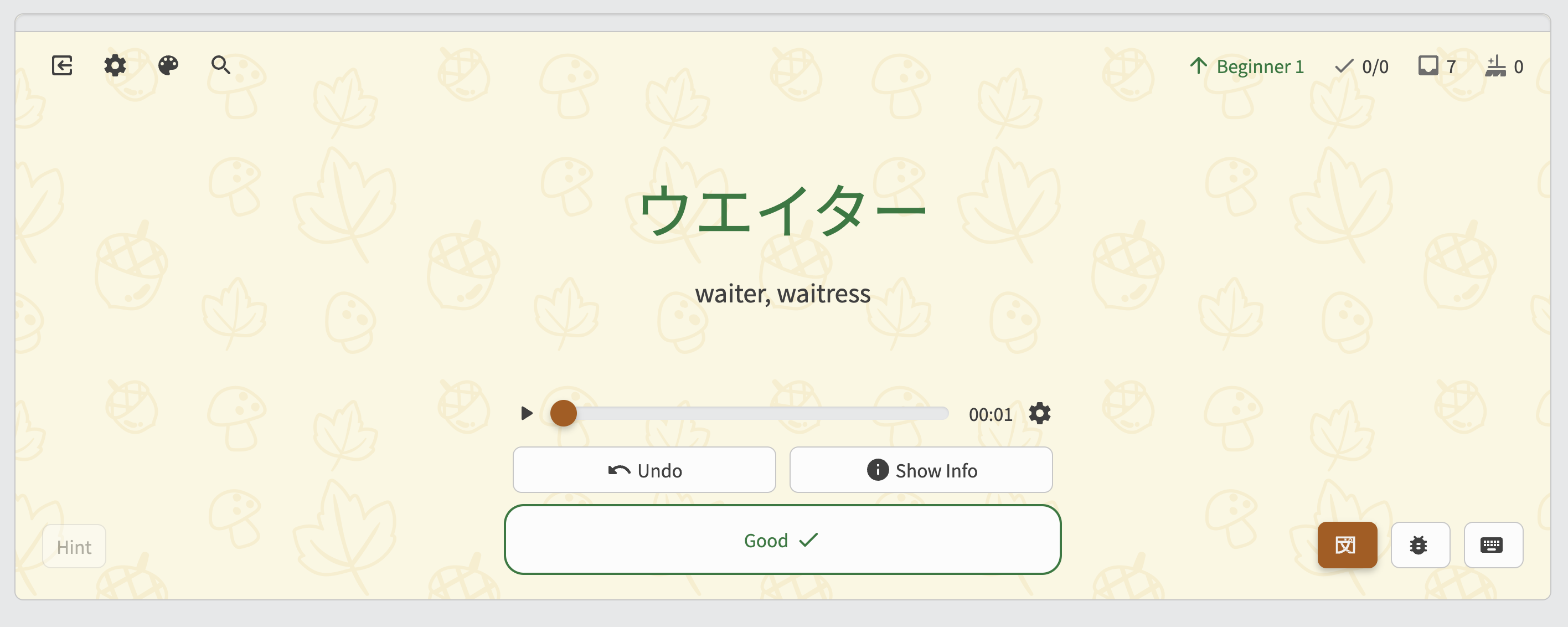
Oh, it was on the main website 
1 Like
The setting of “enable/disable scribble” does not persist between usage of the notes feature. (For iOS users using Pencil)
2 Likes
In the N4 Grammar lesson on “volitional form”, it gives the irregular verb “kuru” as becoming “koyou”.
But in the Kaijugation quiz, linked from this lesson’s page, it gives “kuru” as becoming “okou”.
1 Like
Will add persistence in the next update!
2 Likes
Every single time I have loaded the website up the profile picture refuses to load for some reason.
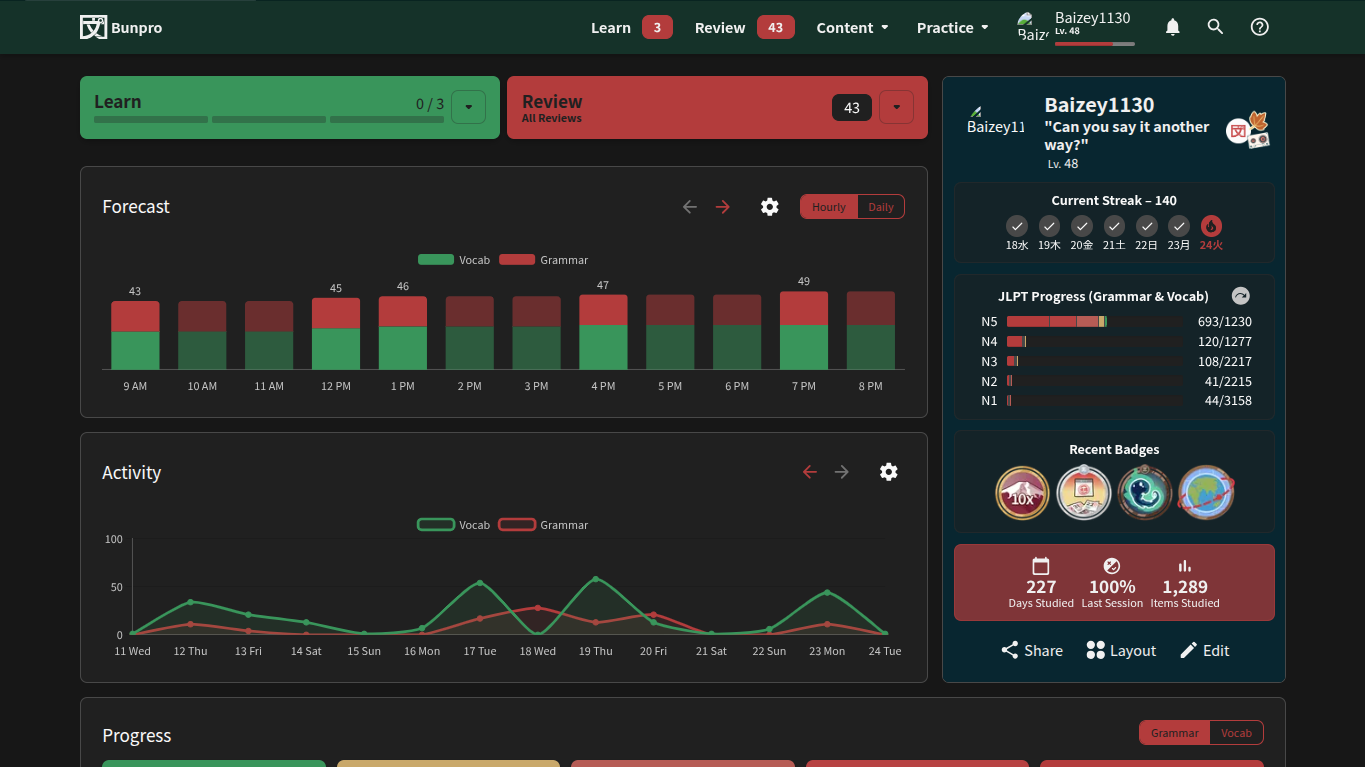
It seems to be inconsistent in where it does and doesn’t load. It works on settings and the user deck page, but not in profile or the main page.
(Chrome browser, been happening at least since the beginning of the year)
1 Like
I checked your account and I can see it fine!
This is the URL of that image:
https://i0.wp.com/d2o2t59m50yv2e.cloudfront.net/images/FujiGreyDefaultProfile.png?ssl=1
Can you try hard-refresh the page?
- On Mac: Press ⌘ + Shift + R or ⌘ + F5
- On Windows: Press Ctrl + Shift + R or Ctrl + F5
If that doesnt work, my guess is it’s some sort of browser security thing on your end that is stopping images from being loaded that are not on the bunpro.jp domain
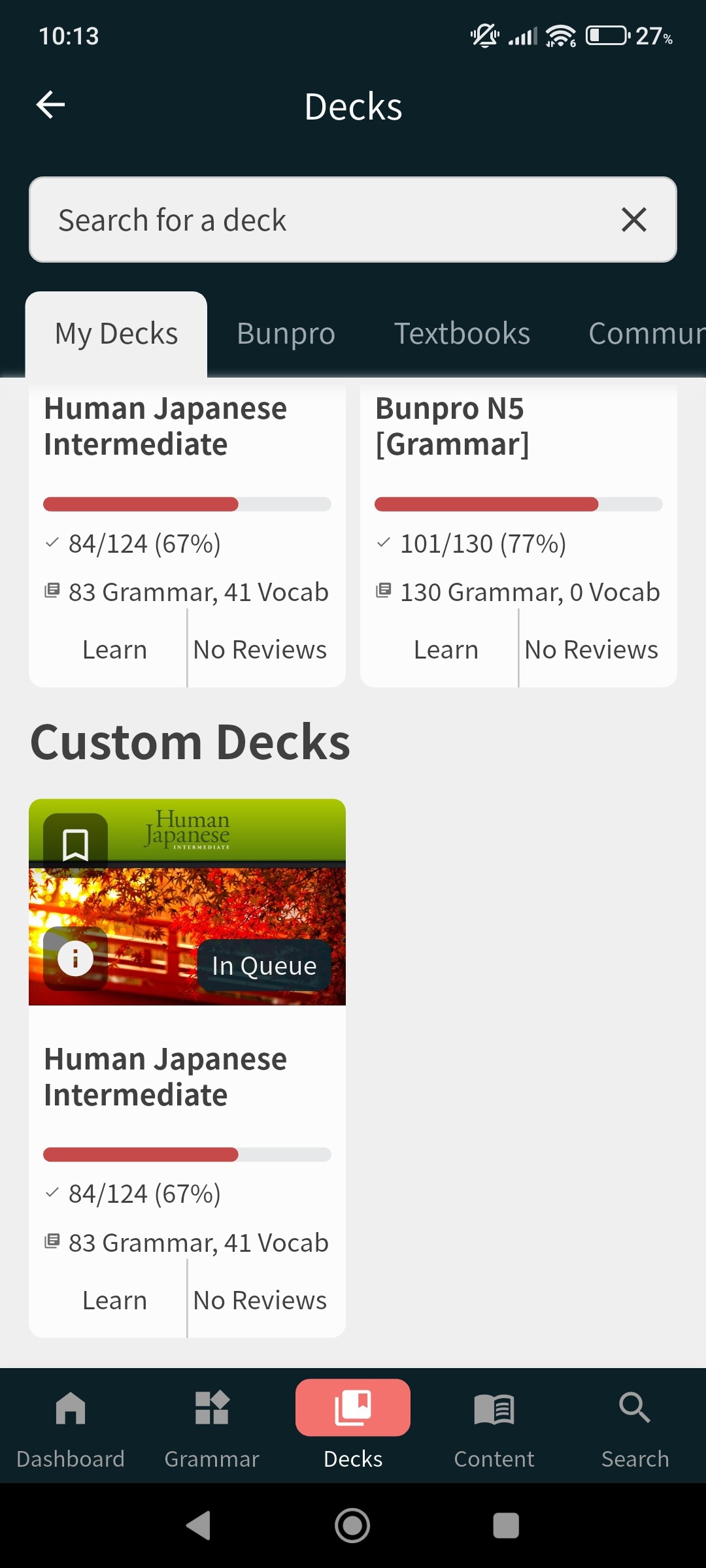
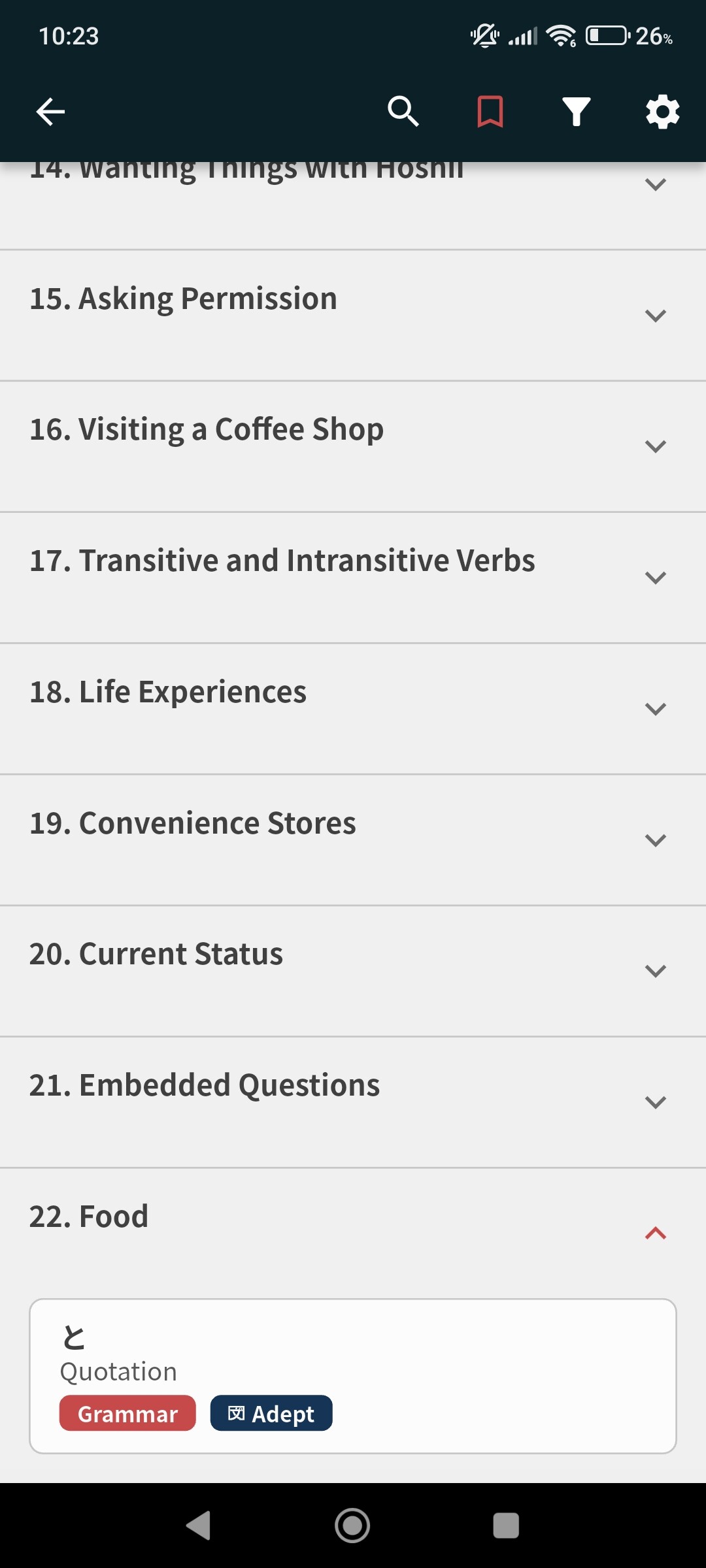
I have this very odd bug, that on mobile it doesn’t update my custom deck. It doesn’t show the stuff I recently added and the progress is all wrong (It should be 100% right now and I have currently 33 chapters as units). I can still review and learn new entries but I also noticed that when learning new cards it would show me the last entries that I added instead of the next in order. When I tried reinstalling the app the deck even completely disappeared for a time. Everything is fine on desktop.
2 Likes
The browser security thing is likely it. It still didn’t work after hard-refreshing. Thanks anyways!
1 Like
Hey!
We have fixed some custom deck bugs (the patch is in the beta).
I am looking into this one right now!
Sorry for the inconvenience 
2 Likes
Bottom Buttons Hidden - Require Scrolling
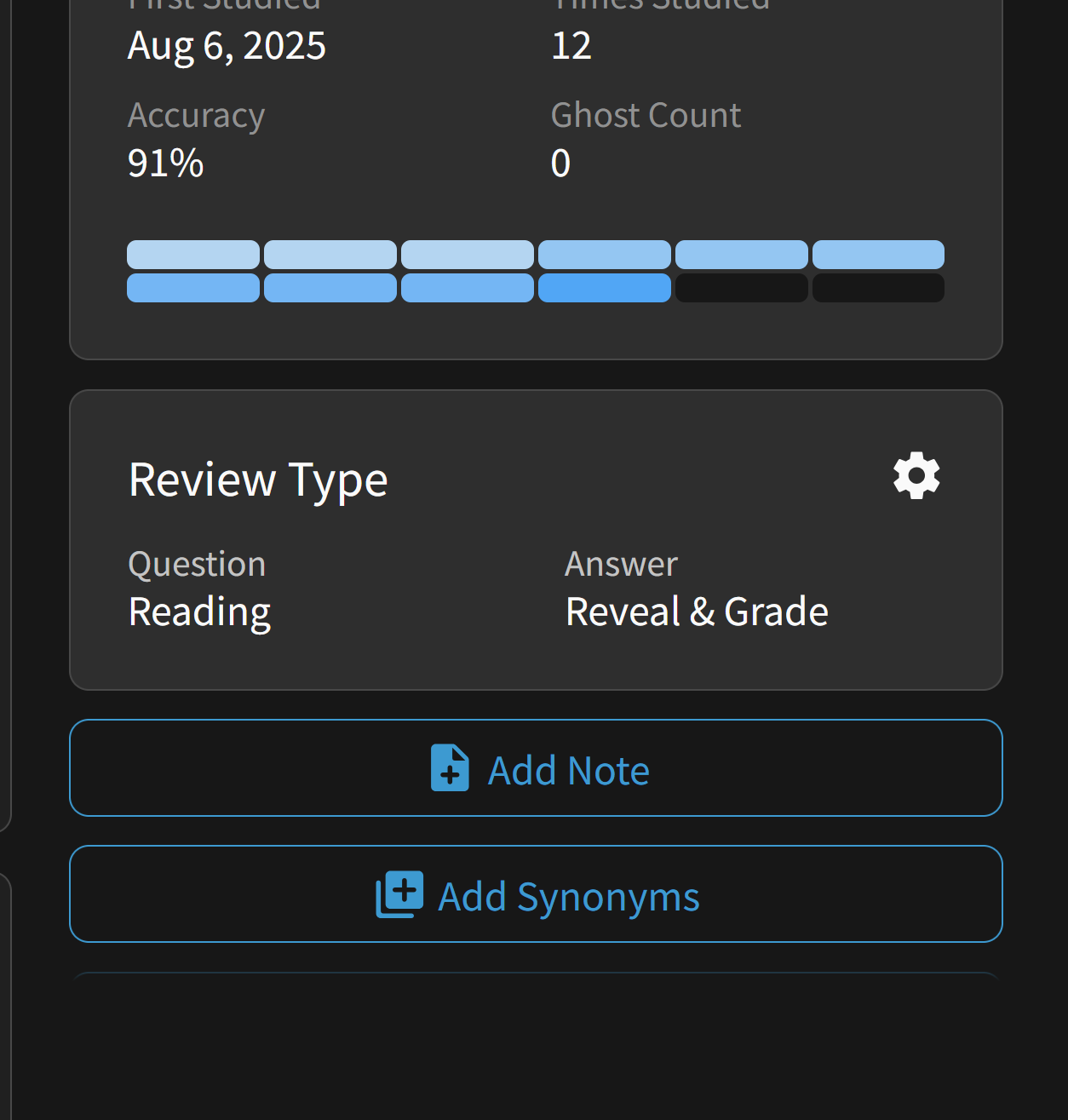
When using browser zoom, during reviews, the right menu items become a scrolling section rather than utilizing more of the page. This makes it a bit tough to add vocab to decks when doing reviews.
I’m on a 4k monitor with windows 11 desktop zoom set to 200% (to try to make it look like 1080p), browser zoom at 110%.
2 Likes
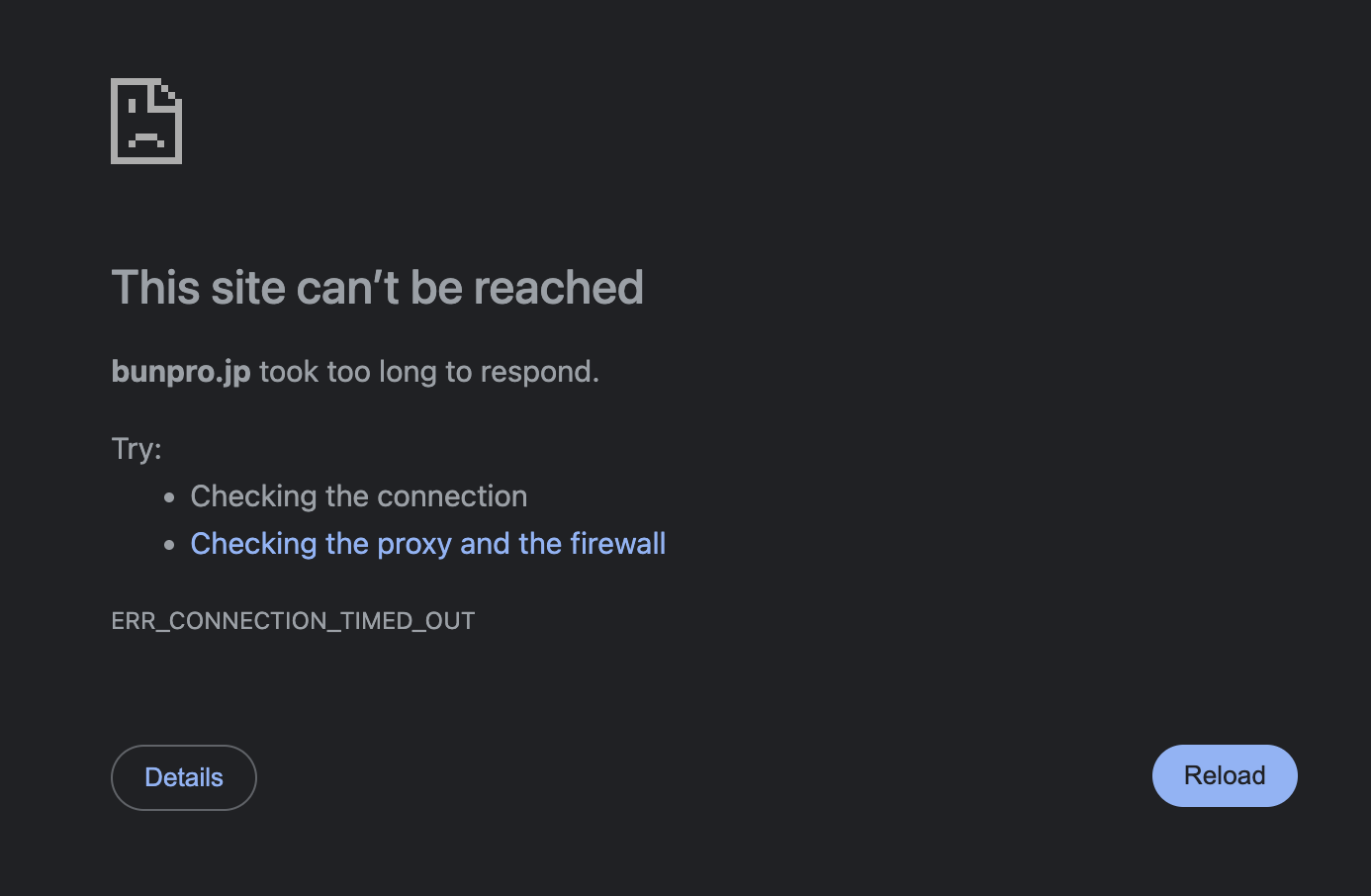

I am not having any problems so maybe?
2 Likes
same to me, seems like both me and gpressutto5 live in brazil, if that help
2 Likes
Maybe it’s a regional dns thing. I tried on another device and on mobile data as well but the website won’t load. The android app is working fine, so at least I was able to finish my reviews.
1 Like
Are you using the 20px font-size?
We aren’t experiencing any technical issues over here in Japan at the moment, so could be a regional issue.
Heroku and Vercel both aren’t reporting any issues either.
Please check back in a few hours if you’re still noticing issues!
Text size in accessibility is set to 100%
Scale is set to 200%
I’m not sure where I’d see the 20px font-size. When I inspect a sentence in my browser, it’s showing the computed size of sentences as 50px in the inspector.
1 Like