Ahhh it’s a setting called “Font Size” in the Styling Settings
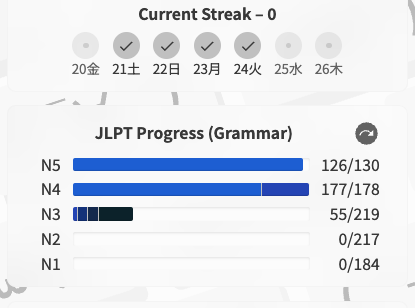
On the dashboard in the current streak section, I notice that it says I’ve completed 177/178 N4 grammar points. However, it looks like I actually haven’t completed 2 (I believe they were added since I finished the N4 grammar points).
Shouldn’t the total number of grammar points be 179?

yep, set to 20px
Not sure if this is a typo or not, but in the N2 lesson for に沿って, the first translation in the large letters simply states ‘along,’ but in the paragraph below it gives the translation ‘along with,’ which is more in line with the alternate translations given in the large text.
But like, this may be intentional and just trying to capture a particular nuance.
I added this in the feedback section of the web app too.
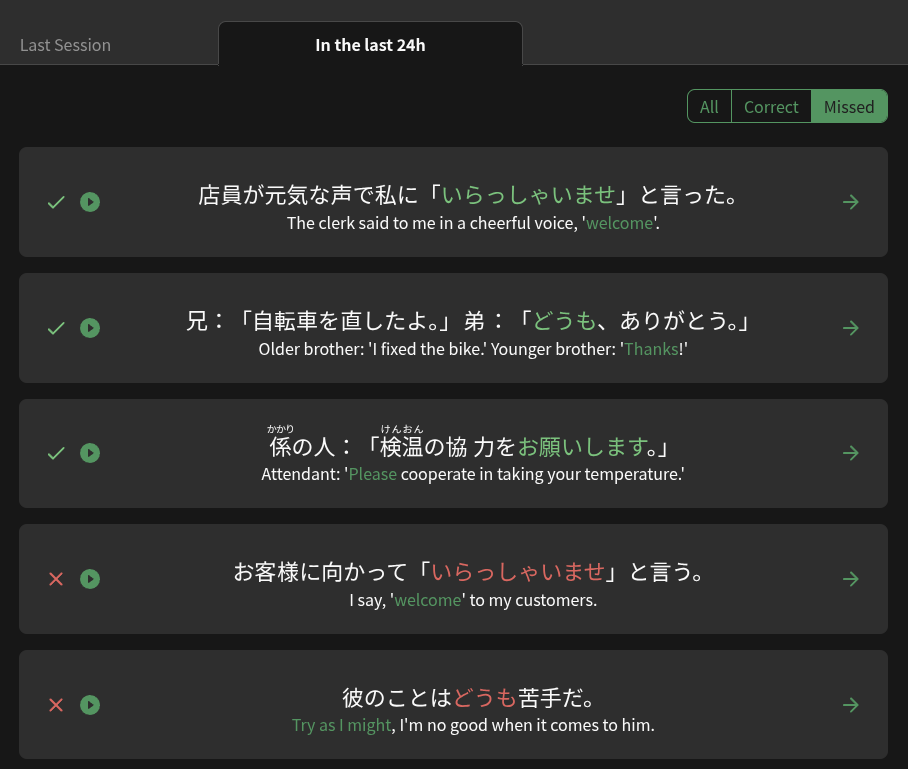
Clicking on Profile > Summary > In the last 24h, the filter buttons do not appear to work correctly. I cannot isolate the missed items in the last 24h. They do seem to work for Last Session.
The N4 and N2 Decks were missing 1 item each.
These have now been added!
Thanks for the reports
Hi there! Thanks for the report.
I’ll reply to your feedback here.
Are you able to please share maybe some screenshots of what you’re seeing?
I just checked my personal Summary and couldn’t replicate this. 
Hello! に沿って can have quite a few possible translations depending on the context. If you check the examples you can find some where we have it translated simply as ‘along’, normally talking about something literal (physical) and not metaphorical (abstract). For example,
この点線に沿って切ってください。
Please cut along this dotted line.
The non-literal, formal use is often translated as ‘in accordance with’ but ‘along with’ (or simply ‘along’) is a more literal interpretation of the meaning, there to help highlight the core meaning of the vocab itself. I hope that helps explain the discrepancy between the title and that specific part of the writeup in this case.

I noticed as I was coming off of vacation mode that Bunpro now gives a indicator for how much of the reviews it has processed. I love this feature!!! However, the elapsed time indicator was not updating (see screenshot). Everything else looked like it was working as intended.
Hope this helps. It only occurs in the “In the last 24h” section. The “Missed” button does tend to shuffle things around but it is actively showing many correct answers, as in the screenshot.
Testing it a little more, if you click “Correct” before “Missed” you’ll see that the missed are sorted to the bottom of the list but the correct answers remain at the top.
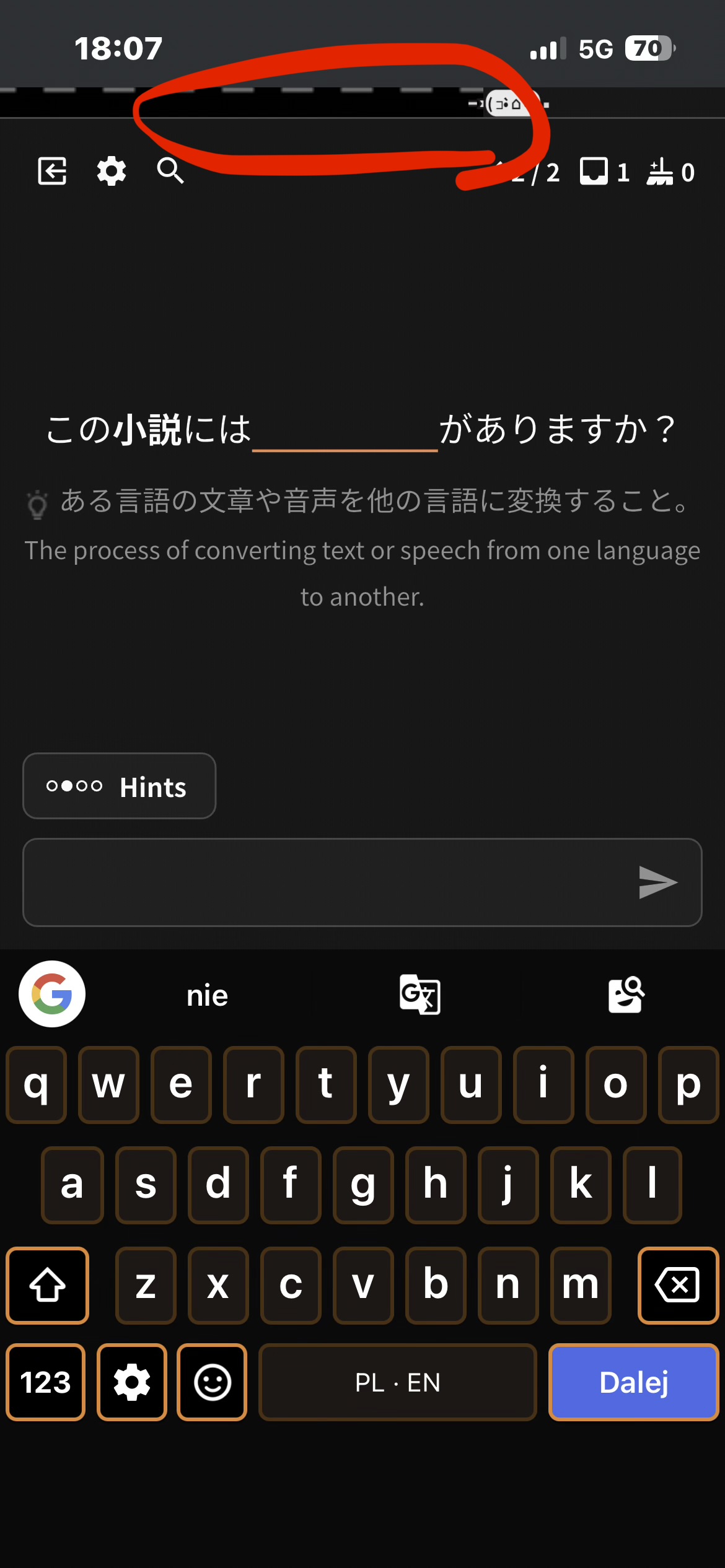
I opened bunpro on my phone (iPhone 13) and it seems to have some scaling issues. Profile pins go outside the borders, and the progress bar during reviews is like this
Hello, I have 100% Acurracy despite doing things wrong. I looked into the existing thread and followed some tips. But nothing worked yet … help pls 
Hey, no I changed to my Laptop a few weeks ago. But it was working for some time.
I have a similar issue when on my laptop. Everything shows as incorrect even if I had a few I got right.
When I do let’s say 4 reviews and half of it is wrong it shows 2 items and 100% accuracy. On missed is no Item. It’s just gone. I tried it without the addblock, with incognito mode, searched the settings, etc. It’s really frustrating.
I guess this isnt really important but its bugging me
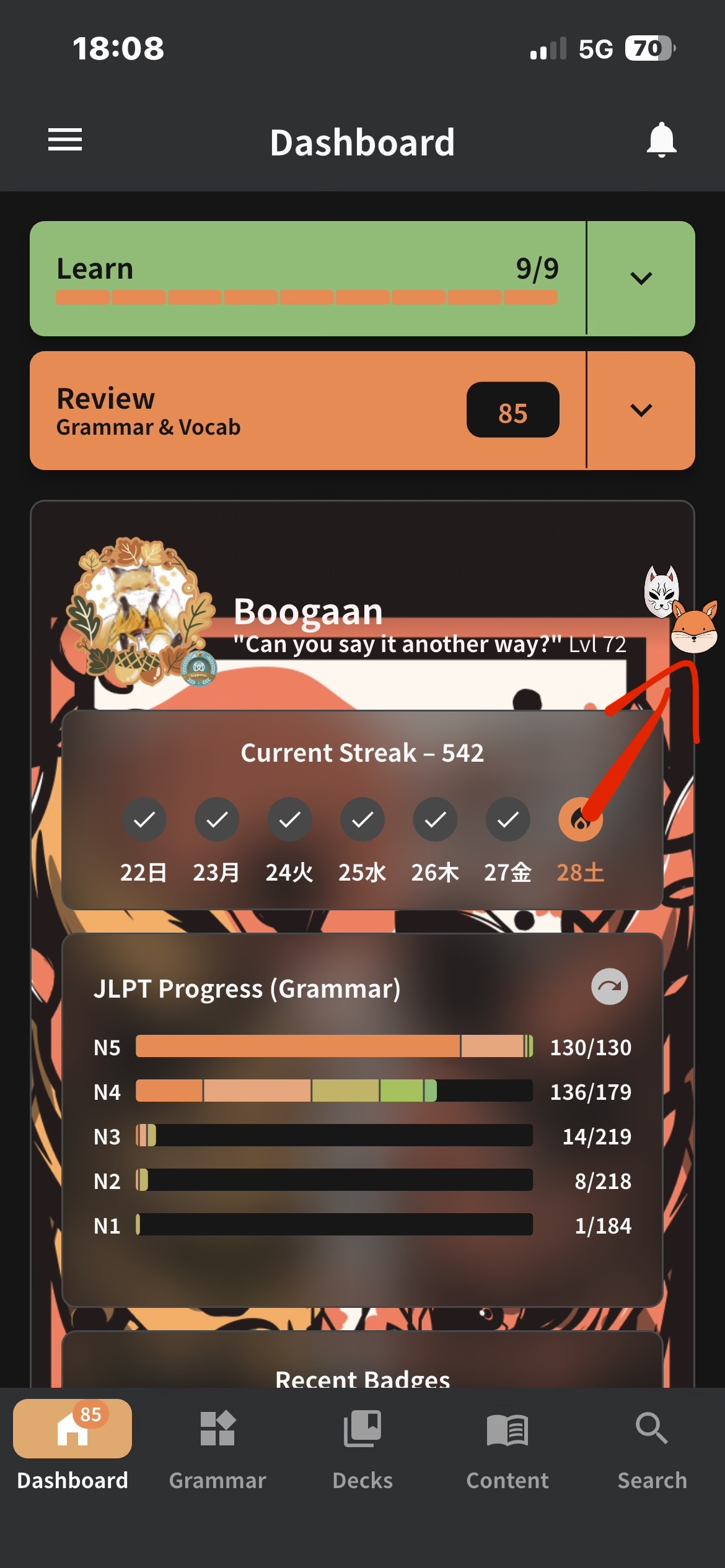
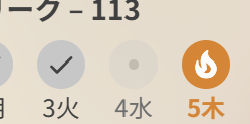
I played around w vacation mode yesterday to see if I could still do reviews while in vacation mode (just receive no new ones) which I cant, so tried to cancel out of it but it was taking several hours and I had to turn my pc off before it was finished activating. As a result, I guess I messed up the streak saving system because it resulted in me losing my streak, so I manually set it again, but I did actually do reviews today and yesterday anyway


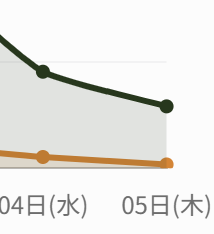
Is there a way I can get the tick back on wednesday… its really annoying me HAHA
Hi there,
Not sure where to ask, but here goes… I accidentally deleted an entire unit from my custom Satori Reader deck
. I’m not sure how it happened, but is there any way to “undo” this on the backend? If so, it would be greatly appreciated!
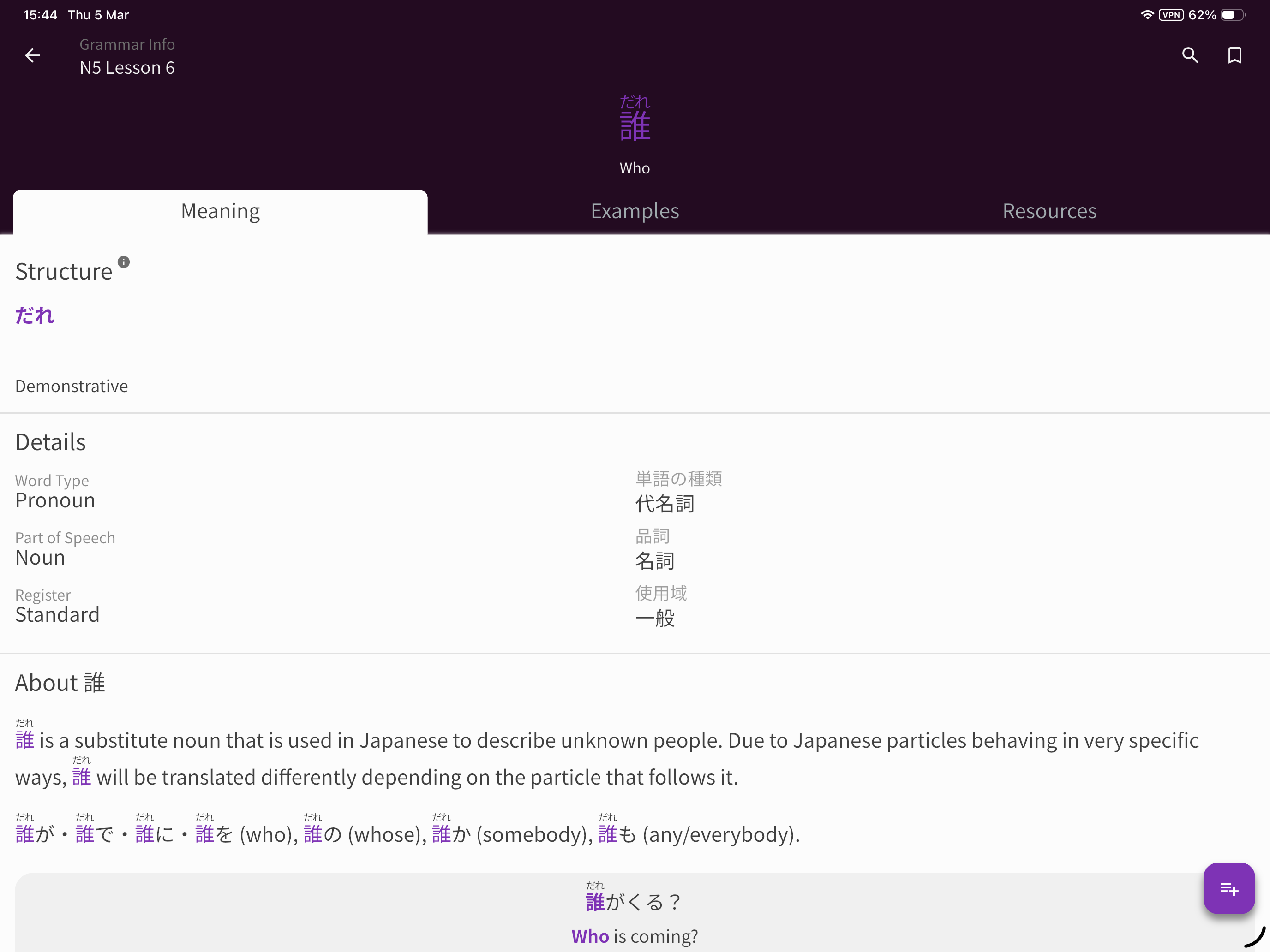
Hello. Bookmarks seem bugged for me and it’s making cramming very difficult. I go into my book marks and periodically clear out words i already know. But over the past few months bookmarks sometimes don’t get removed even after un-bookmarking them. I have attempted multiple devices, re-book marking and un book marking, nothing. I have attached an image for example. (I have went through all book marks on my account and cleared them. I am left with around 40 that are in a unclearable state and make daily bookmark reviews challenging)