
Amazing, I have send you a message. Thank you for the help, this has been a blocker for me 
1 Like
I just did some reviews and now it only shows me all my mistakes :'D xD
2 Likes
Hey!
I believe it’s because we changed system recently and items that failed in one session, and weren’t ‘wrapped up’ persist between sessions.
So if you didn’t wrap up, and had 5 items you failed they will persist to the new session.
And if in the new session you just do the failed items from previous session, they will still be shown as failed.
2 Likes
Heya !
I’ve been getting Master+ vocab reviews today, while the Master+ option is disabled in my profile :
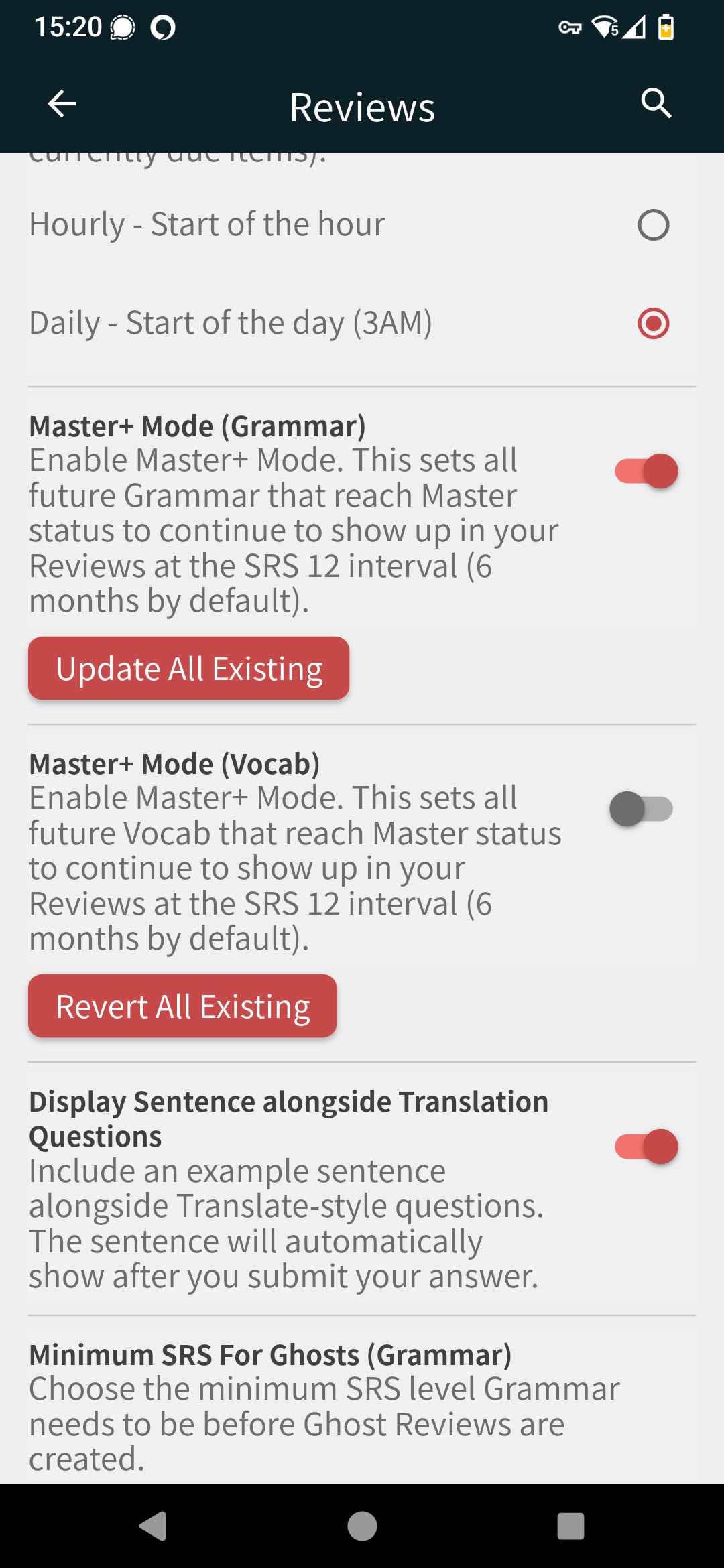
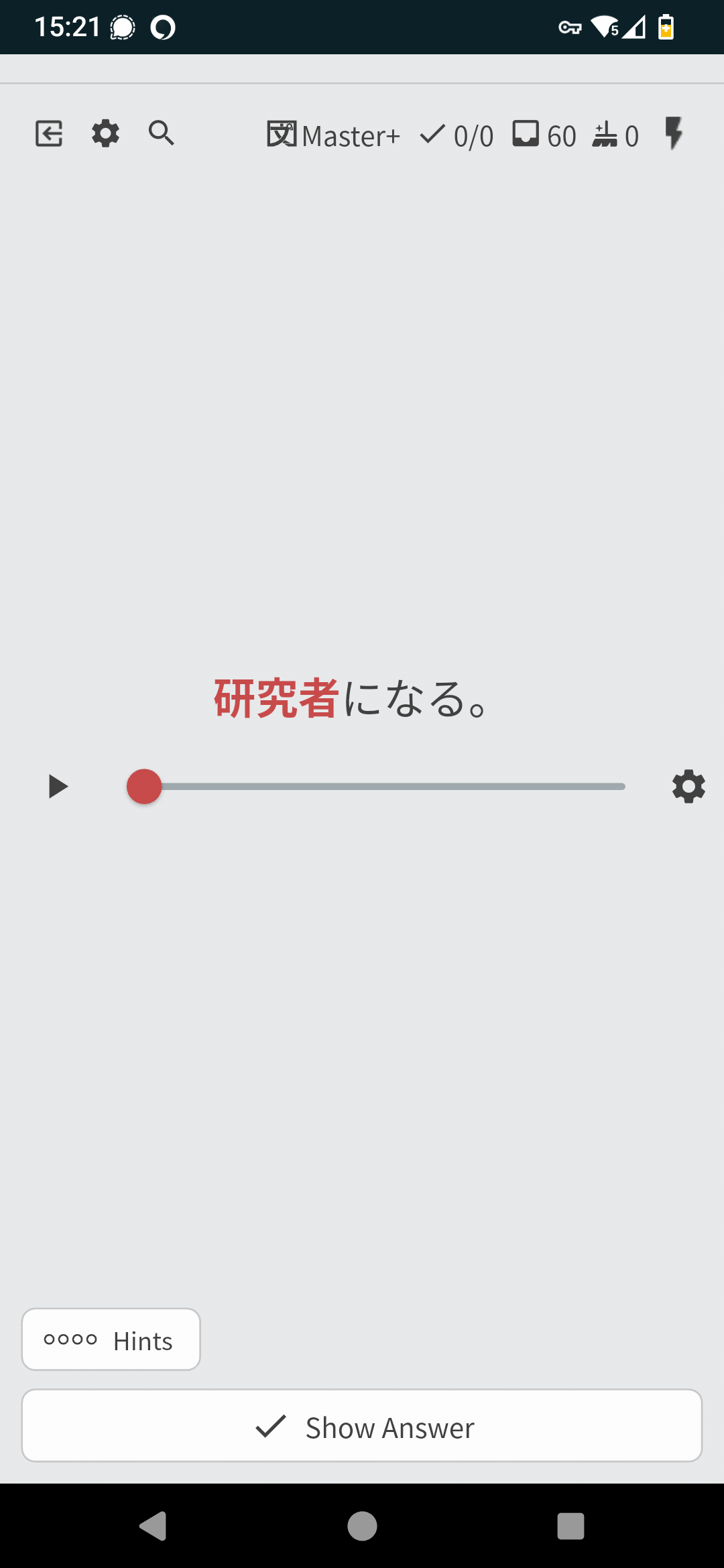
I did click the “revert all” option just in case, but it doesn’t seem to change anything. I do have the option for grammar tho, maybe there is an overlap ?
1 Like
Over a year ago I was reporting other issue with system messing up different settings between grammar and vocab so it is likely to still occur in different settings.
2 Likes
Just had something strange happen. I wanted to change how many grammar items I was learning from the N4 deck, so from the homepage I went Content → Decks… but for some reason in the new page I wasn’t logged in. So I closed the entire page and reopened Bunpro, to find I was logged in again. Could access reviews and lessons, but whenever I went to Decks I was logged out.
Logged in and everything seems to be working fine, i.e. can change my lessons amount, but it was just weird.
2 Likes

On latest update,
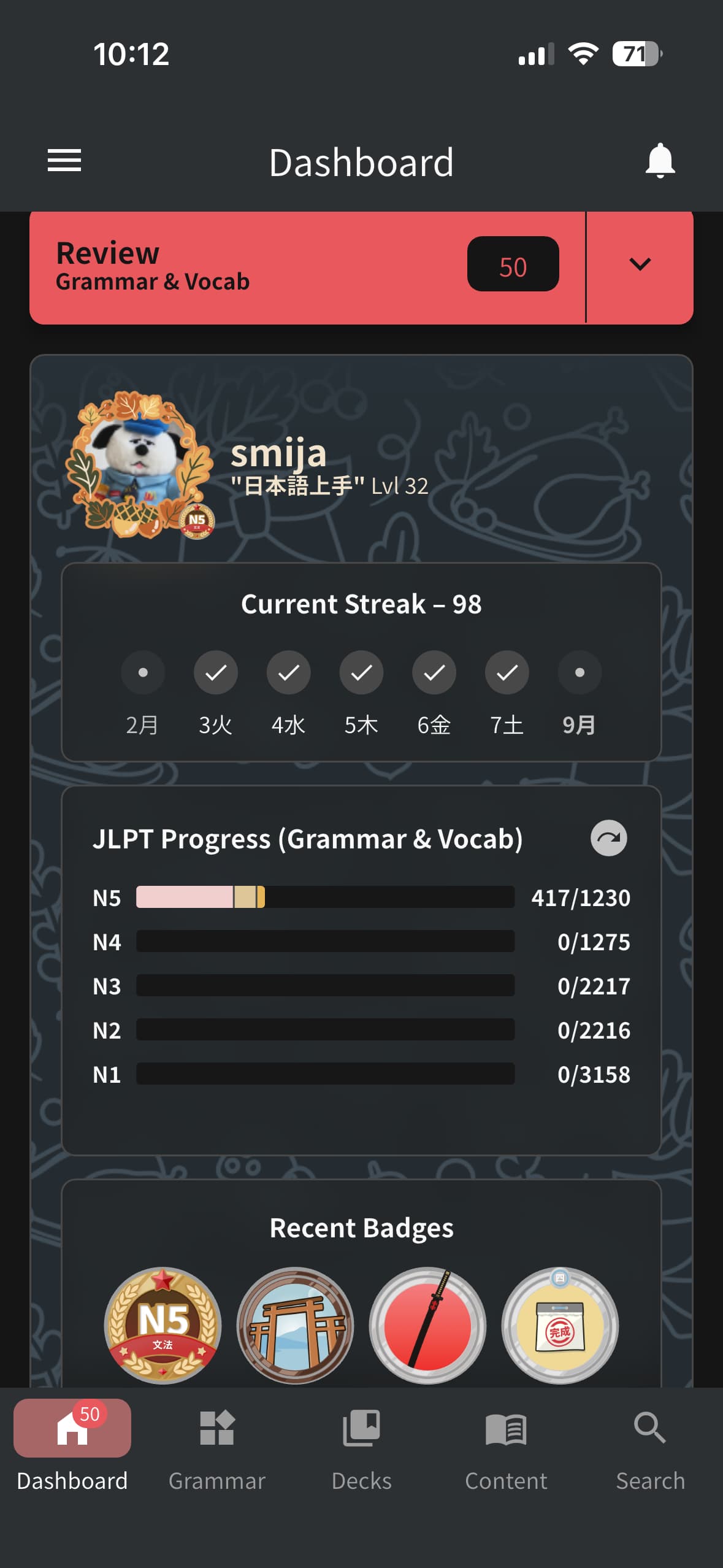
- my streak is still 98 but the dashboard visualization shows the first day of the week being “did not preserve streak”
- My JLPT progress visualization resets to Grammar every time I change it to (Grammar & Vocab). I’d like it to always be displayed my choice when I leave and come back to the app
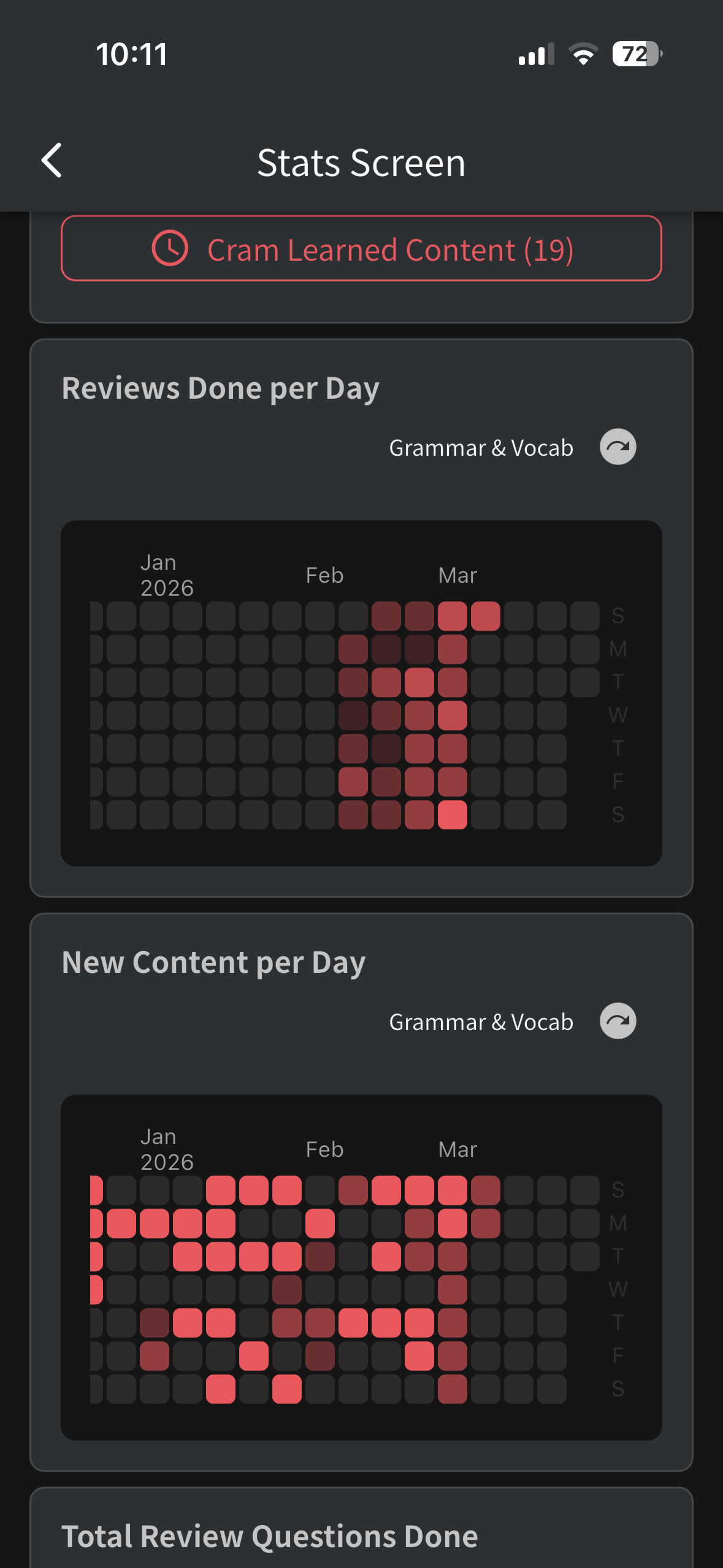
- My reviews done per day view in Stats only shows a couple weeks and not my entire progress.
On iOS the Info button is completely broken. It scroll down to show the info but when I scroll back I am unable to change the answer. Pressing back will exit the Info page, which is not what I am expecting.
What’s the point of this change?
4 Likes
Hey @extrakun
The info part is being reverted now, it works just like the website version of the app.
To unlock the textfield you have to scroll up and use ‘undo’ or submit answer.
Should be back to the way it worked before around tomorrow.
@Errykostala This is a small bug, will be fixed. The hint button should not be shown at all with reading type questions.
2 Likes
It seems like it ignores the undo last character setting and automatically undoes the whole word
1 Like
dear mighty staff, may I please have some acknowledgement 
2 Likes
埋め合わせる has two entries with slightly different spellings. Is this a bug?
1 Like
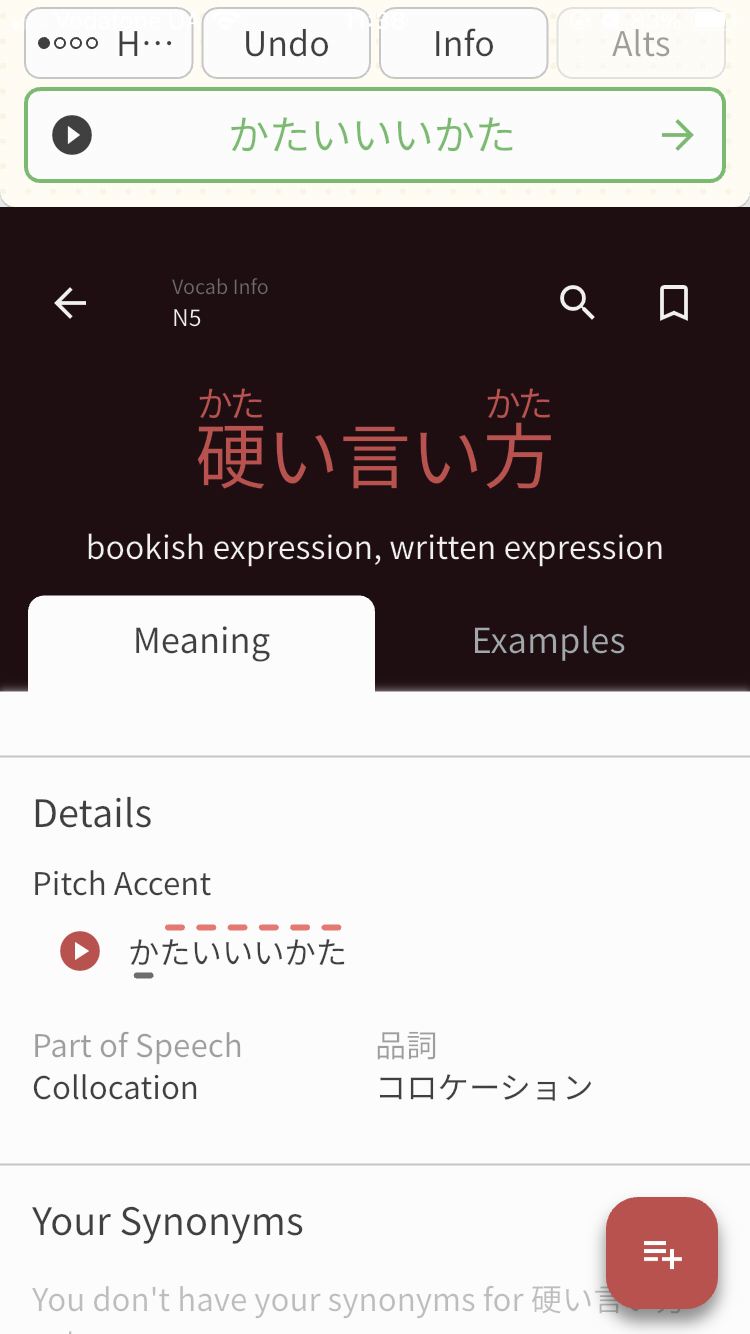
info button scrolled down but not full screen
also my progress show n5 grammar 127/130,
but 一昨日it was 130/130
3 Likes
Hey!
This is on purpose, tapping on the textfield scrolls to the top.
Cheers!
1 Like
if this is the case, could you consider removing more of the top space please? it was nice having more screen space to scroll through the info page. it feels a bit claustrophobic now. especially given grammar pages are ones you’d ideally be able to quickly glance up and down at to contrast and compare certain aspects. think of the discomfort of having your view cut by 20% by a large banner ad on an article, for example
it seems mine is actually slightly broken (they’ve got hint etc. buttons on their top screen, i’ve got lots of blank padding) — however hint etc. buttons aren’t necessary when looking at info and take up unnecessary screen space anyways.
i’m not sure if this is intentional, but also clicking on the back arrow at the top left when inside info takes you straight to the home page without even asking for confirmation or registering the answer properly and removing it from reviews. this is especially annoying given the scrolling back up is a bit finicky and takes more time than just clicking the back arrow. on top of that, it’s not uncommon to actually go down a bit of a rabbit hole inside of reviews — to which you press the back arrow multiple times to return to where you came from (i do like this pls don’t take it away) — it is not entirely intuitive for this back arrow to then skip back all the way to the home page, as this arrow has always had a pattern of going one page at a time
sorry for the wall of text, i study almost entirely using my phone, and really appreciate a lot of bunpro’s UX!!
4 Likes
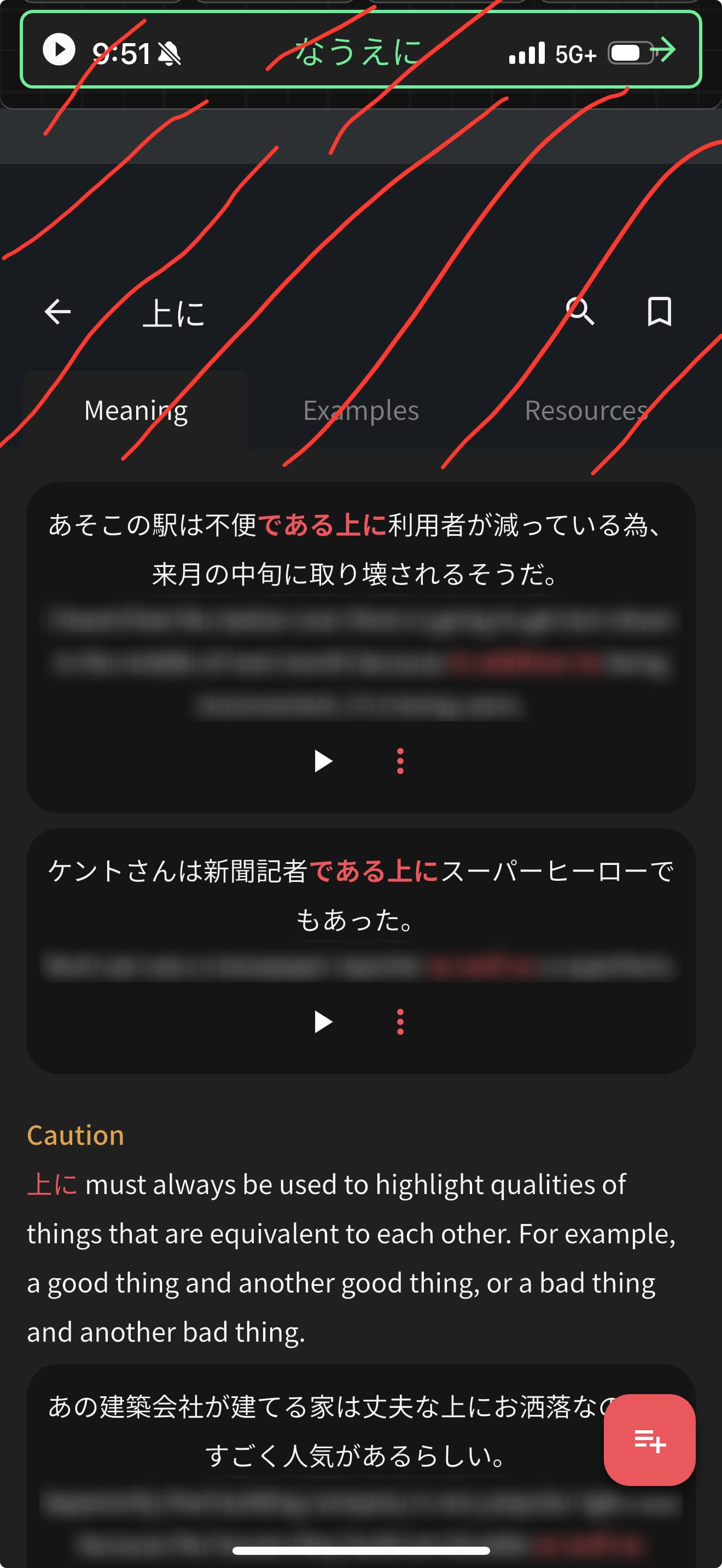
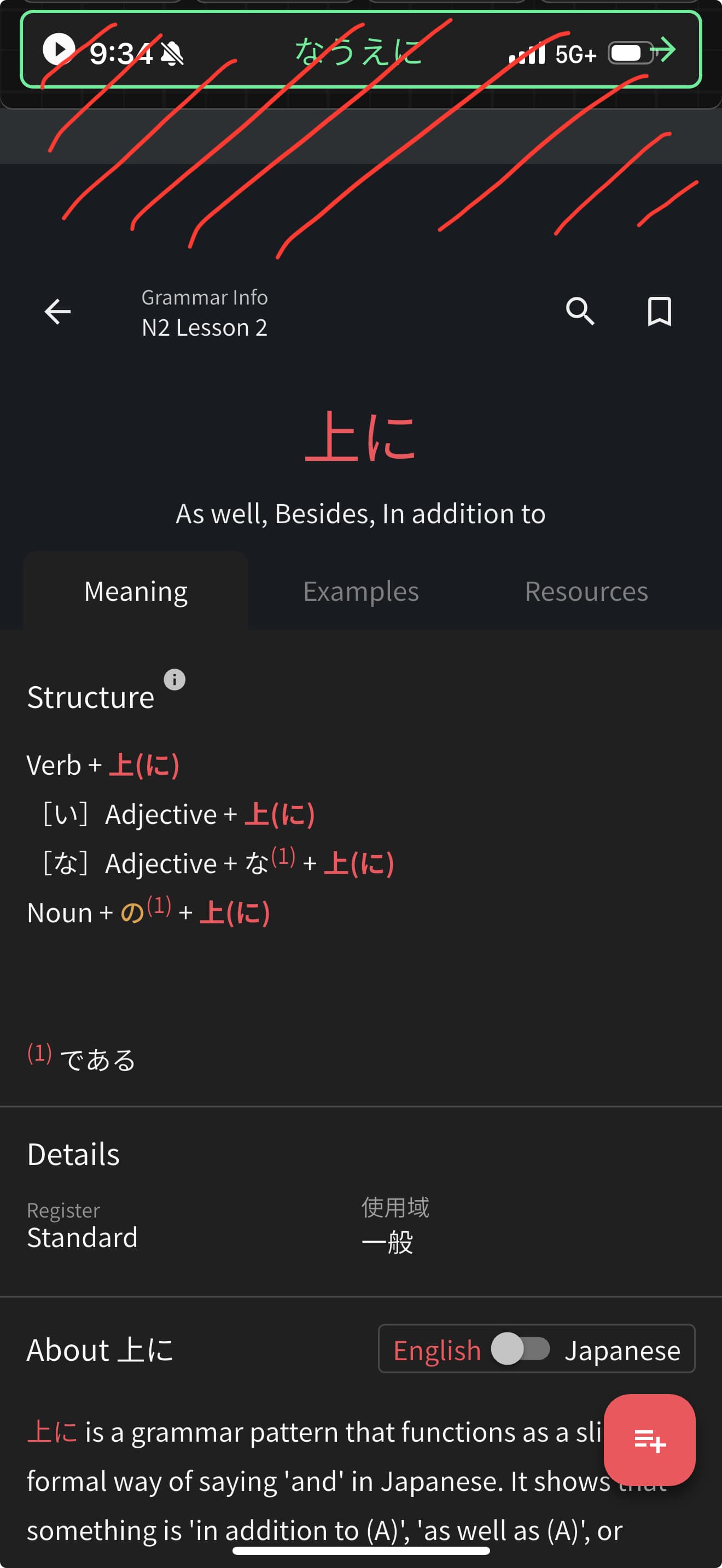
given nothing folds up when scrolling down, you’re only given ~60-70% of your screen space for relevant information
having the back/search buttons offset like this feels a bit unnatural as well
3 Likes
Yes!
This will be fixed with the next update! It should be released very soon. 
2 Likes
On the mobile app while doing reviews, tapping the back arrow after accessing item info exits out of the review session and returns to the main menu instead of returning to the reviewed item. This is very odd user experience wise, especially after getting used to the arrow returning me one step back.
2 Likes