
Sorry for the late reply, but it works well now, thank you so much!
1 Like
Hi, a minor issue i keep having is that on the grammar learn page, the play audio button is covered by an invisible div if you havent scrolled up enough, making it unclickable:
unclickable:
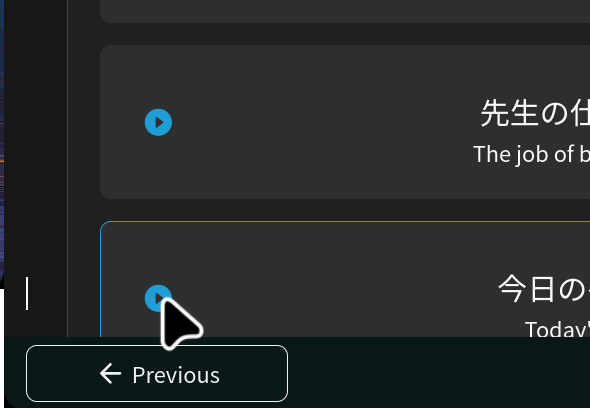
clickable:
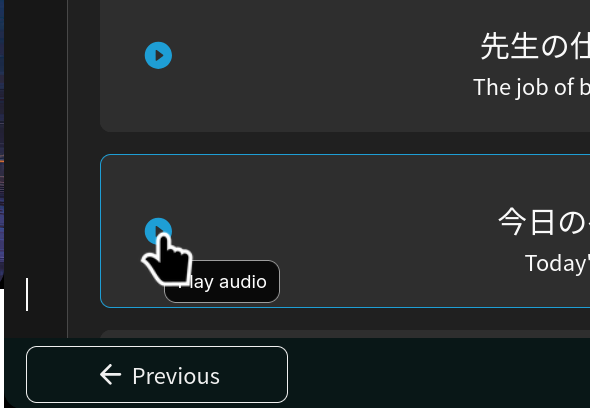
unclickable:
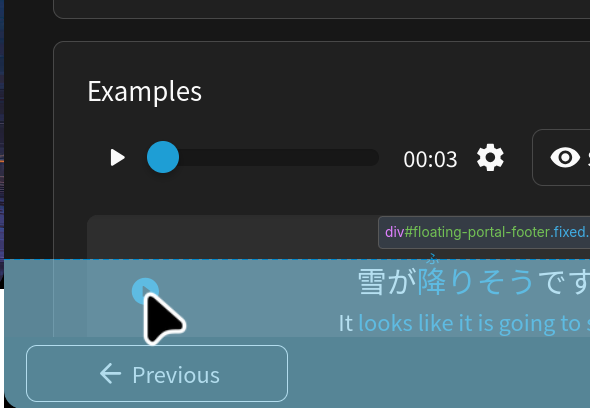
clickable:
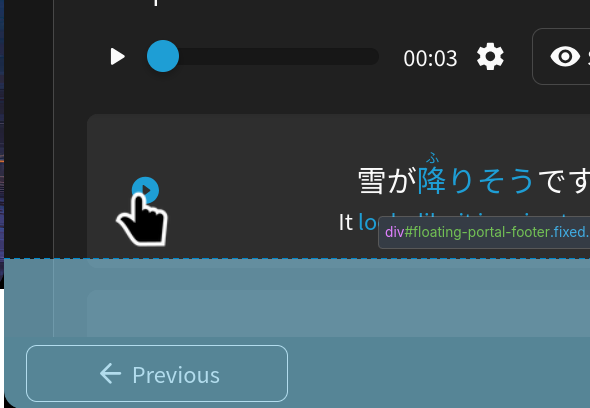
this seems to occur in both chromium and firefox.
2 Likes
New iOS app version seems to have reduced the bottom margin. It doesnt show up well on screenshots but due to the rounded corners of the screen the edges of the show answer button are severly cut off.
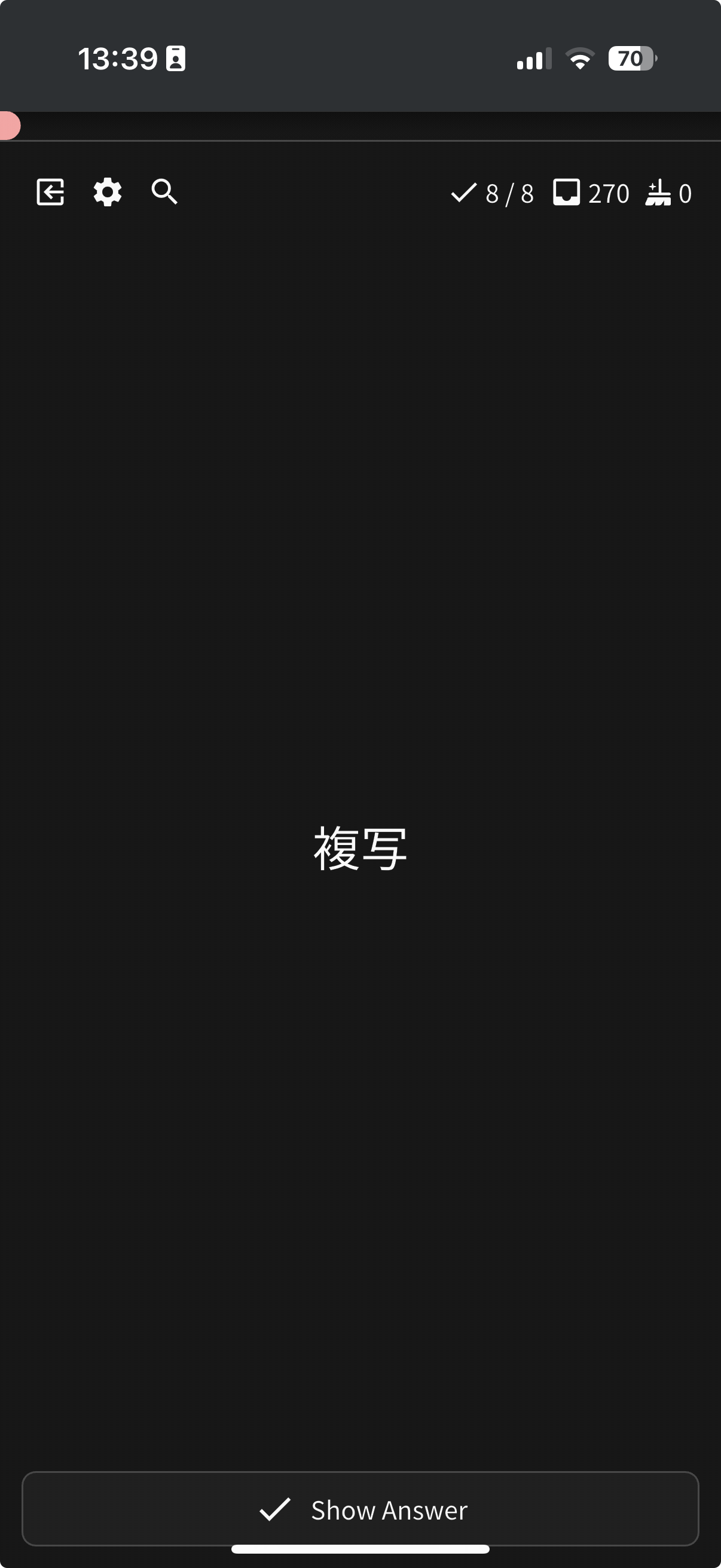
It also messes with my muscle memories of the buttons and makes it easy to misspress the home bar…
3 Likes
2 Likes
apple
1 Like
Are we ever going to get a fix for app badges not populating without opening the app on iOS? It’s been this way for a while where app badges showing queued reviews do not appear without opening the app first which defeats the purpose of having app badges in the first place. 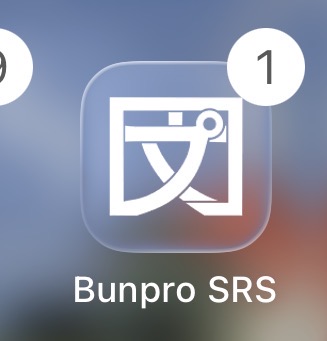
3 Likes
We will be working on this issue!
2 Likes
Thank you!!!
1 Like

I don’t know how much of a “bug” this really is, but I have the font made larger on iOS and I keep running into the problem where the furigana overlaps. Is there any way to fix this besides making the font smaller?
2 Likes
review session id 27835214
活躍 was answered correctly but I had to answer it twice
PC, firefox
exp bar also kept going back and forth
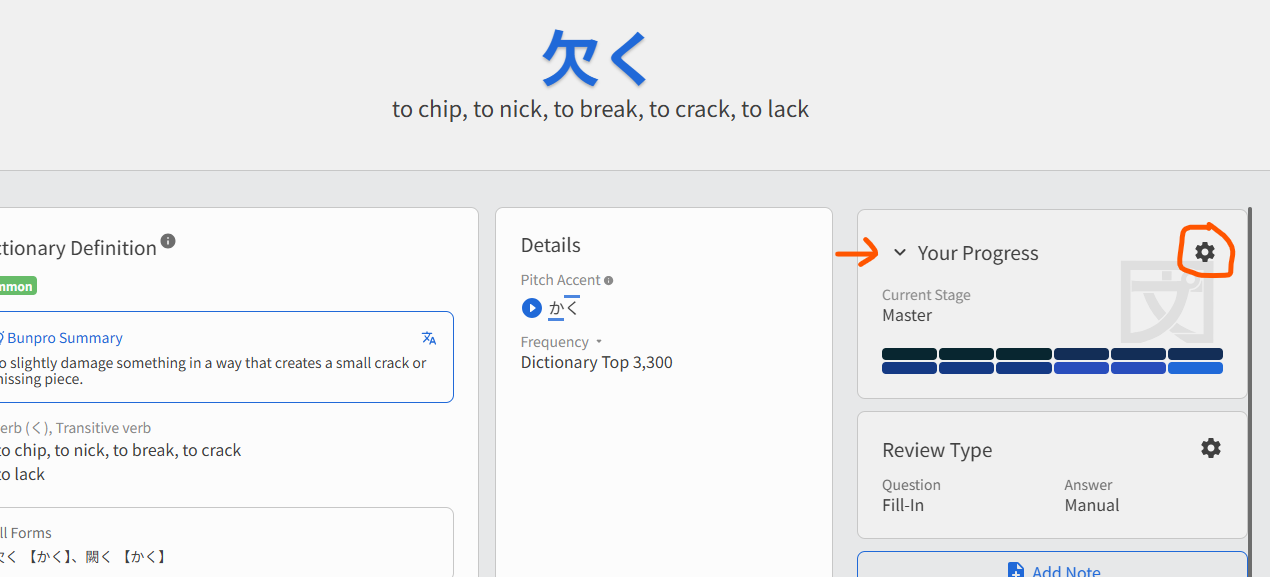
I’m on web Bunpro, on Edge. The cogwheel here is unclickable until I expand this box with the downward facing arrow. In other words, as long as the box is collapsed, the cogwheel doesn’t work.
1 Like
@neeshabun
Hey!
If it’s mobile app, then open settings, search and then enable ‘Large Furigana’.
It should fix the issue.
@Urazi
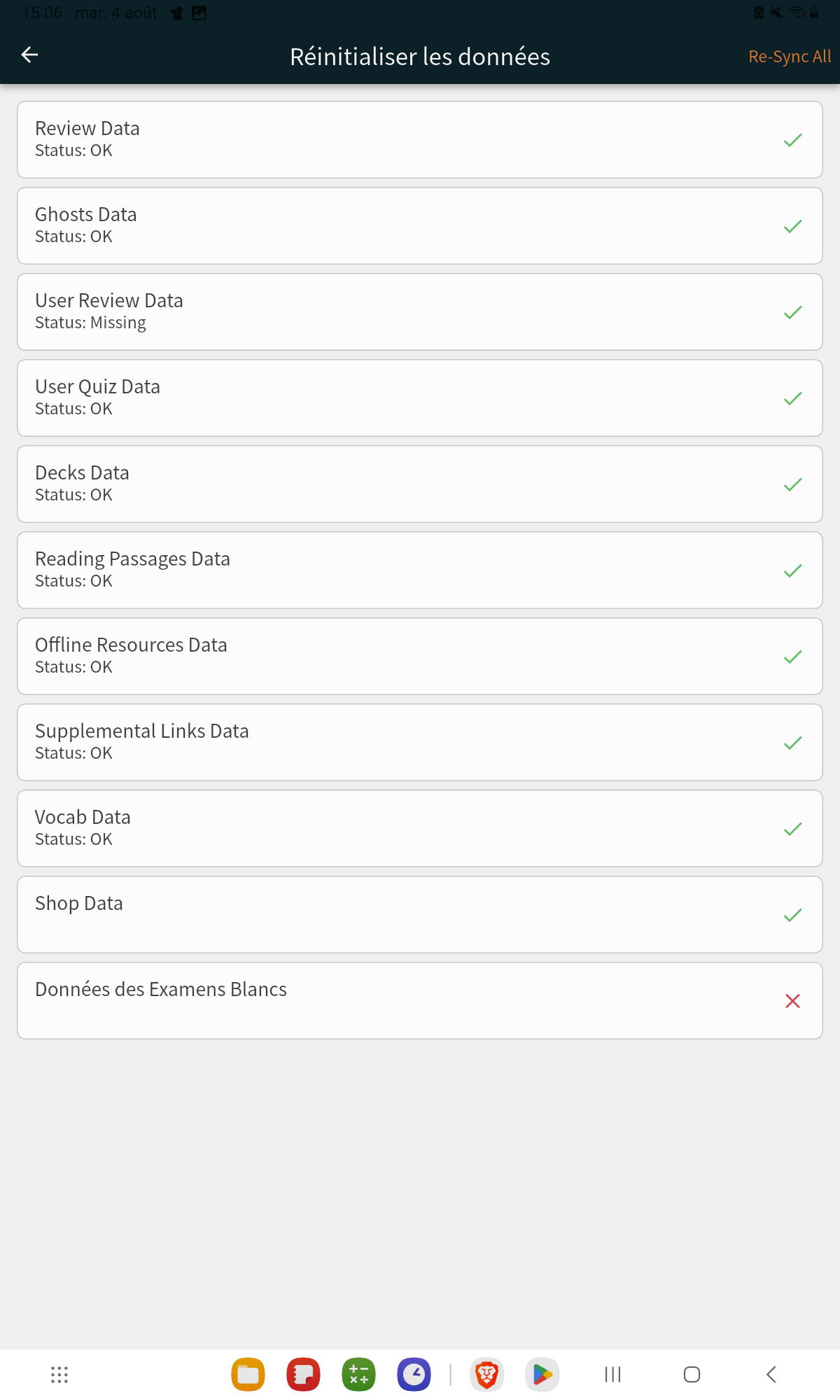
Could you update the app to the latest version, and then go to the settings, search for ‘resync’ and tap on it.
There, tap on the ‘resync all’ at the top right corner.
Did it work?
Cheers!
2 Likes
Nope though I might have an idea of why there is a problem.
On the sync page the user review data are written as missing, this might be the issue?
It had ared cross on it but dissapeared when I clicked on it to force resync (even after the resync all)
Also the jlpt test don’t load but maybe it’s because I have never done one so far.
The app is up to date on the 0.5.10 version.
Edit: now that I have a few, expert vocab show the same error even though I was able to see them yesterday.
2 Likes
Yay, fixed! Thank you 
2 Likes
Heya,
Got a really weird behaviour on my last review session, the SRS seems a bit confused  At first the words I got wrong didn’t seem to loose any stage (see first example 面接, which went from expert 1 to expert 1 with no study history even though I encountered it a lot)
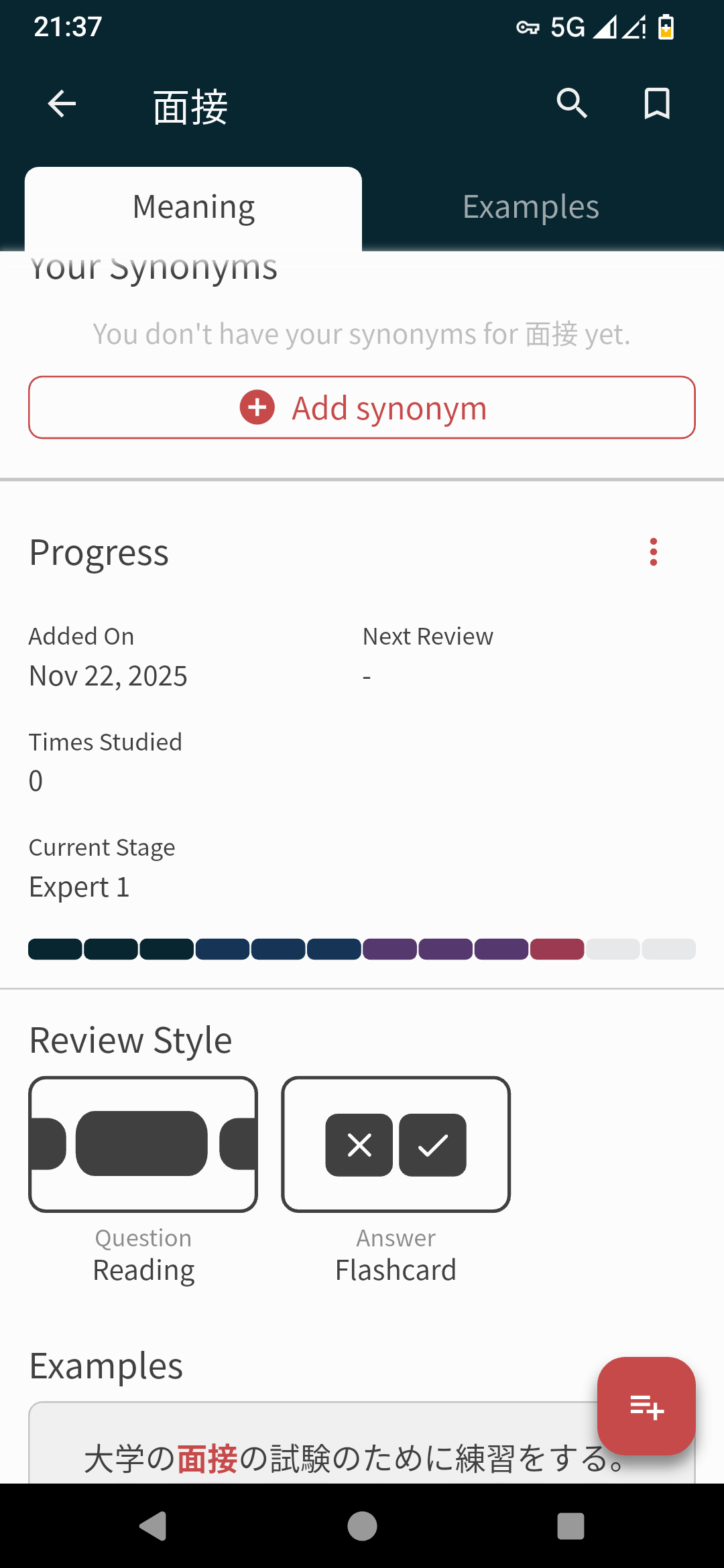
Then I closed the app, reopened it and bro was set as mastered…

Looking a bit closely, it seems a lot of the words I got for this session are now mastered, even though none were expert 2… There is no trace of my missed reviews in stats either.
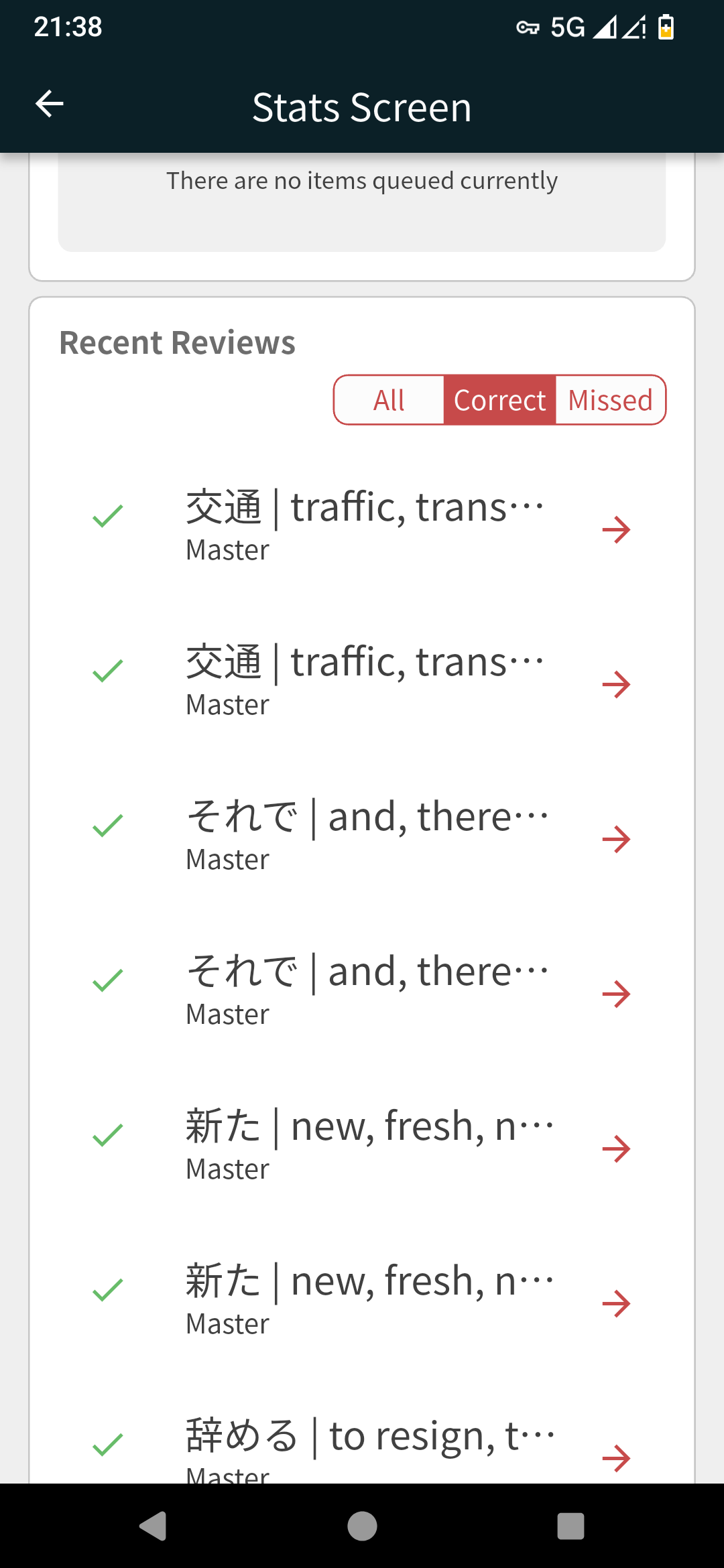
What should I do ? This is very concerning.
1 Like
So this was Android, using the web version on my computer it’s even weirder :
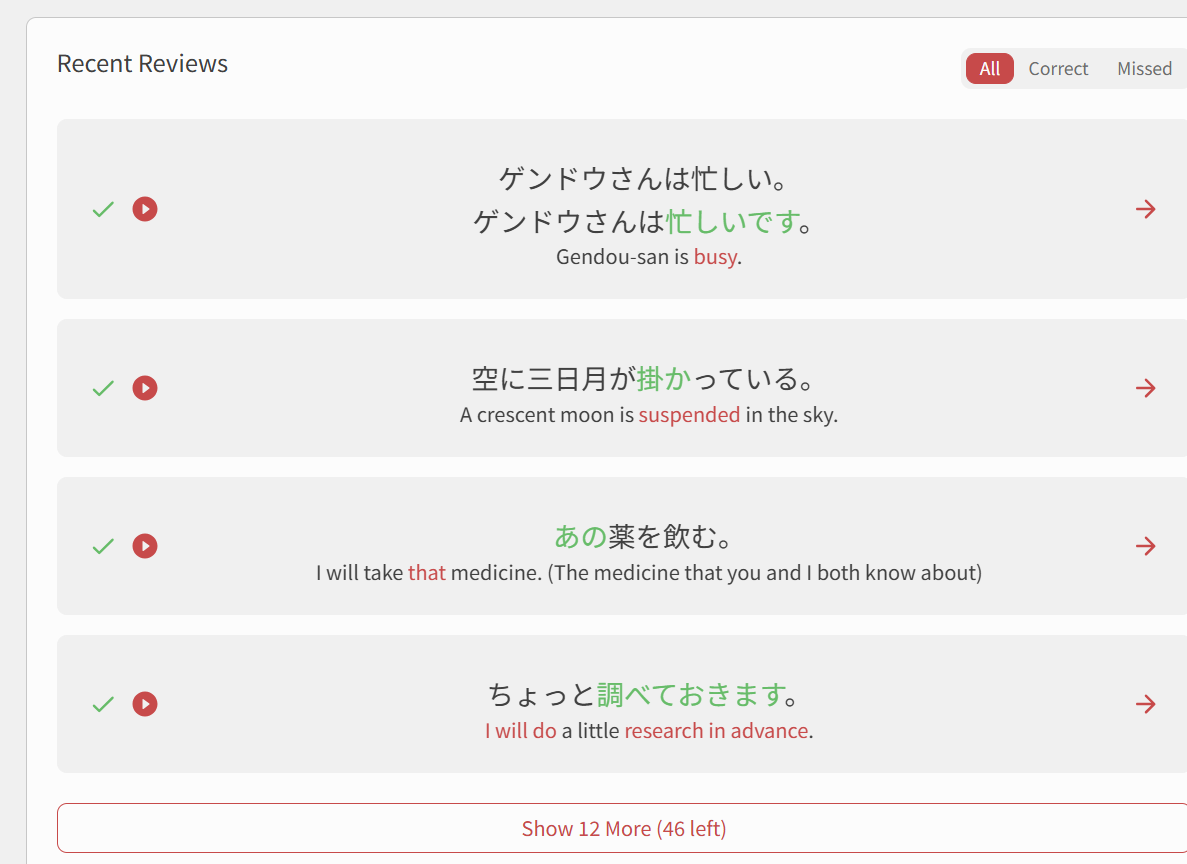
Those are early N5 grammar points that I finished studying months ago, I haven’t seen them recently and shouldn’t see them as they’ve been mastered already. Bunpro recognized that when I click the “recent reviews” for details, and yet that’s all that’s displayed :
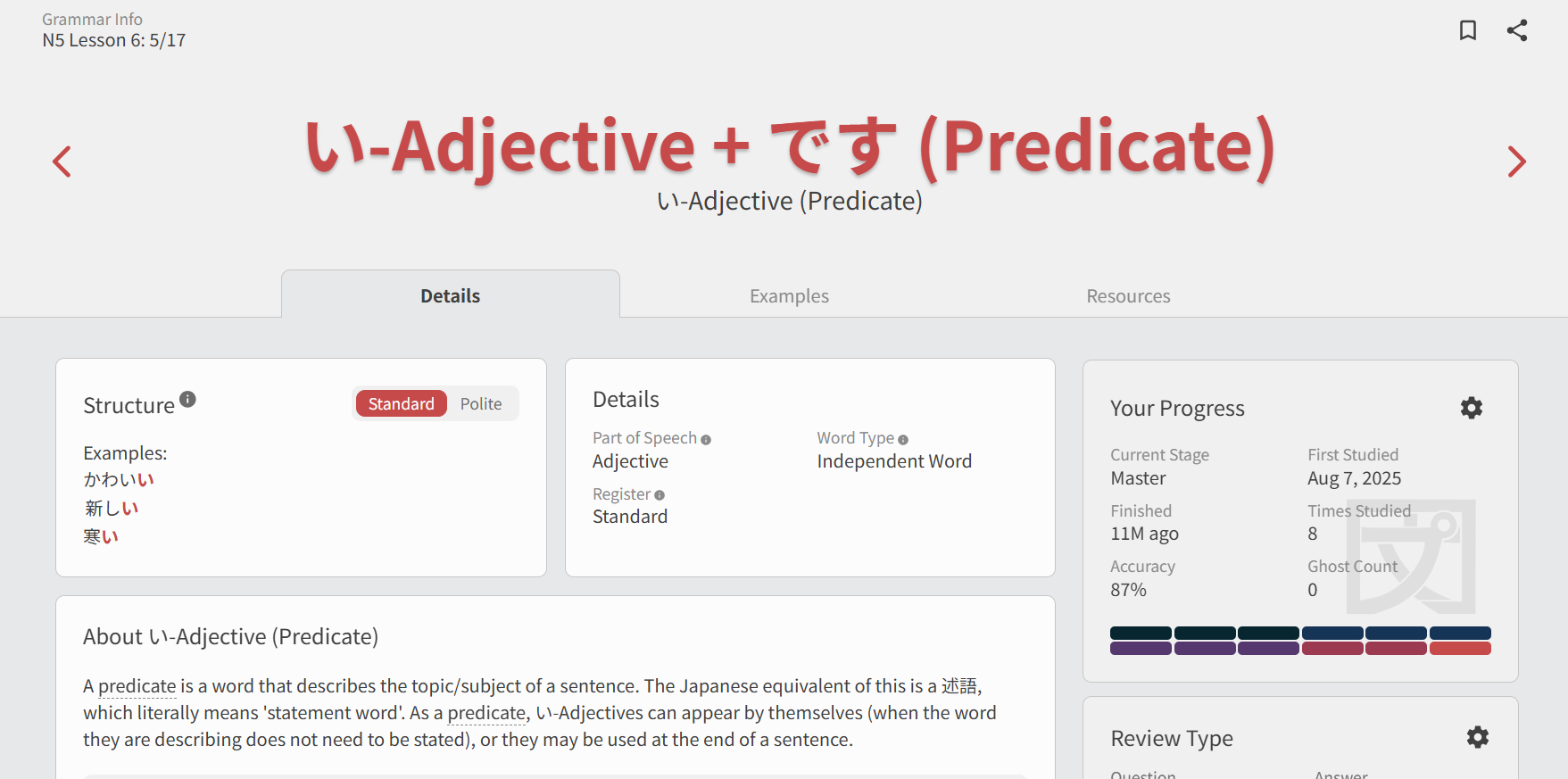
I’m gonna stop reviewing things for tonight to leave things as is but I hope this is solved soon, I’m worried my entire SRS history has been shot down.
1 Like
Good catch 🙇♂️
This will be fixed on next release!
2 Likes
Hi there!
Not sure what’s going on here 
Could this maybe be an app-only bug?
Do you ever do Reviews on web?
I logged in through your account and set the queue order to be highest-SRS-level-first, and am only getting Expert items showing up in the Quiz
1 Like
I am looking into it.
You can provide more details if you want in [PM] like which words were affected.
1 Like
The fact that stats are different from app to web is very puzzling to me as I suppose those are using the same backend data ? I usually do a bit of both, with a focus on the mobile app. Yesterday I think I stuck to the app, as I was not at home. Out of 30ish reviews I had 5-6 wrong ones, but those don’t show up in the “missed” part at all and the sentences history provided doesn’t seem to fit what I remember of the ones I studied during the session. I’ll also add that I’m not a avid user of the “stats” window, I only got in because I was looking for a specific sentence I just saw during my review session and that’s why I noticed something was amiss.
I’ll see with @mrnoone what more info I can provide you guys with, as I’m not sure starting another review session on my end won’t erase logs from the previous one
2 Likes