:bunpro_icon: Feedback - Bug Reports

Hi,

Don’t know if anyone else is having issues but using the search bar on app and desktop has been spotty on whether something I’m looking for appears or not.

It seems recent and haven’t noticed this issue until the last month or so. But typing in romaji I get mixed results for my searches.

Recent ones I noticed is typing “kiku” and 聞くwould not appear but if I type “to hear” it will show up. Same goes for 見る. And I swear I never had this problem.

But even typing in “このまえ” or romaji would not bring up この前 unless I explicitly type the kanji for it.

Like I said it seems recent but I haven’t seen anyone else mention it so don’t know if it’s a me problem.

1 Like

We agree it’s not great at the moment.
We’re going to be overhauling this in the coming months.
Hold tight!

The search feature will behave with a lot more accuracy, closer to the experience you get in a site like Jisho.org.

2 Likes

Awesome that’s cool to hear!

It has been great before and better than some I seen just wanted to point out it seemed to be acting up only recently.

I can definitely put up with it for the time being.

1 Like


reviews on desktop and mobile aren’t the same number

1 Like

Any chance for a hotfix for this issue?
The home button missclicks are getting absolutely infuriating and I wish I could downgrade to the previous version.

1 Like

@q90
Might be a sync issue, just open settings (dashboard, icon at the top left, there tap on the gear icon) and search for resync data.
There tap on ‘resync all’.

Should fix the issue.

@magnus1
Yes!
It is already fixed and waiting for the release with the next patch. Probably later this week or early next week.
Sorry for the inconvenience. :bowing_man:

3 Likes

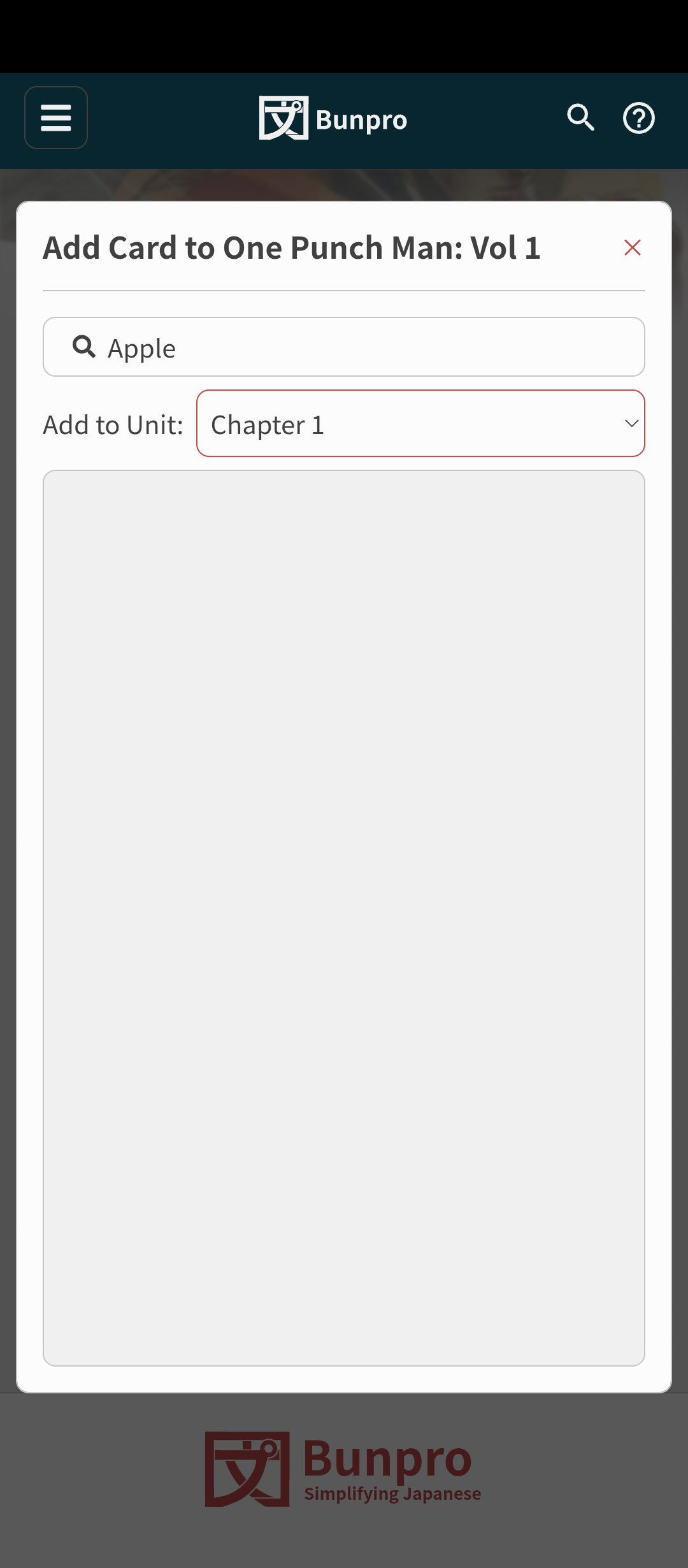
On mobile, I cannot add a card to my personal deck

1 Like

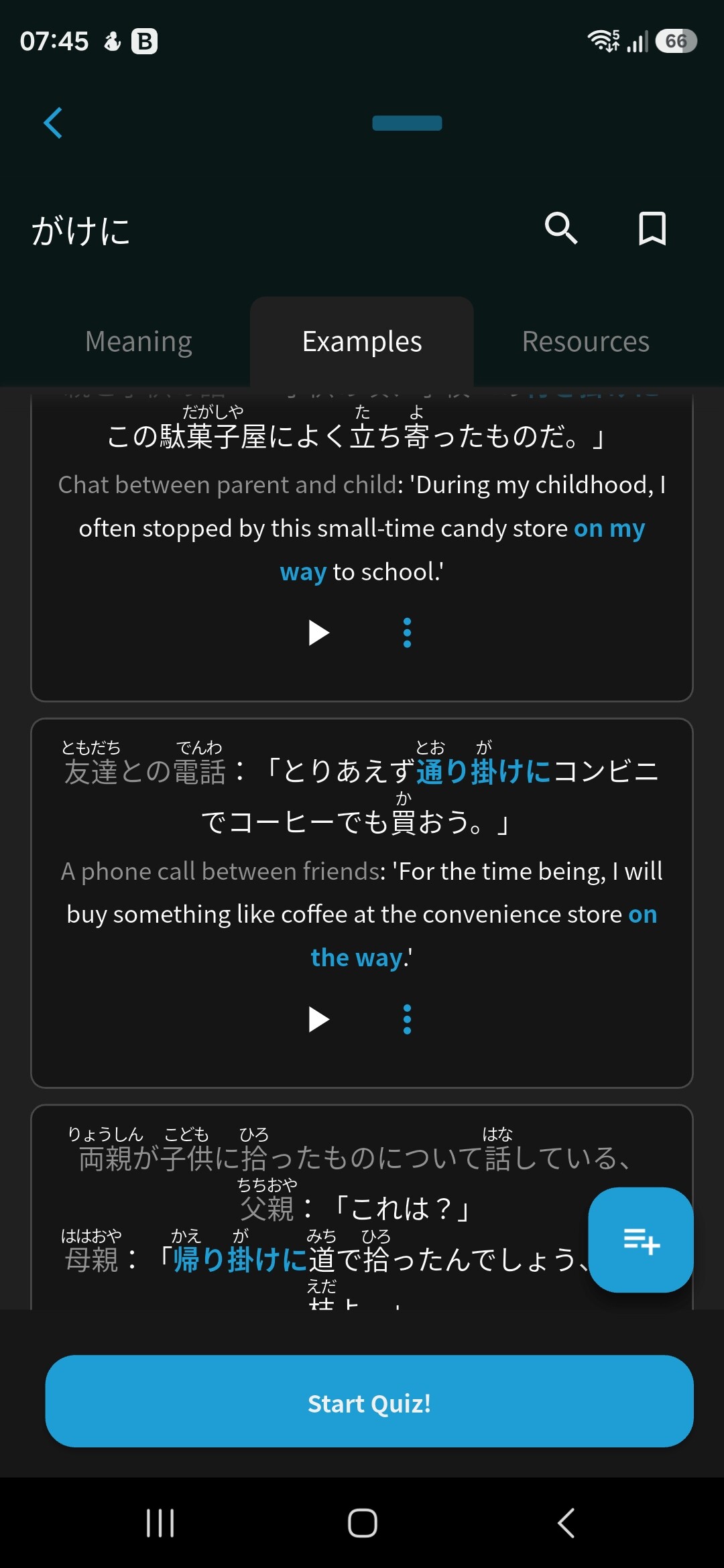
The play button does not work for the second sentence in the print screen, 友達との電話…

1 Like

Hello, I turned on the vacation mode almost 2 weeks ago. But now that I’m ready to review again, I turned it off and came back to 600+ reviews. I’m pretty sure it was 100 or less back when I went on vacation though; definitely not this much. Is there any way to revert it to when I left it?

3 Likes

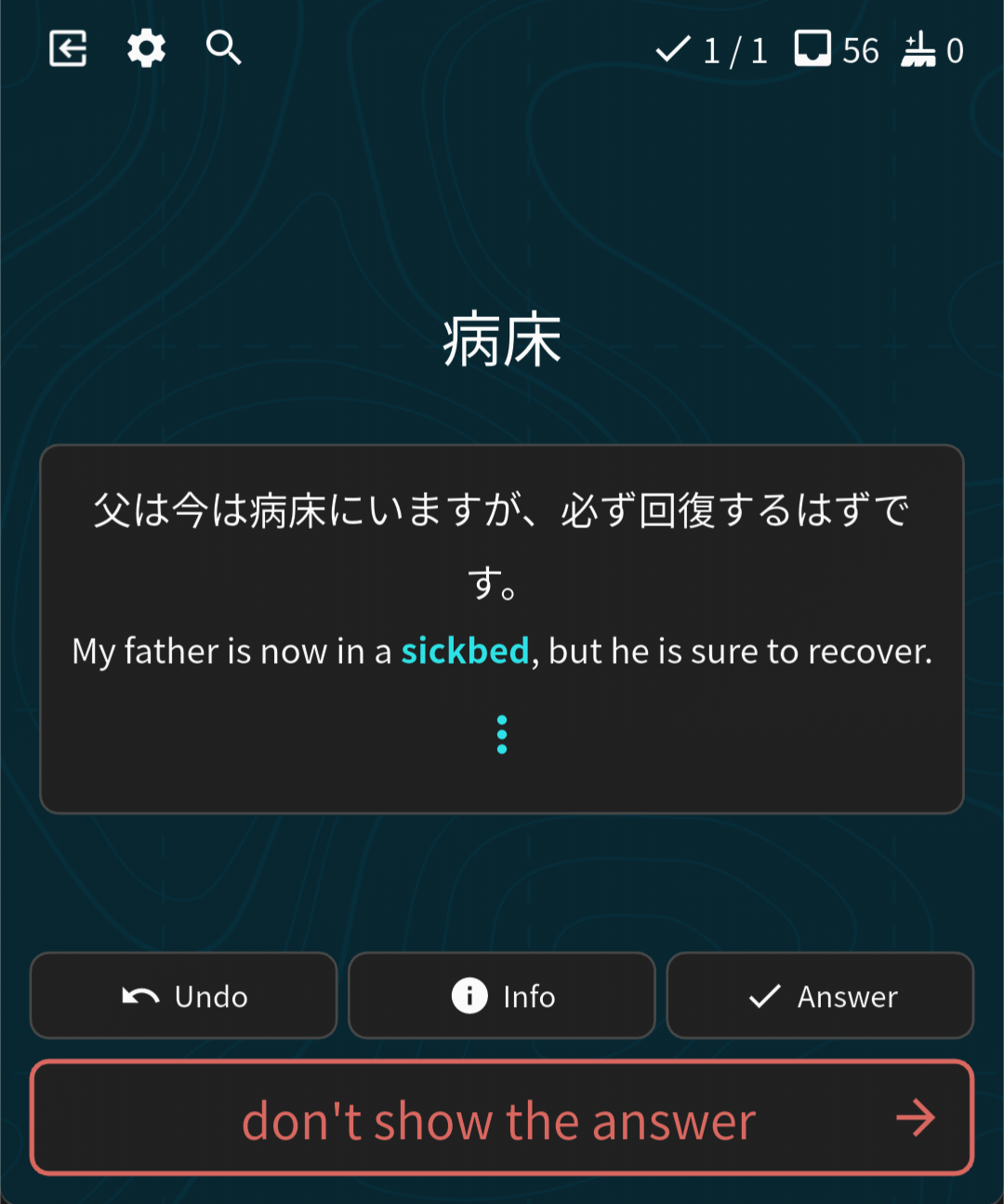
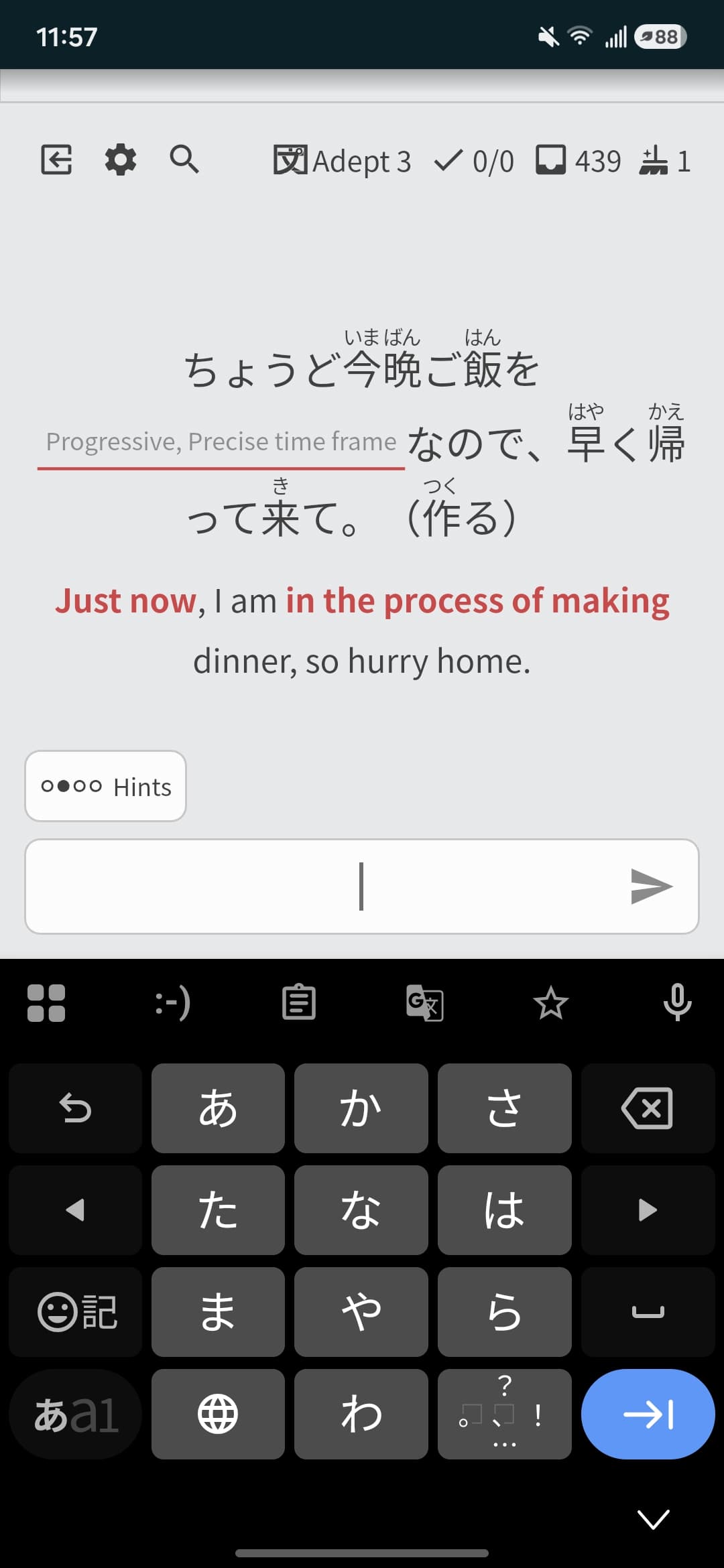
This has been bugging me for ages! For A2-A6 terms, when you type the wrong answer, the example sentence immediately shows. This gives away the answer. With cloze you keep guessing until you get it. Same for non-example sentence ones like A6-A20. But in the case of A2-A6, where there are example sentences and no cloze, it incorrectly leaks the answer by displaying a sentence on wrong guess. I argue this is a bug not a suggestion, since it is likely not the intended behavior and spoils the review process.

2 Likes

Sometimes when I type a word and then hit space to receive the full sentence translation, my input vanishes. I am using the app on my android phone.

1 Like

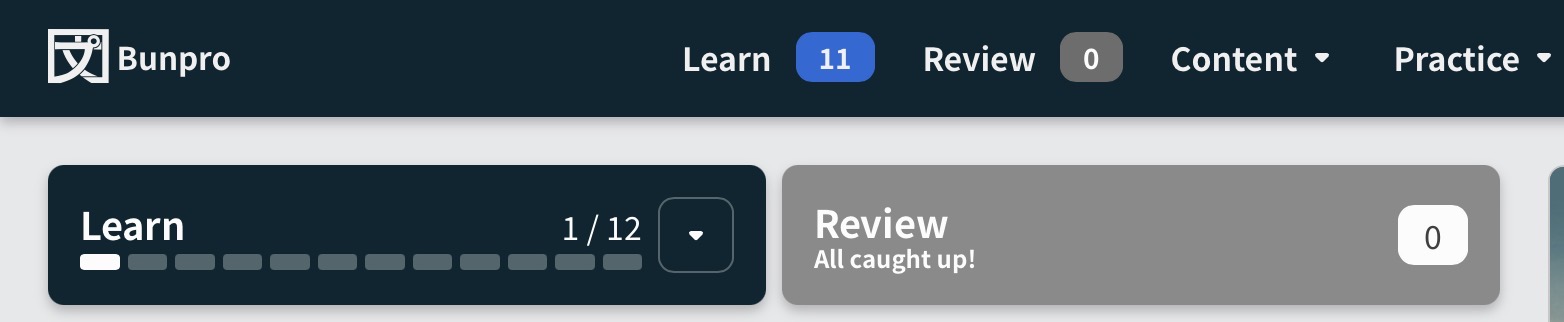
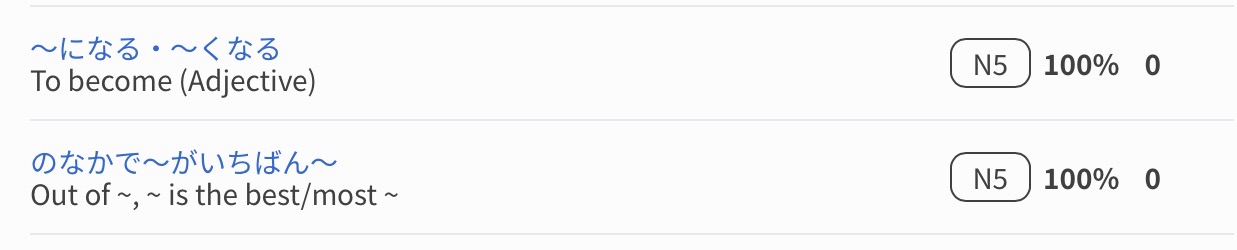
Today I did two grammar reviews, になる and の中で〜が一番〜。They show up in my beginner progress, however it says I only did one grammar review so far today, and that I still have one left to do. The next one is より〜の方が。I am just worried it will affect my progress somehow?


1 Like

I’m not sure what happened, but this didn’t affect your progress.
I just checked your account :sunglasses:

1 Like

Hi there and welcome to the forums!
Sorry for the late reply.

I just checked your account, looks like you’re still in Vacation Mode?
How many Reviews did you have due before you ended Vacation Mode last time?

Hi there!
Is this screenshot from the mobile app?

Yes it is the mobile app.

1 Like

Additionally, this feature doesn’t seem to work on web version at all, despite enabling “Display Sentence alongside Translation Questions”

So…
Mobile: Always shows, even if wrong
Web: Never shows, even if right

1 Like

I took a look into this.

I’m not sure what the app is doing, but web only displays sentences that have Cloze support.

A2 – A6 will be getting Cloze support in the coming months, so I’m not going to attempt to change this in the interrim, out of fear of potentially breaking something.

I’ll message the mobile developer and get them to do the same thing with the apps

Well that backfired! :sweat_smile:

This is actually a feature I really love on mobile so it’d be a shame to have it taken away… Even if A2-A6 don’t have Cloze support, it’s very nice to get an example sentence upon correct review. I mean, the sentences are already there anyway, and reading them helps drill in context understanding.

I strongly petition you to just unify this feature to work for non-Cloze (with sentence) terms: if correct guess show a sentence else don’t show a sentence.

Especially if more sentences are going to be rolled out in this fashion for A7+

:bowing_man:

2 Likes

Hi, thanks so much for getting back to me! I started whittling down on my reviews little by little by turning on vacation mode to freeze the timer. I got it down to half so I think I’ll be able to catch up soon.

I don’t think I’ll be needing to revert my reviews this time around, but I’ll let you know when it happens again. Thanks!