
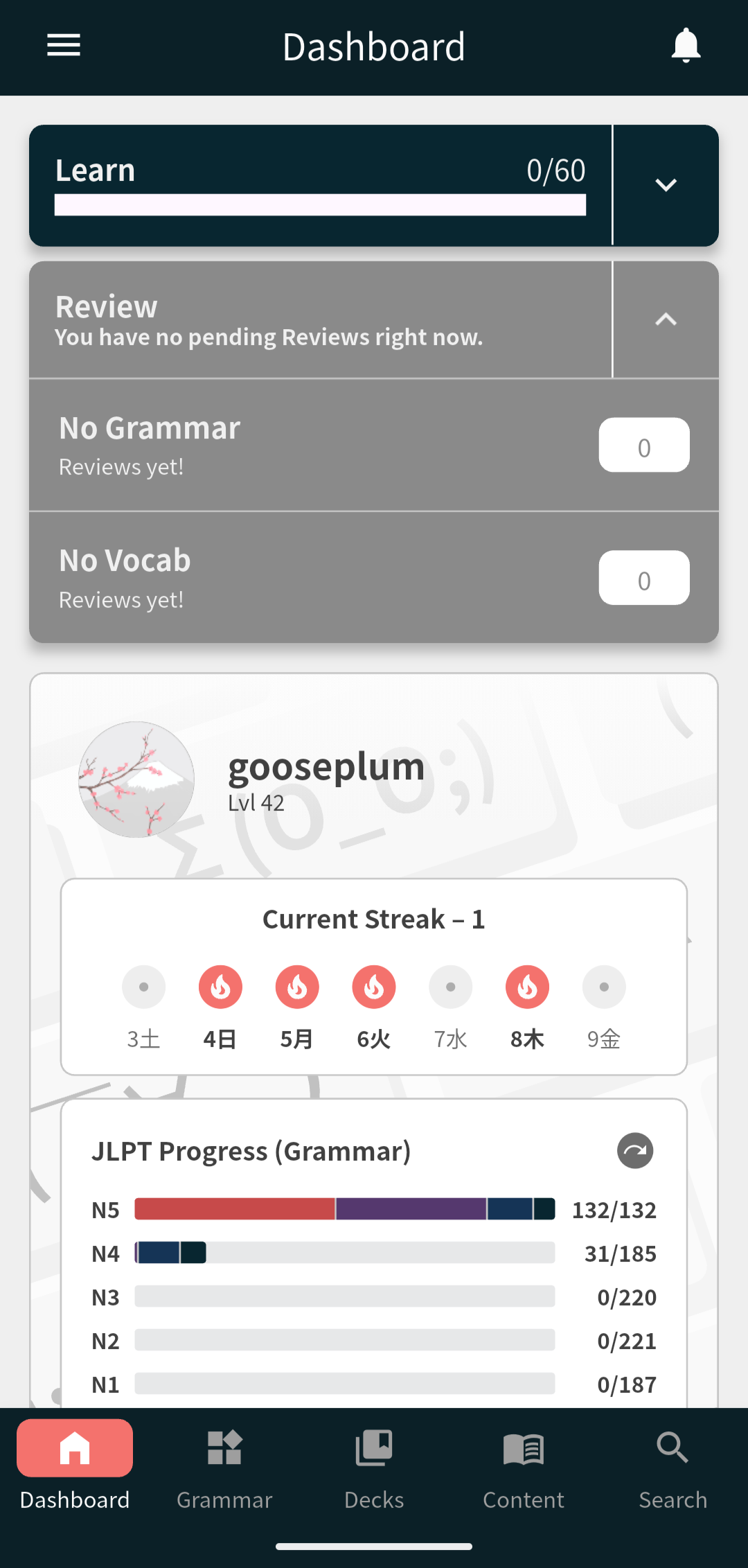
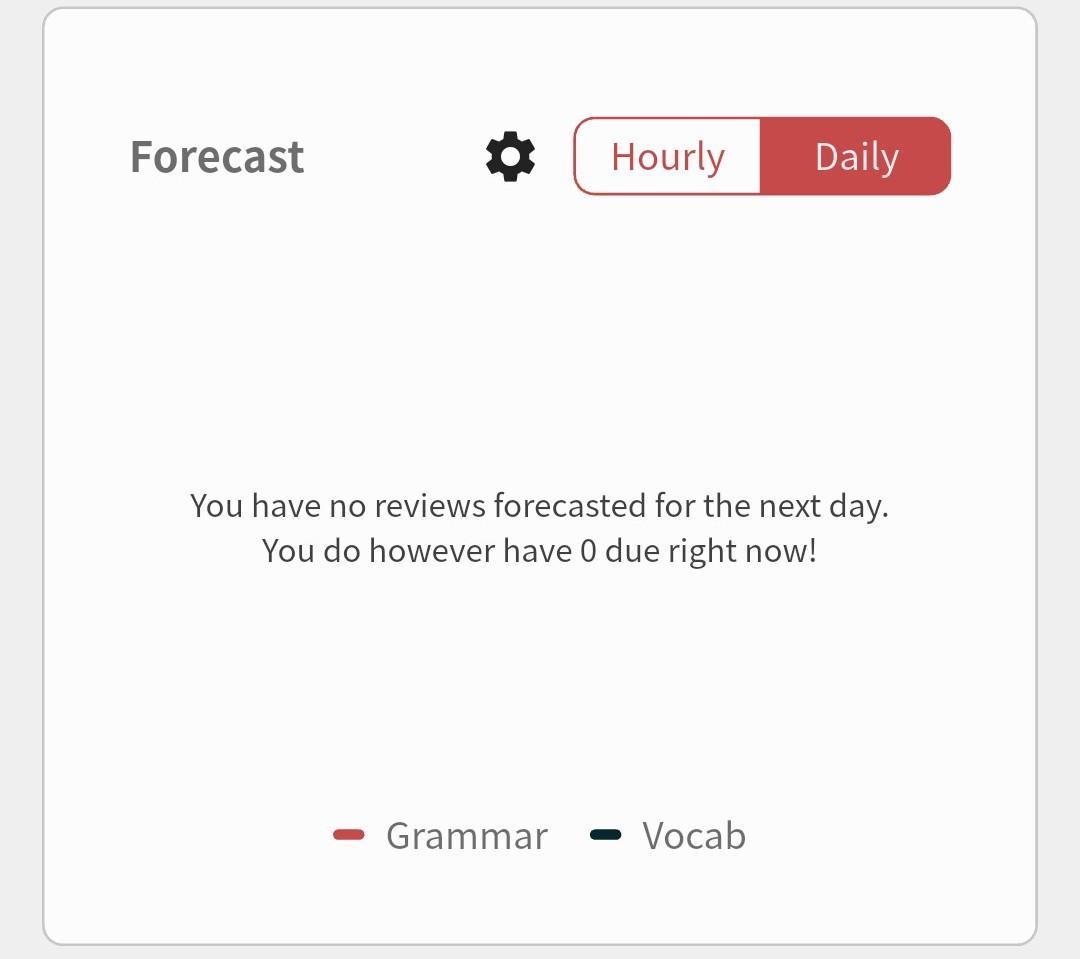
I’m still not seeing any reviews at all. None from before my hiatus and none from the new learnings I have done after reactivating my account  It seems like maybe there is something wrong besides the review staggering for restarted accounts?
2 Likes
Should be all working now!
Now just resync data again.
Sorry for the delay but it turned out that account had some issues 
1 Like
Working now! My 700 reviews have appeared 
Thanks for getting it sorted!
2 Likes
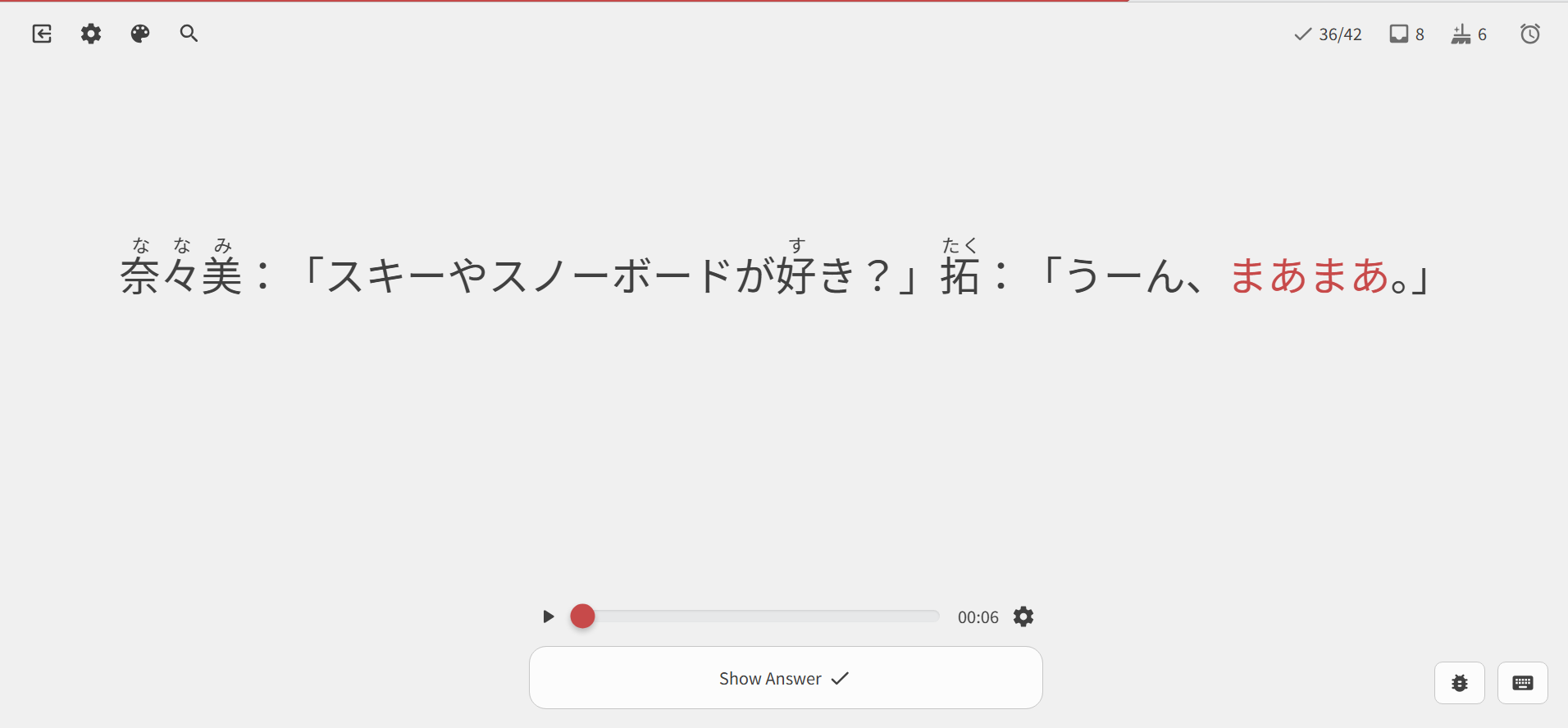
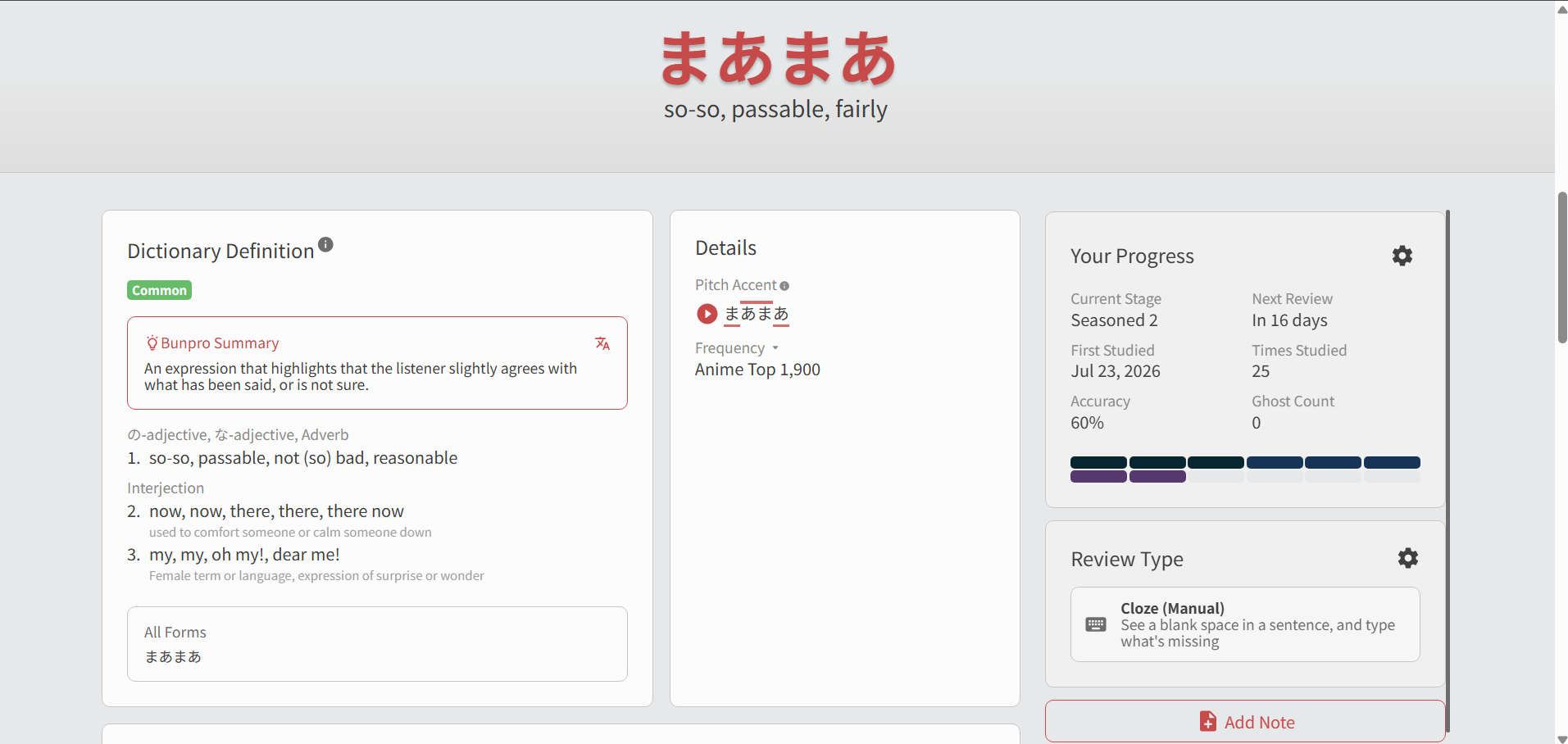
Hey. I just came back to the website after four days and was doing crams for 150 vocab items in the cloze manual mode and then suddenly a listening exercise popped up. I thought it was a one time glitch but listening exercises kept coming. I don’t know why… tried refreshing , checking the cram setting only using the “reviewed only” option instead of the “all sentences” option… Nothing worked. Its really inconvenient and is slowly me down in my crams. Please resolve the issue at the earliest guys…
1 Like
Hi there!
Welcome to the forums and thank you for the report.
This should now be fixed!
Thanks, Sean
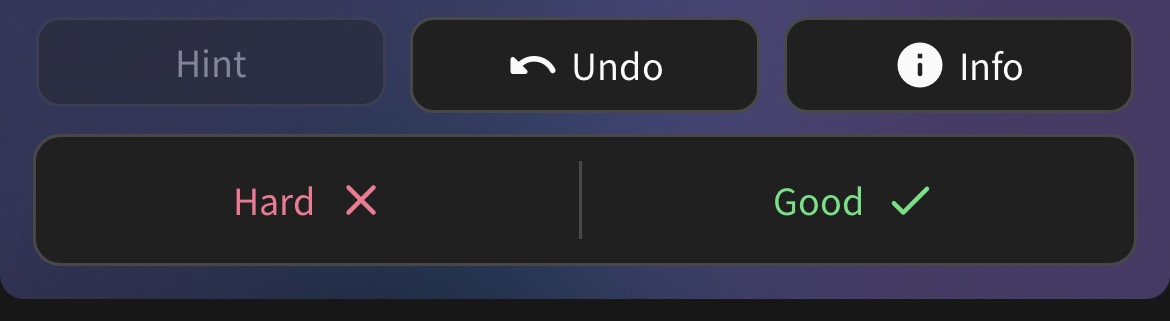
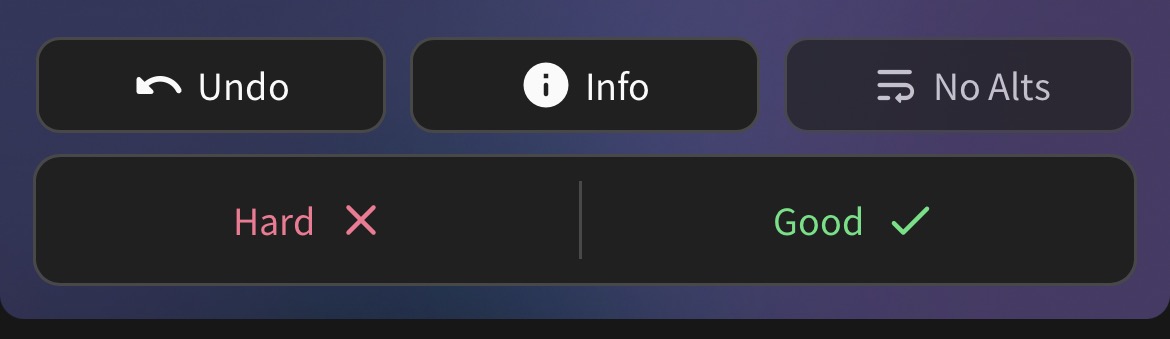
I’m not sure if it’s a bug per se, but something I’ve wondered about for a while is the placing of the “undo” / “info” buttons when doing reviews on a phone.
It looks like there’s some kind of reason behind it to do with hints/alternatives, but it’s super-easy to press the wrong button when they’re continually in different places:
I’ve noticed some posts over time about bugs with the search function in iOS, so this might be a known issue.
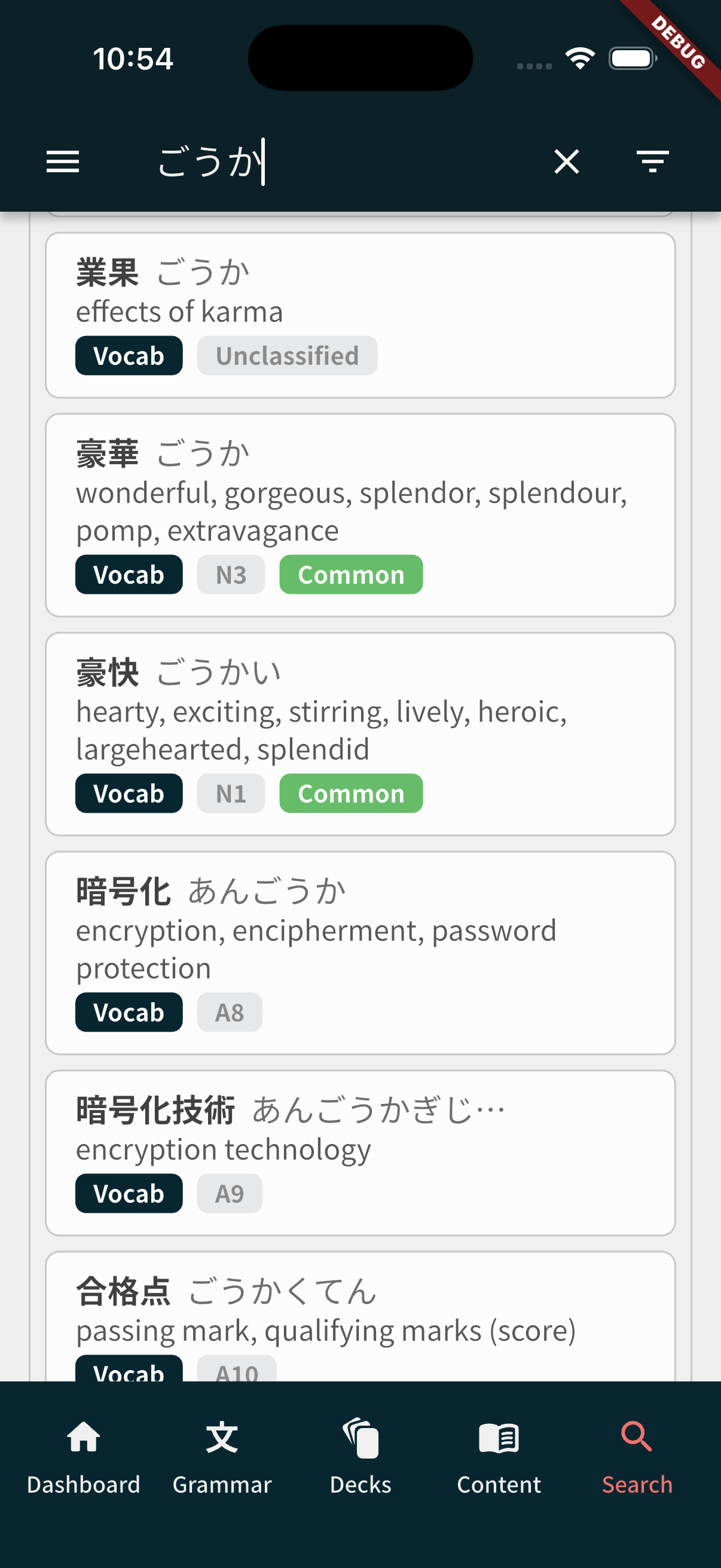
Often when I search for a word but don’t know the Kanji, the word doesn’t appear at all (even if I have the word added and am currently studying it).
As an example I searched for ごうか. My word ended up being 豪華, but at the time I didn’t know that. With just the Kana in the search, the entry didn’t show up at all. Then when I tried again after looking up the Kanji, the right word showed up (first in the list). Multiple issues here I think. Surprising that all the words that are made up of ごうか didn’t come up, and surprising that it didn’t prioritise a word currently learning imo.
2 Likes
Thank you very much. The issue has been successfully resolved. Thank you all for your hard work and dedication for making the lives of Japanese learners easier… Keep up the good work guys…
2 Likes
Not sure if anyone else is experiencing this.
I have my card style set to “Reading” (flash cards), and no matter how many times I click convert card type I still randomly get close type cards mixed in.
I have a flow setup with a controller for fast reviewing and this interrupts it and is quite frustrating to deal with.
Using bunpro android and just now tried on the website to the same effect.
1 Like
Hi! For quite some time I’ve been having an issue with Mark as Mastered button (both in Grammar and Vocab). Everytime I click it, it goes to Failed. So basically I can’t track my progress anywhere on the site (and app also) 
1 Like
Hey, does the mastered button fail with all grammar/vocab?
1 Like
It’s actually been resolved like an hour ago. Maybe someone else already fixed it? But yes, it was failing everywhere within both grammar and vocab.
2 Likes
I noticed that sometimes in my reviews I am getting really low correct answer percentage at the end even though I have gotten a good number of my answers correct. In my last review, for instance, I got a 0% correct despite the fact I had numerous correct answers. Not sure why?
On a pretty regular basis the bunpro website and the mobile app have different counts for due reviews.
3 Likes
One of the issues that I was facing was that new cards from decks need the per-deck review type setting changed.
1 Like
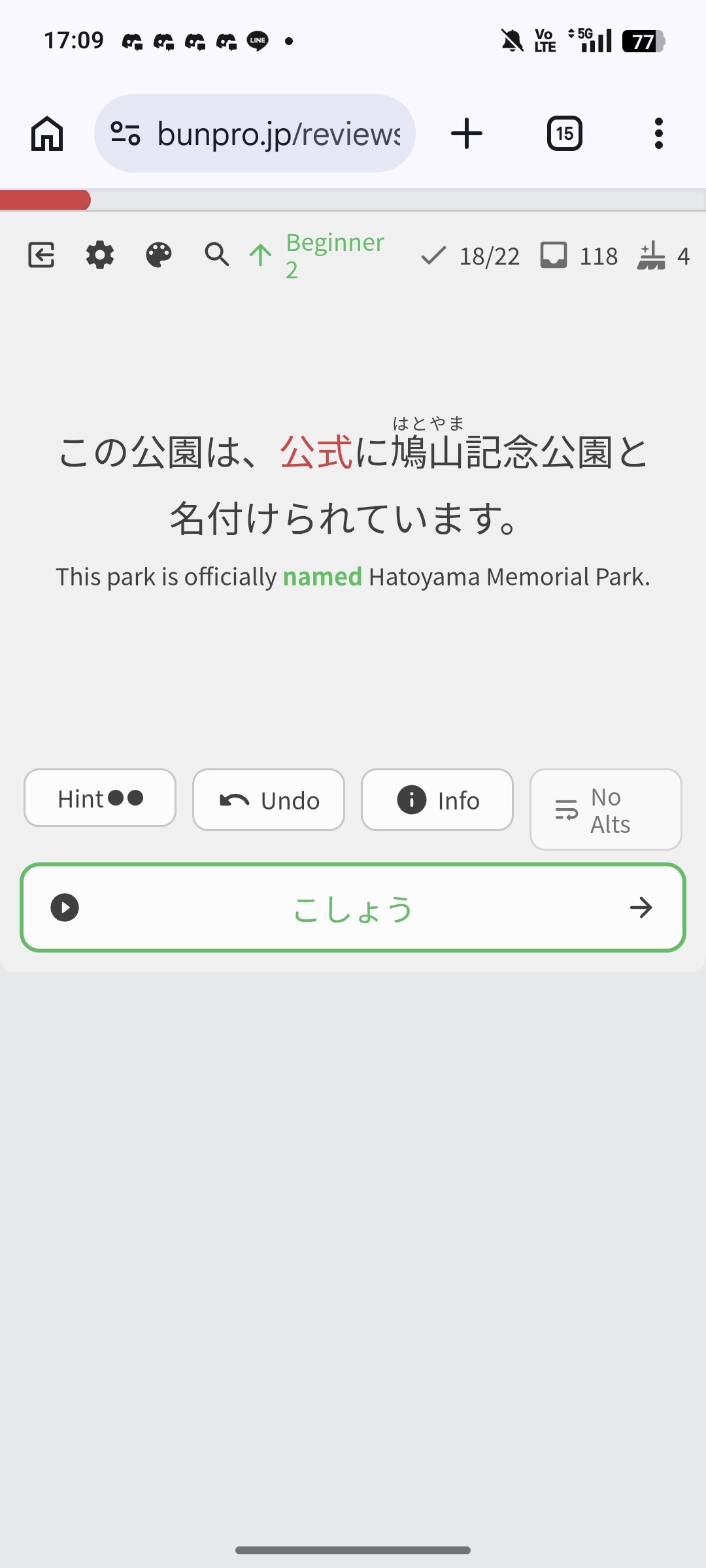
Unsure if the screenshot actually uploaded properly, but got this (probably) bugged review sentence for 呼称 where not only is the word not in the sentence, but there is no blank space at all and instead just the word 公式 highlighted in red instead. It seems that it was likely a sentence intended for 公式 that ended up under 呼称 instead? Unsure.
1 Like
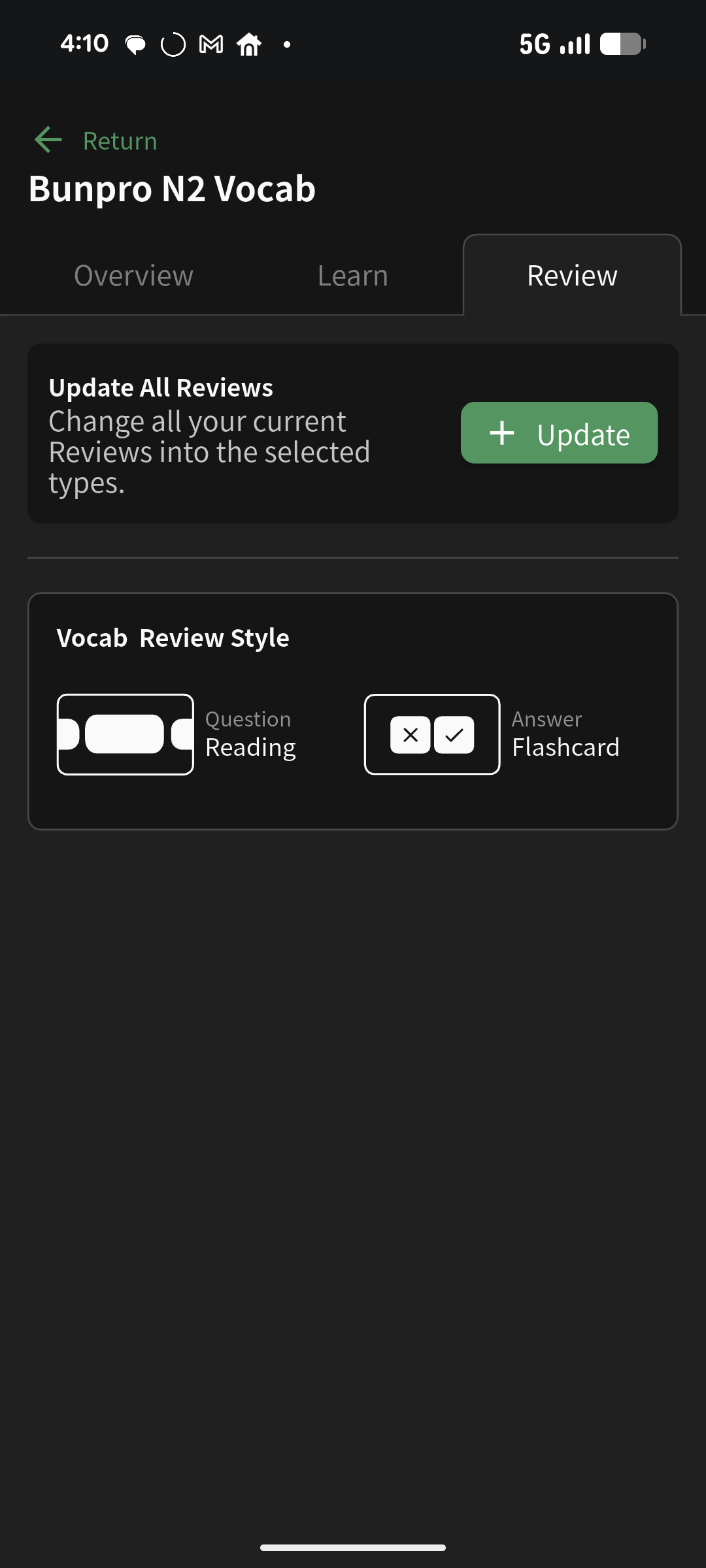
2 Likes
On the iOS app there is also a global button for that under settings.
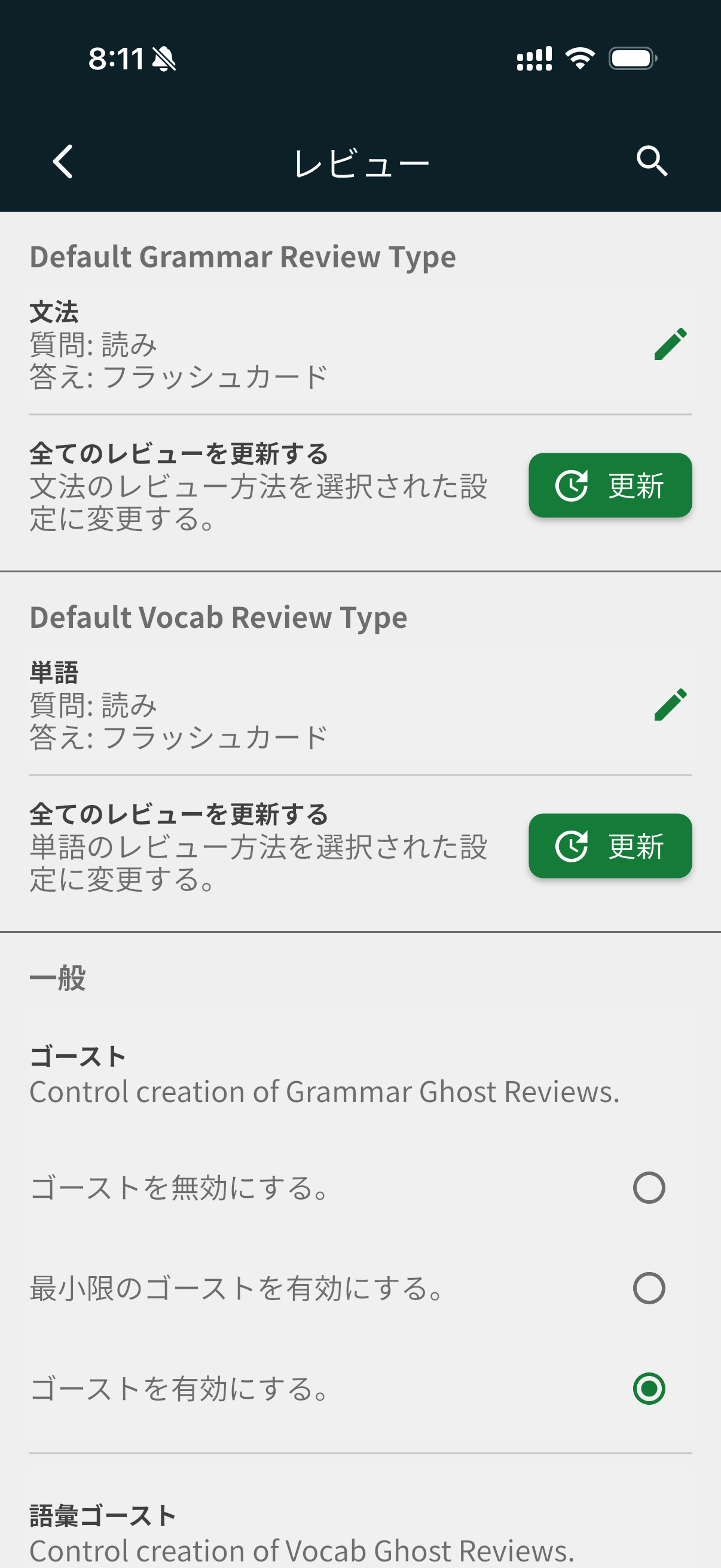
For a while, I only knew about this and not the per-deck setting
1 Like
Looks like that was it! Thank you so much for your help
2 Likes