:bunpro_icon: Feedback - Suggested Improvements/Feature Request

The more non-Jlpt words I add, the more I feel like the “JLPT Progress” part of the dashboard could be renamed, and an “other” bar added to show those words (but maybe without the maximum since there are probably hundreds of thousands out there).
Have been adding words I encounter playing a switch game and it’s a bit discouraging to feel like these words just disappear after being added, with no convenient way of tracking how many I’m learning.

Edit: Just did some napkin maths using my total items studied stat, and it looks like I’m up to 383…I’m sure there are others that have a lot more.

6 Likes

Regarding the B-Point shop, It would be nice to add/ allow custom colouring for reviews/ quizzes.

Currently with the quiz themes, your answers are locked into a set colour schemes. For example, when using the yellow grid paper quiz theme, the answer format is light green, light purple, and red. It would be a nice feature to allow the customization of what colours you can have, regardless of quiz aesthetic.

I feel like a way to practice writing sentences would be good. Like a sentence in english or your native language will be given, and you’ll have to write it in japanese.

3 Likes

Breaking down vocab that have lots of different translations so that each meaning gets its own card would be helpful.

抜く, for example. Each review sentence is a different meaning. If the point of the review is to reinforce knowledge, then that gets lost or strongly diminished on words like this.

4 Likes

It would be nice for iOS app badges showing how many reviews you have to actually show up on their own. They never show up until you actually open the app which kinda defeats the purpose

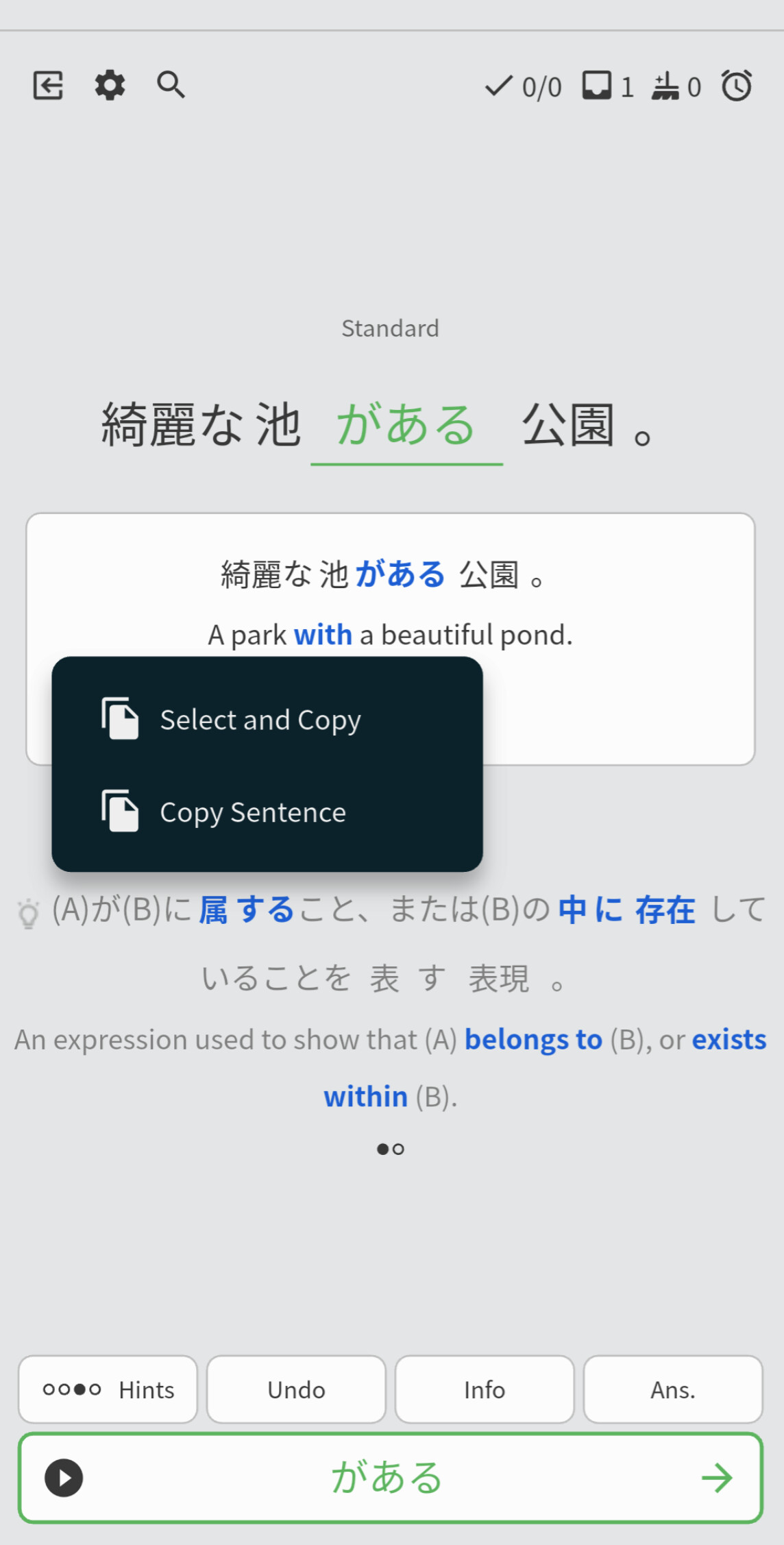
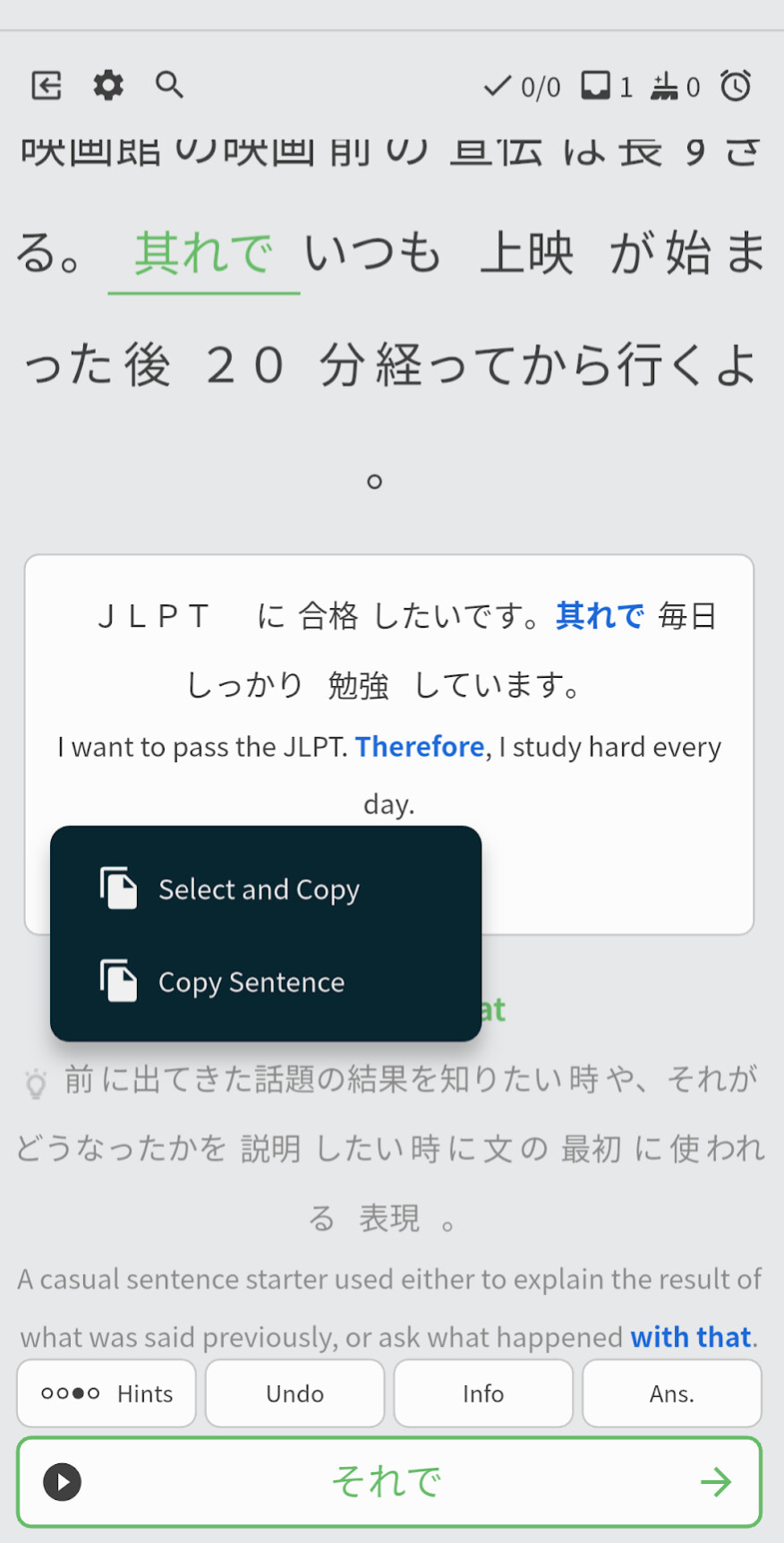
Responding to myself again. I’ve noticed that recently (Android app) the cram results have a new white square in the center (pictured below). While this is a bit weird on the surface (since it duplicates the review sentence in both languages), it is also awesome because it offers a copy button like I’ve been wishing for.

Is there a reason this square is only in cram results, but not in regular review results? Is it intended to come to the regular review results soon too?

EDIT: Nevermind, I am stupid. The strange white box is not duplicating the content above. It’s another example of the grammar point, for some reason. I’m not sure how or why it’s chosen. You can click “Info” and go to the lesson with all of the other examples, but now one pops up here also? This is still kind of what I wanted… a copy button on a result screen. It’s just for the wrong thing (a different example), and in the wrong place (cram results rather than review results).

1 Like

Verb てもらってもいいですか seems to be missing. Found this in the n3 try! grammar book pg 111

I feel an option that lets you cram an item when you add it to a lesson would help boost learning. So to complete a lesson you cram 5-10 of the item to drill down the fundamentals and conjugation and the SRS provides long term retention.

Maybe this is just because I don’t actually like reading the grammar points in detail, but I think I’d find it helpful.

Hmm, I don’t know if it’s useful. Without knowing this specific grammar point, by just knowing てもらう and いいです (か). I understood that you ask if “it’s okay” (so implicitly if they can) do something for you.

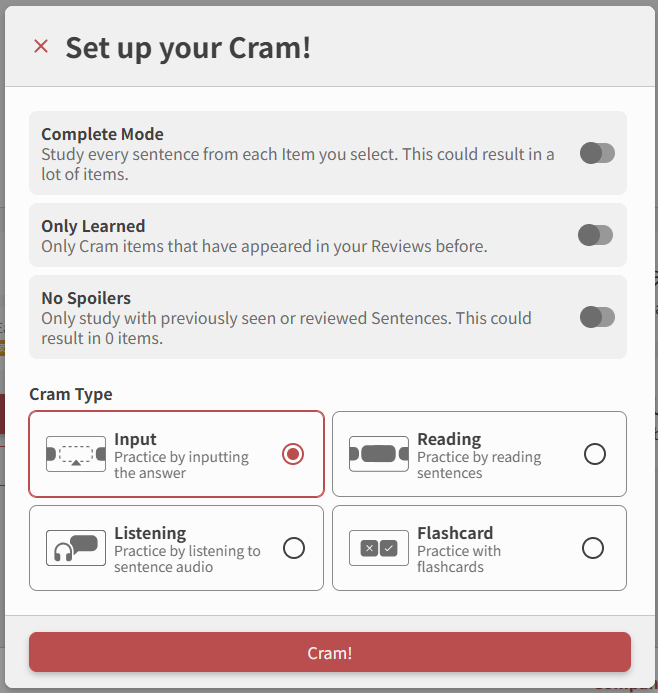
When you finish a review session, you’re given the option to cram all/cram mistakes. It would be really nice if I could choose how many entries per item I’m cramming, like when setting up a regular cram - here my options are limited to either 1 or all.

2 Likes

Adding ai audio for Japanese hints. I think this would be helpful because you get to practice listening comprehension along with the srs questions. You get more exposure to new vocabulary outside your current srs pile. Seems like it would complement the current system well.

1 Like

I’d like to hear what other learners think about how the English highlight works when a fill-in-the-blank expects a negated verb form.

Example from a vocab review for 満たす:
条件を__限り、オーディションに参加する事は出来ません。
Unless you meet the conditions, you cannot participate in the audition.

The expected answer is 満たさない, but the highlight is only “meet”. The negation gets absorbed into “unless”, which isn’t highlighted. So the cue says “meet” while the answer key wants “not meet”.

To me this is genuinely ambiguous, not just imprecise. Since 限り on its own means “as long as”, a learner reading “unless you meet” as “as long as you fail to meet” can reasonably reach for a verb like 欠く or 下回る and produce 条件を欠(く)限り, which expresses the same idea. Nothing in the highlight signals that the intended answer is 満たす + ない rather than a lexical verb meaning “fail to meet”. For a frequency-based vocab review, that feels like it works against the goal of testing recall of the specific word.

I raised this through a ticket and got a prompt, helpful reply explaining that this is normal behavior and that the dictionary form 満たす is also accepted as an alternative. I appreciate the quick response, but I’m not sure the alternative answer solves it. If I answer 満たす and the revealed model answer is 満たさない, I still don’t know whether the negation was required, optional, or part of the grammar. The cue should be clear before I answer, not just forgiving after.

2 Likes

I feel like this has been suggested before by others, but it would be really nice to have an “auto” vacation mode where your account will switch into vacation mode after it reaches a certain review (used defined) threshold.

I know this somewhat defeats the purpose of an SRS system, but I frequently have the issue where I have no reviews (0) due at the moment, but can see from my upcoming forecast that I’m going to get a large number of reviews either when I’m sleeping or while at work and don’t have the time to tackle them before another large number of reviews gets added. Having my account go into auto vacation mode would allow me to still have some reviews to do when I turn vacation mode off and would prevent me from being overwhelmed with reviews if I was to otherwise not use vacation mode.

1 Like

And yet, in some cases it is (see below). Still perplexed by the duplication, but also in love with the copy button (and again perplexed that it’s only in crams and not regular reviews).

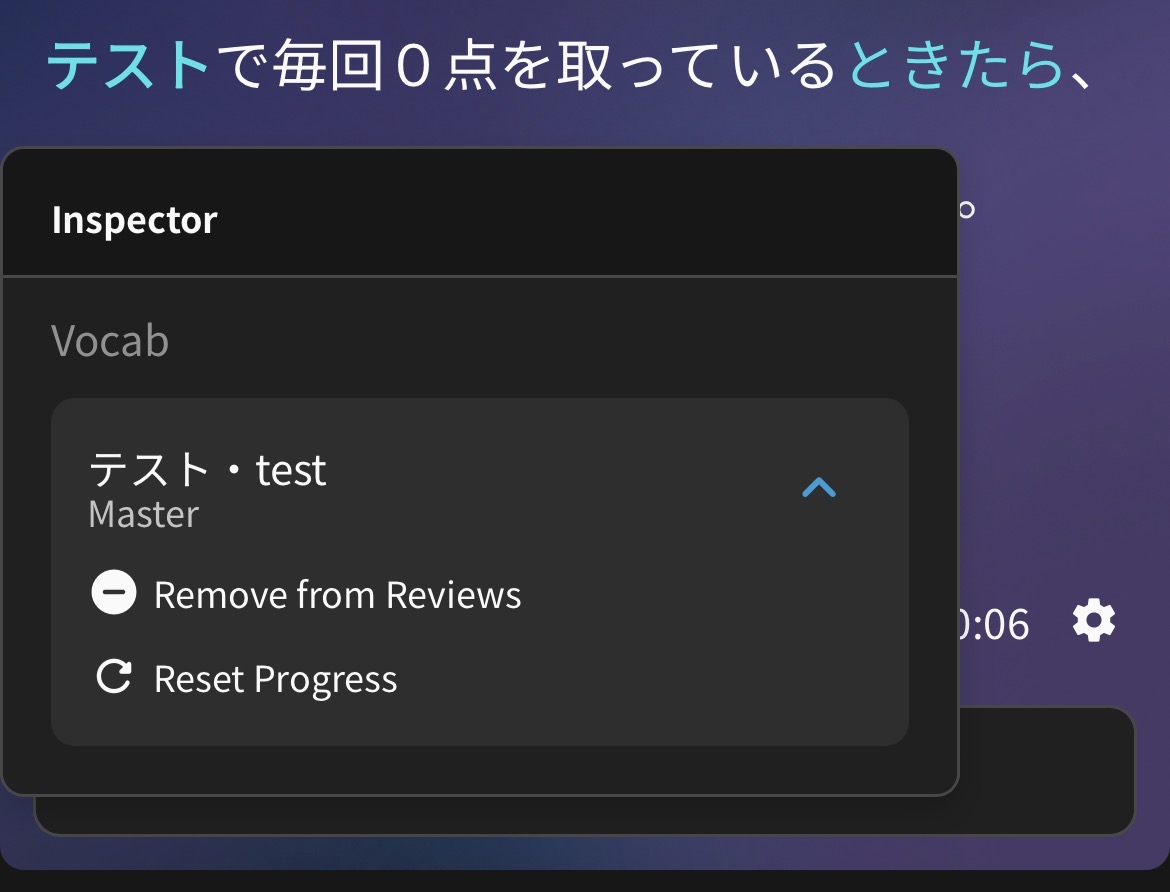
Nice to meet you, inspector :male_detective:

1 Like

I want to second this. Like having it autofreeze when it hits 100 or more, or some set number the user can choose. Then it would continue as normal once the user comes back and gets one’s reviews down below that set number.

1 Like

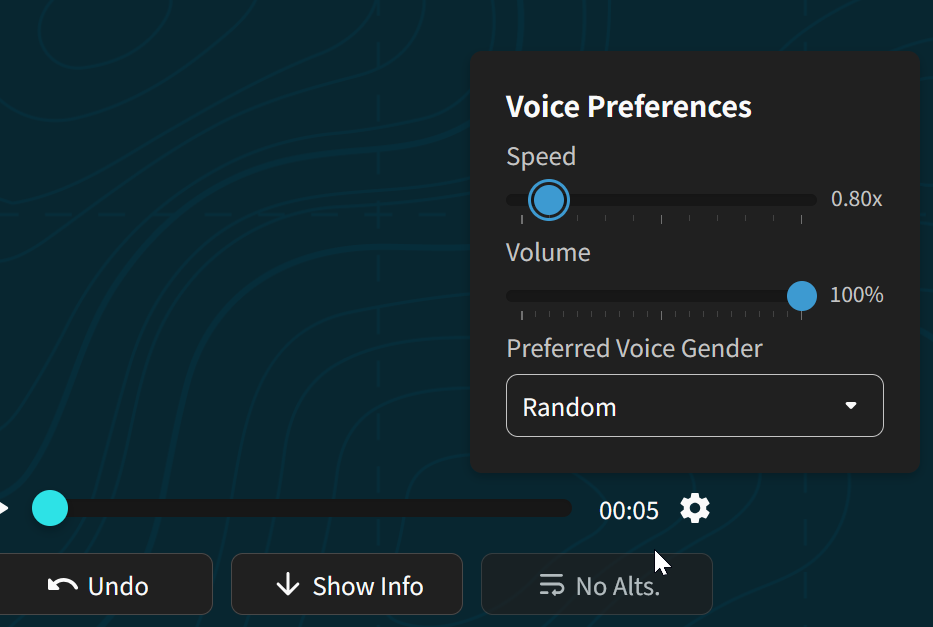
The new (woman) jlpt-style voice recordings in my grammar reviews that are becoming gradually more common are uncomfortable to listen to. It sounds very sterile and eerie compared to the earlier recordings.

EDIT : Nevermind I found this afterwards

Well while I’m at it, can I ask for keyboard shortcuts to speed up or slow down the audio ? :relieved:

The ability to see how long a review session took. At least on the IOS app this is not available.

1 Like

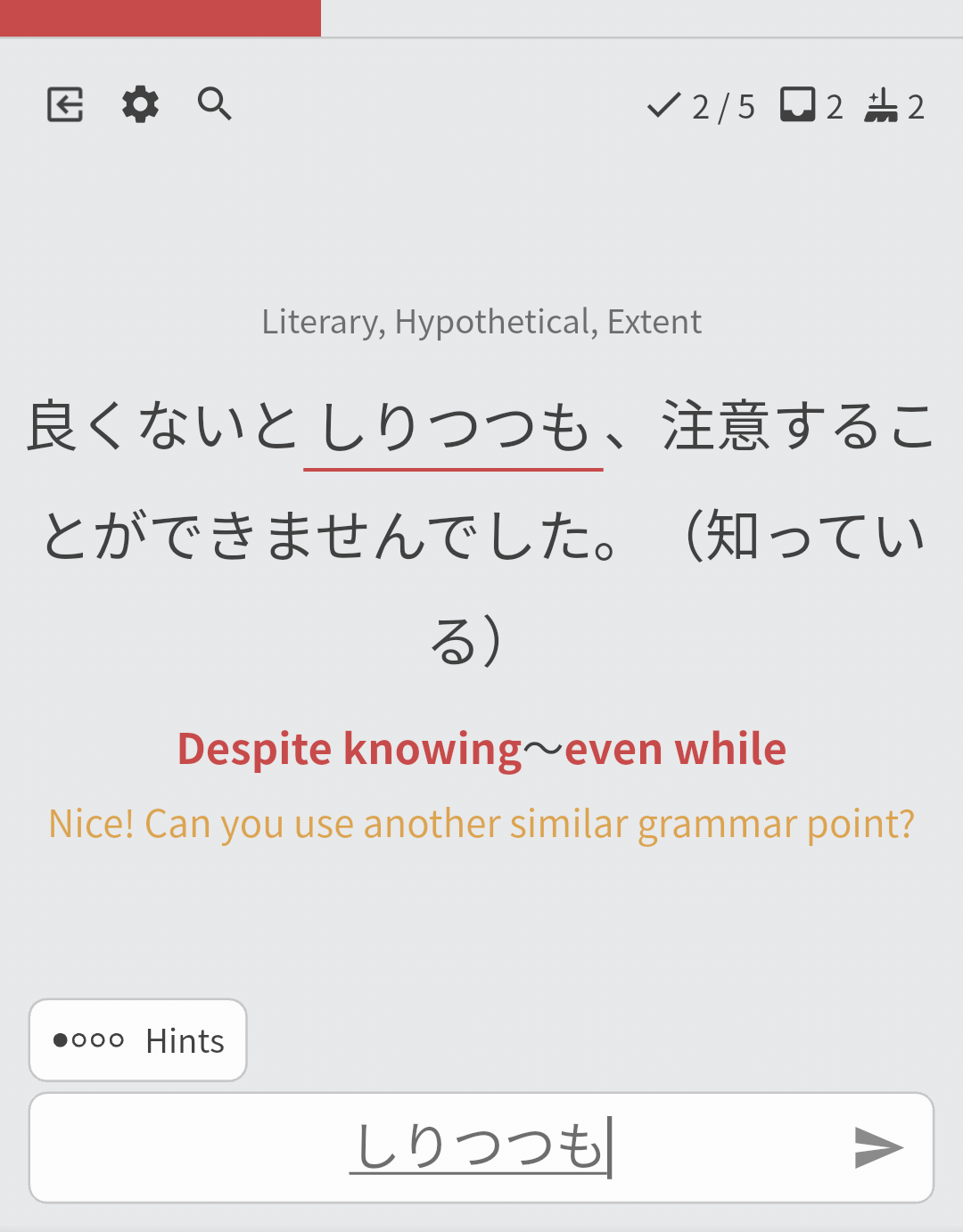
Getting complimented on correct, but different grammar feels really good. Really wish the app did this more to differentiate correct but different grammar from other hints.

1 Like