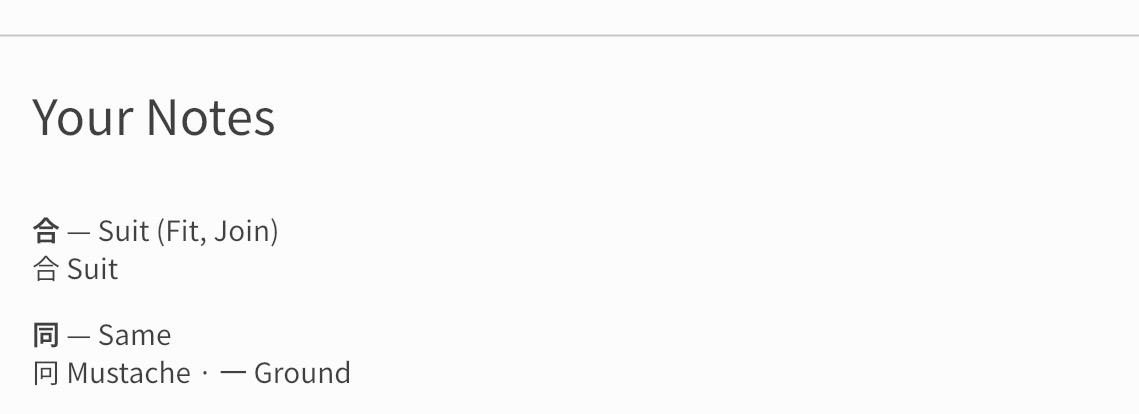
Please, please, please give us the ability to edit the ‘hint’ sentences. Or even just the key word.
You guys may love having the same key-word for 6 different grammar points, but I really don’t!

Please, please, please give us the ability to edit the ‘hint’ sentences. Or even just the key word.
You guys may love having the same key-word for 6 different grammar points, but I really don’t!
I love the new Cram options, especially inputting the English from reading the Japanese, but please can all the answers Bunpro uses as examples be acceptable as answers in the Cram?
The font for responses after latest update seems disproportionately small compared to the reading
It would be great if I could collapse reading practice items (like accordions), and have items marked as “read” collapsed by default. Locating the next item to read on a cold visit can be a bit difficult.
Not sure it’s possible, but with the iOS Widgets it’d be nice to be able to go straight to reviewing or learning a specific deck, rather than just going to the Dashboard.
In a similar vein, you can add decks to the Learn queue, which is convenient. But you can’t do the same with reviewing, which is a shame. To get around the bugged sort order I’ve been reviewing specific decks and there’s a lot of clicking around menu’s to review like this.
For example, Decks → scroll down to Bookmarked Decks → find the right deck → click review…repeat.
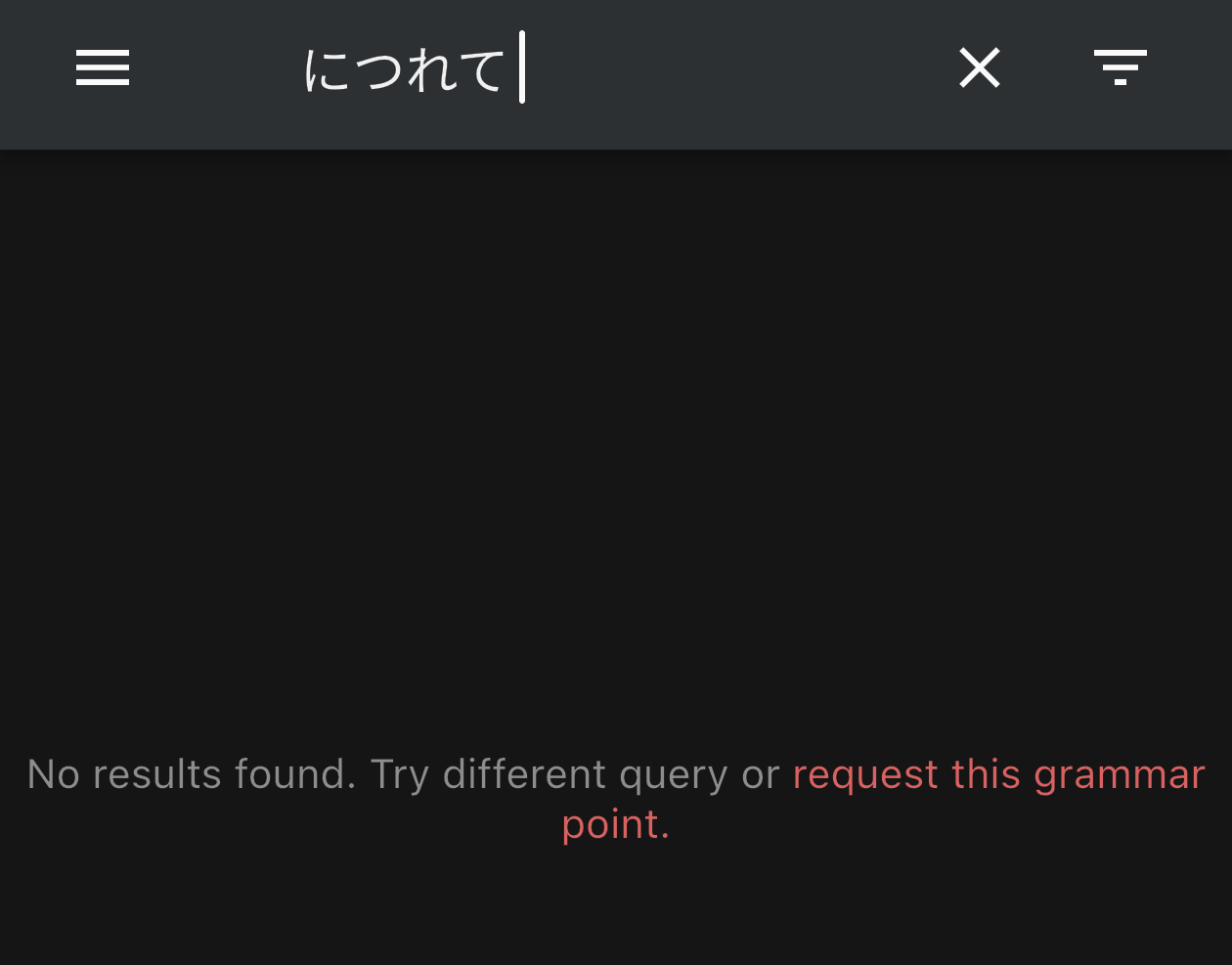
The search text box needs to trim spaces. I often have leading and/or trailing spaces when I copy and paste something from a different app.
This is on the iOS app
Edit: Sorry, this should have gone in Bug Reports, but too late now
Any way you could change the iOS app back to counting words marked as known toward the learning goal, or at least offer an option? I’m on a low intensity study schedule currently, and had a goal set for 5 words, and I typically end up marking 2-3 as known, giving me 2-3 new words a day, which fits my schedule. The way it works now, where I have to change my learning goal to two words but go through multiple rounds of learning if I mark a word as known, is insanely tedious.
Does going to the vocab info and adding it under the synonyms section make it so you can get around this? (I haven’t played around with adding synonyms really.)
I do agree that it should be in there tho. But hopefully this can be a work around for now.
I’ve noticed I have a much harder time remembering vocab reviews that are just a single word/kanji with no example sentence, especially the non-JLPT ones. I added quite a lot of these over time and sometimes regret how many ended up in my review queue.
It made me wonder whether there could be some extra filtering or sorting options for these reviews. For example:
That way they could still stay in the review queue without occasionally dominating a session, particularly for people who find isolated vocab harder to retain than vocab with context.
I had a bit of a niche case on top of this where I had a lot of sentence-less wrap up reviews the algo wanted me to catch up on, and for sessions of 10 items every word was like this (subjectively difficult to get through these sessions). For higher volume sessions it’s 50%, which is still a lot imo.
Hello again, if I may submit one small request:
Since I am a typo queen, I frequently type the wrong answer, technically for cloze answers. In the app and I think on the webpage as well, pnce the answer is identified as wrong, I cannot click into the response, to rewrite the wrong part. Even if I click there, the last kana is deleted (this is my setting, I know), but only after that can I click to part which I need to correct. Would it be possible to enable the clicking in the middle of the word possibility without the need to delete the last kana first?
There seems to be something wrong in general with the webpage field - I regularly end up clicking, typing and nothing appears. It’s like I need to click in a specific area in the cloze answer field, even though the filed is longer, like the system does not pick up the two ends of the field, only the middle.
I picked these up, because bunpro is the only app/ software where I experience this, nowhere else on pc, tablet or phone have I these kind of problem coming up daily.
Thank you very much.
Hello! I have been using notes more recently and I would love to see them more central to reviews. For example in my notes when im finding kanji or grammar hard to remember, I add notes to remember them, but every time i forget, I need to click info in my reviews and navigate to the note and it takes too much time. Is it possible to have an option to display your note under the sentence/translation after an attempted answer? It would help in so many situations.
Hi, I’d like to be able to review the audio of sentances that I’ve been learning, for example while driving.
I was wondering if it would be possible to have an option in the cram section to auto-advance in the audio cram, that way all the options for selecting what is reviewed could be leveraged.
BTW I’ve really been enjoying Bunpro so far - thanks
I too would love to have my notes be more prominent.
Don’t know if this has been suggested before, but when doing translation reviews (Japanese to English), if it was possible to have a hotkey or auto-play of the example sentence (if available) for the word.
It would be nice to translate a word into English and then hear it in Japanese in context, instead of just providing the words pronunciation (audio of the word in Japanese).
(Vocab) I’d like an option to display the word’s pitch accent when the answer is revealed, instead of having to press F, wait for the animation, and scroll down to find it.
Yes, I should be listening to the audio, but sometimes I just want to grind through a bunch of words quickly, some of the sentences are pretty long winded, and the TTS doesn’t match the pitch accent displayed on the info card 100% of the time.
Thanks for the advice, I hadn’t thought of that as a work-around.
I have added it as a synonym and i’ll let you know if it works 
I’m not sure if this is something that can be implemented, but for the audio recordings of the reading practice dialogues I think having each line start with the name of the speaker doesn’t sound very natural, which makes it hard to immerse. Being able to toggle off the speaker name when playing the audio would be good.
Do I still need to keep the test flight version of the iOS app now that it’s in the official App Store?
It would be nice if there was a “Do another review session” button/function in the post-review area. When you’re reviewing a specific deck it’s tedious to repeat it. For example I’m trying to focus on my backlog of N3 vocab and I need to do a lot of menu hopping to keep reviewing that deck.
Currently the only options are to return to the dashboard, or cram